
VSCODE integration in jupyter-lab

Project description
jupyter_coder_server


Disclaimer
Many developers are forced to use jupyterlab\jupyterhub during work, without the ability to use VSCODE. Our comrades from coder have done a great job to make it possible to use VSCODE through a browser. My job is left to make these two technologies friends and provide the ability to quickly and conveniently launch both of these applications.
This library works in tandem with the jupyter-server-proxy library, which in turn allows you to create additional servers inside Jupyter.
| VSCode button | Web Code Server (proxy) |
|---|---|
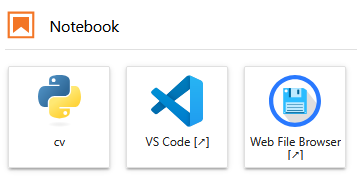 |
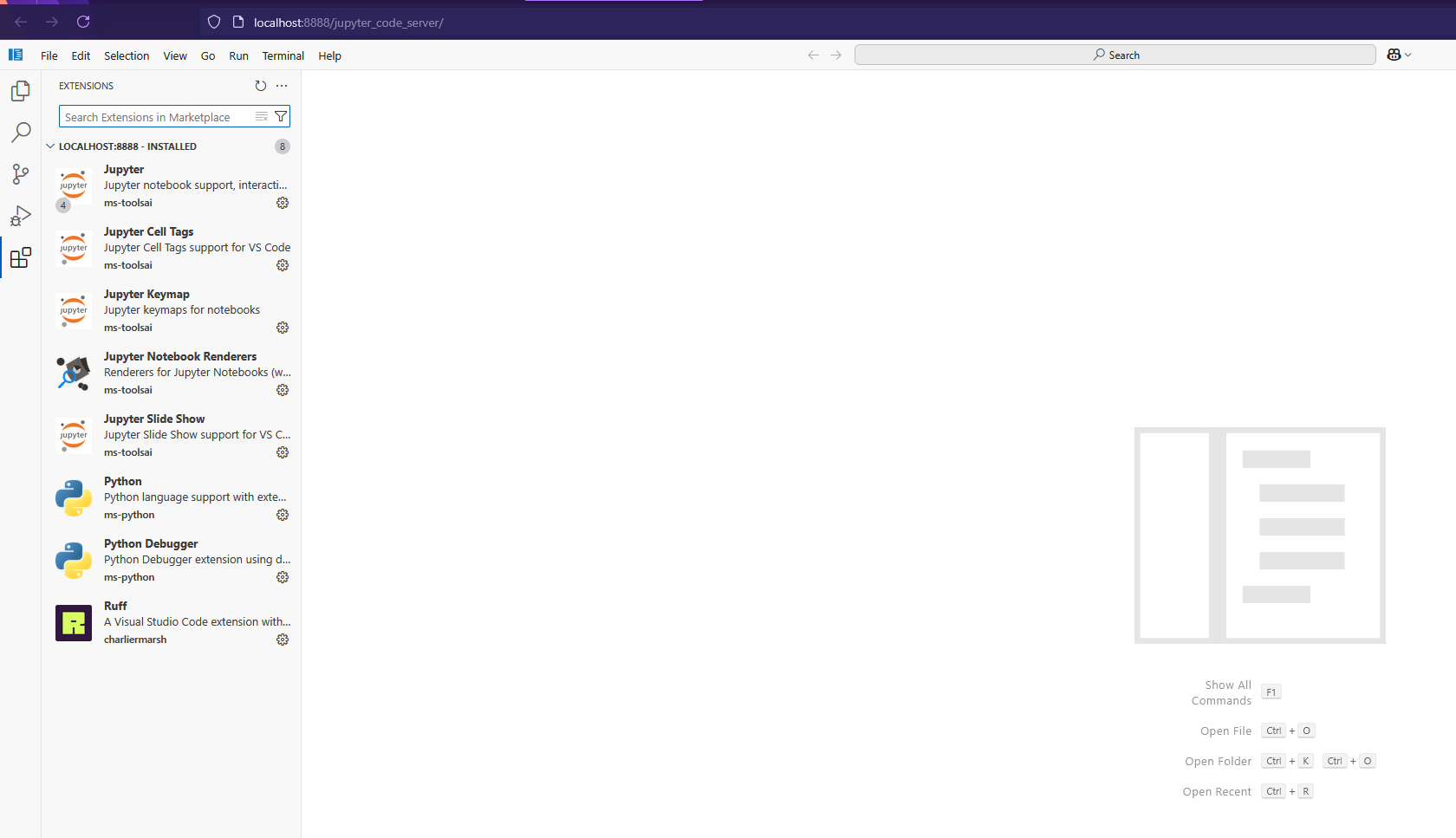 |
Install
Just run the installation from pypi and enjoy After installation, be sure to restart the server (if it is running in docker, then restart docker)
pip install jupyter_coder_server
Extra install
By default, this library installs the latest version of code-server on your device in the ~/.local/lib directory
If you do not want automatic installation, you can do it later or disable it altogether.
Disabling automatic installation of code-server
SKIP_INSTALL=1 pip install jupyter_coder_server
Installing a specific version of code-server
To do this, you need to set env CODE_SERVER_VERSION CODE_SERVER_VERSION - lataset by default Since version search is controlled by github tags.
Installation example tag_name "v4.99.1"
CODE_SERVER_VERSION=v4.99.1 pip install jupyter_coder_server
CLI Commands
usage: jupyter_coder_server [-h] [--version] [--install] [--install-server] [--install-extensions] [--install-settings] [--install-filebrowser] [--patch-tornado] [--remove] [--remove-server] [--remove-filebrowser]

options:
  -h, --help            show this help message and exit
  --version             show program's version number and exit
  --install             Install coder-server, extensions, settings and Web File Browser
  --install-server      Install coder-server
  --install-extensions  Install extensions
  --install-settings    Install settings
  --install-filebrowser
                        Install Web File Browser
  --patch-tornado       Monkey patch tornado.websocket
  --remove              Remove coder-server and Web File Browser
  --remove-server       Remove coder-server
  --remove-filebrowser  Remove Web File Browser
Requirements
- Linux amd64
- Installed CURL
For more details see here
License
Since the code-server project has an MIT license, I also use it in this project.
Citation
@article{jupyter_coder_server,
title = {{jupyter_coder_server}: VSCODE integration in jupyter-lab},
author = {MiXaiLL76},
year = {2024}
}
Release history Release notifications | RSS feed


Download files
Download the file for your platform. If you're not sure which to choose, learn more about installing packages.
Source Distribution
File details
Details for the file jupyter_coder_server-0.0.4.tar.gz.
File metadata
- Download URL: jupyter_coder_server-0.0.4.tar.gz
- Upload date:
- Size: 13.8 kB
- Tags: Source
- Uploaded using Trusted Publishing? No
- Uploaded via: twine/6.1.0 CPython/3.12.9
File hashes
| Algorithm | Hash digest | |
|---|---|---|
| SHA256 |
d6151c9221e7b3ac4a5260e5289a6af4b12b90142e06b5eb71e56ded5988def1
|
|
| MD5 |
8236237020a68a9562ceda94526a923c
|
|
| BLAKE2b-256 |
90240d3b552e6940b0f0b413a245bbed28c6f6f49c00630a99e031e4b6b31b63
|






