
K3D Jupyter







K3D lets you create 3D plots backed by WebGL with high-level API (surfaces, isosurfaces, voxels, mesh, point clouds, vtk objects, volume renderer, colormaps, etc). The primary aim of K3D-jupyter is to be easy to use as a standalone package like matplotlib, but also to allow interoperation with existing libraries as VTK. K3D can be run as:
- Jupyter Notebook / JupyterLab widget (anywidget) 🚀
- Google Colab widget 🎉
- VS Code notebooks 🧩
- Standalone HTML/JS 📑
Since 3.0.0 a plot also chooses how it is lit, through plot.renderer: simple (the
default rasteriser), advanced (image-based lighting with ambient occlusion) or cinematic
(progressive path tracing). cinematic is experimental — it needs WebGL2 with renderable
float textures, does not cover every object (volume_slice is not drawn, mip stays
outside the light simulation, only the first volume is path traced), and its API and
output may still change; simple and advanced are the stable choices. See
Renderers.
Documentation: https://k3d-jupyter.org
Showcase:
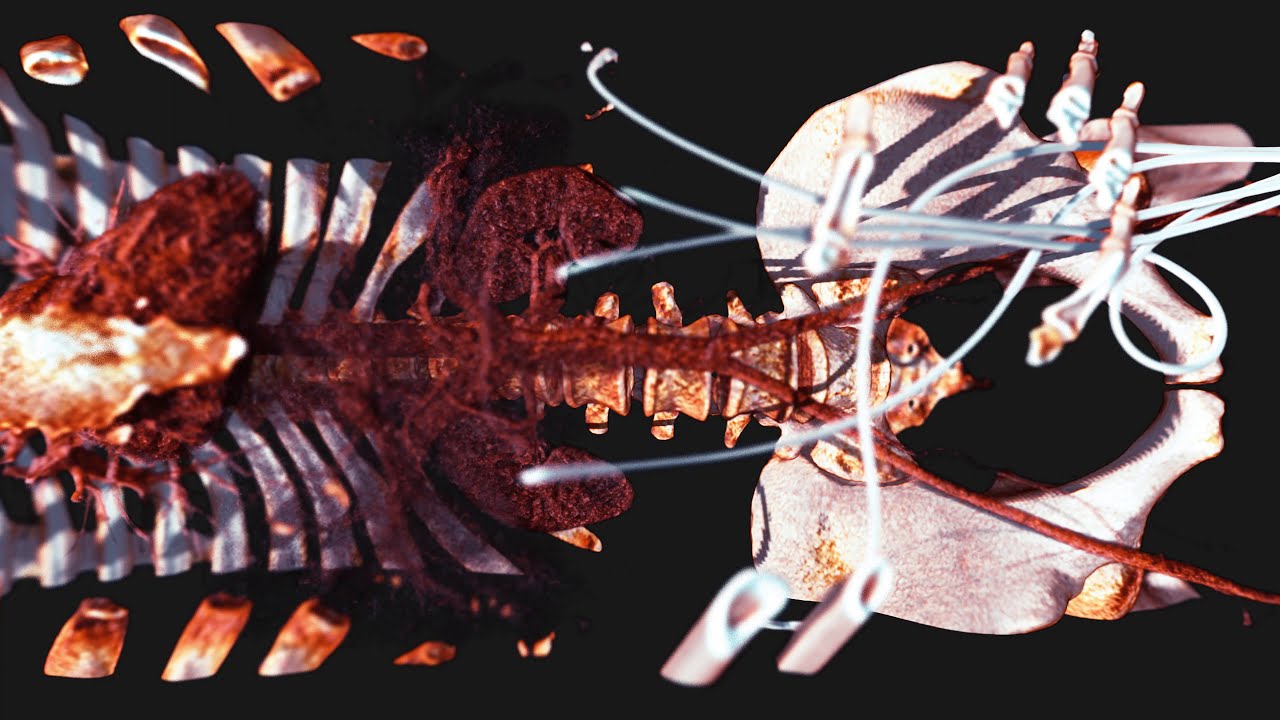
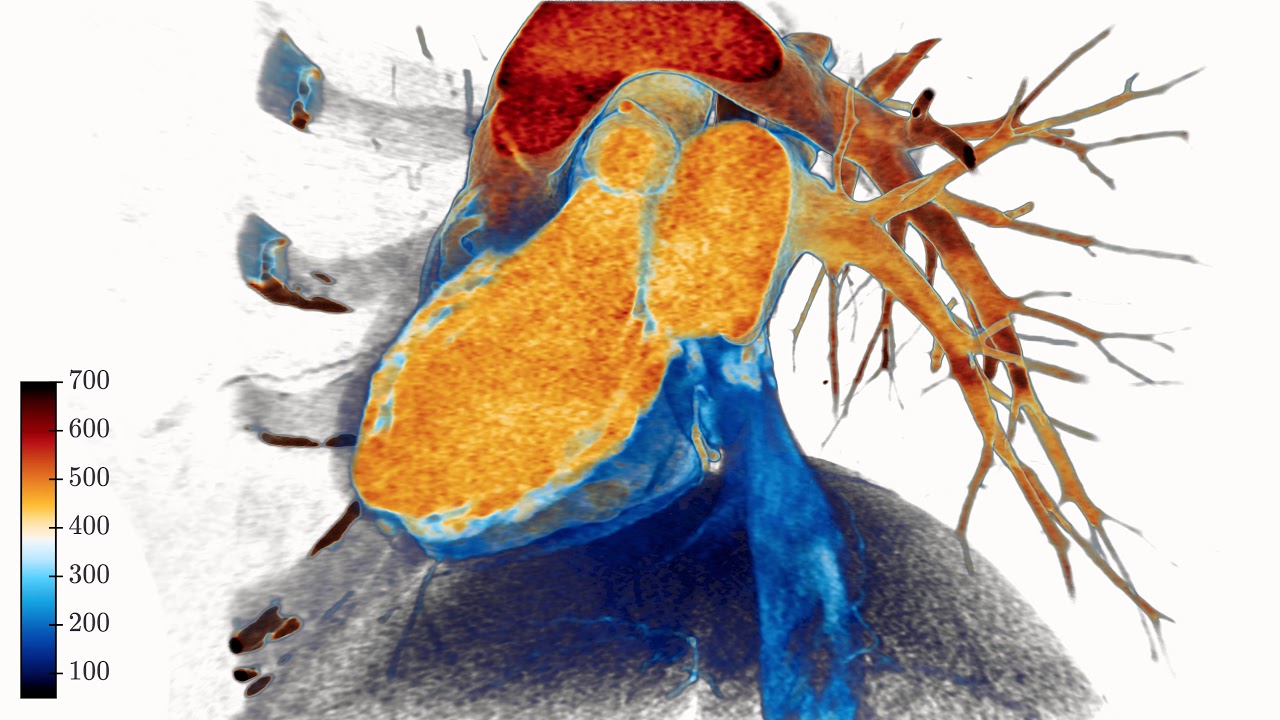
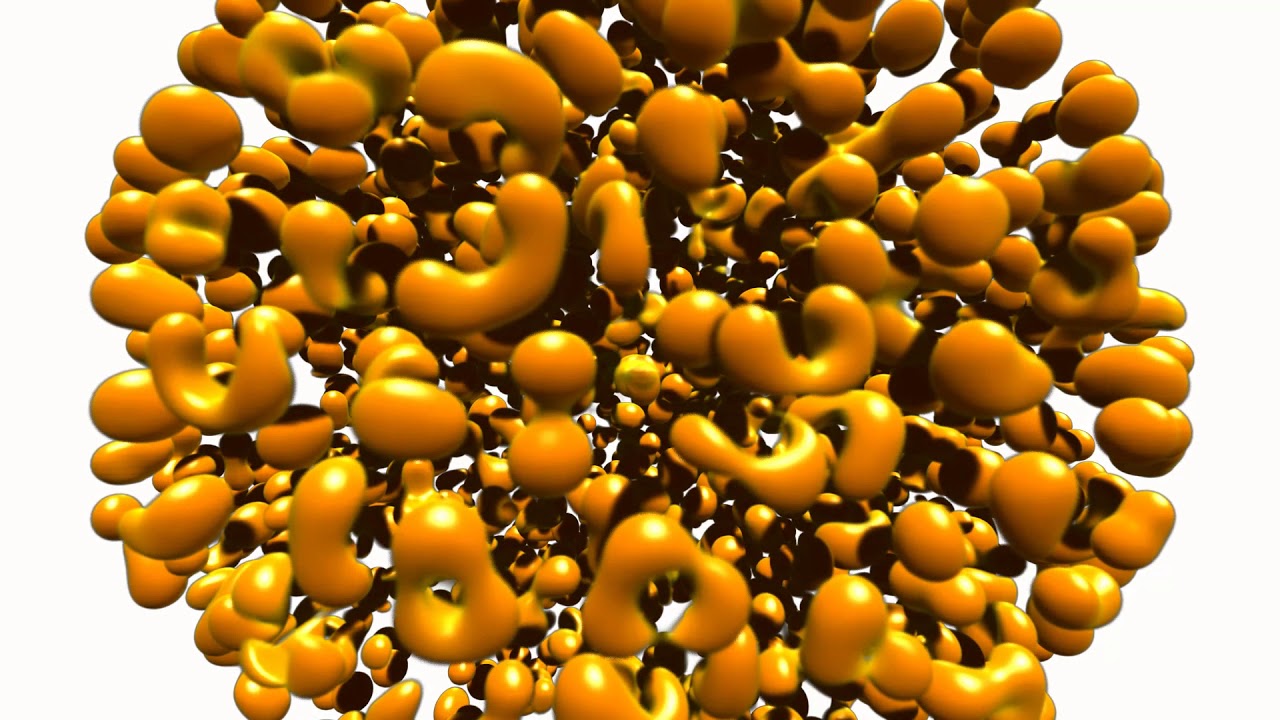
Two frames from the renderers 3.0.0 added, both produced by the code in this repository — click either one for how it works.

advanced: image-based lighting and ambient occlusion. A million analytic sphere impostors,
with the occlusion in the crevices between strands doing the sculpting.

cinematic: progressive path tracing. 871k triangles read through VTK, 512 samples, lit only
by an environment map — the shadow under the belly and the light the floor throws back into
the flank are consequences of the simulation, not effects.


YouTube:
Click to watch at YouTube:

Try it Now!
Watch: Interactive showcase gallery
Installation
PyPI
To install from PyPI use pip:
$ pip install k3d
Conda/Anaconda
To install from conda-forge use:
$ conda install -c conda-forge k3d
Google Colab
Since 3.0.0 (the anywidget migration) no extra steps are needed:
!pip install k3d
import k3d and plot - custom widget activation and the text protocol
are no longer required.
Installing directly from GitHub
To install directly from this repository (requires git and node.js + npm to build):
$ pip install git+https://github.com/K3D-tools/K3D-jupyter
This also makes possible installing the most up-to-date development version (same requirements):
$ pip install git+https://github.com/K3D-tools/K3D-jupyter@devel
To install any historical version, replace devel above with any tag or commit hash.
Source
For a development installation (requires npm and node.js),
$ git clone https://github.com/K3D-tools/K3D-jupyter.git
$ cd K3D-jupyter
$ pip install -e .
No separate JupyterLab extension step is needed - the widget ships its own frontend module (anywidget).
Code of Conduct
K3D-jupyter follows the Python Software Foundation Code of Conduct in everything we do.
Kudos
- Jupyter is my ❤️
- OpenDreamKit is 🚀
- Three.js is 🥇
Acknowledgments

|
Research Infrastructure project This package was created as part of the Horizon 2020 European OpenDreamKit (grant agreement #676541). |
1 maintainer

Metadata
1 maintainer
Release files for k3d 3.1.2
For a detailed explanation of source distributions (sdists) and built distributions (wheels), please see the package formats documentation.
Source distribution (sdist)
| File | Size | Uploaded | |
|---|---|---|---|
| k3d-3.1.2.tar.gz | 5.3 MB | Details |
Built distribution (wheel)
| File | Interpreter | ABI | Platform | Reset |
|---|---|---|---|---|
| k3d-3.1.2-py3-none-any.whl | Python 3 | none | any | Details |
Total release size: 10.3 MB
Release files / k3d-3.1.2.tar.gz
| Download URL | k3d-3.1.2.tar.gz |
|---|---|
| Size | 5.3 MB |
| Tags | Source |
|
SHA-256 checksum How to use checksums |
7f6b3cb1ca7218fb9066f40c0aa62059d67ef1865f26f5f1de3350d855dde7e5
|
|
BLAKE2b-256 checksum How to use checksums |
37c127e915c7279e3baf532f9c11b69413a734feab2aacc2260cfdf2c221d4ea
|
| Upload date | |
|
Uploaded using Trusted Publishing? What is trusted publishing? |
No |
| Uploaded via |
twine/7.0.0 CPython/3.12.13
|
Release files / k3d-3.1.2-py3-none-any.whl
| Download URL | k3d-3.1.2-py3-none-any.whl |
|---|---|
| Size | 5.0 MB |
| Tags | Python 3 |
|
SHA-256 checksum How to use checksums |
ab7b721aa316a9c5d6f3950e1988c5f18d3ae8549bf4f4d506d3b9bcea6cabdd
|
|
BLAKE2b-256 checksum How to use checksums |
1c0205ed1bc528cbf70f148a99af0f719103837006d85306a0b12830e74496db
|
| Upload date | |
|
Uploaded using Trusted Publishing? What is trusted publishing? |
No |
| Uploaded via |
twine/7.0.0 CPython/3.12.13
|














