
Organize Machine Learning Experiments

Project description


LabML
LabML lets you monitor AI model training on mobile phones.

You can install this package using PIP.
pip install labmlTo push to mobile website, you need obtain a token from web.lab-ml.com (Github lab-ml/app), and save statistics with tracker.save.
PyTorch example
from labml import tracker, experiment

with experiment.record(name='sample', exp_conf=conf):
    for i in range(50):
        loss, accuracy = train()
        tracker.save(i, {'loss': loss, 'accuracy': accuracy})
Pytorch Lightening example
from labml import experiment
from labml.utils.lightening import LabMLLighteningLogger

trainer = pl.Trainer(gpus=1, max_epochs=5, progress_bar_refresh_rate=20, logger=LabMLLighteningLogger())

with experiment.record(name='sample', exp_conf=conf, disable_screen=True):
    trainer.fit(model, data_loader)
TensorFlow 2.X Keras example
from labml import experiment
from labml.utils.keras import LabMLKerasCallback

with experiment.record(name='sample', exp_conf=conf):
    for i in range(50):
        model.fit(x_train, y_train, epochs=conf['epochs'], validation_data=(x_test, y_test),
                  callbacks=[LabMLKerasCallback()], verbose=None)
You can read the guides about creating an experiment, and saving statistics with tracker for details.
It automatically pushes data to Tensorboard, and you can keep your old experiments organized with the LabML Dashboard
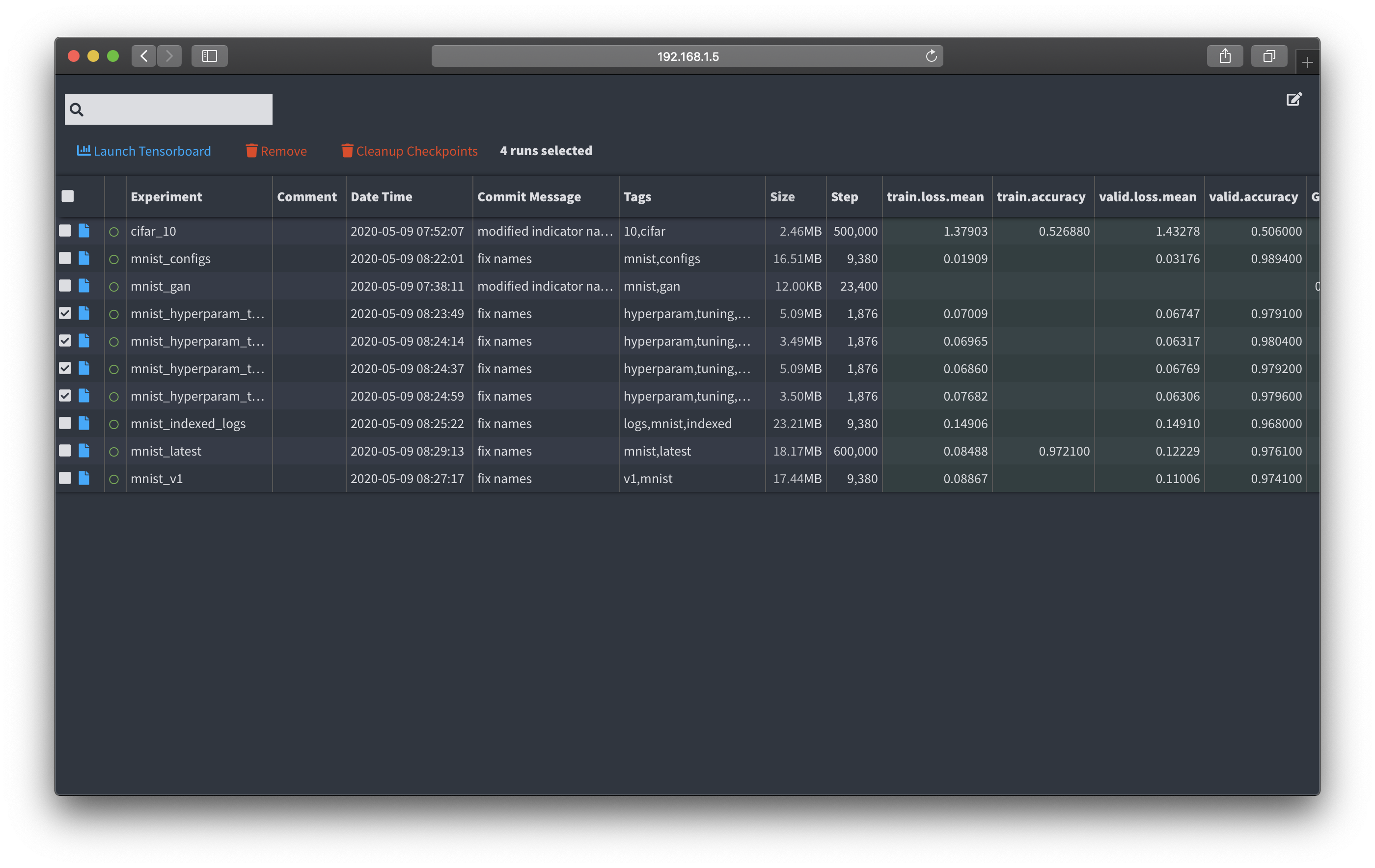
All these software is 100% open source, and your logs will be stored locally for Tensorboard and LabML Dashboard. You will only be sending data away for web.lab-ml.com if you include a token url. This can also be locally installed.
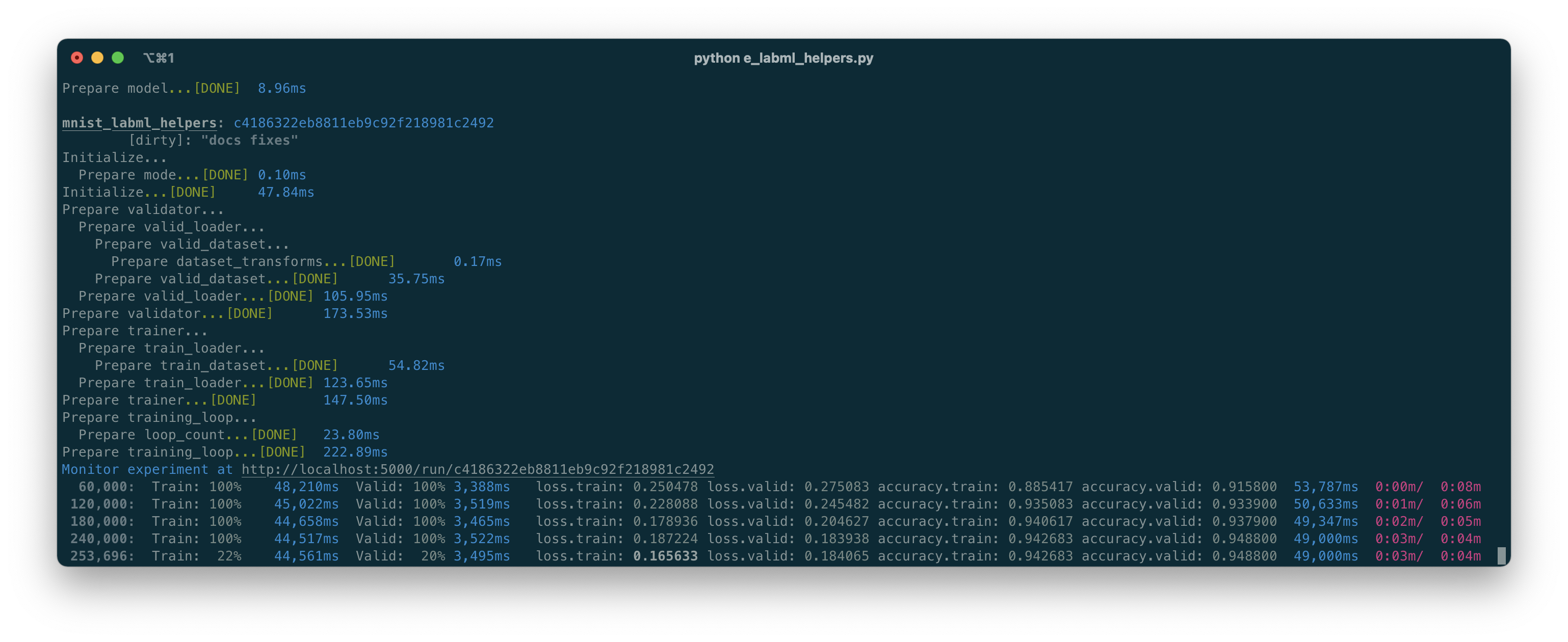
LabML can also keep track of git commits, handle configurations, hyper-parameters, save and load checkpoints, and providing pretty logs.
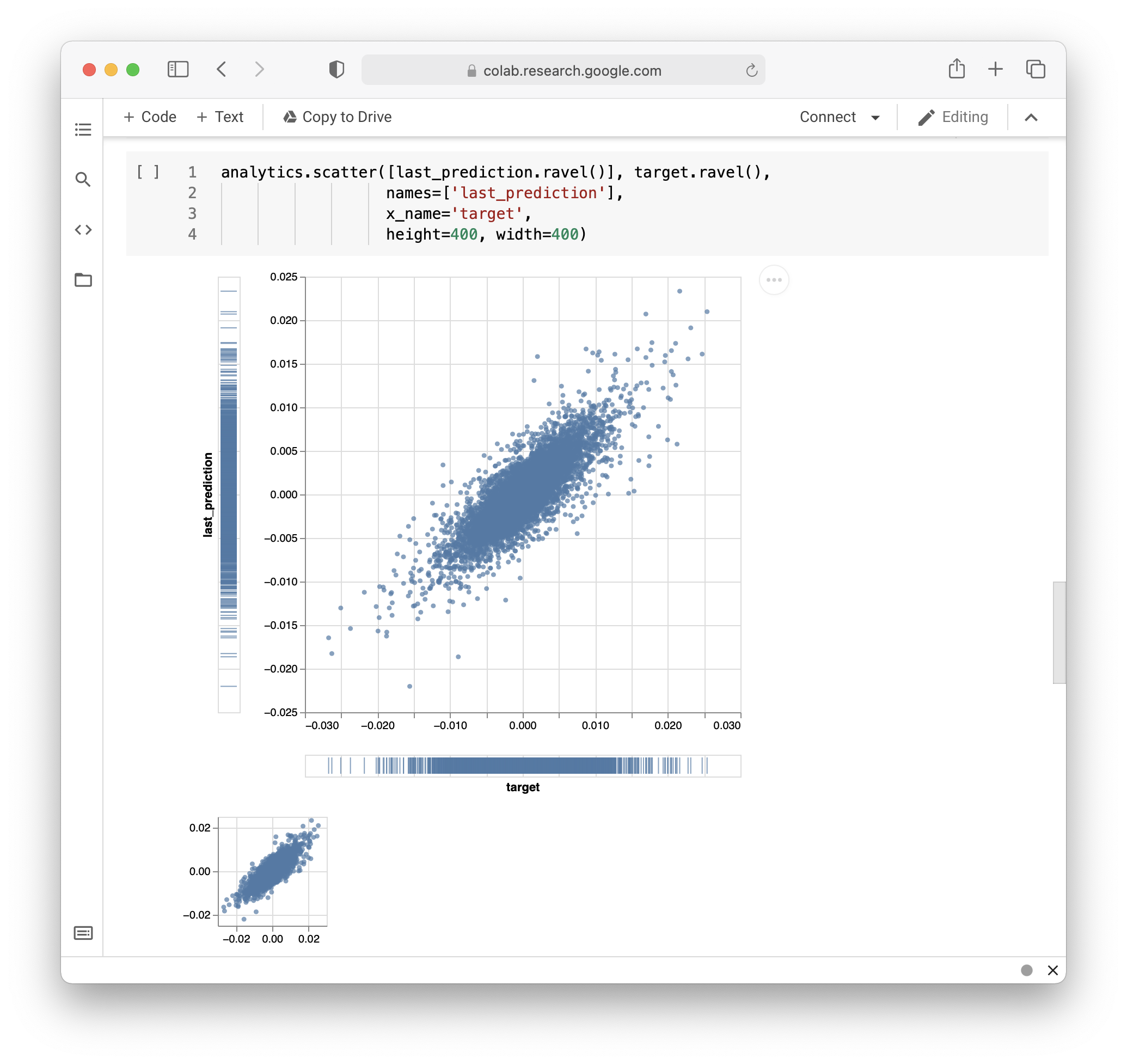
We also have an API to create custom visualizations from artifacts and logs on Jupyter notebooks.
Links
Citing LabML
If you use LabML for academic research, please cite the library using the following BibTeX entry.
@misc{labml,
 author = {Varuna Jayasiri, Nipun Wijerathne},
 title = {LabML: A library to organize machine learning experiments},
 year = {2020},
 url = {https://lab-ml.com/},
}Release history Release notifications | RSS feed


Download files
Download the file for your platform. If you're not sure which to choose, learn more about installing packages.
Source Distribution
Built Distribution
Filter files by name, interpreter, ABI, and platform.
If you're not sure about the file name format, learn more about wheel file names.
Copy a direct link to the current filters
File details
Details for the file labml-0.4.79.tar.gz.
File metadata
- Download URL: labml-0.4.79.tar.gz
- Upload date:
- Size: 72.2 kB
- Tags: Source
- Uploaded using Trusted Publishing? No
- Uploaded via: twine/3.1.1 pkginfo/1.5.0.1 requests/2.22.0 setuptools/41.6.0.post20191030 requests-toolbelt/0.9.1 tqdm/4.43.0 CPython/3.7.5
File hashes
| Algorithm | Hash digest | |
|---|---|---|
| SHA256 |
0e7cf279ff3337736a46cabc013b4d306aa5a4b9aa219c2621f96ae651ec5957
|
|
| MD5 |
5545dccd121e6d56f7b4fba15f2091c9
|
|
| BLAKE2b-256 |
3cdda90fd119742d92beb90764a4395ac76045e09cf813c1f4316a3375b19000
|
File details
Details for the file labml-0.4.79-py3-none-any.whl.
File metadata
- Download URL: labml-0.4.79-py3-none-any.whl
- Upload date:
- Size: 105.9 kB
- Tags: Python 3
- Uploaded using Trusted Publishing? No
- Uploaded via: twine/3.1.1 pkginfo/1.5.0.1 requests/2.22.0 setuptools/41.6.0.post20191030 requests-toolbelt/0.9.1 tqdm/4.43.0 CPython/3.7.5
File hashes
| Algorithm | Hash digest | |
|---|---|---|
| SHA256 |
0b008a3a57c5822621df97e020dfd8572768b57325f589e3486925c42c7568c7
|
|
| MD5 |
c7ccc0784fe8731746308716a01af352
|
|
| BLAKE2b-256 |
9a2f1961dad7ddc6f52e976eb4c4153f3e9c931eb4748165b73b5eae53f08ef2
|






