
LocalQL




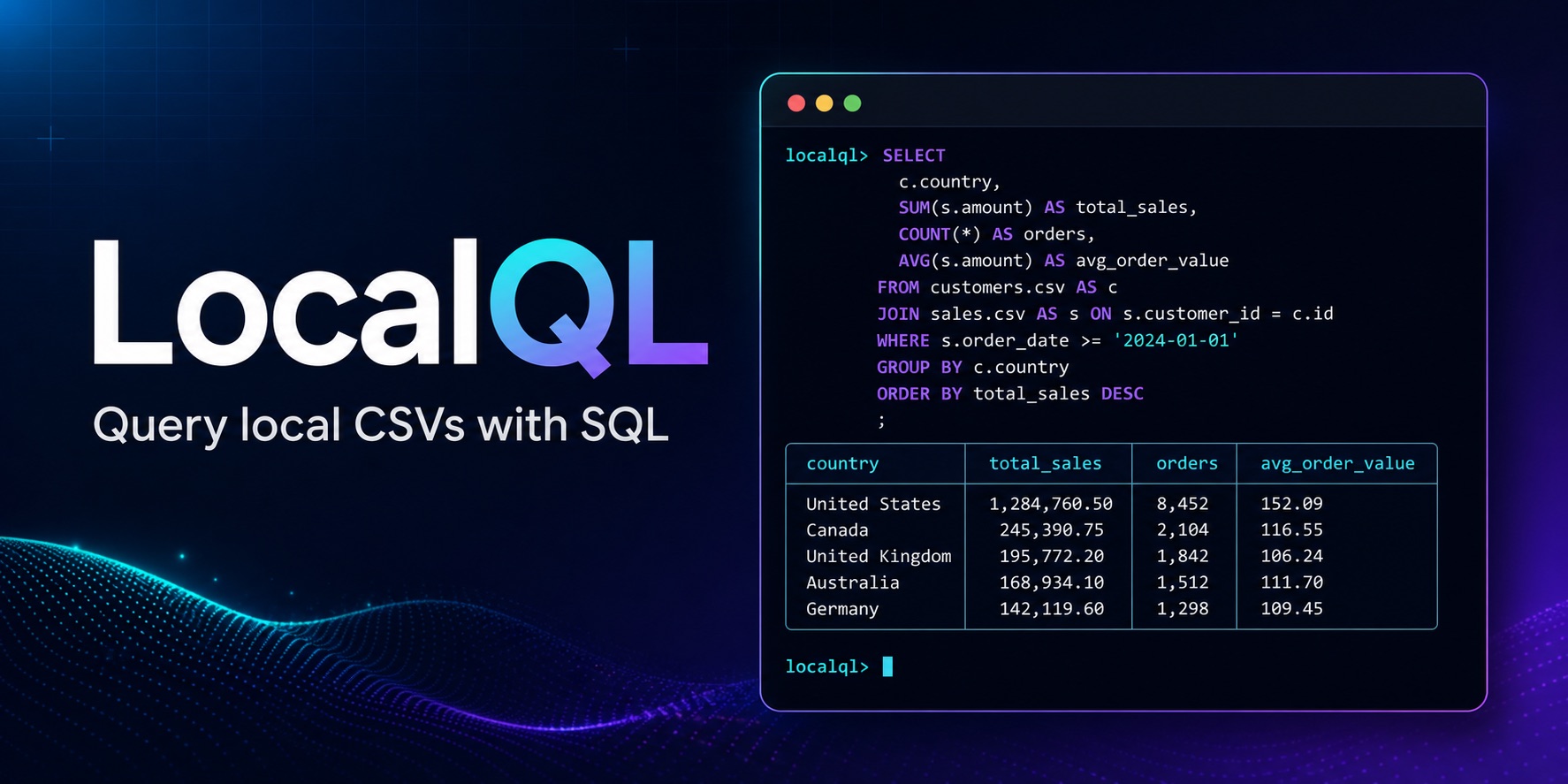
LocalQL is a DuckDB-powered tool for querying local CSV, Parquet, JSON, NDJSON,
and Excel .xlsx sources with SQL. Install the localql package to use the
csvql command, organize repeatable work in a .csvql.yml project catalog,
export results, and optionally work in the LocalQL Workbench.
Contents
- Install and first query
- Supported sources and outputs
- Result behavior
- Optional LocalQL Workbench
- Compatibility and safety
- Core workflows
- Get help and stay current
Install and first query
Install the core command in your selected Python environment:
python -m pip install localql
csvql --version
To try a query, create a small CSV in the directory where you are working:
python -c "from pathlib import Path; Path('orders.csv').write_text('order_id,status\nORD-1,paid\nORD-2,pending\nORD-3,paid\n', encoding='utf-8')"
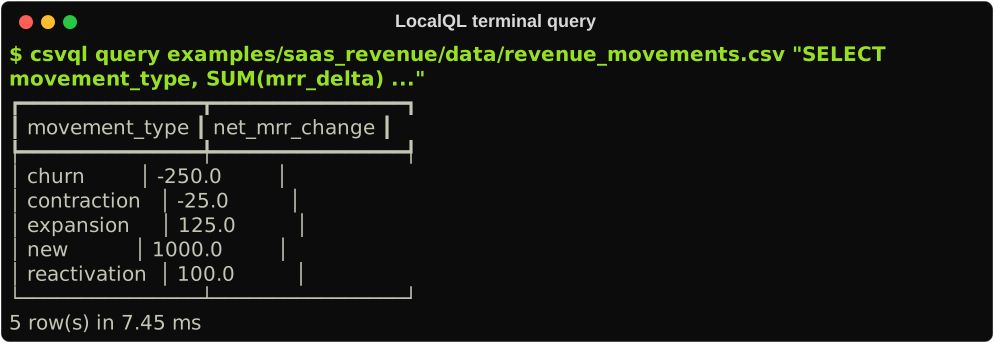
csvql query orders.csv "SELECT * FROM orders LIMIT 5"
The file name becomes the SQL table name, so orders.csv is available as
orders. A successful command prints a table with the CSV rows. See
Getting started
for other source formats, project catalogs, saved SQL, and exports.
Supported sources and outputs
| Capability | Available in LocalQL 1.2.0 |
|---|---|
| Query sources | CSV, Parquet, JSON, NDJSON, and Excel .xlsx |
| Complete result exports | CSV, JSON envelope, NDJSON, Parquet, Excel .xlsx, Markdown, and text |
| User surfaces | CLI, .csvql.yml project catalogs, Python API, and LocalQL Workbench |
One query can join sources from different providers. Source selection remains deterministic across every surface, and explicit provider options carry the same meaning everywhere. See Getting started for a guided workflow and the v1.2.0 benchmark snapshot for measured end-to-end export evidence.
Result behavior
LocalQL keeps interactive output responsive without changing complete-result
contracts. csvql query and csvql run table output retains up to 1,000 rows
by default; --limit changes that table-preview bound. Query/run JSON output,
Python API results, and csvql export remain complete.
The Workbench follows the same split: Results shows a bounded preview while export and save use the preserved complete result when session capacity is available.
Optional LocalQL Workbench
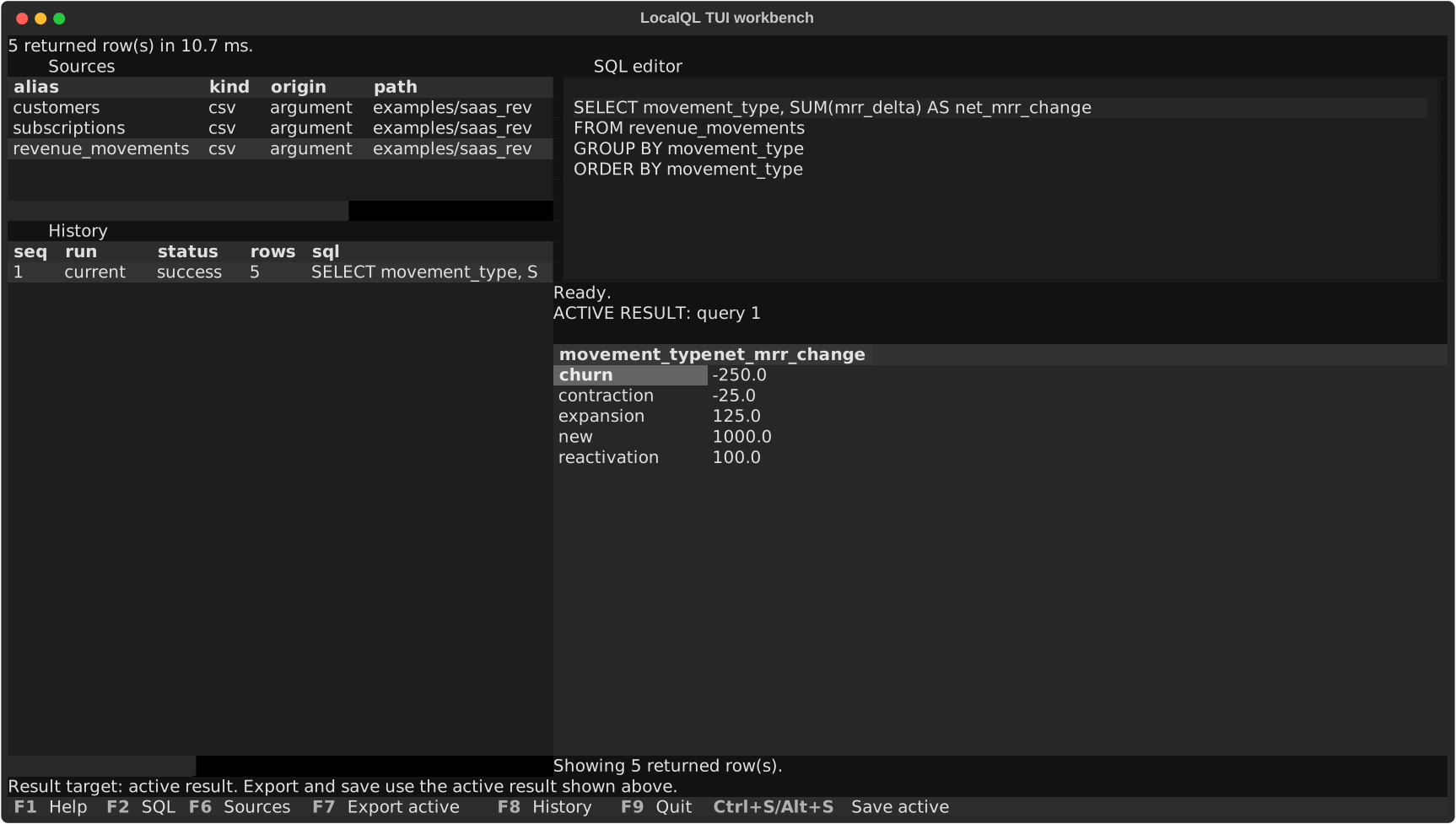
The core CLI needs only localql. Install the optional Textual-based Workbench
when you want a source list, SQL editor, results, and history in one terminal
application:
python -m pip install "localql[tui]"
csvql menu orders.csv
You can also start with csvql menu and run source-free SQL such as SELECT 1
before loading any sources. In the Sources pane, press a to add structured
source intent with an explicit type and provider options.
All core commands remain available without the extra. See the Workbench guide for keys and source-management actions.
Compatibility and safety
LocalQL supports Python 3.11 through 3.14 on macOS, Linux, and Windows.
LocalQL treats user-authored SQL as trusted local DuckDB SQL. It does not sandbox DuckDB or restrict filesystem access. Run only SQL you trust.
Source selection is deterministic. An explicit --type wins, a recognized
extension selects one provider, and an extensionless file or directory that
could match a provider requires an explicit choice. Bounded identification
produces evidence and guidance; it never silently chooses between candidates.
Core workflows
| When you want to… | Start here |
|---|---|
| Query a local source or join named tables | CLI reference |
| Follow a multi-format query and export workflow | Getting started |
| Reuse a project catalog and saved SQL | Project catalogs |
| Inspect, sample, or profile a source | Inspect, sample, and profile |
| Export a result or reuse it as a CSV source | Save and reuse results |
| Work interactively with sources and results | Workbench guide |
| Review measured multi-format export evidence | v1.2.0 benchmarks |
| Check configured data-quality rules | Data-quality checks |
DuckDB executes SQL and relational operations; LocalQL manages deterministic source selection, local table aliases, project configuration, output, and explicit exports.
Get help and stay current
1 maintainer

Metadata
1 maintainer
Release files for localql 1.2.0
For a detailed explanation of source distributions (sdists) and built distributions (wheels), please see the package formats documentation.
Source distribution (sdist)
| File | Size | Uploaded | Provenance | Actions |
|---|---|---|---|---|
| localql-1.2.0.tar.gz | 2.0 MB | With provenance | Details for localql-1.2.0.tar.gz |
Built distribution (wheel)
| File | Interpreter | ABI | Platform | Actions Reset |
|---|---|---|---|---|
| localql-1.2.0-py3-none-any.whl | Python 3 | none | any | Details for localql-1.2.0-py3-none-any.whl |
Total release size: 2.2 MB
Release files / localql-1.2.0.tar.gz
| Download URL | localql-1.2.0.tar.gz |
|---|---|
| Size | 2.0 MB |
| Tags | Source |
|
SHA-256 checksum How to use checksums |
82eb626b77dba1fbc4636460caaf382d0628c94016c8f94a7ea1e95df27a4371
|
|
BLAKE2b-256 checksum How to use checksums |
4727464c81bd14f48520f5606e2c83d1984493861798bea3aa6df6b693e2aade
|
| Upload date | |
|
Uploaded using Trusted Publishing? What is trusted publishing? |
Yes |
| Uploaded via |
twine/6.1.0 CPython/3.13.13
|
Provenance
Provenance describes where a file came from. On PyPI, provenance is shared via attestations, which provide a verifiable record of the build or publishing details. View details, limitations and caveats.


PyPI Publish Attestation
PyPI verified that this artifact, at this checksum, originated from the publisher listed below.
Signed by GitHub Actions, verified by PyPI on Jul 31, 2026.
Transparency logRelease files / localql-1.2.0-py3-none-any.whl
| Download URL | localql-1.2.0-py3-none-any.whl |
|---|---|
| Size | 251.7 kB |
| Tags | Python 3 |
|
SHA-256 checksum How to use checksums |
4e9f30ebd14025c412e47289a122598214f40e5b4486afbab3bfa0640cd747d4
|
|
BLAKE2b-256 checksum How to use checksums |
c41eecc9532bffc31be2ea1ecd00a35dc77ba2f0f9c72ce00f1d7eb6f0e62f25
|
| Upload date | |
|
Uploaded using Trusted Publishing? What is trusted publishing? |
Yes |
| Uploaded via |
twine/6.1.0 CPython/3.13.13
|
Provenance
Provenance describes where a file came from. On PyPI, provenance is shared via attestations, which provide a verifiable record of the build or publishing details. View details, limitations and caveats.
PyPI Publish Attestation
PyPI verified that this artifact, at this checksum, originated from the publisher listed below.
Signed by GitHub Actions, verified by PyPI on Jul 31, 2026.
Transparency logSecurity for localql 1.2.0
Provenance
Provenance describes where a file came from. On PyPI, provenance is shared via attestations, which provide a verifiable record of the build or publishing details. View details, limitations and caveats.
Full provenance
All 2 files in this release have been uploaded with provenance metadata.
Attestation for localql-1.2.0.tar.gz
PyPI Publish Attestation
PyPI verified that this artifact, at this checksum, originated from the publisher listed below.
Signed by GitHub Actions, verified by PyPI on Jul 31, 2026.
Transparency logA note on package security
PyPI is a repository for distributing packages, not a service for auditing them. While third-party security researchers and our staff do their best to detect and remove malicious packages, PyPI cannot guarantee the quality, security or suitability of any given package.
To learn more about protecting yourself from malicious actors, visit our package security documentation.














