
Mailview

Capture outgoing emails during development and view them in a browser UI mounted inside your app.
No Docker. No SMTP server. No external services. Just one line of middleware.
Inspired by Ruby's letter_opener.






Installation
pip install mailview
Quick Start
from fastapi import FastAPI
from mailview import MailviewMiddleware

app = FastAPI()
app.add_middleware(MailviewMiddleware)
That's it. Visit /_mail in your browser to see captured emails.
Features
- Zero config - add middleware, visit
/_mail, done - Persistent storage - emails survive dev server restarts (SQLite in temp dir)
- Full email support - HTML, plaintext, multipart, attachments
- Sandboxed preview - HTML emails render in an iframe without CSS bleed
- Dev-only by default - refuses to activate in production environments
- Self-contained - no external assets, works fully offline
How It Works
Mailview provides drop-in email backends that intercept outgoing emails instead of sending them:
# FastAPI-Mail
from mailview.backend import MailviewBackend
from fastapi_mail import FastMail, ConnectionConfig

config = ConnectionConfig(
    MAIL_BACKEND=MailviewBackend,
    # ... other config
)

# Or with any SMTP-based library, point it at Mailview's capture backend
Captured emails are stored in SQLite at /tmp/mailview/mailview.db and served through the /_mail UI.
Browser UI
Navigate to /_mail to see:
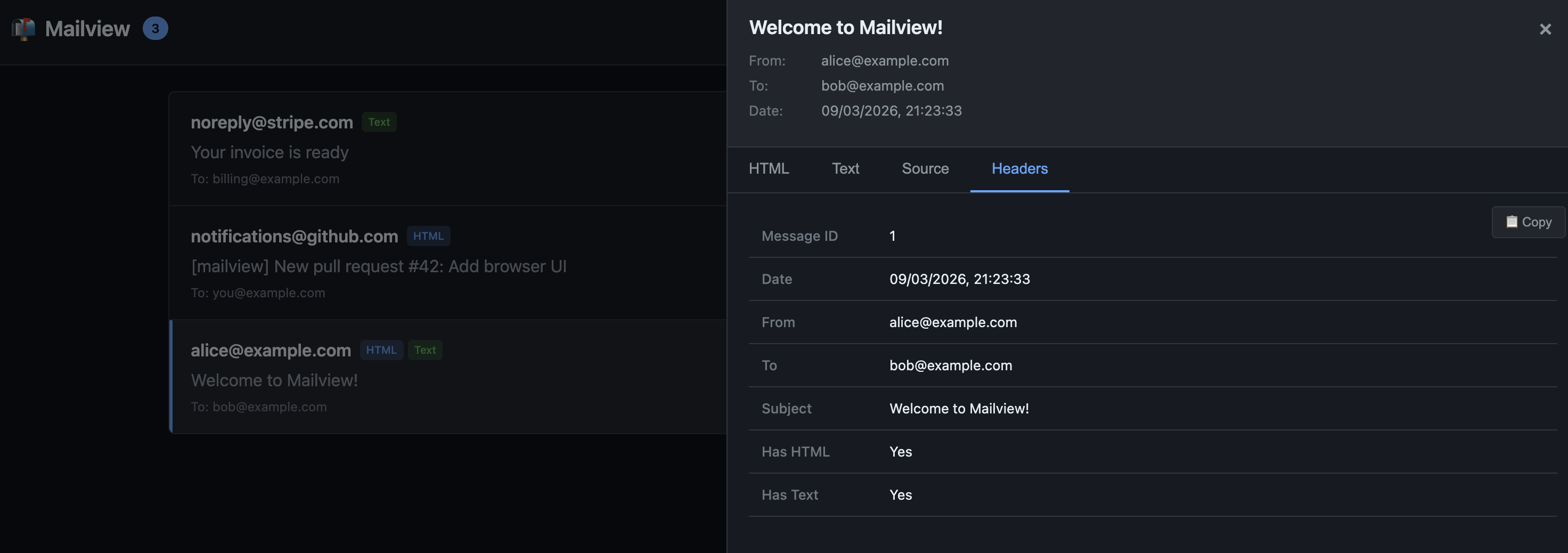
- Inbox - list of captured emails with sender, recipients, subject, timestamp
- HTML preview - rendered email in a sandboxed iframe
- Plaintext - raw text version
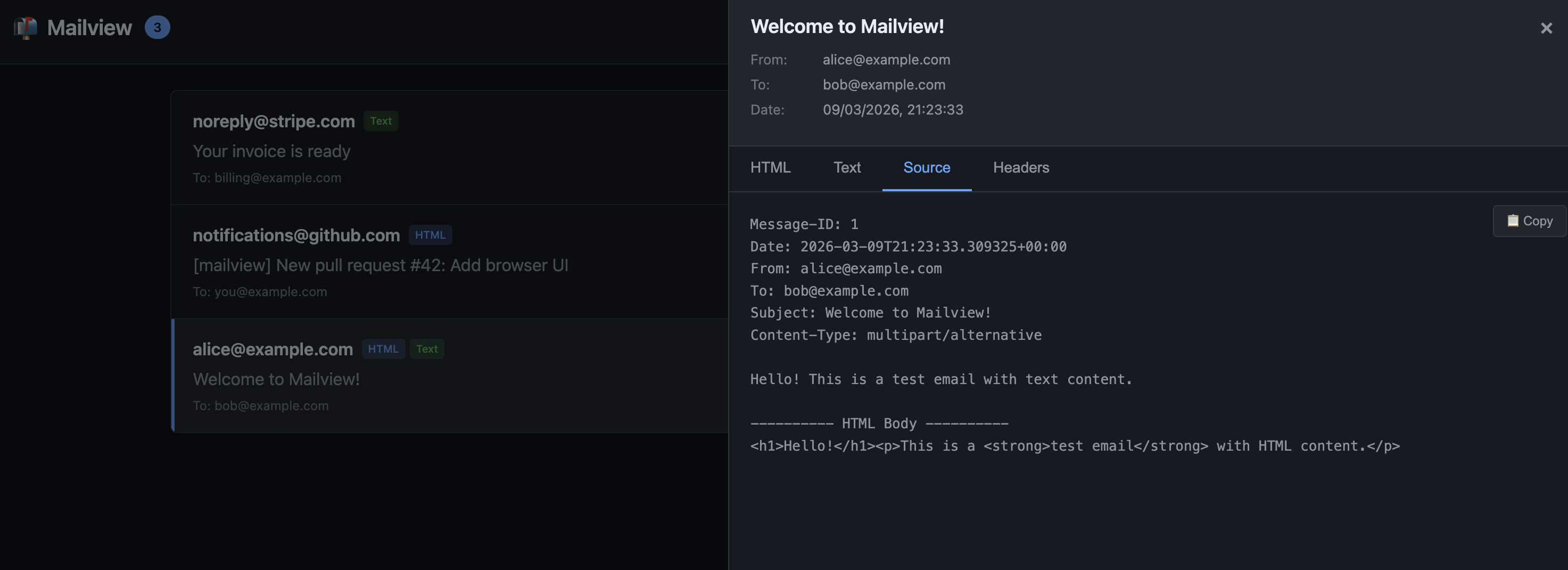
- Source - raw email headers and body
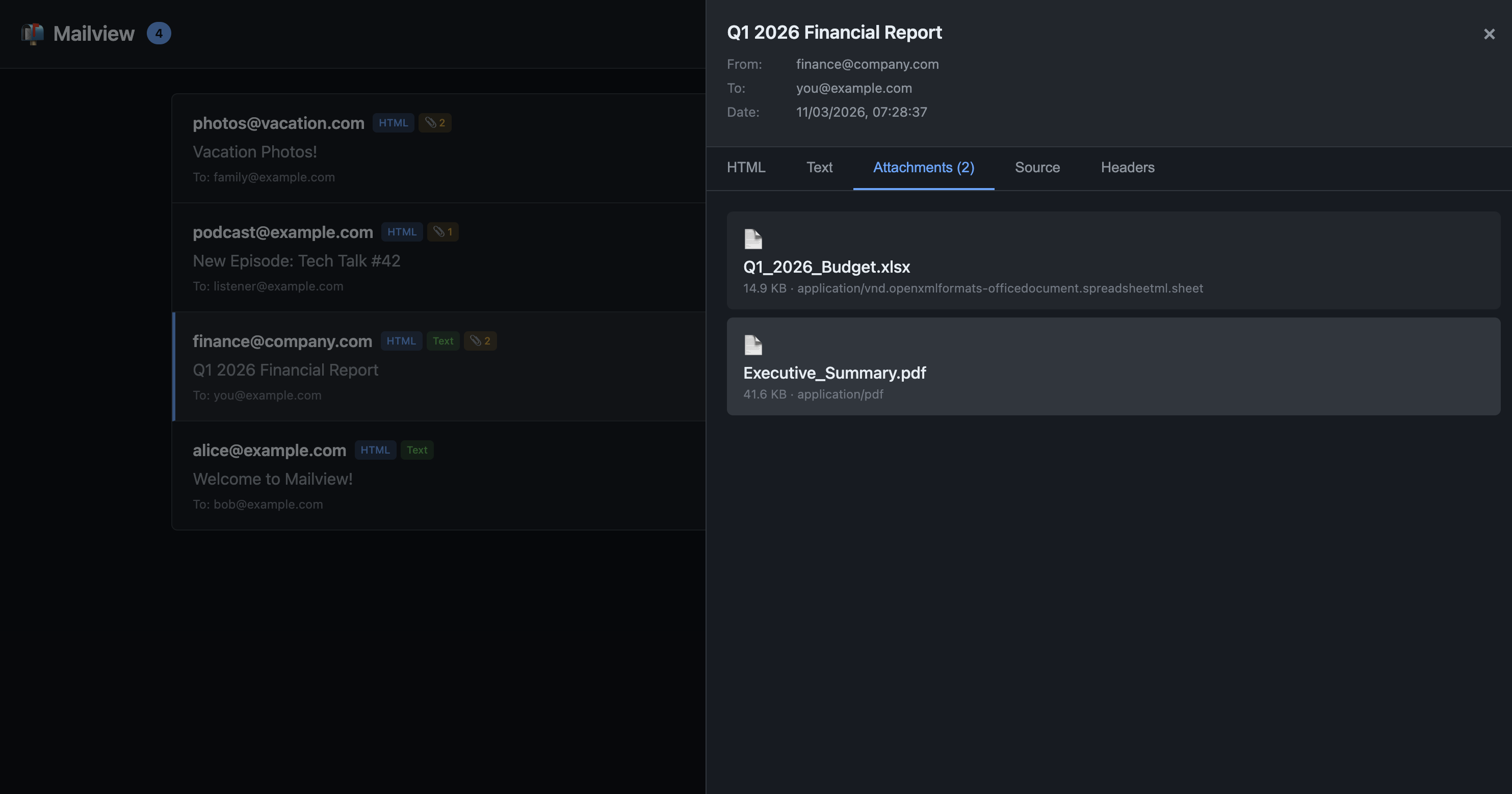
- Attachments - download any attached files
Clear all emails with the delete button or DELETE /_mail/api/emails.
Screenshots
Source Tab
Headers Table
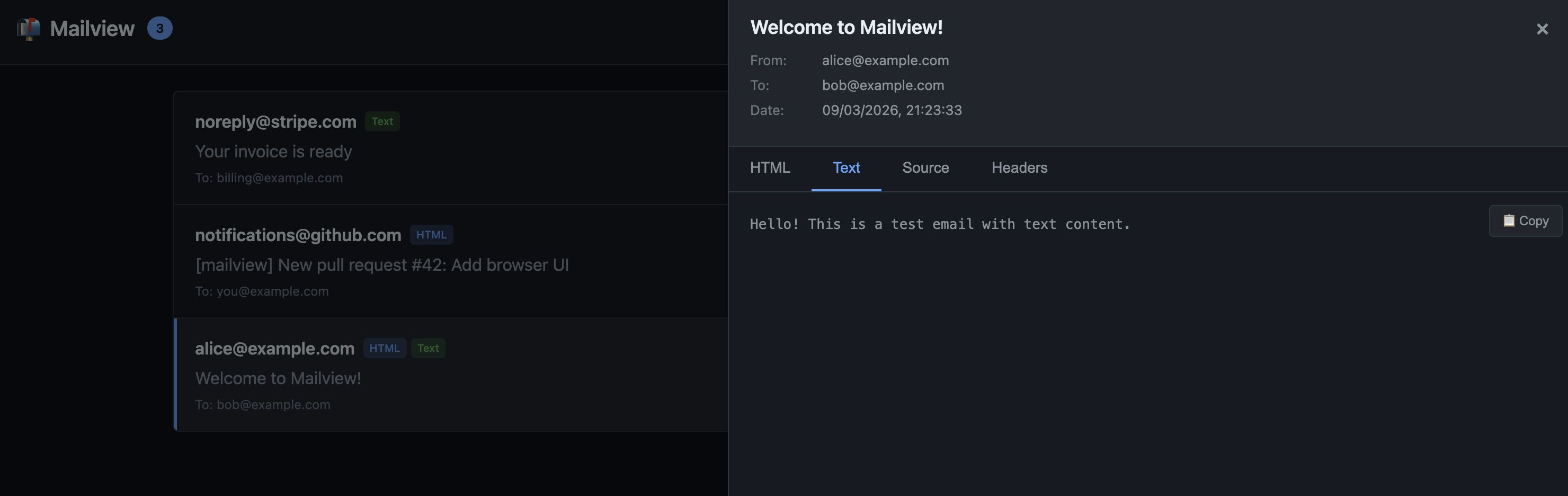
Text Tab
Copy Button
Configuration
Mailview works with zero configuration, but you can customise if needed:
app.add_middleware(
    MailviewMiddleware,
    mount_path="/_mail",        # Change the UI path (default: /_mail)
    db_path="/custom/path.db",  # Custom SQLite location (default: /tmp/mailview/mailview.db)
    enabled=True,               # Force enable/disable (default: auto-detect dev environment)
)
Production Safety
Mailview will not activate unless it detects a development environment. It checks for:
DEBUG=trueorDEBUG=1environment variableMAILVIEW_ENABLED=trueto explicitly enable- Framework-specific debug flags (FastAPI's
debug=True, etc.)
To be extra safe, don't include mailview in your production dependencies.
Network Binding Warning
Mailview has no authentication. If your dev server binds to 0.0.0.0 (all interfaces) instead of 127.0.0.1 (localhost only), anyone on your local network can access /_mail and view captured emails.
For local development, prefer:
uvicorn app:app --host 127.0.0.1 --port 8000
Framework Support
| Framework | Status |
|---|---|
| FastAPI | ✅ Supported |
| Starlette | ✅ Supported |
| Django | 🔜 Planned |
| Flask | 🔜 Planned |
Requirements
- Python: 3.11+
- Starlette: 0.40.0+
- FastAPI: 0.115.5+ (if using FastAPI)
API Endpoints
The UI is powered by a simple JSON API:
| Method | Path | Description |
|---|---|---|
| GET | /_mail/api/emails |
List all captured emails |
| GET | /_mail/api/emails/{id} |
Get a single email |
| GET | /_mail/api/emails/{id}/html |
Get HTML body |
| GET | /_mail/api/emails/{id}/attachments/{filename} |
Download attachment |
| DELETE | /_mail/api/emails |
Clear all emails |
| DELETE | /_mail/api/emails/{id} |
Delete a single email |
Development
git clone https://github.com/swmcc/mailview.git
cd mailview
make local.install
make local.check
See CONTRIBUTING.md for full development workflow.
License
MIT
1 maintainer

Metadata
1 maintainer
Release files for mailview 0.1.1
For a detailed explanation of source distributions (sdists) and built distributions (wheels), please see the package formats documentation.
Source distribution (sdist)
| File | Size | Uploaded | |
|---|---|---|---|
| mailview-0.1.1.tar.gz | 1.1 MB | Details |
Built distribution (wheel)
| File | Interpreter | ABI | Platform | Reset |
|---|---|---|---|---|
| mailview-0.1.1-py3-none-any.whl | Python 3 | none | any | Details |
Total release size: 1.1 MB
Release files / mailview-0.1.1.tar.gz
| Download URL | mailview-0.1.1.tar.gz |
|---|---|
| Size | 1.1 MB |
| Tags | Source |
|
SHA-256 checksum How to use checksums |
39620727780fdca9231aaa69937ea809cfb2da37a3ceeb33c9e614efb84c45f5
|
|
BLAKE2b-256 checksum How to use checksums |
2865c717db73262b78cb0fa00eb02cbfe05e86f357f972d022401ab77a8a7ad4
|
| Upload date | |
|
Uploaded using Trusted Publishing? What is trusted publishing? |
Yes |
| Uploaded via |
twine/6.1.0 CPython/3.13.7
|
Provenance
Provenance describes where a file came from. On PyPI, provenance is shared via attestations, which provide a verifiable record of the build or publishing details. View details, limitations and caveats.


PyPI Publish Attestation
PyPI verified that this artifact, at this checksum, originated from the publisher listed below.
Signed by GitHub Actions, verified by PyPI on Mar 13, 2026.
Transparency logRelease files / mailview-0.1.1-py3-none-any.whl
| Download URL | mailview-0.1.1-py3-none-any.whl |
|---|---|
| Size | 24.3 kB |
| Tags | Python 3 |
|
SHA-256 checksum How to use checksums |
e15f6e9edc590b5aed430f1d94ffcbeb9fe67f8e781a7fa7cb6720e2dff4ec46
|
|
BLAKE2b-256 checksum How to use checksums |
18cd7c9a9e056985ce6c1b6117a2924231f4d058f219c65ff1cc11422ad78afa
|
| Upload date | |
|
Uploaded using Trusted Publishing? What is trusted publishing? |
Yes |
| Uploaded via |
twine/6.1.0 CPython/3.13.7
|
Provenance
Provenance describes where a file came from. On PyPI, provenance is shared via attestations, which provide a verifiable record of the build or publishing details. View details, limitations and caveats.
PyPI Publish Attestation
PyPI verified that this artifact, at this checksum, originated from the publisher listed below.
Signed by GitHub Actions, verified by PyPI on Mar 13, 2026.
Transparency log













