
Zero-config email interceptor for Python ASGI apps
Verified details
These details have been verified by PyPIProject links
GitHub Statistics
Maintainers

Project description
Mailview

Capture outgoing emails during development and view them in a browser UI mounted inside your app.
No Docker. No SMTP server. No external services. Just one line of middleware.
Inspired by Ruby's letter_opener.






Installation
pip install mailview
Quick Start
from fastapi import FastAPI
from mailview import MailviewMiddleware

app = FastAPI()
app.add_middleware(MailviewMiddleware)
That's it. Visit /_mail in your browser to see captured emails.
Features
- Zero config - add middleware, visit
/_mail, done - Persistent storage - emails survive dev server restarts (SQLite in temp dir)
- Full email support - HTML, plaintext, multipart, attachments
- Sandboxed preview - HTML emails render in an iframe without CSS bleed
- Dev-only by default - refuses to activate in production environments
- Self-contained - no external assets, works fully offline
How It Works
Mailview provides drop-in email backends that intercept outgoing emails instead of sending them:
# FastAPI-Mail
from mailview.backend import MailviewBackend
from fastapi_mail import FastMail, ConnectionConfig

config = ConnectionConfig(
    MAIL_BACKEND=MailviewBackend,
    # ... other config
)

# Or with any SMTP-based library, point it at Mailview's capture backend
Captured emails are stored in SQLite at /tmp/mailview/mailview.db and served through the /_mail UI.
Browser UI
Navigate to /_mail to see:
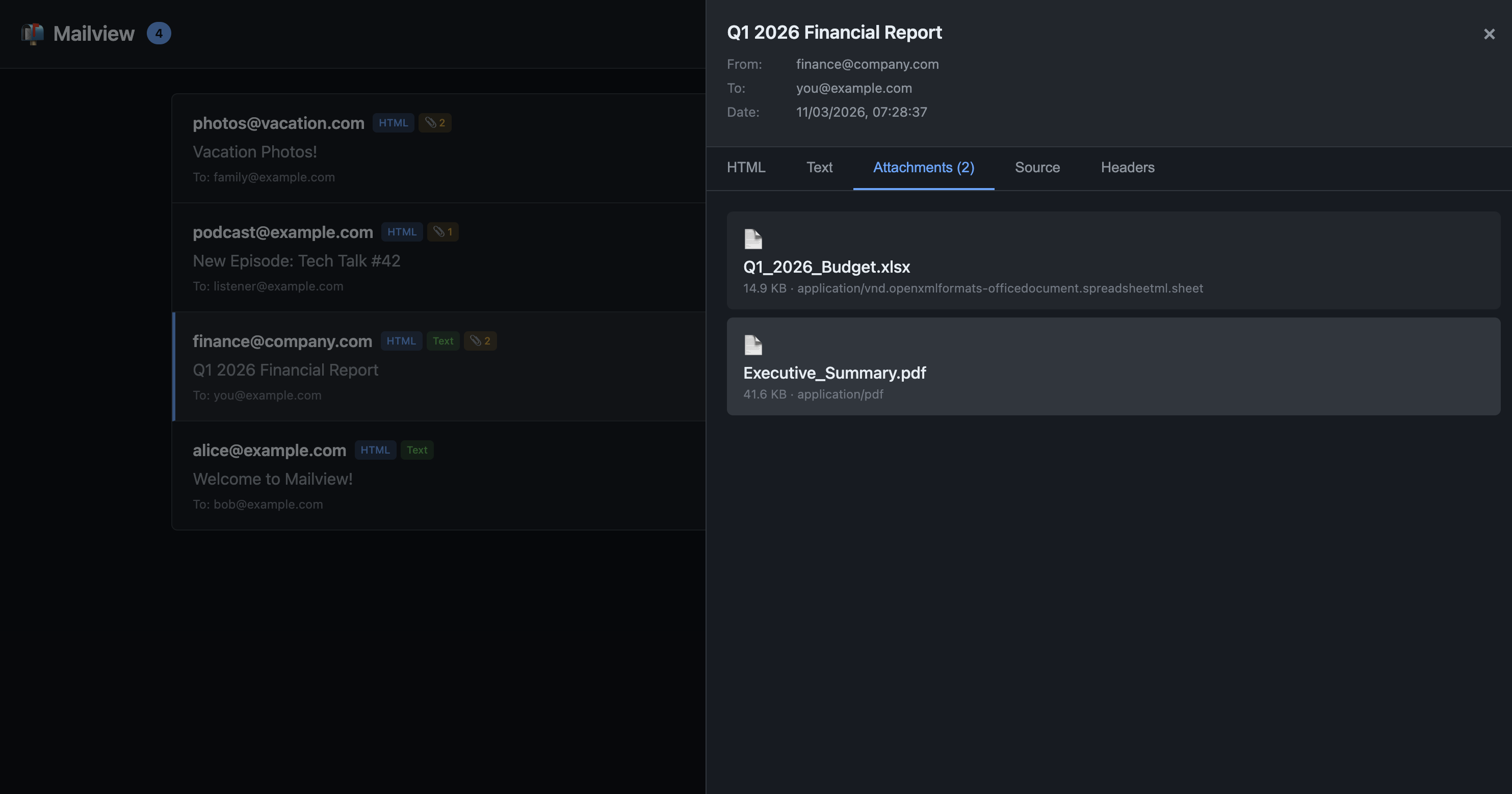
- Inbox - list of captured emails with sender, recipients, subject, timestamp
- HTML preview - rendered email in a sandboxed iframe
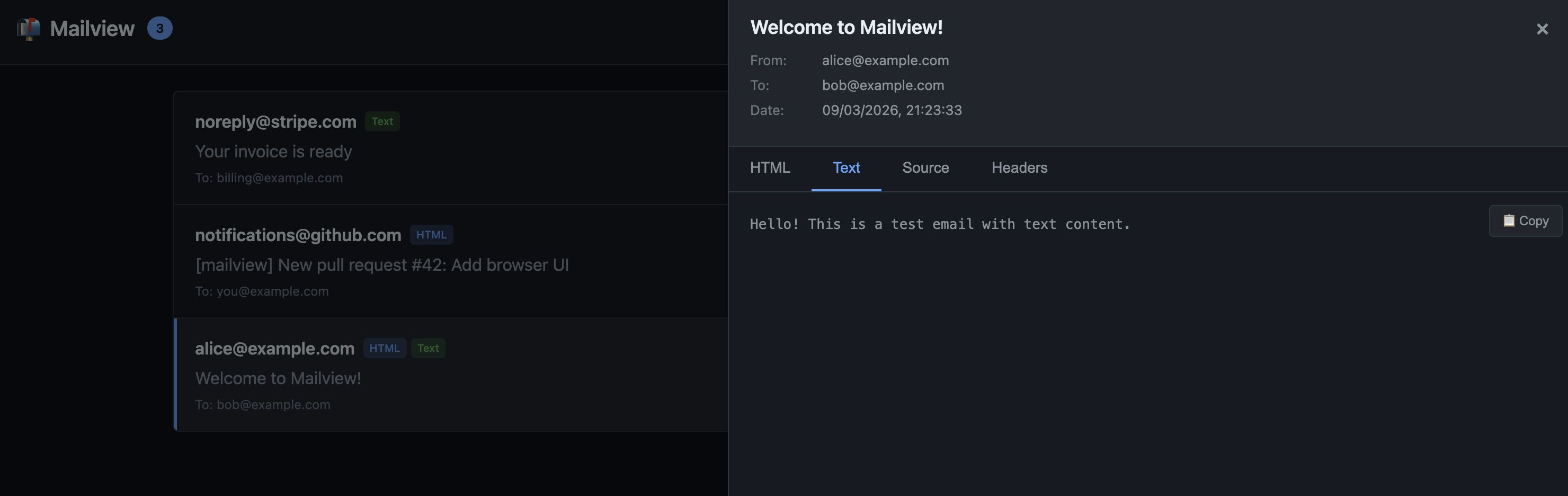
- Plaintext - raw text version
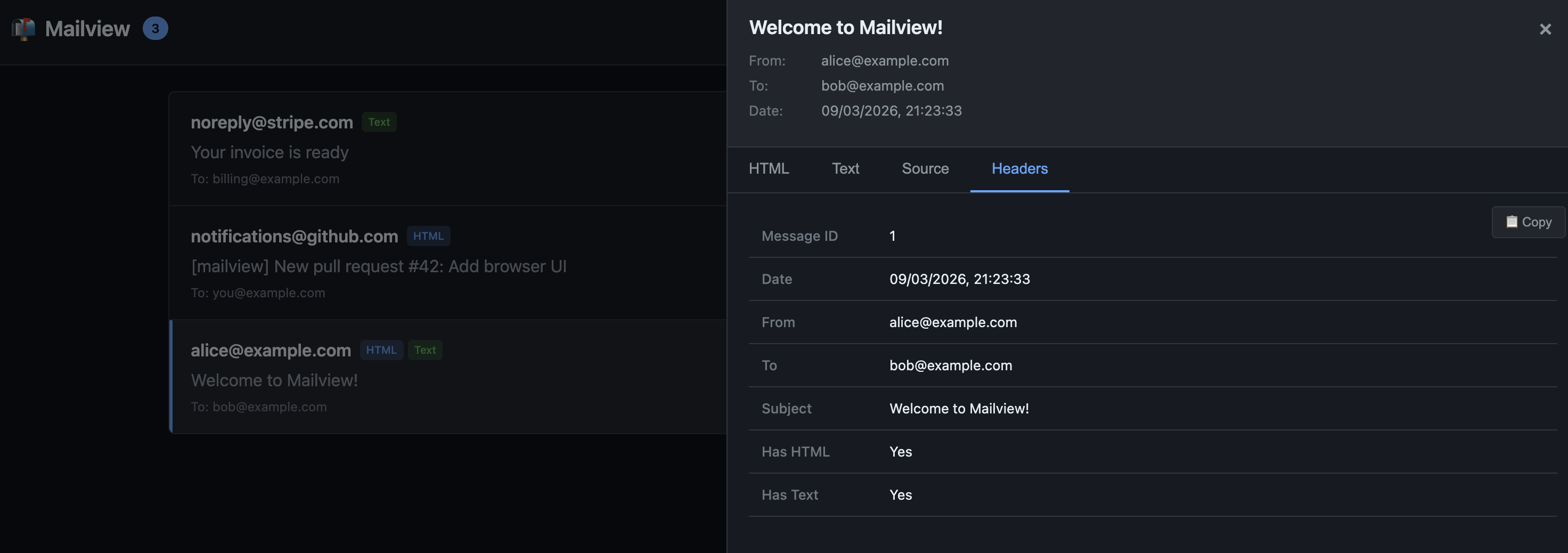
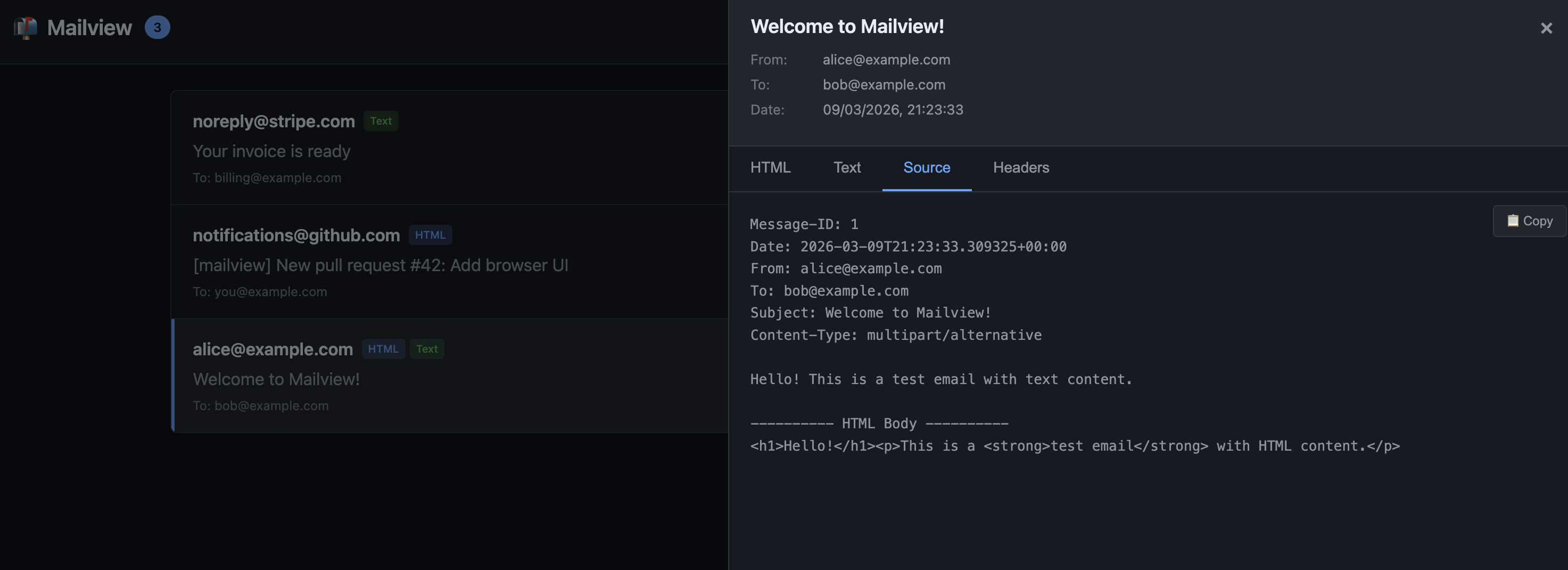
- Source - raw email headers and body
- Attachments - download any attached files
Clear all emails with the delete button or DELETE /_mail/api/emails.
Screenshots
Source Tab
Headers Table
Text Tab
Copy Button
Configuration
Mailview works with zero configuration, but you can customise if needed:
app.add_middleware(
    MailviewMiddleware,
    mount_path="/_mail",        # Change the UI path (default: /_mail)
    db_path="/custom/path.db",  # Custom SQLite location (default: /tmp/mailview/mailview.db)
    enabled=True,               # Force enable/disable (default: auto-detect dev environment)
)
Production Safety
Mailview will not activate unless it detects a development environment. It checks for:
DEBUG=trueorDEBUG=1environment variableMAILVIEW_ENABLED=trueto explicitly enable- Framework-specific debug flags (FastAPI's
debug=True, etc.)
To be extra safe, don't include mailview in your production dependencies.
Network Binding Warning
Mailview has no authentication. If your dev server binds to 0.0.0.0 (all interfaces) instead of 127.0.0.1 (localhost only), anyone on your local network can access /_mail and view captured emails.
For local development, prefer:
uvicorn app:app --host 127.0.0.1 --port 8000
Framework Support
| Framework | Status |
|---|---|
| FastAPI | ✅ Supported |
| Starlette | ✅ Supported |
| Django | 🔜 Planned |
| Flask | 🔜 Planned |
Requirements
- Python: 3.11+
- Starlette: 0.40.0+
- FastAPI: 0.115.5+ (if using FastAPI)
API Endpoints
The UI is powered by a simple JSON API:
| Method | Path | Description |
|---|---|---|
| GET | /_mail/api/emails |
List all captured emails |
| GET | /_mail/api/emails/{id} |
Get a single email |
| GET | /_mail/api/emails/{id}/html |
Get HTML body |
| GET | /_mail/api/emails/{id}/attachments/{filename} |
Download attachment |
| DELETE | /_mail/api/emails |
Clear all emails |
| DELETE | /_mail/api/emails/{id} |
Delete a single email |
Development
git clone https://github.com/swmcc/mailview.git
cd mailview
make local.install
make local.check
See CONTRIBUTING.md for full development workflow.
License
MIT
Project details
Verified details
These details have been verified by PyPIProject links
GitHub Statistics
Maintainers
Release history Release notifications | RSS feed


Download files
Download the file for your platform. If you're not sure which to choose, learn more about installing packages.
Source Distribution
Built Distribution
Filter files by name, interpreter, ABI, and platform.
If you're not sure about the file name format, learn more about wheel file names.
Copy a direct link to the current filters
File details
Details for the file mailview-0.1.1.tar.gz.
File metadata
- Download URL: mailview-0.1.1.tar.gz
- Upload date:
- Size: 1.1 MB
- Tags: Source
- Uploaded using Trusted Publishing? Yes
- Uploaded via: twine/6.1.0 CPython/3.13.7
File hashes
| Algorithm | Hash digest | |
|---|---|---|
| SHA256 |
39620727780fdca9231aaa69937ea809cfb2da37a3ceeb33c9e614efb84c45f5
|
|
| MD5 |
169a7de1be6c024c99c65e228113f87f
|
|
| BLAKE2b-256 |
2865c717db73262b78cb0fa00eb02cbfe05e86f357f972d022401ab77a8a7ad4
|
Provenance
The following attestation bundles were made for mailview-0.1.1.tar.gz:
Publisher:
release.yml on swmcc/mailview
-
Statement:
-
Statement type:
https://in-toto.io/Statement/v1 -
Predicate type:
https://docs.pypi.org/attestations/publish/v1 -
Subject name:
mailview-0.1.1.tar.gz -
Subject digest:
39620727780fdca9231aaa69937ea809cfb2da37a3ceeb33c9e614efb84c45f5 - Sigstore transparency entry: 1095948190
- Sigstore integration time:
-
Permalink:
swmcc/mailview@d35b551702840988c2a4baf8482cd6fa0c4edf51 -
Branch / Tag:
refs/tags/v0.1.1 - Owner: https://github.com/swmcc
-
Access:
public
-
Token Issuer:
https://token.actions.githubusercontent.com -
Runner Environment:
github-hosted -
Publication workflow:
release.yml@d35b551702840988c2a4baf8482cd6fa0c4edf51 -
Trigger Event:
push
-
Statement type:
File details
Details for the file mailview-0.1.1-py3-none-any.whl.
File metadata
- Download URL: mailview-0.1.1-py3-none-any.whl
- Upload date:
- Size: 24.3 kB
- Tags: Python 3
- Uploaded using Trusted Publishing? Yes
- Uploaded via: twine/6.1.0 CPython/3.13.7
File hashes
| Algorithm | Hash digest | |
|---|---|---|
| SHA256 |
e15f6e9edc590b5aed430f1d94ffcbeb9fe67f8e781a7fa7cb6720e2dff4ec46
|
|
| MD5 |
2e4e3429decfad9afdcd9935e780b2ee
|
|
| BLAKE2b-256 |
18cd7c9a9e056985ce6c1b6117a2924231f4d058f219c65ff1cc11422ad78afa
|
Provenance
The following attestation bundles were made for mailview-0.1.1-py3-none-any.whl:
Publisher:
release.yml on swmcc/mailview
-
Statement:
-
Statement type:
https://in-toto.io/Statement/v1 -
Predicate type:
https://docs.pypi.org/attestations/publish/v1 -
Subject name:
mailview-0.1.1-py3-none-any.whl -
Subject digest:
e15f6e9edc590b5aed430f1d94ffcbeb9fe67f8e781a7fa7cb6720e2dff4ec46 - Sigstore transparency entry: 1095948193
- Sigstore integration time:
-
Permalink:
swmcc/mailview@d35b551702840988c2a4baf8482cd6fa0c4edf51 -
Branch / Tag:
refs/tags/v0.1.1 - Owner: https://github.com/swmcc
-
Access:
public
-
Token Issuer:
https://token.actions.githubusercontent.com -
Runner Environment:
github-hosted -
Publication workflow:
release.yml@d35b551702840988c2a4baf8482cd6fa0c4edf51 -
Trigger Event:
push
-
Statement type:






