
An implementation of the Page Object Model design pattern, and other utilities for web scraping and automation.

Project description
🌔 Manen



An implementation of the Page Object Model design pattern, and other utilities for web scraping and automation.
PyPI ・ Documentation ・ Changelog ・ Issue tracker
Manen is a package built to enhance developer experience when using Selenium. Among the core features, you can find:
- an implementation of the Page Object Model design pattern
- a class which improves the operability of a Selenium's WebDriver
- a function to easily find and isolate DOM elements inside a Selenium page
This package aims to provide you the tools to write more concise, flexible and powerful code compared to what you would do by using only Selenium.
[!NOTE] For now, only Selenium's Chrome WebDriver is supported. Other browsers will be supported in the future, as well as other automation tools such as Playwright or Scrapy.
📥 Installation
The package can be installed using the official Python package manager pip.
pip install manen
✨ Features
manen.finder.findallows to easily get element(s) in a HTML page. This function support several very different use cases, to help reduce your code complexity when fetching for elements (example: using default values, trying different selectors, iterating over several elements).manen.browserdefines an enhanced Selenium'sWebDrivercalledBrowsermanen.page_object_modelis an implementation of the Page Object Model design pattern. It will wrap a HTML page, region and elements inside Python classes and objects, providing a better way to interact with a web page.
🚀 Getting started
Manen's features will be explored by a simple example: going to the PyPI page, searching for a specific package and extracting some information from the search results.
First thing to do is to initialize a WebDriver instance. It can be done using the usual way
provided by Selenium, but an alternative is to use the Browser class provided by Manen. Note
that both ways are equivalent, but Browser provides some additional features, that won't be
explored here.
from manen.browser import ChromeBrowser

browser = ChromeBrowser.initialize()
browser.get("https://pypi.org")
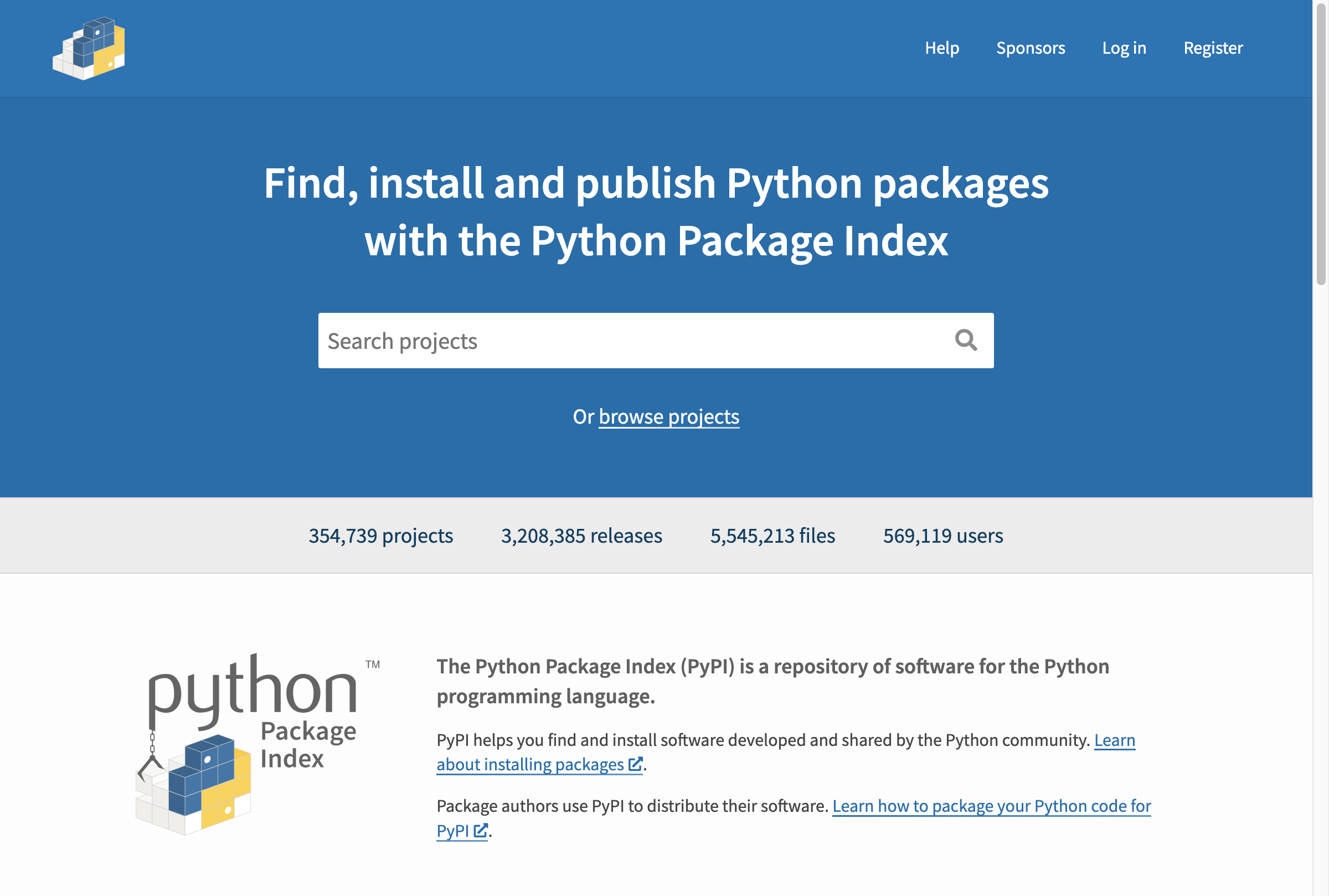
We are now on the home page of PyPI. What we are going to do now is building a class that will
inherit from Page from the manen.page_object_model.webarea module. This Python class will be
a reflect of the HTML page, allowing us to access DOM elements in the same way we access
attributes. Note the whole page object model design pattern is implemented with type hints (a bit
like in Pydantic model).
from manen.page_object_model.webarea import Page, WebArea
from manen.page_object_model import dom

class HomePage(Page):
    query: Annotated[dom.Input, dom.CSS("input[name='q']")]


class SearchResultPage(Page):
    class Result(WebArea):
        name: Annotated[str, dom.CSS("h3 span.package-snippet__name")]
        version: Annotated[str, dom.CSS("h3 span.package-snippet__version")]
        link: Annotated[dom.HRef, dom.CSS("a.package-snippet")]
        description: Annotated[str, dom.CSS("p.package-snippet__description")]
        release_date: Annotated[datetime, dom.CSS("span.package-snippet__created")]

    nb_results: Annotated[
        int,
        dom.XPath("//*[@id='content']//form/div[1]/div[1]/p/strong"),
    ]
    results: Annotated[
        list[Result],
        dom.CSS("ul[aria-label='Search results'] li"),
    ]
The Page class encapsulates the whole current HTML page available through the driver. Each
element is then represented by a class attribute, with a type and a selector (how to find the
element in the HTML DOM). Depending on the type of the element, Manen will automatically execute
the appropriate DOM content extraction on the element (for example, for a str type, the text
content of the element will be extracted, for a HRef it will extract the HTML href a a
tag).
A WebArea captures a sub-part of an HTML page. All the elements defined under this will be
fetched inside the HTML element represented by the WebArea class.
Here the class HomePage defines an Input element, that will be linked to the search bar.
Filling the search bar is done by assigning a value to the attribute query.
from selenium.webdriver.common.keys import Keys

page = HomePage(browser) # A Page object is initialized only with a WebDriver instance

page.query = "manen"
page.query += Keys.ENTER
After submitting the form, we are redirected to the search results page.
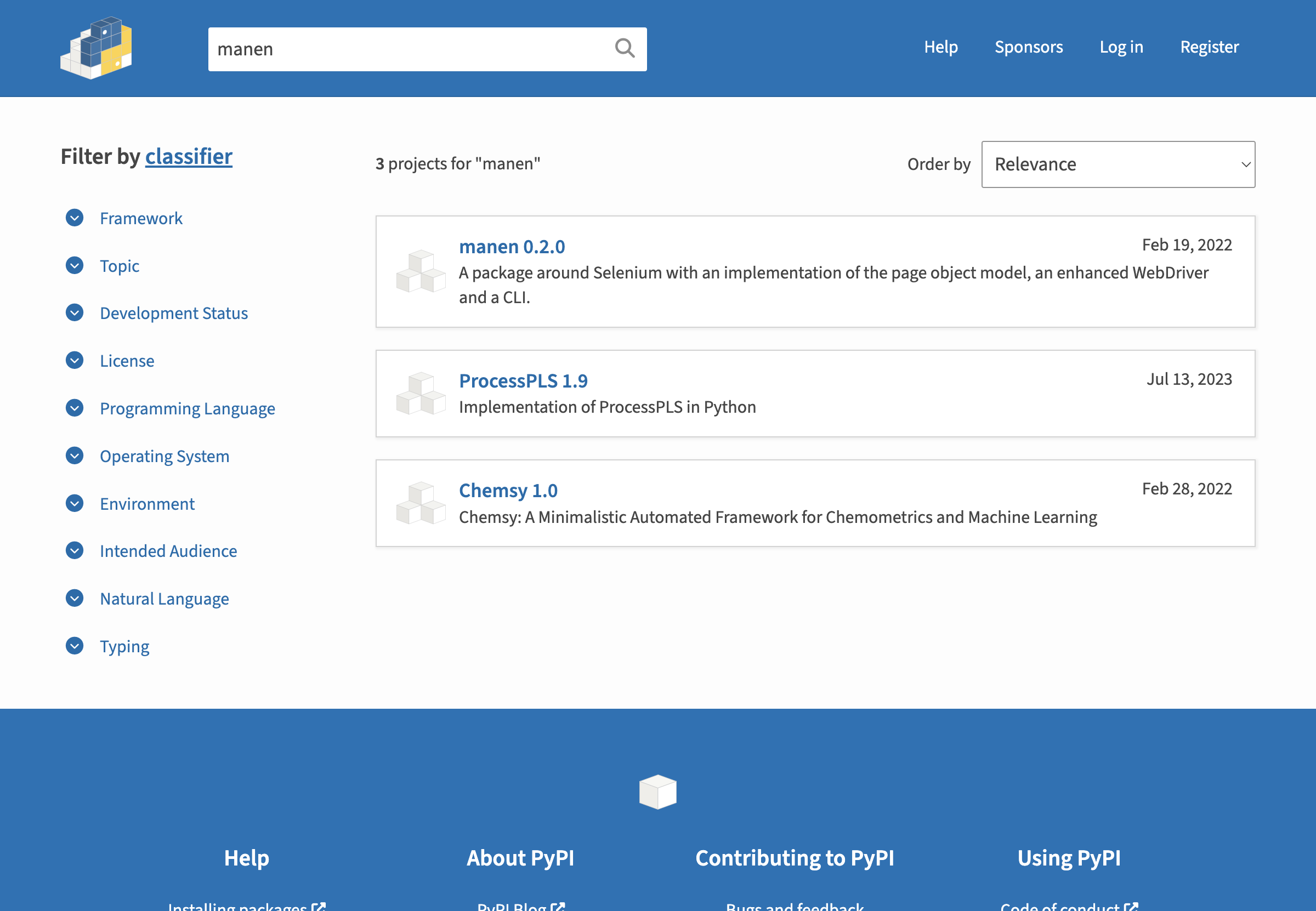
The SearchResultPage will then be used to extract the results.
page = SearchResultPage(browser)

print(page.nb_results)
# 3

print(page.results[0])
# <__main__.SearchResultPage.Result at 0x1058e97c0>
Manen provides a model_dump method, quite similar to the one in Pydantic to easily get all the
attributes of a webarea or a page.
print(page.results[0].model_dump())
# {'name': 'manen',
#  'version': '0.2.0',
#  'link': 'https://pypi.org/project/manen/',
#  'description': 'A package around Selenium with an implementation of the page object model, an enhanced WebDriver and a CLI.',
#  'release_date': datetime.datetime(2022, 2, 19, 0, 0)}
[!TIP] Other DOM elements are also implemented, such as
ImageSrc,Input,Checkbox... Each one of them is used to target a specific attribute from a DOM element and enable interaction with it, in a flawless Pythonic way. Check the documentation for the list of available elements.
Let's finally close the Selenium WebDriver to avoid any remaining running applications once we exit the Python program.
browser.quit()
🦾 Going further
The documentation provides an extensive overview of the possibilities offered by the package. It also contains several user guides to help you get started with the package.
Don't hesitate to open an issue if you have any question or concern about this project!
Looking to contribute to fix or add new features? Just read this page, fork the repository and start doing the modifications you want.
Release history Release notifications | RSS feed


Download files
Download the file for your platform. If you're not sure which to choose, learn more about installing packages.
Source Distribution
Built Distribution
Filter files by name, interpreter, ABI, and platform.
If you're not sure about the file name format, learn more about wheel file names.
Copy a direct link to the current filters
File details
Details for the file manen-0.3.0.dev3.tar.gz.
File metadata
- Download URL: manen-0.3.0.dev3.tar.gz
- Upload date:
- Size: 1.4 MB
- Tags: Source
- Uploaded using Trusted Publishing? No
- Uploaded via: twine/5.1.1 CPython/3.12.4
File hashes
| Algorithm | Hash digest | |
|---|---|---|
| SHA256 |
660fd0508b59c0ae8db25e081a47bdacc3aaf70053242fd86ffa28afeaab0335
|
|
| MD5 |
c88a8f833289cc8f453f24d5c286a146
|
|
| BLAKE2b-256 |
5bb028edddd06f5765d129ff8603fb224db3dbb94e617a0cc89dd9395f4d6cb6
|
File details
Details for the file manen-0.3.0.dev3-py3-none-any.whl.
File metadata
- Download URL: manen-0.3.0.dev3-py3-none-any.whl
- Upload date:
- Size: 29.6 kB
- Tags: Python 3
- Uploaded using Trusted Publishing? No
- Uploaded via: twine/5.1.1 CPython/3.12.4
File hashes
| Algorithm | Hash digest | |
|---|---|---|
| SHA256 |
6fcfda6b4e6726be2f726510b8a61032b5a1d4021cdc38cb2379a8c40e15cb9e
|
|
| MD5 |
d3d9df0bff2ffe35d358114d2e3fc155
|
|
| BLAKE2b-256 |
289b19609f60850c40dd70a94cb92c0faac1caf788cc2af7e357242fd5615bd4
|






