
Convert Markdown files to PDF from your command line.

Project description
markdown-convert
Convert Markdown files to PDF from your command line.
pip install markdown-convert
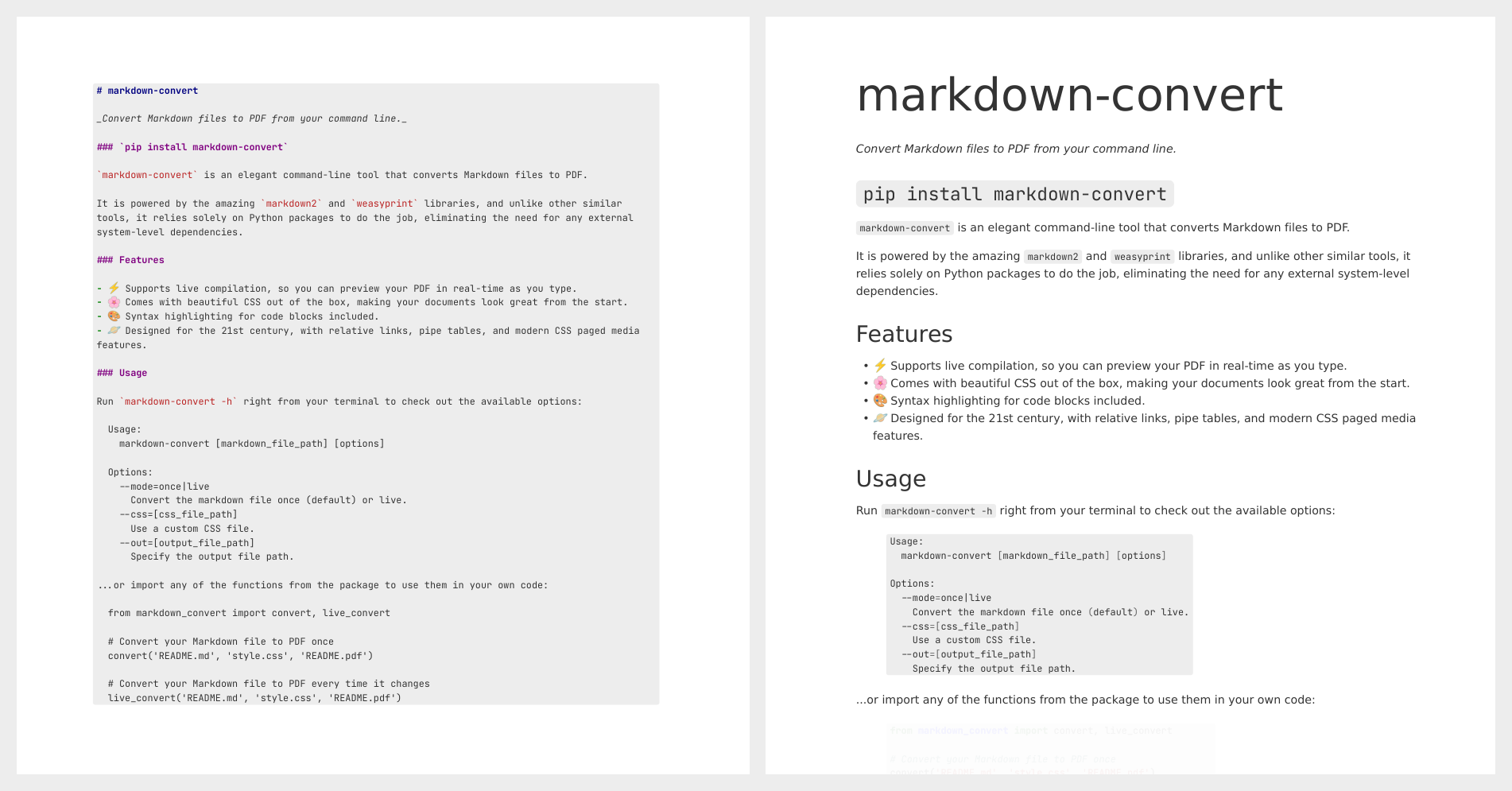
markdown-convert is an elegant command-line tool that converts Markdown files to PDF, powered by the amazing markdown2 and weasyprint libraries.
Unlike other similar tools, it relies solely on Python packages to do the job, eliminating the need for any external system-level dependencies when running on Linux.
If you're running Windows, you only need to install the GTK-3 runtime from the following link: GTK-3 Runtime.
Features
- ⚡️ Supports live compilation, so you can preview your PDF in real-time as you type.
- 🌸 Comes with beautiful CSS out of the box, making your documents look great from the start.
- 🎨 Syntax highlighting for code blocks included.
- 🪐 Designed for the 21st century, with relative links, pipe tables, and modern CSS paged media features.
Usage
Note: If you just installed the package, you may need to log out and log back in for the
markdown-convertcommand to be registered to your PATH.
Run markdown-convert -h right from your terminal to check out the available options:
Usage:
  markdown-convert [markdown_file_path] [options]

Options:
  --mode=once|live
    Convert the markdown file once (default) or live.
  --css=[css_file_path]
    Use a custom CSS file.
  --out=[output_file_path]
    Specify the output file path.
...or import any of the functions from the package to use them in your own code:
from markdown_convert import convert, live_convert

# Convert your Markdown file to PDF once
convert('README.md', 'style.css', 'README.pdf')

# Convert your Markdown file to PDF every time it changes
live_convert('README.md', 'style.css', 'README.pdf')
Integrations
Right click a Markdown file and Convert to PDF with the markdown_convert_explorer and markdown_convert_nautilus extensions for Windows and Linux.
Release history Release notifications | RSS feed


Download files
Download the file for your platform. If you're not sure which to choose, learn more about installing packages.
Source Distribution
Built Distribution
Filter files by name, interpreter, ABI, and platform.
If you're not sure about the file name format, learn more about wheel file names.
Copy a direct link to the current filters
File details
Details for the file markdown_convert-1.1.0.tar.gz.
File metadata
- Download URL: markdown_convert-1.1.0.tar.gz
- Upload date:
- Size: 15.8 kB
- Tags: Source
- Uploaded using Trusted Publishing? No
- Uploaded via: poetry/1.8.2 CPython/3.10.12 Linux/6.5.0-27-generic
File hashes
| Algorithm | Hash digest | |
|---|---|---|
| SHA256 |
b1547a6bff16c893369318f341b06afe27bf69f87648d573d7e9f0c3e8b99f84
|
|
| MD5 |
00460efd55bf2c0594074c202bff9e00
|
|
| BLAKE2b-256 |
3ef95a130d05d2c9da23dc8670f2d4f8636b5c80917886bc03bf8790f70a51e8
|
File details
Details for the file markdown_convert-1.1.0-py3-none-any.whl.
File metadata
- Download URL: markdown_convert-1.1.0-py3-none-any.whl
- Upload date:
- Size: 17.7 kB
- Tags: Python 3
- Uploaded using Trusted Publishing? No
- Uploaded via: poetry/1.8.2 CPython/3.10.12 Linux/6.5.0-27-generic
File hashes
| Algorithm | Hash digest | |
|---|---|---|
| SHA256 |
7ce43853d95cdfd4ab6e95f25322f348e4ae8382c707820fbcf1f4a3fe9ded39
|
|
| MD5 |
28efa5b48b350ecf408a3cb17f25f71b
|
|
| BLAKE2b-256 |
7010d96240f579f4cbe9eae019e04e161bcef8783084859fa6156ebc2e3d7a53
|






