
Megamap
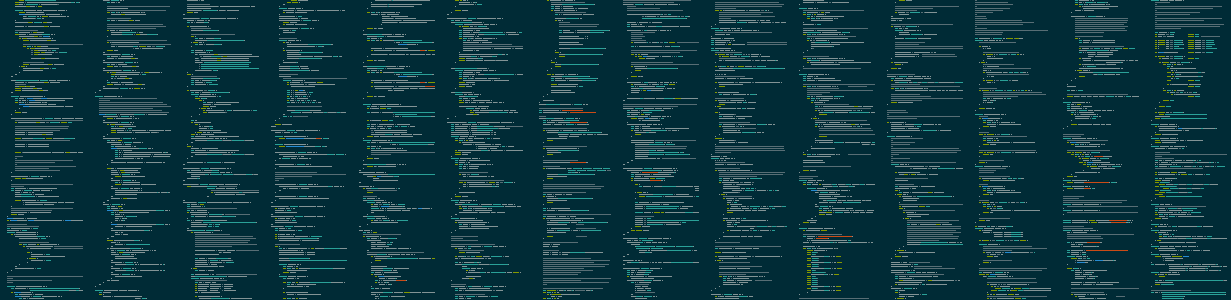
Megamap is a mega awesome version of the minimap feature of text editors like Sublime. Give megamap a directory full of source code, and it will produce a PNG image which is a beautiful birdseye view of all the source code.
Installation
pip install megamap
Usage
megamap [input_directory] [output_filename]
By default, input_directory = . and output_filename = megamap.png.
Optional arguments:
-h, --help            show this help message and exit
-a, --aspect-ratio ASPECT_RATIO
                      Target aspect ratio (width/height) for the output image (default: 1.5)
-b, --banner          Enable banner mode (sets target aspect ratio to 5.0)
-c, --cols COLS       Number of characters per line in output image (default: 80)
--include-hidden      Include hidden files and directories
--list-styles         List available syntax highlighting styles and exit
-q, --quiet           Suppress all output except errors
-s, --style STYLE     Syntax highlighting style (use "random" for random style)
-v, --verbose         Enable verbose output
--version             Print program version number and exit
-x, --scale SCALE     Pixel scale factor (must be integer, default: 1)
-z, --zebra           Enable zebra striping of background colors between files
The program will automatically:
- Skip common non-code files (LICENSE, README, etc.)
- Skip files with non-code extensions (.txt, .md, .json, etc.)
- Skip binary and non-text files
- Skip files without a valid syntax highlighter
Pretty pictures
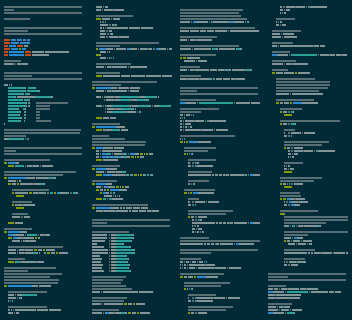
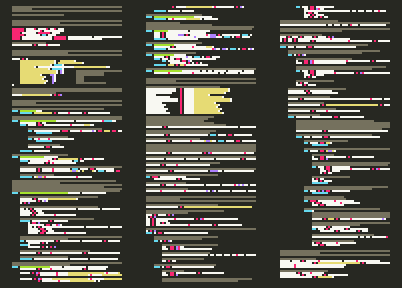
These two images were created using the same input (this program's own source code) with different parameters:
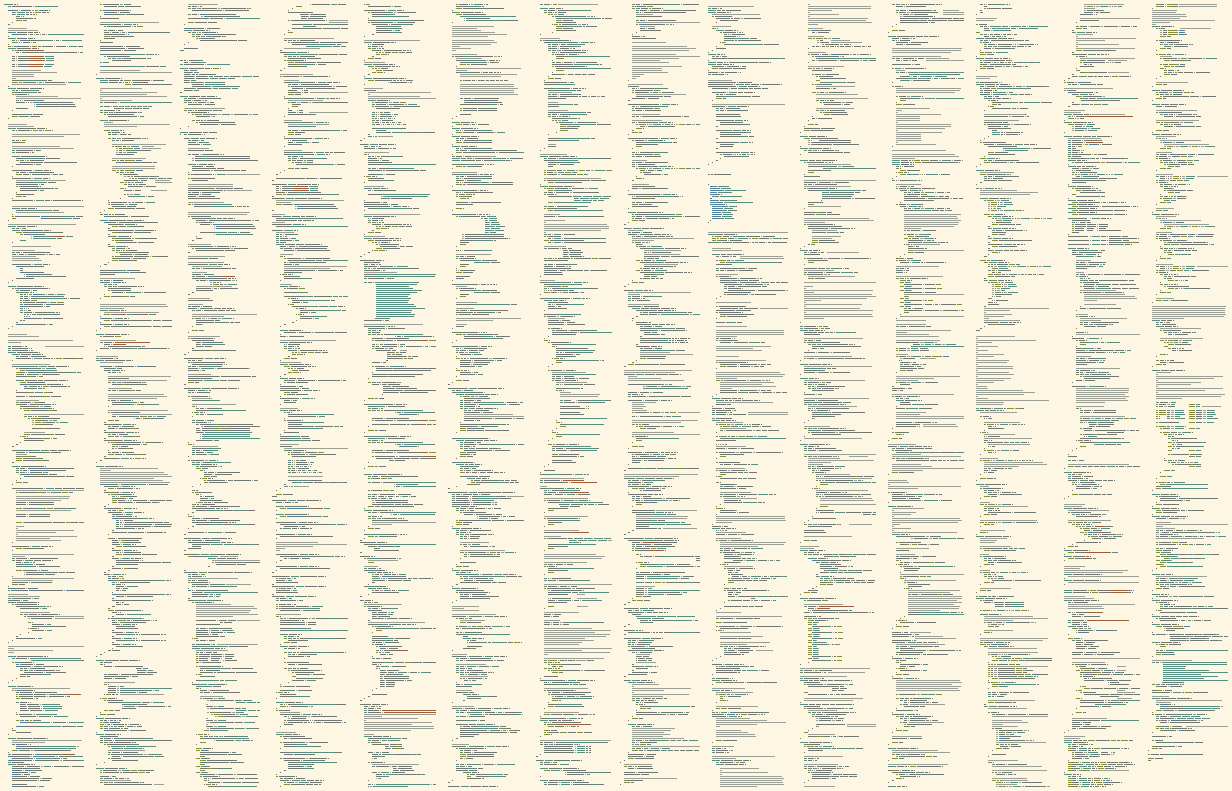
Source code of entire projects can be elegantly illustrated:
FAQ
How are the files sorted?
The files are sorted alphabetically by directory and then by file name, with files in the base directory first.
How do I find out what all the syntax highlighting styles are called?
You can either:
- Run
megamap --list-stylesto see all available styles - Use
randomas the style to let megamap choose one randomly
What about word wrapping?
Not currently supported.
1 maintainer

Metadata
1 maintainer
Release files for megamap 1.0.1
For a detailed explanation of source distributions (sdists) and built distributions (wheels), please see the package formats documentation.
Source distribution (sdist)
| File | Size | Uploaded | Provenance | |
|---|---|---|---|---|
| megamap-1.0.1.tar.gz | 97.2 kB | Without provenance | Details |
Built distribution (wheel)
| File | Interpreter | ABI | Platform | Reset |
|---|---|---|---|---|
| megamap-1.0.1-py3-none-any.whl | Python 3 | none | any | Details |
Total release size: 106.3 kB
Release files / megamap-1.0.1.tar.gz
| Download URL | megamap-1.0.1.tar.gz |
|---|---|
| Size | 97.2 kB |
| Tags | Source |
|
SHA-256 checksum How to use checksums |
dd5464290ac1992773cc8255e63c29ce9d2159894257ed10385d550bd86d815b
|
|
BLAKE2b-256 checksum How to use checksums |
fe42e85a670b9c389170ff87fc54a5fbb0b1605adb1ecebfe37b321735baab40
|
| Upload date | |
|
Uploaded using Trusted Publishing? What is trusted publishing? |
No |
| Uploaded via |
twine/6.0.1 CPython/3.13.1
|
Release files / megamap-1.0.1-py3-none-any.whl
| Download URL | megamap-1.0.1-py3-none-any.whl |
|---|---|
| Size | 9.1 kB |
| Tags | Python 3 |
|
SHA-256 checksum How to use checksums |
904708052145375f65ac30ca3582049b6d75978c721cdb3dd098f25ed92daef0
|
|
BLAKE2b-256 checksum How to use checksums |
2c2a06c69b4ab68f7d6462694f6a8a41c421bc2e149c585eba69b8f945e0460c
|
| Upload date | |
|
Uploaded using Trusted Publishing? What is trusted publishing? |
No |
| Uploaded via |
twine/6.0.1 CPython/3.13.1
|
Security for megamap 1.0.1
Provenance
Provenance describes where a file came from. On PyPI, provenance is shared via attestations, which provide a verifiable record of the build or publishing details. View details, limitations and caveats.
No provenance found
None of the files in this release were uploaded with provenance metadata.
A note on package security
PyPI is a repository for distributing packages, not a service for auditing them. While third-party security researchers and our staff do their best to detect and remove malicious packages, PyPI cannot guarantee the quality, security or suitability of any given package.
To learn more about protecting yourself from malicious actors, visit our package security documentation.














