
Microcosm
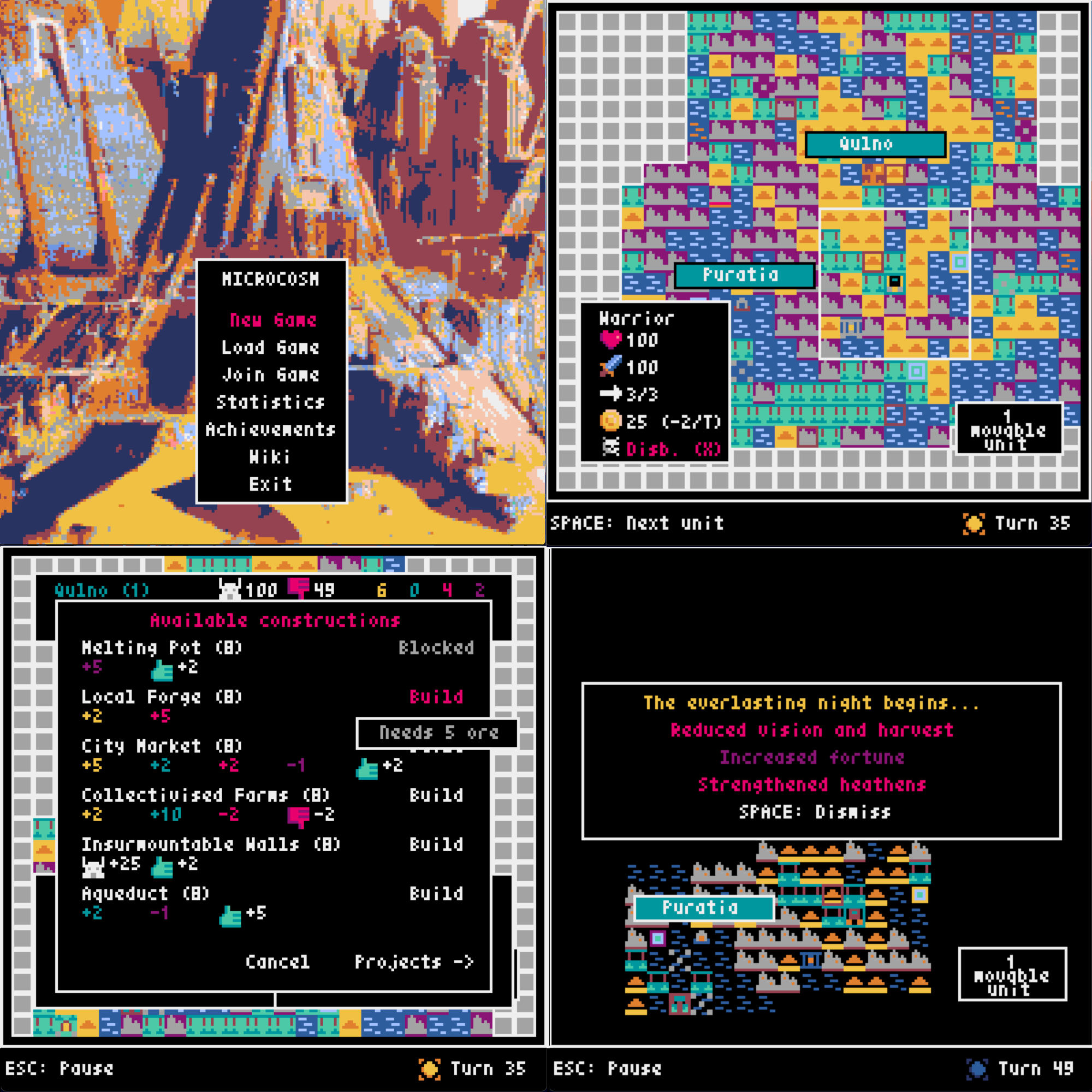
Just a little 4X game written in Python using the library Pyxel. Inspiration taken from games I've played.
Pre-requisites
Playing Microcosm requires an installation of VLC media player on the player's machine. Installation instructions for your favourite operating system can be found here. If your operating system lists python-vlc (or something like that) as an optional dependency, it is advised that players also install that. Naturally, Python is also required, at version 3.10 or above.
Multiplayer
In order to play games of Microcosm online, your computer and router must have UPnP enabled, as it is required for communication between clients and the server.
Play from release
Begin by downloading the latest release for your operating system.
macOS
- Extract the downloaded zip; double-clicking it in Finder is the easiest way.
- An application will be extracted - right click it and select Open.
- In the displayed security-related dialog, press the Open button again to start the game.
Please note that only ARM64 architectures are supported.
Linux
In terms of Linux distros, Fedora is explicitly supported and Ubuntu is built for, but the build is not tested. Other distros should find success in one of these two.
Additionally, only x86 architectures are supported.
- Extract the downloaded tarball using
tar -xzvf. - A binary will be extracted; run
./microcosmto start the game.
Windows
- Extract the downloaded zip.
- An EXE file will be extracted - run this to start the game, allowing Windows Defender to run any scans if it asks to do so.
Play from package
- Run
pip install --user microcosm-4x - Run
microcosm- Note: if this doesn't work, make sure Python's scripts directory is on your PATH. See here for instructions for Windows (this is not usually a problems on other operating systems).
Play from source
- Clone the repository.
- Run
pip install -r requirements.txt - Run
pyxel run microcosm
Wiki
The Wiki can be viewed both on GitHub and in-game.
1 maintainer

Metadata
1 maintainer
Release files for microcosm-4x 4.0.1.post20
For a detailed explanation of source distributions (sdists) and built distributions (wheels), please see the package formats documentation.
Built distribution (wheel)
| File | Interpreter | ABI | Platform | Reset |
|---|---|---|---|---|
| microcosm_4x-4.0.1.post20-py3-none-any.whl | Python 3 | none | any | Details |
Release files / microcosm_4x-4.0.1.post20-py3-none-any.whl
| Download URL | microcosm_4x-4.0.1.post20-py3-none-any.whl |
|---|---|
| Size | 45.6 MB |
| Tags | Python 3 |
|
SHA-256 checksum How to use checksums |
b6ef293b2d2efe0940de0425b1f20921b90b62df56227d9218b30bcf030de35b
|
|
BLAKE2b-256 checksum How to use checksums |
d190a1a3744b2766c10eb8c7bf7e57b6c1675208fce1e362a5115155c984023a
|
| Upload date | |
|
Uploaded using Trusted Publishing? What is trusted publishing? |
No |
| Uploaded via |
python-httpx/0.28.1
|














