
Terminal-based 3D molecular viewer

Project description
MolTUI
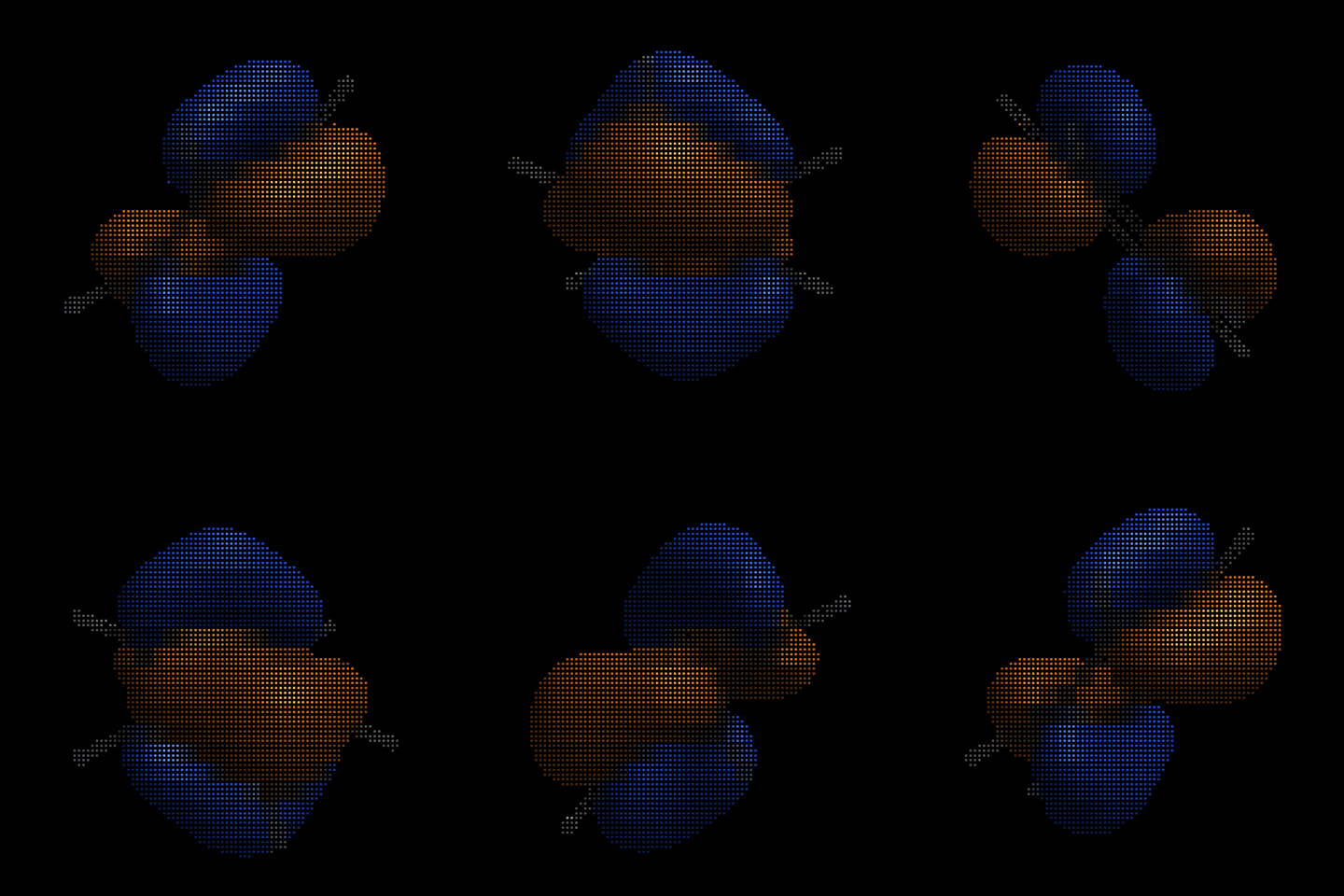
Terminal-based 3D molecular viewer for XYZ, Zmat, Molden, Gaussian Cube and ORCA GBW file formats.
Installation
pip install moltui
Usage
moltui <file>
Features
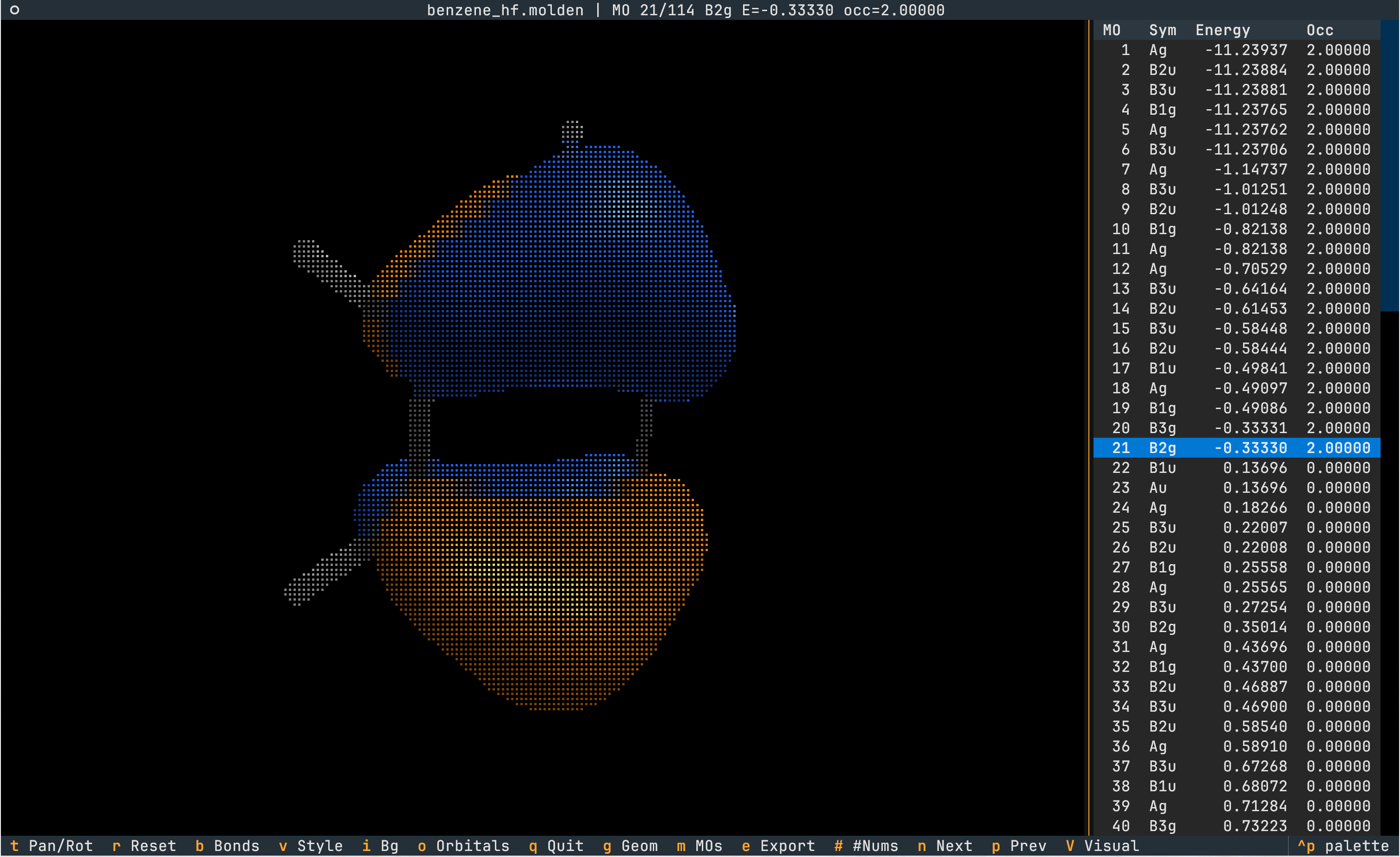
Visualize Orbitals
- The rendering of orbitals can be toggled via
o. - Molden and GBW files can contain multiple molecular orbitals. Toggle the orbital sidebar with
m. Cycle through MOs withnext andprev (or via[and]even when the sidebar is hidden).
Analyze Geometry
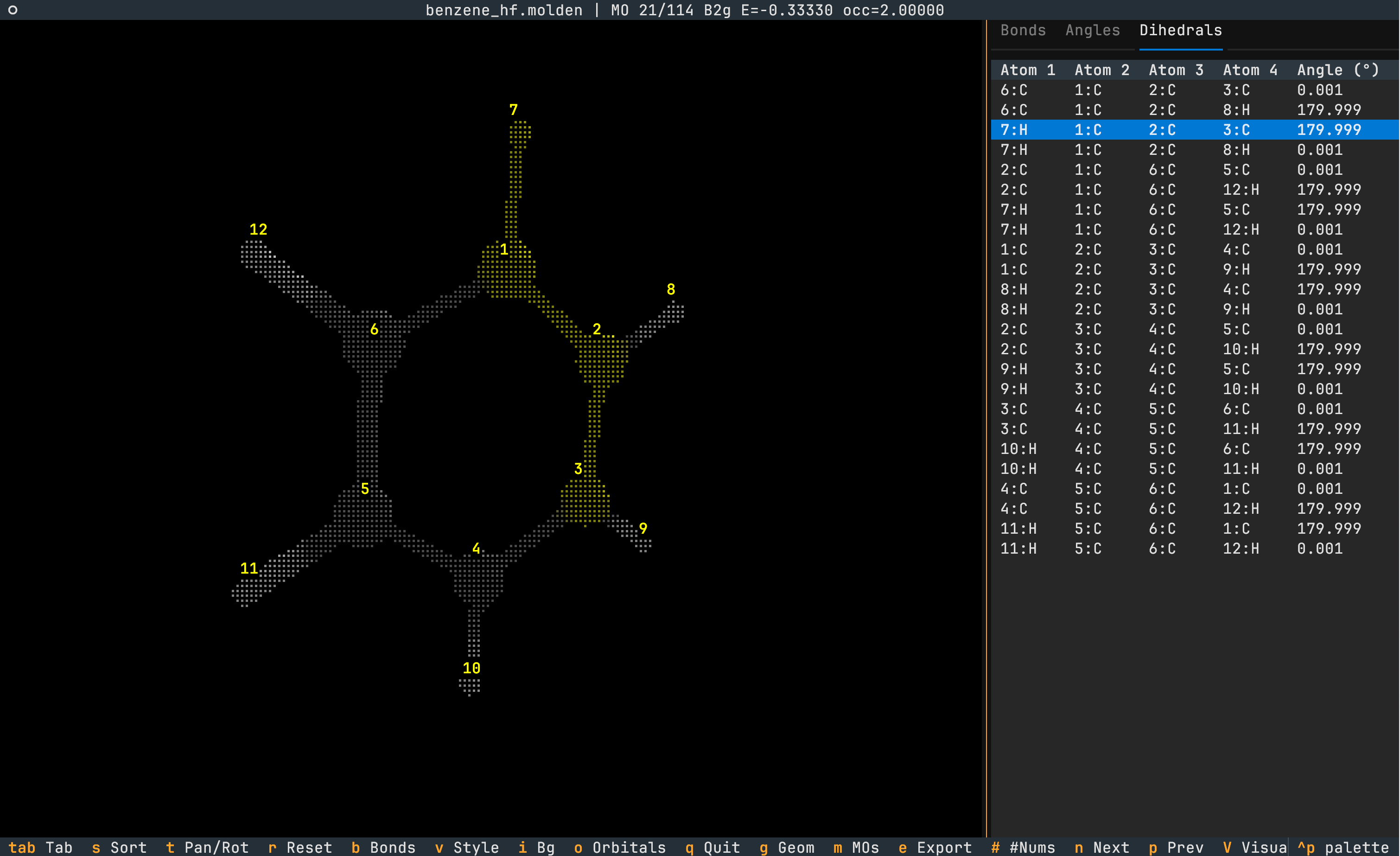
- Bond lengths, angles and dihedrals can be viewed using the
geomtry key which opens a sidebar. Navigate between tabs via<tab>. - The quantity is highlighted in yellow on the molecule.
- Sort the quantity in ascending order via
s. - Atom indices can be toggled via
#.
Export to PNG Format
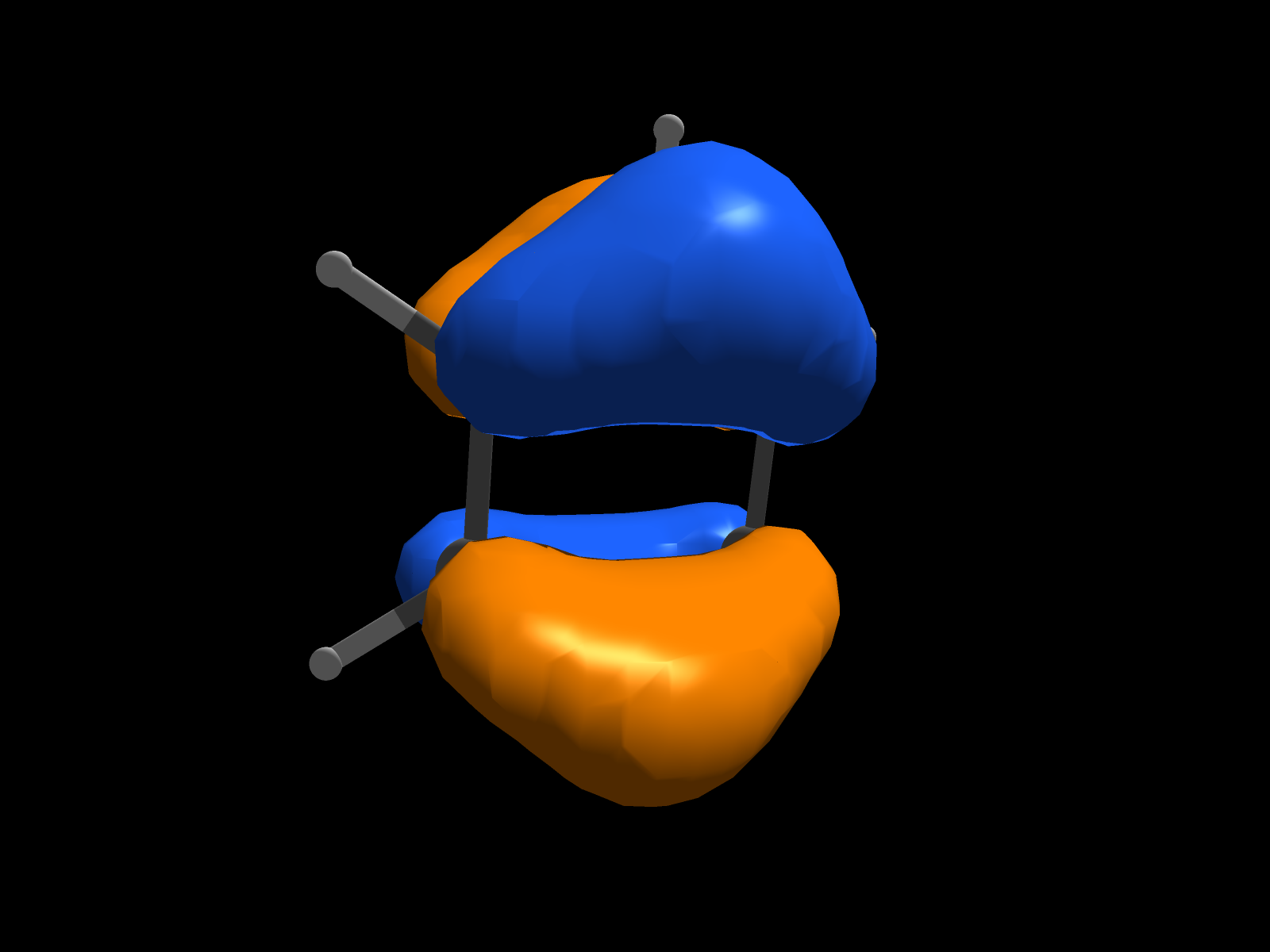
The e key exports the current scene to a PNG.
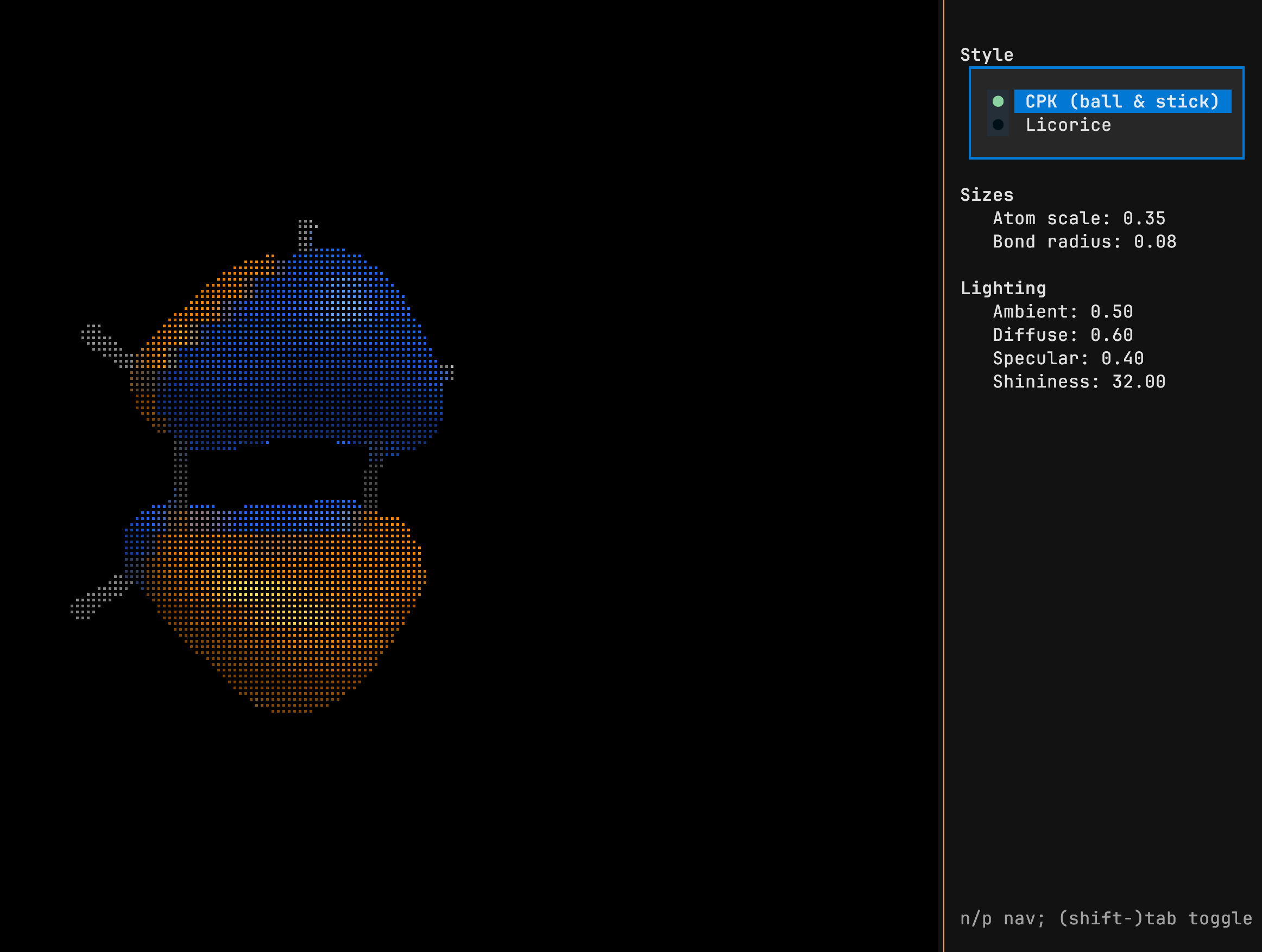
Tune Visuals
The V key opens a sidebar where the style and lighting can be modified.
Supported formats
- Structures Only: XYZ, Gaussian ZMAT.
- Structures and Orbitals: Molden, Gaussian Cube, Orca GBW¹.
¹ Requires orca_2mkl in PATH
Keybindings
Navigation
| Key | Action |
|---|---|
h/j/k/l or arrows |
Rotate left/down/up/right |
,/. |
Roll clockwise/counter-clockwise |
J/K or +/- |
Zoom out/in |
t |
Toggle pan/rotation mode |
c |
Center view |
r |
Reset view |
Display
| Key | Action |
|---|---|
o |
Toggle orbital isosurfaces |
i |
Toggle dark/light theme |
b |
Toggle bonds |
e |
Export PNG |
v |
Toggle CPK/licorice style |
# |
Toggle atom numbers |
Panels
| Key | Action |
|---|---|
g |
Geometry panel (bonds, angles, dihedrals) |
m |
MO panel (molecular orbitals) |
V |
Visual settings panel (style, sizes, lighting) |
[, ] |
Previous/next MO |
n/p |
Navigate panel entries |
Esc |
Close panel |
Visual panel
| Key | Action |
|---|---|
n/p |
Move between controls |
Tab/Shift+Tab |
Adjust value (slider) or switch option (style) |
General
| Key | Action |
|---|---|
q |
Quit |
Release history Release notifications | RSS feed


Download files
Download the file for your platform. If you're not sure which to choose, learn more about installing packages.
Source Distribution
moltui-0.1.0.tar.gz
(103.6 kB
view details)
Built Distribution
Filter files by name, interpreter, ABI, and platform.
If you're not sure about the file name format, learn more about wheel file names.
Copy a direct link to the current filters
moltui-0.1.0-py3-none-any.whl
(34.5 kB
view details)
File details
Details for the file moltui-0.1.0.tar.gz.
File metadata
- Download URL: moltui-0.1.0.tar.gz
- Upload date:
- Size: 103.6 kB
- Tags: Source
- Uploaded using Trusted Publishing? No
- Uploaded via: twine/6.2.0 CPython/3.13.12
File hashes
| Algorithm | Hash digest | |
|---|---|---|
| SHA256 |
a756619055e749dd152759ba01c3d57a437e57eaccea59baf3f6043c936c9595
|
|
| MD5 |
eaf18502355b0e1b91b76eb96d9818e8
|
|
| BLAKE2b-256 |
debb53a2ba7fd9953ba6abeb352988445f633b6c7a18441b26c7823af037cbfd
|
File details
Details for the file moltui-0.1.0-py3-none-any.whl.
File metadata
- Download URL: moltui-0.1.0-py3-none-any.whl
- Upload date:
- Size: 34.5 kB
- Tags: Python 3
- Uploaded using Trusted Publishing? No
- Uploaded via: twine/6.2.0 CPython/3.13.12
File hashes
| Algorithm | Hash digest | |
|---|---|---|
| SHA256 |
464b2fefbd0170289ed873729fe7434d2b70e70759a07bf057a119269973865e
|
|
| MD5 |
a251529314a173c24951bdd94f655a86
|
|
| BLAKE2b-256 |
3bbd8740221f3ea172971c6228e1b6e6319dc42c0f4d9f51fd0fdb16dffc2eca
|






