
MolTUI
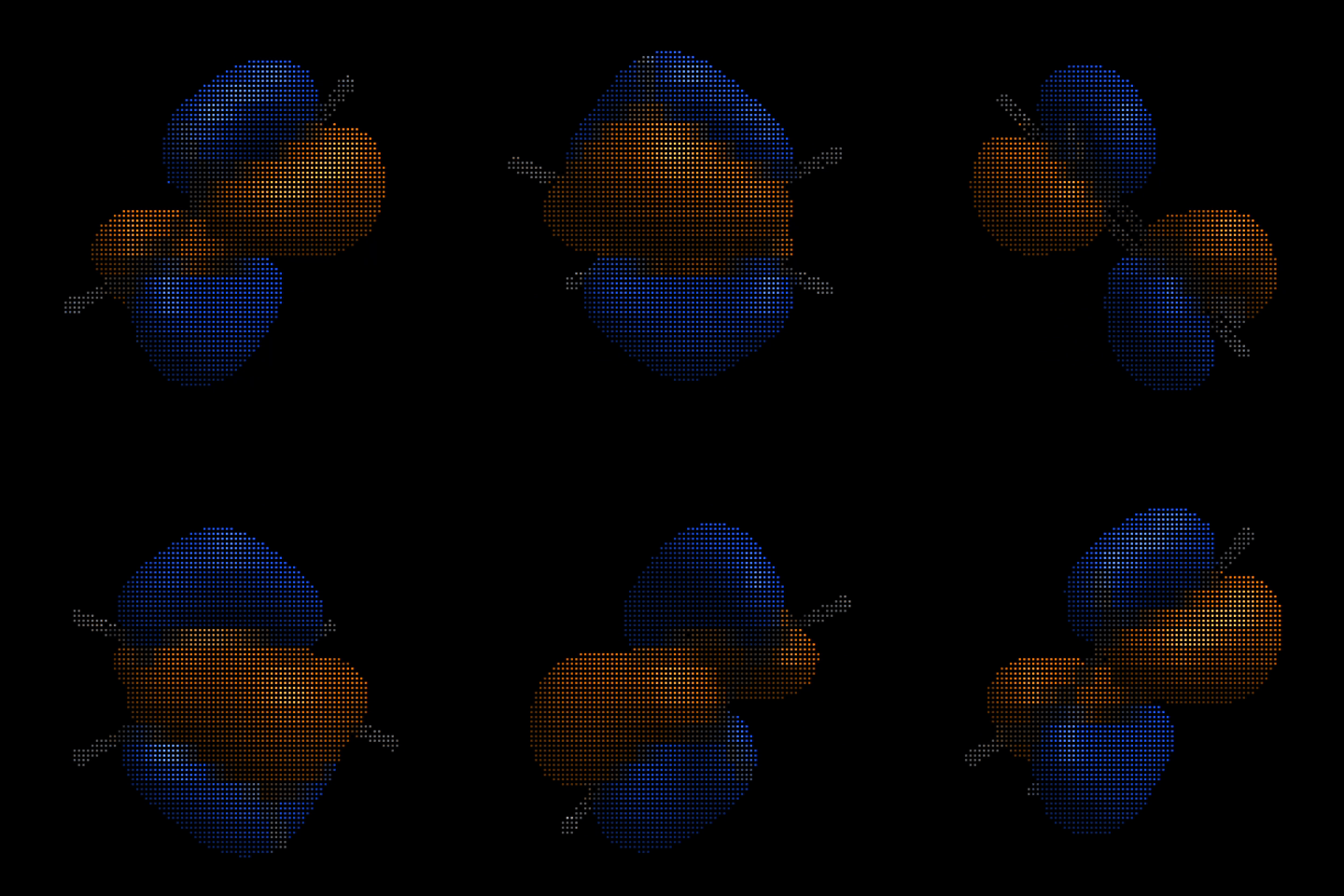
MolTUI is a terminal molecular and crystallographic viewer designed for quick inspection of geometries, trajectories, orbitals and normal modes directly in the terminal using Unicode characters. Ideal for remote SSH sessions and lightweight analyses.
Installation
pip install moltui
# or
uv tool install moltui
Usage
moltui <file>
Features
MolTUI is organized in a series of modes that can be cycled using the m (forward) and M (backward) keys.
Each mode opens a respective sidebar which can be toggled on and off with S.
The modes consist of molecular orbitals, normal modes and geometry and availability depends on the file format that was opened.
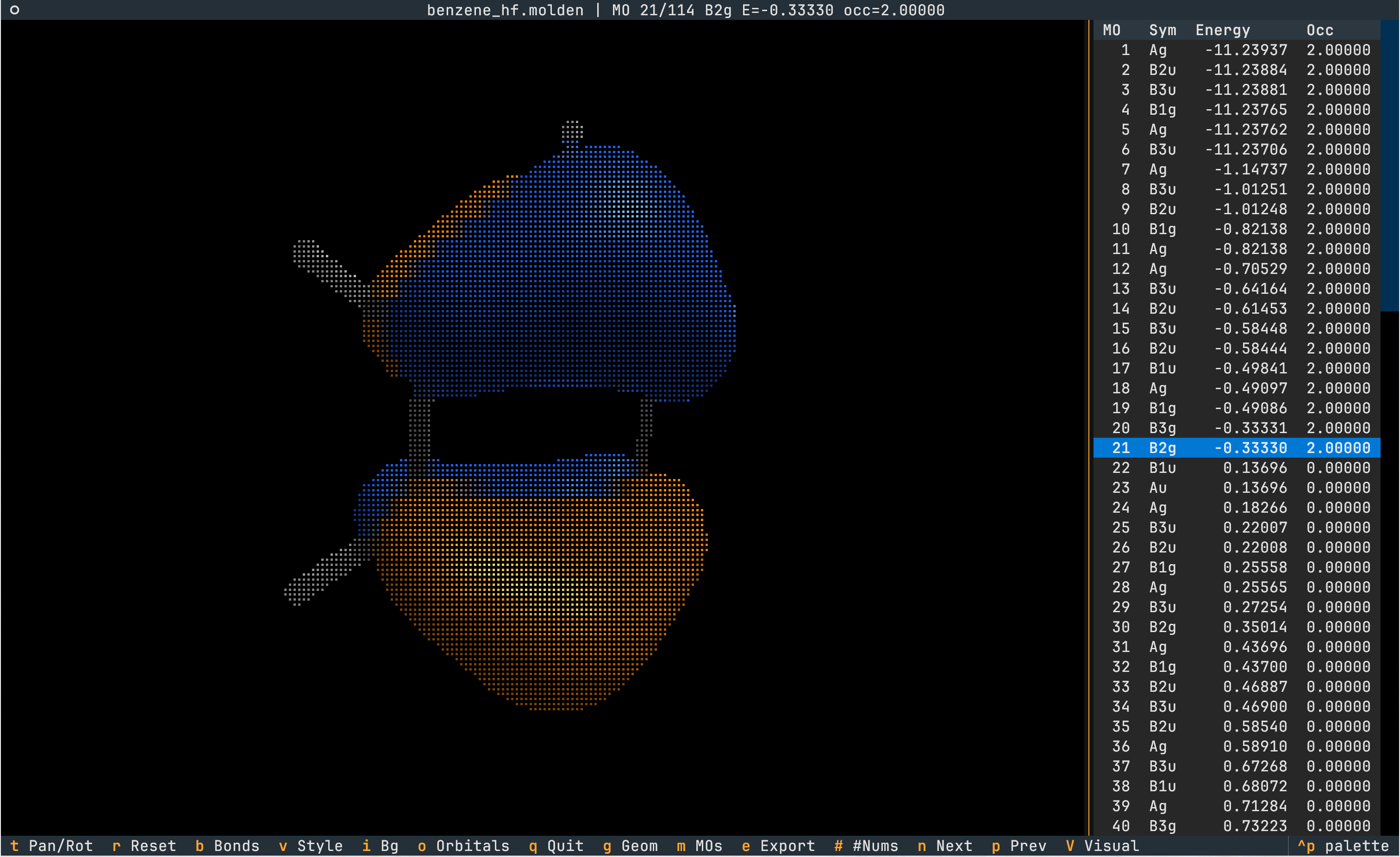
Visualize Orbitals
- The rendering of orbitals can be toggled via
o. - Molden and .gbw files can contain multiple molecular orbitals. Cycle through MOs with
next andprev.
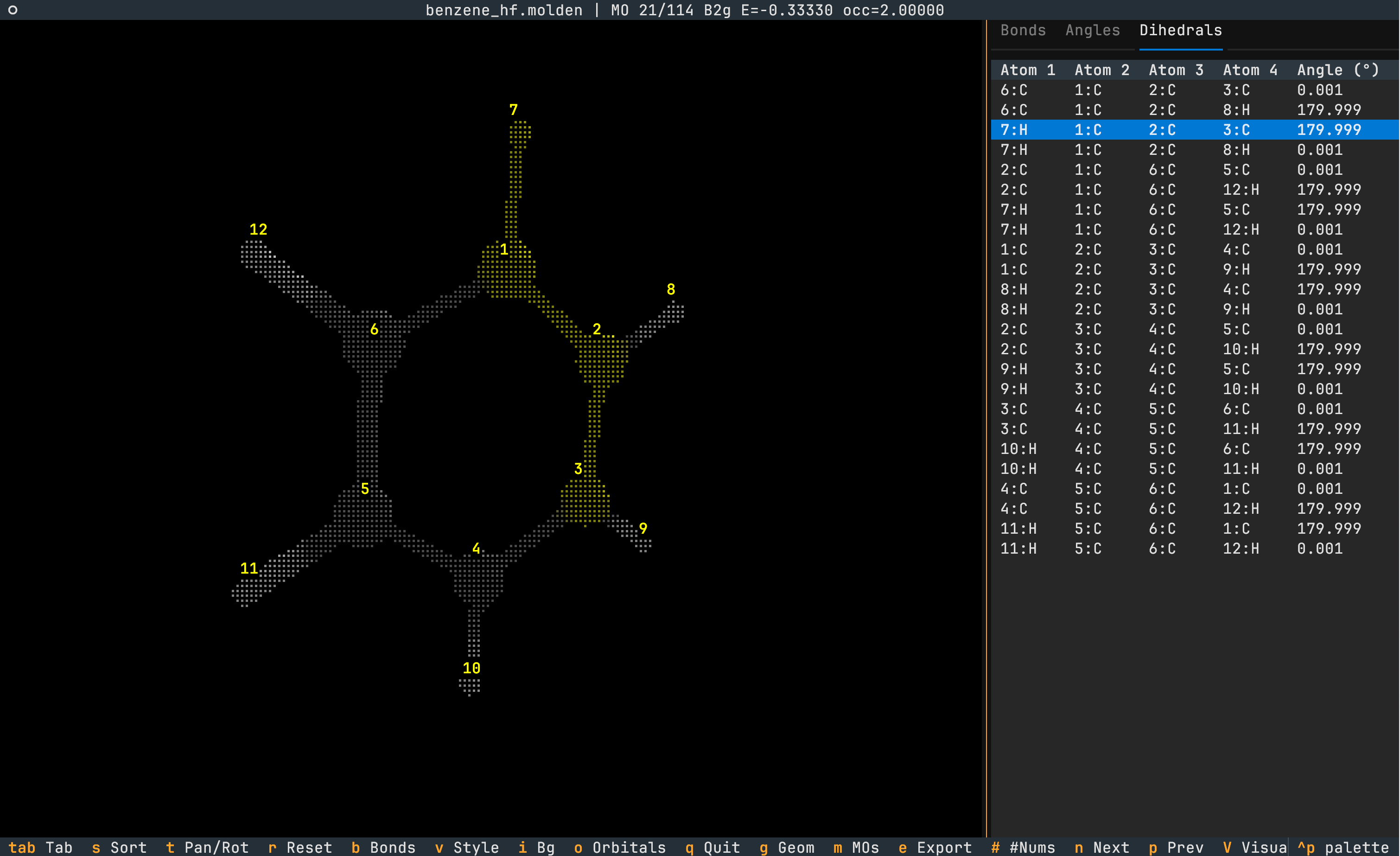
Analyze Geometry
- Browse individual atoms (element, index, and coordinates), bond lengths, angles, and dihedrals in the geometry sidebar. Navigate between tabs via
<tab>. - The quantity is highlighted in yellow on the molecule.
- Sort the quantity in increasing magnitude via
s. - Atom indices can be toggled via
#.
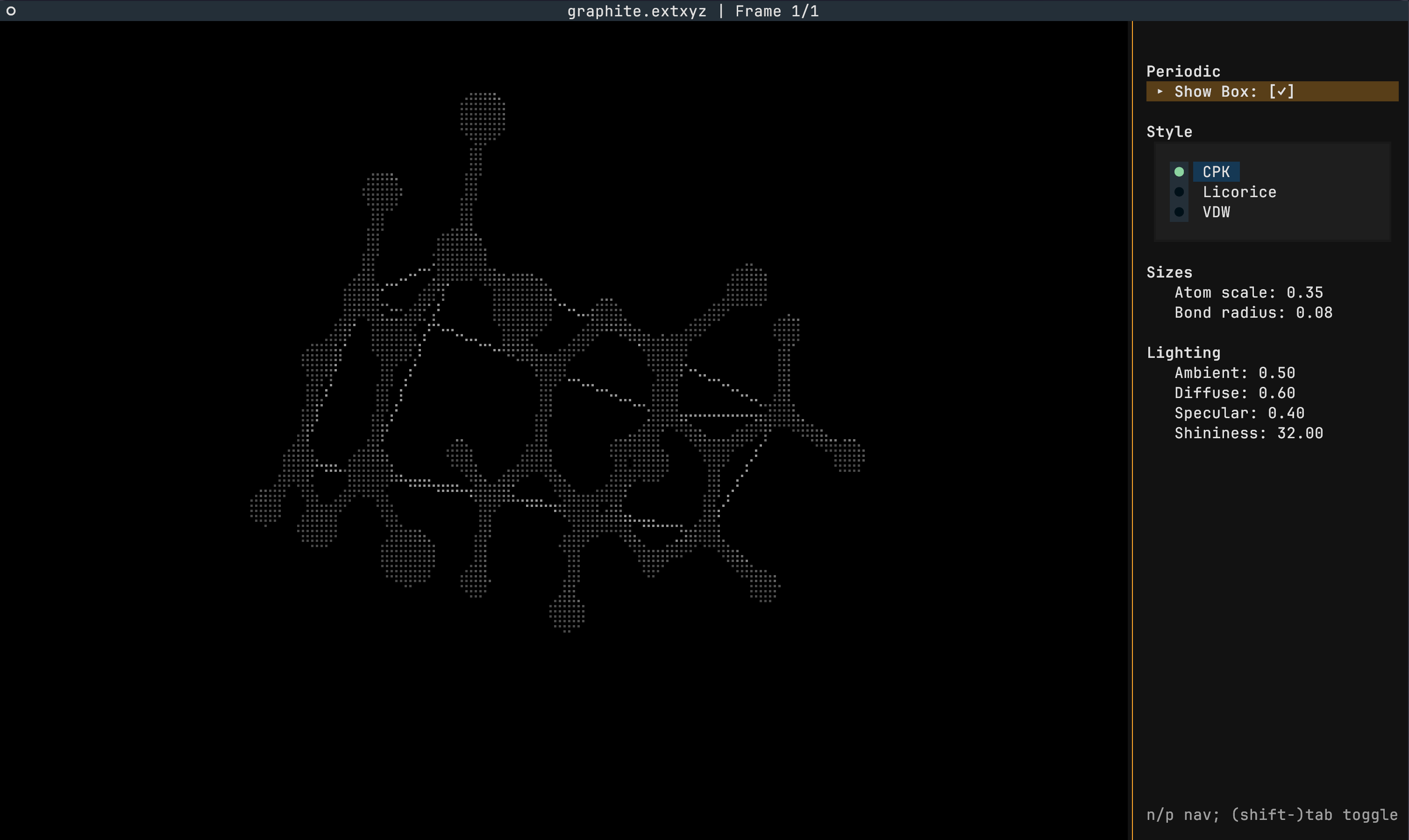
Periodic Systems
- Periodic systems can be provided using the extended XYZ and CIF file formats
- The toggling of the periodicity is achieved via the
bkey - The rendering of the box can be toggled in the visual pane
Animations
Trajectories
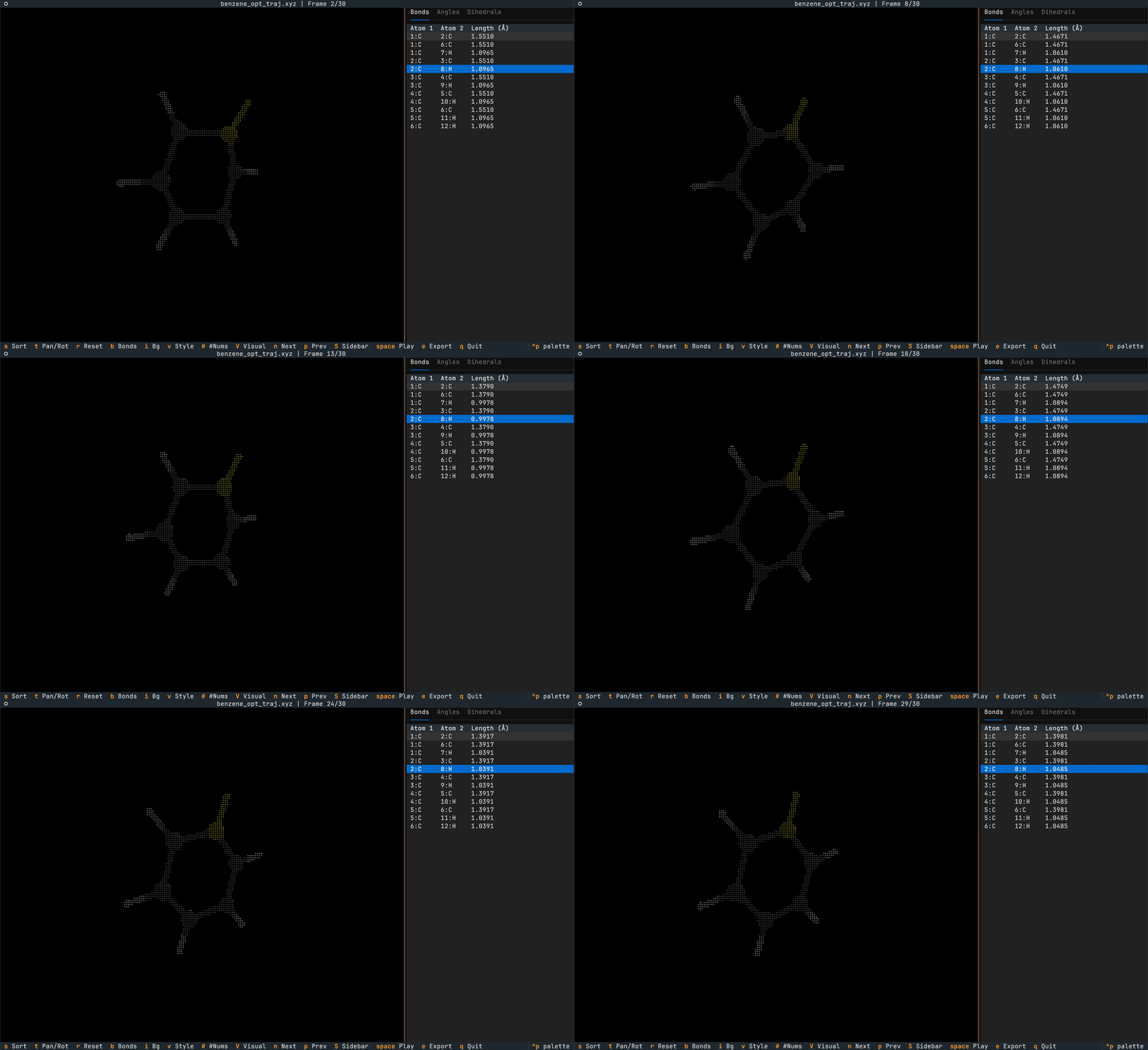
Trajectories can be provided in the multi-XYZ file format (essentially multiple XYZ files concatenated together).
Toggle a looping animation of the trajectory using <space> and cycle individual frames using [ and ].
The geometry sidebar values updates live with the current frame's geometry.
Normal Modes
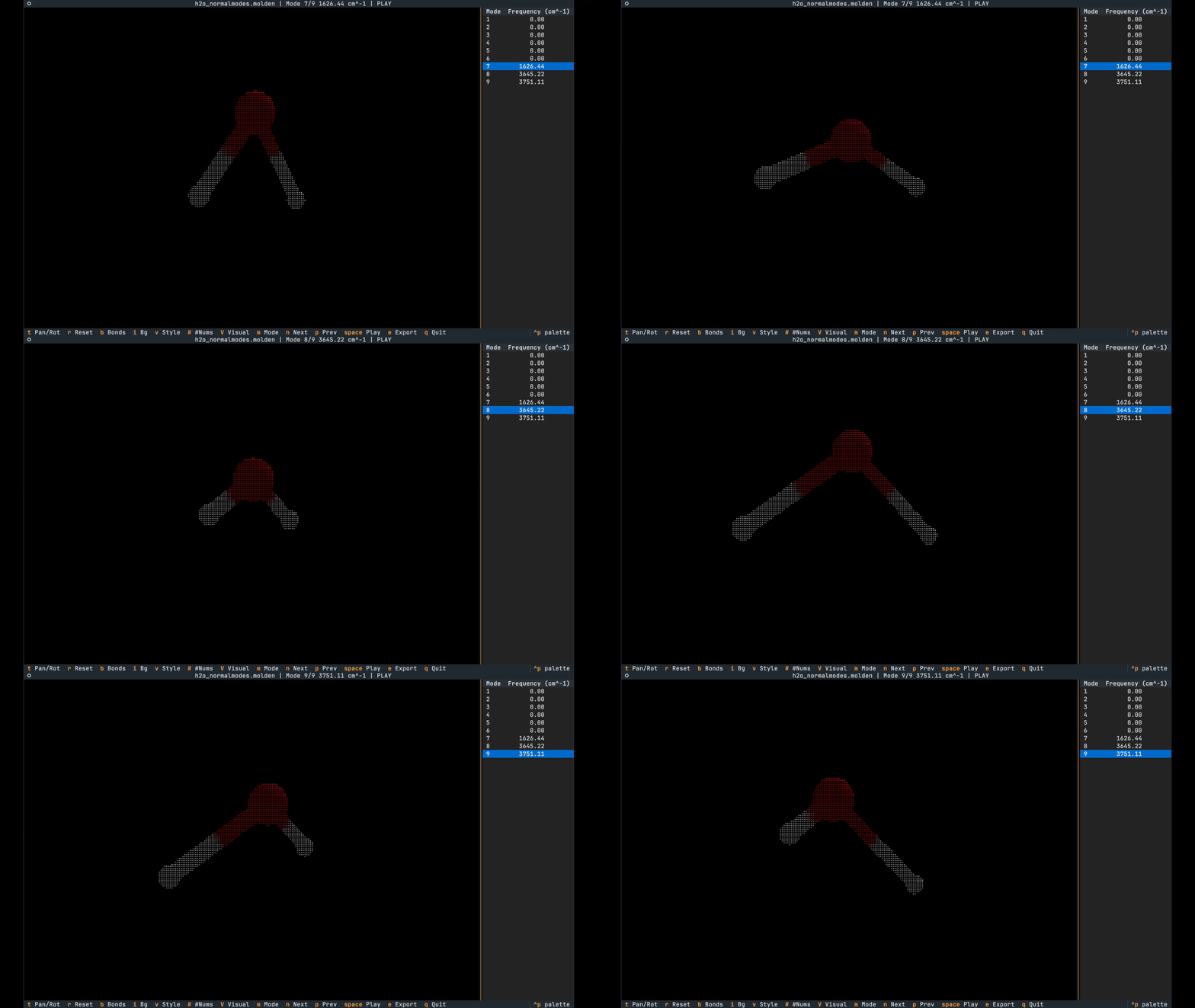
Normal modes can be provided either via the Molden or Orca .hess file formats.
Animation playing can be toggled with <space>.
Export to PNG Format
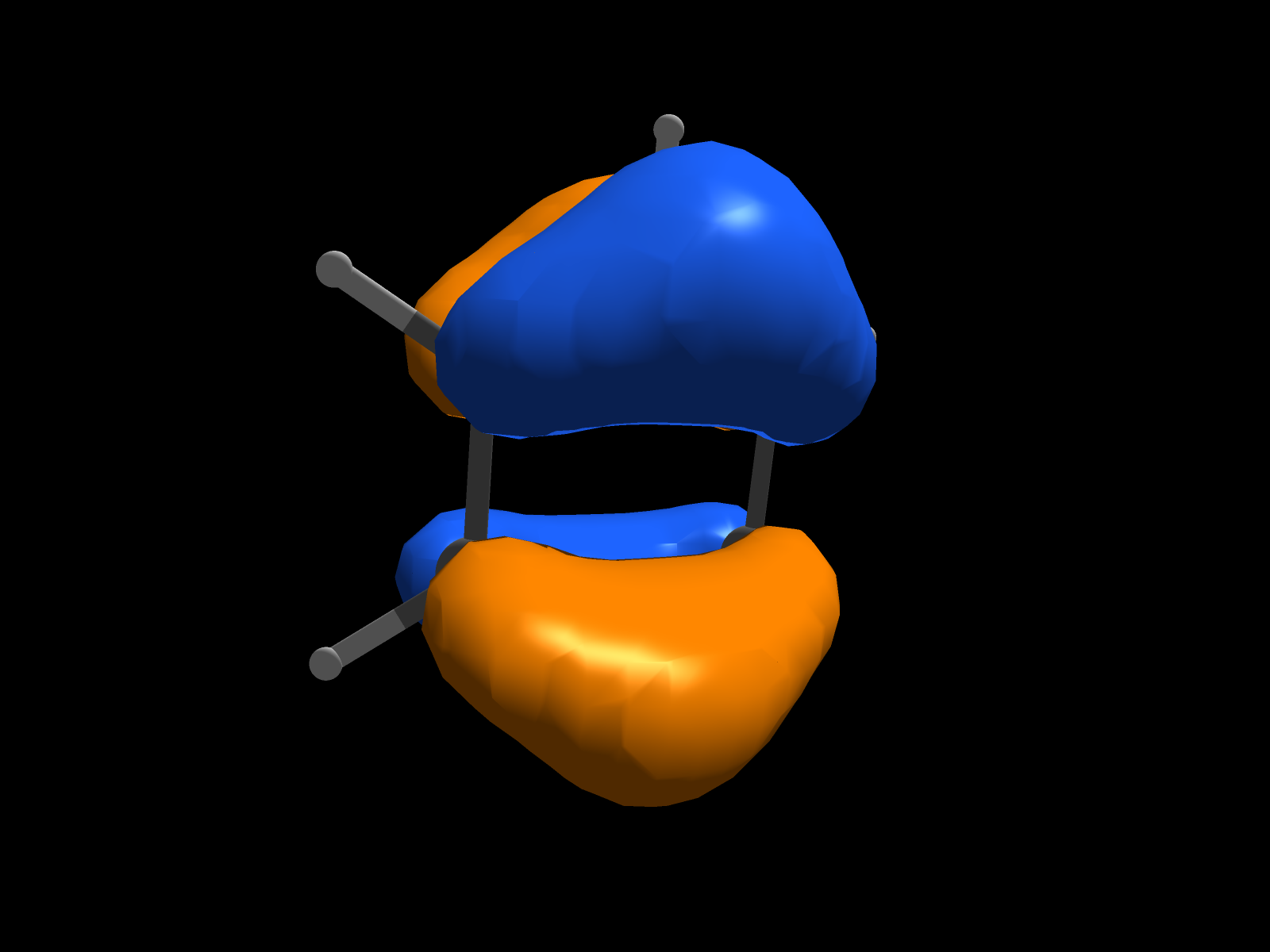
The e key exports the current scene to a PNG.
Tune Visuals
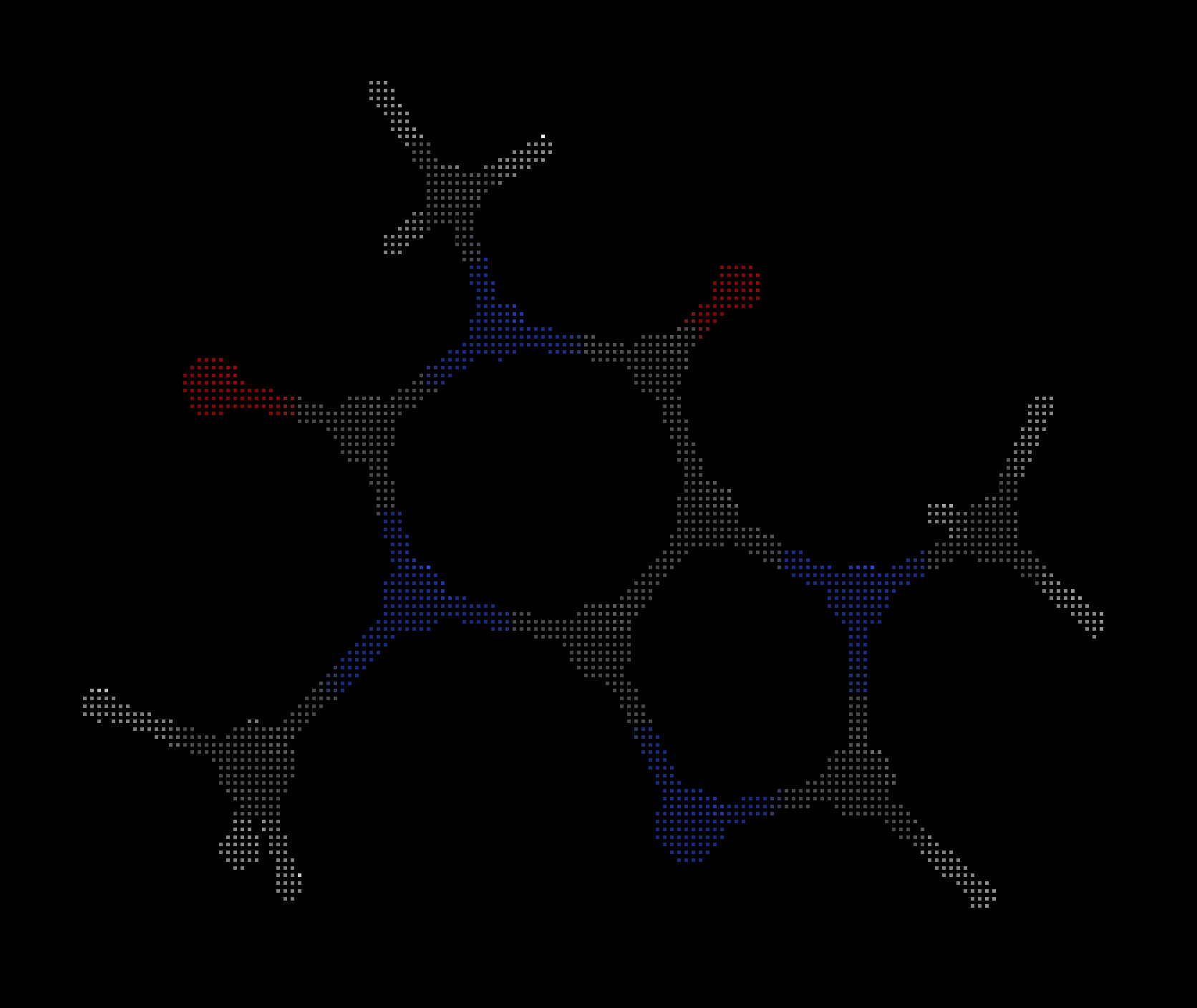
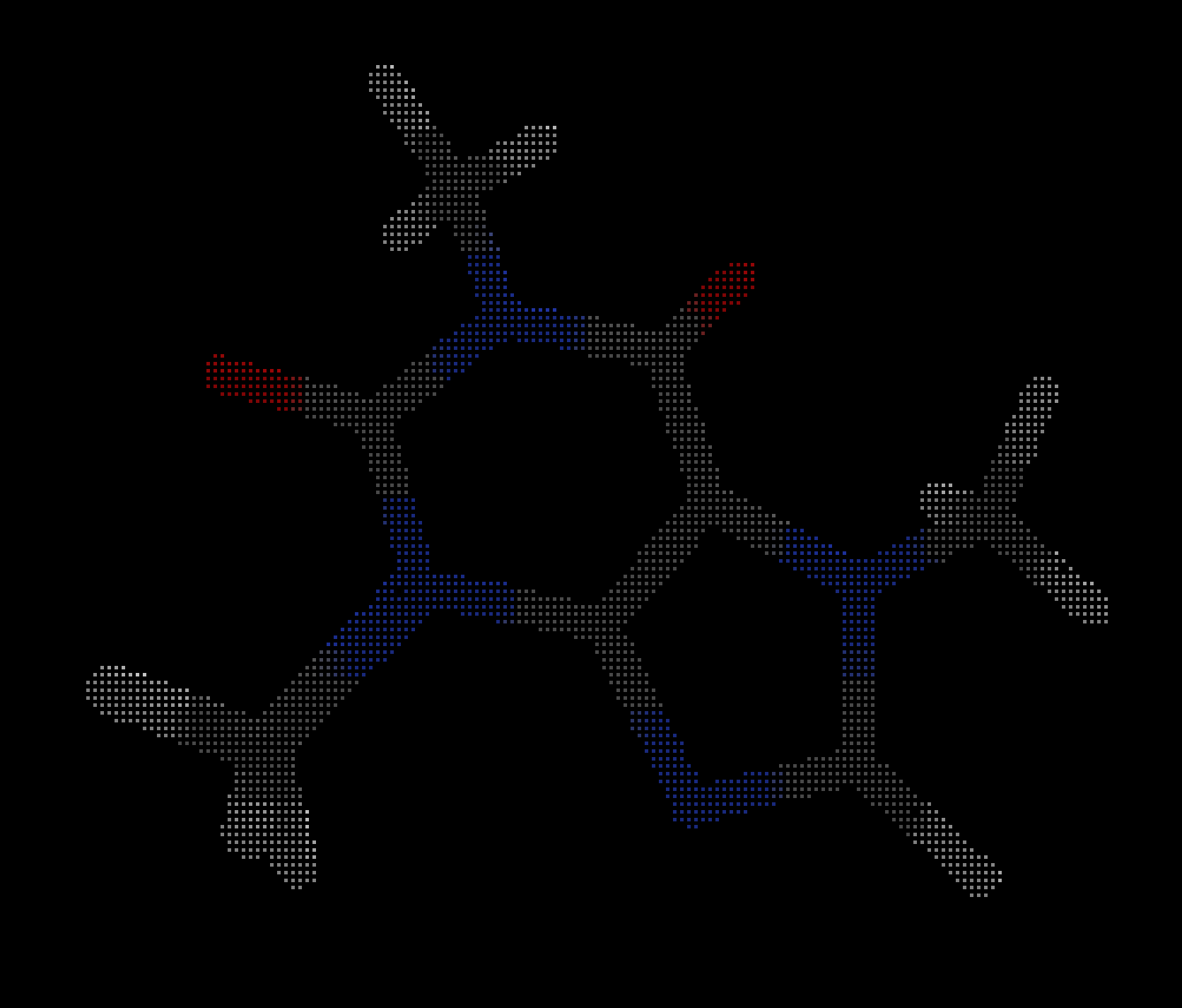
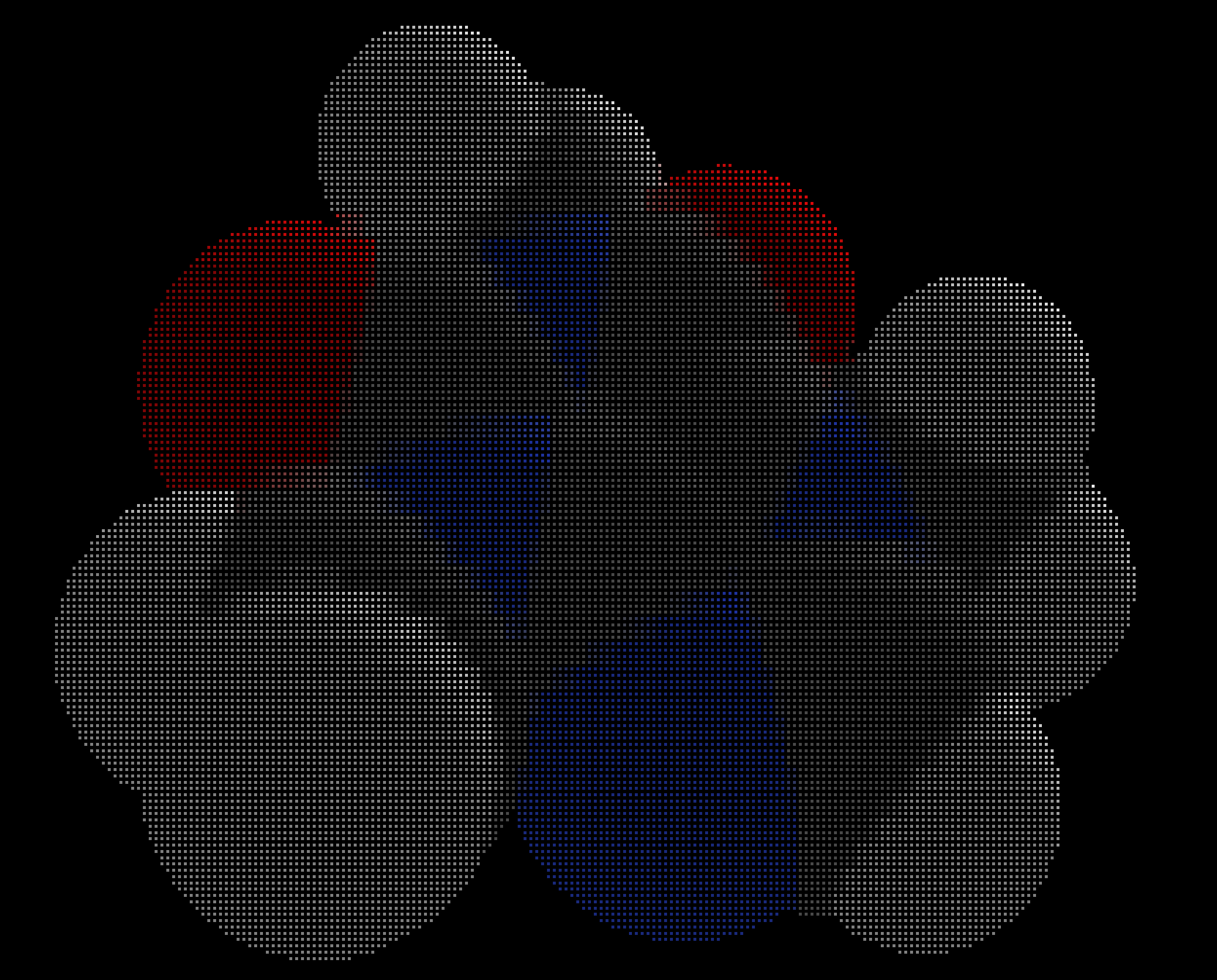
The V key opens a sidebar where the isovalue, molecule style and lighting can be modified.
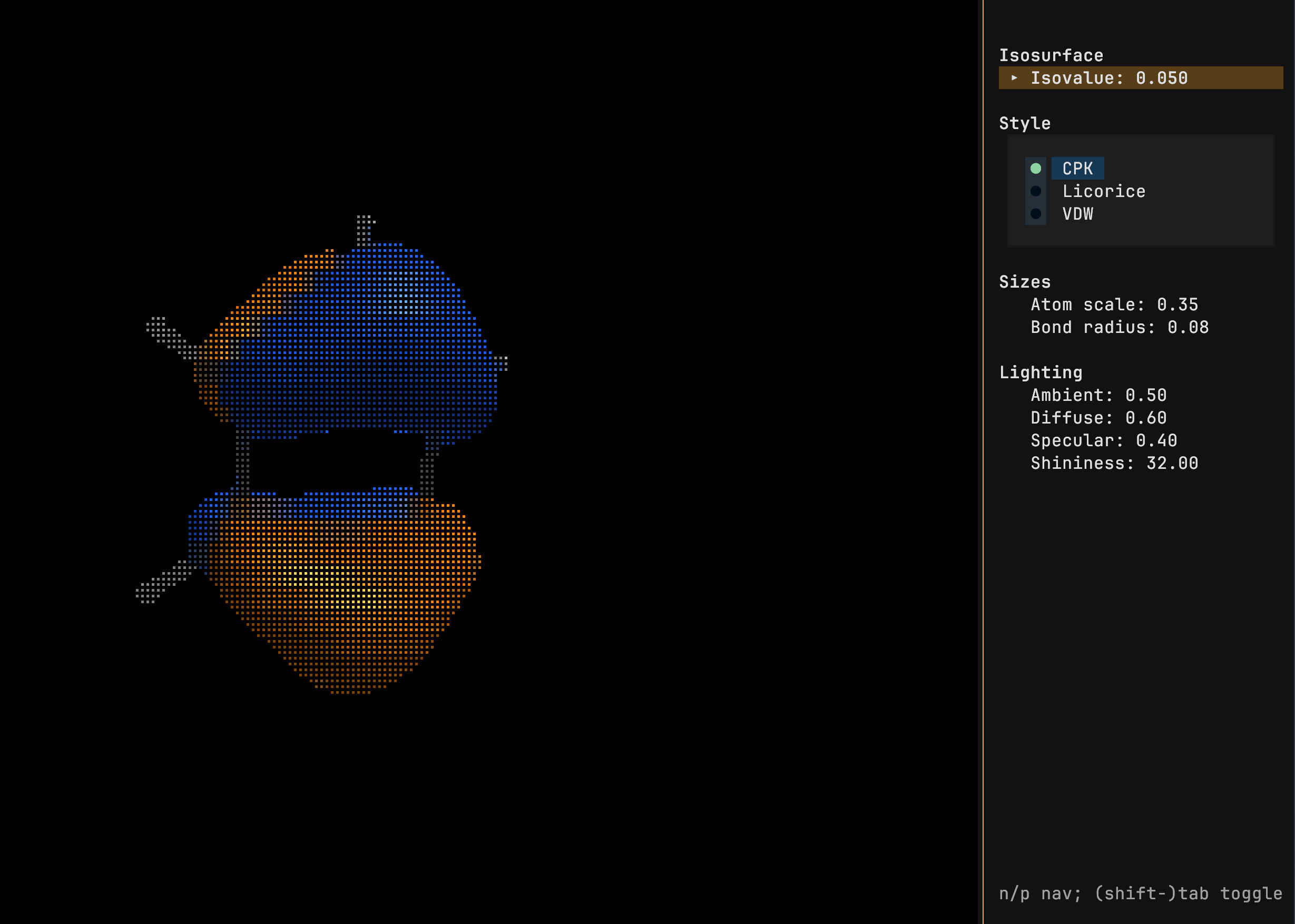
The lower case v cycles between the styles.
| CPK | Licorice | VDW |
|---|---|---|
 |
 |
 |
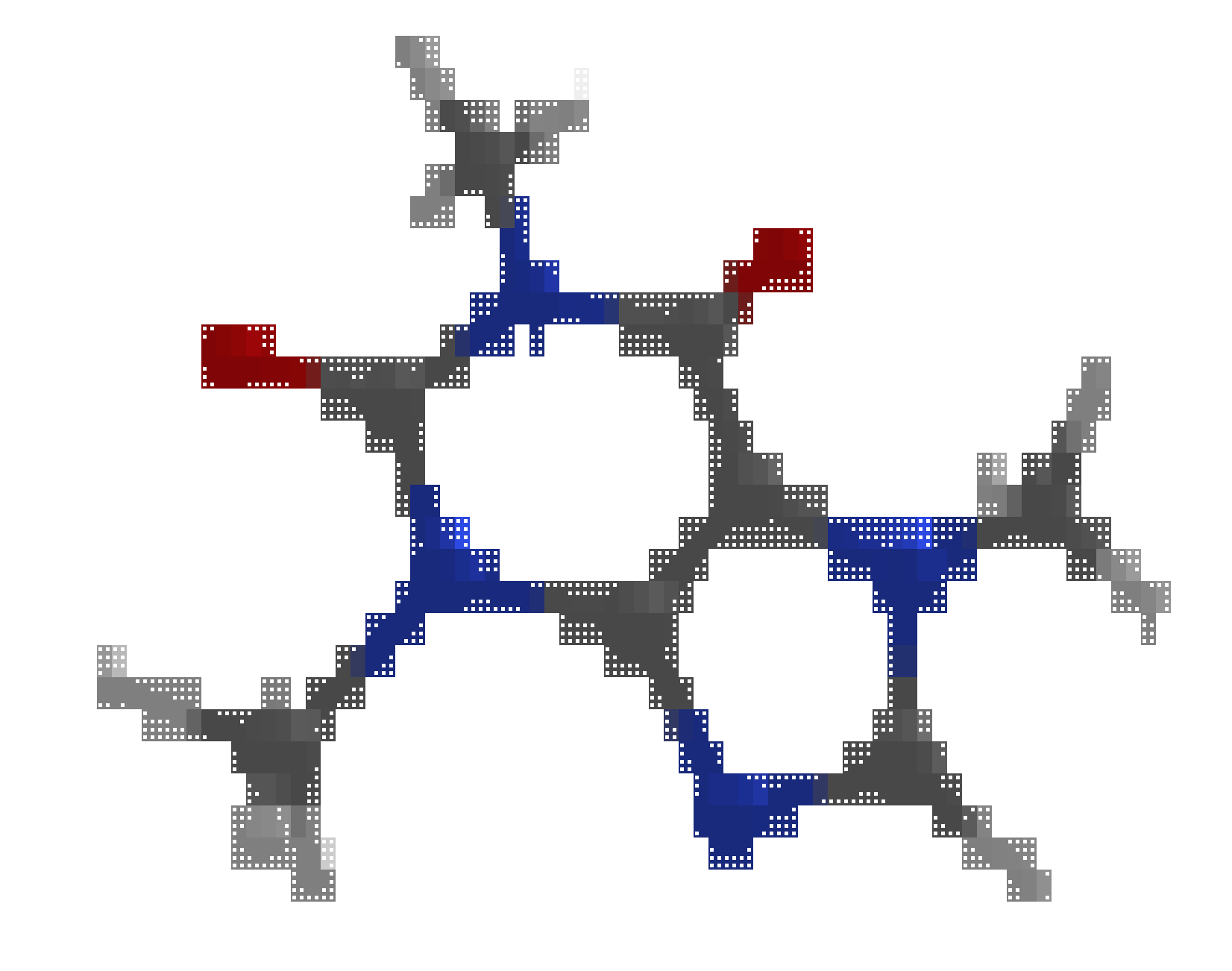
Toggle between light and dark mode with i.
| Light | Dark |
|---|---|
 |
|
Supported formats
| Format | Geometry | Trajectory | Orbitals | Normal Modes |
|---|---|---|---|---|
| XYZ / extXYZ | ✓ | ✓ | — | — |
| CIF | ✓ | — | — | — |
| Gaussian ZMAT | ✓ | — | — | — |
| Gaussian Cube | ✓ | — | ✓ | — |
| Molden | ✓ | — | ✓ | ✓ |
| Gaussian .fchk | ✓ | ✓ | ✓ | ✓ |
| Orca .GBW¹ | ✓ | — | ✓ | — |
| Orca .hess | ✓ | — | — | ✓ |
| TrexIO² | ✓ | — | ✓ | — |
✓ supported; — not part of the file format
¹ Requires orca_2mkl in PATH
² Requires installing moltui[trexio]
Quantum Chemistry Inputs
The molecular structures can be viewed from the inputs of the following programs
- Orca, Molcas, Q-Chem, Gaussian, NWChem, Turbomole, Molpro, MRCC, CFOUR, Psi4, GAMESS Jaguar
Keybindings
Navigation
| Key | Action |
|---|---|
h/j/k/l or arrows |
Rotate left/down/up/right |
,/. |
Roll clockwise/counter-clockwise |
J/K or +/- |
Zoom out/in |
t |
Toggle pan/rotation mode |
c |
Center view |
r |
Reset view |
Display
| Key | Action |
|---|---|
o |
Toggle orbital isosurfaces |
i |
Toggle dark/light theme |
B |
Toggle bonds |
b |
Toggle periodicity |
e |
Export PNG |
v |
Toggle style (CPK, Licorice, VDW) |
# |
Toggle atom numbers |
Panels
| Key | Action |
|---|---|
m / M |
Cycle sidebar mode forward/backward (Geometry, MO, Normal Modes) |
S |
Toggle current sidebar (hide/show) |
V |
Toggle Visual settings panel |
n/p |
Next/previous row in the active sidebar table |
d/u |
Half page down/up in datatable |
g/G |
Top/bottom of the datatable |
Geometry panel
| Key | Action |
|---|---|
Tab/Shift+Tab |
Switch Atoms/Bonds/Angles/Dihedrals tab |
s |
Toggle sort by value for active tab |
Visual panel
| Key | Action |
|---|---|
n/p |
Move focus to next/previous control |
Tab/Shift+Tab |
Increase/decrease focused slider, or cycle style option |
Animation and modes
| Key | Action |
|---|---|
Space |
Toggle play/pause trajectory or normal mode animation |
[ / ] |
Previous/next animation step (frame/phase) |
General
| Key | Action |
|---|---|
q |
Quit |
Known Issues
- Only up to
g-shells are implemented as this is the highest orbital shell officially supported by the Molden format. - The content is rendered using braille Unicode characters and, therefore, the quality of rendering can depend on the font and terminal emulator. All figures in the repository have been generated using the JetBrains Mono Nerd Font in the Kitty terminal.
- The Orca GBW file format is typically incompatible between versions. Therefore, the
orca_2mklshould ideally be of the same version as the Orca version used to produce the GBW file. Newer version of Orca can try to recover earlier GBW files using the rescue feature.
Acknowledgements
Parser tests are cross-validated with data and reference parsers from IODATA, cclib / cclib-data, PySCF, and ASE.
1 maintainer

Metadata
1 maintainer
Release files for moltui 0.6.1
For a detailed explanation of source distributions (sdists) and built distributions (wheels), please see the package formats documentation.
Source distribution (sdist)
| File | Size | Uploaded | |
|---|---|---|---|
| moltui-0.6.1.tar.gz | 2.3 MB | Details |
Built distribution (wheel)
| File | Interpreter | ABI | Platform | Reset |
|---|---|---|---|---|
| moltui-0.6.1-py3-none-any.whl | Python 3 | none | any | Details |
Total release size: 2.4 MB
Release files / moltui-0.6.1.tar.gz
| Download URL | moltui-0.6.1.tar.gz |
|---|---|
| Size | 2.3 MB |
| Tags | Source |
|
SHA-256 checksum How to use checksums |
e520dbae3b0b77f348371f7e5fe342d26823a2d653482f11c0e249f30320c4c8
|
|
BLAKE2b-256 checksum How to use checksums |
0461b4c7b03a7e8cab26317a1755e4f2476bc8b92d61a758b560ebd7fde50ee5
|
| Upload date | |
|
Uploaded using Trusted Publishing? What is trusted publishing? |
Yes |
| Uploaded via |
twine/6.1.0 CPython/3.13.14
|
Provenance
Provenance describes where a file came from. On PyPI, provenance is shared via attestations, which provide a verifiable record of the build or publishing details. View details, limitations and caveats.


PyPI Publish Attestation
PyPI verified that this artifact, at this checksum, originated from the publisher listed below.
Signed by GitHub Actions, verified by PyPI on Jul 29, 2026.
Transparency logRelease files / moltui-0.6.1-py3-none-any.whl
| Download URL | moltui-0.6.1-py3-none-any.whl |
|---|---|
| Size | 88.1 kB |
| Tags | Python 3 |
|
SHA-256 checksum How to use checksums |
03f4cc56a3f96cbdcae8ba00d0c7ef1ba9a42800599e5a3896241f123f404cfc
|
|
BLAKE2b-256 checksum How to use checksums |
962f0d74a4896fa9b94457f166ed0ef8f8aab3ca073d3305f9381edd172e3d86
|
| Upload date | |
|
Uploaded using Trusted Publishing? What is trusted publishing? |
Yes |
| Uploaded via |
twine/6.1.0 CPython/3.13.14
|
Provenance
Provenance describes where a file came from. On PyPI, provenance is shared via attestations, which provide a verifiable record of the build or publishing details. View details, limitations and caveats.
PyPI Publish Attestation
PyPI verified that this artifact, at this checksum, originated from the publisher listed below.
Signed by GitHub Actions, verified by PyPI on Jul 29, 2026.
Transparency log













