
MultiModel Analysis
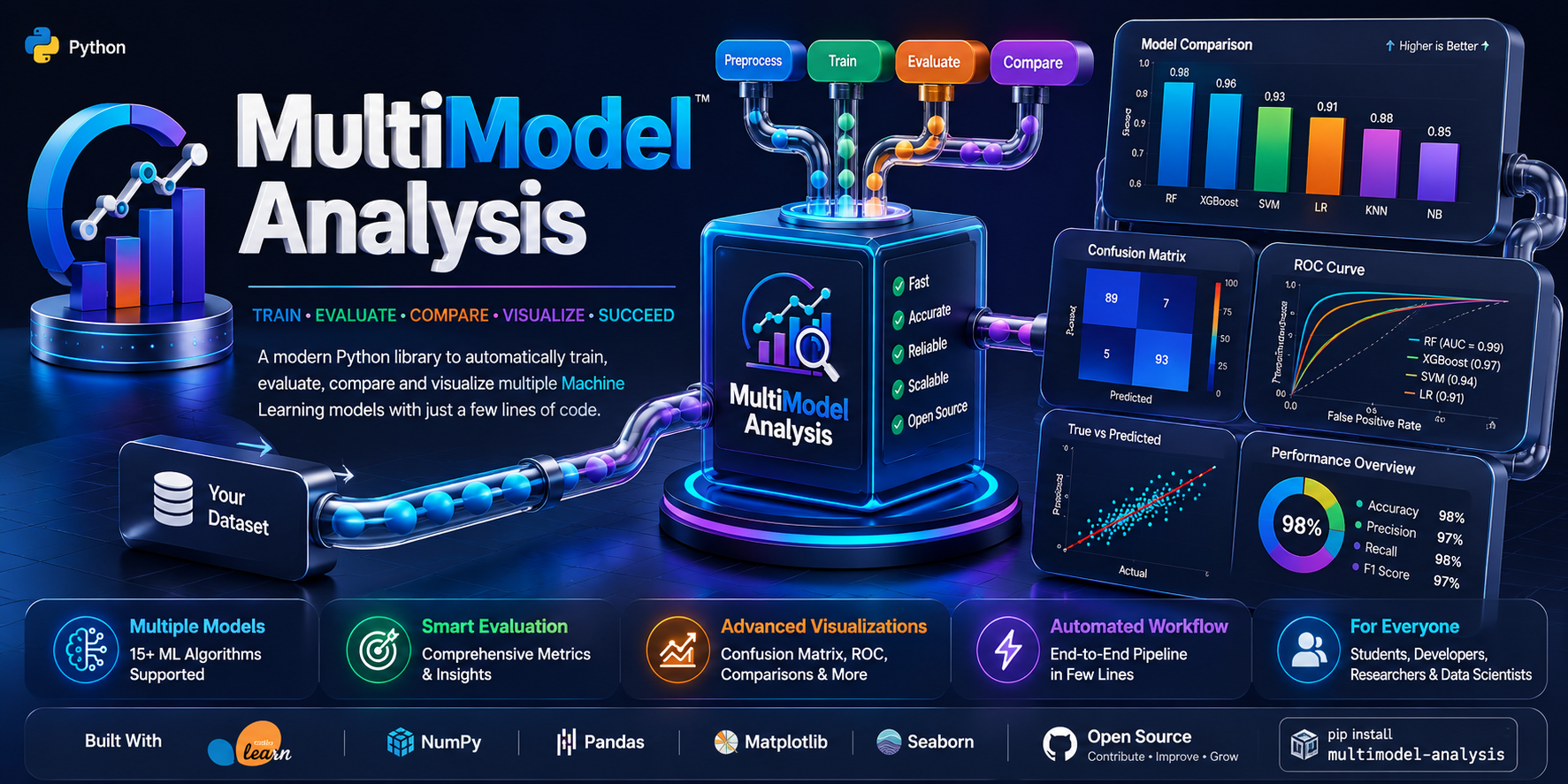





One line of code runs many scikit-learn models on your data and tells you which one is best.
MultiModel Analysis trains a whole family of models side by side, scores them on the same split, and gives you a ranked table, clean plots and a one-file HTML report. It covers both halves of machine learning:
| You have... | Use | What you get |
|---|---|---|
| a target to predict (a category) | MultiModelClassifier |
Accuracy, F1, ROC-AUC, confusion matrices |
| a target to predict (a number) | MultiModelRegressor |
MAE, RMSE, R², true-vs-predicted plots |
| no target, want groups | MultiModelClusterer |
Silhouette, ARI, cluster profiles, best k |
| no target, want the odd rows | MultiModelAnomalyDetector |
anomaly flags, scores, model agreement |
| too many columns | MultiModelReducer |
2-D maps, variance kept, trustworthiness |
Every class works the same way, so once you know one you know all five.
Install
pip install multimodel-analysis
Python 3.10 or newer. Optional extras:
pip install "multimodel-analysis[boost]"   # XGBoost, LightGBM, CatBoost
pip install "multimodel-analysis[umap]"    # UMAP for dimensionality reduction
pip install "multimodel-analysis[excel]"   # save reports as .xlsx
Your first run (30 seconds)
from sklearn.datasets import load_breast_cancer
from multimodel_analysis import MultiModelClassifier

data = load_breast_cancer(as_frame=True)
clf = MultiModelClassifier(data.data, data.target, random_state=0)

models = clf.run_all_models()           # trains every standard model
clf.show_tabular_report(models)         # ranked table + the recommended model
clf.plot_comparison(models)             # one clean ranked bar chart
Messy data (missing values, text columns)? Add preprocess=True and it is handled for you.
The same pattern for everything
from multimodel_analysis import (
    MultiModelClassifier, MultiModelRegressor,
    MultiModelClusterer, MultiModelAnomalyDetector, MultiModelReducer,
)

# 1. build it with your data
tool = MultiModelClusterer(X, n_clusters=3, random_state=0)

# 2. run the models (all of them, or pick some by key)
models = tool.run_all_models()                       # or include=["kmeans", "dbscan"]

# 3. look at the results
tool.show_tabular_report(models)
tool.plot_comparison(models)

# 4. use the winner
tool.assign_clusters()            # your data + a `cluster` column
tool.predict(new_rows)            # label rows you have not seen
tool.save_model("model.joblib")   # reload later with load_model(...)
tool.save_html_report("report.html")
What is inside
- Supervised — 17 classifiers and 19 regressors, from Logistic/Linear Regression to Random Forest, Gradient Boosting, neural networks and (optionally) XGBoost, LightGBM and CatBoost.
- Unsupervised — 14 clustering methods, 7 anomaly detectors, 12 dimensionality-reduction methods.
- Hyper-parameter tuning —
tune_models()runs random, grid or halving search per model. - Explainability —
feature_importance()andpartial_dependence()work on any model. - Honest failures — a model that cannot fit your data is skipped and listed in
failed_models_; it never stops the other models. - Reports — CSV / Excel / HTML / JSON tables, PNG plots, and a self-contained
save_html_report(). - Save and load — keep a model together with its preprocessing;
load_model(path).predict(df).
Learn more
| Read | For |
|---|---|
| docs/getting-started.md | install, the five classes, the shared workflow |
| docs/supervised.md | classification and regression, tuning |
| docs/clustering.md | grouping rows, choosing k, cluster profiles |
| docs/anomaly-detection.md | finding unusual rows, consensus |
| docs/dimensionality-reduction.md | 2-D maps, PCA, t-SNE, scores explained |
| docs/explainability.md | which features matter and how they act |
| docs/reports-and-persistence.md | tables, plots, HTML report, save/load |
| docs/models.md | every model key, with defaults and search spaces |
| docs/api.md | every public method and its signature |
| docs/faq.md | common questions and error messages |
Worked notebooks with real output are in examples/.
Contributing and license
Bug reports and pull requests are welcome. Run pip install -e ".[dev]" then pytest and
ruff check multimodel_analysis tests. See CHANGELOG.md for the release history.
Released under the Apache-2.0 license. Author: Uditya Narayan Tiwari.
1 maintainer

Metadata
1 maintainer
Release files for multimodel-analysis 0.6.1
For a detailed explanation of source distributions (sdists) and built distributions (wheels), please see the package formats documentation.
Source distribution (sdist)
| File | Size | Uploaded | Provenance | Actions |
|---|---|---|---|---|
| multimodel_analysis-0.6.1.tar.gz | 70.7 kB | Without provenance | Details for multimodel_analysis-0.6.1.tar.gz |
Built distribution (wheel)
| File | Interpreter | ABI | Platform | Actions Reset |
|---|---|---|---|---|
| multimodel_analysis-0.6.1-py3-none-any.whl | Python 3 | none | any | Details for multimodel_analysis-0.6.1-py3-none-any.whl |
Total release size: 147.4 kB
Release files / multimodel_analysis-0.6.1.tar.gz
| Download URL | multimodel_analysis-0.6.1.tar.gz |
|---|---|
| Size | 70.7 kB |
| Tags | Source |
|
SHA-256 checksum How to use checksums |
27fc9e252fd517d6aa84ee74e5804132709d49e80036d58514b129e4e3373a9a
|
|
BLAKE2b-256 checksum How to use checksums |
2cfaf13b38e0fa69c3697c5b0bf0938ce89835df4fea3bd13cf0ca5dcf180a6d
|
| Upload date | |
|
Uploaded using Trusted Publishing? What is trusted publishing? |
No |
| Uploaded via |
twine/7.0.0 CPython/3.12.10
|
Release files / multimodel_analysis-0.6.1-py3-none-any.whl
| Download URL | multimodel_analysis-0.6.1-py3-none-any.whl |
|---|---|
| Size | 76.7 kB |
| Tags | Python 3 |
|
SHA-256 checksum How to use checksums |
b7f0af6db6e53c794523f509f4bde24f11490ea63d852335f46018858b22b71f
|
|
BLAKE2b-256 checksum How to use checksums |
14e2ed9e8ea655a12f759565e50ff430a29c2d375f96c0ba4583cf3553fad13d
|
| Upload date | |
|
Uploaded using Trusted Publishing? What is trusted publishing? |
No |
| Uploaded via |
twine/7.0.0 CPython/3.12.10
|
Security for multimodel-analysis 0.6.1
Provenance
Provenance describes where a file came from. On PyPI, provenance is shared via attestations, which provide a verifiable record of the build or publishing details. View details, limitations and caveats.
No provenance found
None of the files in this release were uploaded with provenance metadata.
A note on package security
PyPI is a repository for distributing packages, not a service for auditing them. While third-party security researchers and our staff do their best to detect and remove malicious packages, PyPI cannot guarantee the quality, security or suitability of any given package.
To learn more about protecting yourself from malicious actors, visit our package security documentation.














