
High-speed File Downloading Tool

Project description
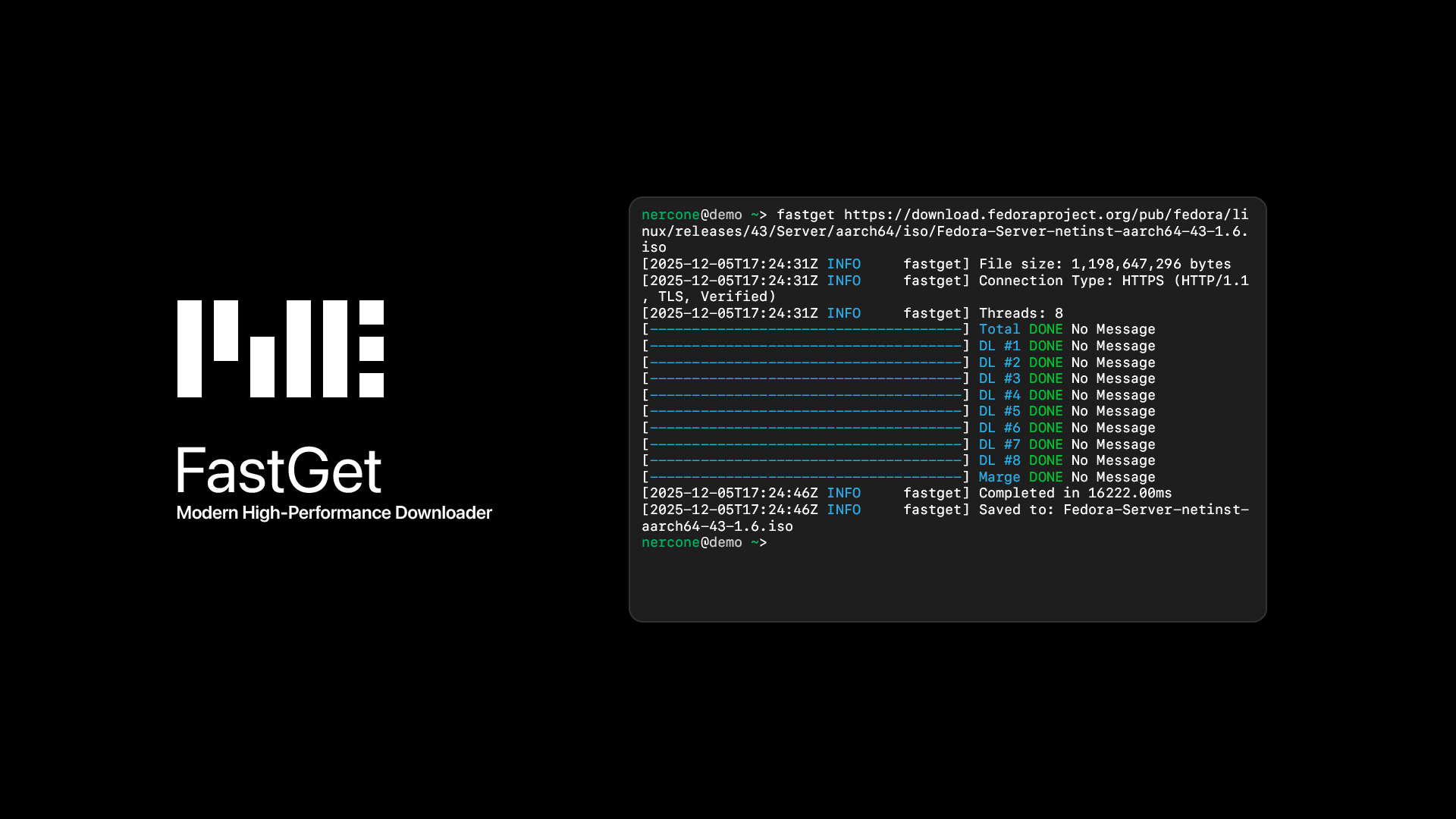
FastGet
High-speed File Downloading Tool
How
It's using Multiple Thread Download.
This is need Range-select feature, in Server-side.
Requiments
- CPython 3.9+
uvPyPI↗︎ orpip3PyPI↗︎nercone-modernPyPI↗︎ for Modern CLI Visualhttpx[http2]PyPI↗︎ for HTTP ConnectionuvloopPyPI↗︎ for Fast Asynchronous Processing (non-Windows only)
Installation
using uv (recommended)
uv tool install nercone-fastget
using pip3
System Python:
pip3 install nercone-fastget --break-system-packages
Venv Python:
pip3 install nercone-fastget
Update
using uv (recommended)
uv tool install nercone-fastget --upgrade
using pip3
System Python:
pip3 install nercone-fastget --upgrade --break-system-packages
Venv Python:
pip3 install nercone-fastget --upgrade
Usage
Show helps
fastget [-h] [--help]
nercone@demo ~/Downloads> fastget -h
usage: fastget [-h] [-o OUTPUT] [-X {GET,POST}] [-d DATA] [-H HEADER] [-t THREADS] [-p] [-s] [-m] [--no-verify] [--no-info] [--no-http1] [--no-http2] url

Modern High-Performance Downloader

positional arguments:
  url                   Target URL

options:
  -h, --help            show this help message and exit
  -o OUTPUT, --output OUTPUT
                        File destination
  -X {GET,POST}, --method {GET,POST}
                        HTTP method (GET/POST)
  -d DATA, --data DATA  Data for POST method
  -H HEADER, --header HEADER
                        Custom Headers
  -t THREADS, --threads THREADS
                        Number of threads to use for downloading
  -p, --print           Output data directly to stdout without saving to a file
  -s, --storage, --low-memory
                        Utilize storage efficiently to reduce memory usage during internal processes such as downloading and merging.
  -m, --memory, --low-storage
                        Utilize memory efficiently to reduce maximum concurrent storage usage during internal processes such as downloading and merging.
  --no-verify           In the case of HTTPS, if a secure connection cannot be established, the system will continue to operate normally.
  --no-info             Suppresses all displays such as progress bars. If --print is used, only data is output to stdout.
  --no-http1            Do not use HTTP/1 or HTTP/1.1
  --no-http2            Do not use HTTP/2
Download
fastget [-o OUTPUT] [-X {GET,POST}] [-d DATA] [-H HEADER] [-t THREADS] [-p] [-s] [-m] [--no-verify] [--no-info] [--no-http1] [--no-http2] <url>
nercone@demo ~> fastget https://download.fedoraproject.org/pub/fedora/linux/releases/43/Server/aarch64/iso/Fedora-Server-netinst-aarch64-43-1.6.iso
[2025-12-05T17:24:31Z INFO     fastget] File size: 1,198,647,296 bytes
[2025-12-05T17:24:31Z INFO     fastget] Connection Type: HTTPS (HTTP/1.1, TLS, Verified)
[2025-12-05T17:24:31Z INFO     fastget] Threads: 8
[-------------------------------------] Total DONE No Message
[-------------------------------------] DL #1 DONE No Message
[-------------------------------------] DL #2 DONE No Message
[-------------------------------------] DL #3 DONE No Message
[-------------------------------------] DL #4 DONE No Message
[-------------------------------------] DL #5 DONE No Message
[-------------------------------------] DL #6 DONE No Message
[-------------------------------------] DL #7 DONE No Message
[-------------------------------------] DL #8 DONE No Message
[-------------------------------------] Marge DONE No Message
[2025-12-05T17:24:46Z INFO     fastget] Completed in 16222.00ms
[2025-12-05T17:24:46Z INFO     fastget] Saved to: Fedora-Server-netinst-aarch64-43-1.6.iso

Release history Release notifications | RSS feed


Download files
Download the file for your platform. If you're not sure which to choose, learn more about installing packages.
Source Distribution
nercone_fastget-5.4.0.tar.gz
(6.6 kB
view details)
Built Distribution
Filter files by name, interpreter, ABI, and platform.
If you're not sure about the file name format, learn more about wheel file names.
Copy a direct link to the current filters
File details
Details for the file nercone_fastget-5.4.0.tar.gz.
File metadata
- Download URL: nercone_fastget-5.4.0.tar.gz
- Upload date:
- Size: 6.6 kB
- Tags: Source
- Uploaded using Trusted Publishing? No
- Uploaded via: uv/0.9.13 {"installer":{"name":"uv","version":"0.9.13"},"python":null,"implementation":{"name":null,"version":null},"distro":{"name":"macOS","version":null,"id":null,"libc":null},"system":{"name":null,"release":null},"cpu":null,"openssl_version":null,"setuptools_version":null,"rustc_version":null,"ci":null}
File hashes
| Algorithm | Hash digest | |
|---|---|---|
| SHA256 |
f4e6b01fe4857ed5bbd3cf0999873408665a51fdbe0d253c57b91e701e591ff4
|
|
| MD5 |
722b38391b4d69f36beff47a4045704f
|
|
| BLAKE2b-256 |
413288d97b4672a006eac88b015f28053aff3d5929dbd067717ac17cc1bc2962
|
File details
Details for the file nercone_fastget-5.4.0-py3-none-any.whl.
File metadata
- Download URL: nercone_fastget-5.4.0-py3-none-any.whl
- Upload date:
- Size: 8.6 kB
- Tags: Python 3
- Uploaded using Trusted Publishing? No
- Uploaded via: uv/0.9.13 {"installer":{"name":"uv","version":"0.9.13"},"python":null,"implementation":{"name":null,"version":null},"distro":{"name":"macOS","version":null,"id":null,"libc":null},"system":{"name":null,"release":null},"cpu":null,"openssl_version":null,"setuptools_version":null,"rustc_version":null,"ci":null}
File hashes
| Algorithm | Hash digest | |
|---|---|---|
| SHA256 |
3d2388a40cfe3f6162efa75c5d0815ed6770ef43201e827849b8faeea16b0ccb
|
|
| MD5 |
984583dd8191c3c2362a5f0fbda310e9
|
|
| BLAKE2b-256 |
13f53753bb86c54245fc4f38a27142806a9c60a179759bf8ad6c0bd34afd0485
|






