



📖 介绍
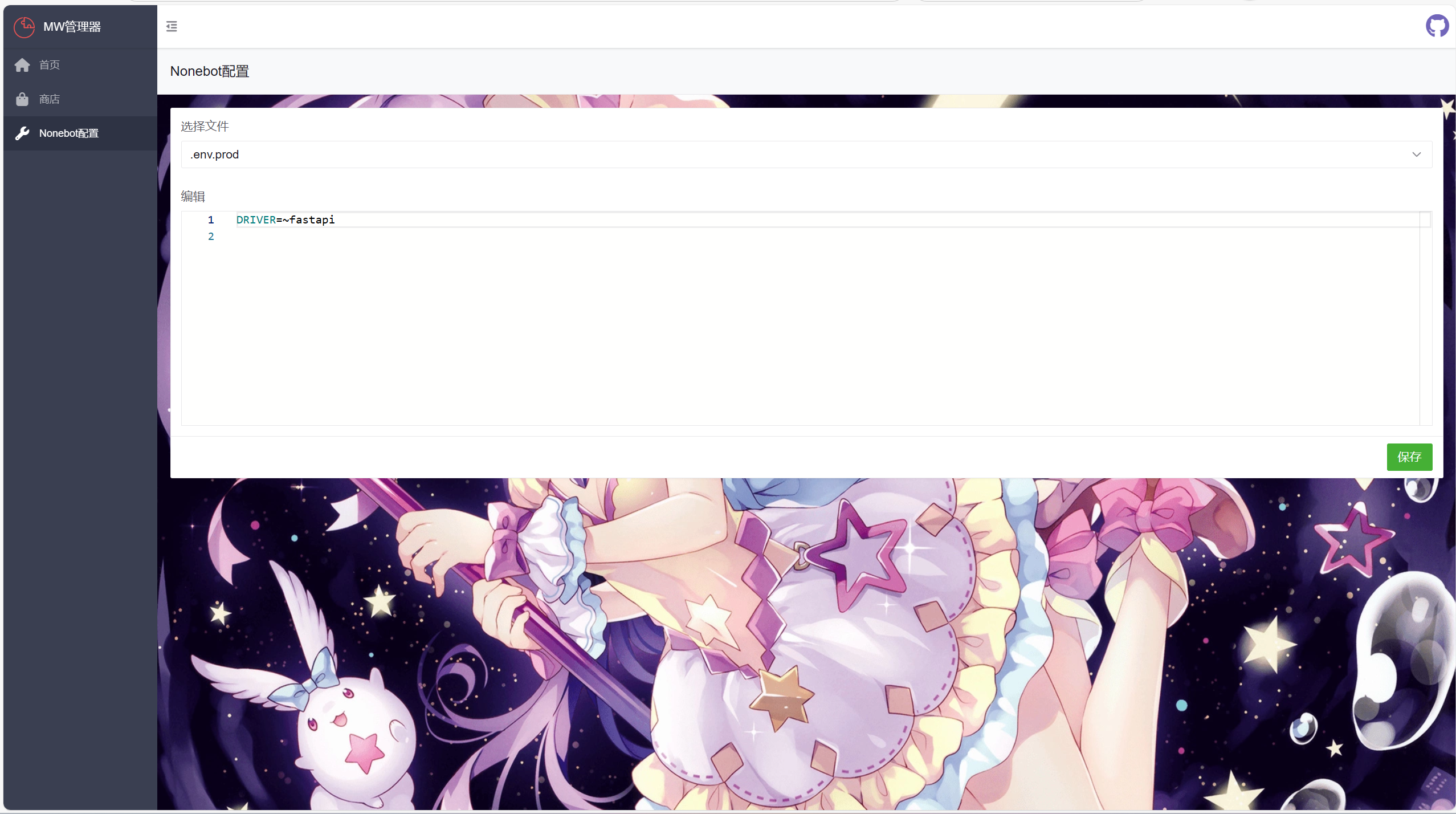
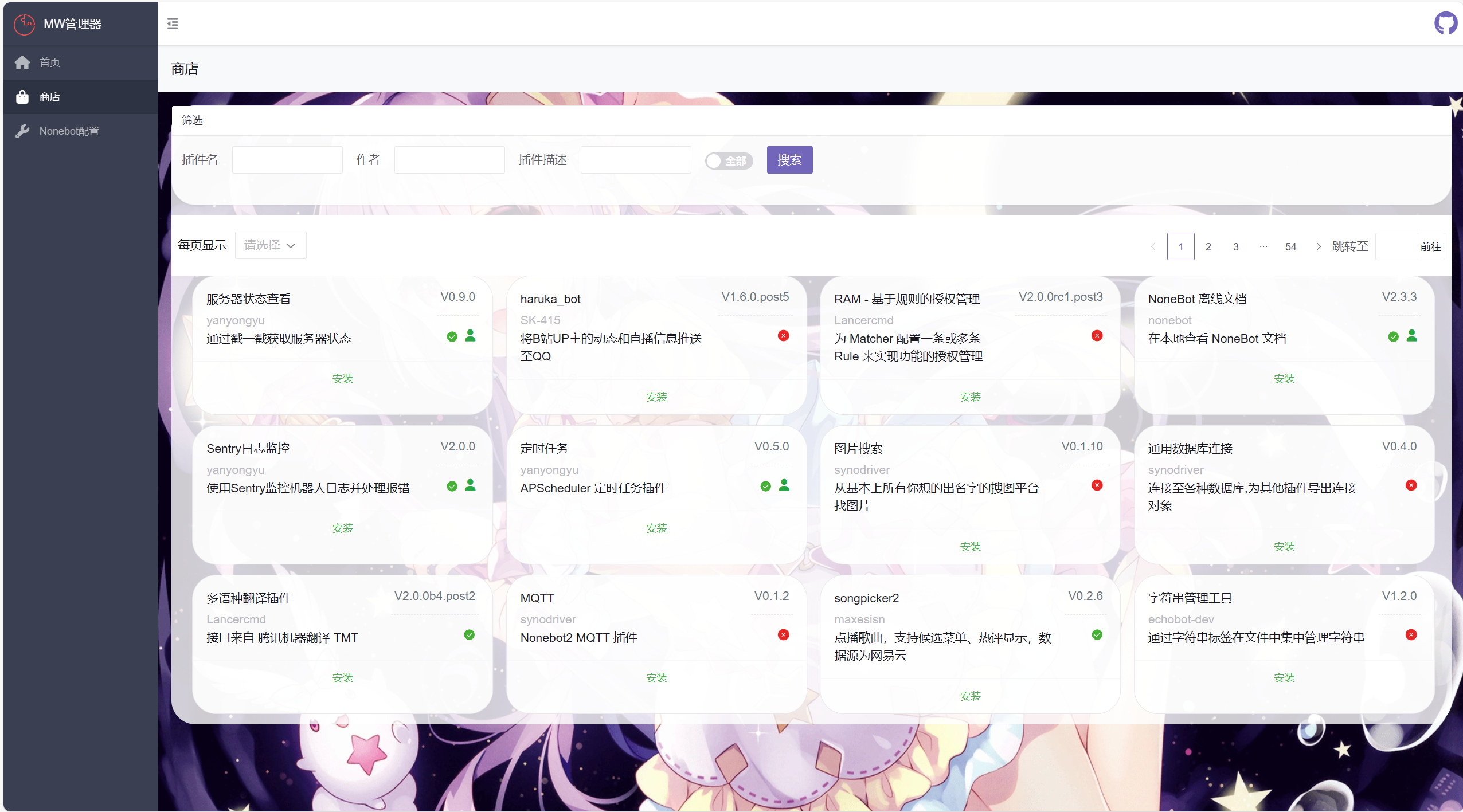
使用webui安装、更新、卸载插件和修改.evn.*文件,并提供webui接入支持
对非电脑和手机用户不友好,可能出现错位
(我是css低手)
💿 安装
[!WARNING] 该插件需要fastapi支持
使用镜像站可能需要等待镜像站同步
使用 nb-cli 安装
在 nonebot2 项目的根目录下打开命令行, 输入以下指令即可安装nb plugin install nonebot-plugin-manageweb
使用包管理器安装
在 nonebot2 项目的插件目录下, 打开命令行, 根据你使用的包管理器, 输入相应的安装命令pip
pip install nonebot-plugin-manageweb
pdm
pdm add nonebot-plugin-manageweb
poetry
poetry add nonebot-plugin-manageweb
conda
conda install nonebot-plugin-manageweb
打开 nonebot2 项目根目录下的 pyproject.toml 文件, 在 [tool.nonebot] 部分追加写入
plugins = ["nonebot_plugin_manageweb"]
📋 效果
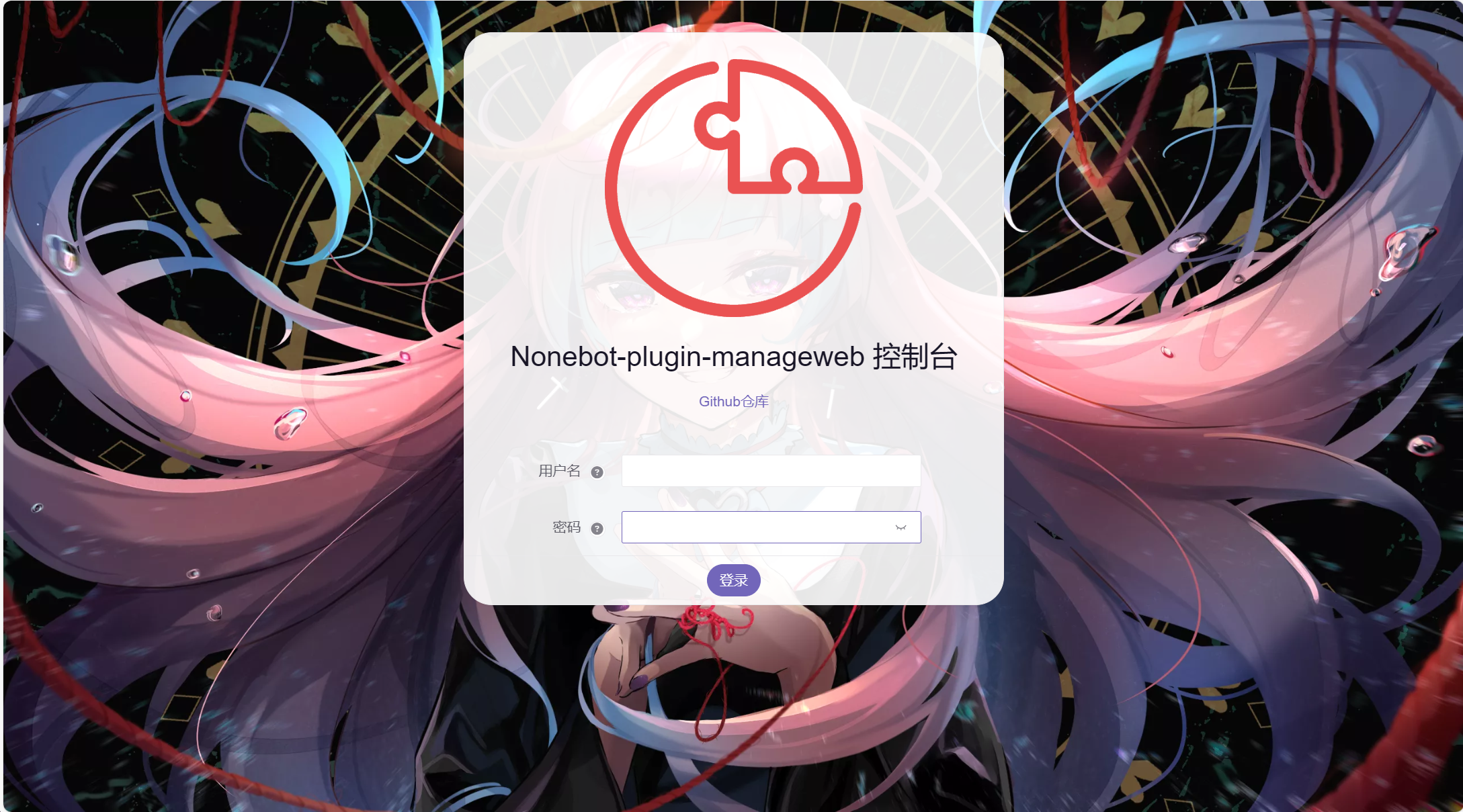
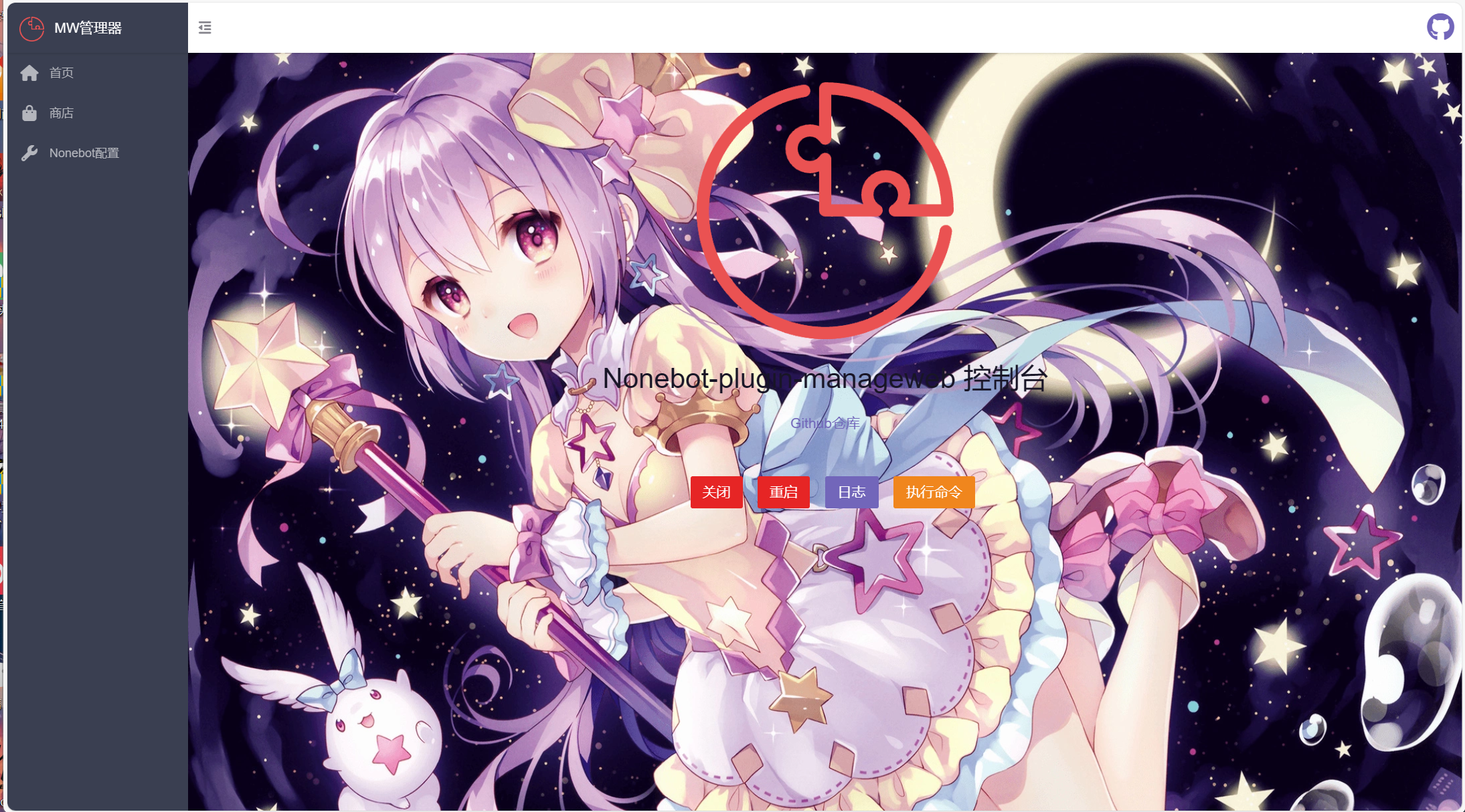
webui默认地址ip:端口/mw/login
webui效果
⚙️ 配置
在 nonebot2 项目的.env文件中添加下表中的必填配置
| 配置项 | 必填 | 默认值 | 说明 |
|---|---|---|---|
| mw_username | 否 | admin | 后台管理用户名 |
| mw_password | 否 | admin | 后台管理密码 |
| mw_key | 否 | ... | 后台管理token密钥 |
🎉 接入webui(未验证)
- api接入
使用此方法访问地址未/mw/api/xxx 也可以自行创建
自行创建
from nonebot_plugin_manageweb.utils import authentication
from nonebot import get_app, get_driver
DRIVER = get_driver()

@DRIVER.on_startup
async def web():
    app: FastAPI = get_app()

    @app.post("/mw/api/xxx", response_class=JSONResponse, dependencies=[authentication()])
    async def _(user: UserModel):
        pass
api接入
from nonebot_plugin_manageweb.web import BaseApiRouter
from nonebot_plugin_manageweb.utils import authentication
from fastapi import APIRouter
from fastapi.responses import JSONResponse


route = APIRouter()

@route.post(
    '/xxx', response_class=JSONResponse, dependencies=[authentication()]
)
async def _():
    pass

#添加api到BaseApiRouter
BaseApiRouter.include_router(home_route)
- amis界面添加
from amis import (
    PageSchema,
    Page,
    ....
)
from nonebot_plugin_manageweb.utils import background_css #背景图css
from nonebot_plugin_manageweb.page.main import admin_app

xxx_page = PageSchema(url='/地址', icon='图标', label='页面标题',
                  schema=Page(title='页面上方标题', body=...., style=background_css))
#添加页面到admin_app
admin_app.pages[0].children.append(xxx_page)
丨❤鸣谢
- 来自LittlePaimon的webui代码参考
- 来自nonebot-plugin-updater的nb安装代码
1 maintainer

Metadata
1 maintainer
Release files for nonebot-plugin-manageweb 0.1.6
For a detailed explanation of source distributions (sdists) and built distributions (wheels), please see the package formats documentation.
Source distribution (sdist)
| File | Size | Uploaded | |
|---|---|---|---|
| nonebot_plugin_manageweb-0.1.6.tar.gz | 24.1 kB | Details |
Built distribution (wheel)
| File | Interpreter | ABI | Platform | Reset |
|---|---|---|---|---|
| nonebot_plugin_manageweb-0.1.6-py3-none-any.whl | Python 3 | none | any | Details |
Total release size: 53.4 kB
Release files / nonebot_plugin_manageweb-0.1.6.tar.gz
| Download URL | nonebot_plugin_manageweb-0.1.6.tar.gz |
|---|---|
| Size | 24.1 kB |
| Tags | Source |
|
SHA-256 checksum How to use checksums |
9416735b1dad442b7d085c66ded94c3ba35bb566f8264ac432cda1766ba61052
|
|
BLAKE2b-256 checksum How to use checksums |
dc7a91f80c2b6fc651783f5766ea96b4b67aee0da89c917838f7c61443965924
|
| Upload date | |
|
Uploaded using Trusted Publishing? What is trusted publishing? |
No |
| Uploaded via |
twine/6.1.0 CPython/3.12.9
|
Release files / nonebot_plugin_manageweb-0.1.6-py3-none-any.whl
| Download URL | nonebot_plugin_manageweb-0.1.6-py3-none-any.whl |
|---|---|
| Size | 29.3 kB |
| Tags | Python 3 |
|
SHA-256 checksum How to use checksums |
d25676e7ed1267f54056567d7af80c15b14e491d7ca70951995a4722bcb0c896
|
|
BLAKE2b-256 checksum How to use checksums |
9ca474d36e05bda5e60d36b17a96e5f764cd40009095a4709938ecc73962313e
|
| Upload date | |
|
Uploaded using Trusted Publishing? What is trusted publishing? |
No |
| Uploaded via |
twine/6.1.0 CPython/3.12.9
|














