
Nonebot插件商店安装插件,使用基于fastapi和amis的webui安装

Project description

nonebot-plugin-manageweb
✨nb商店插件安装器web版✨


📖 介绍
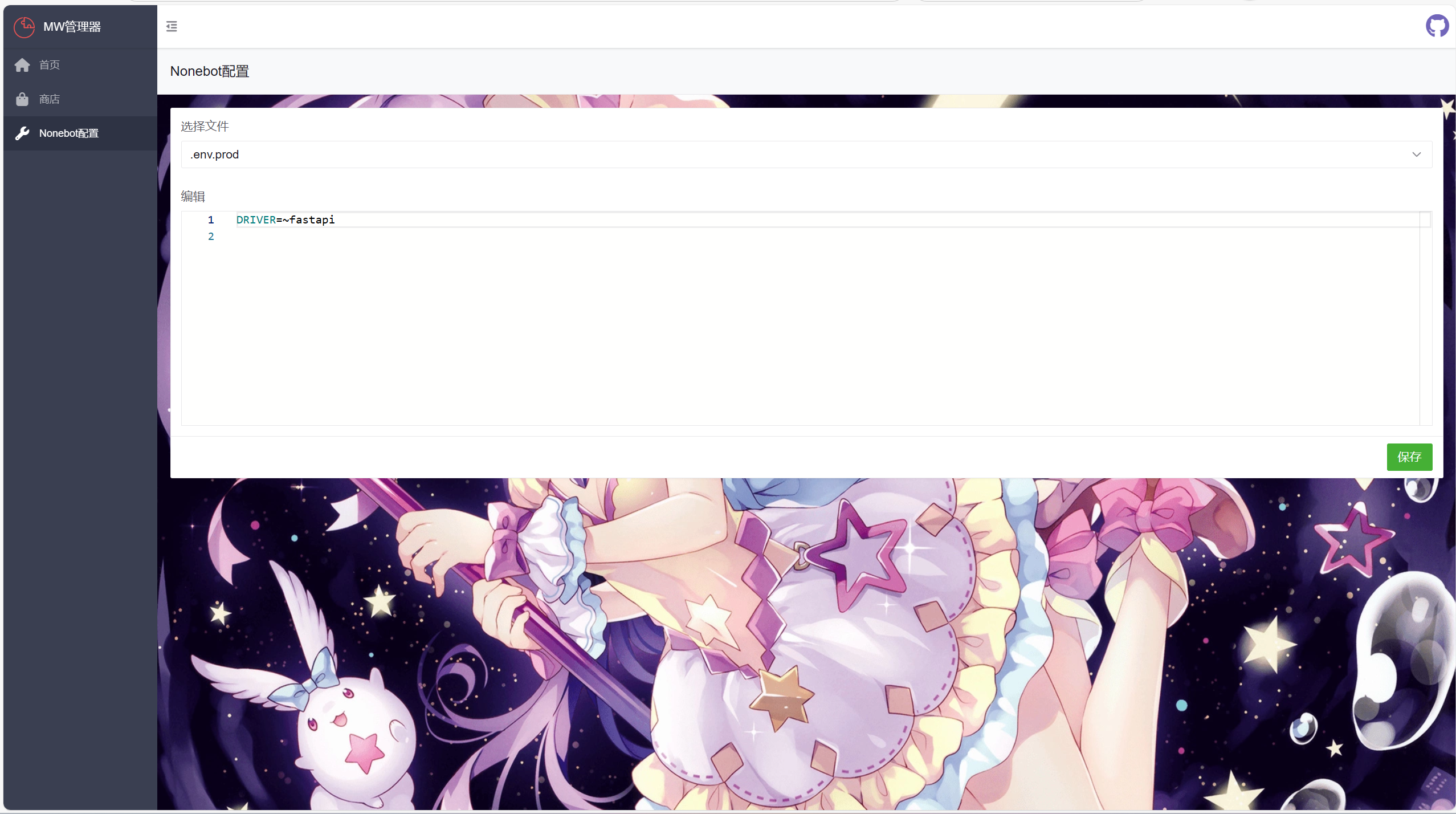
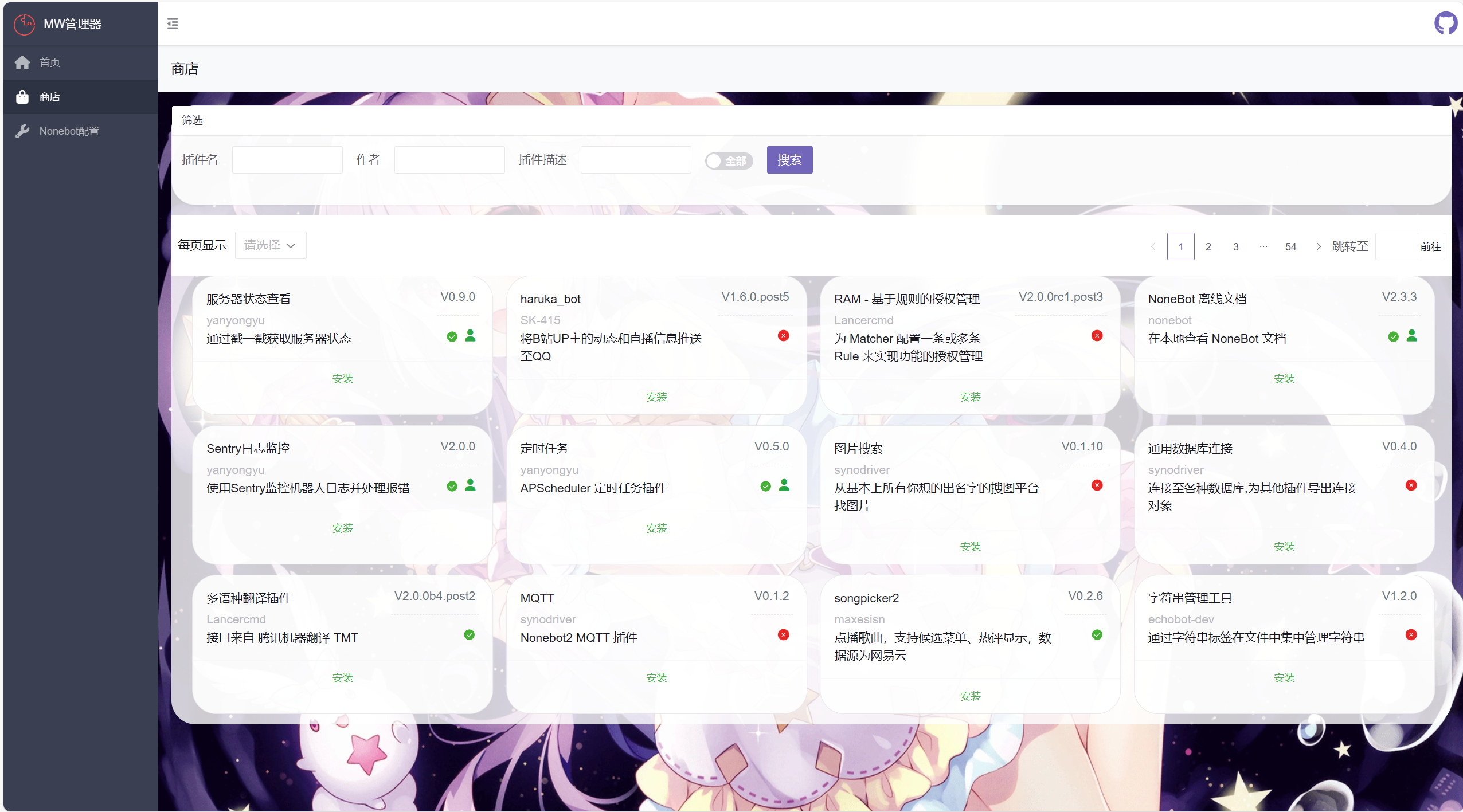
使用webui安装、更新、卸载插件和修改.evn.*文件,并提供webui接入支持
对非电脑和手机用户不友好,可能出现错位
(我是css低手)
💿 安装
[!WARNING] 该插件需要fastapi支持
使用镜像站可能需要等待镜像站同步
使用 nb-cli 安装
在 nonebot2 项目的根目录下打开命令行, 输入以下指令即可安装nb plugin install nonebot-plugin-manageweb
使用包管理器安装
在 nonebot2 项目的插件目录下, 打开命令行, 根据你使用的包管理器, 输入相应的安装命令pip
pip install nonebot-plugin-manageweb
pdm
pdm add nonebot-plugin-manageweb
poetry
poetry add nonebot-plugin-manageweb
conda
conda install nonebot-plugin-manageweb
打开 nonebot2 项目根目录下的 pyproject.toml 文件, 在 [tool.nonebot] 部分追加写入
plugins = ["nonebot_plugin_manageweb"]
📋 效果
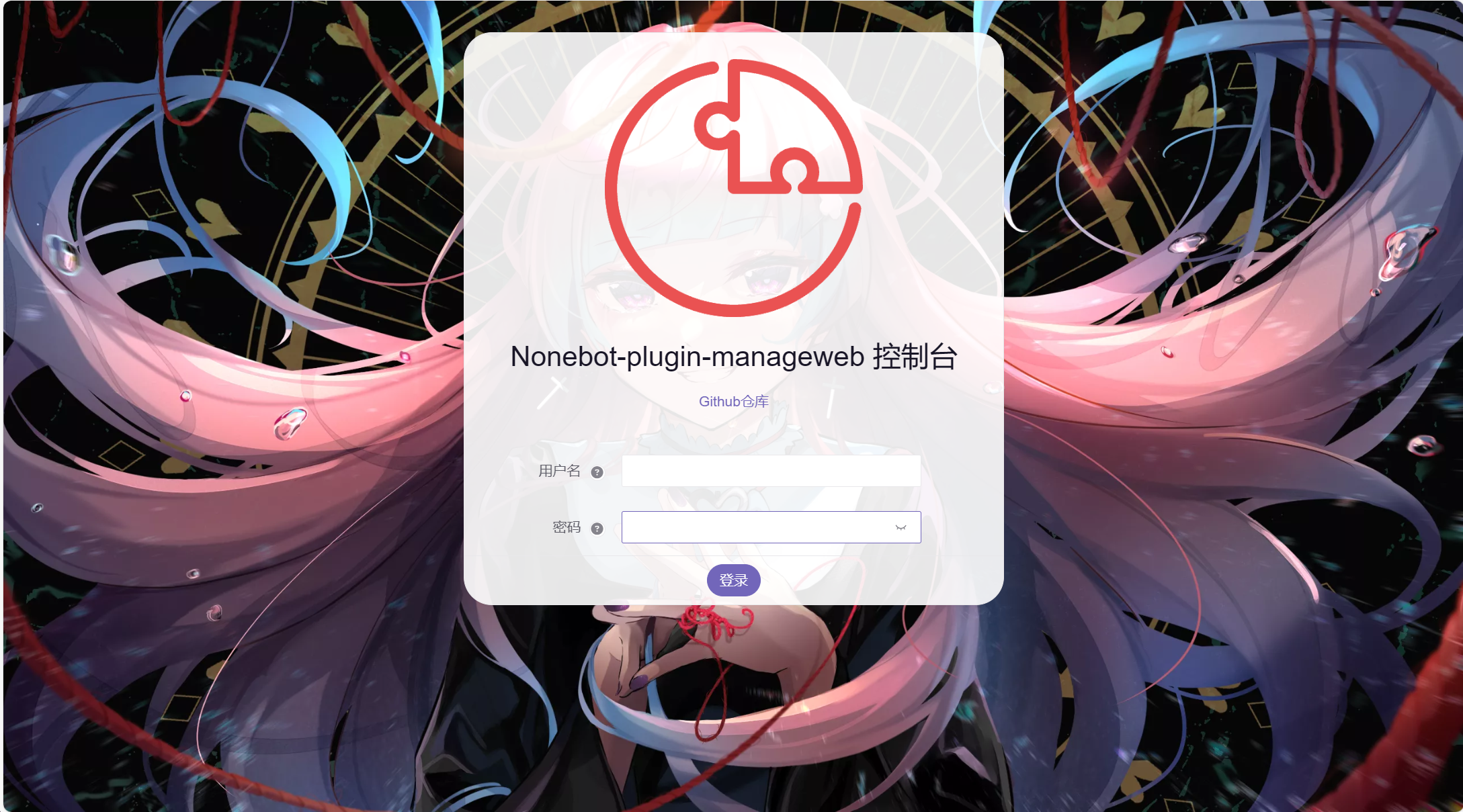
webui默认地址ip:端口/mw/login
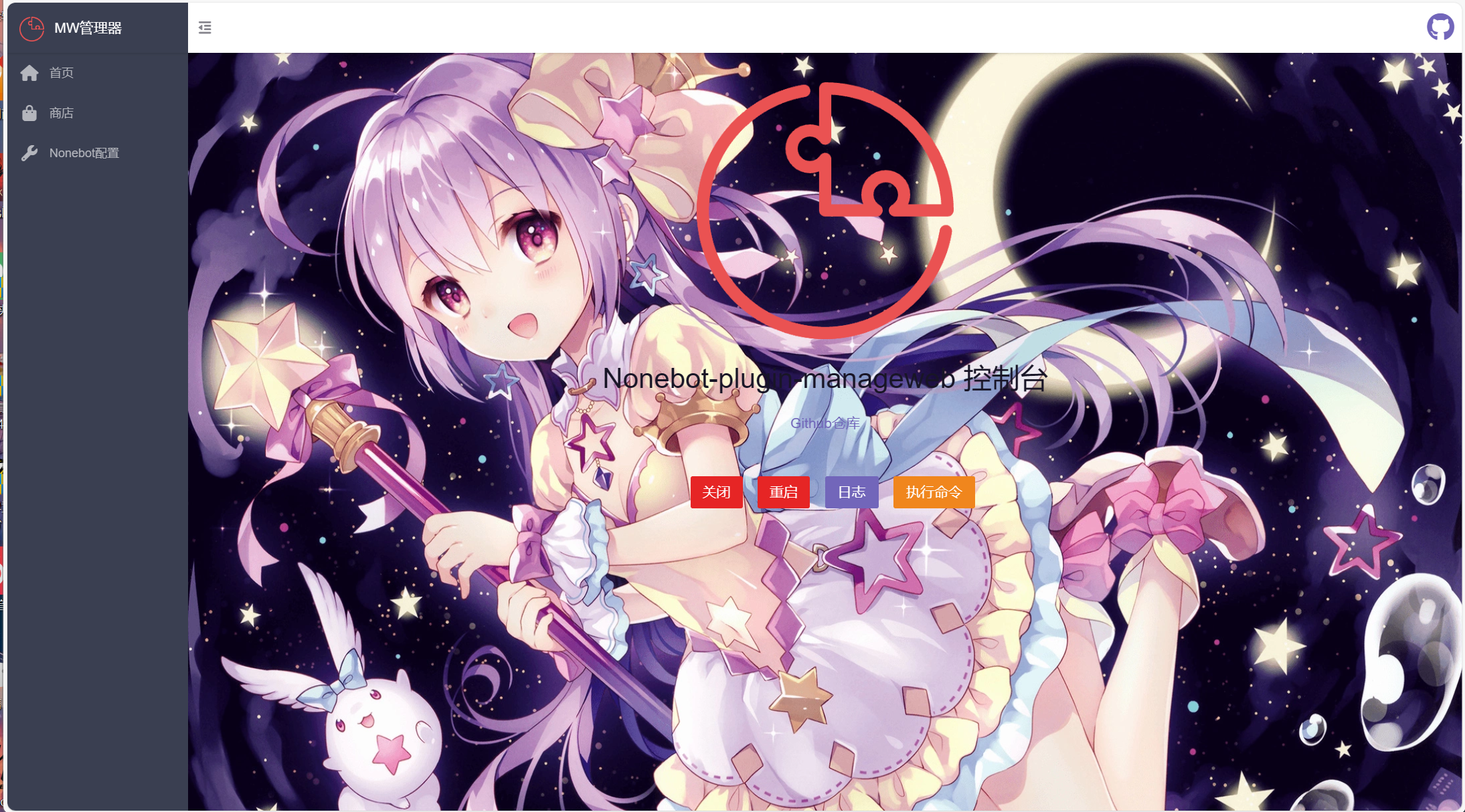
webui效果
⚙️ 配置
在 nonebot2 项目的.env文件中添加下表中的必填配置
| 配置项 | 必填 | 默认值 | 说明 |
|---|---|---|---|
| mw_username | 否 | admin | 后台管理用户名 |
| mw_password | 否 | admin | 后台管理密码 |
| mw_key | 否 | ... | 后台管理token密钥 |
🎉 接入webui(未验证)
- api接入
使用此方法访问地址未/mw/api/xxx 也可以自行创建
自行创建
from nonebot_plugin_manageweb.utils import authentication
from nonebot import get_app, get_driver
DRIVER = get_driver()

@DRIVER.on_startup
async def web():
    app: FastAPI = get_app()

    @app.post("/mw/api/xxx", response_class=JSONResponse, dependencies=[authentication()])
    async def _(user: UserModel):
        pass
api接入
from nonebot_plugin_manageweb.web import BaseApiRouter
from nonebot_plugin_manageweb.utils import authentication
from fastapi import APIRouter
from fastapi.responses import JSONResponse


route = APIRouter()

@route.post(
    '/xxx', response_class=JSONResponse, dependencies=[authentication()]
)
async def _():
    pass

#添加api到BaseApiRouter
BaseApiRouter.include_router(home_route)
- amis界面添加
from amis import (
    PageSchema,
    Page,
    ....
)
from nonebot_plugin_manageweb.utils import background_css #背景图css
from nonebot_plugin_manageweb.page.main import admin_app

xxx_page = PageSchema(url='/地址', icon='图标', label='页面标题',
                  schema=Page(title='页面上方标题', body=...., style=background_css))
#添加页面到admin_app
admin_app.pages[0].children.append(xxx_page)
丨❤鸣谢
- 来自LittlePaimon的webui代码参考
- 来自nonebot-plugin-updater的nb安装代码


Download files
Download the file for your platform. If you're not sure which to choose, learn more about installing packages.
Source Distribution
Built Distribution
Filter files by name, interpreter, ABI, and platform.
If you're not sure about the file name format, learn more about wheel file names.
Copy a direct link to the current filters
File details
Details for the file nonebot_plugin_manageweb-0.1.5.tar.gz.
File metadata
- Download URL: nonebot_plugin_manageweb-0.1.5.tar.gz
- Upload date:
- Size: 24.1 kB
- Tags: Source
- Uploaded using Trusted Publishing? No
- Uploaded via: twine/6.1.0 CPython/3.12.9
File hashes
| Algorithm | Hash digest | |
|---|---|---|
| SHA256 |
4a78048be6188b4c4c1f69b83b2a635475e5c9497d4f3b94b340771122e32afe
|
|
| MD5 |
295f647fd7d5b72b6e9b11fa7d942096
|
|
| BLAKE2b-256 |
f2bf73b7c2479567f7039df08ff8da77c807a70c4117fa4153eb7bf2a50ff8b0
|
File details
Details for the file nonebot_plugin_manageweb-0.1.5-py3-none-any.whl.
File metadata
- Download URL: nonebot_plugin_manageweb-0.1.5-py3-none-any.whl
- Upload date:
- Size: 29.3 kB
- Tags: Python 3
- Uploaded using Trusted Publishing? No
- Uploaded via: twine/6.1.0 CPython/3.12.9
File hashes
| Algorithm | Hash digest | |
|---|---|---|
| SHA256 |
82321fde8847c442a5ffd279b0d49ab4eb09d143ac90bd3f41d21dd7b611ebe7
|
|
| MD5 |
91cb021d89b0b25189e431e838c4558e
|
|
| BLAKE2b-256 |
9ab7844292fdbb728c93334862fb85fd8e6f37da048ea25016b26295c7e2e3e2
|






