
Allow to draw plotly charts.

Project description





This module add the possibility to insert Plotly charts into Odoo standard views.
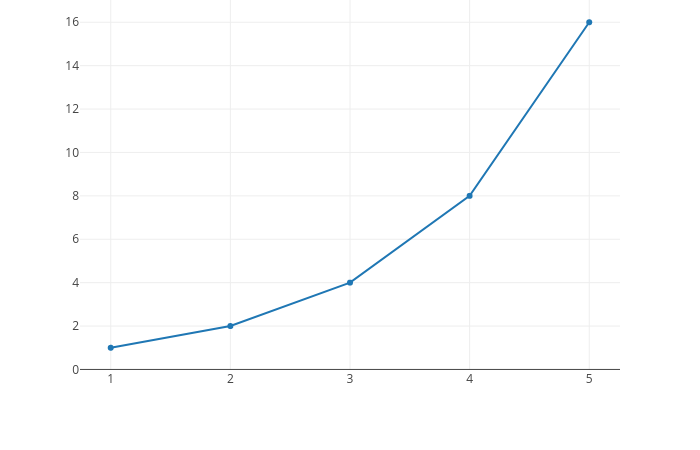
Plotly is a Python interactive visualization library built on top of d3.js and stack.gl, plotly.js is a high-level, declarative charting library. plotly.js ships with over 40 chart types, including scientific charts, 3D graphs, statistical charts, SVG maps, financial charts, and more.
If you want to see some samples of plotly’s capabilities follow this link.
Table of contents
Installation
You need to install the python plotly library:
pip install plotly==5.22.0
Usage
To insert a Plotly chart in a view proceed as follows:
Import plotly:
import plotly
Declare a text computed field like this:
plotly_chart = fields.Text(
    string='Plotly Chart',
    compute='_compute_plotly_chart',
)
In its computed method do:
def _compute_plotly_chart(self):
    for rec in self:
        data = [{'x': [1, 2, 3], 'y': [2, 3, 4]}]
        rec.plotly_chart = plotly.offline.plot(data,
                                     include_plotlyjs=False,
                                     output_type='div')
In the view, add something like this wherever you want to display your plotly chart:
<div>
    <field name="plotly_chart" widget="plotly_chart" nolabel="1"/>
</div>
Bug Tracker
Bugs are tracked on GitHub Issues. In case of trouble, please check there if your issue has already been reported. If you spotted it first, help us to smash it by providing a detailed and welcomed feedback.
Do not contact contributors directly about support or help with technical issues.
Credits
Contributors
Roberto Fichera <roberto.fichera@levelprime.com>
Michele Zaccheddu <michele.zaccheddu@levelprime.com>
Other credits
This module uses the library Plotly.js which is under the open-source MIT License. Copyright (c) 2019 Plotly, Inc
Odoo Community Association (OCA)
Maintainers
This module is maintained by the OCA.

OCA, or the Odoo Community Association, is a nonprofit organization whose mission is to support the collaborative development of Odoo features and promote its widespread use.
Current maintainer:

This module is part of the OCA/web project on GitHub.
You are welcome to contribute. To learn how please visit https://odoo-community.org/page/Contribute.
Release history Release notifications | RSS feed


Download files
Download the file for your platform. If you're not sure which to choose, learn more about installing packages.
Source Distributions
Built Distribution
Filter files by name, interpreter, ABI, and platform.
If you're not sure about the file name format, learn more about wheel file names.
Copy a direct link to the current filters
File details
Details for the file odoo_addon_web_widget_plotly_chart-17.0.1.0.0.1-py3-none-any.whl.
File metadata
- Download URL: odoo_addon_web_widget_plotly_chart-17.0.1.0.0.1-py3-none-any.whl
- Upload date:
- Size: 1.1 MB
- Tags: Python 3
- Uploaded using Trusted Publishing? No
- Uploaded via: twine/4.0.1 CPython/3.8.10
File hashes
| Algorithm | Hash digest | |
|---|---|---|
| SHA256 |
11f61ba928e7c36970ff52c694f4fb553f7f5055e28f7abc408e005b2bbdc91a
|
|
| MD5 |
e109cd8153a89ccfec28f1eb41e9b4f7
|
|
| BLAKE2b-256 |
5f210ca2f881006f4a98f7fc0462d13fba84afd88580908f32da677c250ac228
|






