
Simple WebUI for using Ansible







DISCLAIMER: This is an unofficial community project! Do not confuse it with the vanilla Ansible product!
The goal is to allow users to quickly install & run a WebUI for using Ansible locally.
Keep it simple.

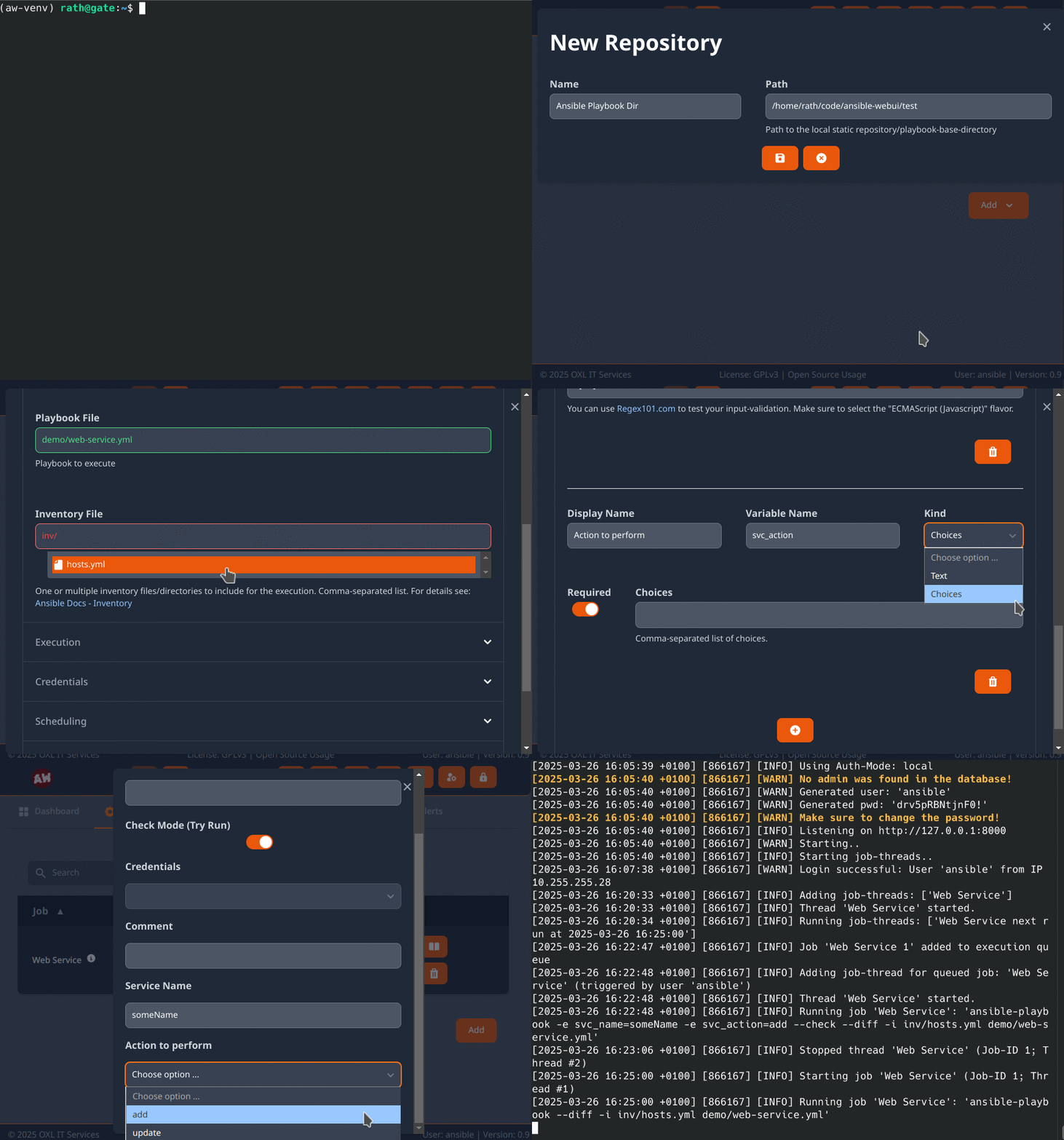
Setup
Local - PIP
Requires Python >=3.10
# install
python3 -m pip install oxl-ansible-webui

# run
oxl-ansible-webui
Docker
Images: ansible-webui, ansible-webui-unprivileged, ansible-webui-mysql, ansible-webui-psql, ansible-webui-aws
We build the image for alpine and debian.
docker image pull oxlorg/ansible-webui:latest
docker run -d --name ansible-webui --publish 127.0.0.1:8000:8000 oxlorg/ansible-webui:latest

# or with persistent data (volumes: /data = storage for logs & DB, /play = ansible playbook base-directory)
docker run -d --name ansible-webui --publish 127.0.0.1:8000:8000 --volume $(pwd)/ansible/data:/data --volume $(pwd)/ansible/play:/play oxlorg/ansible-webui:latest
Optional Dependencies
pip install oxl-ansible-webui[mysql]
pip install oxl-ansible-webui[psql]
pip install oxl-ansible-webui[ara]
pip install oxl-ansible-webui[saml]
Demo
Check out the demo at: demo.ansible-webui.OXL.app
Login: User demo, Password Ansible1337
Usage

See also: oxl-ansible-executor
Contribute
Feel free to contribute to this project using pull-requests, issues and discussions!
What we need:
- Testers and feedback
- More Test-cases
- Translations for your language(s)
See also: Contributing


Roadmap
V1.0
Full
-
Ansible Config
-
Static Playbook-Directory
-
Git Repository support
-
-
Users
-
Management interface (Django built-in)
-
Groups & Job Permissions
-
-
Jobs
-
Execute Ansible using ansible-runner
-
Scheduled execution (Cron-Format)
-
Manual/immediate execution
-
Custom Execution-Forms
-
Support for ad-hoc commands
-
Support for Process-Isolation
-
-
Job Logging
-
Write job metadata to database
-
Write full job-logs to Filesystem
-
-
Secret handling (Connect, Become, Vault)
- User-specific job credentials
-
Alerting on Failure
-
E-Mail
-
Support for external Plugins (simple Interface for Scripts)
-
-
-
WebUI
-
Job Dashboard
Status, Execute, Time of last & next execution, Last run User, Links to Warnings/Errors
-
Job Output
Follow the jobs output in realtime
-
Job Errors
UI that allows for easy error analysis. Access to logs and provide links to possible solutions
-
Show Ansible Running-Config
-
Show Ansible Collections
- Check Collections for available updates (Galaxy + GitHub releases)
-
Mobile Support
-
Multi-Language Support
-
-
API
- Manage and execute Jobs
-
Database
- Support for MySQL
-
Testing
-
Unit Tests
-
Integration Tests
-
WebUI checks
-
API Endpoints
-
Job Execution
-
Permission system
-
-
License
For dependencies see: attributions
1 maintainer

Release files for oxl-ansible-webui 0.9.7
For a detailed explanation of source distributions (sdists) and built distributions (wheels), please see the package formats documentation.
Source distribution (sdist)
| File | Size | Uploaded | |
|---|---|---|---|
| oxl_ansible_webui-0.9.7.tar.gz | 543.0 kB | Details |
Built distribution (wheel)
| File | Interpreter | ABI | Platform | Reset |
|---|---|---|---|---|
| oxl_ansible_webui-0.9.7-py3-none-any.whl | Python 3 | none | any | Details |
Total release size: 1.1 MB
Release files / oxl_ansible_webui-0.9.7.tar.gz
| Download URL | oxl_ansible_webui-0.9.7.tar.gz |
|---|---|
| Size | 543.0 kB |
| Tags | Source |
|
SHA-256 checksum How to use checksums |
c849f1c34d3ac2884b1848644a1cd061d5af0a91de48e58d2709ed4d69e5295c
|
|
BLAKE2b-256 checksum How to use checksums |
4b3c52b6cd54f297c807e024169094cc4f779fc80da0671b2e1b13f2c79d945e
|
| Upload date | |
|
Uploaded using Trusted Publishing? What is trusted publishing? |
No |
| Uploaded via |
twine/7.0.0 CPython/3.13.14
|
Release files / oxl_ansible_webui-0.9.7-py3-none-any.whl
| Download URL | oxl_ansible_webui-0.9.7-py3-none-any.whl |
|---|---|
| Size | 597.3 kB |
| Tags | Python 3 |
|
SHA-256 checksum How to use checksums |
d051450a28452f256f6450b33dba162f2e209e2c48143ddc8c268d33a304e02d
|
|
BLAKE2b-256 checksum How to use checksums |
87b552cabf52dbfa0dcbe88a0eb59bca891bdc791479f5ec1af82c0030360d0e
|
| Upload date | |
|
Uploaded using Trusted Publishing? What is trusted publishing? |
No |
| Uploaded via |
twine/7.0.0 CPython/3.13.14
|














