
A Python library and CLI tool for adding text watermarks to PDF files

Project description
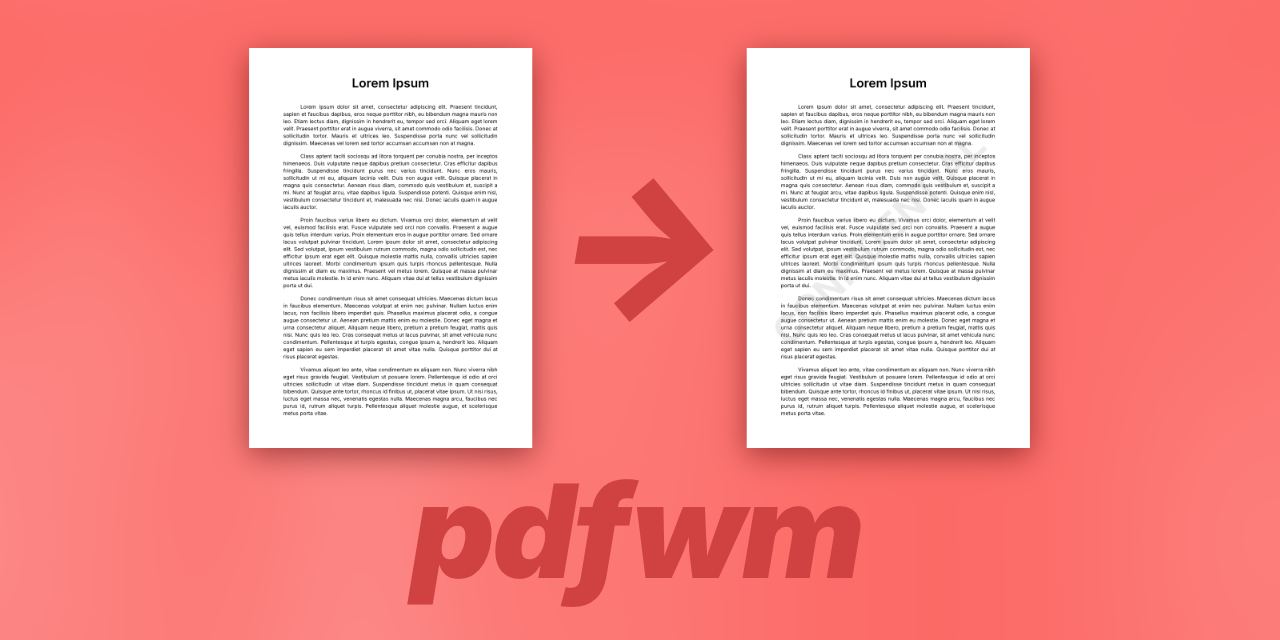
PDF Watermark (pdfwm)
A Python library and command-line tool for adding text watermarks to PDF files. Supports batch processing, custom colors, and recursive directory processing.
Features
- 🎨 Text Watermarks: Generate watermarks from custom text
- 🎯 Auto-sizing: Automatically fits watermark text to page dimensions
- 🌈 Color Customization: Support for RGB and RGBA hex color codes
- 📦 Batch Processing: Process multiple files with glob patterns
- 🔄 Recursive Mode: Preserve directory structure when processing
- 💾 Safe Overwrite: Optional in-place modification with temporary file safety
- 🔧 Library & CLI: Use as a Python library or command-line tool
- ✨ Type Hints: Full type annotation support
| Before Watermark | After Watermark |
|---|---|
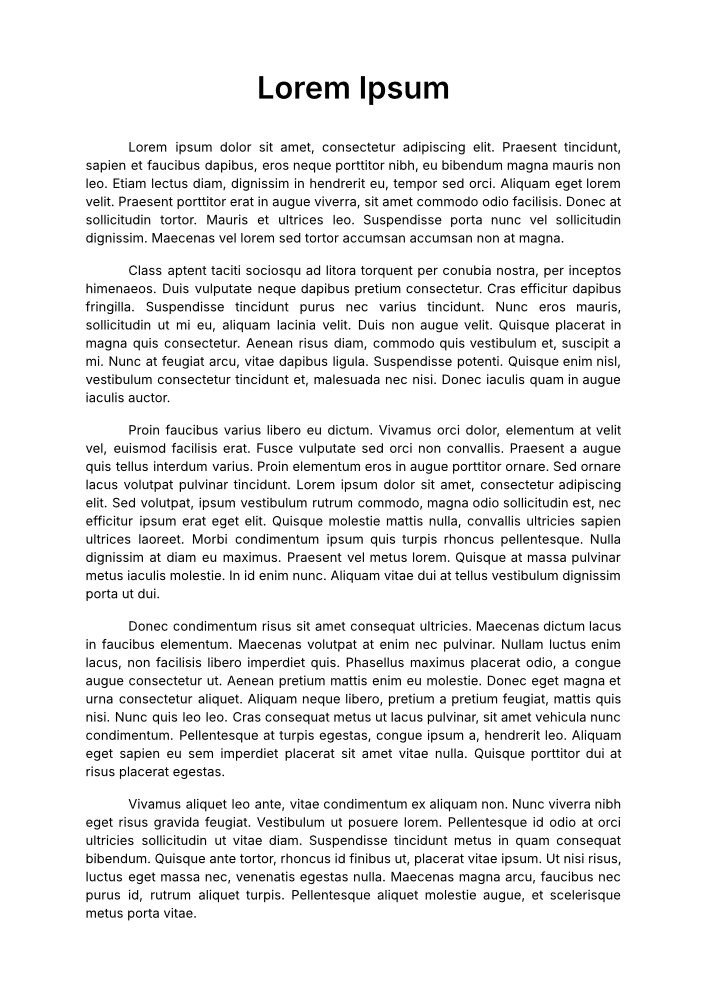 |
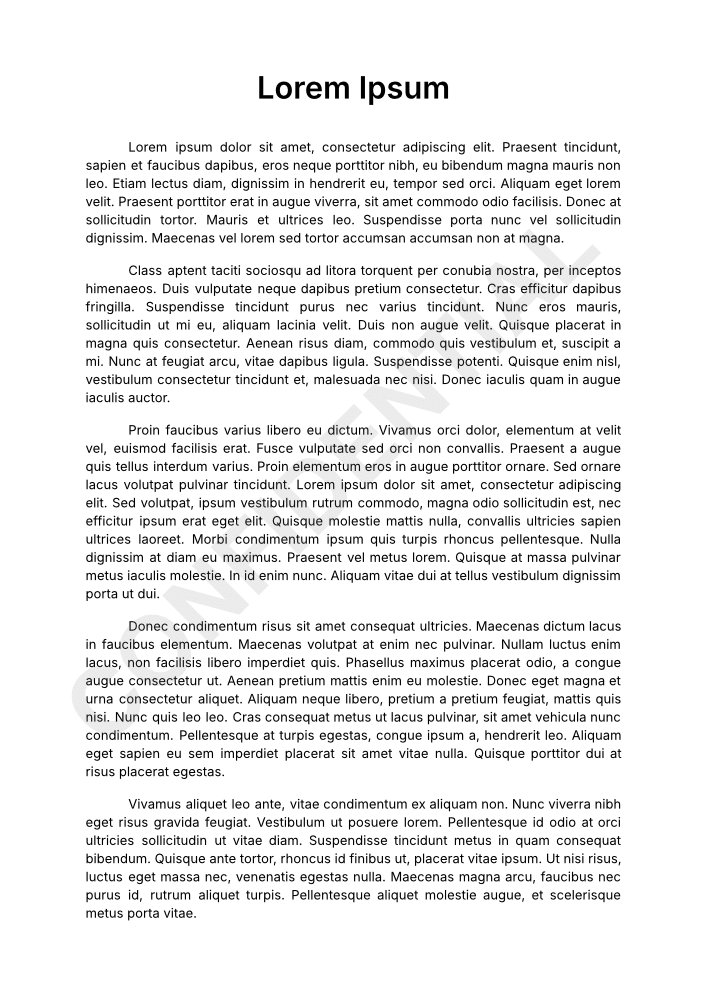 |
Installation
From PyPI
pip install pdfwm
From Source
git clone https://github.com/yourusername/pdfwm.git
cd pdfwm
pip install -e .
Command-Line Usage
Basic Usage
Add watermark to a single file:
pdfwm -i document.pdf -o watermarked.pdf -t "CONFIDENTIAL"
Batch Processing
Process multiple files with glob patterns:
# Process all PDFs in current directory
pdfwm -i *.pdf -o output/ -t "DRAFT"

# Process PDFs recursively
pdfwm -i **/*.pdf -o output/ -t "DRAFT" --recursive
Custom Colors
Use hex color codes (RGB or RGBA):
# Red with 50% opacity
pdfwm -i document.pdf -o output.pdf -t "CONFIDENTIAL" -c "#FF000080"

# Gray (default opacity)
pdfwm -i document.pdf -o output.pdf -t "DRAFT" -c "#808080"
Overwrite Mode
Modify files in-place:
pdfwm -i document.pdf -t "CONFIDENTIAL" --overwrite
Custom Suffix
When not specifying output path:
pdfwm -i document.pdf -t "DRAFT" -s "_draft"
# Creates: document_draft.pdf
Full Options
pdfwm [options]

Options:
  -i, --input FILE [FILE ...]   Input PDF file(s). Supports wildcards.
  -o, --output PATH             Output file or directory
  -t, --text TEXT               Watermark text (required)
  -c, --color HEX               Watermark color (default: #80808019)
  -s, --suffix SUFFIX           Filename suffix (default: _watermarked)
  -w, --overwrite               Overwrite input files
  -r, --recursive               Preserve directory structure
  --version                     Show version
  -h, --help                    Show help message
Library Usage
Basic Example
from pdfwm import process_pdf

# Add watermark to a file
success, message = process_pdf(
    input_path="document.pdf",
    output_path="watermarked.pdf",
    watermark_text="CONFIDENTIAL"
)

if success:
    print(f"Success: {message}")
else:
    print(f"Error: {message}")
Custom Color
from pdfwm import process_pdf

# Apply watermark with custom color
success, message = process_pdf(
    input_path="document.pdf",
    output_path="output.pdf",
    watermark_text="CONFIDENTIAL",
    watermark_color="#FF000080"  # Red with 50% opacity
)
Requirements
- Python 3.8+
- PyPDF2 >= 3.0.0
- reportlab >= 4.0.0
Install dependencies:
# For users
pip install -r requirements.txt

# For developers
pip install -r requirements-dev.txt
License
MIT License - see LICENSE file for details.
Contributing
Contributions are welcome! Please feel free to submit a Pull Request.
Changelog
See CHANGELOG.md for version history.
Author
Olivier Cléro - oclero@pm.me
Release history Release notifications | RSS feed

Download files
Download the file for your platform. If you're not sure which to choose, learn more about installing packages.
Source Distribution
Built Distribution
Filter files by name, interpreter, ABI, and platform.
If you're not sure about the file name format, learn more about wheel file names.
Copy a direct link to the current filters
File details
Details for the file pdfwm-0.2.0.tar.gz.
File metadata
- Download URL: pdfwm-0.2.0.tar.gz
- Upload date:
- Size: 10.8 kB
- Tags: Source
- Uploaded using Trusted Publishing? No
- Uploaded via: twine/6.2.0 CPython/3.14.2
File hashes
| Algorithm | Hash digest | |
|---|---|---|
| SHA256 |
22fb4b70c2c602243e9d547cb827352a0c614eec1470035fbf6f28fa6081713e
|
|
| MD5 |
4ba1e5e62df5377a07f4bb8c52449d59
|
|
| BLAKE2b-256 |
89a78a6d1c4e8d06de13ae6e2539c9fc4dfcb10cf68f5a396f33795c8933aa57
|
File details
Details for the file pdfwm-0.2.0-py3-none-any.whl.
File metadata
- Download URL: pdfwm-0.2.0-py3-none-any.whl
- Upload date:
- Size: 9.8 kB
- Tags: Python 3
- Uploaded using Trusted Publishing? No
- Uploaded via: twine/6.2.0 CPython/3.14.2
File hashes
| Algorithm | Hash digest | |
|---|---|---|
| SHA256 |
2c55bb11f2c3e0f3667ade27be18c4b792e89a4d651638ba12c4d41dbdd4c520
|
|
| MD5 |
858955a6524b1287e3341b0e03479e85
|
|
| BLAKE2b-256 |
725005b1189d204d017799482a4f57e8a3c24723af7e8709b35505c0e14ee2c8
|






