
Picterra API client


Project description

Picterra Python API Client



Easily integrate state-of-the-art machine learning models in your app
from picterra import APIClient

# Replace this with the id of one of your detectors
detector_id = 'd552605b-6972-4a68-8d51-91e6cb531c24'

# Set the PICTERRA_API_KEY environment variable to define your API key
client = APIClient()
print('Uploading raster...')
raster_id = client.upload_raster('data/raster1.tif', name='a nice raster')
print('Upload finished, starting detector...')
result_id = client.run_detector(detector_id, raster_id)
client.download_result_to_feature_collection(result_id, 'result.geojson')
print('Detection finished, results are in result.geojson')
Installation
pip install picterra
See the examples folder for examples.
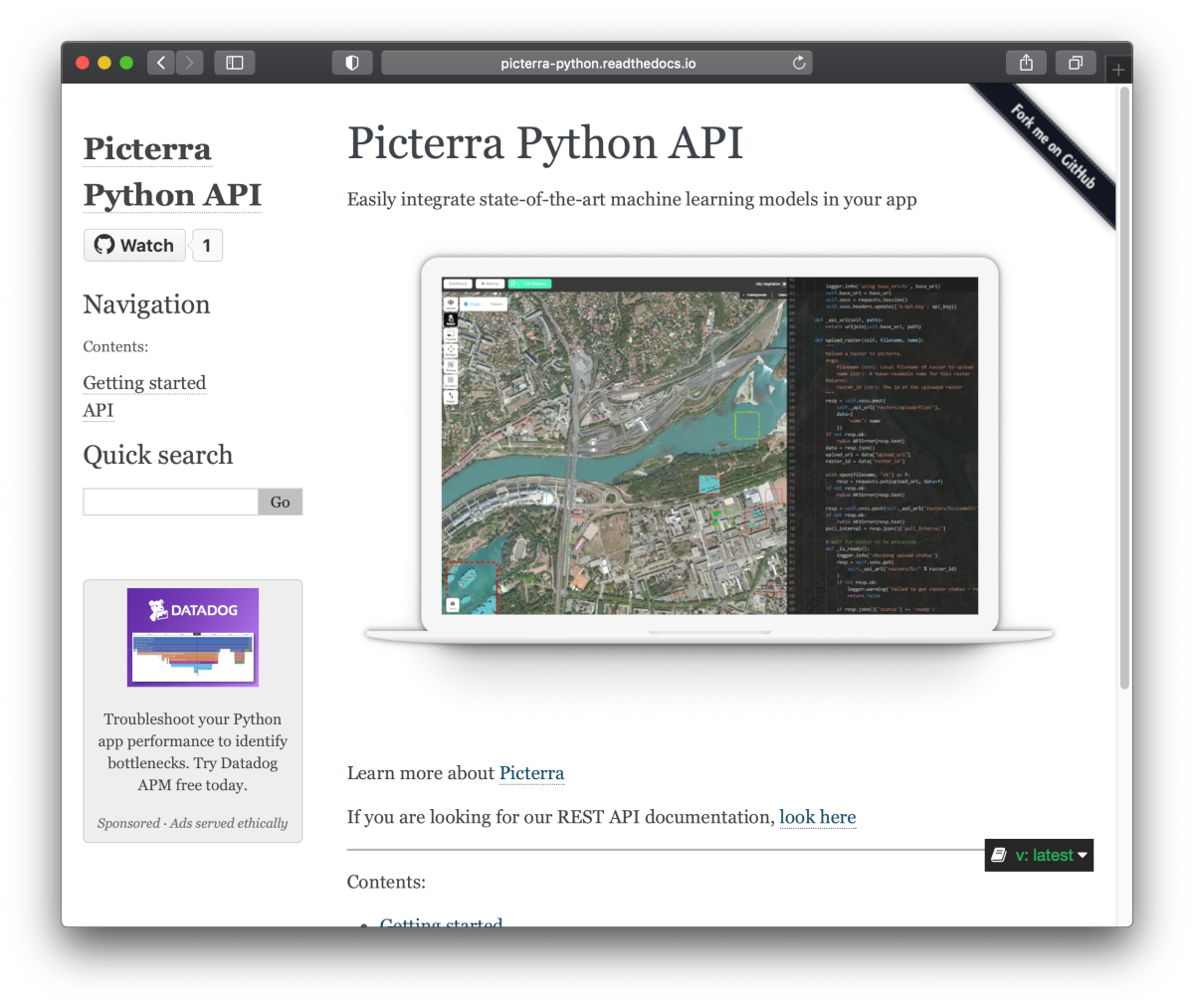
API Reference and User Guide available on Read the Docs
Development
In order to test locally, run:
python setup.py test
Release process
- Bump the version number in
setup.py - Manually run the publish to testpypi workflow
- Check the publication result on testpypi
- Create a release through github
- The 'publish to pypi' workflow should automatically run
- Updated package should be available on pypi
Release history Release notifications | RSS feed


Download files
Download the file for your platform. If you're not sure which to choose, learn more about installing packages.
Source Distribution
picterra-2.0.0.tar.gz
(21.0 kB
view details)
Built Distribution
Filter files by name, interpreter, ABI, and platform.
If you're not sure about the file name format, learn more about wheel file names.
Copy a direct link to the current filters
picterra-2.0.0-py3-none-any.whl
(13.5 kB
view details)
File details
Details for the file picterra-2.0.0.tar.gz.
File metadata
- Download URL: picterra-2.0.0.tar.gz
- Upload date:
- Size: 21.0 kB
- Tags: Source
- Uploaded using Trusted Publishing? No
- Uploaded via: twine/5.0.0 CPython/3.12.3
File hashes
| Algorithm | Hash digest | |
|---|---|---|
| SHA256 |
411d08fba8dbed0f8b4625c3d9a0c45c25c131e1e4ade92fee8be771ae607d8d
|
|
| MD5 |
7c6ef9ea9bf51a716dc715e5a7ffee0b
|
|
| BLAKE2b-256 |
582174b0e98a1e5d33691669aea7bafe47b3f9edfe3e34da07dbfd879897e81a
|
File details
Details for the file picterra-2.0.0-py3-none-any.whl.
File metadata
- Download URL: picterra-2.0.0-py3-none-any.whl
- Upload date:
- Size: 13.5 kB
- Tags: Python 3
- Uploaded using Trusted Publishing? No
- Uploaded via: twine/5.0.0 CPython/3.12.3
File hashes
| Algorithm | Hash digest | |
|---|---|---|
| SHA256 |
01a3f7f33dbc12ac211a66db395beeed10f530d5b427fcbe5bbd407948ff80fe
|
|
| MD5 |
93d46215baab09592628fcb922db69f6
|
|
| BLAKE2b-256 |
52468283da427e6f0b5e7ef02390993f4a6d1476cc18fda89ea3bb8cf45d3b63
|






