
Raspberry Pi Temperature and Humidity
This app can be used to measure temperature and humidity with a DHT11 or DHT22 sensor connected to your raspberry pi.
Installation
> sudo apt install libgpiod2
> pip install pigrometer
Usage
Connect a DHT11/DHT22 sensor to your raspberry pi on port GPIO 4. You can then run the app with the shell command pigrometer. After starting the app you should be able to connect to the server at http://<raspberry_pi_ip>:5000 on your local network.
To change which DHT sensor you're using or which pin you want to connect it to, run with --dht-version or --dht-pin set. --dht-version can be set to either 'DHT11' or 'DHT22'. For possible pin names see this circuit python guide. For other options type --help.
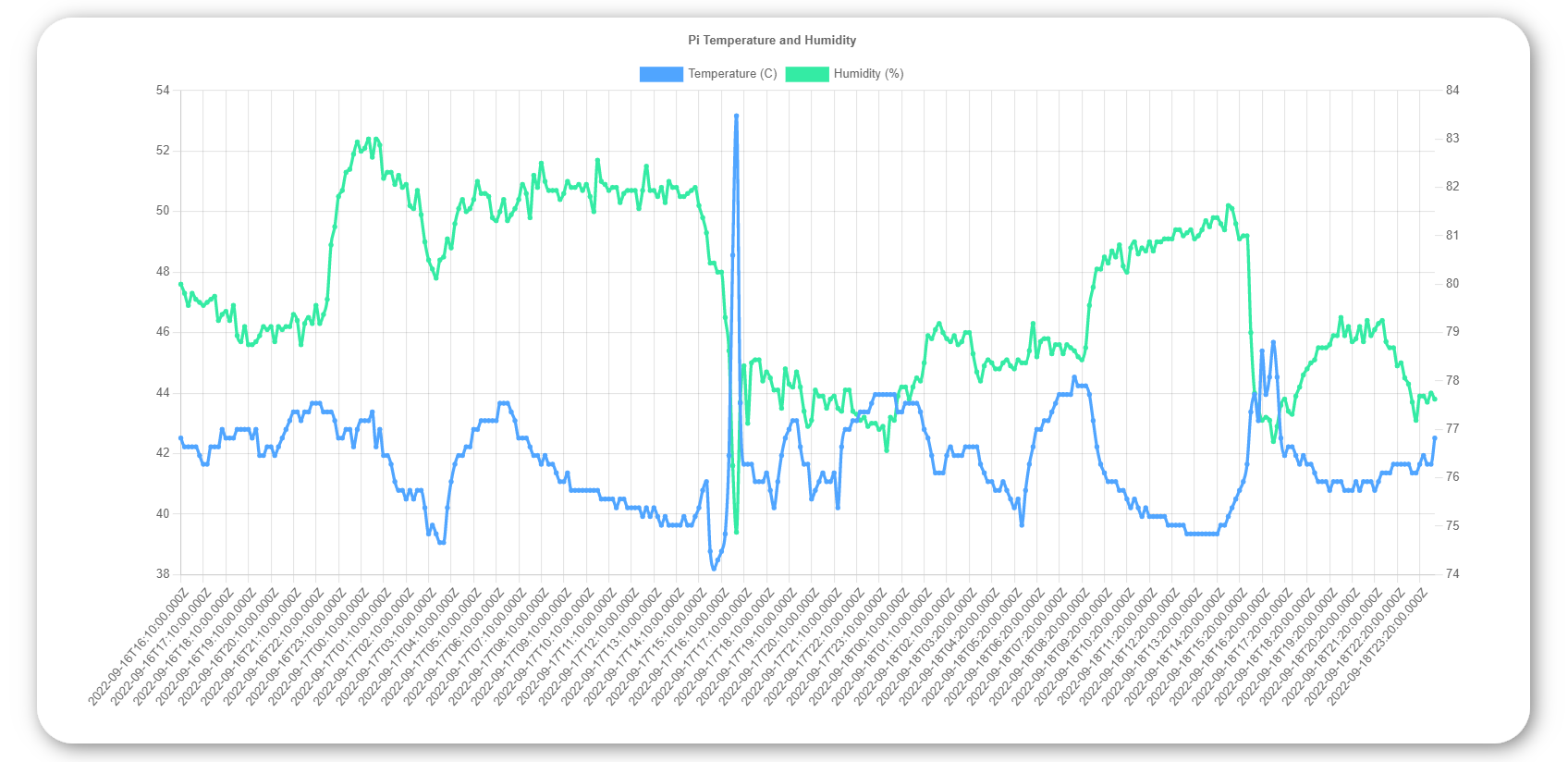
To change the amount of data shown on the chart add params to the url ?granularity=900&history=3 where granularity is the number of seconds between points on the graph and history is the number of days to display.
Upcoming features
- More readable timestamps at the bottom of the chart
- Better logging
- More features in the web ui, ability to easily set time range and granularity
- Ability to download data .csv with data from the web ui
Feel free to create an issue if you run into any problems, or if there's any features you think would be a nice addition. Contributions are welcome as well.
1 maintainer

Metadata
1 maintainer
Release files for pigrometer 0.9
For a detailed explanation of source distributions (sdists) and built distributions (wheels), please see the package formats documentation.
Source distribution (sdist)
| File | Size | Uploaded | |
|---|---|---|---|
| pigrometer-0.9.tar.gz | 5.3 kB | Details |
Built distribution (wheel)
| File | Interpreter | ABI | Platform | Reset |
|---|---|---|---|---|
| pigrometer-0.9-py3-none-any.whl | Python 3 | none | any | Details |
Total release size: 11.6 kB
Release files / pigrometer-0.9.tar.gz
| Download URL | pigrometer-0.9.tar.gz |
|---|---|
| Size | 5.3 kB |
| Tags | Source |
|
SHA-256 checksum How to use checksums |
e7412caa9c02c8136124da5ff7a12a32d55cc19011794841d0afd86b1ca73b86
|
|
BLAKE2b-256 checksum How to use checksums |
40d7d070732f21d45f1d64ed48731f2b589390a423315e1256f3b95422c85e86
|
| Upload date | |
|
Uploaded using Trusted Publishing? What is trusted publishing? |
No |
| Uploaded via |
poetry/1.3.1 CPython/3.9.16 Linux/5.15.0-1024-azure
|
Release files / pigrometer-0.9-py3-none-any.whl
| Download URL | pigrometer-0.9-py3-none-any.whl |
|---|---|
| Size | 6.3 kB |
| Tags | Python 3 |
|
SHA-256 checksum How to use checksums |
b2696960b77a45cd6b3f17e3bd4e86df562269310fefaed755303ce8178fbe1b
|
|
BLAKE2b-256 checksum How to use checksums |
40c22605f0a75efbdfcecbc00698bb7b591f295f073747f318f99169268e88e1
|
| Upload date | |
|
Uploaded using Trusted Publishing? What is trusted publishing? |
No |
| Uploaded via |
poetry/1.3.1 CPython/3.9.16 Linux/5.15.0-1024-azure
|














