
Planetary Computer MCP Server
A Python implementation of the Planetary Computer MCP server, providing unified access to satellite and geospatial data through natural language queries.
Sample Outputs
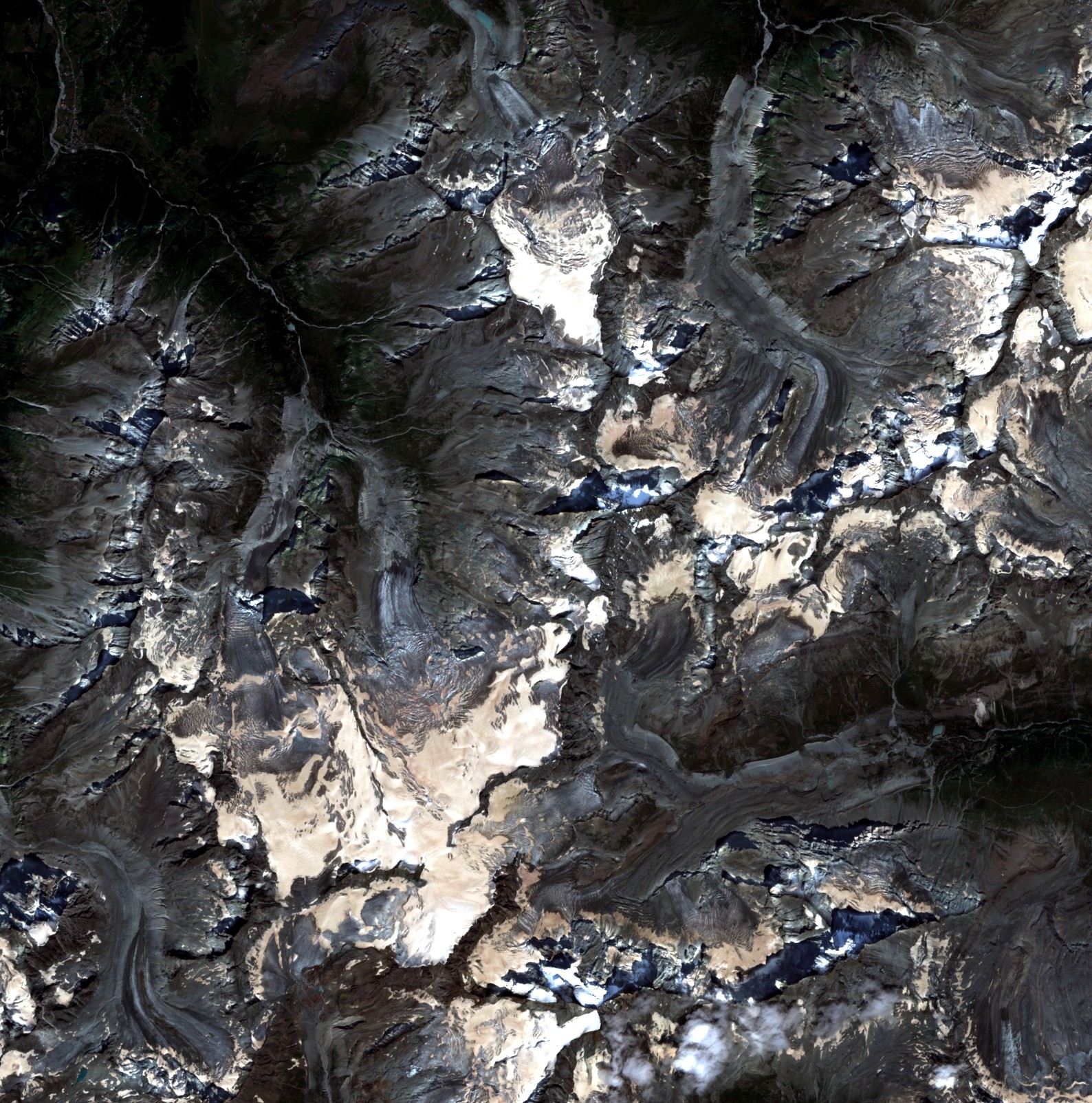 Sentinel-2 Alps |
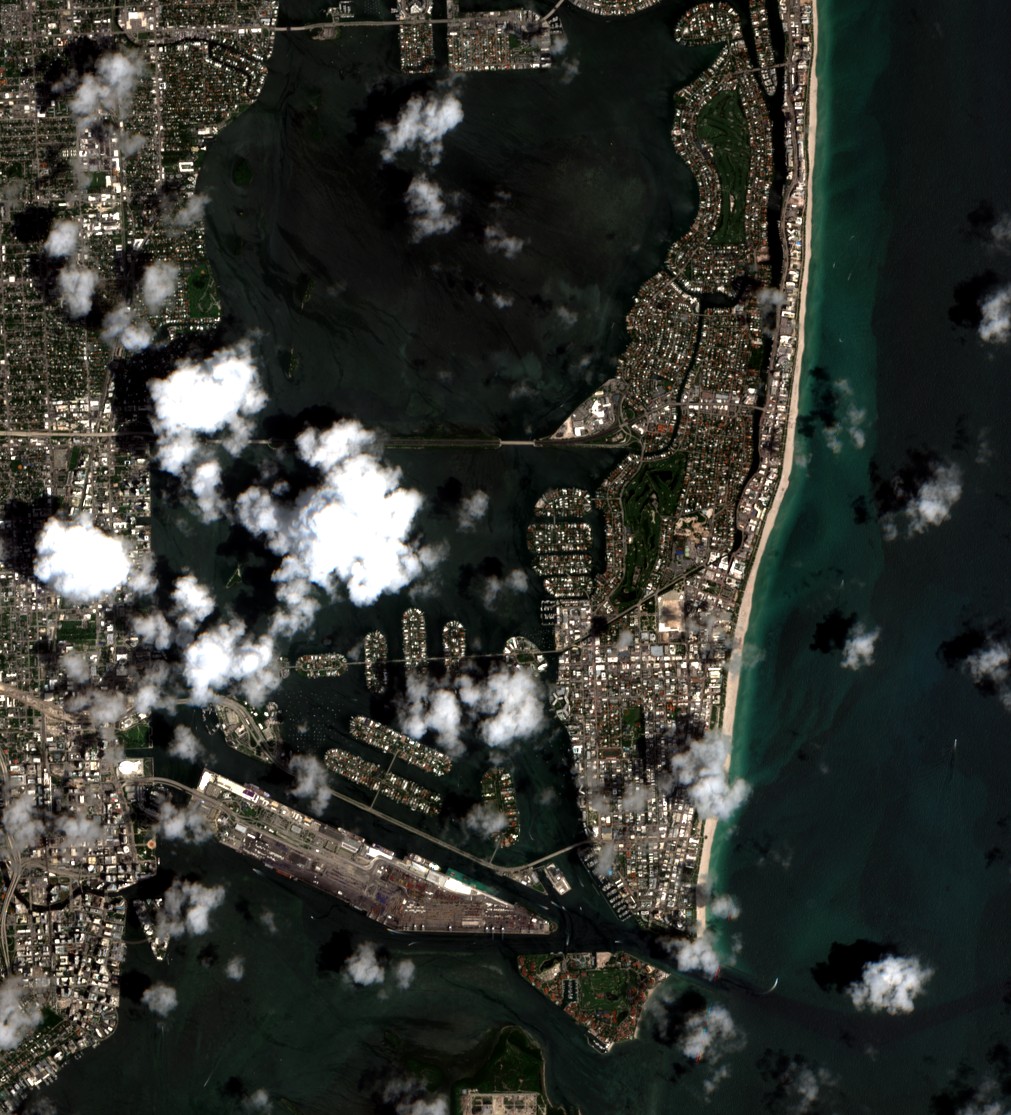 Sentinel-2 Miami |
 NAIP Seattle |
 NAIP Los Angeles |
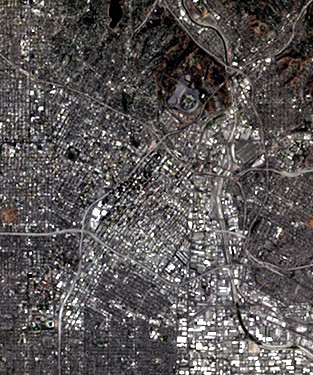 HLS L30 Los Angeles |
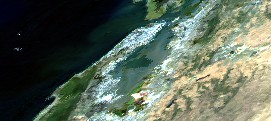 MODIS Bay Area |
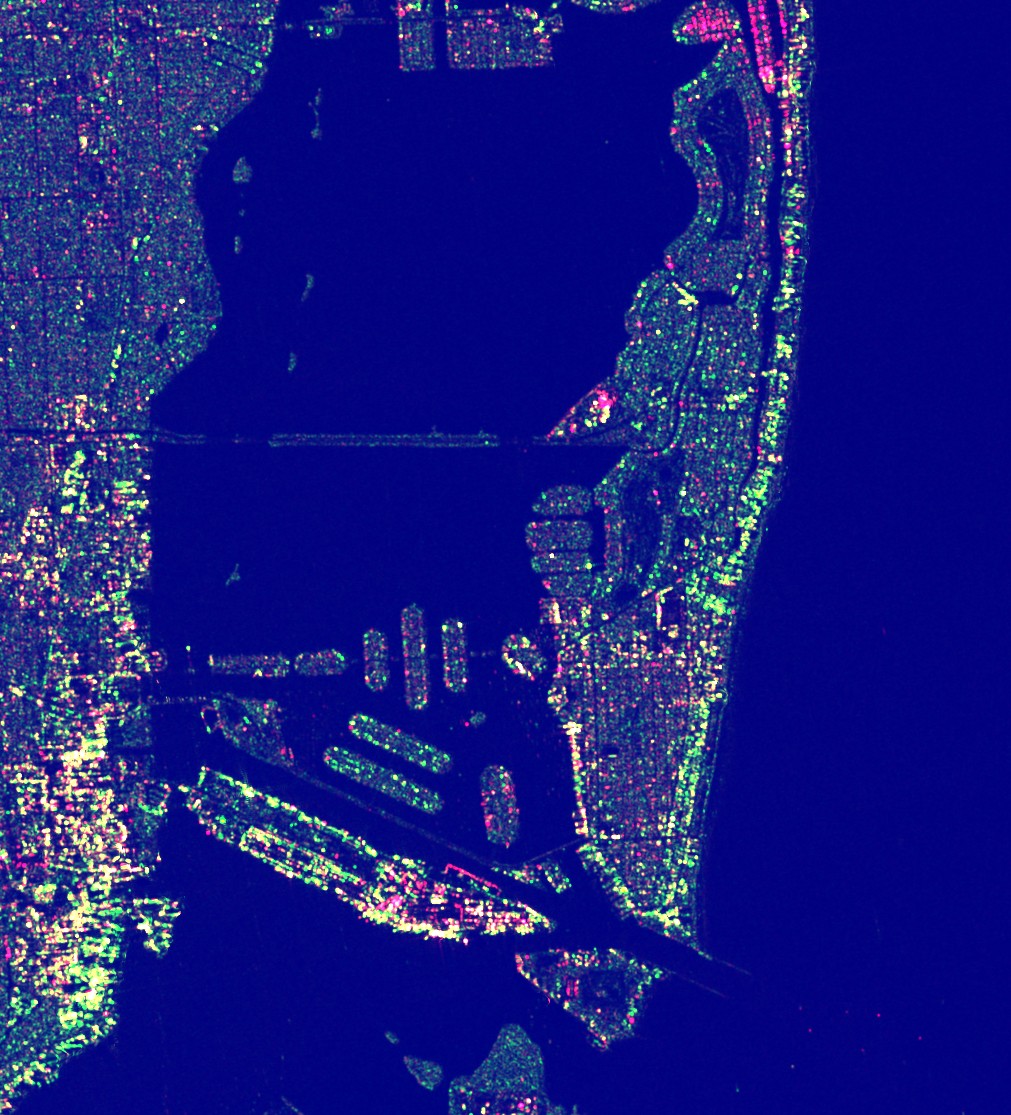 Sentinel-1 SAR Miami |
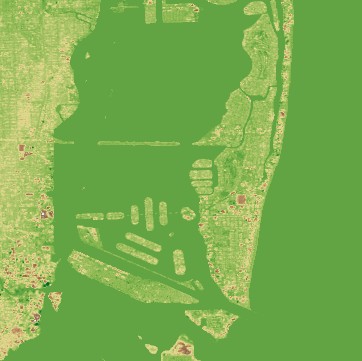 Copernicus DEM Miami |
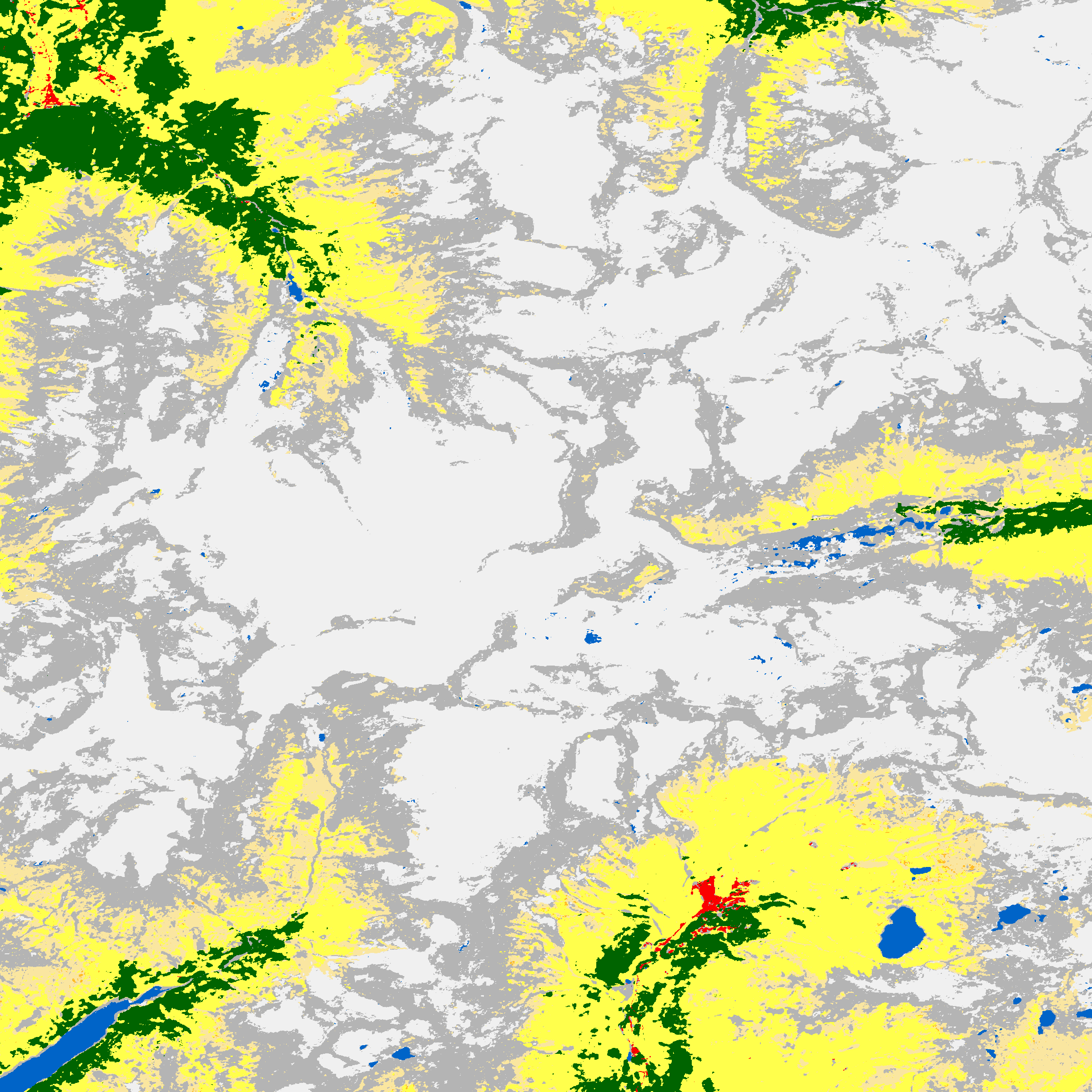 ESA WorldCover Alps |
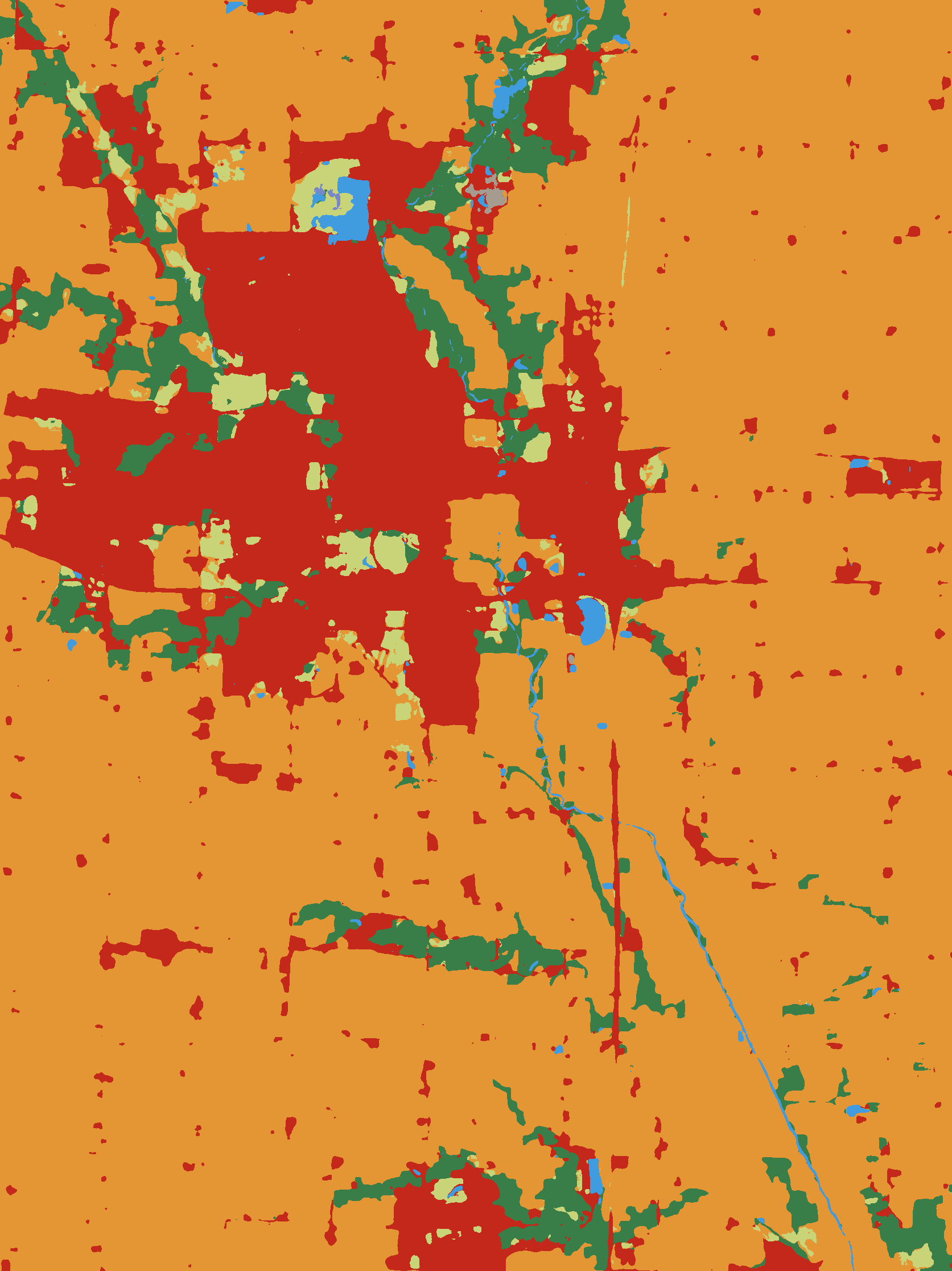 IO LULC Iowa |
 MS Buildings Vector Data |
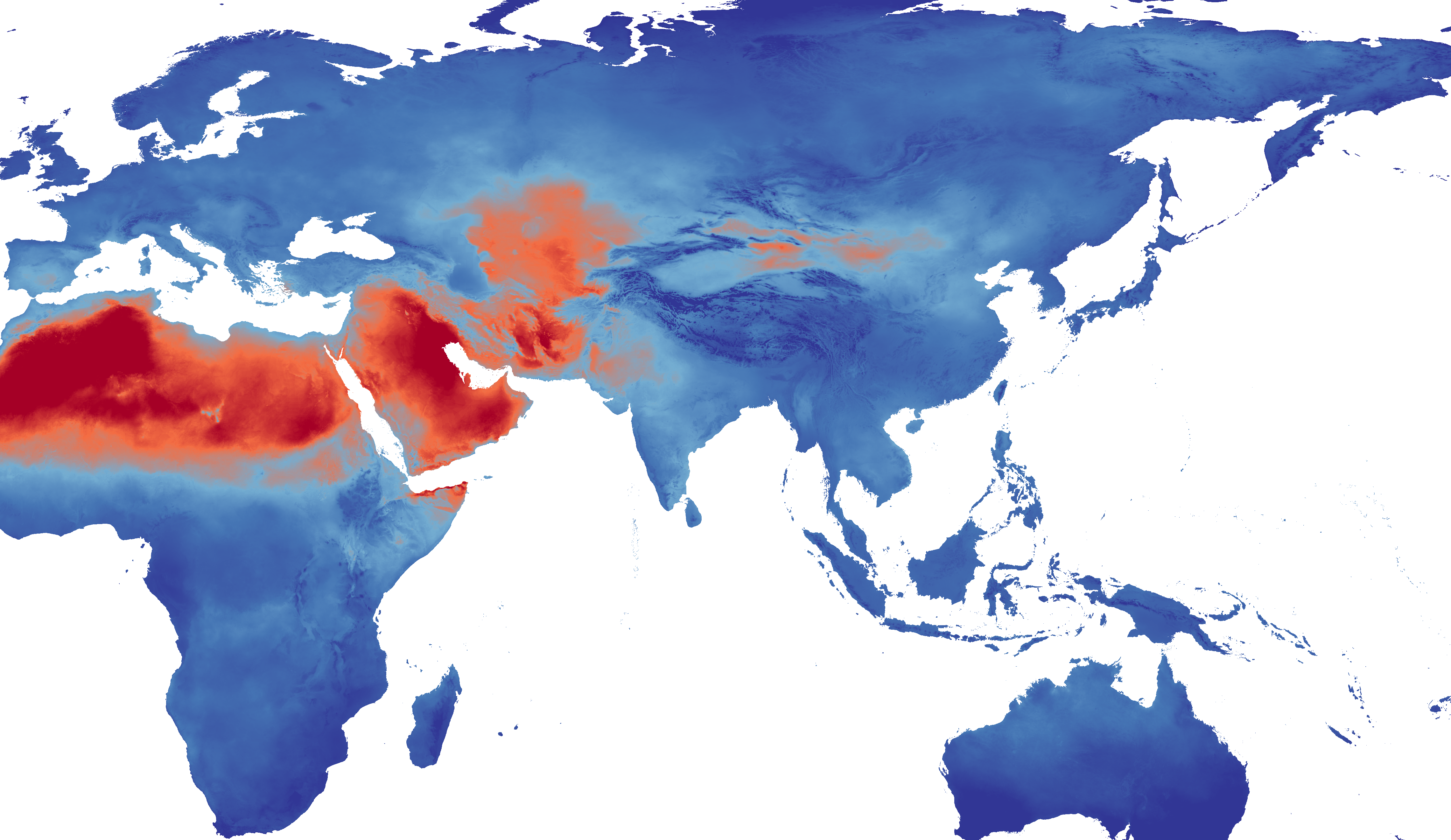 TerraClimate PET Zarr Preview |
 GridMET Climate Data Heatmap Animation |
 TerraClimate Data Heatmap Animation |
Features
- Unified Interface: Single
download_datatool that automatically detects datasets from natural language queries - Natural Language Geocoding: Automatically converts place names (e.g., "San Francisco", "the Alps", "Amazon rainforest") to geospatial bounding box coordinates using the Nominatim geocoding service—no need to manually specify coordinates
- Multi-format Support: Raster (GeoTIFF), Vector (GeoParquet), and Zarr data
- Automatic Visualization: Generate RGB/JPEG previews for LLM analysis
- Fast Downloads: Uses odc-stac for efficient COG access
Installation
uv sync
Usage
As MCP Server
python -m planetary_computer_mcp.server
Direct API Usage
from planetary_computer_mcp.tools.download_data import download_data

# Download Sentinel-2 data for San Francisco
result = download_data(
    query="sentinel-2 imagery",
    aoi="San Francisco",
    time_range="2024-01-01/2024-01-31"
)

print(f"Raw data: {result['raw']}")
print(f"Visualization: {result['visualization']}")
Tools
download_data
Unified tool for raster, DEM, land cover, and climate data.
Parameters:
query: Natural language query (e.g., "sentinel-2", "elevation data")aoi: Bounding box [W,S,E,N] or place nametime_range: ISO8601 datetime rangemax_cloud_cover: Maximum cloud cover (optical data)
Returns:
- Raw GeoTIFF/Zarr/Parquet file
- RGB/JPEG visualization
- Metadata
download_geometries
Tool for vector/building data.
Parameters:
collection: Collection ID (e.g., "ms-buildings")aoi: Bounding box or place namelimit: Maximum features
Returns:
- GeoParquet file
- Map visualization
- Feature count
Supported Datasets
See collections.md for the complete list of supported datasets.
Development
Setup
uv sync --dev
Testing
uv run pytest
Linting/Formatting
uv run pre-commit run --all-files
Architecture
src/
├── core/           # Core utilities
│   ├── stac_client.py    # STAC search wrapper
│   ├── geocoding.py      # Place name → bbox
│   ├── collections.py    # Dataset metadata
│   ├── raster_utils.py   # odc-stac helpers
│   ├── vector_utils.py   # DuckDB helpers
│   ├── visualization.py  # Matplotlib viz
│   └── zarr_utils.py     # Xarray Zarr helpers
├── tools/          # MCP tools
│   ├── download_data.py
│   └── download_geometries.py
└── server.py       # MCP server entry point
License
Apache 2.0 License
1 maintainer

Metadata
1 maintainer
Release files for planetary-computer-mcp 1.3.3
For a detailed explanation of source distributions (sdists) and built distributions (wheels), please see the package formats documentation.
Source distribution (sdist)
| File | Size | Uploaded | |
|---|---|---|---|
| planetary_computer_mcp-1.3.3.tar.gz | 37.5 kB | Details |
Built distribution (wheel)
| File | Interpreter | ABI | Platform | Reset |
|---|---|---|---|---|
| planetary_computer_mcp-1.3.3-py3-none-any.whl | Python 3 | none | any | Details |
Total release size: 81.0 kB
Release files / planetary_computer_mcp-1.3.3.tar.gz
| Download URL | planetary_computer_mcp-1.3.3.tar.gz |
|---|---|
| Size | 37.5 kB |
| Tags | Source |
|
SHA-256 checksum How to use checksums |
e91eadadf64e166c45877746ef2070bcb1feb96a8c67d182bf5919239e572bb2
|
|
BLAKE2b-256 checksum How to use checksums |
51a0527da696093b7749b069c112d641f8ad5ad6d5619a823ba52e508a040af2
|
| Upload date | |
|
Uploaded using Trusted Publishing? What is trusted publishing? |
Yes |
| Uploaded via |
uv/0.11.7 {"installer":{"name":"uv","version":"0.11.7","subcommand":["publish"]},"python":null,"implementation":{"name":null,"version":null},"distro":{"name":"Ubuntu","version":"24.04","id":"noble","libc":null},"system":{"name":null,"release":null},"cpu":null,"openssl_version":null,"setuptools_version":null,"rustc_version":null,"ci":true}
|
Release files / planetary_computer_mcp-1.3.3-py3-none-any.whl
| Download URL | planetary_computer_mcp-1.3.3-py3-none-any.whl |
|---|---|
| Size | 43.5 kB |
| Tags | Python 3 |
|
SHA-256 checksum How to use checksums |
c413d383b10ea5d30c6cf5d5fc4aa30f8c0d7b7f718a0ff409b32109fab192fa
|
|
BLAKE2b-256 checksum How to use checksums |
6c47100590d2a9f7ab91fd30ef98f814ac6b4af3d57dee6a6e1b5823b62ddde7
|
| Upload date | |
|
Uploaded using Trusted Publishing? What is trusted publishing? |
Yes |
| Uploaded via |
uv/0.11.7 {"installer":{"name":"uv","version":"0.11.7","subcommand":["publish"]},"python":null,"implementation":{"name":null,"version":null},"distro":{"name":"Ubuntu","version":"24.04","id":"noble","libc":null},"system":{"name":null,"release":null},"cpu":null,"openssl_version":null,"setuptools_version":null,"rustc_version":null,"ci":true}
|














