
A Python MCP Server for interacting with the Planetary Computer STAC Catalog.
Verified details
These details have been verified by PyPIProject links
GitHub Statistics
Maintainers

Project description
Planetary Computer MCP Server
A Python implementation of the Planetary Computer MCP server, providing unified access to satellite and geospatial data through natural language queries.
Sample Outputs
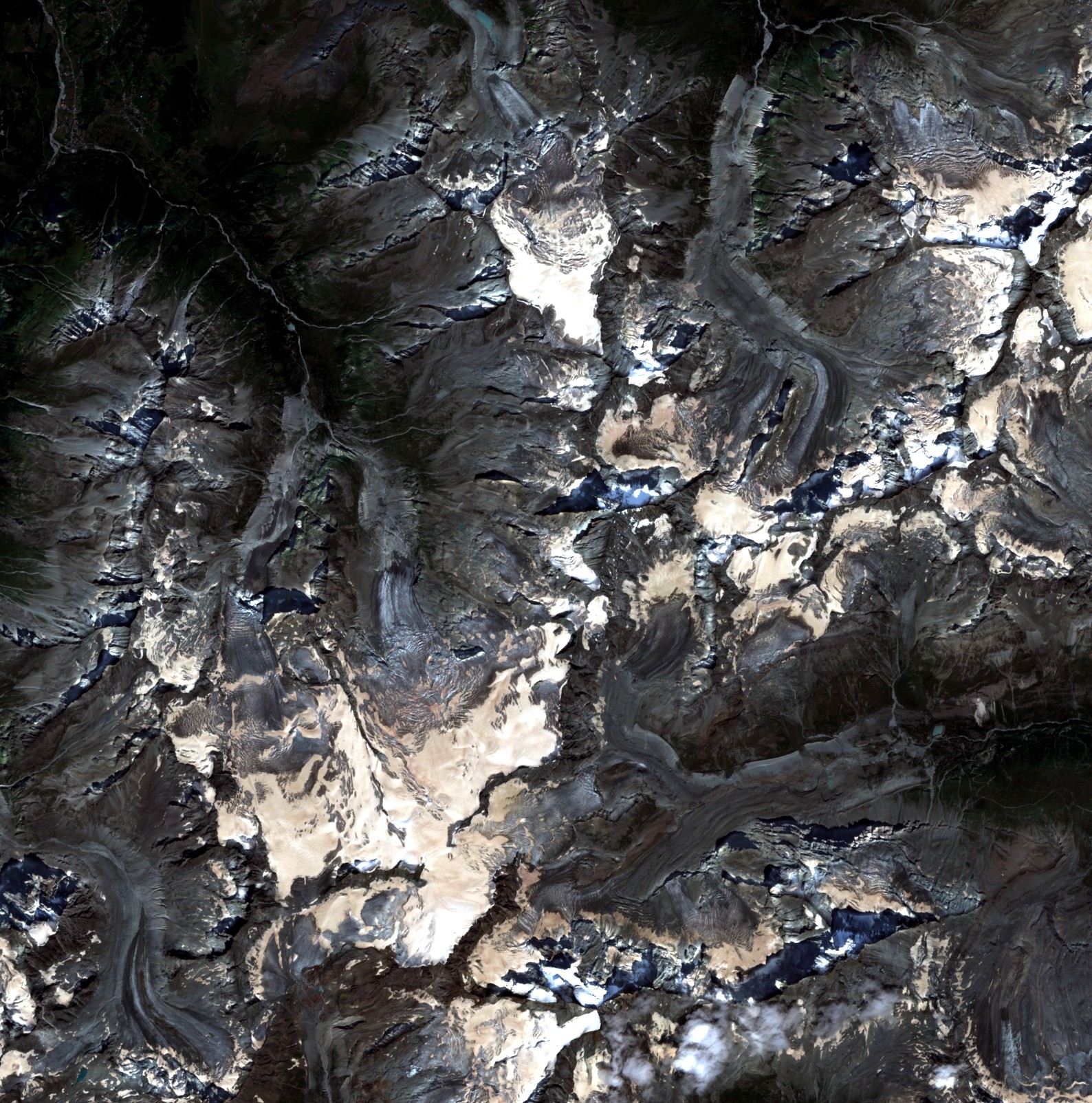 Sentinel-2 Alps |
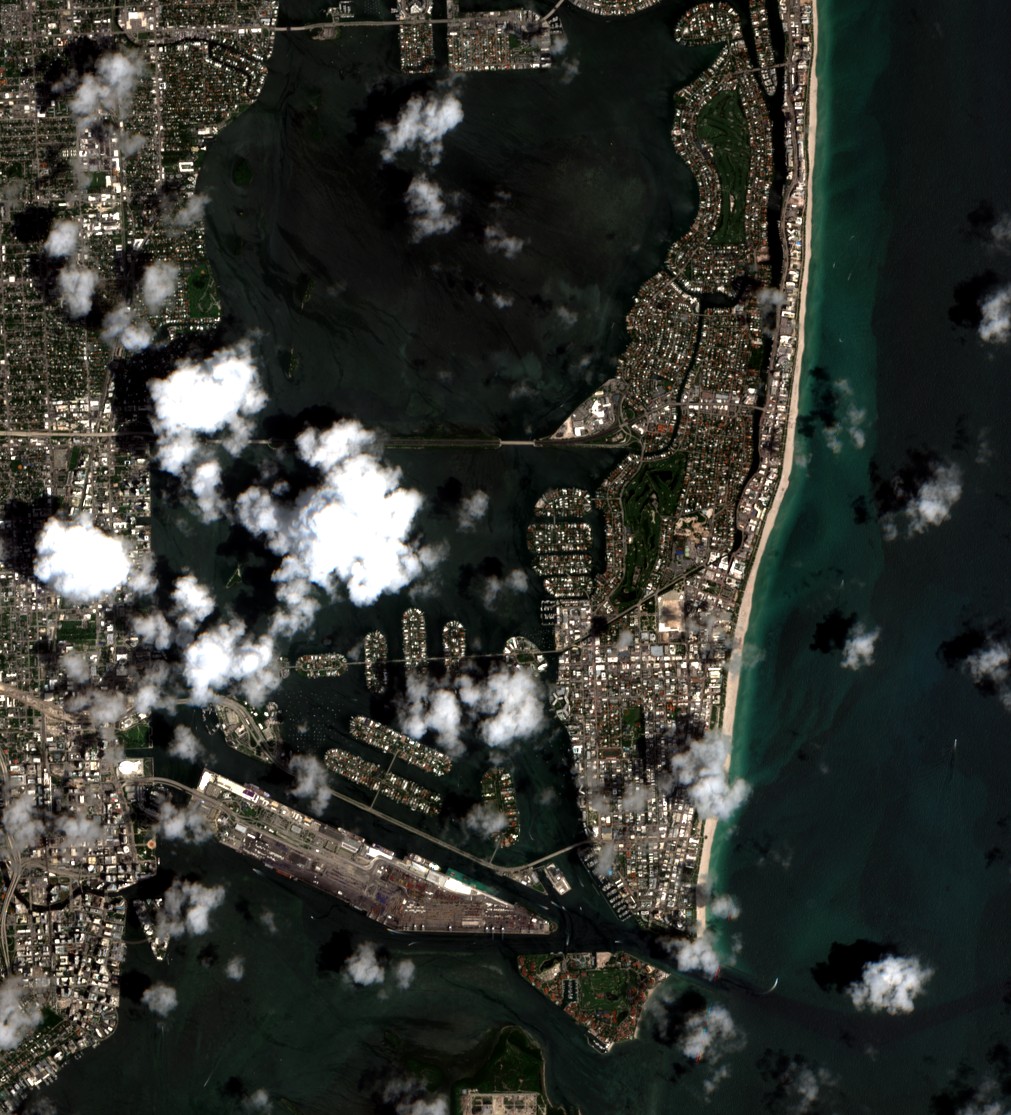 Sentinel-2 Miami |
 NAIP Seattle |
 NAIP Los Angeles |
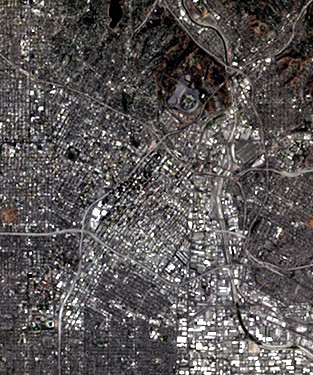 HLS L30 Los Angeles |
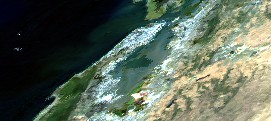 MODIS Bay Area |
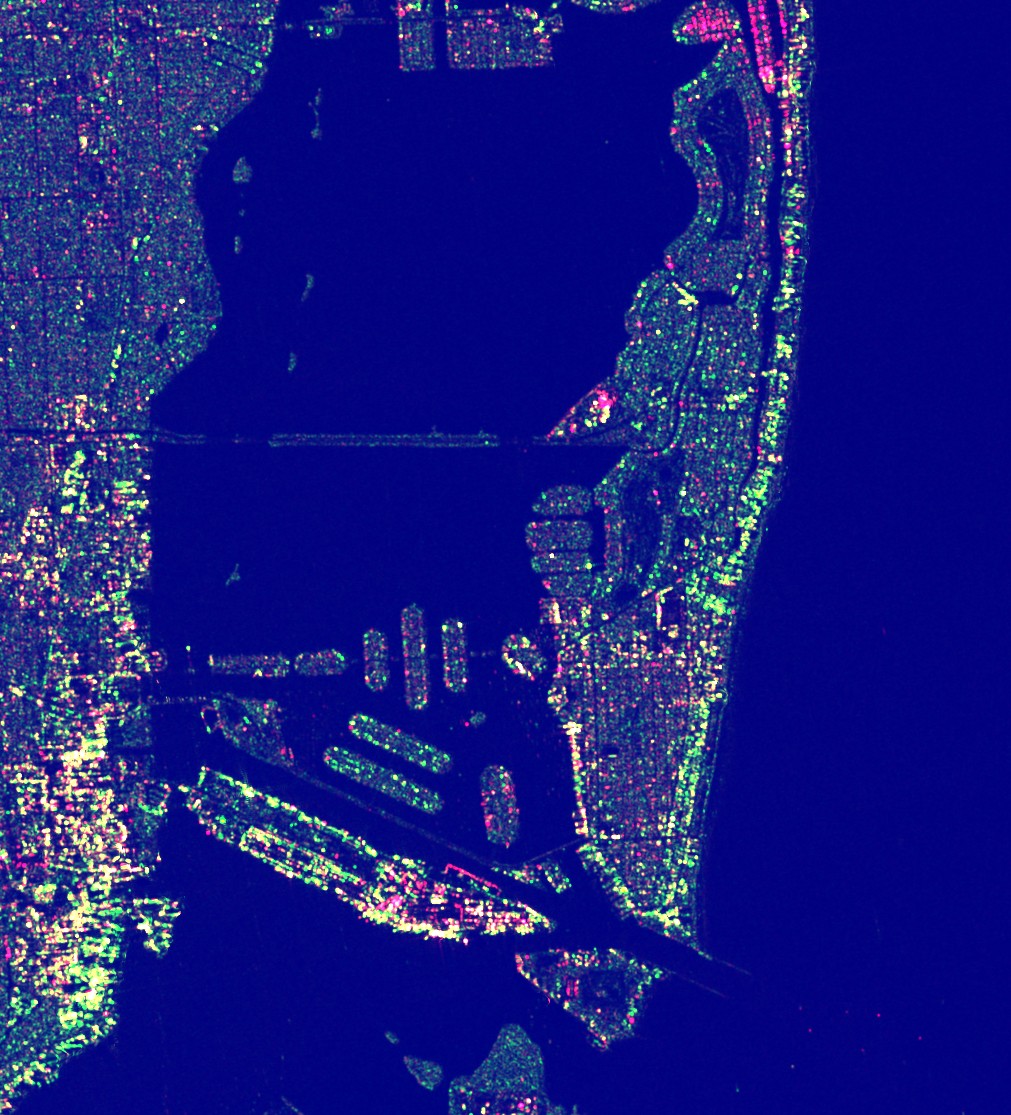 Sentinel-1 SAR Miami |
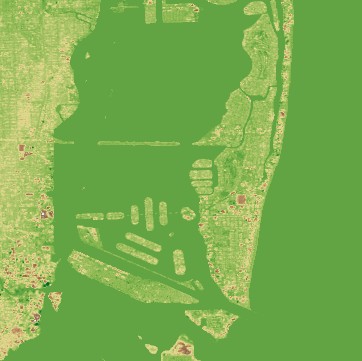 Copernicus DEM Miami |
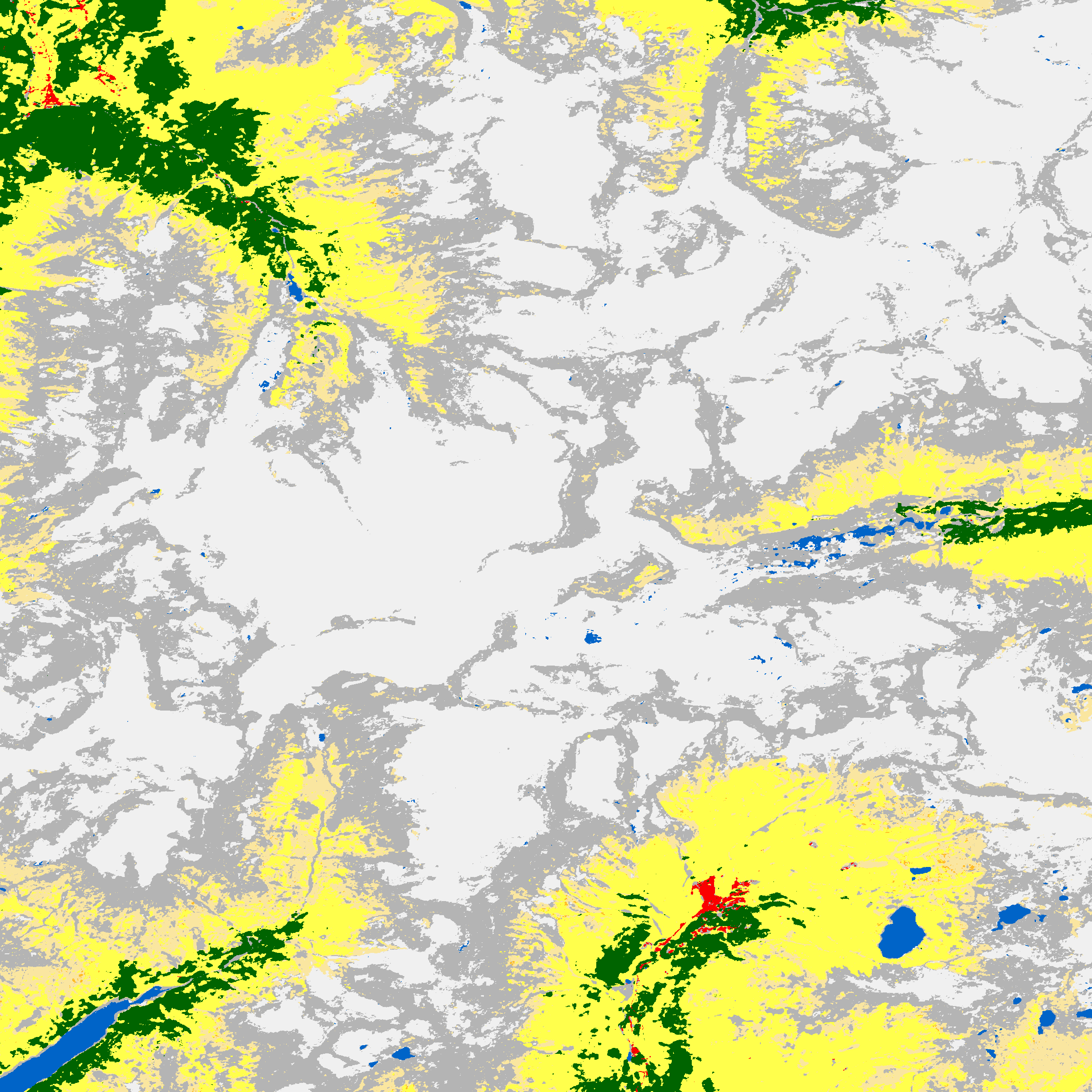 ESA WorldCover Alps |
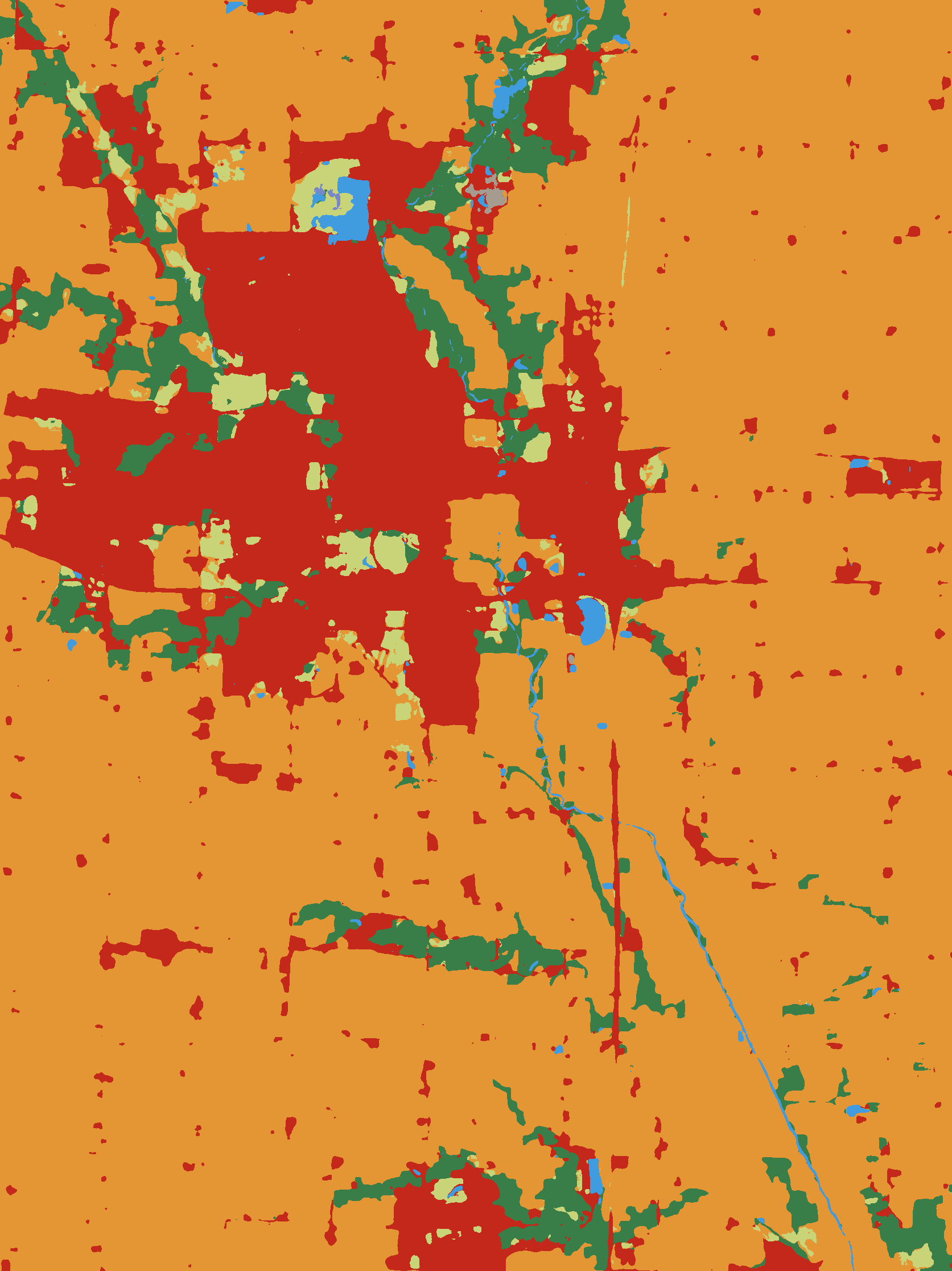 IO LULC Iowa |
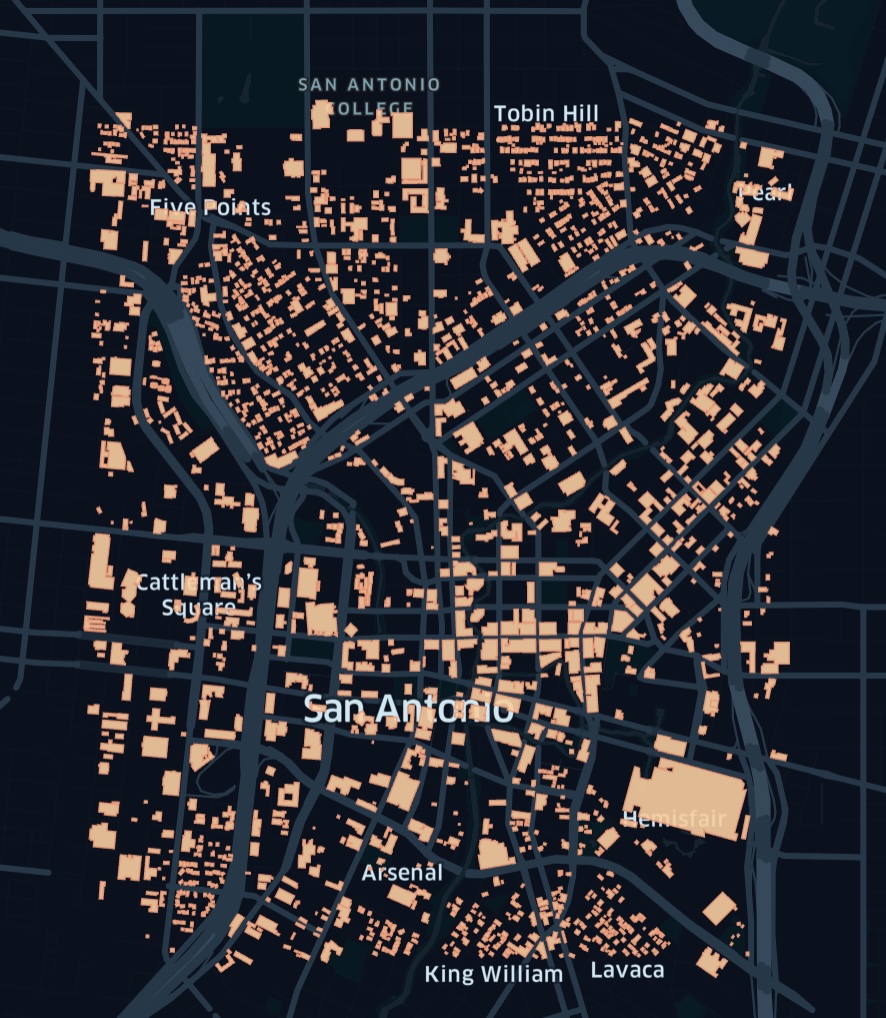 MS Buildings Vector Data |
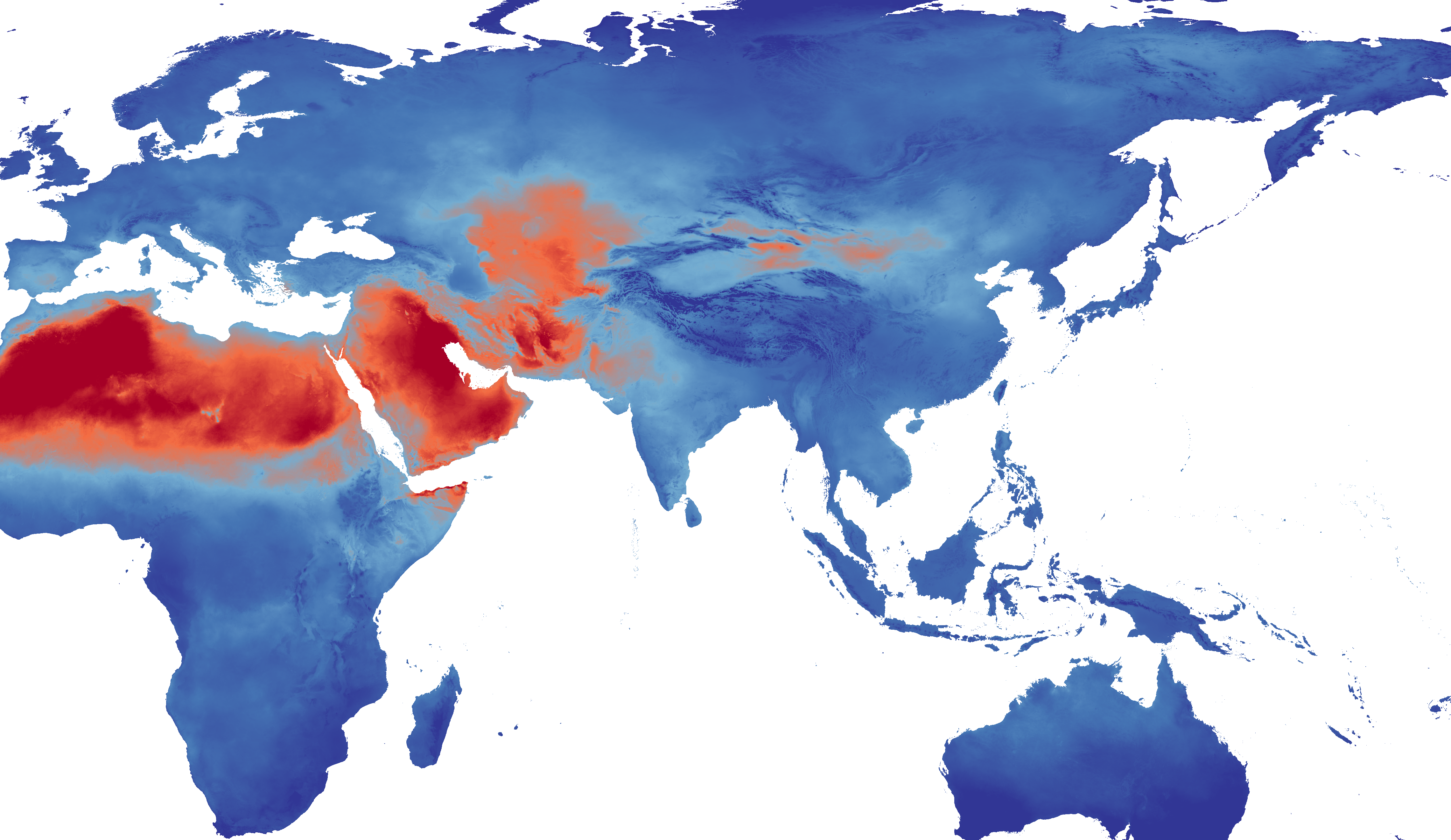 TerraClimate PET Zarr Preview |
 GridMET Climate Data Heatmap Animation |
 TerraClimate Data Heatmap Animation |
Features
- Unified Interface: Single
download_datatool that automatically detects datasets from natural language queries - Geocoding: Convert place names (e.g., "San Francisco") to bounding boxes
- Multi-format Support: Raster (GeoTIFF), Vector (GeoParquet), and Zarr data
- Automatic Visualization: Generate RGB/JPEG previews for LLM analysis
- Fast Downloads: Uses odc-stac for efficient COG access
Installation
uv sync
Usage
As MCP Server
python -m planetary_computer_mcp.server
Direct API Usage
from planetary_computer_mcp.tools.download_data import download_data

# Download Sentinel-2 data for San Francisco
result = download_data(
    query="sentinel-2 imagery",
    aoi="San Francisco",
    time_range="2024-01-01/2024-01-31"
)

print(f"Raw data: {result['raw']}")
print(f"Visualization: {result['visualization']}")
Tools
download_data
Unified tool for raster, DEM, land cover, and climate data.
Parameters:
query: Natural language query (e.g., "sentinel-2", "elevation data")aoi: Bounding box [W,S,E,N] or place nametime_range: ISO8601 datetime rangemax_cloud_cover: Maximum cloud cover (optical data)
Returns:
- Raw GeoTIFF/Zarr/Parquet file
- RGB/JPEG visualization
- Metadata
download_geometries
Tool for vector/building data.
Parameters:
collection: Collection ID (e.g., "ms-buildings")aoi: Bounding box or place namelimit: Maximum features
Returns:
- GeoParquet file
- Map visualization
- Feature count
Supported Datasets
See collections.md for the complete list of supported datasets.
Development
Setup
uv sync --dev
Testing
uv run pytest
Linting/Formatting
uv run pre-commit run --all-files
Architecture
src/
├── core/           # Core utilities
│   ├── stac_client.py    # STAC search wrapper
│   ├── geocoding.py      # Place name → bbox
│   ├── collections.py    # Dataset metadata
│   ├── raster_utils.py   # odc-stac helpers
│   ├── vector_utils.py   # DuckDB helpers
│   ├── visualization.py  # Matplotlib viz
│   └── zarr_utils.py     # Xarray Zarr helpers
├── tools/          # MCP tools
│   ├── download_data.py
│   └── download_geometries.py
└── server.py       # MCP server entry point
License
Apache 2.0 License
Project details
Verified details
These details have been verified by PyPIProject links
GitHub Statistics
Maintainers


Download files
Download the file for your platform. If you're not sure which to choose, learn more about installing packages.
Source Distribution
Built Distribution
Filter files by name, interpreter, ABI, and platform.
If you're not sure about the file name format, learn more about wheel file names.
Copy a direct link to the current filters
File details
Details for the file planetary_computer_mcp-1.1.2.tar.gz.
File metadata
- Download URL: planetary_computer_mcp-1.1.2.tar.gz
- Upload date:
- Size: 27.2 kB
- Tags: Source
- Uploaded using Trusted Publishing? Yes
- Uploaded via: uv/0.9.21 {"installer":{"name":"uv","version":"0.9.21","subcommand":["publish"]},"python":null,"implementation":{"name":null,"version":null},"distro":{"name":"Ubuntu","version":"24.04","id":"noble","libc":null},"system":{"name":null,"release":null},"cpu":null,"openssl_version":null,"setuptools_version":null,"rustc_version":null,"ci":true}
File hashes
| Algorithm | Hash digest | |
|---|---|---|
| SHA256 |
bd6705ffe0cf7767dfe896754484d902ae9821cd7c8b64e985daa2736b298cb8
|
|
| MD5 |
31171ad9afddd83fac22c68ef621b7f4
|
|
| BLAKE2b-256 |
7323234f873d512fcade7fc60e060c5e73a709658d1ae6fcf6c6c47233447d28
|
File details
Details for the file planetary_computer_mcp-1.1.2-py3-none-any.whl.
File metadata
- Download URL: planetary_computer_mcp-1.1.2-py3-none-any.whl
- Upload date:
- Size: 32.7 kB
- Tags: Python 3
- Uploaded using Trusted Publishing? Yes
- Uploaded via: uv/0.9.21 {"installer":{"name":"uv","version":"0.9.21","subcommand":["publish"]},"python":null,"implementation":{"name":null,"version":null},"distro":{"name":"Ubuntu","version":"24.04","id":"noble","libc":null},"system":{"name":null,"release":null},"cpu":null,"openssl_version":null,"setuptools_version":null,"rustc_version":null,"ci":true}
File hashes
| Algorithm | Hash digest | |
|---|---|---|
| SHA256 |
ad179f8abbe304547a810c95fad0a7d877a9b3e5f848de30a65413e10ddeb6fd
|
|
| MD5 |
f247628b04e3fc0be4e9d5cae1c451f8
|
|
| BLAKE2b-256 |
7810eb3430fa0d6533c57773910cebd2a4c97ab62da2e2466e7904cb2207d091
|






