
Elegant, customizable progress bars and spinners for Python — in both terminal and Jupyter notebook environments!

Project description
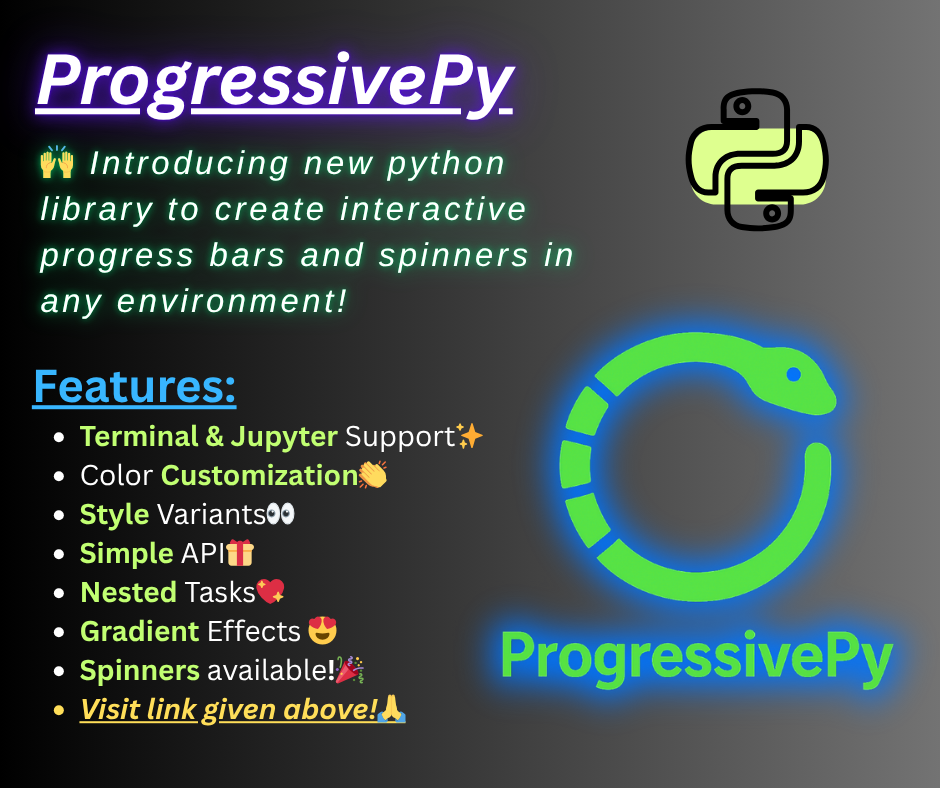
ProgressivePy
Elegant, customizable progress bars and spinners for Python — in both terminal and Jupyter notebook environments!
Features
- Highly customizable: Colors, styles, templates, and more.
- Terminal & Notebook support: Works seamlessly in scripts, CLI, and Jupyter/IPython.
- Nested & parallel bars: Track multiple tasks at once.
- Spinners: Animated indicators for indeterminate tasks.
- Low dependencies: Lightweight and easy to install.
- Thread management: Run multiple bars/spinners concurrently.
Installation from Git
pip install git+https://github.com/Ansari-Codes/progressive_py.git
Quick Start
Terminal Progress Bar
from progressive_py.progress_bar import simple, time

for i in simple(range(100), txt_lf="Processing {iters} "):
    time.sleep(0.1)
Styled Progress Bar
from progressive_py.manager import AssetsManager
from progressive_py.progress_bar import simple, time
mgr = AssetsManager()
theme = mgr.load('progress_bar', 'theme', 'neon_wave')
style = mgr.load('progress_bar', 'style', 'its_cool')
for i in simple(range(100),
                dict(     # pass theme seperatly as dict, its safer
                    **theme,
                    **style
                ),
                head = '>', # change parameters of passed dict before
                txt_lf='You\'re being hacked... {percent:.0f}% |',
                txt_rt='| ETA: {eta} | Elapsed: {elapsed}'
                ):
    time.sleep(0.05)
Terminal Spinner
from progressive_py import spinner
import time
from progressive_py.manager import AssetsManager

mgr = AssetsManager()
style = mgr.load('spinner', 'style', 'dots')
theme = mgr.load('spinner', 'theme', 'sunset')
spinner = spinner.Spinner(seq=style, spn_side='left', text=' Loadings ', **theme)

spinner.start()
time.sleep(2)
spinner.stop()
Notebook Progress Bar
from progressive_py.ntbk_progbar import NotebookProgressBar
from progressive_py.utils import gradient_colors
from progressive_py.manager import AssetsManager
import time
style = AssetsManager().load('progress_bar', 'style', 'its_cool')
pb = NotebookProgressBar({
    **style,
    'txt_lf': "I'm Fast... [{percent:.0f}%] | ",
    'txt_rt': "| ETA {eta} | Elapsed {elapsed}",
    'colors': gradient_colors('#00ff00', '#0000ff', 15),
    'paint': 'bar-by-bar',
    'text_color': ['#efa', '#afe'],
    'length': 15,
})

total = 100
for i in range(total + 1):
    pb.update(i/ total, i, total)
    time.sleep(0.03)
print("Progress Complete!")
Notebook Spinner
from progressive_py.ntbk_spinner import NotebookDivSpinner
import time

spn = NotebookDivSpinner({"text": "Loading"})
spn.start()
time.sleep(2)
spn.stop()
Style Spinner
from progressive_py.ntbk_spinner import NotebookDivSpinner
import time

spinner = NotebookDivSpinner(
    text="Loading...",
    final_text="Done!",
    speed=1.2,
    refresh=0.1,
    fg_text=["#2afadf", "#00c9ff", "#ff0080", "#7928ca"],
    bg_text=["#111111", "#222222", "#333333"],
    clr_interval=[0.4],
    container_css={
        "box-shadow": "0 4px 12px rgba(0, 0, 0, 0.25)",
        "background": "#1a1a1a",
        "border-radius": "10px",
        "padding": "6px 14px",
        "gap": "10px",
        "display": "inline-flex",
        "align-items": "center",
        "margin": "0px",  # No top margin
        "max-width": "fit-content"
    },
    spinner={
        "spinner_css": {
            "width": "20px",
            "height": "20px",
            "border": "4px solid #333",         # Full border
            "border-top": "4px solid #0ff",     # Spinner highlight
            "border-radius": "50%",
            "animation": "spin 1s linear infinite"
        },
        "text_css": {
            "font-size": "15px",
            "font-weight": "bold"
        }
    },
    animation={  # Keyframes!
        "spin 1s linear infinite":
        "0% { transform: rotate(0deg); } 100% { transform: rotate(360deg); }"
    }
)
spinner.start()
for i in range(21):
    spinner.set_text(f"<b>Loading...</b> {i*5}%")
    time.sleep(0.5)
spinner.stop()
Advanced Usage
Nested Progress Bars
from progressive_py.progress_bar import nested_bar, ProgressBar
import time

def task1(bar):
    for i in range(100):
        time.sleep(0.01)
        bar.update(i/99, i+1, 100)

def task2(bar):
    for i in range(50):
        time.sleep(0.01)
        bar.update(i/49, i+1, 50)

main = ProgressBar({'line':2})
childs = {
    "Task1": [task1, {"txt_lf": "Task1 {percent:.0f}%"}],
    "Task2": [task2, {"txt_lf": "Task2 {percent:.0f}%"}]
}
nested_bar(main, childs)
Threaded Bars
from progressive_py.progress_bar import ProgressBar
from progressive_py.utils import BarThreadManager
import time

def example_task(bar, pause_event, stop_check, cool_down=0.05):
    total = 100
    for i in range(total):
        if stop_check():
            break
        pause_event.wait()
        time.sleep(cool_down)
        bar.update(i / (total - 1), i + 1, total)

bar1 = ProgressBar({'txt_lf': 'Task 1 {percent:.0f}% {eta} {elapsed}', 'line': 1})
bar2 = ProgressBar({'txt_lf': 'Task 2 {percent:.0f}% {eta} {elapsed}', 'line': 0})

tasks = {
    "task1": [bar1, example_task],
    "task2": [bar2, example_task],
}

manager = BarThreadManager(tasks)
manager.start_all(cool_down=0.02)
manager.wait_all()
print("\nAll tasks completed.")
See docs/* documentation for more info
Customization
- Text templates: Use
{percent},{iters},{eta},{elapsed},{speed}in labels. - Colors: Pass color names or hex codes (
'#ffaa00') for bars, spinners, and text. - CSS/HTML: In notebooks, customize with inline CSS and SVG for advanced visuals.
- Thread control: Pause, resume, stop, and restart bars/spinners with
BarThreadManager.
Why to choose it?
- Interactive in notebooks and terminals – unlike tqdm, which is static in notebooks.
- Easy customization – supports CSS styling in notebooks and multi-color bars in the terminal.
- Lightweight and simple – less steep learning curve than rich but still very powerful.
- Add-on, not a replacement – it works seamlessly alongside existing Python code.
- Nested progress bars – handle parent/child tasks easily, which most other libraries can’t do out of the box.
Modules Overview
- progress_bar.py: Terminal progress bars (single, nested, parallel).
- spinner.py: Terminal spinners with color and threading.
- ntbk_progbar.py: Notebook progress bars with HTML/CSS styling.
- ntbk_spinner.py: Notebook spinners with advanced animation.
- utils.py: Color handling, terminal control, thread management, error classes.
- manager.py: Assets manager for progressive_py
Developed by Muhammad Abubakar Siddique Ansari


Download files
Download the file for your platform. If you're not sure which to choose, learn more about installing packages.
Source Distribution
progressive_py-0.1.1.tar.gz
(28.2 kB
view details)
Built Distribution
Filter files by name, interpreter, ABI, and platform.
If you're not sure about the file name format, learn more about wheel file names.
Copy a direct link to the current filters
File details
Details for the file progressive_py-0.1.1.tar.gz.
File metadata
- Download URL: progressive_py-0.1.1.tar.gz
- Upload date:
- Size: 28.2 kB
- Tags: Source
- Uploaded using Trusted Publishing? No
- Uploaded via: twine/6.2.0 CPython/3.10.19
File hashes
| Algorithm | Hash digest | |
|---|---|---|
| SHA256 |
064a202d4abc8ef2e42fa5253d6bcff0822018b1af6f8bce4a6588dfeab72ed1
|
|
| MD5 |
5dd45151f739181be4c315b281479671
|
|
| BLAKE2b-256 |
e02af973feff8d99ede79ee33f88e894a6ac8c2be305bd93bcf6abb322601984
|
File details
Details for the file progressive_py-0.1.1-py3-none-any.whl.
File metadata
- Download URL: progressive_py-0.1.1-py3-none-any.whl
- Upload date:
- Size: 29.8 kB
- Tags: Python 3
- Uploaded using Trusted Publishing? No
- Uploaded via: twine/6.2.0 CPython/3.10.19
File hashes
| Algorithm | Hash digest | |
|---|---|---|
| SHA256 |
037be5629e0f49e722c655ccdfcb45d705418d6691ed0673c84e03ed98821149
|
|
| MD5 |
cfe98243cd49748958ec0b0bdeef005f
|
|
| BLAKE2b-256 |
7e911fc46be4734920551274bcf94a7705512abc499e23a787cc031e2664c3fa
|






