
Converts pixel-art-style images such as those from generative models or low-quality sprite web uploads to true resolution usable assets.
Verified details
These details have been verified by PyPIProject links
GitHub Statistics
Maintainers

Project description
Proper Pixel Art
Summary
Converts noisy, high resolution pixel-art style images such as those produced by generative models or sourced from low-quality web uploads to clean, true-resolution pixel-art assets.
Challenges
Generative pixel-art style images are noisy and high resolution, often with a non-uniform grid and random artifacts. Standard downsampling techniques do not work. The current approach is to either use naive downscaling techniques or manually re-create the asset pixel by pixel.
This tool addressed both of these issues by automating the process of recovering true-resolution pixel-art assets.
Installation
From Source
Clone the Repository
git clone git@github.com:KennethJAllen/proper-pixel-art.git
cd proper-pixel-art
Create Virtual Environment
- Install uv if not already installed.
- Sync environments:
uv sync
From Pip
pip install proper-pixel-art
Or with uv:
uv add proper-pixel-art
Usage
First, obtain a source pixel-art-style image (e.g. a pixel-art-style image generated by GPT-4o or a screenshot of pixel-art).
CLI
uv run ppa <input_path> -o <output_path> -c <num_colors> -s <result_scale> [-t]
# or directly using uvx
uvx --from "proper-pixel-art" ppa <input_path> -o <output_path> -c <num_colors> -s <result_scale> [-t]
Flags
| Flag | Description |
|---|---|
| INPUT (positional) | Source file in pixel-art-style |
-o, --output <path> |
Output directory or file path for result. (default: '.') |
-c, --colors <int> |
Number of colors for output (1-256). Omit to skip quantization and preserve all colors. May need to try a few different values. (default None) |
-s, --scale-result <int> |
Width/height of each "pixel" in the output. (default: 1) |
-t, --transparent <bool> |
Output with transparent background. (default: off) |
-u, --initial-upscale <int> |
Initial image upscale factor. Increasing this may help detect pixel edges. (default 2) |
-w, --pixel-width <int> |
Width of the pixels in the input image. If not set, it will be determined automatically. (default: None) |
Example
uv run ppa assets/blob/blob.png -c 16 -s 20 -t
# or directly using uvx
uvx --from "proper-pixel-art" ppa path/to/input.png -o . -c 16 -s 20 -t
Python
from PIL import Image
from proper_pixel_art.pixelate import pixelate

image = Image.open('path/to/input.png')
result = pixelate(image, num_colors=16)
result.save('path/to/output.png')
Parameters
-
image:PIL.Image.Image- A PIL image to pixelate.
-
num_colors:int | None- The number of colors in result (1-256). Omit to skip quantization and preserve all colors.
- May need to try a few values if the colors don't look right.
- 8, 16, 32, or 64 typically works for quantized output.
-
initial_upscale:int- Upscale initial image. This may help detect lines.
-
scale_result:int- Upscale result after algorithm is complete if not None.
-
transparent_background:bool- If True, flood fills each corner of the result with transparent alpha.
-
intermediate_dir:Path | None- Directory to save images visualizing intermediate steps of algorithm. Useful for development.
-
pixel_width:int | None- Width of the pixels in the input image. If not set, it will be determined automatically. It may be helpful to increase this parameter if not enough pixel edges are being detected.
Returns
A PIL image with true pixel resolution and quantized colors.
Web Interface
Local:
uv sync --extra web
uv run ppa-web
# Opens http://127.0.0.1:7860
Without cloning:
uvx --from "proper-pixel-art[web]" ppa-web
Examples
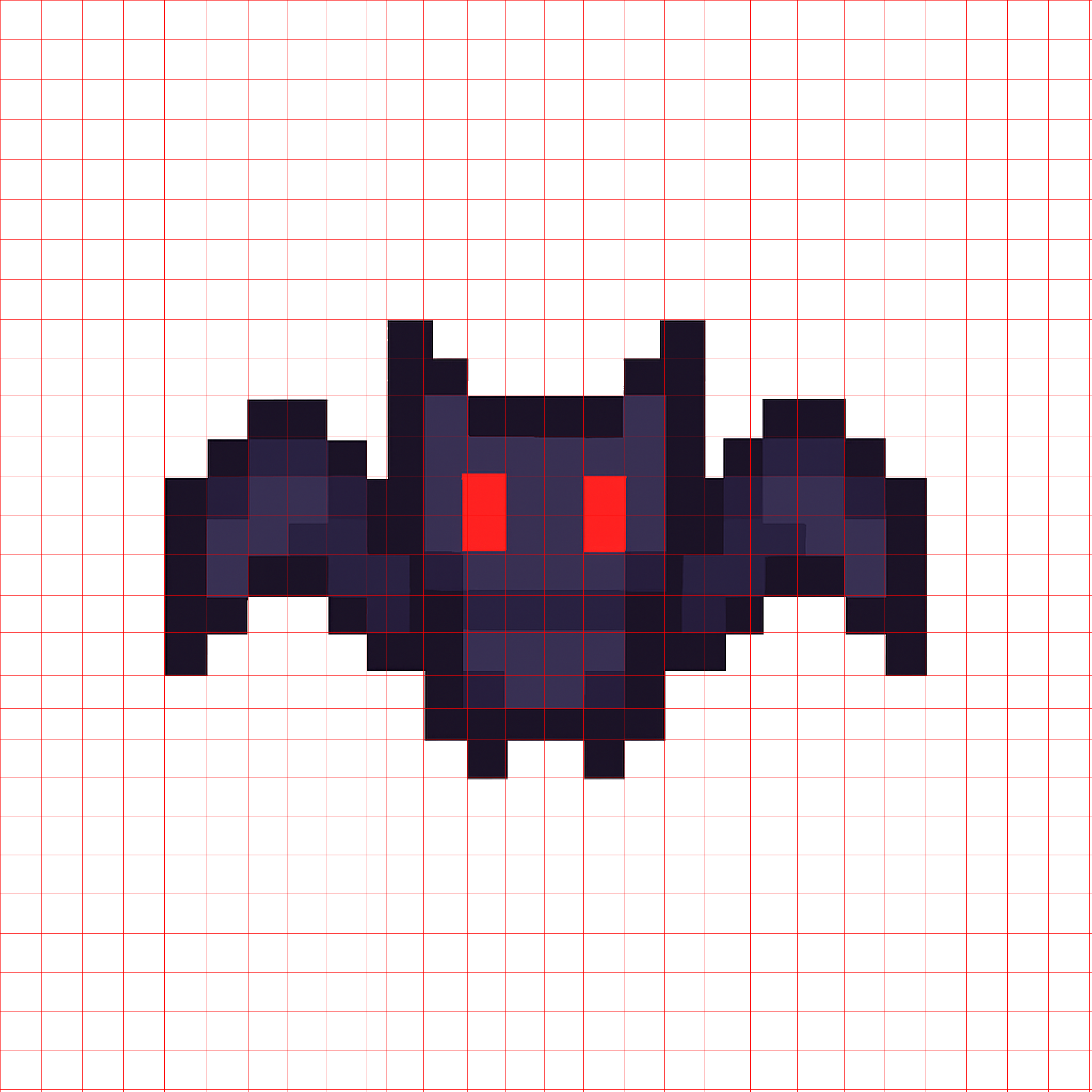
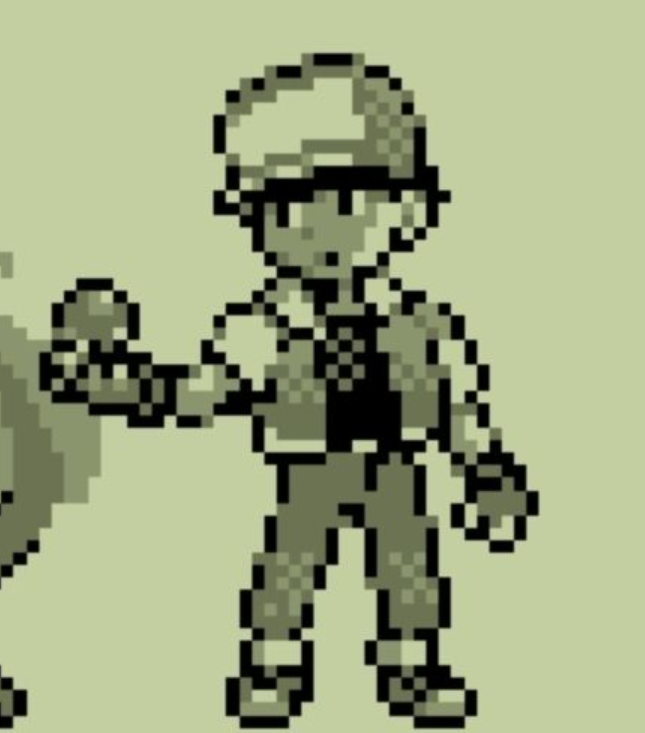
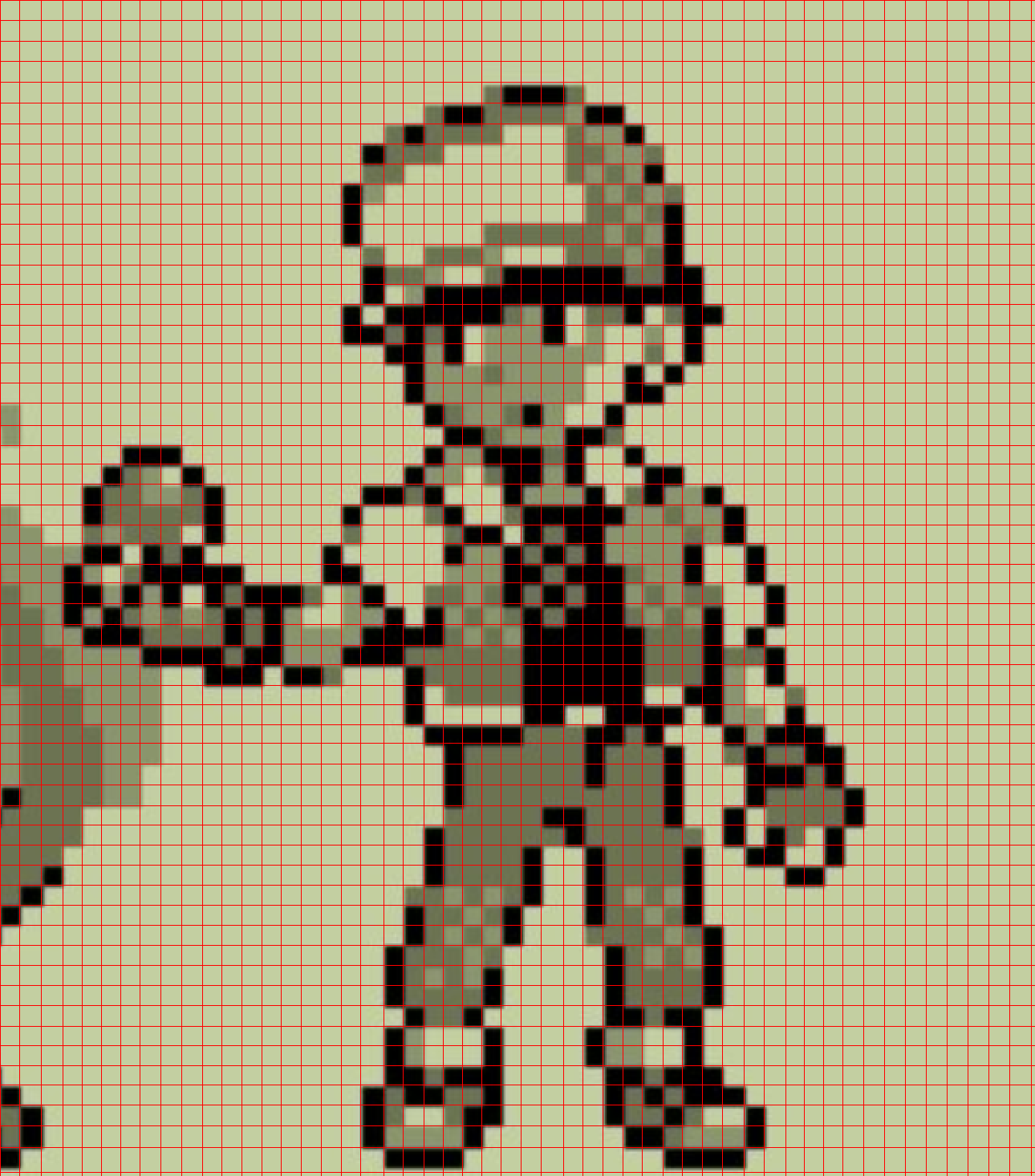
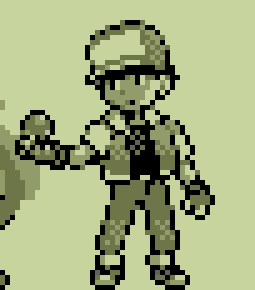
The algorithm is robust. It performs well for images that are already approximately alligned to a grid.
Here are a few examples. A mesh is computed, where each cell corresponds to one pixel.
Bat
- Generated by GPT-4o.

Noisy, High Resolution |
Mesh |

True Pixel Resolution |
Ash
- Screenshot from Google images of Pokemon asset.
Noisy, High Resolution |
Mesh |
True Pixel Resolution |
Demon
- Original image generated by GPT-4o.
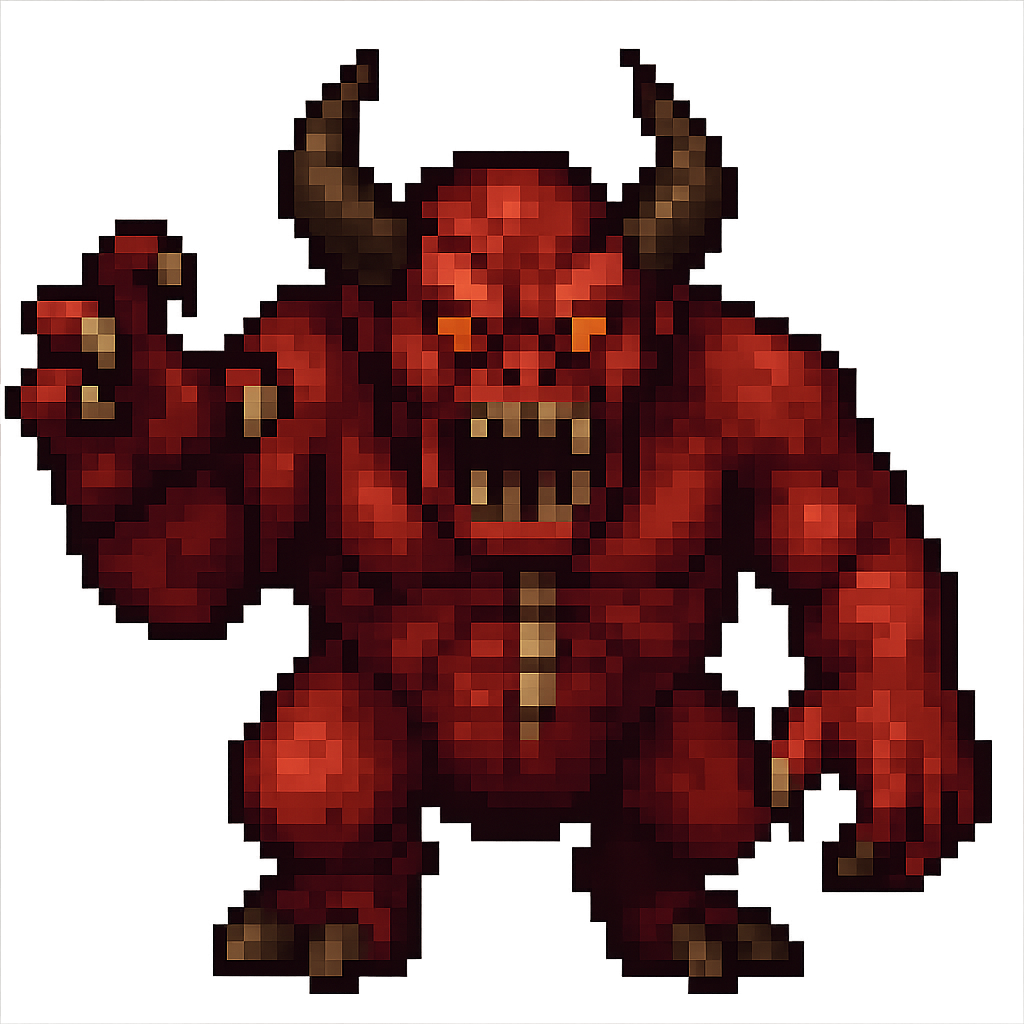
Noisy, High Resolution |
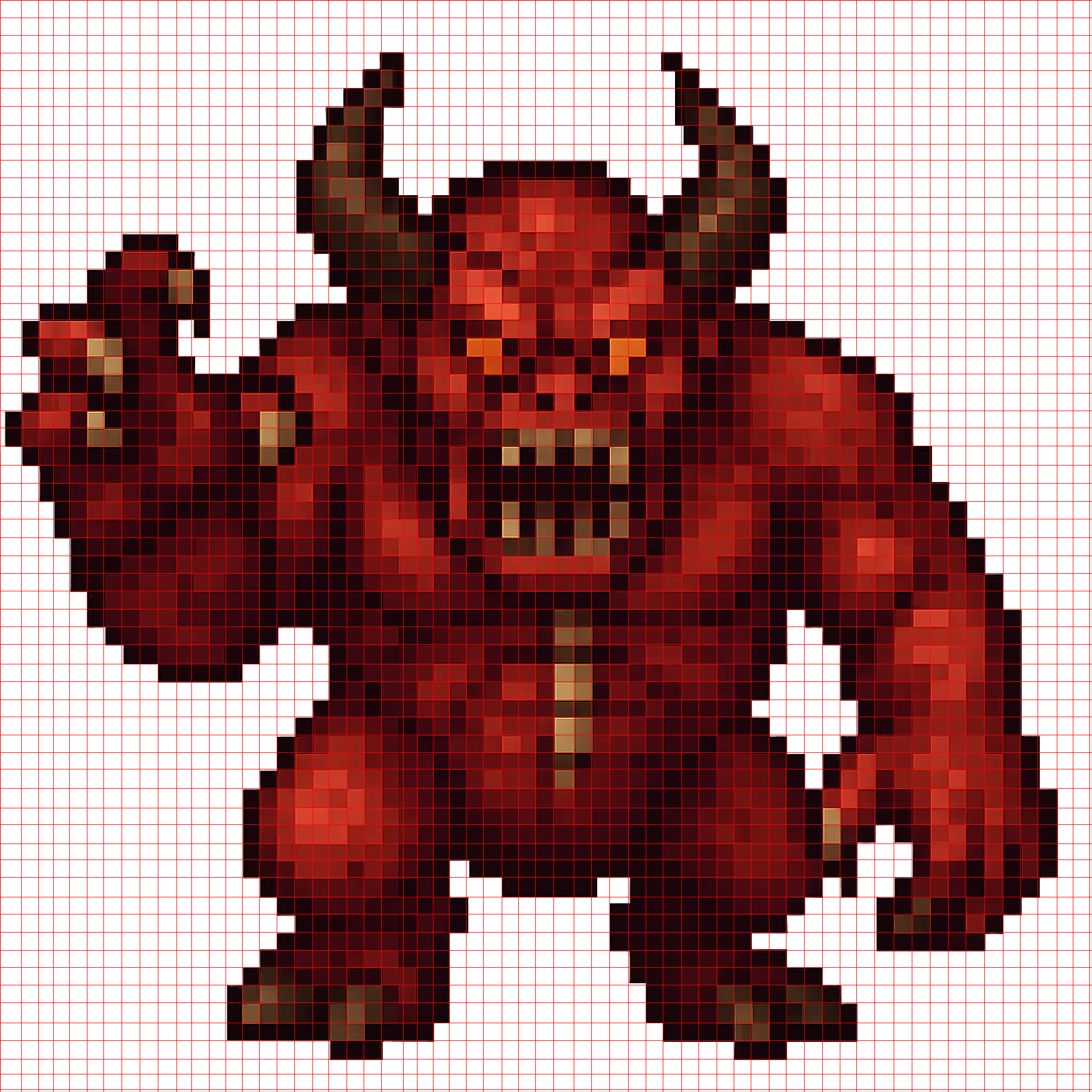
Mesh |
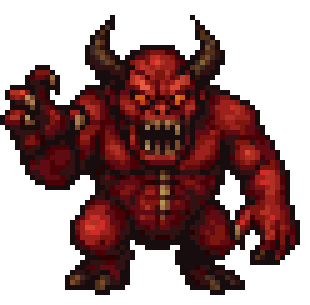
True Pixel Resolution |
Pumpkin
- Screenshot from Google Images of Stardew Valley asset. This is an adversarial example as the source image is both low quality and the object is round.
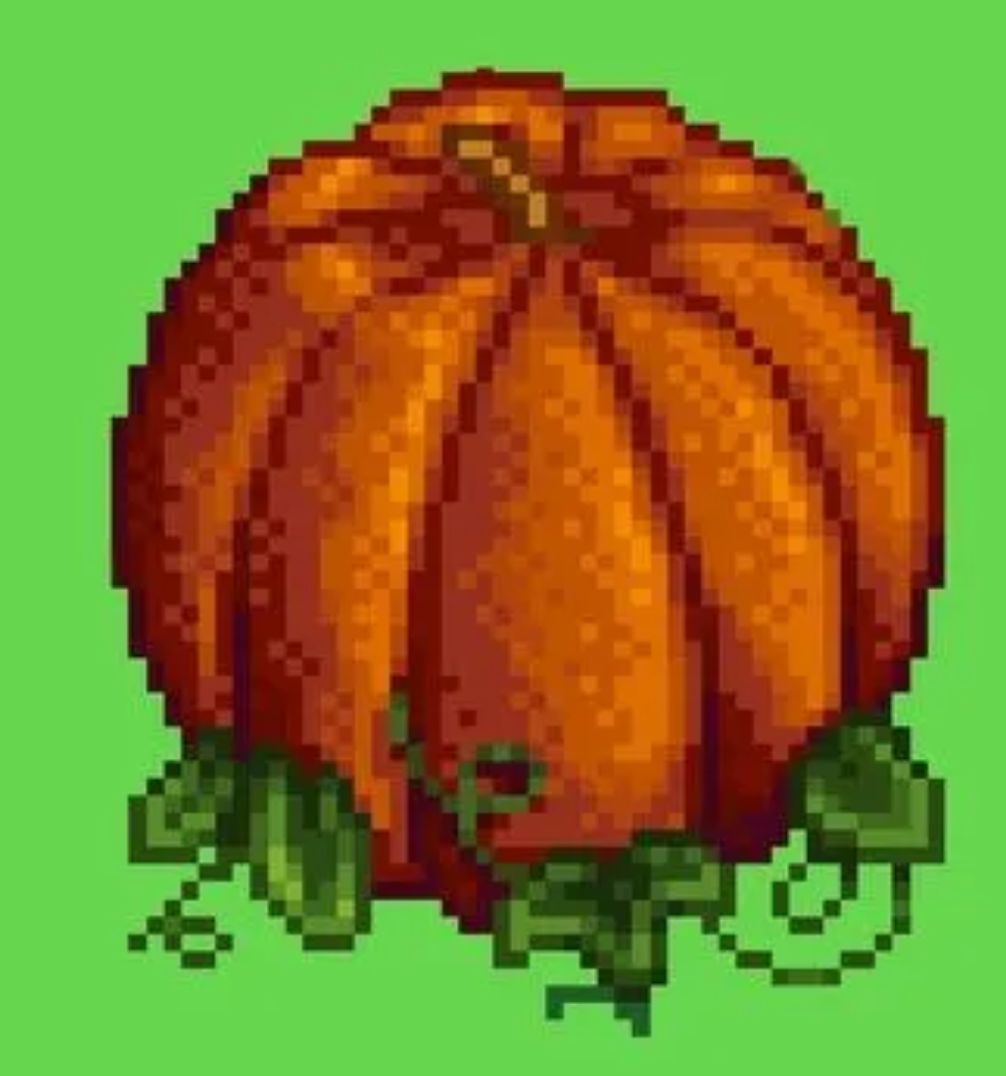
Noisy, High Resolution |
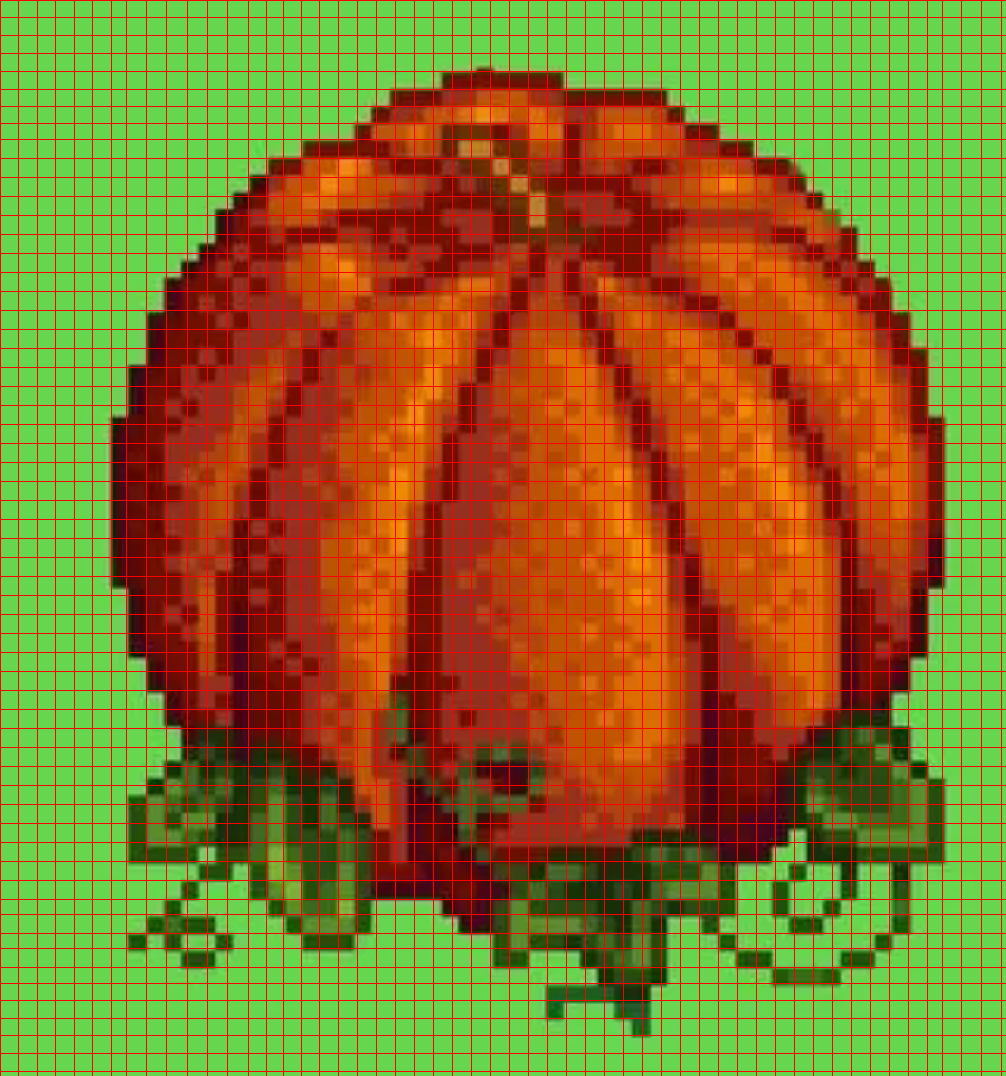
Mesh |
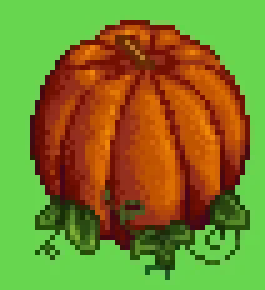
True Pixel Resolution |
Real Images To Pixel Art
-
This tool can also be used to convert real images to pixel art by first requesting a pixelated version of the original image from GPT-4o, then using the tool to get the true pixel-resolution image.
-
Consider this image of a mountain
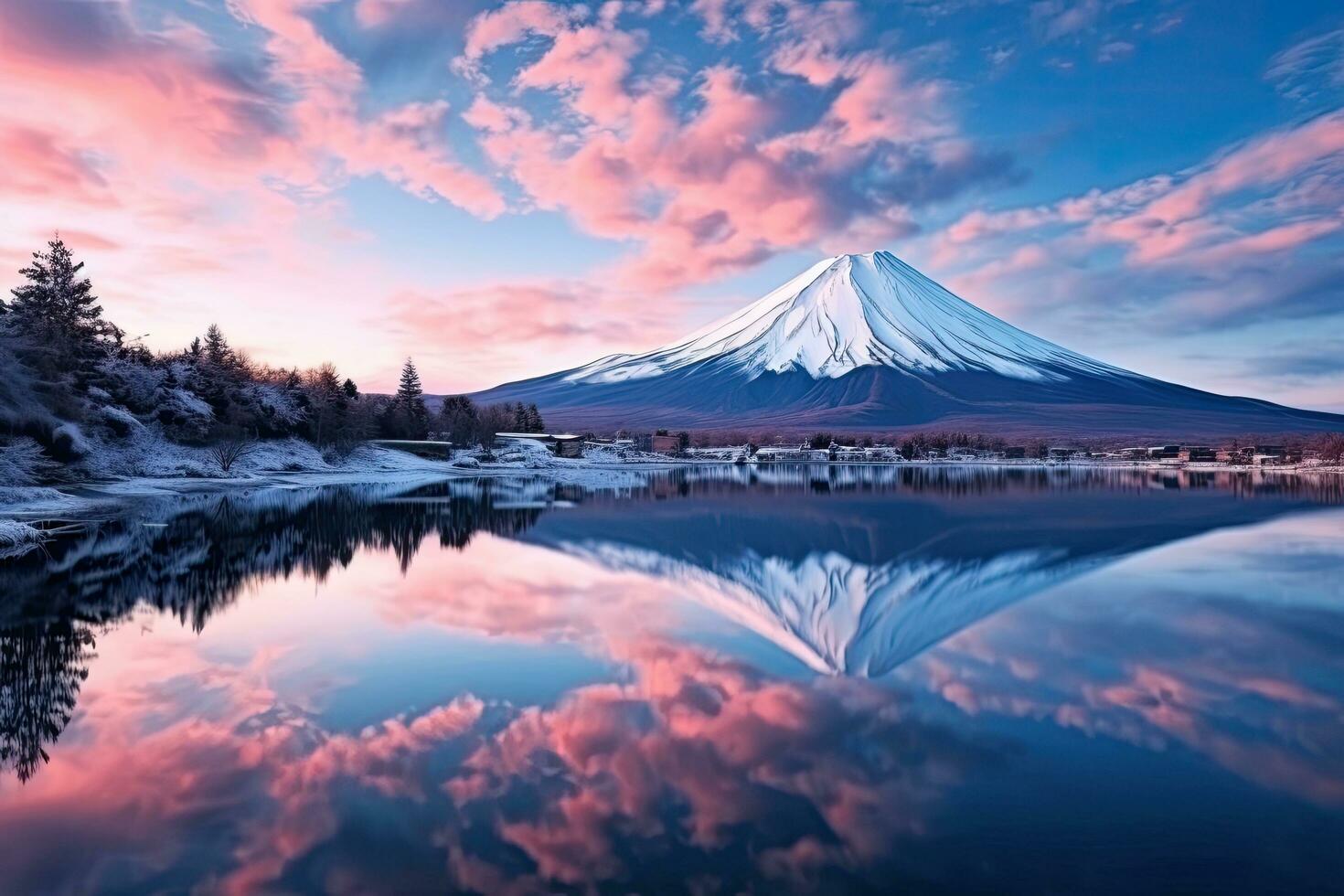
- Here are the results of first requesting a pixelated version of the mountain, then using the tool to get a true resolution pixel art version.
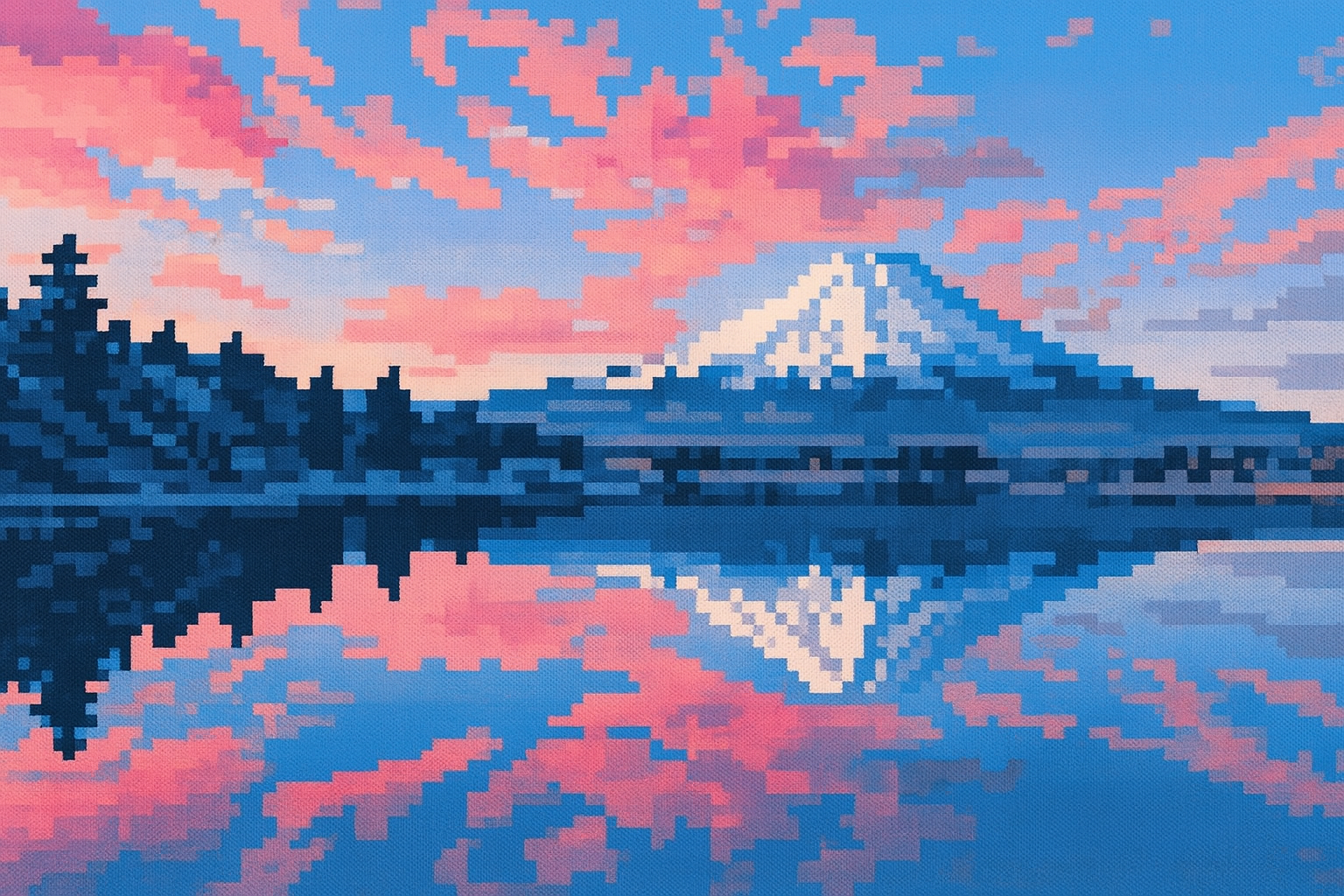
Noisy, High Resolution |
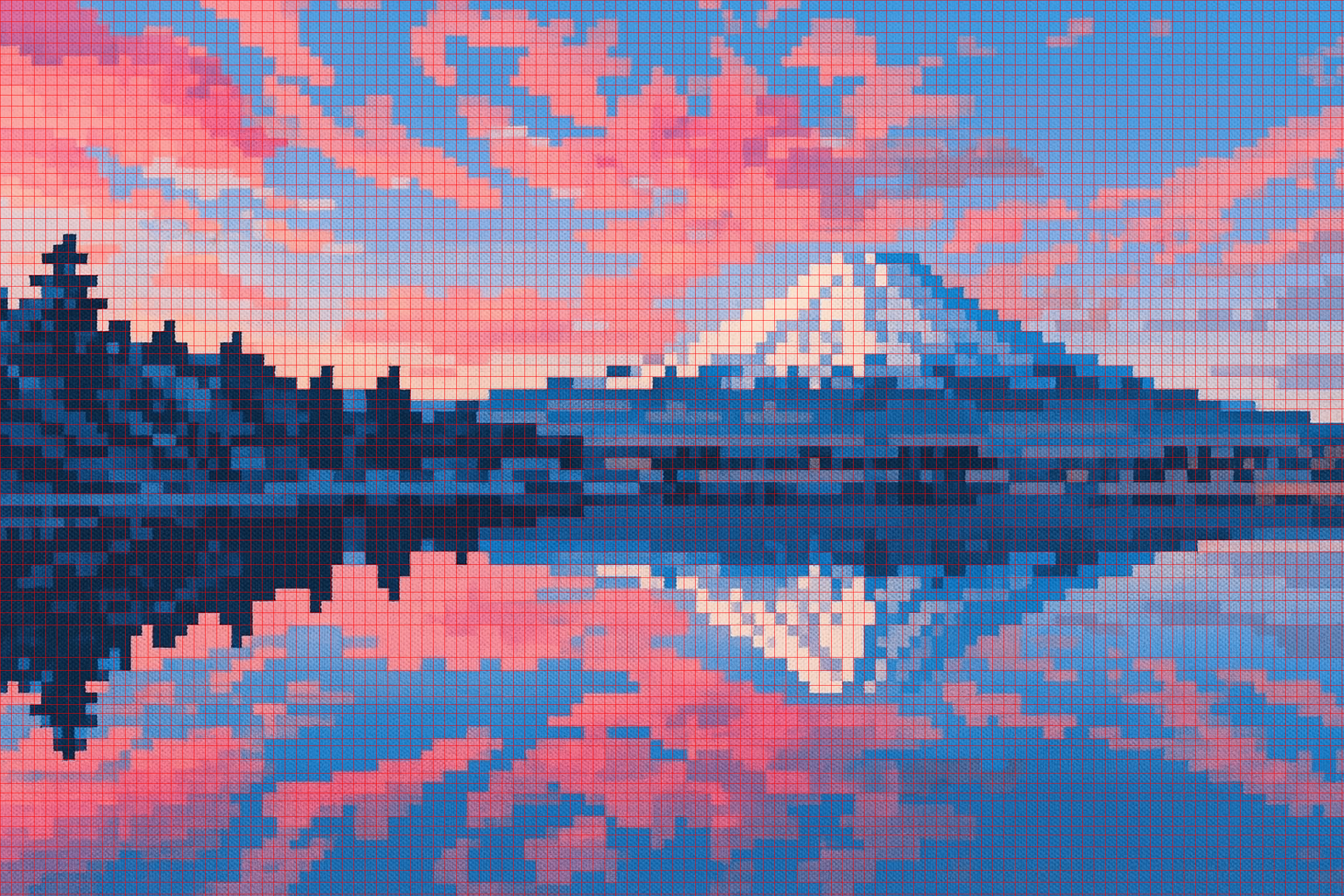
Mesh |
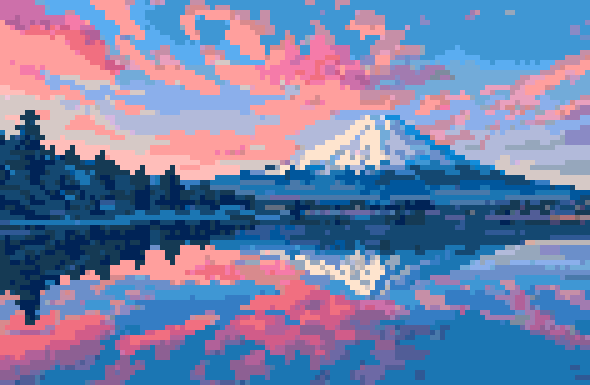
True Pixel Resolution |
Algorithm
- The main algorithm solves these challenges. Here is a high level overview. We will apply it step by step on this example image of blob pixel art that was generated from GPT-4o.
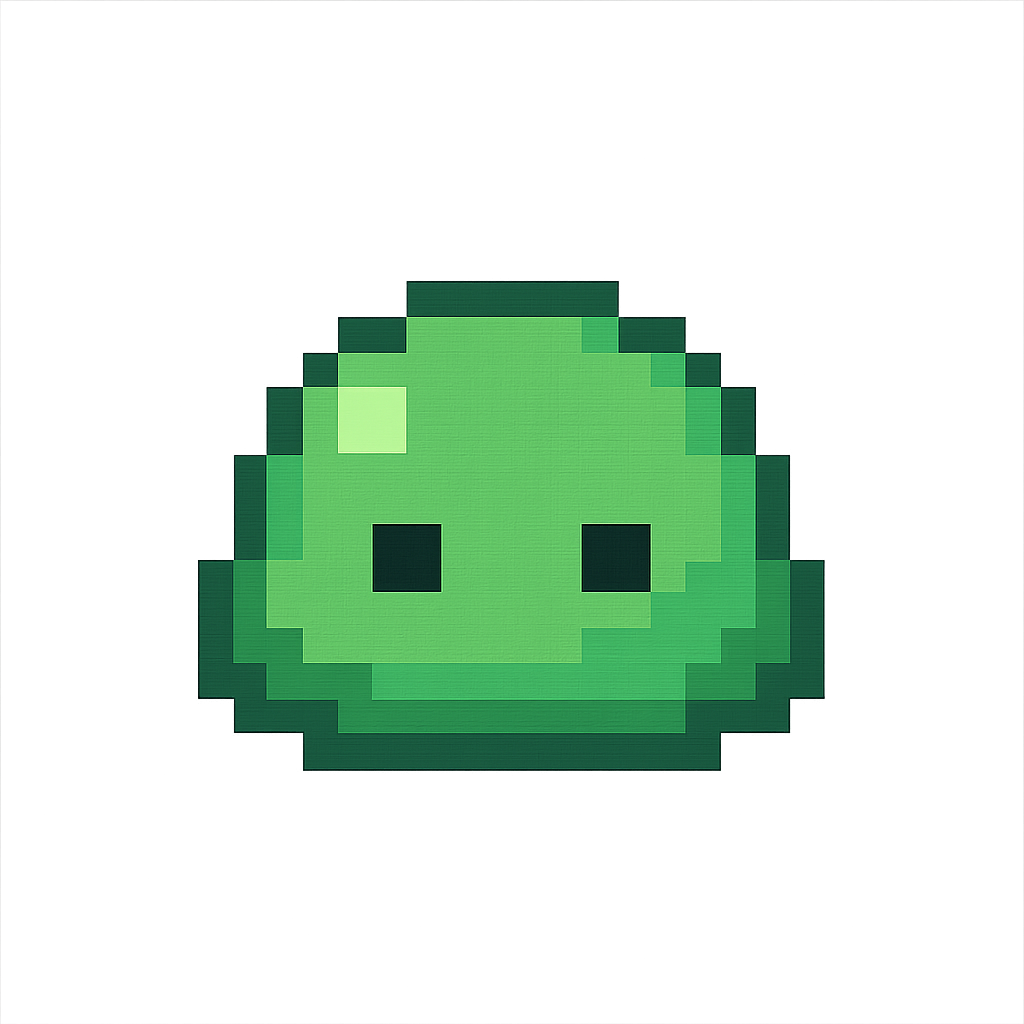
- Note that this image is high resolution and noisy.
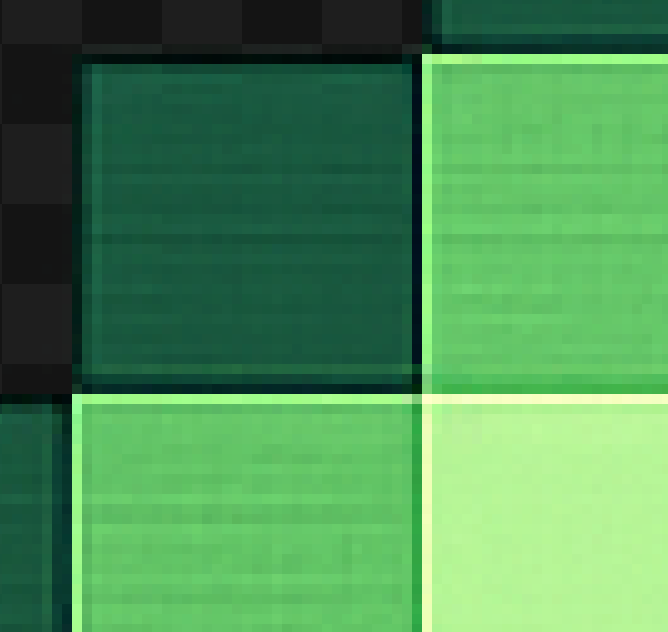
-
Trim the edges of the image and zero out pixels with more than 50% alpha.
- This is to work around some issues with models such as GPT-4o not giving a perfectly transparent background.
-
Upscale by a factor of 2 using nearest neighbor.
- This can help identify the correct pixel mesh.
-
Find edges of the pixel art using Canny edge detection.
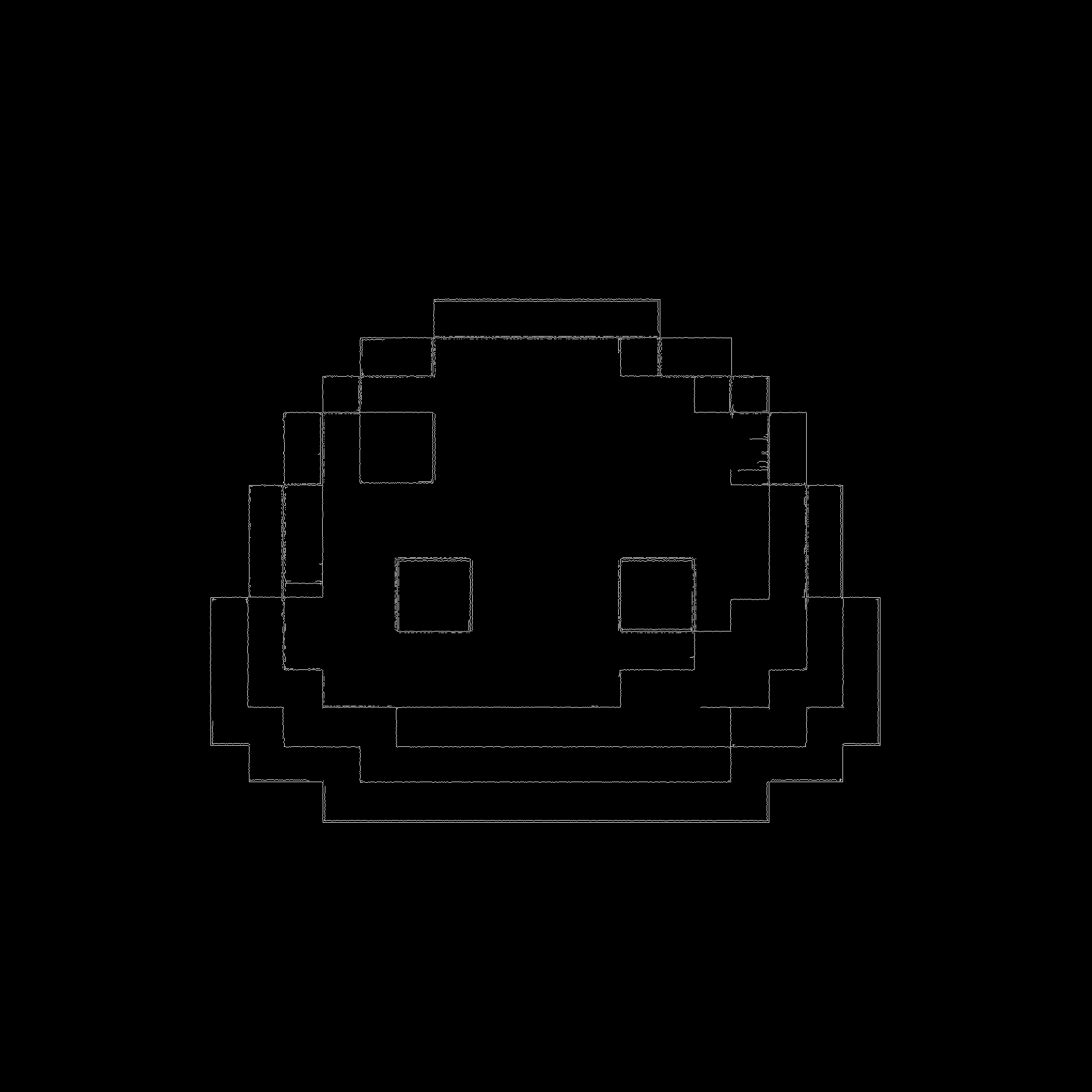
- Close small gaps in edges with a morphological closing.
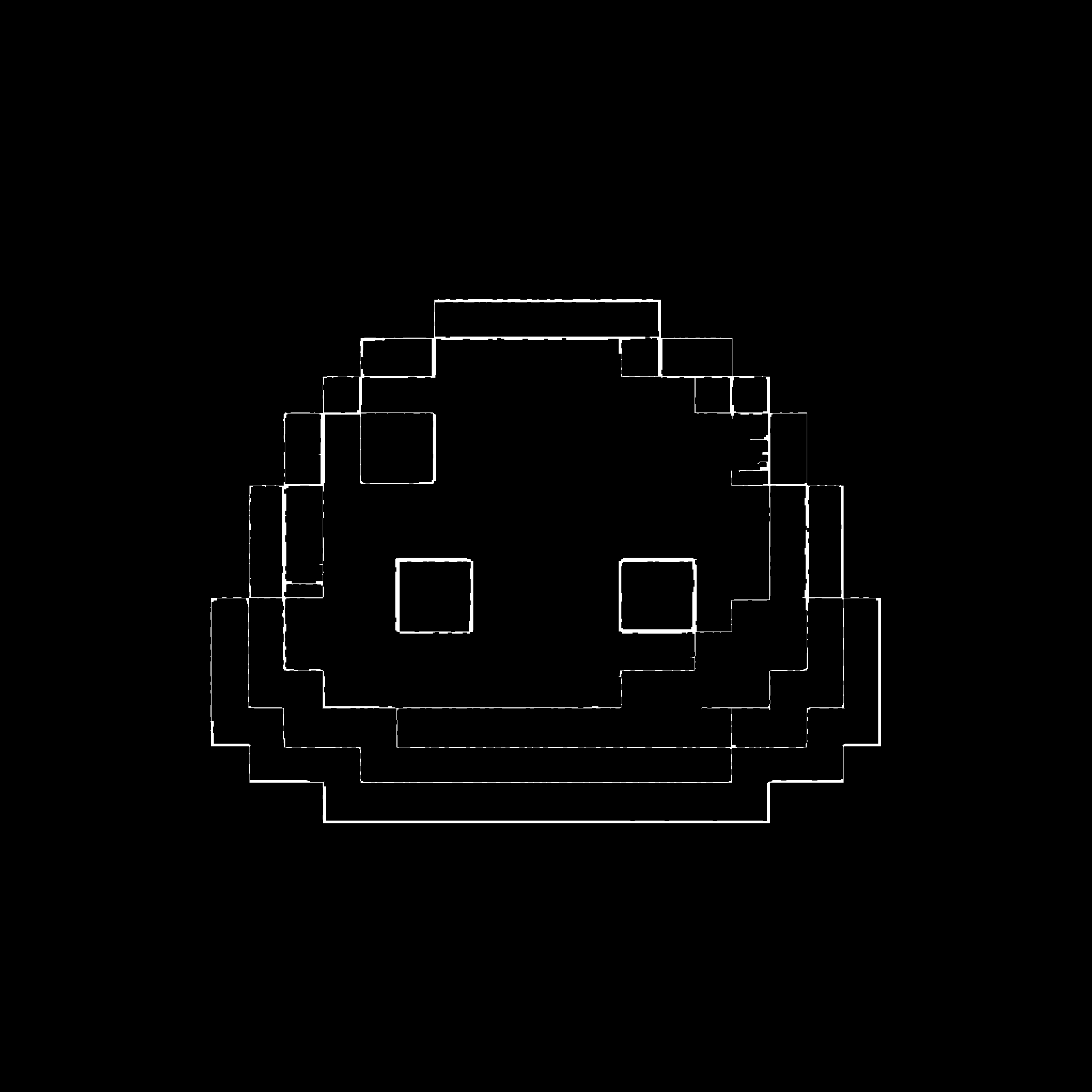
- Take the probabalistic Hough transform to get the coordinates of lines in the detected edges. Only keep lines that are close to vertical or horizontal giving some grid coordinates. Cluster lines that are closeby together.
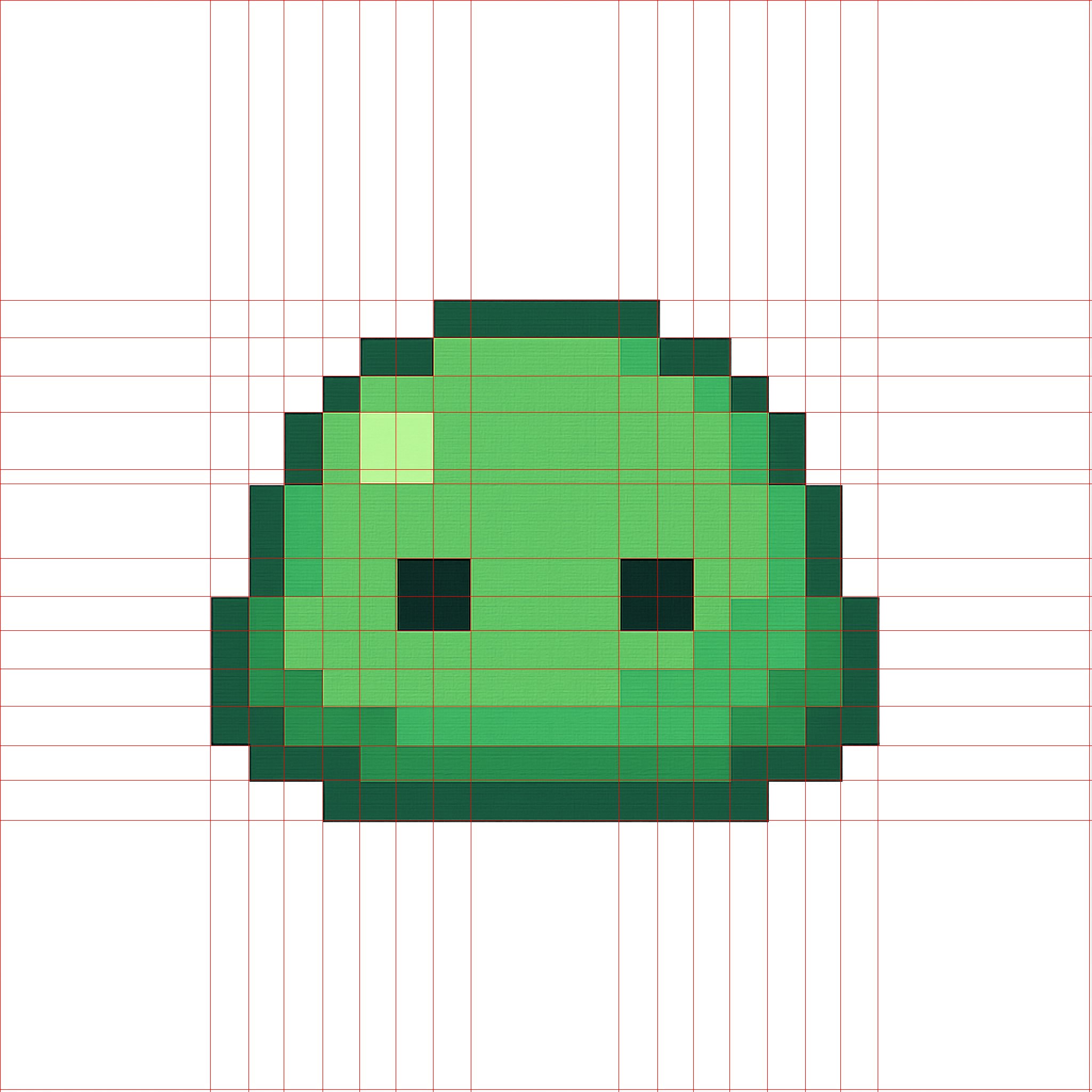
- Find the grid spacing by filtering outliers and taking the median of the spacings, then complete the mesh.
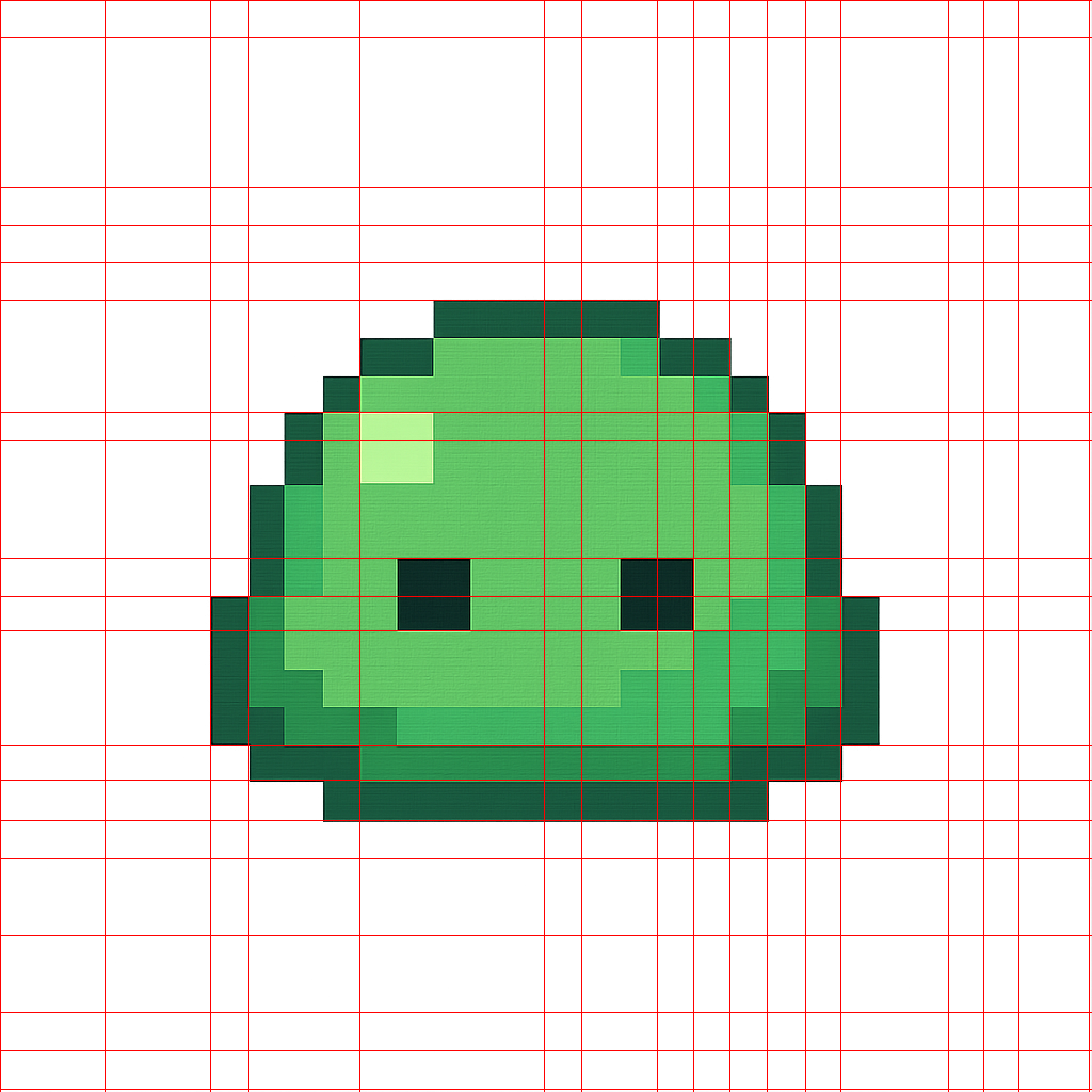
-
Quantize the original image to a small number of colors.
- Note: The result is sensitive to the number of colors chosen.
- The parameter is not difficult to tune, but the script may need to be re-run if the colors don't look right.
- 8, 16, 32, or 64 typically works.
-
In each cell specified by the mesh, choose the most common color in the cell as the color for the pixel. Recreate the original image with one pixel per cell.
- Result upscaled by a factor of $20 \times$ using nearest neighbor.

Project details
Verified details
These details have been verified by PyPIProject links
GitHub Statistics
Maintainers


Download files
Download the file for your platform. If you're not sure which to choose, learn more about installing packages.
Source Distribution
Built Distribution
Filter files by name, interpreter, ABI, and platform.
If you're not sure about the file name format, learn more about wheel file names.
Copy a direct link to the current filters
File details
Details for the file proper_pixel_art-1.3.6.tar.gz.
File metadata
- Download URL: proper_pixel_art-1.3.6.tar.gz
- Upload date:
- Size: 88.3 kB
- Tags: Source
- Uploaded using Trusted Publishing? Yes
- Uploaded via: twine/6.1.0 CPython/3.13.7
File hashes
| Algorithm | Hash digest | |
|---|---|---|
| SHA256 |
286a3f3a1dde50e149cc159282a1ea9156c4181e84b3a824970642b9972cc771
|
|
| MD5 |
c9e28770f83eccc8fe382fe79144dd54
|
|
| BLAKE2b-256 |
e0f7dc1da9511cdfb7efe82bfcb9008ec09dab9c0fa3005f32e189d2f88b271d
|
Provenance
The following attestation bundles were made for proper_pixel_art-1.3.6.tar.gz:
Publisher:
workflow.yml on KennethJAllen/proper-pixel-art
-
Statement:
-
Statement type:
https://in-toto.io/Statement/v1 -
Predicate type:
https://docs.pypi.org/attestations/publish/v1 -
Subject name:
proper_pixel_art-1.3.6.tar.gz -
Subject digest:
286a3f3a1dde50e149cc159282a1ea9156c4181e84b3a824970642b9972cc771 - Sigstore transparency entry: 779444131
- Sigstore integration time:
-
Permalink:
KennethJAllen/proper-pixel-art@39e70de8c3928f865ccc9024fbe154d242d09af6 -
Branch / Tag:
refs/tags/v1.3.6 - Owner: https://github.com/KennethJAllen
-
Access:
public
-
Token Issuer:
https://token.actions.githubusercontent.com -
Runner Environment:
github-hosted -
Publication workflow:
workflow.yml@39e70de8c3928f865ccc9024fbe154d242d09af6 -
Trigger Event:
release
-
Statement type:
File details
Details for the file proper_pixel_art-1.3.6-py3-none-any.whl.
File metadata
- Download URL: proper_pixel_art-1.3.6-py3-none-any.whl
- Upload date:
- Size: 18.4 kB
- Tags: Python 3
- Uploaded using Trusted Publishing? Yes
- Uploaded via: twine/6.1.0 CPython/3.13.7
File hashes
| Algorithm | Hash digest | |
|---|---|---|
| SHA256 |
437e91bac17ae44e2eae174a0b326fc2f5d43bb492bb50c2a5dee6dc2bc5c1f6
|
|
| MD5 |
cf3fd9e8655b0835923a817d65053f4f
|
|
| BLAKE2b-256 |
1db20b18a84964489b612dfe1adbb6b485d5a16b4fa1beff5a89c4135c497e55
|
Provenance
The following attestation bundles were made for proper_pixel_art-1.3.6-py3-none-any.whl:
Publisher:
workflow.yml on KennethJAllen/proper-pixel-art
-
Statement:
-
Statement type:
https://in-toto.io/Statement/v1 -
Predicate type:
https://docs.pypi.org/attestations/publish/v1 -
Subject name:
proper_pixel_art-1.3.6-py3-none-any.whl -
Subject digest:
437e91bac17ae44e2eae174a0b326fc2f5d43bb492bb50c2a5dee6dc2bc5c1f6 - Sigstore transparency entry: 779444132
- Sigstore integration time:
-
Permalink:
KennethJAllen/proper-pixel-art@39e70de8c3928f865ccc9024fbe154d242d09af6 -
Branch / Tag:
refs/tags/v1.3.6 - Owner: https://github.com/KennethJAllen
-
Access:
public
-
Token Issuer:
https://token.actions.githubusercontent.com -
Runner Environment:
github-hosted -
Publication workflow:
workflow.yml@39e70de8c3928f865ccc9024fbe154d242d09af6 -
Trigger Event:
release
-
Statement type:






