
renders pyecharts as image


Project description


Introduction
pyecharts-snapshot renders the output of pyecharts as a png image.
Quick usage:
$ snapshot render.htmlAnd you will get:
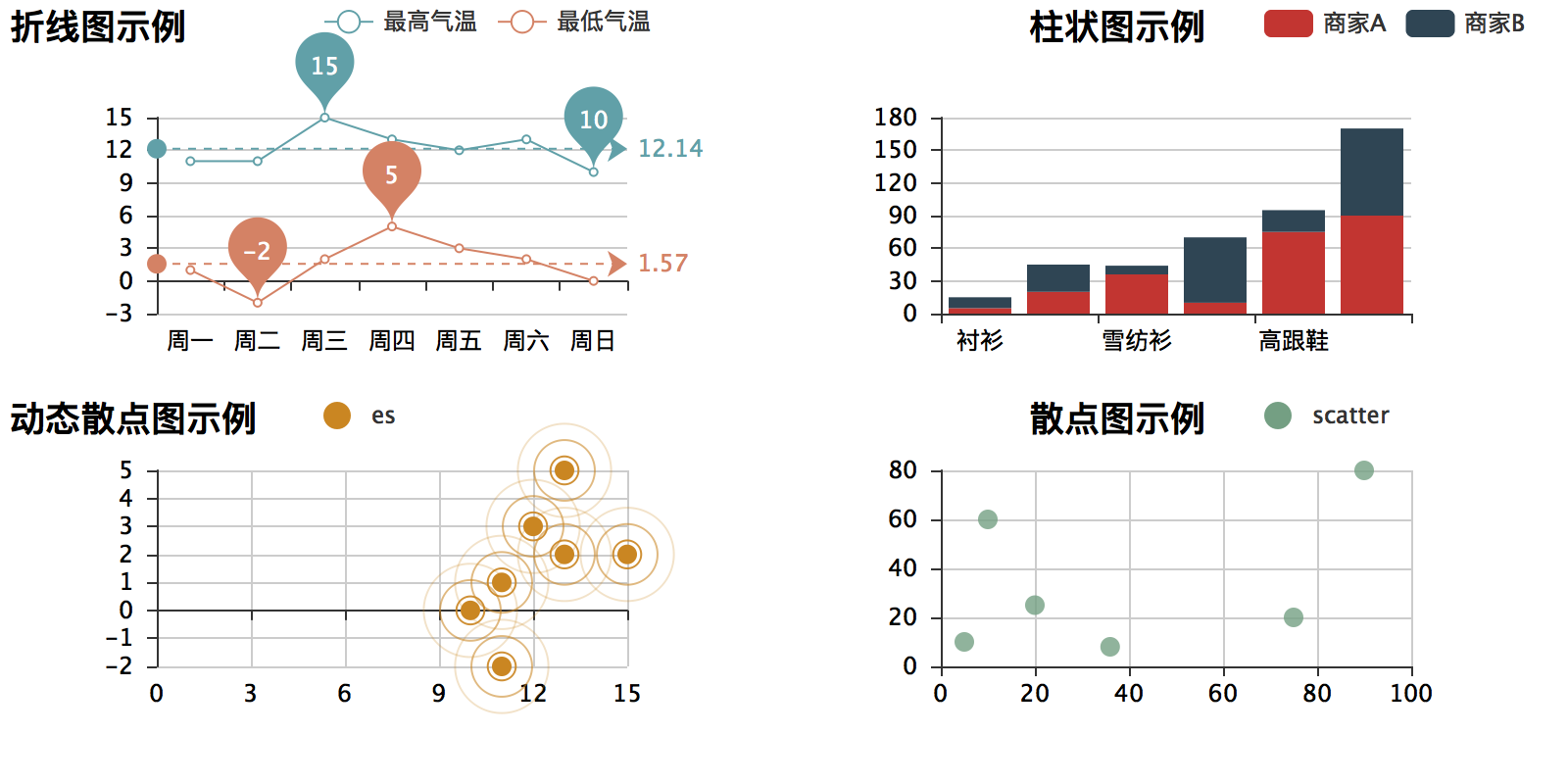
Please find the corresponding code in examples folder.
Test status
Fully tested on pypy, python 2.6, 2.7, 3.3, 3.4, 3.5 and 3.6.
Constraints
Only one image at a time. No 3D image support
Installation
Tools dependencies
Please install a node.js binary to your operating system. Simply download the tar ball, extract it and place its bin folder in your PATH.
Next, you will need to issue a magic command:
$ npm install -g phantomjsAt the end, please verify if it is there:
$ which phantomjsIf you see it there, continue. Otherwise, start from the begining, ask for help or thank you for your attention.
Package installation
You can install it via pip:
$ pip install pyecharts-snapshotor clone it and install it:
$ git clone http://github.com/chfw/pyecharts-snapshot.git
$ cd pyecharts-snapshot
$ python setup.py install
Usages
Programmatical usage is simple:
from pyecharts_snapshot.main import make_a_snapshot

...
somechart.render()
make_a_snapshot('render.html', 'cool_snapshot.png')
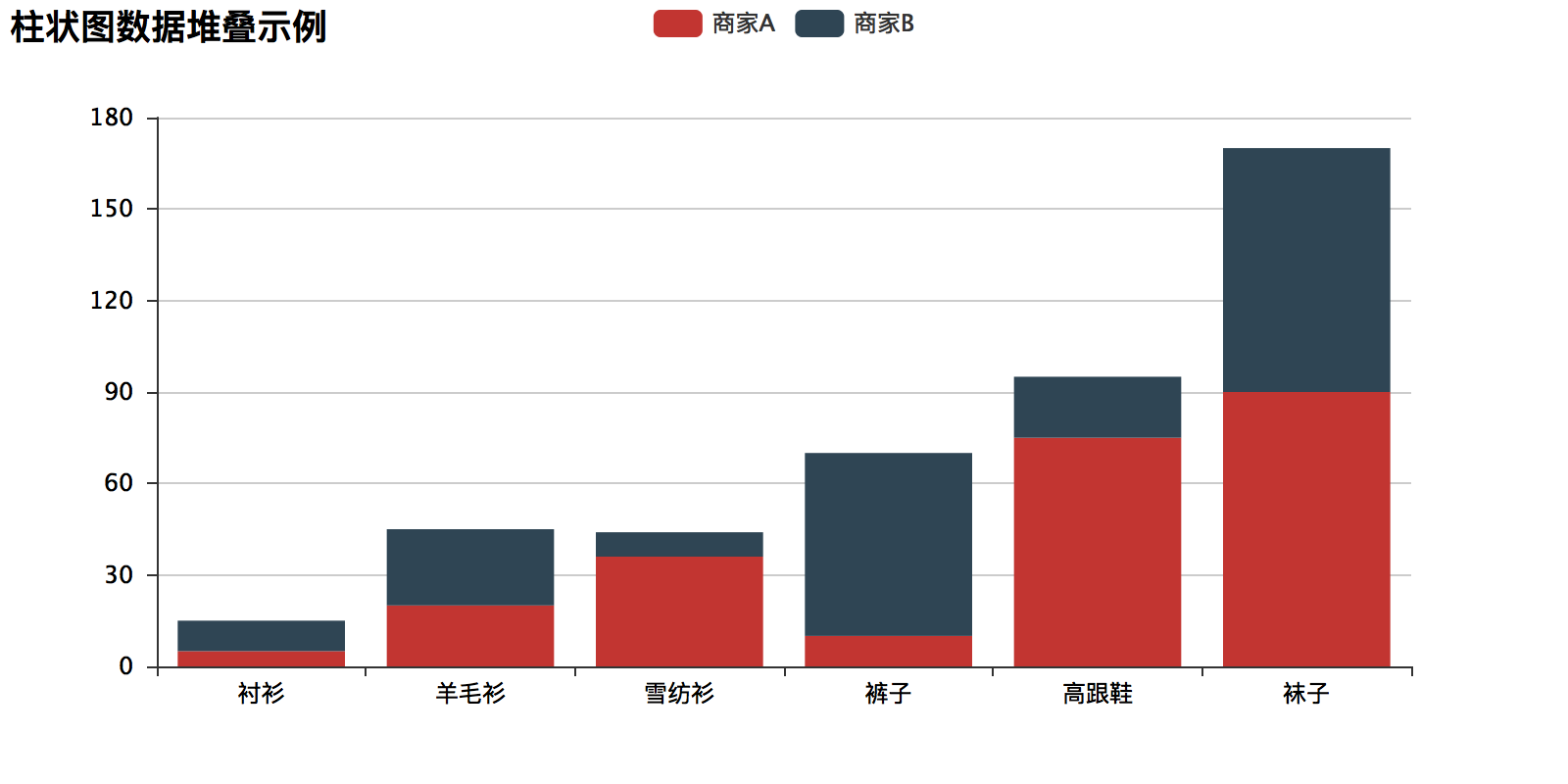
Here’s a fully working example code:
# coding=utf-8
from __future__ import unicode_literals
from pyecharts import Bar
from pyecharts_snapshot.main import make_a_snapshot

attr = ["衬衫", "羊毛衫", "雪纺衫", "裤子", "高跟鞋", "袜子"]
v1 = [5, 20, 36, 10, 75, 90]
v2 = [10, 25, 8, 60, 20, 80]
bar = Bar("柱状图数据堆叠示例")
bar.add("商家A", attr, v1, is_stack=True)
bar.add("商家B", attr, v2, is_stack=True)
bar.render()
make_a_snapshot('render.html', 'snapshot.png')
Here is the snapshot:
Change log
Release history Release notifications | RSS feed


Download files
Download the file for your platform. If you're not sure which to choose, learn more about installing packages.
Source Distribution
Built Distribution
Filter files by name, interpreter, ABI, and platform.
If you're not sure about the file name format, learn more about wheel file names.
Copy a direct link to the current filters
File details
Details for the file pyecharts-snapshot-0.0.1.tar.gz.
File metadata
- Download URL: pyecharts-snapshot-0.0.1.tar.gz
- Upload date:
- Size: 4.4 kB
- Tags: Source
- Uploaded using Trusted Publishing? No
File hashes
| Algorithm | Hash digest | |
|---|---|---|
| SHA256 |
b991c162a0c88daecf144c96bf72d5724a3a572b2d12d9f96bfdf8aa8f2ba1d1
|
|
| MD5 |
3cb753b2a3a65c4daca8995577aa72a4
|
|
| BLAKE2b-256 |
2826dbfba88d1be98fd693a934dc883926c256a8e752178a4882a739b85436bc
|
File details
Details for the file pyecharts_snapshot-0.0.1-py2.py3-none-any.whl.
File metadata
- Download URL: pyecharts_snapshot-0.0.1-py2.py3-none-any.whl
- Upload date:
- Size: 6.2 kB
- Tags: Python 2, Python 3
- Uploaded using Trusted Publishing? No
File hashes
| Algorithm | Hash digest | |
|---|---|---|
| SHA256 |
e029d0d9d94f95fe9fec83637db0c46c7504a79c3959228e7a1893a4f9d616bf
|
|
| MD5 |
389959b0970686f1d44716a40f6029ea
|
|
| BLAKE2b-256 |
b4418a7e21da47c06c17d7850d4a9a54f7cc427ac37cb44ea158eb2bd830c384
|






