








Pygame Studio is a visual editor built with PyGame-ce and PySide6, designed to help users create Python games visually, making it easier for beginners, students, and hobby developers to get started with game development.
Installation
Install Pygame Studio easily via pip (ensure you have Python 3.9 or higher installed):
pip install pygamestudio
After installation, run the following command in your terminal to launch the editor and verify the installation:
pygamestudio
You may also use the shortcut command:
pygs
If the Pygame Studio editor launches successfully, the installation is complete.
Dependencies
| Name | Version |
|---|---|
| pygame-ce | >=2.5.6 |
| PySide6 | >=6.10.0 |
| platformdirs | >=3.5.1 |
| numpy | >=1.26.0 |
| pyinstaller | >=6.18.0 |
| pymunk | >=7.3.0 |
| pyobfus | >=0.5.26 |
Quick Start
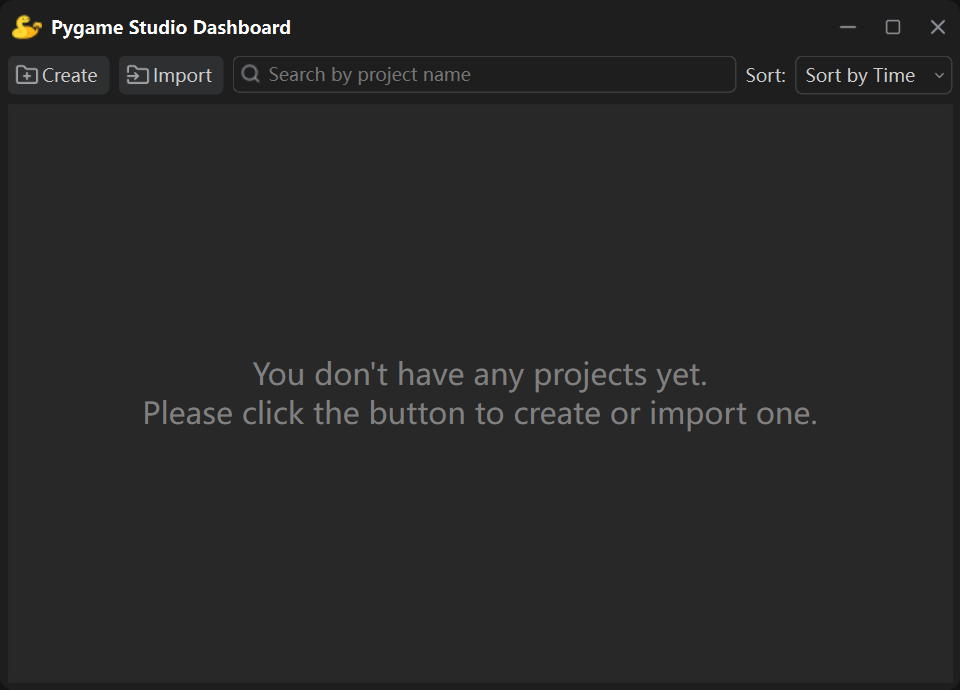
1. Enter the following command to launch Pygame Studio:
pygamestudio
Or use the shortcut command:
pygs
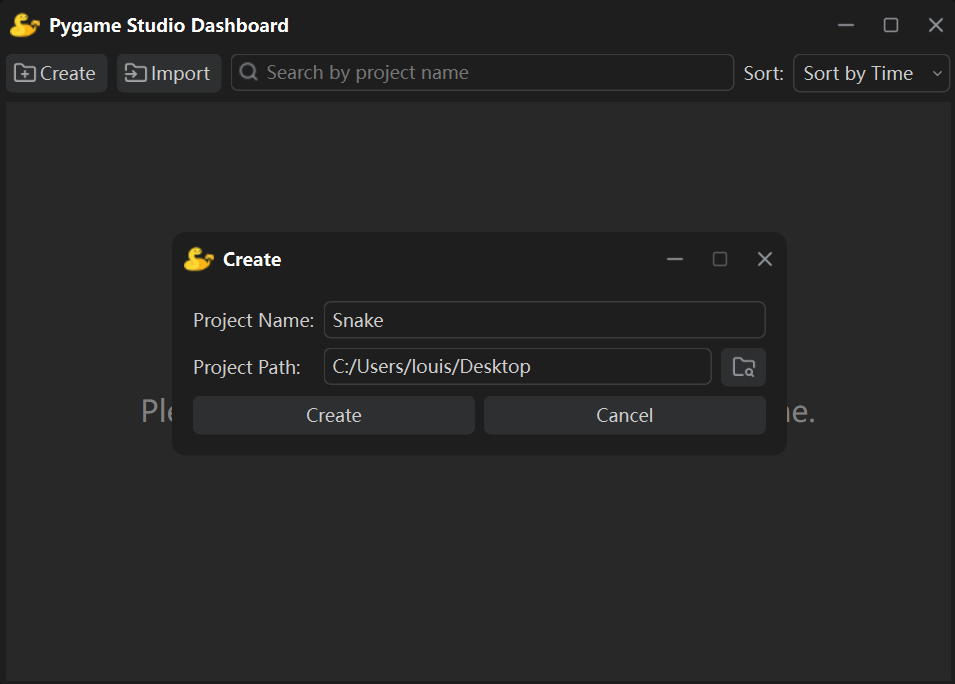
2. Click the "Create" button to create a new project.
Once created, the game project will be displayed in the Dashboard.
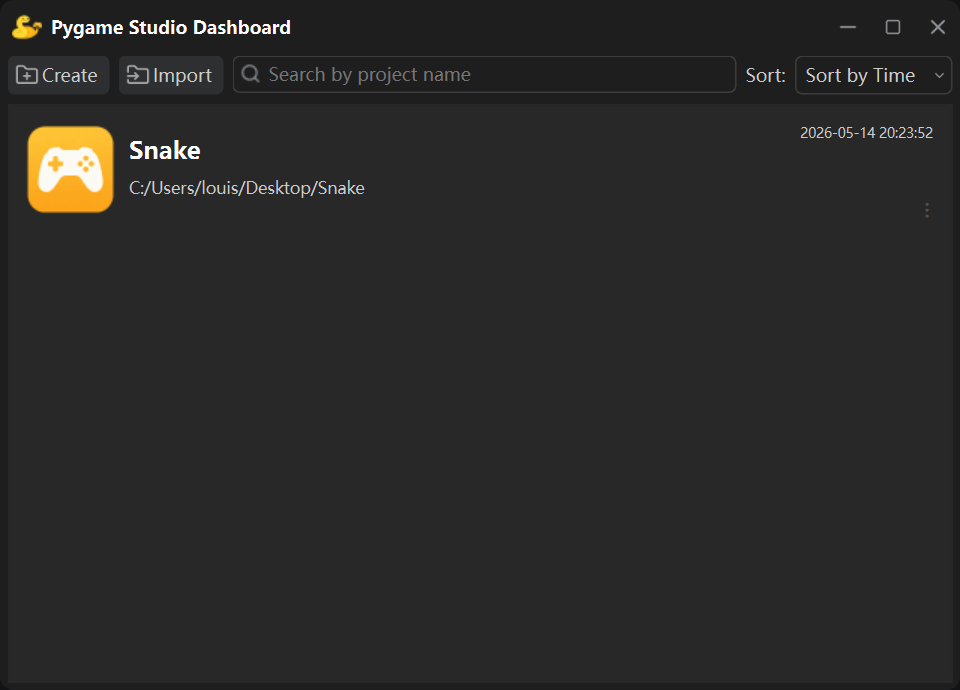
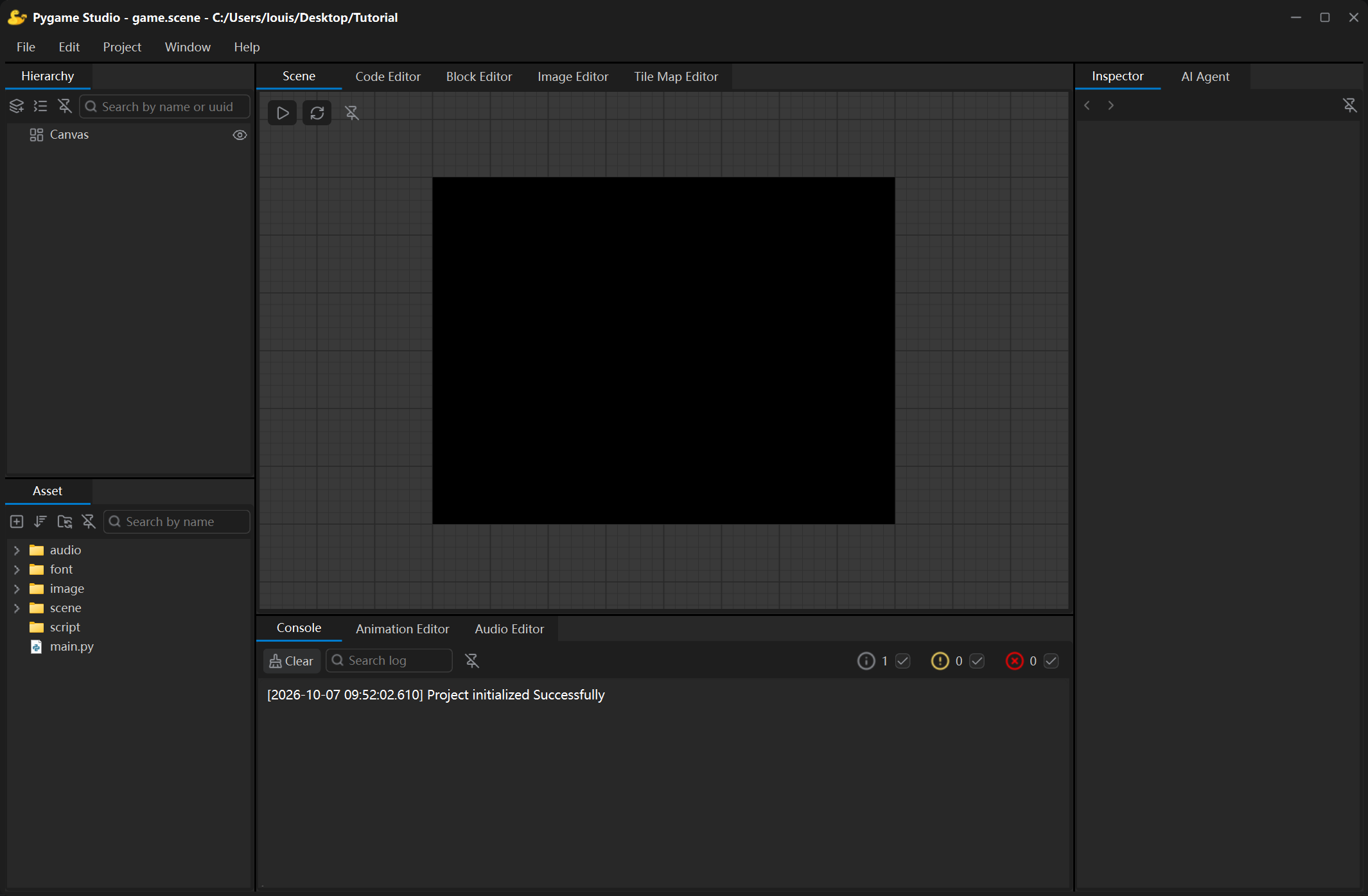
3. Double-click the created project to open the editing window and start your creation.
Documentation
🔗 visit https://pygamestudio.com
Release Notes
🔗 visit https://pygamestudio.com/updates_and_support/release_notes
Key Features
- Open Source & Free Forever: Released under the MIT LICENSE, free to use and modify for all purposes.
- Easy Installation: Simply run
pip install pygamestudioto install the editor. - Lightweight & Cross-Platform: Fast startup, no bulky engine, and runs smoothly on Windows, macOS, and Linux.
- Visual Drag & Drop Editing: Create pygame-ce projects visually.
- Beginner Friendly: Perfect for Python beginners, students, and hobby developers to learn and create.
LICENSE
Pygame Studio is open source under the MIT LICENSE.
1 maintainer

Metadata
1 maintainer
Release files for pygamestudio 1.0.1
For a detailed explanation of source distributions (sdists) and built distributions (wheels), please see the package formats documentation.
Source distribution (sdist)
| File | Size | Uploaded | |
|---|---|---|---|
| pygamestudio-1.0.1.tar.gz | 14.1 MB | Details |
Built distribution (wheel)
| File | Interpreter | ABI | Platform | Reset |
|---|---|---|---|---|
| pygamestudio-1.0.1-py3-none-any.whl | Python 3 | none | any | Details |
Total release size: 28.4 MB
Release files / pygamestudio-1.0.1.tar.gz
| Download URL | pygamestudio-1.0.1.tar.gz |
|---|---|
| Size | 14.1 MB |
| Tags | Source |
|
SHA-256 checksum How to use checksums |
a4cb828e408b3a9e2ca820a2f111d3581ffcd6b31905ac01adadf54f527d590e
|
|
BLAKE2b-256 checksum How to use checksums |
d46409b2e8c6ab4fc990aa4916735cef74a3093cd030bd9594a01d26277bb173
|
| Upload date | |
|
Uploaded using Trusted Publishing? What is trusted publishing? |
No |
| Uploaded via |
twine/6.2.0 CPython/3.9.13
|
Release files / pygamestudio-1.0.1-py3-none-any.whl
| Download URL | pygamestudio-1.0.1-py3-none-any.whl |
|---|---|
| Size | 14.3 MB |
| Tags | Python 3 |
|
SHA-256 checksum How to use checksums |
64ada8586e1e4a768441c8bc445fca0292730839a81835cd09535f21303c9ac0
|
|
BLAKE2b-256 checksum How to use checksums |
0e852644ea832e372640cc8a45ba4a807a24a05e0f4fba6c3cc38e2eb58b90d7
|
| Upload date | |
|
Uploaded using Trusted Publishing? What is trusted publishing? |
No |
| Uploaded via |
twine/6.2.0 CPython/3.9.13
|














