
Automatically restart Python applications when file changes are detected, with polling support for mounted filesystems

Project description
Pyreload CLI 🔄
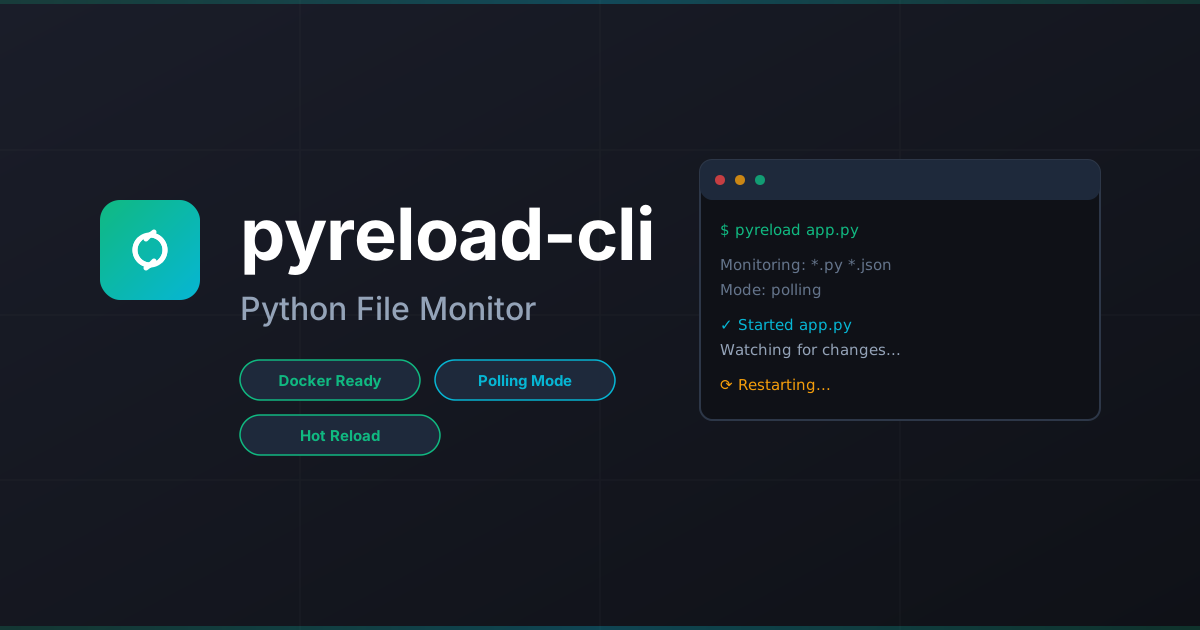





A modern, easy-to-use package to automatically restart Python applications when file changes are detected. Perfect for development workflows with full support for Docker, Vagrant, and mounted filesystems via polling mode.
✨ Features
- 🚀 Zero-config reloading - Works with Python files by default
- 📂 Polling mode - Solves mounted filesystem limitations (Docker, Vagrant, CIFS/NFS)
- 🎯 Flexible patterns - Watch and ignore patterns with glob support
- ⚙️ Config file support -
.pyreloadrcorpyreload.jsonfor team settings - 🧹 Clean mode - No logs, no prompts for production-like testing
- 🔧 Exec mode - Run any shell command, not just Python files
- ⌨️ Manual control - Type
rsto restart,stopto exit
🚀 Quickstart (30 seconds)
pip install pyreload-cli
pyreload app.py
That's it! Your app will restart automatically when Python files change.
Using with Docker/Vagrant
If you're developing inside Docker, Vagrant, or using mounted filesystems:
pyreload app.py --polling
The --polling flag enables filesystem polling, which works reliably with mounted volumes where OS-level file events don't propagate.
📖 Usage
Basic Examples
# Watch Python files (default)
pyreload app.py

# Watch multiple patterns
pyreload app.py -w "*.py" -w "*.yaml" -w "config/*.json"

# Ignore patterns
pyreload app.py -i "*__pycache__*" -i "*.log" -i ".git/*"

# Use polling for Docker/Vagrant
pyreload app.py --polling

# Execute shell command instead
pyreload -x "npm run dev"

# Debug mode - see file changes
pyreload app.py --debug

# Clean mode - no logs
pyreload app.py --clean
Interactive Commands
When pyreload is running, you can use these commands:
- Type
rsand press Enter to manually restart - Type
stopand press Enter to exit - Press
Ctrl+Cto exit immediately
Configuration File
Create a .pyreloadrc or pyreload.json in your project root:
{
  "watch": ["*.py", "config/*.yaml"],
  "ignore": ["*__pycache__*", "*.log", ".git/*"],
  "debug": false,
  "clean": false,
  "exec": false,
  "polling": false
}
Command-line arguments always override config file settings.
🐳 Docker & Vagrant Workflows
Why Polling Mode?
Standard file watching uses OS-level events (like inotify on Linux). These events don't propagate through mounted volumes. When you edit a file on your host machine and it syncs to a Docker container or Vagrant VM, the kernel inside the container/VM never receives the file change event.
Polling mode solves this by directly checking file modification times at regular intervals instead of relying on OS events.
Docker Example
# Dockerfile
FROM python:3.11-slim
WORKDIR /app
COPY requirements.txt .
RUN pip install -r requirements.txt
COPY . .
CMD ["pyreload", "app.py", "--polling"]
# docker-compose.yml
services:
  app:
    build: .
    volumes:
      - .:/app
    command: pyreload app.py --polling
Vagrant Example
# Vagrantfile
Vagrant.configure("2") do |config|
  config.vm.box = "ubuntu/jammy64"
  config.vm.synced_folder ".", "/vagrant"

  config.vm.provision "shell", inline: <<-SHELL
    pip install pyreload
    cd /vagrant
    pyreload app.py --polling
  SHELL
end
📋 Command-Line Options
| Option | Short | Description | Default |
|---|---|---|---|
--version |
-V |
Show version and exit | - |
--watch <pattern> |
-w |
Path/pattern to watch (can be used multiple times) | *.py |
--ignore <pattern> |
-i |
Pattern to ignore (can be used multiple times) | - |
--polling |
-p |
Use polling-based file watching | false |
--debug |
-d |
Log detected file changes | false |
--clean |
-c |
No logs, no commands (quiet mode) | false |
--exec |
-x |
Execute shell command instead of Python file | false |
🔍 Pattern Matching
Pyreload uses glob patterns for matching files:
*.py- All Python files in current directorysrc/*.py- Python files in src directorysrc/**/*.py- Python files in src and subdirectoriesconfig/*.{yaml,yml,json}- Config files (use multiple-wflags)*__pycache__*- Ignore Python cache (use with-i)
🆚 Comparison with Similar Tools
| Feature | Pyreload | py-mon | nodemon |
|---|---|---|---|
| Python-native | ✅ | ✅ | ❌ |
| Polling mode | ✅ | ❌ | ✅ |
| Config file | ✅ | ✅ | ✅ |
| Docker/Vagrant support | ✅ | ⚠️ Limited | ✅ |
| Zero dependencies* | ✅ | ✅ | ✅ |
| Exec mode | ✅ | ✅ | ✅ |
*Excluding watchdog and colorama
🤝 Contributing
Contributions are welcome! This project is open source.
Development Setup
git clone https://github.com/dotbrains/pyreload-cli-cli.git
cd pyreload-cli

# Quick setup (installs pre-commit hooks)
./setup-dev.sh

# Or manual setup
python3 -m venv .venv
source .venv/bin/activate  # On Windows: .venv\Scripts\activate
pip install -e ".[dev]"
pre-commit install
Run Tests
pytest
Format Code
Pre-commit hooks will automatically format on commit. To run manually:
pre-commit run --all-files
# Or manually:
black .
ruff check --fix .
📄 License
MIT License - see LICENSE file for details.
🔗 Links
- Documentation: https://dotbrains.github.io/pyreload
- PyPI: https://pypi.org/project/pyreload-cli
- GitHub: https://github.com/dotbrains/pyreload-cli
- Issues: https://github.com/dotbrains/pyreload-cli/issues
💡 Inspiration
Inspired by py-mon and nodemon, built to solve the mounted filesystem limitation with polling support.
Made with ❤️ by dotbrains


Download files
Download the file for your platform. If you're not sure which to choose, learn more about installing packages.
Source Distribution
Built Distribution
Filter files by name, interpreter, ABI, and platform.
If you're not sure about the file name format, learn more about wheel file names.
Copy a direct link to the current filters
File details
Details for the file pyreload_cli-1.0.2.tar.gz.
File metadata
- Download URL: pyreload_cli-1.0.2.tar.gz
- Upload date:
- Size: 16.2 kB
- Tags: Source
- Uploaded using Trusted Publishing? No
- Uploaded via: twine/6.2.0 CPython/3.11.14
File hashes
| Algorithm | Hash digest | |
|---|---|---|
| SHA256 |
477929e1a4f457e2f769f4f5d101898d1226b4e77ae9b81537983eda42c3f8f0
|
|
| MD5 |
aed57a8128c0fce3aa4ee629d6a22196
|
|
| BLAKE2b-256 |
cd85a54e6f5f411ea1694c6a491f2142d4972dc984348c4ce1b736d7078193d8
|
File details
Details for the file pyreload_cli-1.0.2-py3-none-any.whl.
File metadata
- Download URL: pyreload_cli-1.0.2-py3-none-any.whl
- Upload date:
- Size: 10.2 kB
- Tags: Python 3
- Uploaded using Trusted Publishing? No
- Uploaded via: twine/6.2.0 CPython/3.11.14
File hashes
| Algorithm | Hash digest | |
|---|---|---|
| SHA256 |
ddea016a06a42dc0b6f1225e70efff7804e94c45c1688f889253614d82d6566b
|
|
| MD5 |
4fe2312dad5c1014c2a57459174467a4
|
|
| BLAKE2b-256 |
91ea171d926dae3c74c9251f0e548ec0ca3beed59771ec353256c2376582e23e
|






