
svgwriter







Build, edit and render vector graphics in Python with a complete SVG 1.1 object model. Shapes move, rotate and scale through one transform; geometry has boolean operations and measurement; text, images and colors are first-class (numpy-backed); documents render with skia and export to PNG, PDF, TikZ, DXF and more.
Quick start
pip install pysvgwriter (Python 3.10+; brings skia-python, numpy, uharfbuzz and tomlkit), then draw a badge:
import svgwriter as svg

doc = svg.Document()                                    # sized to its content when saved or shown
doc.rect(0, 0, 160, 60, rx=12, fill=svg.LinearGradient.horizontal("gold", "tomato"))
doc.circle(30, 30, 18, fill=(1, 1, 1, 0.8))             # colors: names, CSS, or 0-1 tuples (alpha too)
doc += svg.paths.star(0, 0, 10, points=5, fill="navy").place(30, 30).rotate(15)
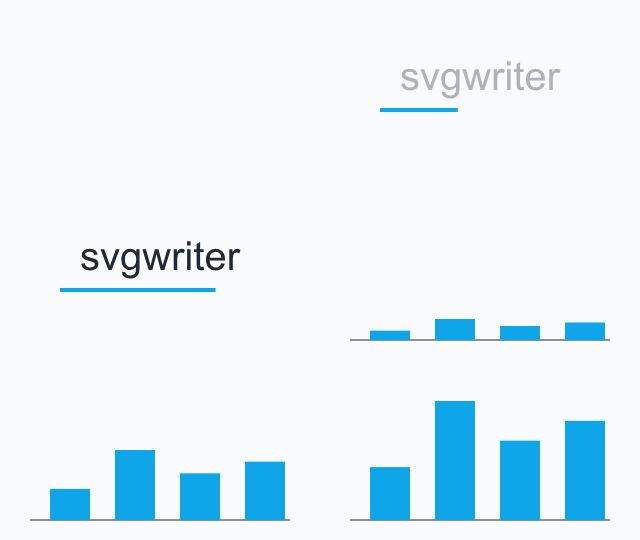
title = doc.text("svgwriter", x=104, y=35, font_size=15.3, text_anchor="middle")
title[3:].fill = "navy"                                  # style a character range

doc.save("badge.svg")                                    # also .png .pdf .pptx .tex ...

Geometry in one minute
SVG coordinates are an element's own geometry and are written exactly as given; everything after that goes through the transform, so the output stays the SVG a person would write.
import svgwriter as svg

c = svg.circle(50, 50, 10)          # writes cx="50" cy="50" r="10"
c.translate(20, 0).rotate(45)       # parent axes by default; local=True for the shape's own axes
print(c.cx, c.position)             # 50.0 (local geometry) and where its centre is now: (70, 50)
print(c.matrix)                         # shortest equivalent transform text

ring = svg.circle(0, 0, 40) - svg.circle(0, 0, 25)   # boolean difference, a <path>
print(round(ring.length, 1), ring.contains(0, 0))
* and @ never bake coordinates: el * 2 is a scaled copy, el @ 30 a rotated copy and M @ el a
copy with matrix M applied. Baking is explicit: el.to_path() folds the transform into d.
Demos
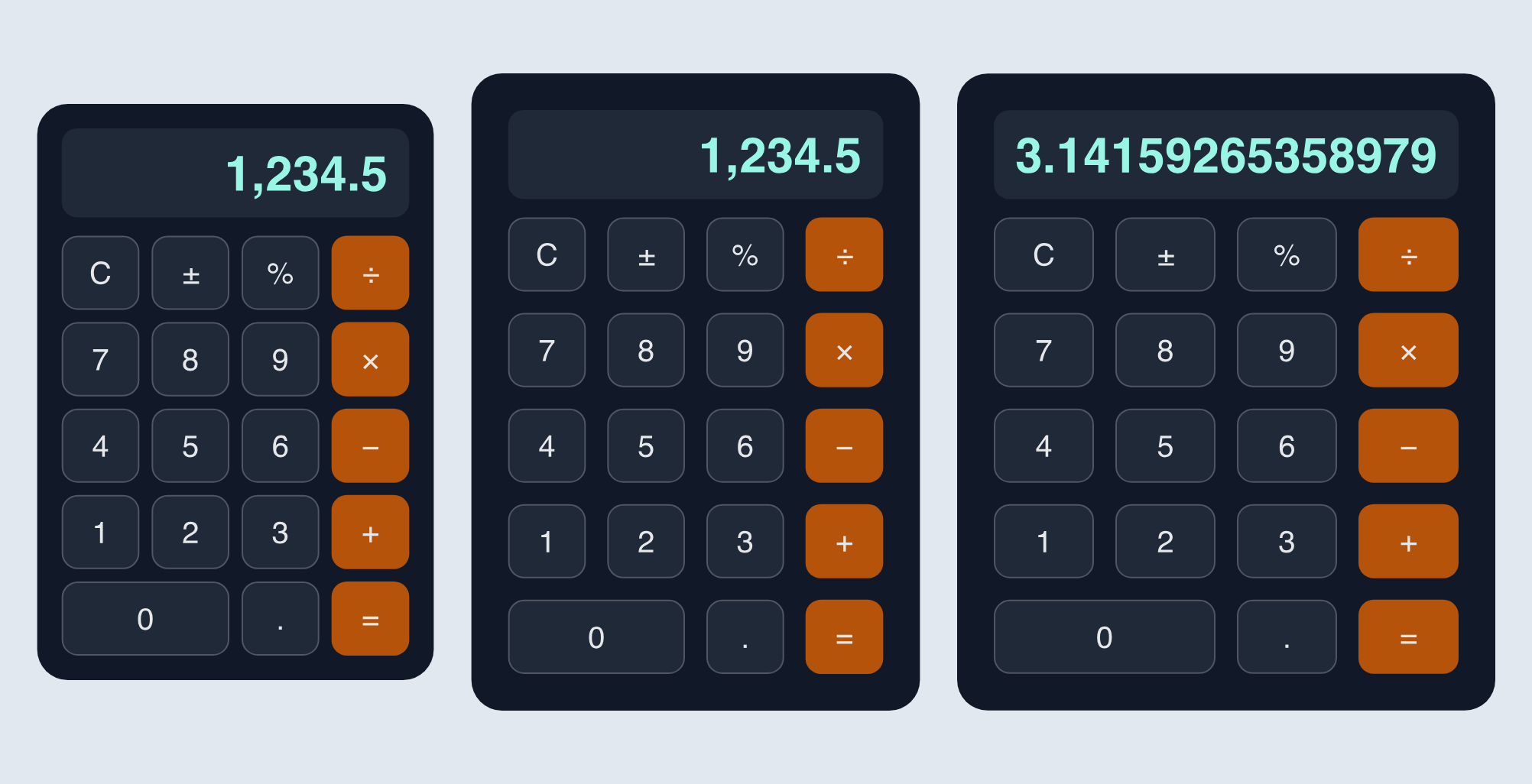
demos/ holds complete design projects, each an ordinary svgwriter new project that uses several features together; open one and run svgwriter preview, or open the notebook in its folder to see it step by step with pictures and live controls (see the demos page).
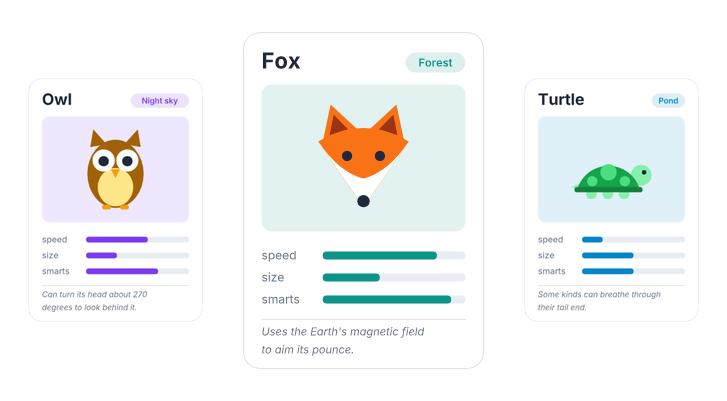 Animal card |
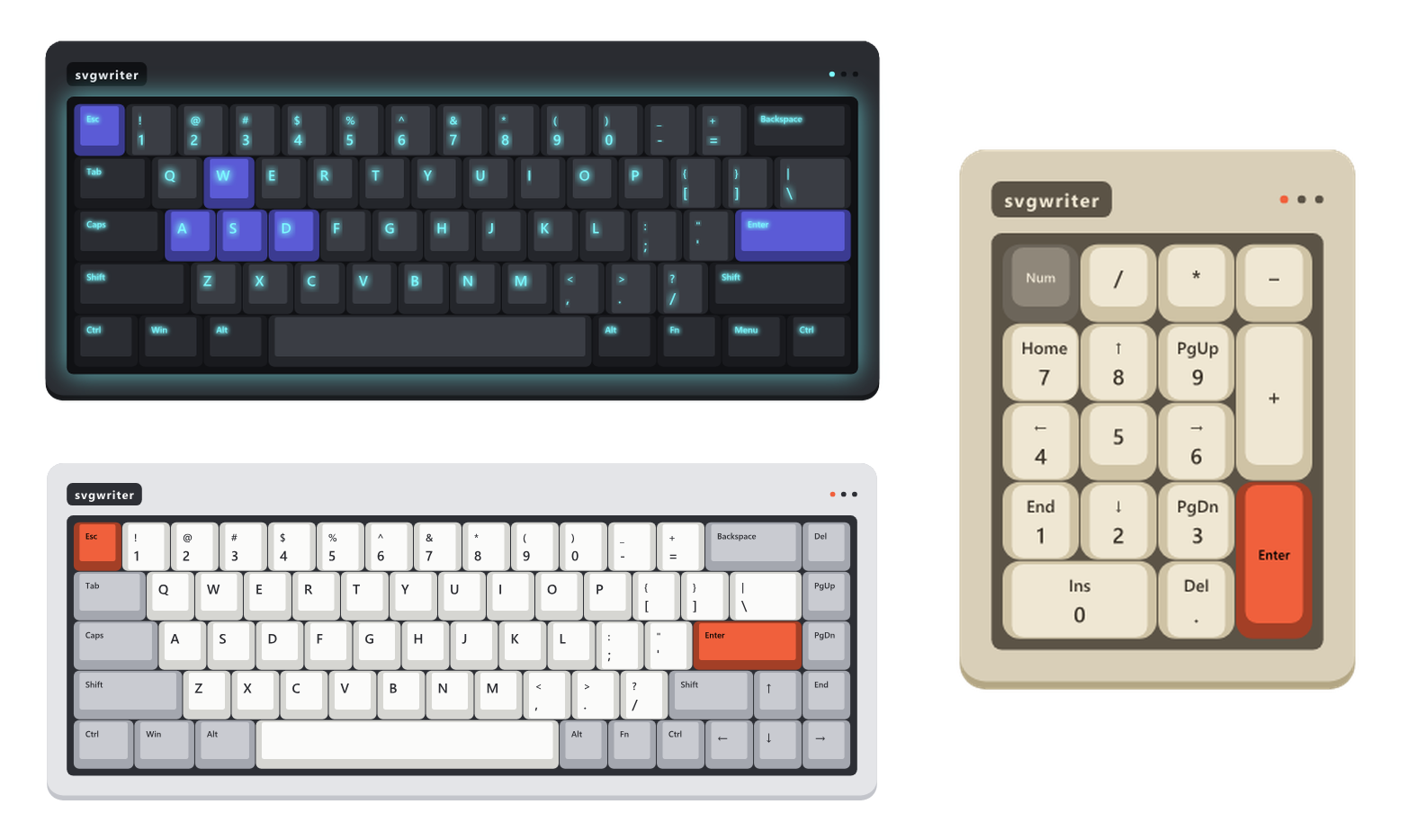 Keyboard kit |
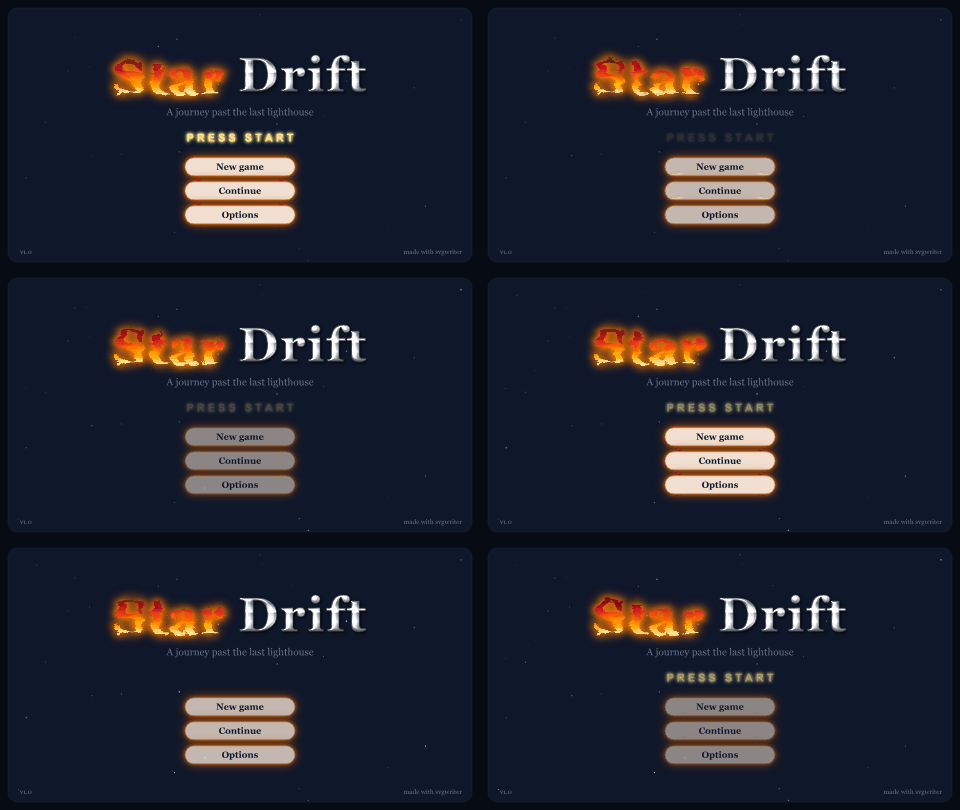 Game title screen |
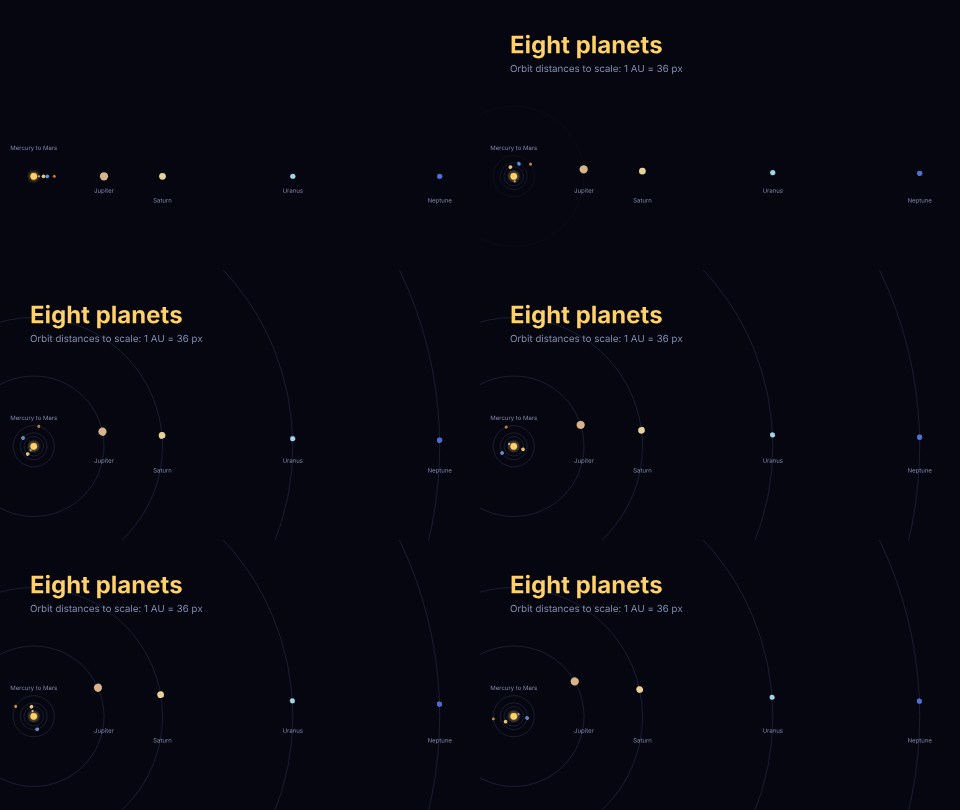 Solar System lesson |
 Hero banner |
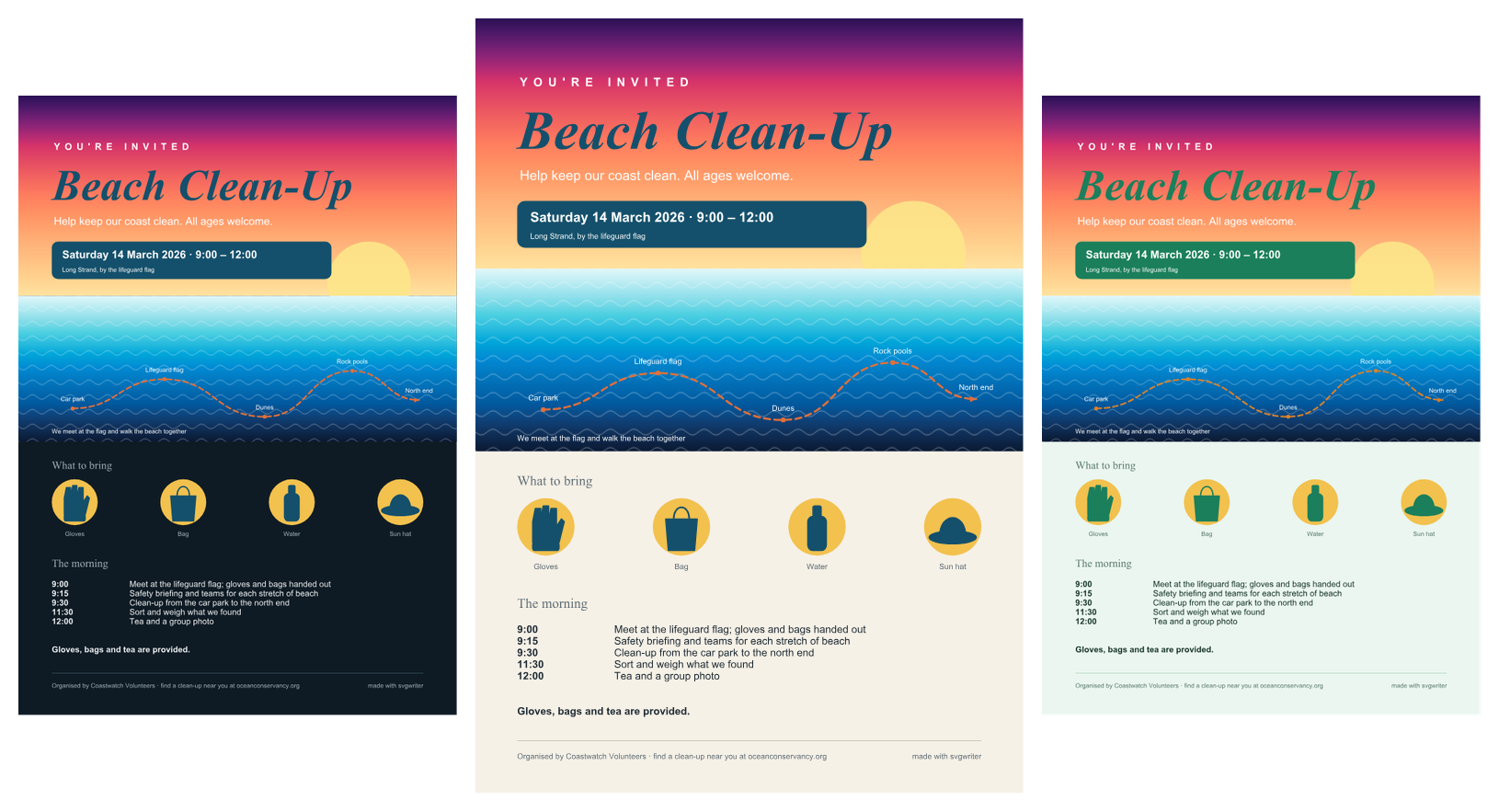 Beach clean-up poster |
Feature overview
| Area | What you get |
|---|---|
| Elements | Every static SVG 1.1 element as a class (svg.Circle / svg.circle), attributes by Python name (el.stroke_width) (Documents) |
| Placement | One affine el.matrix; translate, rotate, scale, place(x, y); edges as attributes (a.top = b.bottom + 4); el * 2, el @ 30 (Geometry) |
| Booleans and paths | a | b, a & b, a - b, a ^ b on shapes and text; fluent svg.path(), roughen, dash, svg.paths.star(), length, contains (Paths) |
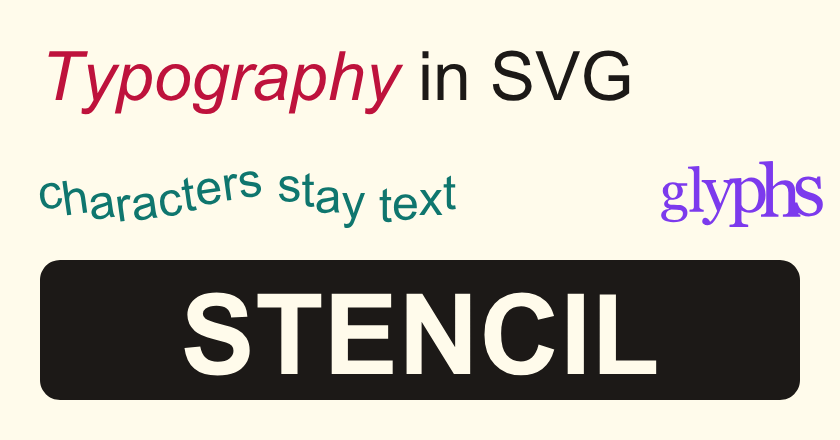
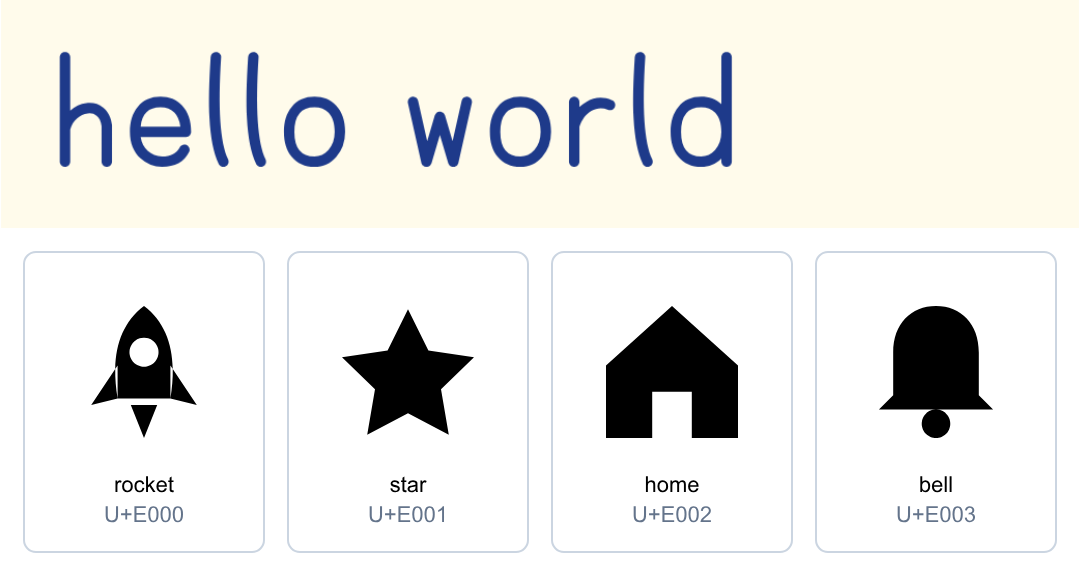
| Text | text[i] and text[a:b] move or style characters while staying real text; text.glyphs() for outlines; custom and icon fonts (Text) |
| Colors and images | 0-1 Color with alpha, OKLCH mixing, Image(numpy_array), Porter-Duff a | b, a.composite(b, "screen"), svg.types for typed values (Colors and images) |
| Documents and layers | doc["logo"], doc.layers, auto-size, doc.add(fig) for matplotlib, PIL or anything with _repr_svg_; doc.to("pil") out, Document.from_object(x) in (Documents) |
| Layout and units | VStack, HStack and Grid that size themselves, shadows counted by visual_bbox; real units: Document(size="a4"), svg.mm (Layout) |
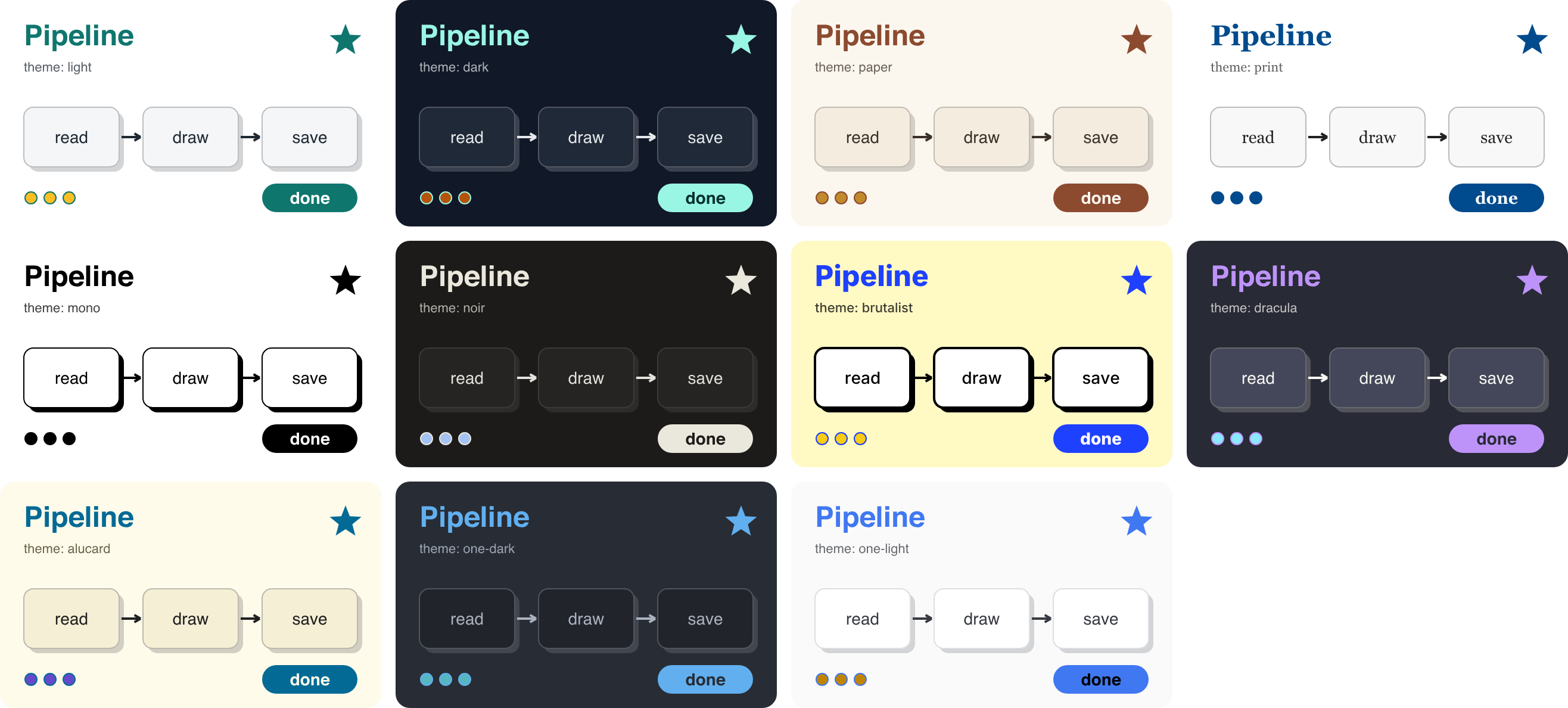
| Themes | svg.Theme palettes and role styles with el.as_role("box"); light, dark, sketch, paper and more built in; TOML theme files (Themes) |
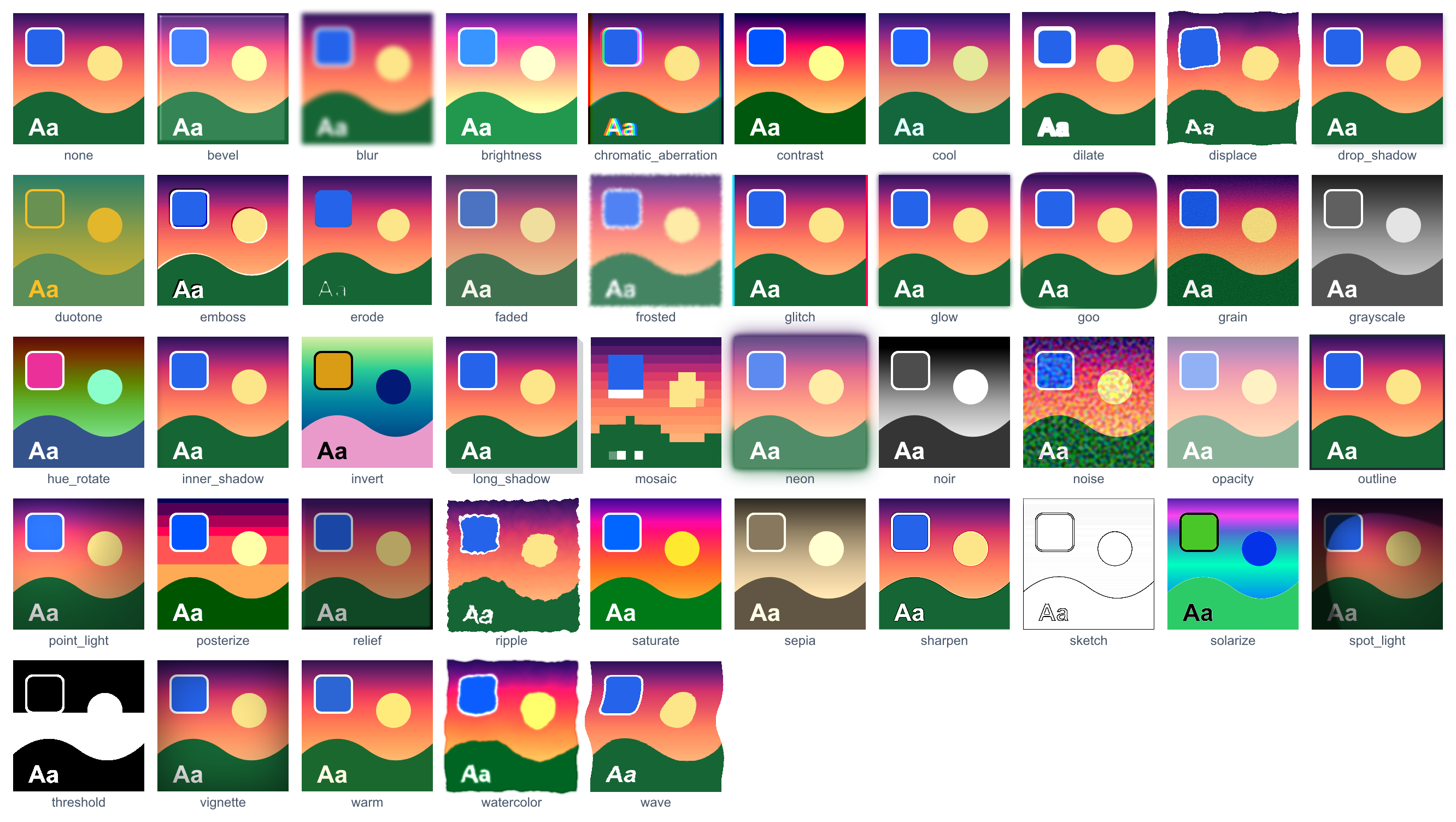
| Presets | svg.patterns.hatch(), svg.gradients.sunset(), svg.markers.arrow(), 44 filters (el.filter = svg.filters.long_shadow(), chain with f >> g) (Presets) |
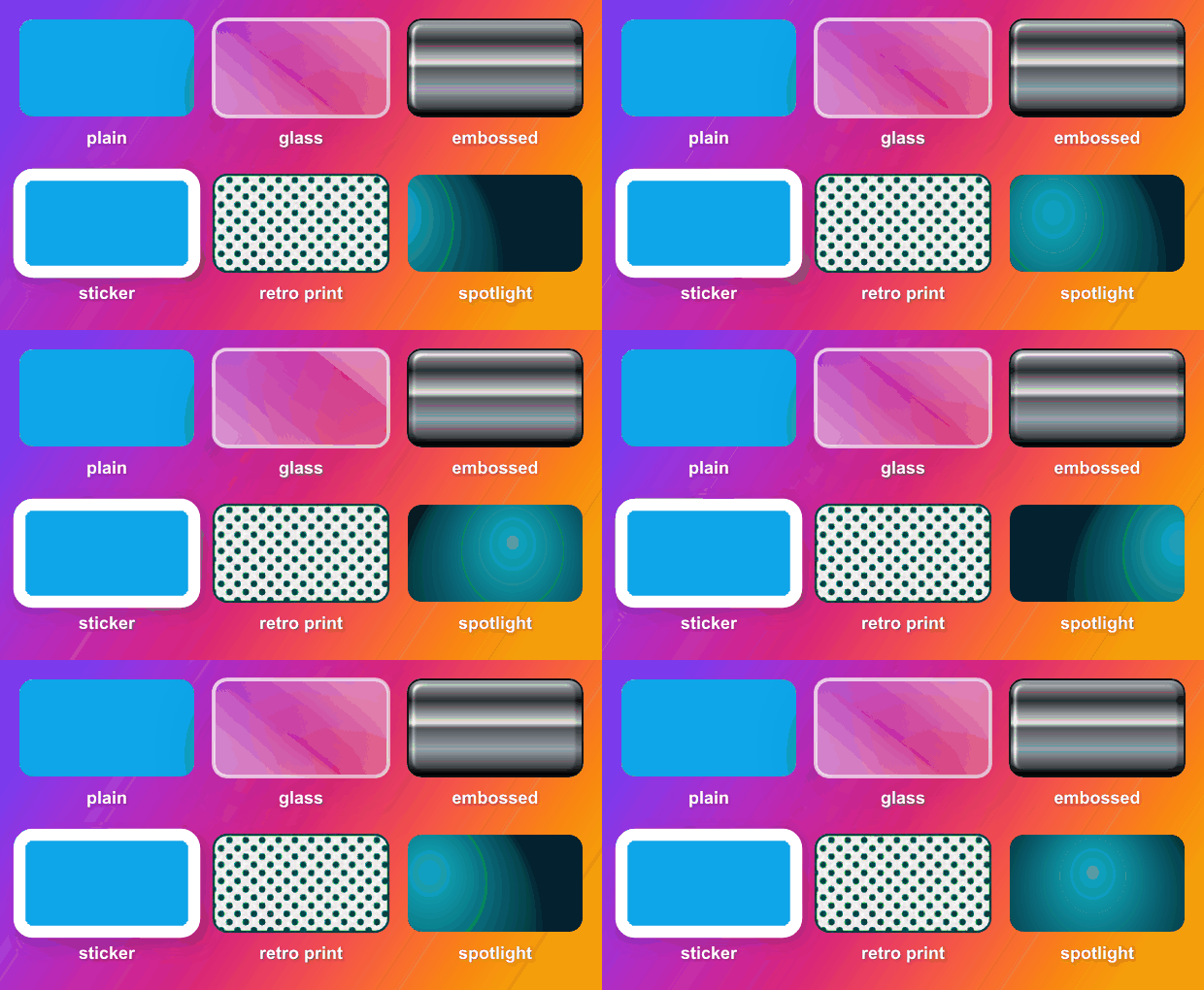
| Effects | shape.effect("neon"), text[4:9].effect("fire"): glass, sticker, neon, smoke and more; text stays text; animated for GIF and video (Filters) |
| Animation | SMIL and el.animate presets, svg.Scene rendered to SVG, GIF or video, svg.interpolate(a, b, t) morphs (Animation) |
| Widgets | svg.explore(fn) with sliders and toggles in a notebook, svg.sweep(fn, hue=(0, 360)) bakes them into a GIF or MP4 (Widgets) |
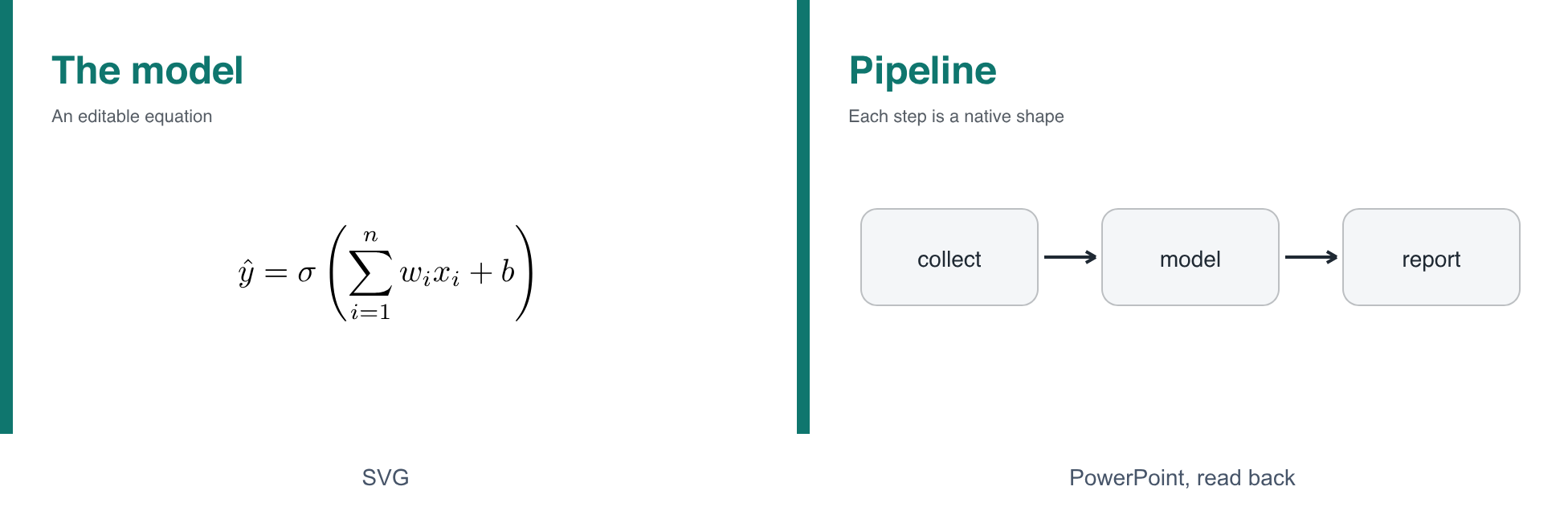
| Formats | doc.save("x.pdf"), Document.open("x.pptx"): 30+ formats chosen by name or extension, with format detection (Export) |
| Extending | svg.registry.<kind> adds formats, filters, themes, effects and converters with a decorator, or from a package (Extending) |
| Previews | Colors, themes, easings, filters and registries all display as pictures in a notebook (Documents) |
| Projects | svgwriter new my-poster --preset poster, then svgwriter build and svgwriter preview; poster, slides, logo, icons, diagram and chart presets (Projects) |
Examples
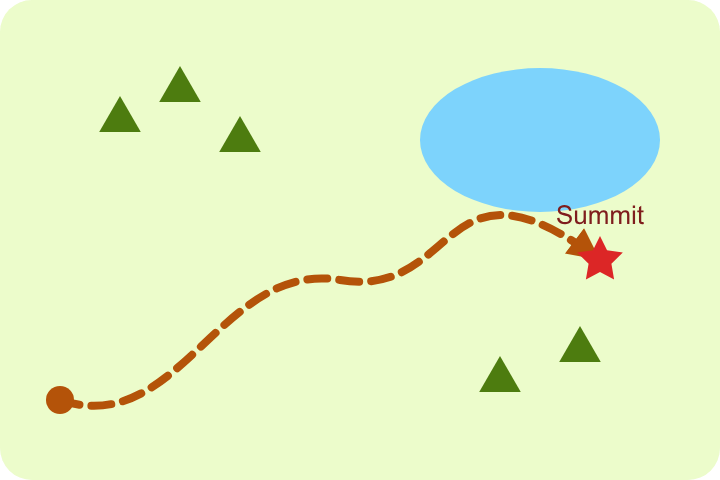
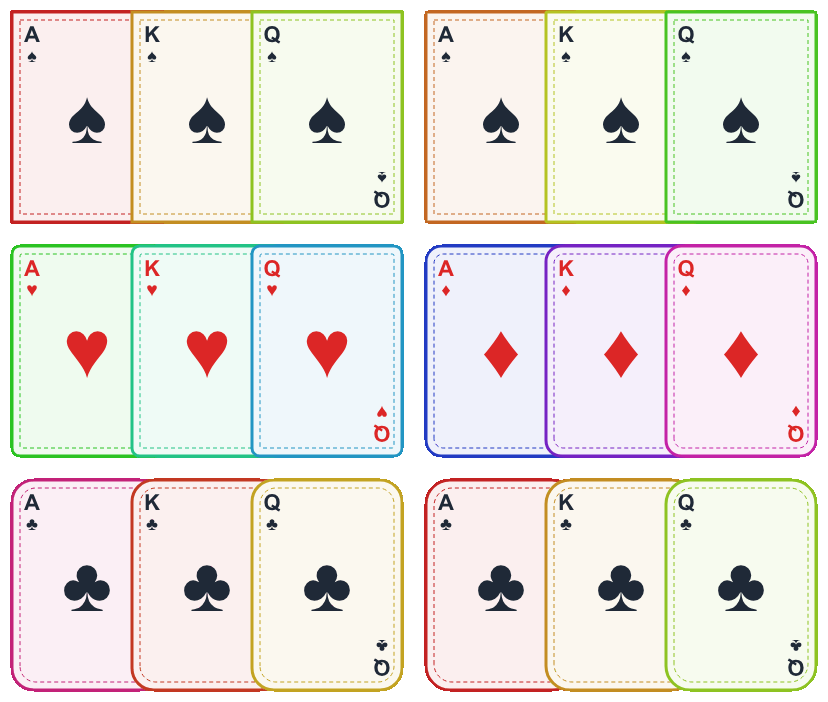
examples/ is a 28-step learning path, from a first drawing to paths, paint, formats, animation, themes, PowerPoint, widgets and fonts; each step is a runnable script with a Jupyter notebook next to it that shows the results as pictures (see its README).



Formats
Formats are found by name or file extension: doc.save("figure.pdf"), svg.Document.open("figure.pdf"),
doc.export("eps") for bytes.
- Both ways: SVG, SVGZ, PNG, JPEG, WebP, BMP, GIF, APNG, ICO, ICNS, PDF, EPS, TikZ, DXF, HPGL, G-code, Excalidraw, GeoJSON, WKT, HTML, PowerPoint, Word and video frames.
- Out only: Excel.
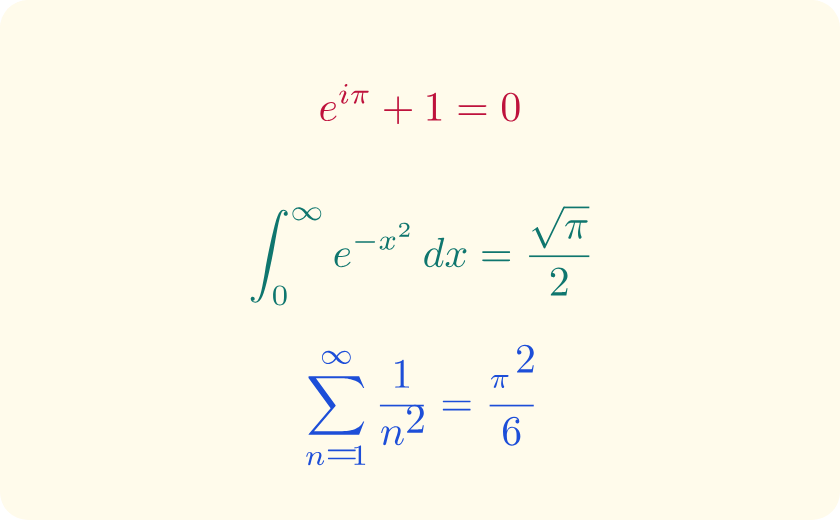
- In only: Markdown, plain text, Graphviz DOT, Mermaid, PlantUML, D2 and LaTeX math (
svg.latex(...)).
doc.save("figure.pdf")                         # vector PDF
doc.save("figure.tex", standalone=True)        # TikZ picture
doc.save("icon.ico", sizes=(16, 32, 48), padding=4)
doc.save("sketch.excalidraw")                  # write one, then read it back
svg.Document.open("sketch.excalidraw").save("sketch.svg")
What each format keeps and its options are in the Export and import guide. Office output needs pip install "pysvgwriter[office]".
Learn more
1 maintainer

Metadata
1 maintainer
Release files for pysvgwriter 2.24.0
For a detailed explanation of source distributions (sdists) and built distributions (wheels), please see the package formats documentation.
Source distribution (sdist)
| File | Size | Uploaded | Provenance | Actions |
|---|---|---|---|---|
| pysvgwriter-2.24.0.tar.gz | 1.1 MB | With provenance | Details for pysvgwriter-2.24.0.tar.gz |
Built distribution (wheel)
| File | Interpreter | ABI | Platform | Actions Reset |
|---|---|---|---|---|
| pysvgwriter-2.24.0-py3-none-any.whl | Python 3 | none | any | Details for pysvgwriter-2.24.0-py3-none-any.whl |
Total release size: 2.7 MB
Release files / pysvgwriter-2.24.0.tar.gz
| Download URL | pysvgwriter-2.24.0.tar.gz |
|---|---|
| Size | 1.1 MB |
| Tags | Source |
|
SHA-256 checksum How to use checksums |
fc58a1e2ea7789c90f1a7c5dbe7cf3af6f4ea18106f53b075c294627832a387a
|
|
BLAKE2b-256 checksum How to use checksums |
2a602143aa866850b656297f2c571b7f9a7a91d36094a2801b8258ebfd1687fc
|
| Upload date | |
|
Uploaded using Trusted Publishing? What is trusted publishing? |
Yes |
| Uploaded via |
twine/7.0.0 CPython/3.13.16
|
Provenance
Provenance describes where a file came from. On PyPI, provenance is shared via attestations, which provide a verifiable record of the build or publishing details. View details, limitations and caveats.


PyPI Publish Attestation
PyPI verified that this artifact, at this checksum, originated from the publisher listed below.
Signed by GitHub Actions, verified by PyPI on Nov 29, 2026.
Transparency logRelease files / pysvgwriter-2.24.0-py3-none-any.whl
| Download URL | pysvgwriter-2.24.0-py3-none-any.whl |
|---|---|
| Size | 1.6 MB |
| Tags | Python 3 |
|
SHA-256 checksum How to use checksums |
074d00a9de2f7386a6cdc1715ec1f7bcf026e1d5ecf007a22d400d2540891f66
|
|
BLAKE2b-256 checksum How to use checksums |
8eb28d60628c11fd2c8b3692a4c0db0431f0fa3f97cfc0b43467251ad21692b4
|
| Upload date | |
|
Uploaded using Trusted Publishing? What is trusted publishing? |
Yes |
| Uploaded via |
twine/7.0.0 CPython/3.13.16
|
Provenance
Provenance describes where a file came from. On PyPI, provenance is shared via attestations, which provide a verifiable record of the build or publishing details. View details, limitations and caveats.
PyPI Publish Attestation
PyPI verified that this artifact, at this checksum, originated from the publisher listed below.
Signed by GitHub Actions, verified by PyPI on Nov 29, 2026.
Transparency logSecurity for pysvgwriter 2.24.0
Provenance
Provenance describes where a file came from. On PyPI, provenance is shared via attestations, which provide a verifiable record of the build or publishing details. View details, limitations and caveats.
Full provenance
Both files in this release have been uploaded with provenance metadata.
Attestation for pysvgwriter-2.24.0.tar.gz
PyPI Publish Attestation
PyPI verified that this artifact, at this checksum, originated from the publisher listed below.
Signed by GitHub Actions, verified by PyPI on Nov 29, 2026.
Transparency logA note on package security
PyPI is a repository for distributing packages, not a service for auditing them. While third-party security researchers and our staff do their best to detect and remove malicious packages, PyPI cannot guarantee the quality, security or suitability of any given package.
To learn more about protecting yourself from malicious actors, visit our package security documentation.














