
Python Language Server for the Language Server Protocol

Project description
Python Language Server


A Python 2.7 and 3.4+ implementation of the Language Server Protocol making use of Jedi, pycodestyle, Pyflakes and YAPF.
Features
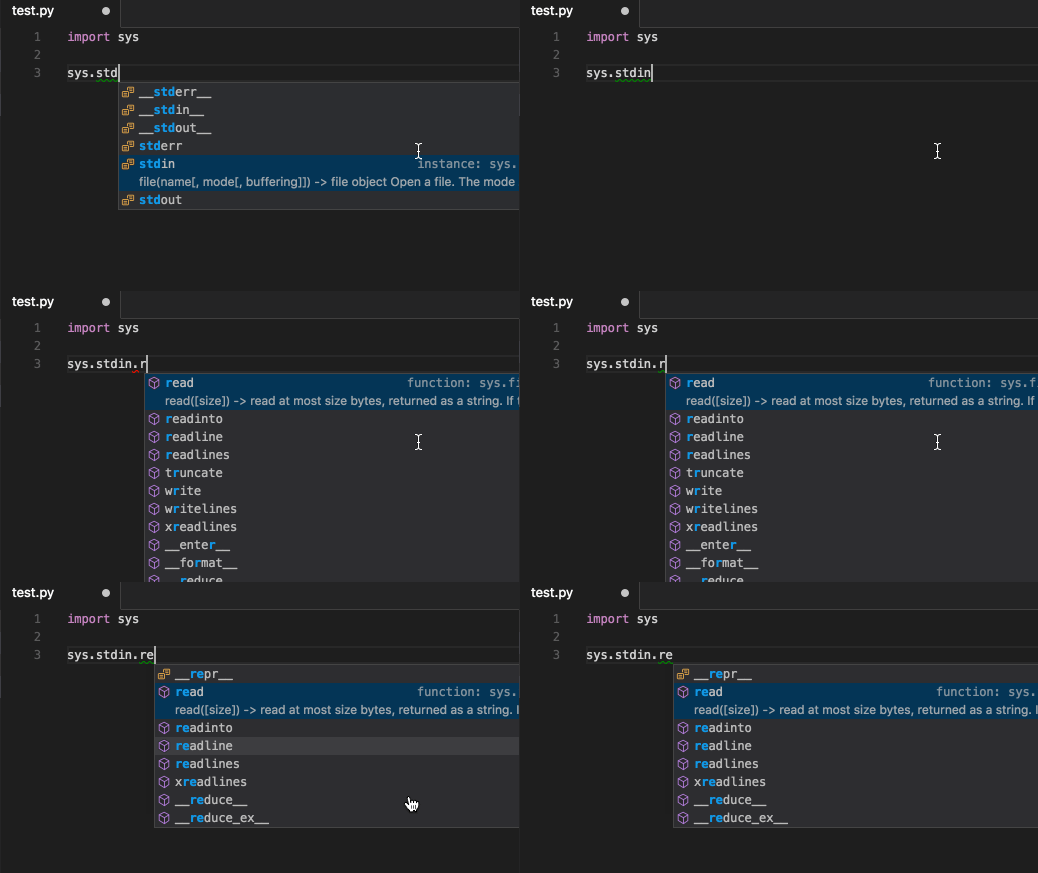
Auto Completion:
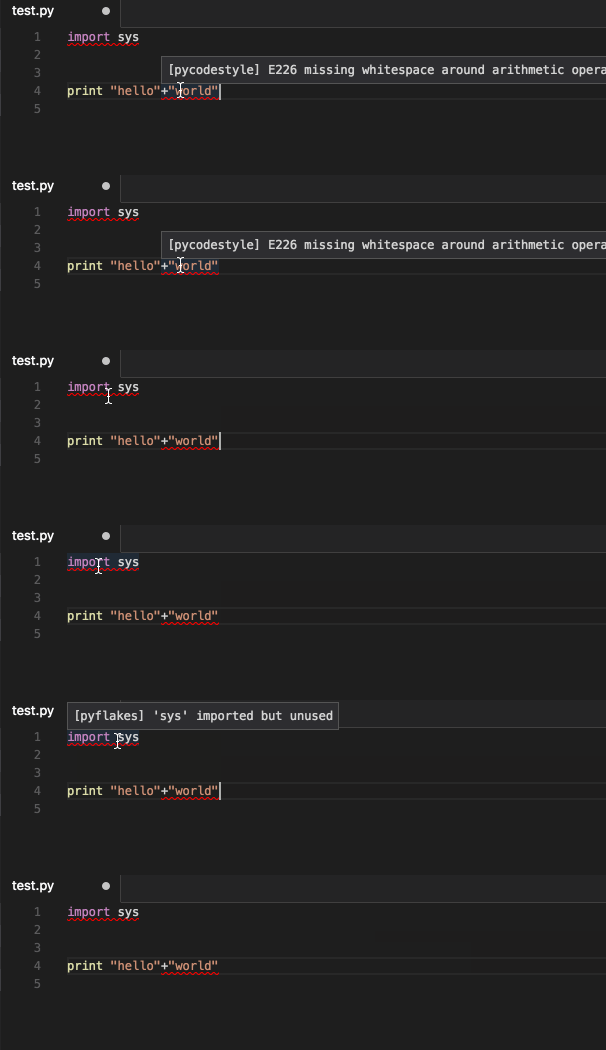
Code Linting with pycodestyle and pyflakes:
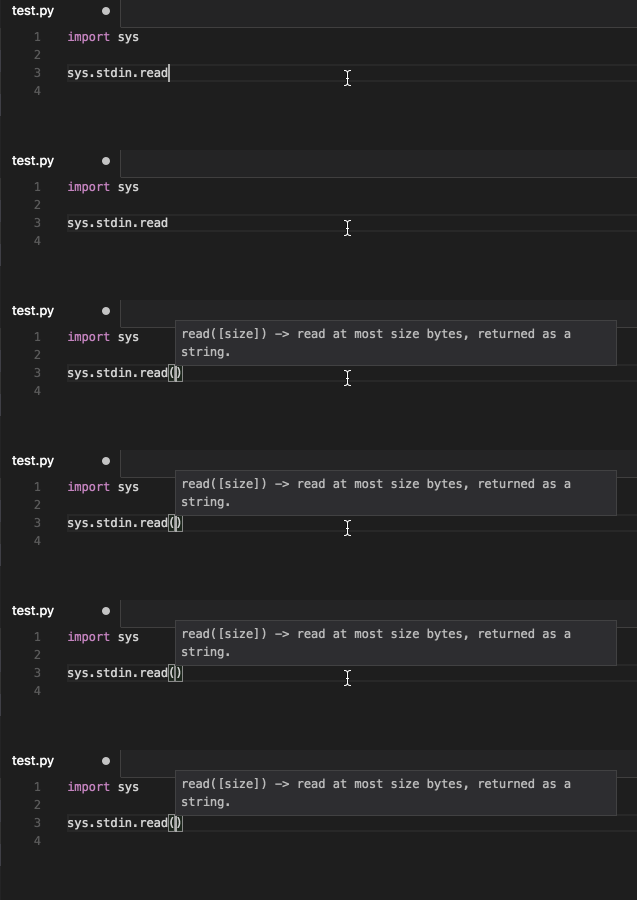
Signature Help:
Go to definition:

Hover:
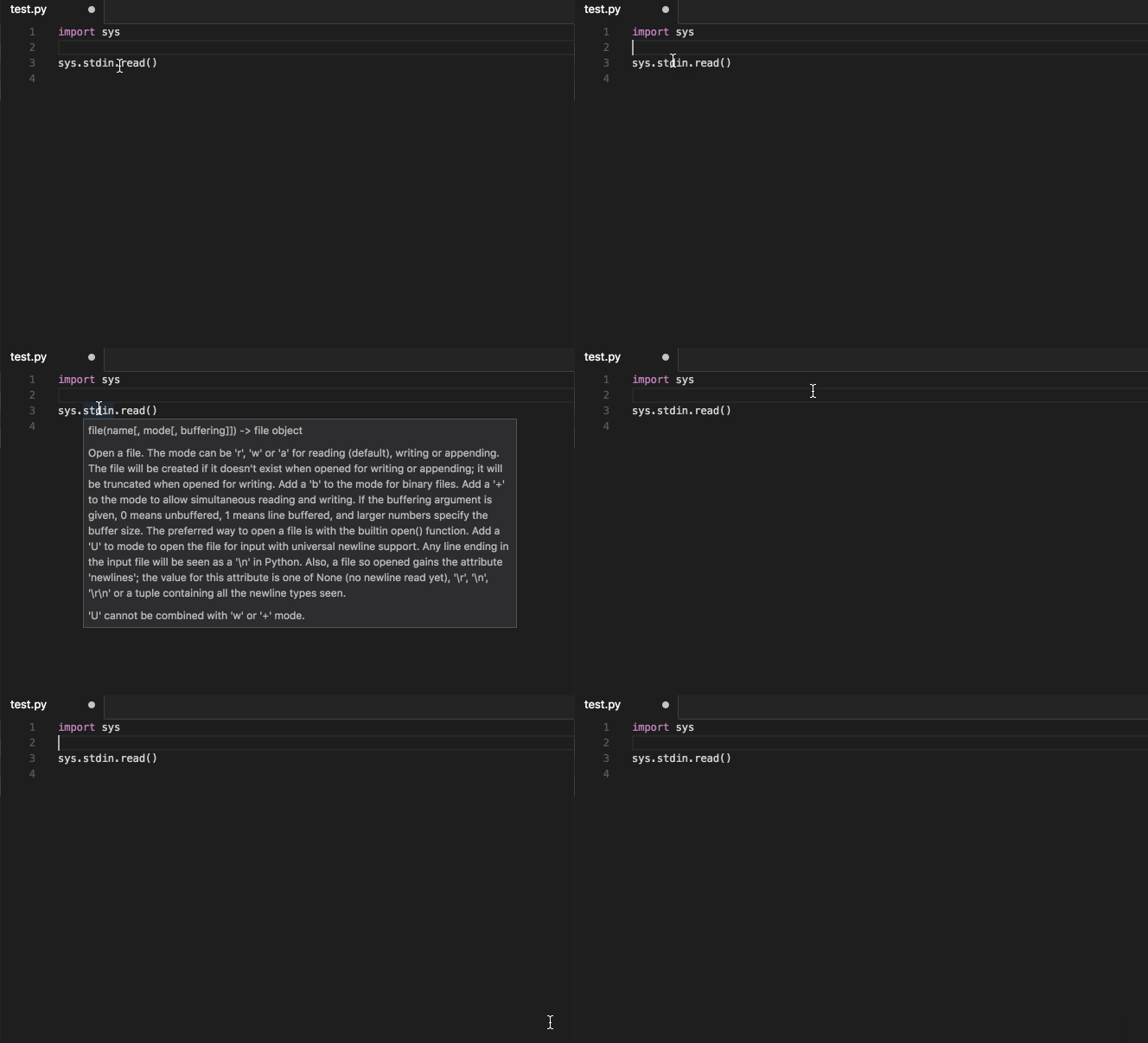
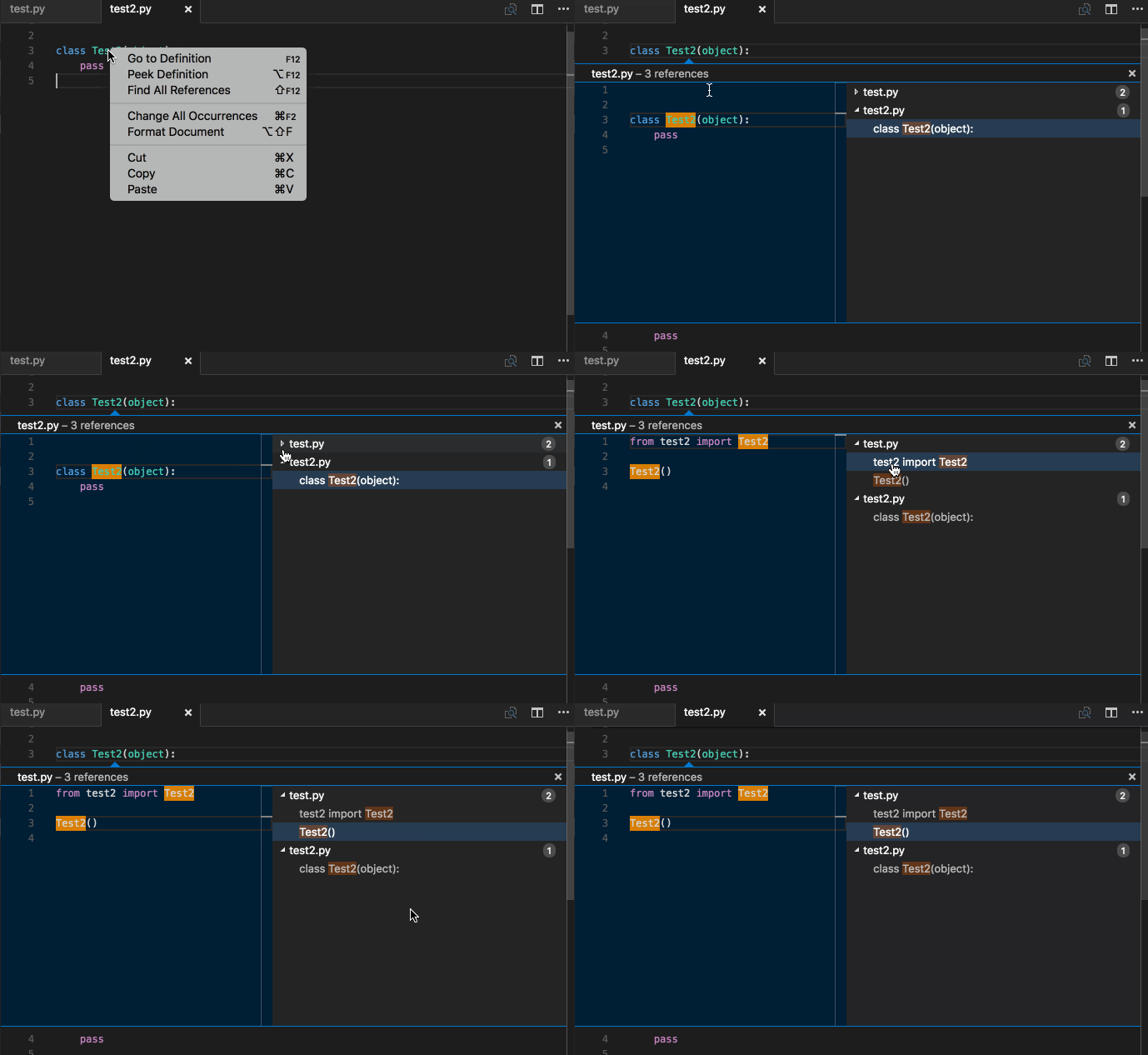
Find References:
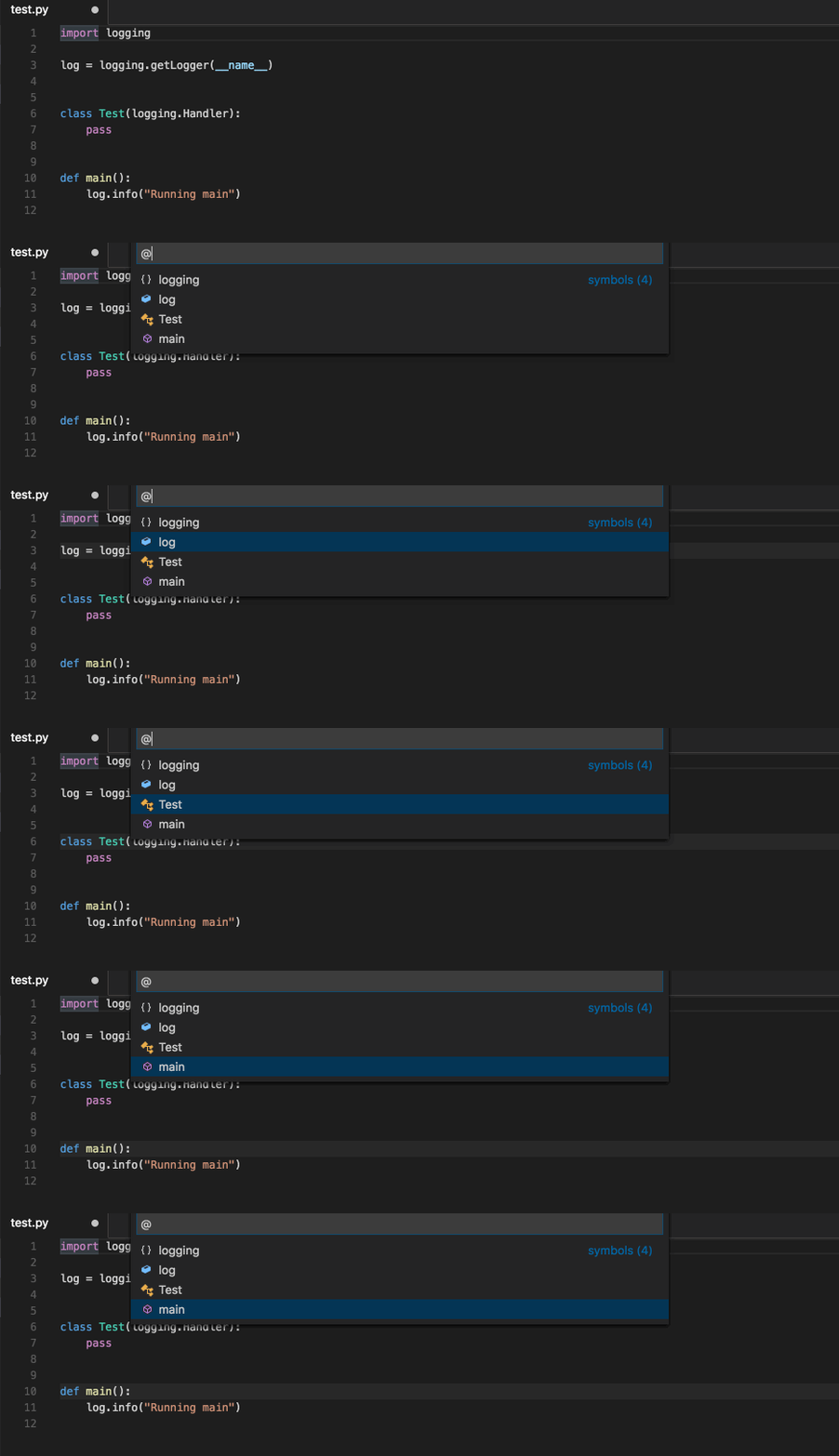
Document Symbols:
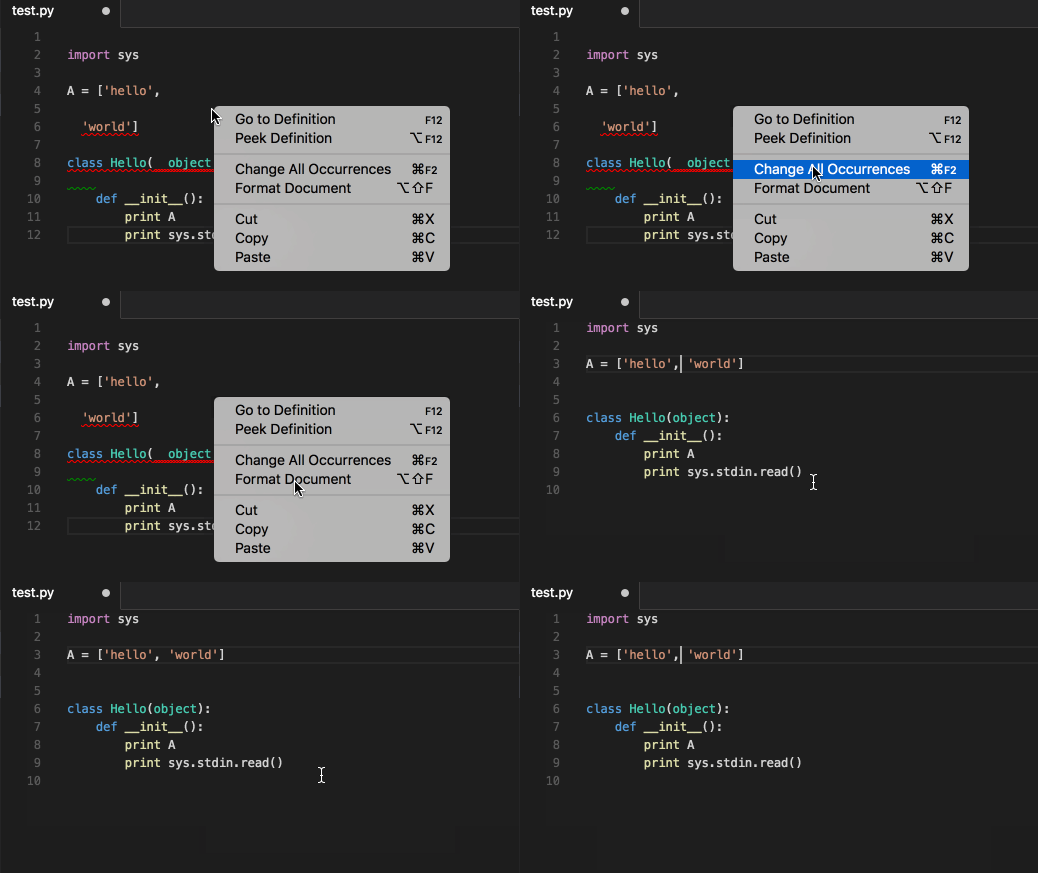
Document Formatting:
Installation
pip install python-language-server
Development
To run the test suite:
pip install .[test] && tox
Develop against VS Code
The Python language server can be developed against a local instance of Visual Studio Code.
Install [VSCode for Mac](http://code.visualstudio.com/docs/?dv=osx)
From within VSCode View -> Command Palette, then type _shell_ and run install 'code' command in PATH
# Setup a virtual env
virtualenv env
. env/bin/activate

# Install pyls
pip install .

# Install the vscode-client extension
cd vscode-client
npm install .

# Run VSCode which is configured to use pyls
# See the bottom of vscode-client/src/extension.ts for info
npm run vscode -- $PWD/../
Then to debug, click View -> Output and in the dropdown will be pyls. To refresh VSCode, press Cmd + r
License
This project is made available under the MIT License.
Release history Release notifications | RSS feed


Download files
Download the file for your platform. If you're not sure which to choose, learn more about installing packages.
Source Distribution
File details
Details for the file python-language-server-0.2.3.tar.gz.
File metadata
- Download URL: python-language-server-0.2.3.tar.gz
- Upload date:
- Size: 36.2 kB
- Tags: Source
- Uploaded using Trusted Publishing? No
File hashes
| Algorithm | Hash digest | |
|---|---|---|
| SHA256 |
b95ecb688aa70cdd61e5d5c92befa1fea4f2fb6049fb00f5e2509711425f88d1
|
|
| MD5 |
f1e4a51baa96e055ffa5d61b8a2928de
|
|
| BLAKE2b-256 |
188057897d19e6e1d1072daf67d52e7dde40b245d1e8ce5c86800167d9b025d3
|






