
python-based cli to convert markdown to the roff (man-pages) format


Project description
roff
python-based cli to convert markdown to the roff (man-pages) format
Installation

pip install roff
pip install roff[images]  # support for images
pip install roff[images-svg]  # support for svg-images
pip install roff[watch]  # support for rendering and auto-reloading a manpage while writing
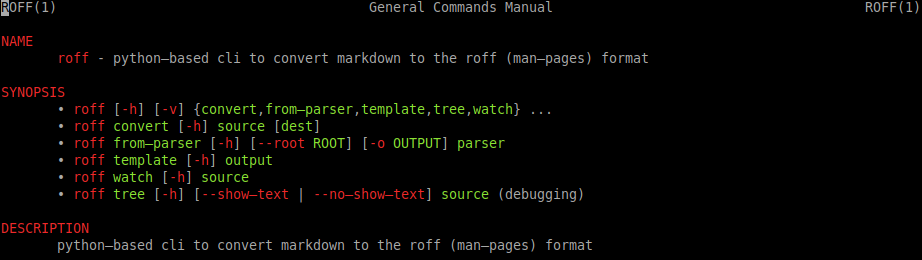
[!TIP] After the installation you should be able to see roff's manpage with
man roffor the file format information withman roff.5.
Usage/Execution
For the common usage you can create a template markdown file with the roff template subcommand and then convert it to the roff-file-format with roff convert
roff --help
roff template command.1.md
roff convert command.1.md
man ./command.1
Additionally, if roff[watch] was installed, you can run roff watch to see the rendered file that automatically re-renders if the file-content changes.
# shell 1
$ roff watch command.1.md
# shell 2
$ nano command.1.md
$ vim command.1.md
Additionally, if your project uses python argparse.ArgumentParser then you can start quicker by using the roff from-parser command instead of roff template.
This works almost like the template command. But fills most of the fields.
$ roff from-parser --root src/ --output prog.1.md myprog.__main__:parser
File Format
roff uses markdown as the file format. It supports all commonmark markdown features (h1 is reserved for the head).
Additionally, roff brings 1 own markdown-feature, the inline-command!
By prepending your inline-code with a $ sign it gets recognised as an inline-command and rendered in a more special way.
$`command subcommand [--arg value] file...`

[!TIP] Use
roff template command.1.mdto get a pre-filled markdown file as a starting point.
Example
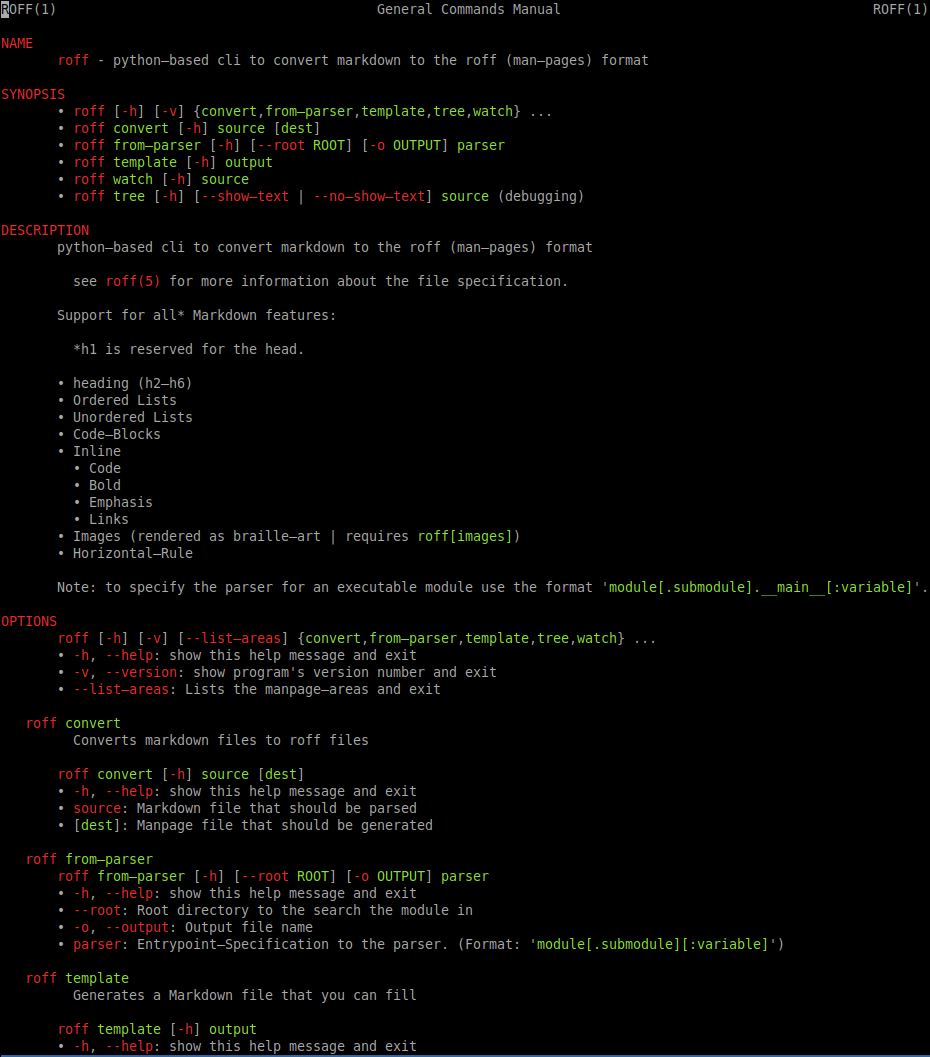
The following image shows the manpage of roff itself.
(The manpage-content is slightly outdated but still shows what roff can do)
Release history Release notifications | RSS feed


Download files
Download the file for your platform. If you're not sure which to choose, learn more about installing packages.
Source Distribution
Built Distribution
Filter files by name, interpreter, ABI, and platform.
If you're not sure about the file name format, learn more about wheel file names.
Copy a direct link to the current filters
File details
Details for the file roff-0.6.1.tar.gz.
File metadata
- Download URL: roff-0.6.1.tar.gz
- Upload date:
- Size: 29.3 kB
- Tags: Source
- Uploaded using Trusted Publishing? No
- Uploaded via: twine/5.1.1 CPython/3.10.12
File hashes
| Algorithm | Hash digest | |
|---|---|---|
| SHA256 |
c09ba101cc51a1b417e5bdfb588a8e97cb6dbeedf7b47786242f8fa089dfb765
|
|
| MD5 |
16a06752afa638e9b59d20ebc70bf321
|
|
| BLAKE2b-256 |
8523d7dca3a57a13a69fe38134b472c217848209156c50c56e1ebb2c18ef5432
|
File details
Details for the file roff-0.6.1-py3-none-any.whl.
File metadata
- Download URL: roff-0.6.1-py3-none-any.whl
- Upload date:
- Size: 31.4 kB
- Tags: Python 3
- Uploaded using Trusted Publishing? No
- Uploaded via: twine/5.1.1 CPython/3.10.12
File hashes
| Algorithm | Hash digest | |
|---|---|---|
| SHA256 |
0f2a439b06a2be2d37ab0ba039cd167bdbbf4ee5c675989d99270aa8b27310db
|
|
| MD5 |
361fa7b85c059690f27ec3f26af7d944
|
|
| BLAKE2b-256 |
9ceea24c71b70a68b53b36003001efe1404007b0636b8d0c8cdeb332b45c3c7f
|






