
scikit-complexity
| Category | Tools |
|---|---|
| Development |     |
| Testing |    |
| Security |   |
| Automation |   |
| Package |    |
| Documentation |  |
| Communication |  |
Overview
With scikit-complexity, you can describe a system in any field of science with just a few lines of code, and it takes
care of the rest: it works out the mathematics, picks a solver unless you choose one, runs the simulation, and can
stream it live to the Rerun viewer.
Complex systems are usually modelled in separate tools with separate conventions, often one for each field. Here they all share one small vocabulary, in the spirit of scikit-learn: elements carry state, interactions change it through laws, and systems nest and compose. Learn it once, and every field opens up.
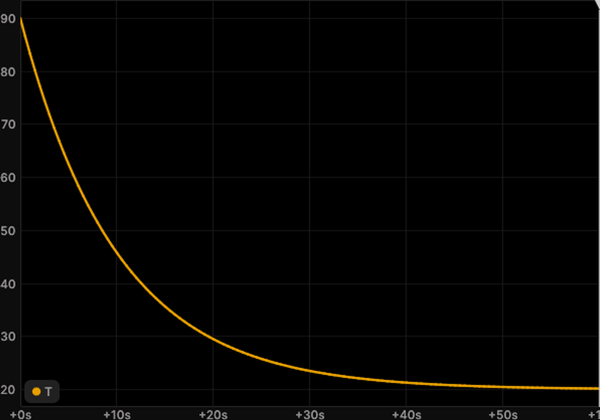 Physics Cooling coffee |
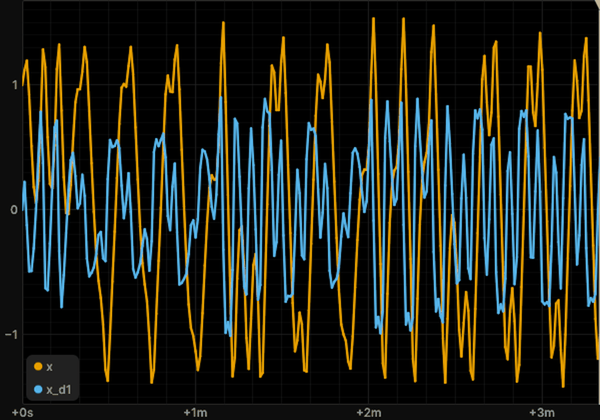 Physics Duffing |
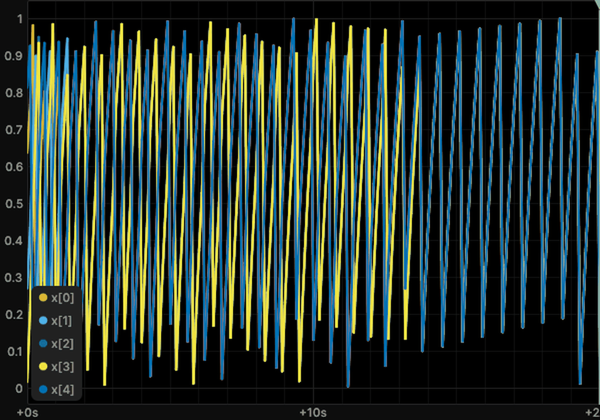 Physics Mirollo-Strogatz |
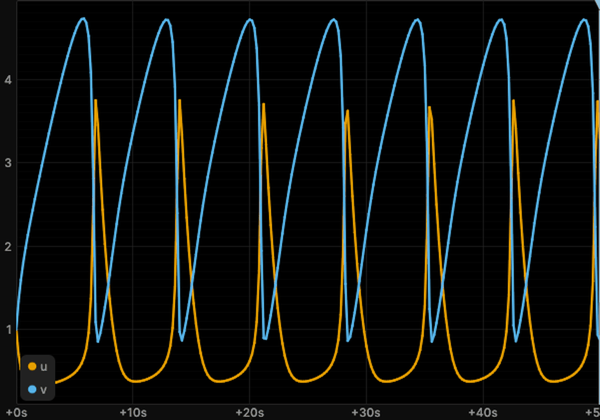 Chemistry Brusselator |
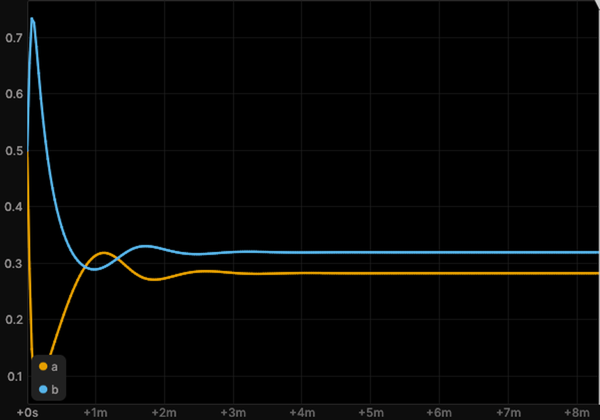 Chemistry Cubic autocatalysis |
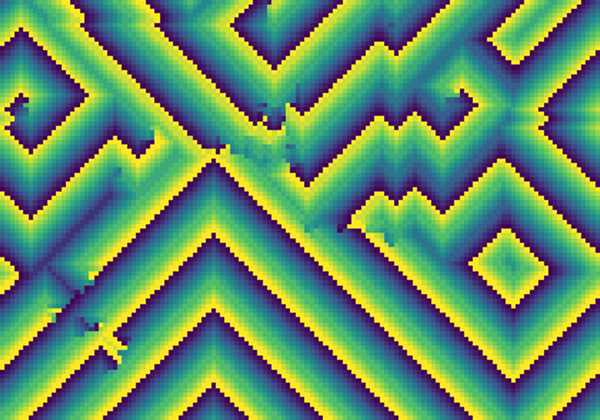 Chemistry Cyclic cellular automaton |
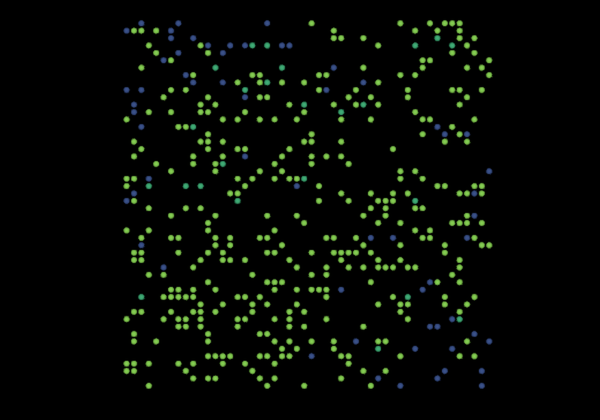 Biology Agent-based SIR |
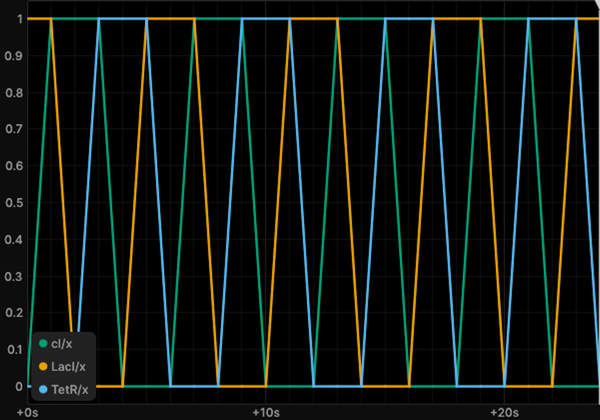 Biology Boolean repressilator |
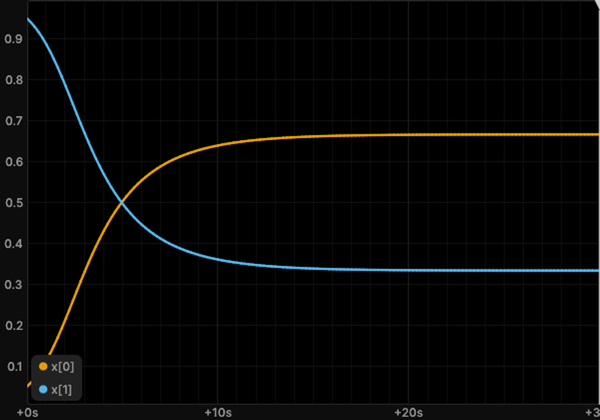 Biology Replicator dynamics |
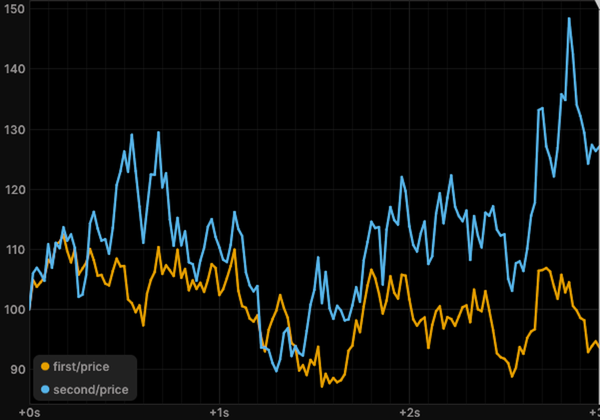 Economics Correlated geometric Brownian motions |
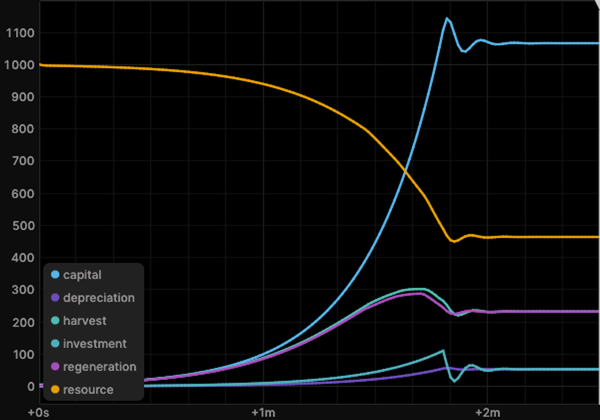 Economics Fishery capital |
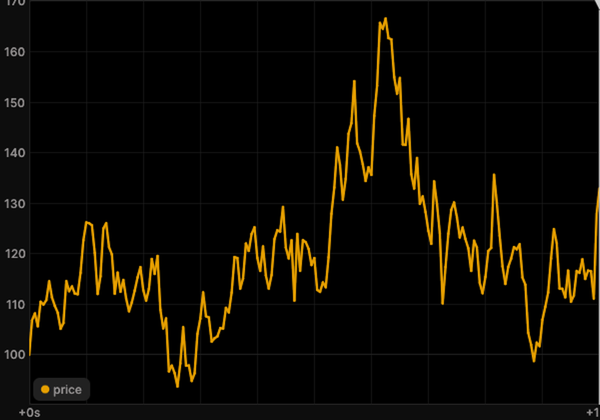 Economics Geometric Brownian motion |
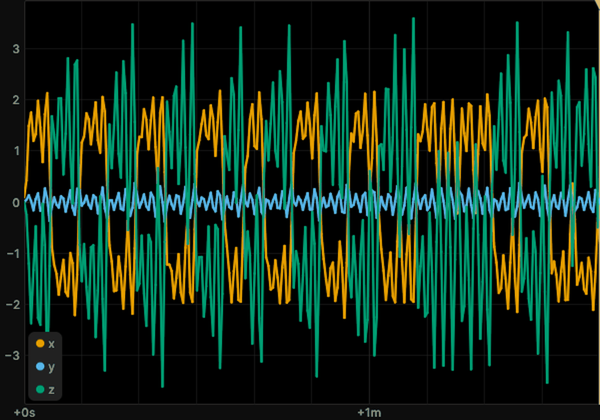 Engineering Chua's circuit |
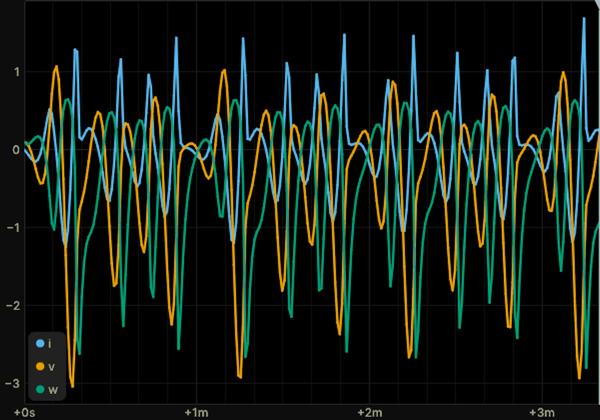 Engineering Memristor oscillator |
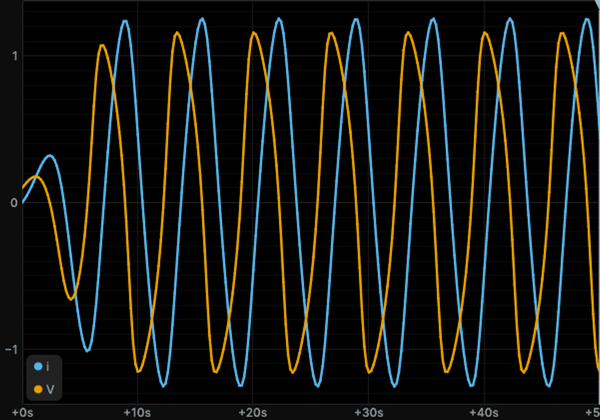 Engineering Tunnel-diode oscillator |
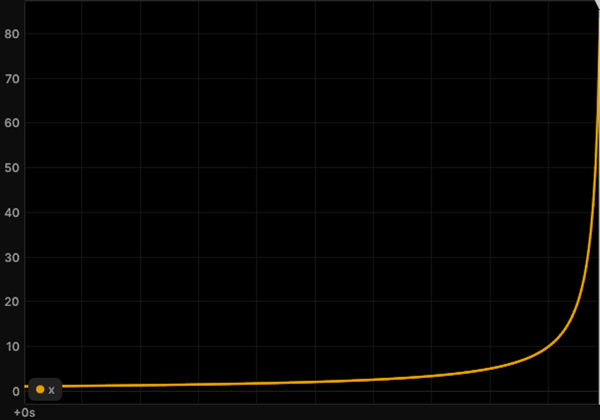 Mathematics Finite-time blow-up |
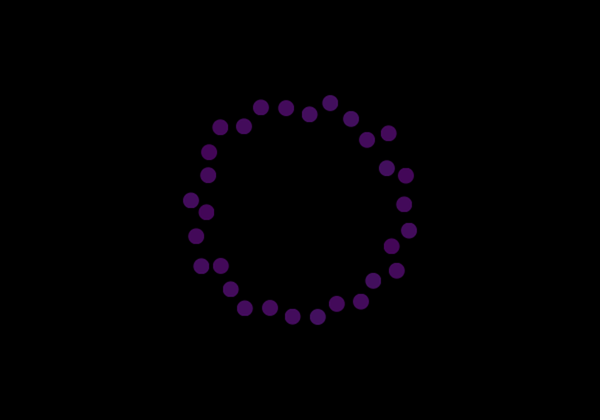 Mathematics Random walk on a hypergraph |
 Mathematics Julia set |
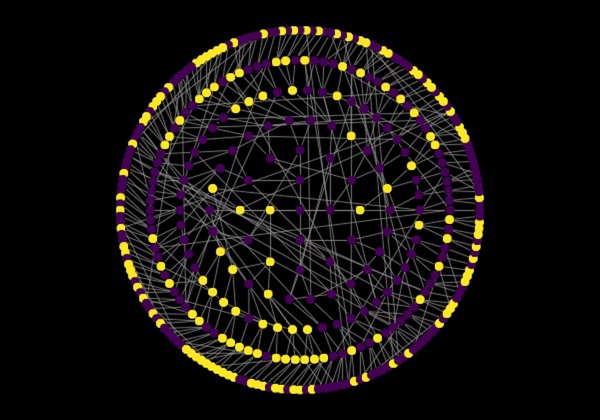 Computer science Majority automaton on the Baumslag-Solitar group |
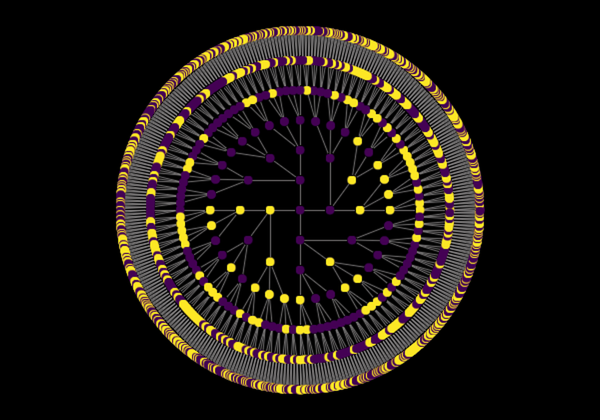 Computer science Majority automaton on the free group |
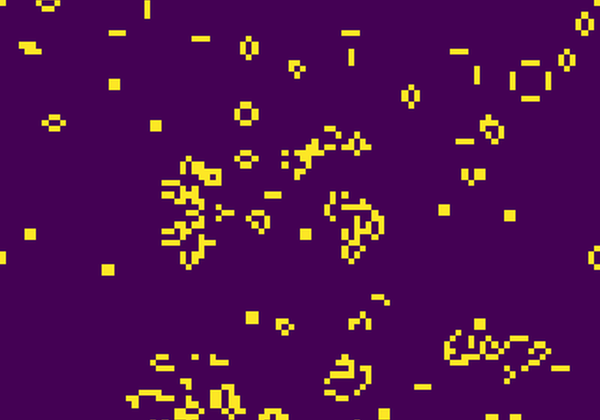 Computer science Game of Life |
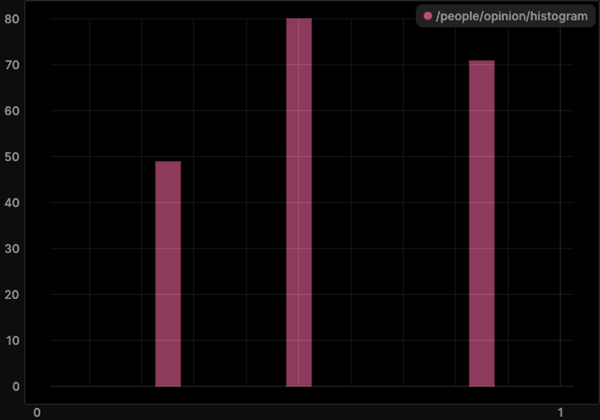 Social science Hegselmann-Krause |
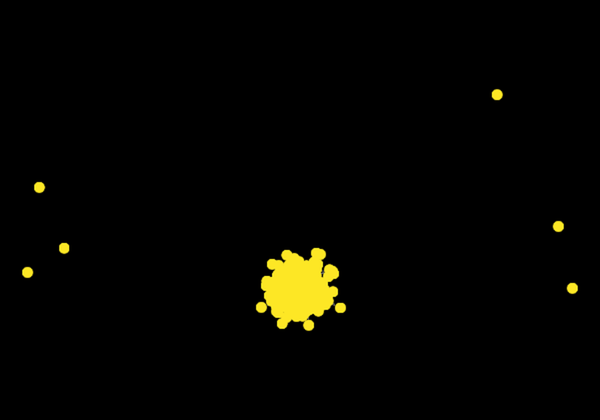 Social science Public goods game on a hypergraph |
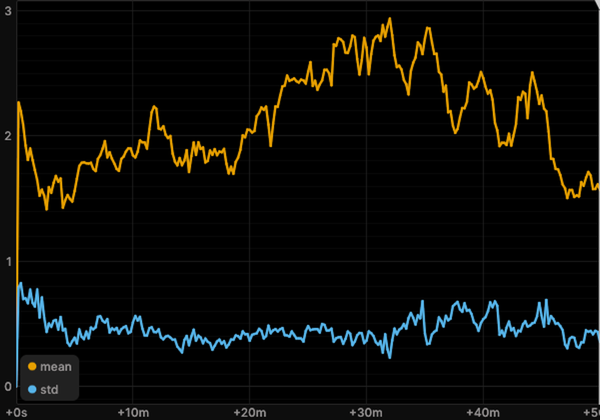 Social science Prisoner's dilemma tournament |
A few of the ready-to-run systems, each with a documented example in the gallery.
Features
- Every kind of dynamics, one interface. Differential equations, stochastic processes, jump processes, discrete maps, cellular automata, agents, networks and hypergraphs, fields and PDEs, quantum systems, and systems that learn by gradient descent.
- The form of your system is inferred. Write the laws, and the framework decides whether it is an ODE, an SDE or a jump process, and compiles it for NumPy, Numba, or JAX.
- Symbols when you want them, code when you don't. Laws are Sage symbolic expressions you can inspect and solve exactly, or plain Python functions.
- Watch it run. Stream any simulation to Rerun in real time, and change its parameters while it runs.
- Analysis included. Nearly 50 analyses, from Lyapunov exponents and entropy to network motifs, scaling laws and system identification, plus experiments for parameter sweeps, sensitivity, calibration and basin stability.
- Standing on mature libraries. SciPy, NetworkX, Mesa, LAMMPS, QuTiP, JAX and others do the heavy lifting.
- Add your own parts without changing the library. Its systems use the same public classes you do, so each one doubles as an example for your own.
Installation
scikit-complexity supports Python 3.12, 3.13, and 3.14 on Linux and on macOS 13 or later with Apple silicon, and is
available on PyPI. On Python 3.14 the install builds memory-allocator from source, so it needs a C compiler:
pip install scikit-complexity
The installation includes Sage through the passagemath distributions, LAMMPS, Mesa, Numba, JAX, and Rerun. Windows has no passagemath wheels, so on Windows the package runs in WSL.
For development, clone the repository and install the project with PDM:
git clone https://github.com/georgedouzas/scikit-complexity.git
cd scikit-complexity
pdm install
Usage
The library speaks scikit-learn. What you define is an estimator, a class with get_params, set_params, and
clone: elements, interactions, and systems. What you do to them is a function: simulate runs a system as
cross_validate runs a model, analyses measure the run as sklearn.metrics scores one, and experiments run many as
the model selection functions do.
There are two ways in. Select a ready-made system from the catalog, or build a custom system from the general classes
of skcomplex.core.components.
Select a ready-made system
Every ready-made system is a class with a field, topics, references, and parameters. You import it from its subfield,
the package skcomplex.systems.<field>.<subfield>, and all_systems finds them, as all_estimators does in
scikit-learn.
List the systems of a field:
from skcomplex.systems import all_systems

ecology = [name for name, _ in all_systems(field='biology/ecology')]
Search every field by topic, or by the capability tags of a system:
oscillators = [name for name, _ in all_systems(topics='oscillation')]
stochastic = [name for name, _ in all_systems(field='chemistry', tags={'randomness': 'stochastic'})]
Import the class you chose from its subfield and read what it is:
from skcomplex.systems.biology.ecology import LotkaVolterraSystem

LotkaVolterraSystem.topics, LotkaVolterraSystem.references, LotkaVolterraSystem().get_params()
Simulate it with its tuned settings, or with parameters and settings of your own:
from skcomplex.core.engine.runtime import simulate

trajectory = simulate(LotkaVolterraSystem())
fast_prey = simulate(LotkaVolterraSystem(r=1.5), until=50, dt=0.1)
round(float(fast_prey.values('prey.n').max()))
Each run can stream to the Rerun viewer:
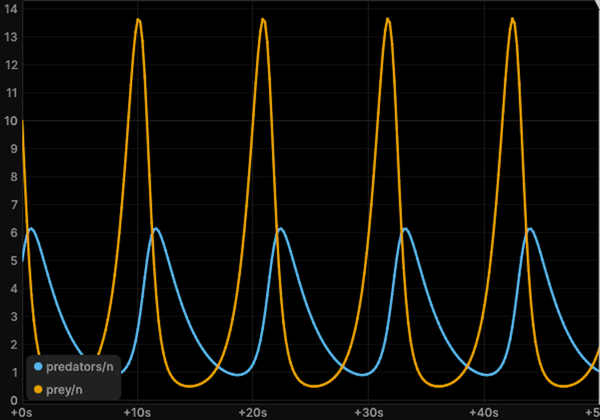 lotka_volterraPrey and predators cycle |
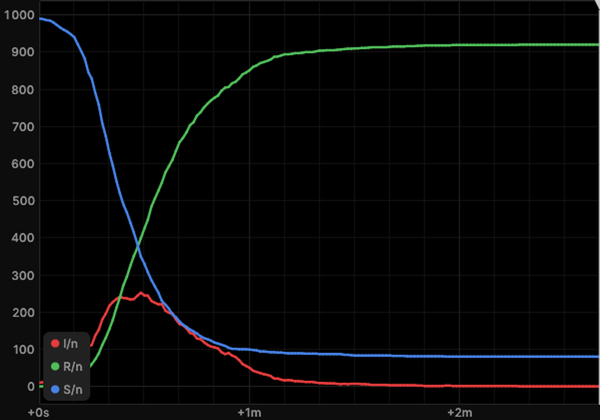 sirAn epidemic rises and fades |
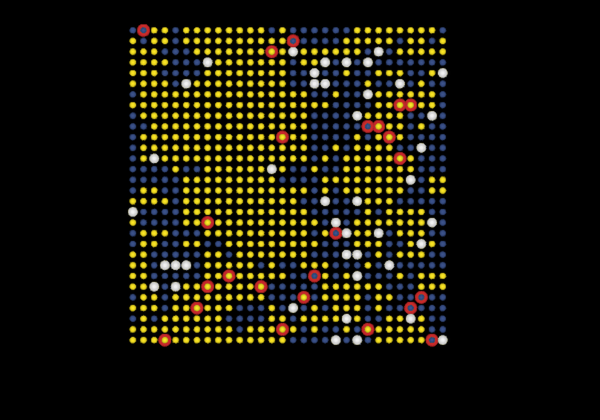 wolf_sheepWolves, sheep and grass on a grid |
The catalog lists every system by field and topic, and the page of each system shows the classes it is built from.
Build a custom system
A custom system needs only the core. An element declares its states, and an interaction declares its roles and returns
its laws, where the namespace s holds the symbols of its parameters and of the elements bound to its roles. A predator
and prey system takes one element class, the general RateInteraction, and one new interaction:
from typing import Annotated

from skcomplex.core.components.elements import Element
from skcomplex.core.components.interactions import Interaction, RateInteraction
from skcomplex.core.components.laws import RateLaw
from skcomplex.core.components.system import System
from skcomplex.core.engine.runtime import simulate
from skcomplex.core.specs import ParameterSpec, RoleSpec, StateSpec


class PopulationElement(Element):
    def __init__(self, label, visual=None, *, n: Annotated[float, StateSpec()] = 1.0):
        super().__init__(label, visual=visual)
        self.n = n


class PredationInteraction(Interaction):
    def __init__(
        self,
        label,
        *,
        predator: Annotated[str, RoleSpec(states=('n',))],
        prey: Annotated[str, RoleSpec(states=('n',))],
        a: Annotated[float, ParameterSpec()] = 0.4,
        b: Annotated[float, ParameterSpec()] = 0.1,
    ):
        super().__init__(label)
        self.predator = predator
        self.prey = prey
        self.a = a
        self.b = b

    def _get_laws(self, s):
        contacts = s.predator.n * s.prey.n
        return [RateLaw(s.prey.n, -s.a * contacts), RateLaw(s.predator.n, s.b * contacts)]


system = System(
    elements=[PopulationElement('rabbits', n=40), PopulationElement('foxes', n=9)],
    interactions=[
        RateInteraction('growth', target='rabbits', state='n', rate=lambda s: 1.1 * s.target.n * (1 - s.target.n / 1000)),
        PredationInteraction('hunt', predator='foxes', prey='rabbits'),
        RateInteraction('death', target='foxes', state='n', rate=lambda s: -0.4 * s.target.n),
    ],
)
trajectory = simulate(system, until=30, dt=0.05)
round(float(trajectory.values('rabbits.n').max()))
A RerunObserver records the run for the Rerun viewer, and RerunObserver('predators', spawn=True) opens the viewer
during the run. A schedule changes a parameter while the system runs, here halving the hunting rate at time 15:
import tempfile
from pathlib import Path

from skcomplex.core.engine.viz import RerunObserver

recording = Path(tempfile.mkdtemp()) / 'predators.rrd'
trajectory = simulate(
    system,
    until=30,
    dt=0.05,
    observers=[RerunObserver('predators', save_path=recording)],
    schedule={'hunt.a': lambda t: 0.4 if t < 15 else 0.2},
)
float(trajectory.times[-1])
Adding a process takes one more interaction, and the analysis symbolic shows the equations of the system:
from sage.all__sagemath_symbolics import oo
from sage.sets.real_set import RealSet

from skcomplex.core.analysis import symbolic


class HarvestInteraction(Interaction):
    def __init__(
        self,
        label,
        *,
        target: Annotated[str, RoleSpec(states=('n',))],
        h: Annotated[float, ParameterSpec(domain=RealSet.closed_open(0, oo))] = 0.1,
    ):
        super().__init__(label)
        self.target = target
        self.h = h

    def _get_laws(self, s):
        return [RateLaw(s.target.n, -s.h * s.target.n)]


harvested = System(
    elements=[PopulationElement('fish', n=500)],
    interactions=[
        RateInteraction('growth', target='fish', state='n', rate=lambda s: 0.5 * s.target.n * (1 - s.target.n / 1000)),
        HarvestInteraction('fishing', target='fish', h=0.1),
    ],
)
symbolic(harvested).equations['fish.n']
Find out which components fit
An interaction states what it needs from each role, and an element states what it carries. Ask them before you build:
hunt = PredationInteraction('hunt', predator='foxes', prey='rabbits')
hunt.get_requirements().roles['prey'].states, list(PopulationElement('rabbits').get_states())
When a role is bound to an element without the state it reads, simulate raises an error that names the role, the
state, and the fix:
from skcomplex.core.errors import RoleElementError


class TankElement(Element):
    def __init__(self, label, visual=None, *, level: Annotated[float, StateSpec()] = 1.0):
        super().__init__(label, visual=visual)
        self.level = level


wrong = System(
    elements=[TankElement('tank'), PopulationElement('foxes')],
    interactions=[PredationInteraction('hunt', predator='foxes', prey='tank')],
)
try:
    simulate(wrong, until=1)
except RoleElementError as error:
    message = str(error)
message
The parts pages list every element, interaction, law, solver, and backend with the tags they accept, and the user guide walks through the choices in order.
Spec-driven development
The project's engineering constitution lives in openspec/constitution.md and binds all work. The
project uses OpenSpec for spec-driven development, and
openspec/config.yaml names the constitution as binding.
1 maintainer

Metadata
1 maintainer
Release files for scikit-complexity 0.8.0
For a detailed explanation of source distributions (sdists) and built distributions (wheels), please see the package formats documentation.
Source distribution (sdist)
| File | Size | Uploaded | Provenance | Actions |
|---|---|---|---|---|
| scikit_complexity-0.8.0.tar.gz | 3.5 MB | With provenance | Details for scikit_complexity-0.8.0.tar.gz |
Built distribution (wheel)
| File | Interpreter | ABI | Platform | Actions Reset |
|---|---|---|---|---|
| scikit_complexity-0.8.0-py3-none-any.whl | Python 3 | none | any | Details for scikit_complexity-0.8.0-py3-none-any.whl |
Total release size: 7.1 MB
Release files / scikit_complexity-0.8.0.tar.gz
| Download URL | scikit_complexity-0.8.0.tar.gz |
|---|---|
| Size | 3.5 MB |
| Tags | Source |
|
SHA-256 checksum How to use checksums |
981566cecb8f5c2abe67c14d99b0767b03962acc05bf924468e2760b5aec3d30
|
|
BLAKE2b-256 checksum How to use checksums |
8496fae21c1a80e500068496cfbc5fb74224844a141a1023c526b3dbc22f54d5
|
| Upload date | |
|
Uploaded using Trusted Publishing? What is trusted publishing? |
Yes |
| Uploaded via |
twine/7.0.0 CPython/3.13.16
|
Provenance
Provenance describes where a file came from. On PyPI, provenance is shared via attestations, which provide a verifiable record of the build or publishing details. View details, limitations and caveats.


PyPI Publish Attestation
PyPI verified that this artifact, at this checksum, originated from the publisher listed below.
Signed by GitHub Actions, verified by PyPI on Nov 9, 2026.
Transparency logRelease files / scikit_complexity-0.8.0-py3-none-any.whl
| Download URL | scikit_complexity-0.8.0-py3-none-any.whl |
|---|---|
| Size | 3.5 MB |
| Tags | Python 3 |
|
SHA-256 checksum How to use checksums |
4c66a2e138b367fa48c00ce520ef3b86914c82b9f4edfe8df98c4e0fda74cecd
|
|
BLAKE2b-256 checksum How to use checksums |
323d43630680728c43b70bbc61aba97a5eba665017da46dfd8512b745624b6de
|
| Upload date | |
|
Uploaded using Trusted Publishing? What is trusted publishing? |
Yes |
| Uploaded via |
twine/7.0.0 CPython/3.13.16
|
Provenance
Provenance describes where a file came from. On PyPI, provenance is shared via attestations, which provide a verifiable record of the build or publishing details. View details, limitations and caveats.
PyPI Publish Attestation
PyPI verified that this artifact, at this checksum, originated from the publisher listed below.
Signed by GitHub Actions, verified by PyPI on Nov 9, 2026.
Transparency logSecurity for scikit-complexity 0.8.0
Provenance
Provenance describes where a file came from. On PyPI, provenance is shared via attestations, which provide a verifiable record of the build or publishing details. View details, limitations and caveats.
Full provenance
Both files in this release have been uploaded with provenance metadata.
Attestation for scikit_complexity-0.8.0.tar.gz
PyPI Publish Attestation
PyPI verified that this artifact, at this checksum, originated from the publisher listed below.
Signed by GitHub Actions, verified by PyPI on Nov 9, 2026.
Transparency logA note on package security
PyPI is a repository for distributing packages, not a service for auditing them. While third-party security researchers and our staff do their best to detect and remove malicious packages, PyPI cannot guarantee the quality, security or suitability of any given package.
To learn more about protecting yourself from malicious actors, visit our package security documentation.














