
SDKRouter
Unified Python SDK for AI services. Access 300+ LLM models, vision, audio, image generation, search, knowledge bases, and more through a single interface.
Installation
pip install sdkrouter
Quick Start
from sdkrouter import SDKRouter, Model

client = SDKRouter(api_key="your-api-key")

response = client.chat.completions.create(
    model=Model.cheap(),
    messages=[{"role": "user", "content": "Hello!"}]
)
print(response.choices[0].message.content)
Features
| Feature | Description | Docs |
|---|---|---|
| Chat | OpenAI-compatible completions, streaming | @docs/01-chat.md |
| Structured Output | Pydantic models, JSON extraction | @docs/02-structured-output.md |
| Audio | TTS, STT, Deepgram streaming | @docs/03-audio.md |
| Vision | Image analysis, OCR | @docs/04-vision.md |
| Image Gen | AI image generation, crop_to, preset management | @docs/05-image-gen.md |
| Search | Web search with modes | @docs/06-search.md |
| Research | Serper search + crawl + LLM, time filtering, agent mode | @docs/14-research.md |
| CDN | File storage | @docs/07-cdn.md |
| Translator | JSON/text translation | @docs/08-translator.md |
| Knowledge Base | Vector search, GitHub crawling, MCP | @docs/13-knowbase.md |
| Banner Generator | README/social banners with LLM prompt enhancement | @docs/14-banner.md |
| Payments | Crypto payments | @docs/09-payments.md |
| Proxies | Proxy management | @docs/10-proxies.md |
| Embeddings | Text embeddings | @docs/11-embeddings.md |
| Other | Shortlinks, cleaner, models API | @docs/12-other.md |
| Telegram | Bot proxy, MTProto accounts, LLM channel monitor | @docs/13-telegram.md |
| Email gateway via stored SMTP accounts | @docs/16-email.md |
Model Routing
Smart model selection with IDE autocomplete:
from sdkrouter import Model

Model.cheap()                    # Lowest cost
Model.smart()                    # Highest quality
Model.balanced()                 # Best value
Model.fast()                     # Fastest

# With capabilities
Model.cheap(vision=True)         # + vision
Model.smart(tools=True)          # + function calling
Model.balanced(json=True)        # + JSON mode

# Categories
Model.smart(code=True)           # Coding
Model.cheap(reasoning=True)      # Problem solving
Async Support
from sdkrouter import AsyncSDKRouter, Model
import asyncio

async def main():
    client = AsyncSDKRouter(api_key="your-api-key")

    response = await client.chat.completions.create(
        model=Model.cheap(),
        messages=[{"role": "user", "content": "Hello!"}]
    )

    # Parallel requests
    results = await asyncio.gather(
        client.vision.analyze(image_url="..."),
        client.audio.speech(input="Hello!"),
    )

asyncio.run(main())
Audio Example
from sdkrouter import SDKRouter, AudioModel

client = SDKRouter()

# Text-to-Speech
response = client.audio.speech(
    input="Hello!",
    model=AudioModel.cheap(),
    voice="nova",
)
Path("output.mp3").write_bytes(response.audio_bytes)

# Speech-to-Text
result = client.audio.transcribe(file=audio_bytes)
print(result.text)
Deepgram Streaming
from sdkrouter import AsyncSDKRouter
from sdkrouter.tools.audio.stt import DeepgramConfig

sdk = AsyncSDKRouter()

config = DeepgramConfig(
    model="nova-3",
    endpointing=300,   # VAD: silence threshold (ms)
    vad_events=True,   # Enable VAD events
)

async with sdk.audio.stt.stream_deepgram(config) as session:
    await session.send(audio_chunk)
    async for segment in session.transcripts():
        print(segment.text)
Banner Generator
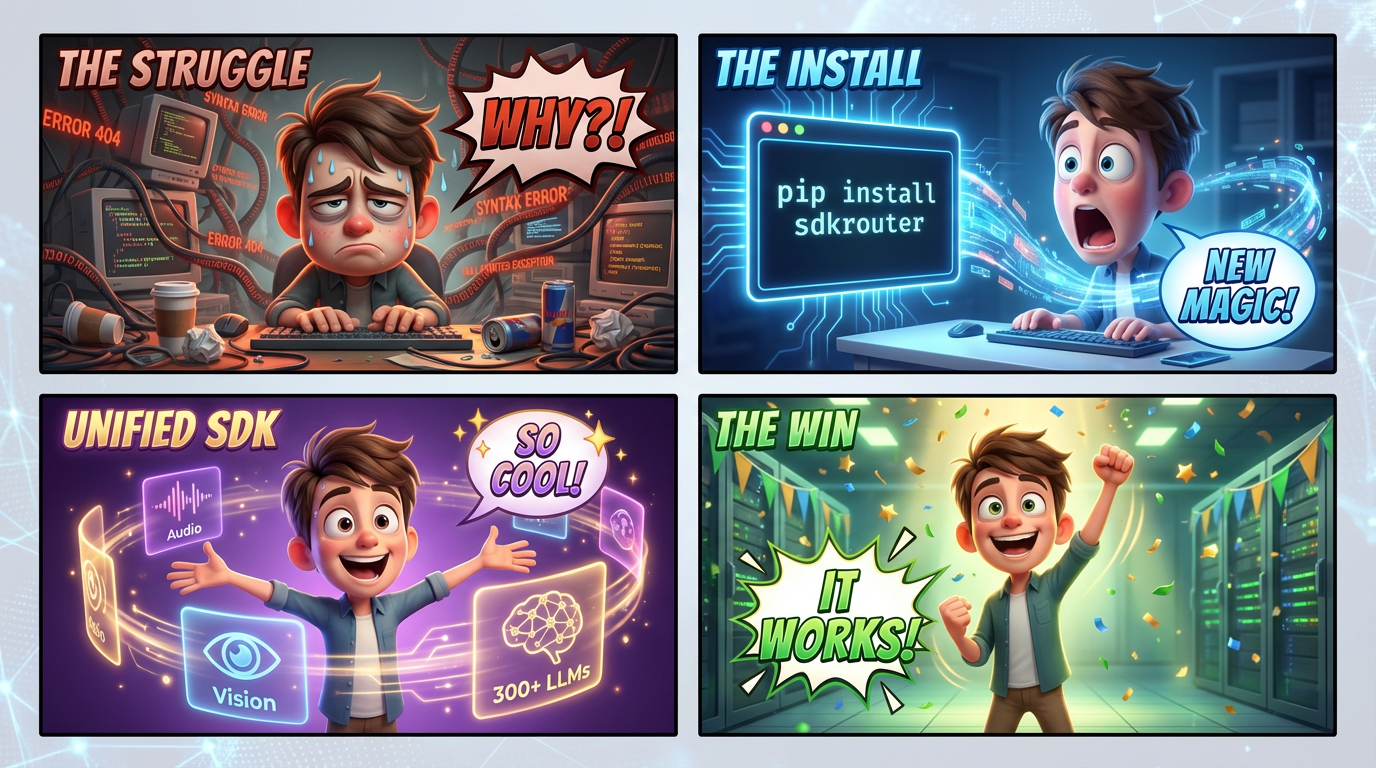
Generate Pixar-quality 4-panel comic strip banners for README.md and social media. The LLM always runs — it reads your project context, invents a funny developer scenario, and writes an optimised image prompt (4-panel 2x2 grid with speech bubbles, Pixar 3D quality).
from sdkrouter import SDKRouter
from sdkrouter.tools.banner import BannerStyle, BannerSize

client = SDKRouter(api_key="sk_live_xxx")

# From README — generates a 4-panel Pixar comic strip
result = client.banner.generate(
    source="README.md",
    output="assets/banner.png",
)
print(result.image_url)    # CDN URL
print(result.saved_to)     # local file path
print(result.cost_usd)     # total cost (LLM + image gen)

# Steer LLM aesthetic with a style enum
result = client.banner.generate(
    source="README.md",
    preset=BannerStyle.CYBERPUNK,      # enum — directs LLM's aesthetic
    size=BannerSize.GITHUB,            # enum — 1792x1024
    model="@smart",
    output="banner.png",
)

# Skip LLM — provide your own final prompt
result = client.banner.generate(
    prompt="Pixar-style 3D robot at a futuristic terminal, vivid neon colors",
    output="custom.png",
)

# Dry run — see the LLM-generated prompt before spending on image gen
result = client.banner.generate(
    source="README.md",
    dry_run=True,
)
print(result.prompt)
Visual Style Presets (BannerStyle enum)
Passed as preset= — steers the LLM's aesthetic direction. Default: Pixar.
| Enum | Value | Visual Style | Best For |
|---|---|---|---|
BannerStyle.PIXAR |
"pixar" |
Pixar/Disney 3D comic strip (default) | All projects |
BannerStyle.GLASSMORPHISM |
"glassmorphism" |
Dark navy, frosted glass, neon teal | API gateways, SDKs |
BannerStyle.ISOMETRIC |
"isometric" |
Pastel 3D boxes, geometric | CLI tools, data pipelines |
BannerStyle.AI_NETWORK |
"ai_network" |
Glowing nodes in deep space | AI/ML, vector search |
BannerStyle.CYBERPUNK |
"cyberpunk" |
Neon circuits, matrix rain | GPU tools, real-time |
BannerStyle.BLUEPRINT |
"blueprint" |
White lines on navy, schematic | DevOps, infrastructure |
BannerStyle.MINIMAL |
"minimal" |
Smooth gradient, SaaS feel | Web frameworks |
BannerStyle.SPEED |
"speed" |
Light beams, motion blur | CDN, proxy |
BannerStyle.HOLOGRAPHIC |
"holographic" |
Iridescent, rainbow refraction | AI assistants |
BannerStyle.GRADIENT_MESH |
"gradient_mesh" |
Organic gradient mesh | SaaS products |
Size Presets (BannerSize enum)
| Enum | Value | Size | Use case |
|---|---|---|---|
BannerSize.GITHUB |
"github" |
1792×1024 | README.md hero image (default) |
BannerSize.SOCIAL |
"social" |
1200×630 | Twitter / LinkedIn card |
BannerSize.OG |
"og" |
1200×630 | OpenGraph meta image |
BannerSize.WIDE |
"wide" |
1792×512 | Wide website banner |
BannerSize.SQUARE |
"square" |
1024×1024 | npm / PyPI icon |
Parameters
client.banner.generate(
    source="README.md",             # local file or GitHub URL
    title="My Library",             # project title (optional)
    description="...",              # short description (optional)
    github_url="https://...",       # GitHub repo URL (optional)
    prompt="...",                   # skip LLM, use your own final prompt
    preset=BannerStyle.PIXAR,       # visual style enum (or string), default: pixar
    size=BannerSize.GITHUB,         # size enum (or string)
    model="@balanced",              # image gen model (auto-detects family)
    llm_model="@smart",             # LLM for prompt generation
    quality="hd",                   # "standard" or "hd"
    style="vivid",                  # "natural" or "vivid"
    output="banner.png",            # save to disk (optional)
    dry_run=False,                  # True = return prompt only, no image gen
)
Knowledge Base
Manage per-user knowledge base projects with vector search and GitHub crawling.
client = SDKRouter(api_key="sk_live_xxx")

# Create a project
project = client.knowbase.projects.create(
    name="My Docs",
    slug="my-docs",
    is_public=True,
)

# Add a GitHub repository as a data source
source = client.knowbase.sources("my-docs").add(
    url="https://github.com/org/repo",
    branch="main",
    path_filter="docs/",
)

# Trigger an immediate crawl
client.knowbase.sources("my-docs").crawl(source.id)

# Upload a document manually
doc = client.knowbase.documents("my-docs").upload(
    title="API Reference",
    content="# API Reference\n\nAuthenticate using Bearer tokens...",
)

# Upload a local Markdown file
doc = client.knowbase.documents("my-docs").upload_file(Path("./README.md"))

# Semantic vector search (multilingual)
results = client.knowbase.search("my-docs", "how to authenticate")
for r in results.results:
    print(f"{r.similarity:.2f}  {r.document_title}")
    print(r.content[:200])
Bulk Archive Ingest
Upload a ZIP or a local directory — files are converted, LLM-summarised, vectorised, and indexed asynchronously via a background job:
from pathlib import Path

# Upload a ZIP archive and wait for completion
queued = client.knowbase.documents("my-docs").upload_archive("docs.zip")
client.knowbase.documents("my-docs").wait_for_archive_done(queued.job_id)

# Or ingest a local directory directly
queued = client.knowbase.documents("my-docs").upload_dir(Path("./docs"))
client.knowbase.documents("my-docs").wait_for_archive_done(queued.job_id, timeout=300)

# Poll job status manually
status = client.knowbase.documents("my-docs").job_status(queued.job_id)
print(status.status, status.progress)

# Wait for embeddings to be ready after ingest
client.knowbase.documents("my-docs").wait_for_processing(doc.id)
Supported file types: .md, .mdx, .py, .ts, .tsx, .js, .go, .json, .yaml, .rst, .txt and more.
MCP Integration
Connect Claude Desktop, Cursor, or any MCP-compatible LLM client directly to your knowledge base:
{
  "mcpServers": {
    "my-docs": {
      "url": "https://mcp.sdkrouter.com/mcp",
      "headers": {
        "Authorization": "Bearer sk_live_xxx"
      }
    }
  }
}
MCP tools exposed: search_knowledge_base, list_projects, get_project_info.
Payments
Cryptocurrency payment processing with invoices, withdrawals, and customer balances.
client = SDKRouter(api_key="sk_live_xxx")

# Check balance
balance = client.payments.get_balance()
print(balance.balance_usd, balance.total_deposited)

# Create an invoice
invoice = client.payments.create(
    amount_usd="49.00",
    network="TRC20",
    customer_id="cust-uuid",
    project_slug="my-project",
    description="Pro plan",
)
print(invoice.invoice_id)
print(invoice.pay_address)  # crypto address for payment

# List invoices
page = client.payments.list(page=1, page_size=20)
for inv in page.results:
    print(inv.id, inv.status, inv.amount_usd)

# Request a withdrawal
withdrawal = client.payments.create_withdrawal(
    amount_usd="100.00",
    network="TRC20",
    wallet_address="T...",
    customer_id="cust-uuid",
    project_slug="my-project",
)

# Customer balance
balance = client.payments.customer_balance("cust-uuid", "my-project")
print(balance.balance_usd)
Proxies
Manage residential and datacenter proxy pools with rotation and assignment.
client = SDKRouter(api_key="sk_live_xxx")

# List all proxies
proxies = client.proxies.list()

# Get healthy proxies only
healthy = client.proxies.get_healthy()
korean = client.proxies.get_korean()
by_country = client.proxies.get_by_country("US")

# Create a rotation group
rotation = client.proxies.create_rotation(
    name="scraping-pool",
    proxy_ids=[p.id for p in healthy[:10]],
)

# Assign a proxy to a task
assignment = client.proxies.create_assignment(
    proxy_id=healthy[0].id,
    task_id="job-123",
)

# Performance stats
stats = client.proxies.get_performance_stats()
Provider Selection
By default the server auto-detects the provider from the model name. You can override this explicitly:
# Client-level — all requests go through this provider
client = SDKRouter(api_key="your-key", provider="openrouter")

# Per-request override via extra_body
response = client.chat.completions.create(
    model="qwen3-max",
    messages=[{"role": "user", "content": "Hi"}],
    extra_body={"provider": "alibaba"},  # overrides client-level
)
Available providers: openrouter, openai, anthropic (more coming).
Direct Provider Routing
By default (use_self_hosted=True) all LLM and embedding requests go through llm.sdkrouter.com.
To route directly to a provider using your own API key:
# OpenAI directly
client = SDKRouter(
    api_key="sk-...",
    llm_url="https://api.openai.com/v1",
    use_self_hosted=False,
)

# OpenRouter directly
client = SDKRouter(
    api_key="sk-or-...",
    llm_url="https://openrouter.ai/api/v1",
    use_self_hosted=False,
)
In both cases api_url (CDN, vision, search, knowledge base) stays on api.sdkrouter.com —
only LLM/embeddings traffic is redirected to llm_url.
Embeddings
# Via sdkrouter proxy (default, single key)
client = SDKRouter(api_key="your-sdkrouter-key")
result = client.embeddings.create(
    ["Hello world", "Semantic search"],
    model="openai/text-embedding-3-small",
)
vectors = [item.embedding for item in result.data]

# Directly via OpenAI key
client = SDKRouter(
    api_key="sk-...",
    llm_url="https://api.openai.com/v1",
    use_self_hosted=False,
)
result = client.embeddings.create("Hello world", model="text-embedding-3-small")
| Model | Dimensions |
|---|---|
openai/text-embedding-3-small |
1536 (default) |
openai/text-embedding-3-large |
3072 |
openai/text-embedding-ada-002 |
1536 (legacy) |
Configuration
# Environment variables (auto-loaded)
# SDKROUTER_API_KEY
# SDKROUTER_LLM_URL
# SDKROUTER_API_URL
# SDKROUTER_AUDIO_URL
# SDKROUTER_MCP_URL

client = SDKRouter(
    api_key="your-key",
    timeout=60.0,
    max_retries=3,
)
Prompt Caching & Metrics
For Anthropic Claude models, SDKRouter automatically applies cache_control breakpoints.
Cache metrics are returned in response.usage.prompt_tokens_details:
response = client.chat.completions.create(
    model="anthropic/claude-haiku-4-5",
    messages=[...],  # long conversation
)

details = response.usage.prompt_tokens_details
if details:
    print("Cache read tokens: ", details.cached_tokens)      # billed at 10%
    print("Cache write tokens:", details.cache_write_tokens) # billed at 125%
No client-side changes needed — caching is transparent and automatic.
Supported Providers
- OpenAI: GPT-4.5, GPT-4o, o3, o1
- Anthropic: Claude Opus 4.6, Claude Sonnet 4.6, Claude Haiku 4.5
- Google: Gemini 2.5 Pro, Gemini 2.0 Flash
- Alibaba DashScope: Qwen3-Max, Qwen3.5-Plus, Qwen-Plus, QwQ-32B, Qwen3-VL
- Meta: Llama 4, Llama 3.3
- Mistral: Mistral Large, Codestral
- DeepSeek: DeepSeek V3, R1
- And 300+ more via OpenRouter
License
MIT
1 maintainer

Metadata
1 maintainer
Release files for sdkrouter 0.1.56
For a detailed explanation of source distributions (sdists) and built distributions (wheels), please see the package formats documentation.
Source distribution (sdist)
| File | Size | Uploaded | |
|---|---|---|---|
| sdkrouter-0.1.56.tar.gz | 269.4 kB | Details |
Built distribution (wheel)
| File | Interpreter | ABI | Platform | Reset |
|---|---|---|---|---|
| sdkrouter-0.1.56-py3-none-any.whl | Python 3 | none | any | Details |
Total release size: 698.3 kB
Release files / sdkrouter-0.1.56.tar.gz
| Download URL | sdkrouter-0.1.56.tar.gz |
|---|---|
| Size | 269.4 kB |
| Tags | Source |
|
SHA-256 checksum How to use checksums |
208b84ffb10cb02a8d5f16795a9a07d734b29e397931b32fecc5cedf6ab3f1a4
|
|
BLAKE2b-256 checksum How to use checksums |
908bb7578c8f0a705f64d5b58094dc8b85e9ae34ff35e29045d96e9aee4d4d73
|
| Upload date | |
|
Uploaded using Trusted Publishing? What is trusted publishing? |
No |
| Uploaded via |
twine/6.2.0 CPython/3.12.2
|
Release files / sdkrouter-0.1.56-py3-none-any.whl
| Download URL | sdkrouter-0.1.56-py3-none-any.whl |
|---|---|
| Size | 428.9 kB |
| Tags | Python 3 |
|
SHA-256 checksum How to use checksums |
cba932439c5acdf989f281abecc66db1f87df8d9feb840b31f2cebce20ca68fe
|
|
BLAKE2b-256 checksum How to use checksums |
dc958607207b78c8c651760f15153dc3823b6886e5950c078b786b3641c0d658
|
| Upload date | |
|
Uploaded using Trusted Publishing? What is trusted publishing? |
No |
| Uploaded via |
twine/6.2.0 CPython/3.12.2
|














