
Unified SDK for AI services with OpenAI compatibility

Project description
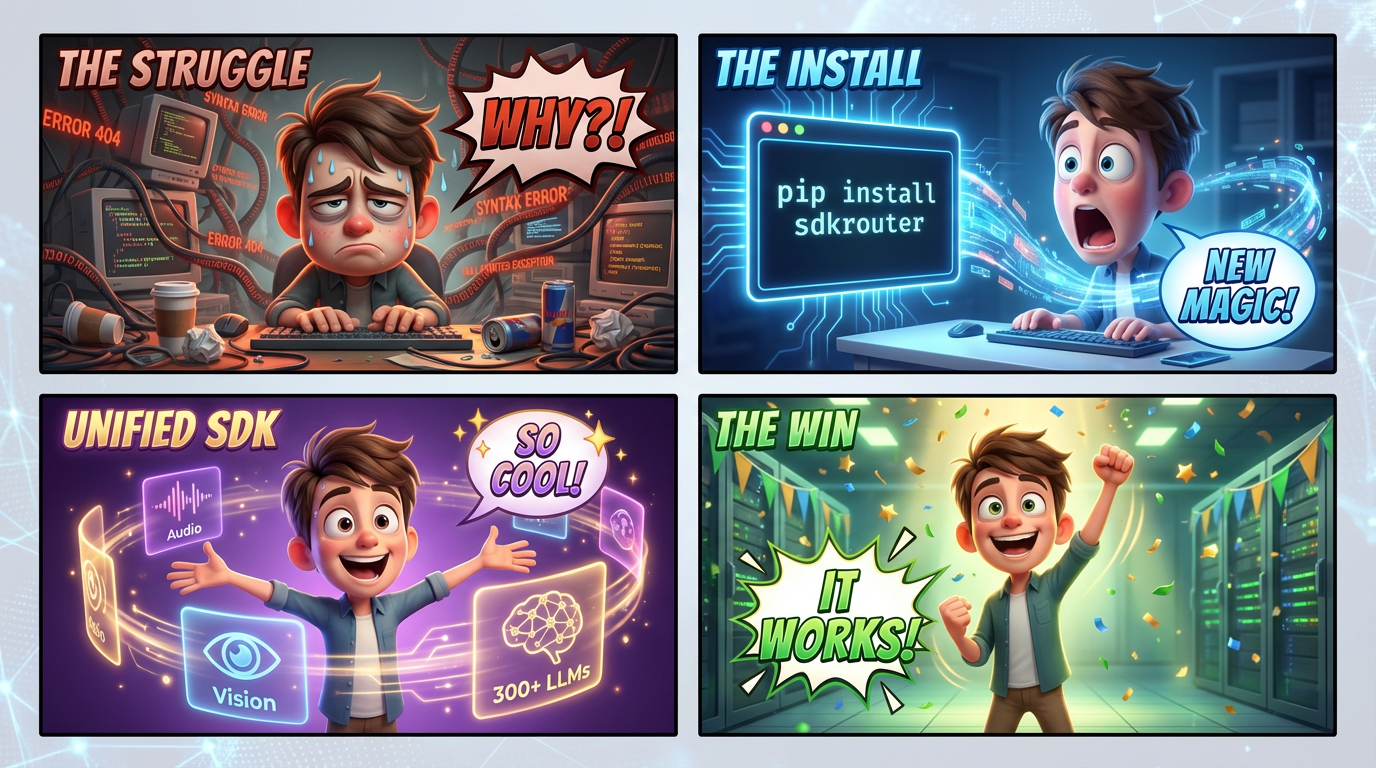
SDKRouter
Unified Python SDK for AI services. Access 300+ LLM models, vision, audio, image generation, search, knowledge bases, and more through a single interface.
Installation
pip install sdkrouter
Quick Start
from sdkrouter import SDKRouter, Model

client = SDKRouter(api_key="your-api-key")

response = client.chat.completions.create(
    model=Model.cheap(),
    messages=[{"role": "user", "content": "Hello!"}]
)
print(response.choices[0].message.content)
Features
| Feature | Description | Docs |
|---|---|---|
| Chat | OpenAI-compatible completions, streaming | @docs/01-chat.md |
| Structured Output | Pydantic models, JSON extraction | @docs/02-structured-output.md |
| Audio | TTS, STT, Deepgram streaming | @docs/03-audio.md |
| Vision | Image analysis, OCR | @docs/04-vision.md |
| Image Gen | AI image generation, crop_to, preset management | @docs/05-image-gen.md |
| Search | Web search with modes | @docs/06-search.md |
| CDN | File storage | @docs/07-cdn.md |
| Translator | JSON/text translation | @docs/08-translator.md |
| Knowledge Base | Vector search, GitHub crawling, MCP | @docs/13-knowbase.md |
| Banner Generator | README/social banners with LLM prompt enhancement | @docs/14-banner.md |
| Payments | Crypto payments | @docs/09-payments.md |
| Proxies | Proxy management | @docs/10-proxies.md |
| Embeddings | Text embeddings | @docs/11-embeddings.md |
| Other | Shortlinks, cleaner, models API | @docs/12-other.md |
| Telegram | Bot proxy, MTProto user accounts | @docs/13-telegram.md |
| Email gateway via stored SMTP accounts | @docs/16-email.md |
Model Routing
Smart model selection with IDE autocomplete:
from sdkrouter import Model

Model.cheap()                    # Lowest cost
Model.smart()                    # Highest quality
Model.balanced()                 # Best value
Model.fast()                     # Fastest

# With capabilities
Model.cheap(vision=True)         # + vision
Model.smart(tools=True)          # + function calling
Model.balanced(json=True)        # + JSON mode

# Categories
Model.smart(code=True)           # Coding
Model.cheap(reasoning=True)      # Problem solving
Async Support
from sdkrouter import AsyncSDKRouter, Model
import asyncio

async def main():
    client = AsyncSDKRouter(api_key="your-api-key")

    response = await client.chat.completions.create(
        model=Model.cheap(),
        messages=[{"role": "user", "content": "Hello!"}]
    )

    # Parallel requests
    results = await asyncio.gather(
        client.vision.analyze(image_url="..."),
        client.audio.speech(input="Hello!"),
    )

asyncio.run(main())
Audio Example
from sdkrouter import SDKRouter, AudioModel

client = SDKRouter()

# Text-to-Speech
response = client.audio.speech(
    input="Hello!",
    model=AudioModel.cheap(),
    voice="nova",
)
Path("output.mp3").write_bytes(response.audio_bytes)

# Speech-to-Text
result = client.audio.transcribe(file=audio_bytes)
print(result.text)
Deepgram Streaming
from sdkrouter import AsyncSDKRouter
from sdkrouter.tools.audio.stt import DeepgramConfig

sdk = AsyncSDKRouter()

config = DeepgramConfig(
    model="nova-3",
    endpointing=300,   # VAD: silence threshold (ms)
    vad_events=True,   # Enable VAD events
)

async with sdk.audio.stt.stream_deepgram(config) as session:
    await session.send(audio_chunk)
    async for segment in session.transcripts():
        print(segment.text)
Banner Generator
Generate Pixar-quality 4-panel comic strip banners for README.md and social media. The LLM always runs — it reads your project context, invents a funny developer scenario, and writes an optimised image prompt (4-panel 2x2 grid with speech bubbles, Pixar 3D quality).
from sdkrouter import SDKRouter
from sdkrouter.tools.banner import BannerStyle, BannerSize

client = SDKRouter(api_key="sk_live_xxx")

# From README — generates a 4-panel Pixar comic strip
result = client.banner.generate(
    source="README.md",
    output="assets/banner.png",
)
print(result.image_url)    # CDN URL
print(result.saved_to)     # local file path
print(result.cost_usd)     # total cost (LLM + image gen)

# Steer LLM aesthetic with a style enum
result = client.banner.generate(
    source="README.md",
    preset=BannerStyle.CYBERPUNK,      # enum — directs LLM's aesthetic
    size=BannerSize.GITHUB,            # enum — 1792x1024
    model="@smart",
    output="banner.png",
)

# Skip LLM — provide your own final prompt
result = client.banner.generate(
    prompt="Pixar-style 3D robot at a futuristic terminal, vivid neon colors",
    output="custom.png",
)

# Dry run — see the LLM-generated prompt before spending on image gen
result = client.banner.generate(
    source="README.md",
    dry_run=True,
)
print(result.prompt)
Visual Style Presets (BannerStyle enum)
Passed as preset= — steers the LLM's aesthetic direction. Default: Pixar.
| Enum | Value | Visual Style | Best For |
|---|---|---|---|
BannerStyle.PIXAR |
"pixar" |
Pixar/Disney 3D comic strip (default) | All projects |
BannerStyle.GLASSMORPHISM |
"glassmorphism" |
Dark navy, frosted glass, neon teal | API gateways, SDKs |
BannerStyle.ISOMETRIC |
"isometric" |
Pastel 3D boxes, geometric | CLI tools, data pipelines |
BannerStyle.AI_NETWORK |
"ai_network" |
Glowing nodes in deep space | AI/ML, vector search |
BannerStyle.CYBERPUNK |
"cyberpunk" |
Neon circuits, matrix rain | GPU tools, real-time |
BannerStyle.BLUEPRINT |
"blueprint" |
White lines on navy, schematic | DevOps, infrastructure |
BannerStyle.MINIMAL |
"minimal" |
Smooth gradient, SaaS feel | Web frameworks |
BannerStyle.SPEED |
"speed" |
Light beams, motion blur | CDN, proxy |
BannerStyle.HOLOGRAPHIC |
"holographic" |
Iridescent, rainbow refraction | AI assistants |
BannerStyle.GRADIENT_MESH |
"gradient_mesh" |
Organic gradient mesh | SaaS products |
Size Presets (BannerSize enum)
| Enum | Value | Size | Use case |
|---|---|---|---|
BannerSize.GITHUB |
"github" |
1792×1024 | README.md hero image (default) |
BannerSize.SOCIAL |
"social" |
1200×630 | Twitter / LinkedIn card |
BannerSize.OG |
"og" |
1200×630 | OpenGraph meta image |
BannerSize.WIDE |
"wide" |
1792×512 | Wide website banner |
BannerSize.SQUARE |
"square" |
1024×1024 | npm / PyPI icon |
Parameters
client.banner.generate(
    source="README.md",             # local file or GitHub URL
    title="My Library",             # project title (optional)
    description="...",              # short description (optional)
    github_url="https://...",       # GitHub repo URL (optional)
    prompt="...",                   # skip LLM, use your own final prompt
    preset=BannerStyle.PIXAR,       # visual style enum (or string), default: pixar
    size=BannerSize.GITHUB,         # size enum (or string)
    model="@balanced",              # image gen model (auto-detects family)
    llm_model="@smart",             # LLM for prompt generation
    quality="hd",                   # "standard" or "hd"
    style="vivid",                  # "natural" or "vivid"
    output="banner.png",            # save to disk (optional)
    dry_run=False,                  # True = return prompt only, no image gen
)
Knowledge Base
Manage per-user knowledge base projects with vector search and GitHub crawling.
client = SDKRouter(api_key="sk_live_xxx")

# Create a project
project = client.knowbase.projects.create(
    name="My Docs",
    slug="my-docs",
    is_public=True,
)

# Add a GitHub repository as a data source
source = client.knowbase.sources("my-docs").add(
    url="https://github.com/org/repo",
    branch="main",
    path_filter="docs/",
)

# Trigger an immediate crawl
client.knowbase.sources("my-docs").crawl(source.id)

# Upload a document manually
doc = client.knowbase.documents("my-docs").upload(
    title="API Reference",
    content="# API Reference\n\nAuthenticate using Bearer tokens...",
)

# Upload a local Markdown file
doc = client.knowbase.documents("my-docs").upload_file(Path("./README.md"))

# Semantic vector search (multilingual)
results = client.knowbase.search("my-docs", "how to authenticate")
for r in results.results:
    print(f"{r.similarity:.2f}  {r.document_title}")
    print(r.content[:200])
Bulk Archive Ingest
Upload a ZIP or a local directory — files are converted, LLM-summarised, vectorised, and indexed asynchronously via a background job:
from pathlib import Path

# Upload a ZIP archive and wait for completion
queued = client.knowbase.documents("my-docs").upload_archive("docs.zip")
client.knowbase.documents("my-docs").wait_for_archive_done(queued.job_id)

# Or ingest a local directory directly
queued = client.knowbase.documents("my-docs").upload_dir(Path("./docs"))
client.knowbase.documents("my-docs").wait_for_archive_done(queued.job_id, timeout=300)

# Poll job status manually
status = client.knowbase.documents("my-docs").job_status(queued.job_id)
print(status.status, status.progress)

# Wait for embeddings to be ready after ingest
client.knowbase.documents("my-docs").wait_for_processing(doc.id)
Supported file types: .md, .mdx, .py, .ts, .tsx, .js, .go, .json, .yaml, .rst, .txt and more.
MCP Integration
Connect Claude Desktop, Cursor, or any MCP-compatible LLM client directly to your knowledge base:
{
  "mcpServers": {
    "my-docs": {
      "url": "https://mcp.sdkrouter.com/mcp",
      "headers": {
        "Authorization": "Bearer sk_live_xxx"
      }
    }
  }
}
MCP tools exposed: search_knowledge_base, list_projects, get_project_info.
Payments
Cryptocurrency payment processing with invoices, withdrawals, and customer balances.
client = SDKRouter(api_key="sk_live_xxx")

# Check balance
balance = client.payments.get_balance()
print(balance.balance_usd, balance.total_deposited)

# Create an invoice
invoice = client.payments.create(
    amount_usd="49.00",
    network="TRC20",
    customer_id="cust-uuid",
    project_slug="my-project",
    description="Pro plan",
)
print(invoice.invoice_id)
print(invoice.pay_address)  # crypto address for payment

# List invoices
page = client.payments.list(page=1, page_size=20)
for inv in page.results:
    print(inv.id, inv.status, inv.amount_usd)

# Request a withdrawal
withdrawal = client.payments.create_withdrawal(
    amount_usd="100.00",
    network="TRC20",
    wallet_address="T...",
    customer_id="cust-uuid",
    project_slug="my-project",
)

# Customer balance
balance = client.payments.customer_balance("cust-uuid", "my-project")
print(balance.balance_usd)
Proxies
Manage residential and datacenter proxy pools with rotation and assignment.
client = SDKRouter(api_key="sk_live_xxx")

# List all proxies
proxies = client.proxies.list()

# Get healthy proxies only
healthy = client.proxies.get_healthy()
korean = client.proxies.get_korean()
by_country = client.proxies.get_by_country("US")

# Create a rotation group
rotation = client.proxies.create_rotation(
    name="scraping-pool",
    proxy_ids=[p.id for p in healthy[:10]],
)

# Assign a proxy to a task
assignment = client.proxies.create_assignment(
    proxy_id=healthy[0].id,
    task_id="job-123",
)

# Performance stats
stats = client.proxies.get_performance_stats()
Provider Selection
By default the server auto-detects the provider from the model name. You can override this explicitly:
# Client-level — all requests go through this provider
client = SDKRouter(api_key="your-key", provider="openrouter")

# Per-request override via extra_body
response = client.chat.completions.create(
    model="qwen3-max",
    messages=[{"role": "user", "content": "Hi"}],
    extra_body={"provider": "alibaba"},  # overrides client-level
)
Available providers: openrouter, openai, anthropic (more coming).
Direct Provider Routing
By default (use_self_hosted=True) all LLM and embedding requests go through llm.sdkrouter.com.
To route directly to a provider using your own API key:
# OpenAI directly
client = SDKRouter(
    api_key="sk-...",
    llm_url="https://api.openai.com/v1",
    use_self_hosted=False,
)

# OpenRouter directly
client = SDKRouter(
    api_key="sk-or-...",
    llm_url="https://openrouter.ai/api/v1",
    use_self_hosted=False,
)
In both cases api_url (CDN, vision, search, knowledge base) stays on api.sdkrouter.com —
only LLM/embeddings traffic is redirected to llm_url.
Embeddings
# Via sdkrouter proxy (default, single key)
client = SDKRouter(api_key="your-sdkrouter-key")
result = client.embeddings.create(
    ["Hello world", "Semantic search"],
    model="openai/text-embedding-3-small",
)
vectors = [item.embedding for item in result.data]

# Directly via OpenAI key
client = SDKRouter(
    api_key="sk-...",
    llm_url="https://api.openai.com/v1",
    use_self_hosted=False,
)
result = client.embeddings.create("Hello world", model="text-embedding-3-small")
| Model | Dimensions |
|---|---|
openai/text-embedding-3-small |
1536 (default) |
openai/text-embedding-3-large |
3072 |
openai/text-embedding-ada-002 |
1536 (legacy) |
Configuration
# Environment variables (auto-loaded)
# SDKROUTER_API_KEY
# SDKROUTER_LLM_URL
# SDKROUTER_API_URL
# SDKROUTER_AUDIO_URL
# SDKROUTER_MCP_URL

client = SDKRouter(
    api_key="your-key",
    timeout=60.0,
    max_retries=3,
)
Prompt Caching & Metrics
For Anthropic Claude models, SDKRouter automatically applies cache_control breakpoints.
Cache metrics are returned in response.usage.prompt_tokens_details:
response = client.chat.completions.create(
    model="anthropic/claude-haiku-4-5",
    messages=[...],  # long conversation
)

details = response.usage.prompt_tokens_details
if details:
    print("Cache read tokens: ", details.cached_tokens)      # billed at 10%
    print("Cache write tokens:", details.cache_write_tokens) # billed at 125%
No client-side changes needed — caching is transparent and automatic.
Supported Providers
- OpenAI: GPT-4.5, GPT-4o, o3, o1
- Anthropic: Claude Opus 4.6, Claude Sonnet 4.6, Claude Haiku 4.5
- Google: Gemini 2.5 Pro, Gemini 2.0 Flash
- Alibaba DashScope: Qwen3-Max, Qwen3.5-Plus, Qwen-Plus, QwQ-32B, Qwen3-VL
- Meta: Llama 4, Llama 3.3
- Mistral: Mistral Large, Codestral
- DeepSeek: DeepSeek V3, R1
- And 300+ more via OpenRouter
License
MIT
Release history Release notifications | RSS feed


Download files
Download the file for your platform. If you're not sure which to choose, learn more about installing packages.
Source Distribution
Built Distribution
Filter files by name, interpreter, ABI, and platform.
If you're not sure about the file name format, learn more about wheel file names.
Copy a direct link to the current filters
File details
Details for the file sdkrouter-0.1.50.tar.gz.
File metadata
- Download URL: sdkrouter-0.1.50.tar.gz
- Upload date:
- Size: 258.7 kB
- Tags: Source
- Uploaded using Trusted Publishing? No
- Uploaded via: twine/6.2.0 CPython/3.12.2
File hashes
| Algorithm | Hash digest | |
|---|---|---|
| SHA256 |
debc2a8f730d5dc2dce5d21509dedce83b2509560841b442bc44a2fe3ab89c48
|
|
| MD5 |
4709c6e3e96a43dfe9630935b6a0561e
|
|
| BLAKE2b-256 |
8ef5bc958a9f7d1eb4afe5716d146cd81e410945236e50cfe28adf71011e6560
|
File details
Details for the file sdkrouter-0.1.50-py3-none-any.whl.
File metadata
- Download URL: sdkrouter-0.1.50-py3-none-any.whl
- Upload date:
- Size: 411.6 kB
- Tags: Python 3
- Uploaded using Trusted Publishing? No
- Uploaded via: twine/6.2.0 CPython/3.12.2
File hashes
| Algorithm | Hash digest | |
|---|---|---|
| SHA256 |
a992f5d7fa0a7443006b660c1a95d5494cb4fec4f85647df42312ca02282b49c
|
|
| MD5 |
7a4ad31eae1742bf760ba2640467292d
|
|
| BLAKE2b-256 |
f666c1decc34ce0702d13bc0f8ead2acf5f8dff55c91398ebf49ba19b017d708
|






