
A pipeline which allows for the ingestion, storage, and processing of a large body of textual information with LLMs.

Project description
#!/Simon
Hello! Welcome to Simon. Simon is a Python library that powers your entire semantic search stack: OCR, ingest, semantic search, extractive question answering, textual recommendation, and AI chat.

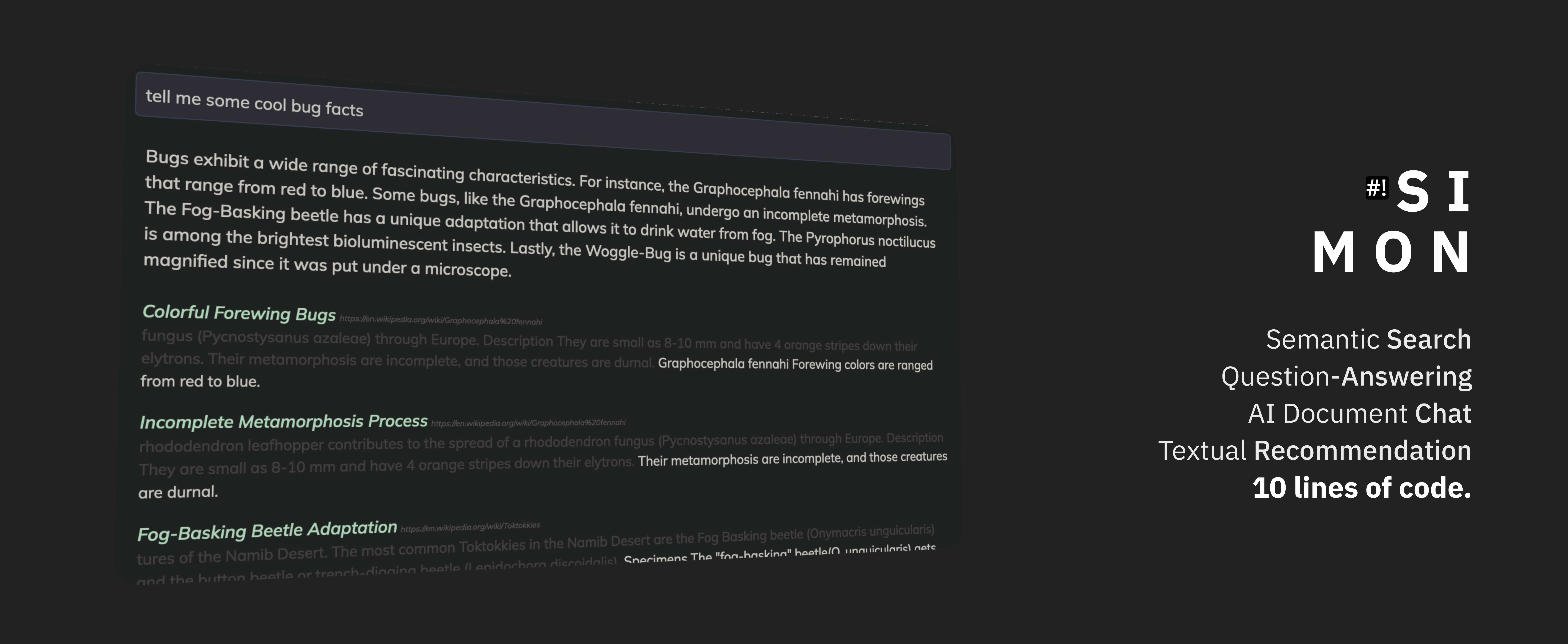
Check out this online demo of the tool!
Quick Start
Are you ready to rock Simon? Let's do it.
First, setup PostgreSQL 15 with the Vector plugin with these instructions. If you want to use Simon's built in OCR tooling, you will also need to setup Java.
After that, we can get started!
Install the Package
You can get the package from PyPi.
pip install simon-search
Connect to Database
import simon

# connect to your database
context = simon.create_context("project_name", "sk-your_open_ai_api_key",
                               {"host": "your_db_host.com",
                                "port": 5432,
                                "user": "postgres",
                                "password": "super secure, or None",
                                "database": "dbname"})

# if needed, provision the database
simon.setup(context) # do this *only once once per new database*!!
The project_name is an arbitrary string you supply as the "folder"/"index" in the database where your data get stored. That is, the data ingested for one project cannot be searched in another.
You optionally can store the OpenAI key and Database info in an .env file or as Bash shell variables following these instructions to streamline the setup.
Storing Some Files
ds = simon.Datastore(context)

# storing a remote webpage (or, if Java is installed, a PDF/PNG)
ds.store_remote("https://en.wikipedia.org/wiki/Chicken", title="Chickens")

# storing a local file (or, if Java is installed, a PDF/PNG)
ds.store_file("/Users/test/file.txt", title="Test File")

# storing some text
ds.store_text("Hello, this is the text I'm storing.", "Title of the Text", "{metadata: can go here}")
Search Those Files
We all know why you came here: search!
s = simon.Search(context)

# Semantic Search
results = s.search("chicken habits")

# Recommendation (check out the demo: https://wikisearch.shabang.io/)
results = s.brainstorm("chickens are a species that")

# LLM Answer and Extractive Question-Answering ("Quoting")
results = s.query("what are chickens?")
That's it! Simple as that. Want to learn more? Read the full tutorial to learn about the overall organization of the package.
Friends!
We are always looking for more friends to build together. If you are interested, please reach out by... CONTRIBUTING! Simply open a PR/Issue/Discussion, and we will be in touch.

(C) 2023 Shabang Systems, LLC. Built with ❤️ and 🥗 in the SF Bay Area
Release history Release notifications | RSS feed


Download files
Download the file for your platform. If you're not sure which to choose, learn more about installing packages.
Source Distribution
File details
Details for the file simon-search-0.0.1.post4.tar.gz.
File metadata
- Download URL: simon-search-0.0.1.post4.tar.gz
- Upload date:
- Size: 15.1 MB
- Tags: Source
- Uploaded using Trusted Publishing? No
- Uploaded via: twine/0.0.0 pkginfo/1.9.6 readme-renderer/40.0 requests/2.31.0 requests-toolbelt/1.0.0 urllib3/2.0.3 tqdm/4.65.0 importlib-metadata/6.7.0 keyring/24.2.0 rfc3986/2.0.0 colorama/0.4.6 CPython/3.10.0
File hashes
| Algorithm | Hash digest | |
|---|---|---|
| SHA256 |
7902eba1c8f6521e5469b5f429b0d1ee9de4fbc350d9102cfe1ec813bcea982f
|
|
| MD5 |
caa8a2fca8d547acf8a002979d3c0365
|
|
| BLAKE2b-256 |
6163f947b084ae6d890572a58ff3093bf406d326efc63984846174ce735a1aa8
|






