
Social Media Tracker (sm-tracker)
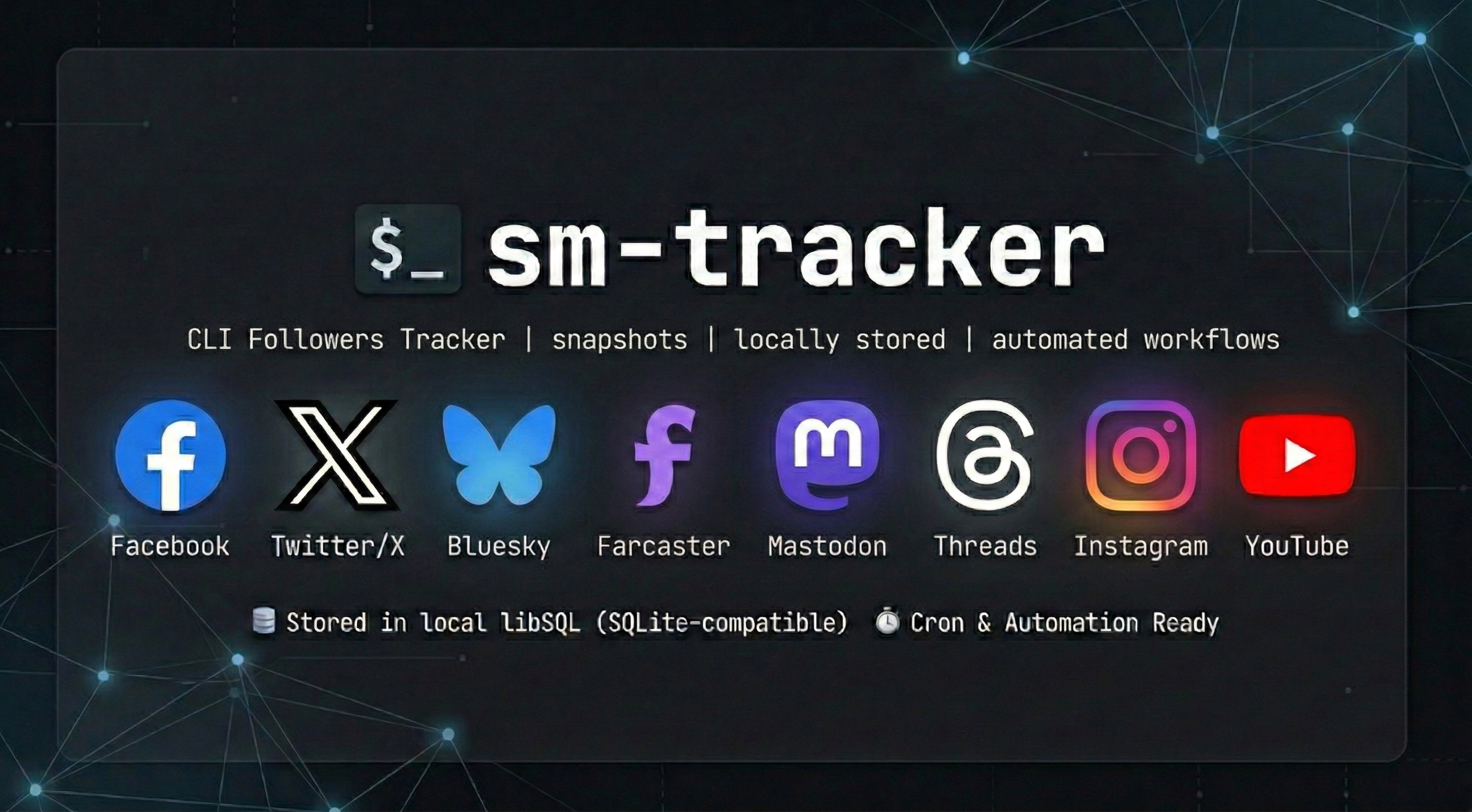
sm-tracker is a CLI that tracks follower and following counts across 🐦 Twitter/X, 🦋 Bluesky, 🛰️ Farcaster, 🐘 Mastodon, 🧵 Threads, 📘 Facebook, 📸 Instagram, and 📺 YouTube.
sm-tracker stores social-metric snapshots in libSQL (local SQLite-compatible by default), prints human-readable output by default, and supports JSON/CSV for scripts, cron jobs, and AI-agent automation.
✅ Requirements
- Python 3.12+
uv- API credentials in
.env - Runtime settings in
config.toml
⚙️ Installation
Install from PyPI
uv tool install sm-tracker
sm-tracker help
To upgrade later:
uv tool upgrade sm-tracker
Local development
uv sync
uv run sm-tracker help
🚀 Quickstart
After installing sm-tracker, run:
- Create credentials and app config via guided setup:
sm-tracker config
- Track a snapshot:
sm-tracker track -p twitter -p bluesky
- Show latest values with deltas:
sm-tracker show -p twitter -p bluesky
- Inspect historical data:
sm-tracker history -p twitter --limit 10
🧭 Onboarding Guide
Use this flow for a clean checkout to first successful snapshot.
📦 1) Install dependencies
uv tool install sm-tracker
🛠️ 2) Run guided setup
sm-tracker config
The command will create or update:
.envfor API credentials and account identifiersconfig.tomlfor database path, log path, retention, and log level
🔑 3) Platform credential checklist
You can configure one or many platforms. Missing credentials skip only that platform.
Twitter/X
Note: The Twitter/X API requires a paid Basic tier subscription or higher. The Free tier is not sufficient.
TWITTER_CONSUMER_KEYTWITTER_CONSUMER_SECRETTWITTER_ACCESS_TOKENTWITTER_ACCESS_TOKEN_SECRETTWITTER_HANDLE
Bluesky
BLUESKY_HANDLE- Optional:
BLUESKY_APP_PASSWORD
Farcaster
FARCASTER_API_KEYFARCASTER_USERNAME
Get API credentials from https://warpcast.com/developer.
Mastodon
MASTODON_ACCESS_TOKENMASTODON_INSTANCE(for examplemastodon.social)
Threads
THREADS_ACCESS_TOKENTHREADS_USER_ID- Optional for OAuth flow:
THREADS_APP_ID,THREADS_APP_SECRET,THREADS_REDIRECT_URI
Refresh Threads credentials via OAuth when needed:
sm-tracker auth -p threads
Meta (Facebook & Instagram)
See the full Credentials Setup Guide for step-by-step instructions.
To configure either platform easily, use the interactive auth flow to exchange short-lived tokens for long-lived ones automatically:
sm-tracker auth -p facebook
# OR
sm-tracker auth -p instagram
Facebook:
FACEBOOK_PAGE_ACCESS_TOKEN(Generated by auth command)- Optional:
FACEBOOK_ACCESS_TOKEN+FACEBOOK_ID
Instagram:
LONG_LIVED_USER_TOKEN(Generated by auth command)INSTAGRAM_ACCOUNT_ID
YouTube
YOUTUBE_API_KEYYOUTUBE_HANDLEorYOUTUBE_CHANNEL_ID
📁 4) File locations
- Database path: from
config.toml([paths.<profile>].db) - Logs directory: from
config.toml([paths.<profile>].logs) - Log file name:
sm-tracker.log
🧪 5) Common troubleshooting
- No platforms detected in
track:- Run
sm-tracker configand ensure required platform env vars are present.
- Run
showsays no snapshots yet:- Run
sm-tracker trackfirst.
- Run
- Token expiration warnings (Threads/Meta):
- Run
sm-tracker auth -p threads,-p facebook, or-p instagramto refresh and securely save new tokens to.env.
- Run
- Live tests failing during development:
- If running
mise run test-reallocally, ensure credentials in your.envare completely uncommented. Variables defined in your terminal session can occasionally override.envvalues during tests.
- If running
🧰 Commands
track: fetch counts from configured platforms and save a snapshot (--json/--csvfor structured output)show: print latest snapshot with deltas from previous snapshot (--json/--csvsupported)history: print history table (Date | Platform | Followers | Following | Delta) or structured output with--json/--csvconfig: guided setup and validation for.envandconfig.tomlauth: run OAuth/Token exchange flows for supported platforms (threads,facebook,instagram)help: print CLI usage
🧱 Tech Stack
Core
| Layer | Technology | Notes |
|---|---|---|
| CLI | Typer | Elegant command-line interfaces |
| Storage | libSQL | SQLite-compatible, tursodatabase/libsql |
Platforms
| Platform | Technology | Notes |
|---|---|---|
| Tweepy | tweepy/tweepy | |
| Bluesky | atproto | bluesky-social/atproto |
| Farcaster | Direct API | Warpcast API (api.warpcast.com) |
| Mastodon | Mastodon.py | halcy/Mastodon.py |
| Threads | meta-threads-sdk | MetaThreads/meta-threads-sdk |
| Meta | Direct API | Graph API for Facebook and Instagram tokens |
| YouTube | Direct API | YouTube Data API v3 |
Python: 3.12+ (required by meta-threads-sdk)
📝 Configuration
Configuration is split into two files per best practice:
| File | Purpose | Location |
|---|---|---|
.env |
API keys, tokens, secrets, account identifiers | Project dir or loaded from process env |
config.toml |
Paths, retention, log level, non-sensitive | ~/.config/sm-tracker/config.toml or project dir |
.env is never committed; config.toml may ship with defaults.
Quick Links
- Credential template:
.env.example - App config template:
config.toml.example - Full credential setup guide:
docs/CREDENTIAL_SETUP_GUIDE.md - Full config and env variable reference:
docs/CONFIG_REFERENCE.md
📊 Example output
twitter
  Followers: 132 (+10)
  Following: 178 (0)
Date | Platform | Followers | Following | Delta
2026-02-25T10:30:00Z | twitter | 122 | 178 | N/A
2026-02-26T10:30:00Z | twitter | 132 | 178 | +10
💡 Notes
- Default output is plain text. Use
--jsonor--csvontrack,show, andhistoryfor structured output. - Missing credentials for one platform do not stop other platforms from running.
showandhistoryprint empty-state guidance if there is no stored data yet.
📄 License
MIT
🚢 Release Process
For local release verification:
mise run release-build
mise run release-check
Manual release
- Bump
versioninpyproject.toml. - Add the release note to
CHANGELOG.md. - Run:
mise run release-build
mise run release-check
- Commit and push the release changes.
GitHub release
- Trigger the
Releaseworkflow manually with targettestpypito verify the package. - Push a tag like
v0.1.2to publish to PyPI:
git tag v0.1.2
git push origin v0.1.2
Trusted Publishing references:
1 maintainer

Metadata
1 maintainer
Release files for sm-tracker 0.1.2
For a detailed explanation of source distributions (sdists) and built distributions (wheels), please see the package formats documentation.
Source distribution (sdist)
| File | Size | Uploaded | |
|---|---|---|---|
| sm_tracker-0.1.2.tar.gz | 2.9 MB | Details |
Built distribution (wheel)
| File | Interpreter | ABI | Platform | Reset |
|---|---|---|---|---|
| sm_tracker-0.1.2-py3-none-any.whl | Python 3 | none | any | Details |
Total release size: 3.0 MB
Release files / sm_tracker-0.1.2.tar.gz
| Download URL | sm_tracker-0.1.2.tar.gz |
|---|---|
| Size | 2.9 MB |
| Tags | Source |
|
SHA-256 checksum How to use checksums |
e9cf7b01bf5fdbc35c75efaf833f9c5fe2cc6d6b9560d2ed7faf6d699a8d72ac
|
|
BLAKE2b-256 checksum How to use checksums |
85f0a2dc2ed17441bdcc80e945f605f4f1b735aa44d08d2b1c25a1a1106e826b
|
| Upload date | |
|
Uploaded using Trusted Publishing? What is trusted publishing? |
No |
| Uploaded via |
twine/6.2.0 CPython/3.14.3
|
Release files / sm_tracker-0.1.2-py3-none-any.whl
| Download URL | sm_tracker-0.1.2-py3-none-any.whl |
|---|---|
| Size | 37.9 kB |
| Tags | Python 3 |
|
SHA-256 checksum How to use checksums |
cd4bf375bb485fa98c6195c005bccaa4244df2134265d2c040815cba3755ef94
|
|
BLAKE2b-256 checksum How to use checksums |
a4d415c01a26c66b3c77453ce8171baec3bf90788306ffae31678b418c4d0f4d
|
| Upload date | |
|
Uploaded using Trusted Publishing? What is trusted publishing? |
No |
| Uploaded via |
twine/6.2.0 CPython/3.14.3
|














