
CLI to track social media follower/following counts.

Project description
Social Media Tracker (sm-tracker)
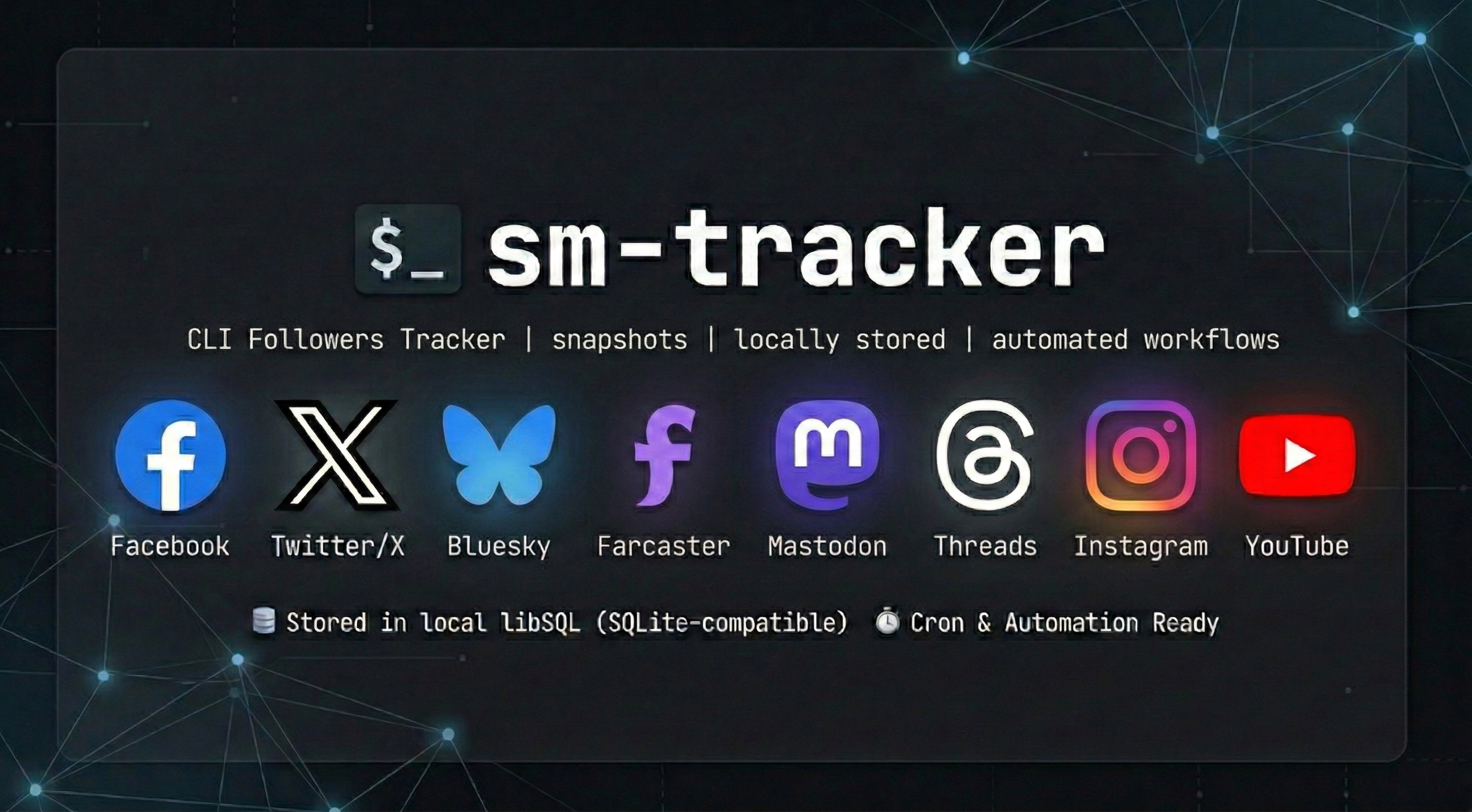
sm-tracker is a CLI that tracks follower and following counts across 🐦 Twitter/X, 🦋 Bluesky, 🛰️ Farcaster, 🐘 Mastodon, 🧵 Threads, 📘 Facebook, 📸 Instagram, and 📺 YouTube.
sm-tracker stores social-metric snapshots in libSQL (local SQLite-compatible by default), prints human-readable output by default, and supports JSON/CSV for scripts, cron jobs, and AI-agent automation.
✅ Requirements
- Python 3.12+
uv- API credentials in
.env - Runtime settings in
config.toml
⚙️ Installation
Install from PyPI
uv tool install sm-tracker
sm-tracker help
To upgrade later:
uv tool upgrade sm-tracker
Local development
uv sync
uv run sm-tracker help
🚀 Quickstart
After installing sm-tracker, run:
- Create credentials and app config via guided setup:
sm-tracker config
- Track a snapshot:
sm-tracker track -p twitter -p bluesky
- Show latest values with deltas:
sm-tracker show -p twitter -p bluesky
- Inspect historical data:
sm-tracker history -p twitter --limit 10
🧭 Onboarding Guide
Use this flow for a clean checkout to first successful snapshot.
📦 1) Install dependencies
uv tool install sm-tracker
🛠️ 2) Run guided setup
sm-tracker config
The command will create or update:
.envfor API credentials and account identifiersconfig.tomlfor database path, log path, retention, and log level
🔑 3) Platform credential checklist
You can configure one or many platforms. Missing credentials skip only that platform.
Twitter/X
Note: The Twitter/X API requires a paid Basic tier subscription or higher. The Free tier is not sufficient.
TWITTER_CONSUMER_KEYTWITTER_CONSUMER_SECRETTWITTER_ACCESS_TOKENTWITTER_ACCESS_TOKEN_SECRETTWITTER_HANDLE
Bluesky
BLUESKY_HANDLE- Optional:
BLUESKY_APP_PASSWORD
Farcaster
FARCASTER_API_KEYFARCASTER_USERNAME
Get API credentials from https://warpcast.com/developer.
Mastodon
MASTODON_ACCESS_TOKENMASTODON_INSTANCE(for examplemastodon.social)
Threads
THREADS_ACCESS_TOKENTHREADS_USER_ID- Optional for OAuth flow:
THREADS_APP_ID,THREADS_APP_SECRET,THREADS_REDIRECT_URI
Refresh Threads credentials via OAuth when needed:
sm-tracker auth -p threads
Meta (Facebook & Instagram)
See the full Credentials Setup Guide for step-by-step instructions.
To configure either platform easily, use the interactive auth flow to exchange short-lived tokens for long-lived ones automatically:
sm-tracker auth -p facebook
# OR
sm-tracker auth -p instagram
Facebook:
FACEBOOK_PAGE_ACCESS_TOKEN(Generated by auth command)- Optional:
FACEBOOK_ACCESS_TOKEN+FACEBOOK_ID
Instagram:
LONG_LIVED_USER_TOKEN(Generated by auth command)INSTAGRAM_ACCOUNT_ID
YouTube
YOUTUBE_API_KEYYOUTUBE_HANDLEorYOUTUBE_CHANNEL_ID
📁 4) File locations
- Database path: from
config.toml([paths.<profile>].db) - Logs directory: from
config.toml([paths.<profile>].logs) - Log file name:
sm-tracker.log
🧪 5) Common troubleshooting
- No platforms detected in
track:- Run
sm-tracker configand ensure required platform env vars are present.
- Run
showsays no snapshots yet:- Run
sm-tracker trackfirst.
- Run
- Token expiration warnings (Threads/Meta):
- Run
sm-tracker auth -p threads,-p facebook, or-p instagramto refresh and securely save new tokens to.env.
- Run
- Live tests failing during development:
- If running
mise run test-reallocally, ensure credentials in your.envare completely uncommented. Variables defined in your terminal session can occasionally override.envvalues during tests.
- If running
🧰 Commands
track: fetch counts from configured platforms and save a snapshot (--json/--csvfor structured output)show: print latest snapshot with deltas from previous snapshot (--json/--csvsupported)history: print history table (Date | Platform | Followers | Following | Delta) or structured output with--json/--csvconfig: guided setup and validation for.envandconfig.tomlauth: run OAuth/Token exchange flows for supported platforms (threads,facebook,instagram)help: print CLI usage
🧱 Tech Stack
Core
| Layer | Technology | Notes |
|---|---|---|
| CLI | Typer | Elegant command-line interfaces |
| Storage | libSQL | SQLite-compatible, tursodatabase/libsql |
Platforms
| Platform | Technology | Notes |
|---|---|---|
| Tweepy | tweepy/tweepy | |
| Bluesky | atproto | bluesky-social/atproto |
| Farcaster | Direct API | Warpcast API (api.warpcast.com) |
| Mastodon | Mastodon.py | halcy/Mastodon.py |
| Threads | meta-threads-sdk | MetaThreads/meta-threads-sdk |
| Meta | Direct API | Graph API for Facebook and Instagram tokens |
| YouTube | Direct API | YouTube Data API v3 |
Python: 3.12+ (required by meta-threads-sdk)
📝 Configuration
Configuration is split into two files per best practice:
| File | Purpose | Location |
|---|---|---|
.env |
API keys, tokens, secrets, account identifiers | Project dir or loaded from process env |
config.toml |
Paths, retention, log level, non-sensitive | ~/.config/sm-tracker/config.toml or project dir |
.env is never committed; config.toml may ship with defaults.
Quick Links
- Credential template:
.env.example - App config template:
config.toml.example - Full credential setup guide:
docs/CREDENTIAL_SETUP_GUIDE.md - Full config and env variable reference:
docs/CONFIG_REFERENCE.md
📊 Example output
twitter
  Followers: 132 (+10)
  Following: 178 (0)
Date | Platform | Followers | Following | Delta
2026-02-25T10:30:00Z | twitter | 122 | 178 | N/A
2026-02-26T10:30:00Z | twitter | 132 | 178 | +10
💡 Notes
- Default output is plain text. Use
--jsonor--csvontrack,show, andhistoryfor structured output. - Missing credentials for one platform do not stop other platforms from running.
showandhistoryprint empty-state guidance if there is no stored data yet.
📄 License
MIT
🚢 Release Process
For local release verification:
mise run release-build
mise run release-check
Manual release
- Bump
versioninpyproject.toml. - Add the release note to
CHANGELOG.md. - Run:
mise run release-build
mise run release-check
- Commit and push the release changes.
GitHub release
- Trigger the
Releaseworkflow manually with targettestpypito verify the package. - Push a tag like
v0.1.2to publish to PyPI:
git tag v0.1.2
git push origin v0.1.2
Trusted Publishing references:
Release history Release notifications | RSS feed


Download files
Download the file for your platform. If you're not sure which to choose, learn more about installing packages.
Source Distribution
Built Distribution
Filter files by name, interpreter, ABI, and platform.
If you're not sure about the file name format, learn more about wheel file names.
Copy a direct link to the current filters
File details
Details for the file sm_tracker-0.1.2.tar.gz.
File metadata
- Download URL: sm_tracker-0.1.2.tar.gz
- Upload date:
- Size: 2.9 MB
- Tags: Source
- Uploaded using Trusted Publishing? No
- Uploaded via: twine/6.2.0 CPython/3.14.3
File hashes
| Algorithm | Hash digest | |
|---|---|---|
| SHA256 |
e9cf7b01bf5fdbc35c75efaf833f9c5fe2cc6d6b9560d2ed7faf6d699a8d72ac
|
|
| MD5 |
f36aa3386d44899fe1753fce51396640
|
|
| BLAKE2b-256 |
85f0a2dc2ed17441bdcc80e945f605f4f1b735aa44d08d2b1c25a1a1106e826b
|
File details
Details for the file sm_tracker-0.1.2-py3-none-any.whl.
File metadata
- Download URL: sm_tracker-0.1.2-py3-none-any.whl
- Upload date:
- Size: 37.9 kB
- Tags: Python 3
- Uploaded using Trusted Publishing? No
- Uploaded via: twine/6.2.0 CPython/3.14.3
File hashes
| Algorithm | Hash digest | |
|---|---|---|
| SHA256 |
cd4bf375bb485fa98c6195c005bccaa4244df2134265d2c040815cba3755ef94
|
|
| MD5 |
99d9366e411350b4032d6302c434639d
|
|
| BLAKE2b-256 |
a4d415c01a26c66b3c77453ce8171baec3bf90788306ffae31678b418c4d0f4d
|






