
Visual SPaRC: Visual Puzzle Representations for the SPaRC benchmark
Overview
SPaRC (sparc-puzzle) provides a comprehensive framework for evaluating language models on spatial reasoning tasks inspired by "The Witness" puzzle game. This package (sparc-visualization) includes various visual puzzle representations and an improved visual reasoning prompt to complement the functionality of the sparc-puzzle package.
Installation
Install the package from PyPI:
pip install sparc-visualization
Or install from source:
git clone https://github.com/flowun/sparc-visualization.git
cd sparc-visualization
pip install -e .
Example Usage
from sparc_visualization.plot import get_puzzle_image
from sparc_visualization.prompt import generate_prompt
from sparc.validation import extract_solution_path, validate_solution, analyze_path
from datasets import load_dataset

# Load the dataset
dataset = load_dataset("lkaesberg/SPaRC", "all", split="test")
puzzle = dataset[0]

# Generate prompt and image, e.g.
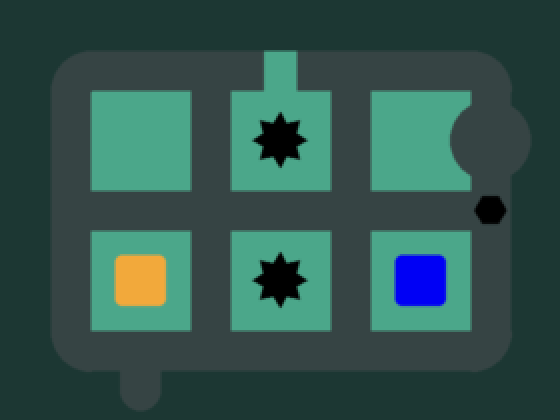
plot_type = "path_cell_annotated"
prompt_type = "prompt_engineering"

b64_image = get_puzzle_image(puzzle, plot_type=plot_type, base_64_image=True)
text_prompt = generate_prompt(puzzle, plot_type, prompt_type)

# create message array and payload for an LLM
puzzle_prompt = [
        {
            "role": "user",
            "content": [
                {
                    "type": "image_url",
                    "image_url": {
                        "url": f"data:image/png;base64,{b64_image}"
                    }
                },
                {
                    "type": "text",
                    "text": text_prompt
                }
            ]
        }
    ]

payload = {
    "model": your_model_name,
    "messages": puzzle_prompt,
    "temperature": temperature,
    "max_tokens": max_tokens,
}

# Your model generates a response
model_response = "... model response with path coordinates ..."

# Analysis using sparc-puzzle package

# Extract the path from model response
extracted_path = extract_solution_path(model_response, puzzle)
# Returns: [{"x": 0, "y": 2}, {"x": 0, "y": 1}, ...]

# Validate against ground truth
is_correct = validate_solution(extracted_path, puzzle)
# Returns: True/False

# Get detailed analysis
analysis = analyze_path(extracted_path, puzzle)
# Returns: {
#   "starts_at_start_ends_at_exit": True,
#   "connected_line": True,
#   "non_intersecting_line": True,
#   "no_rule_crossing": True,
#   "fully_valid_path": True
# }
Core Functions
get_puzzle_image(
    puzzle: Dict,
    plot_type: str = "original",
    base_64_image: bool = False,
    path: List[Tuple[int, int]] | List[Dict[str, int]] | None = None,
    show_plot: bool = False,
    save_to_disk: bool = False,
    save_dir: str = ".",
    save_filename: str = "puzzle_image.png",
) -> PIL.Image.Image | str
- Renders a SPaRC puzzle into one of the supported visual representations (
plot_typevalues). - To get a base64-encoded string of the image suitable for LLM input, set
base_64_image=True. - To overlay a path, specify
patheither as a list of(x, y)tuples or a list of{"x": int, "y": int}cells. The full solution path can be displayed by passing puzzle["solutions"][0]["path"] to this argument. - Besides returning the image object or base64 string, the function has options to display the image (
show_plot=True) or save it to disk (save_to_disk=True).
generate_prompt(
    puzzle: Dict,
    plot_type: str = "original",
    prompt_type: str = "prompt_engineering",
) -> str
Generates the text prompt (based on prompt_type values) that should be paired with the rendered image for an LLM call.
Available prompt_type values are:
- "default_tr": visual prompt from the SPaRC paper (with textual coordinates)
- "default_no_tr": visual prompt from the SPaRC paper (however with textual coordinates removed)
- "prompt_engineering": improved vision-only prompt with prompt engineering (no textual coordinates)
puzzle and plot_type should be provided as in get_puzzle_image to allow small prompt adjustments.
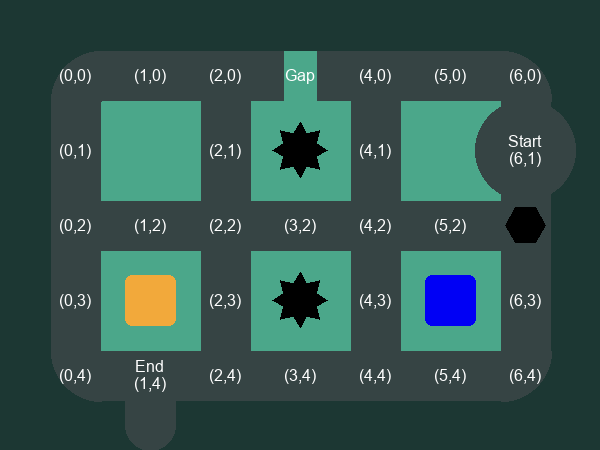
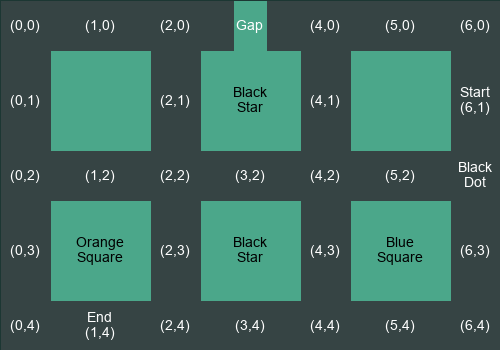
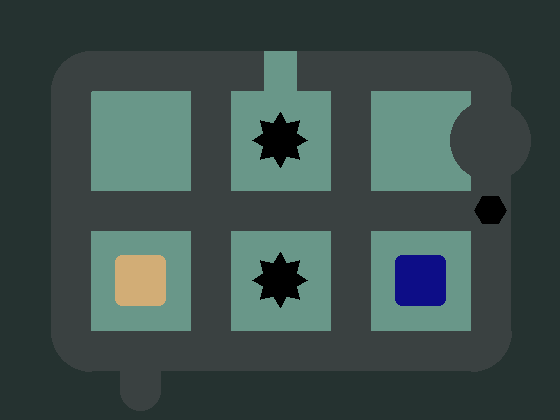
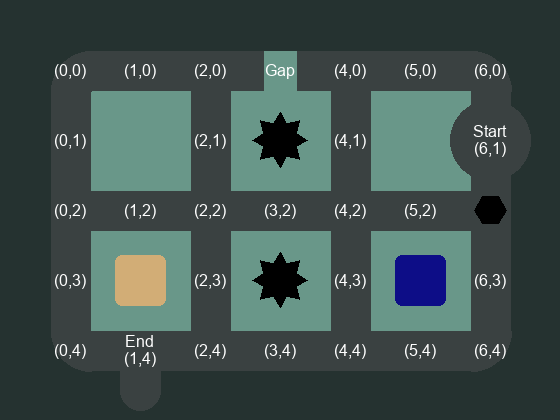
Available Puzzle Representations (plot_type)
|
original
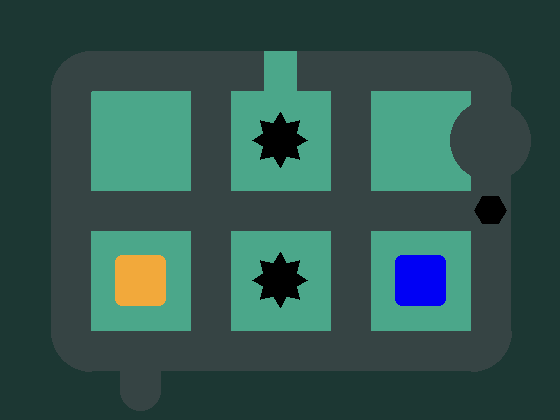
|
start_end_marked
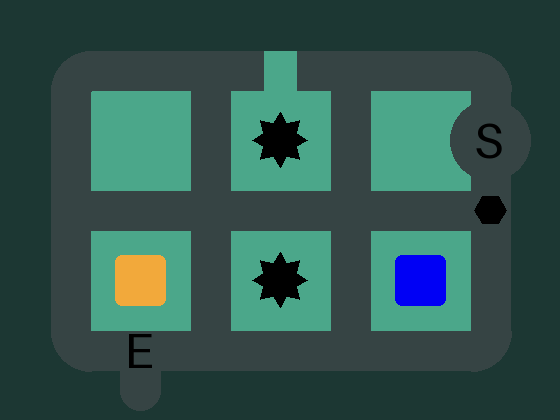
|
coordinate_grid
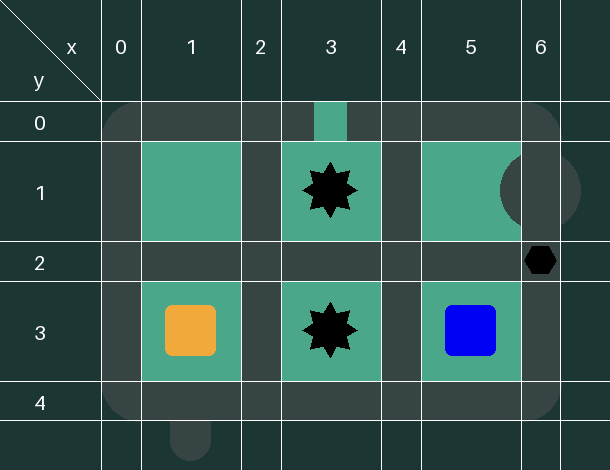
|
|
coordinate_grid_and_start_end_marked
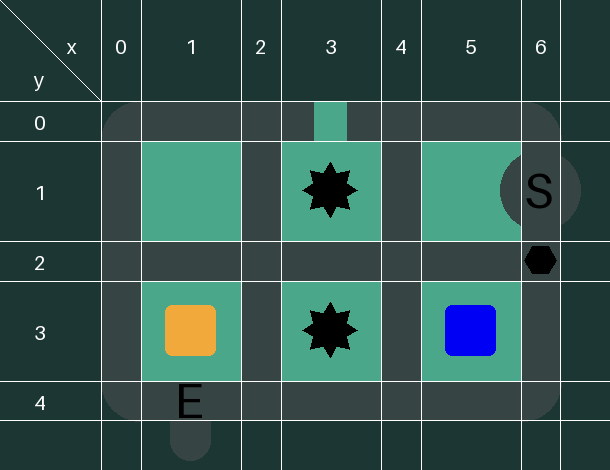
|
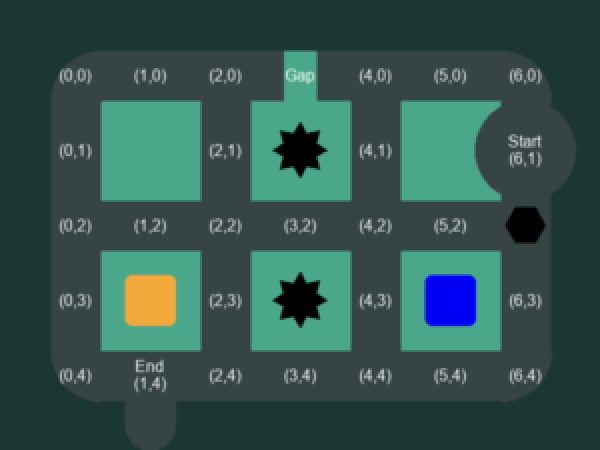
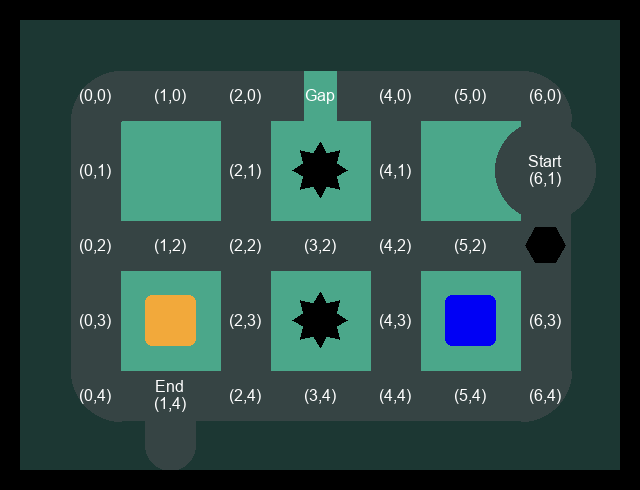
path_cell_annotated
|
text
|
|
low_contrast
|
low_contrast_and_path_cell_annotated
|
low_resolution
|
|
low_resolution_and_path_cell_annotated
|
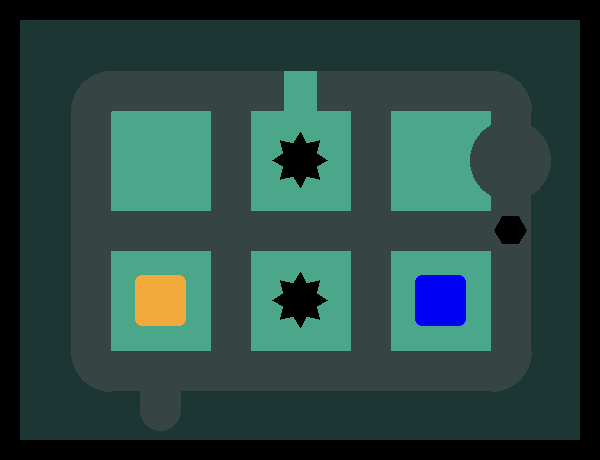
black_frame
|
black_frame_and_path_cell_annotated
|
|
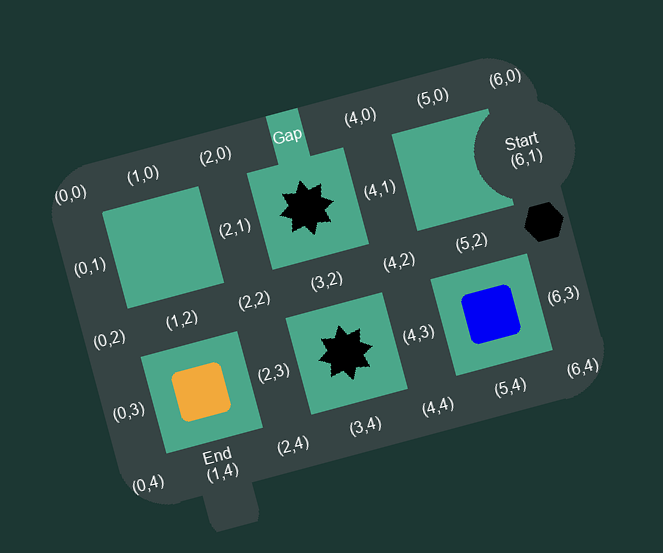
rotated
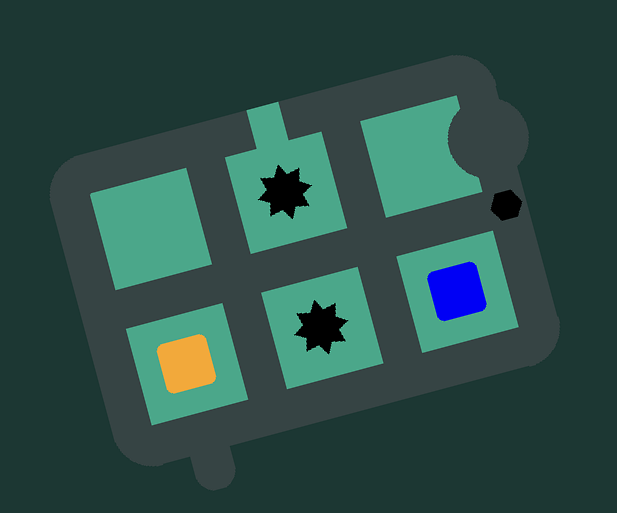
|
rotated_and_path_cell_annotated
|
Contributing
Contributions are welcome! Please feel free to submit pull requests or open issues.
Citation
If you use SPaRC in your research, please cite:
@inproceedings{kaesberg-etal-2025-sparc,
    title = "{SP}a{RC}: A Spatial Pathfinding Reasoning Challenge",
    author = "Kaesberg, Lars Benedikt and Wahle, Jan Philip and Ruas, Terry and Gipp, Bela",
    booktitle = "Proceedings of the 2025 Conference on Empirical Methods in Natural Language Processing",
    month = nov,
    year = "2025",
    address = "Suzhou, China",
    publisher = "Association for Computational Linguistics",
    url = "https://aclanthology.org/2025.emnlp-main.526/",
    doi = "10.18653/v1/2025.emnlp-main.526",
    pages = "10370--10401"
}
License
This project is licensed under the MIT License - see the LICENSE file for details.
Links
- 🌐 Website: sparc.gipplab.org
- 📚 Dataset: Hugging Face
- 🐛 Issues: GitHub Issues
- 📖 Documentation: GitHub Repository
1 maintainer

Metadata
1 maintainer
Release files for sparc-visualization 0.2.2
For a detailed explanation of source distributions (sdists) and built distributions (wheels), please see the package formats documentation.
Source distribution (sdist)
| File | Size | Uploaded | |
|---|---|---|---|
| sparc_visualization-0.2.2.tar.gz | 23.2 kB | Details |
Built distribution (wheel)
| File | Interpreter | ABI | Platform | Reset |
|---|---|---|---|---|
| sparc_visualization-0.2.2-py3-none-any.whl | Python 3 | none | any | Details |
Total release size: 55.7 kB
Release files / sparc_visualization-0.2.2.tar.gz
| Download URL | sparc_visualization-0.2.2.tar.gz |
|---|---|
| Size | 23.2 kB |
| Tags | Source |
|
SHA-256 checksum How to use checksums |
7b25825949b38ddd05a23da52b9383035c9727c7c9db982ddfc802bc1c8edb2f
|
|
BLAKE2b-256 checksum How to use checksums |
d5c4722b31055d9354b88c27ae18ecf0d8d94739d3deff03afd8e2f6a0605d93
|
| Upload date | |
|
Uploaded using Trusted Publishing? What is trusted publishing? |
No |
| Uploaded via |
twine/6.1.0 CPython/3.13.12
|
Release files / sparc_visualization-0.2.2-py3-none-any.whl
| Download URL | sparc_visualization-0.2.2-py3-none-any.whl |
|---|---|
| Size | 32.4 kB |
| Tags | Python 3 |
|
SHA-256 checksum How to use checksums |
5de7709e50a672f20519803f54960c62759e0749fe059c9c758b58c1f983669f
|
|
BLAKE2b-256 checksum How to use checksums |
ab1d49cad6607d5af6152aafea6f69a07710ace983fe107ce76bfffe31b217ef
|
| Upload date | |
|
Uploaded using Trusted Publishing? What is trusted publishing? |
No |
| Uploaded via |
twine/6.1.0 CPython/3.13.12
|














