
Download songs from YouTube using Spotify song URLs or playlists with albumart and meta-tags.


Project description
Spotify-Downloader






-
Downloads songs from YouTube in an MP3 format by using Spotify's HTTP link.
-
Can also download a song by entering its artist and song name (in case if you don't have the Spotify's HTTP link for some song).
-
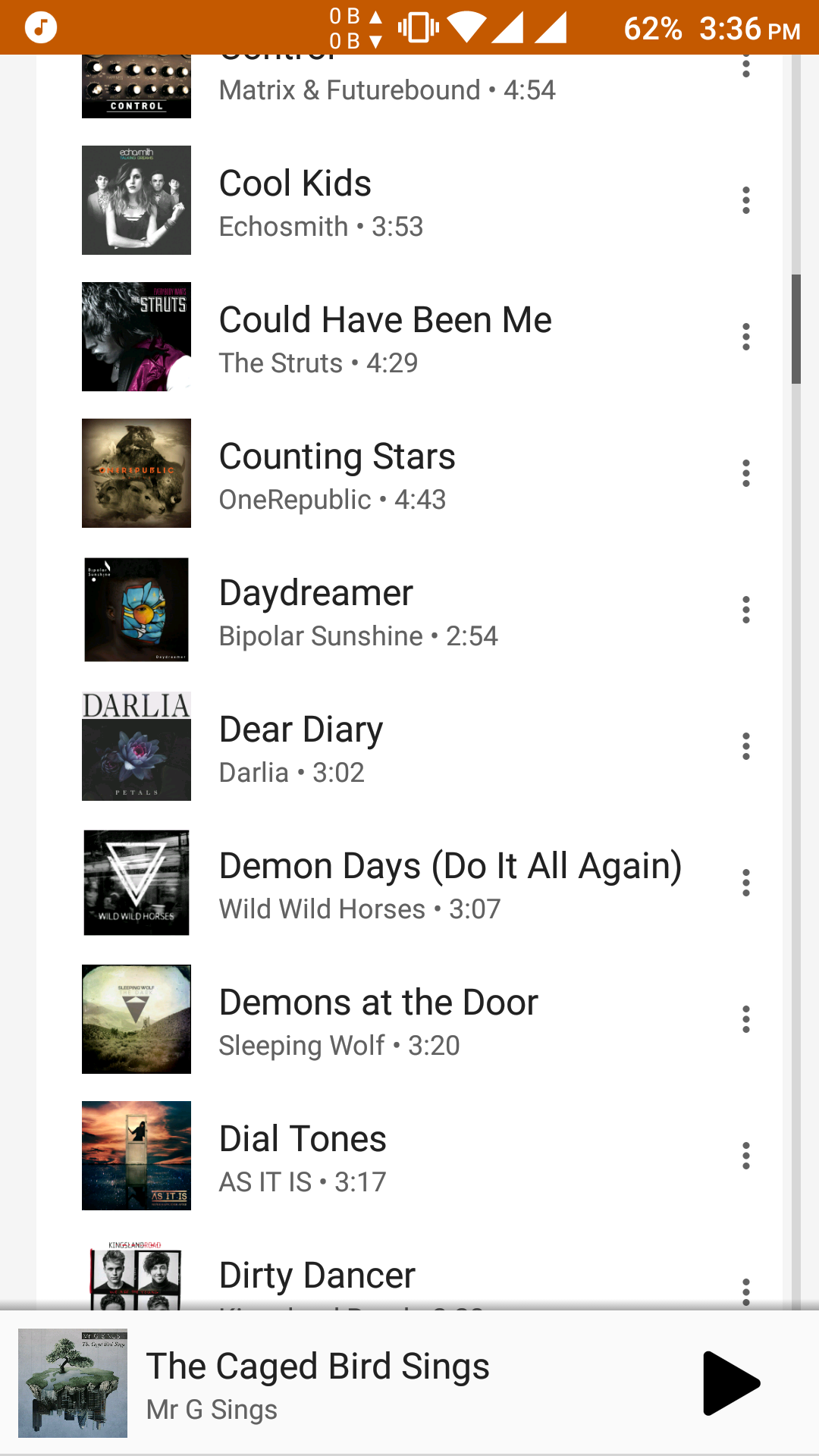
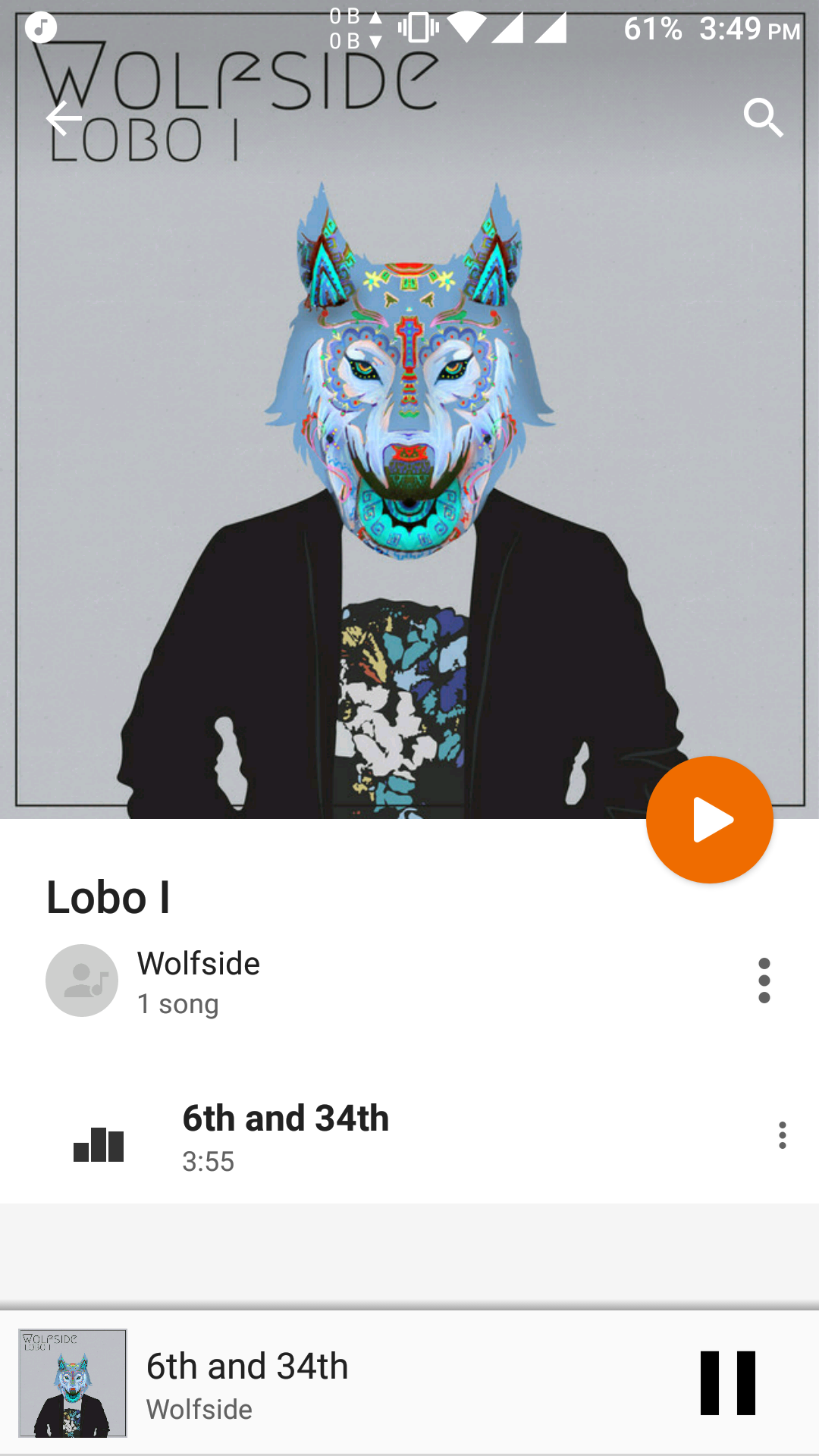
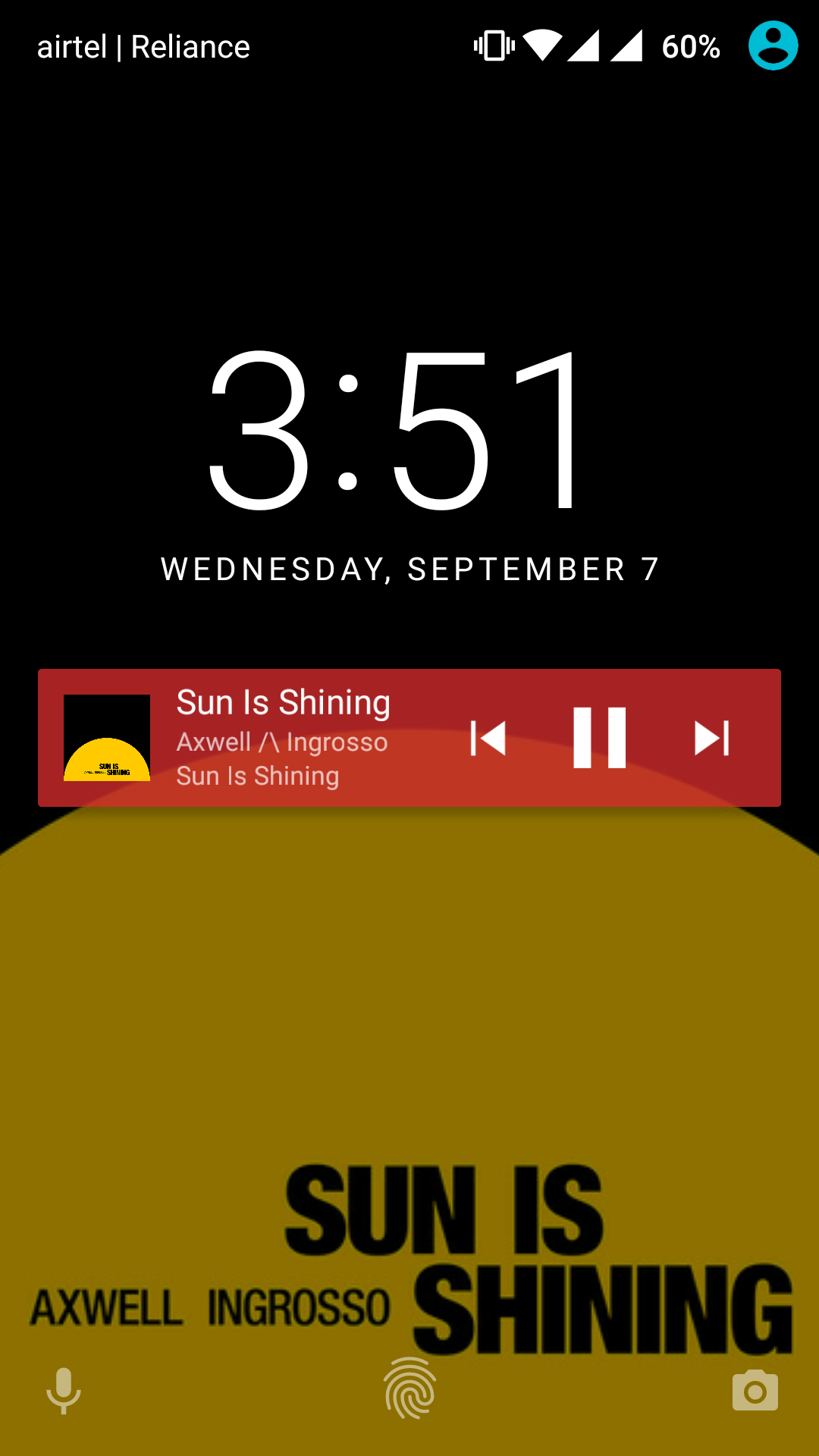
Automatically applies metadata to the downloaded song which includes:
Title,Artist,Album,Album art,Lyrics(if found on lyrics wikia),Album artist,Genre,Track number,Disc number,Release date, and more...
-
Works straight out of the box and does not require you to generate or mess with your API keys (already included).
Below is how your music library will look!
Installation
❗️ This tool works only with Python 3.
Python 2 compatibility was dropped because of the way it deals with unicode (2020 is coming soon too). If you still need to use Python 2 - check out the (outdated) python2 branch.
spotify-downloader works with all major distributions and even on low-powered devices such as a Raspberry Pi.
spotify-downloader can be installed via pip with:
$ pip3 install spotdl
but be sure to check out the Installation wiki page for detailed OS-specific instructions to get it and other dependencies it relies on working on your system.
Usage
For the most basic usage, downloading tracks is as easy as
$ spotdl --song https://open.spotify.com/track/2DGa7iaidT5s0qnINlwMjJ
$ spotdl --song "ncs - spectre"
For downloading playlist and albums, you need to first load all the tracks into text file and then pass
this text file to --list argument. Here is how you would do it for a playlist
$ spotdl --playlist https://open.spotify.com/user/nocopyrightsounds/playlist/7sZbq8QGyMnhKPcLJvCUFD
INFO: Writing 62 tracks to ncs-releases.txt
$ spotdl --list ncs-releases.txt
Run spotdl --help to get a list of all available options in spotify-downloader.
Check out the Available options wiki page for the list of currently available options with their description.
The wiki page Instructions for Downloading Songs contains detailed information about different available ways to download tracks.
FAQ
All FAQs will be mentioned in our FAQ wiki page.
Contributing
Check out CONTRIBUTING.md for more info.
Running Tests
$ python3 -m pytest test
Obviously this requires the pytest module to be installed.
Disclaimer
Downloading copyright songs may be illegal in your country. This tool is for educational purposes only and was created only to show how Spotify's API can be exploited to download music from YouTube. Please support the artists by buying their music.
License

Release history Release notifications | RSS feed


Download files
Download the file for your platform. If you're not sure which to choose, learn more about installing packages.
Source Distribution
Built Distribution
Filter files by name, interpreter, ABI, and platform.
If you're not sure about the file name format, learn more about wheel file names.
Copy a direct link to the current filters
File details
Details for the file spotdl-1.1.2.tar.gz.
File metadata
- Download URL: spotdl-1.1.2.tar.gz
- Upload date:
- Size: 27.5 kB
- Tags: Source
- Uploaded using Trusted Publishing? No
- Uploaded via: twine/1.11.0 pkginfo/1.4.2 requests/2.19.1 setuptools/39.0.1 requests-toolbelt/0.8.0 tqdm/4.25.0 CPython/3.7.0
File hashes
| Algorithm | Hash digest | |
|---|---|---|
| SHA256 |
512b38824e6da438b5506f05f74bd217d3c0afabb2c24a1d4a255775787ffd72
|
|
| MD5 |
1c99c3c29c35be7f92db453248e11abe
|
|
| BLAKE2b-256 |
ed3b9954238ce62e9cf24f943da31e9fc77d6ad02f9b6a805cf979a9d00c2a88
|
File details
Details for the file spotdl-1.1.2-py3-none-any.whl.
File metadata
- Download URL: spotdl-1.1.2-py3-none-any.whl
- Upload date:
- Size: 23.1 kB
- Tags: Python 3
- Uploaded using Trusted Publishing? No
- Uploaded via: twine/1.11.0 pkginfo/1.4.2 requests/2.19.1 setuptools/39.0.1 requests-toolbelt/0.8.0 tqdm/4.25.0 CPython/3.7.0
File hashes
| Algorithm | Hash digest | |
|---|---|---|
| SHA256 |
8a77a3c7ec849b94e060d8680b7e0a51f3adfb8092c666a3a85cf53f8db11697
|
|
| MD5 |
2b6cb9edcf443569e584bd6c7d384ad0
|
|
| BLAKE2b-256 |
f9ef6959b72be9a00d2b8386254b4a401bc1a43bb5b25ba1a01861a78123259b
|






