


Requerimentos • Instalação • Como usar • Menu • Licença
stopots-bot
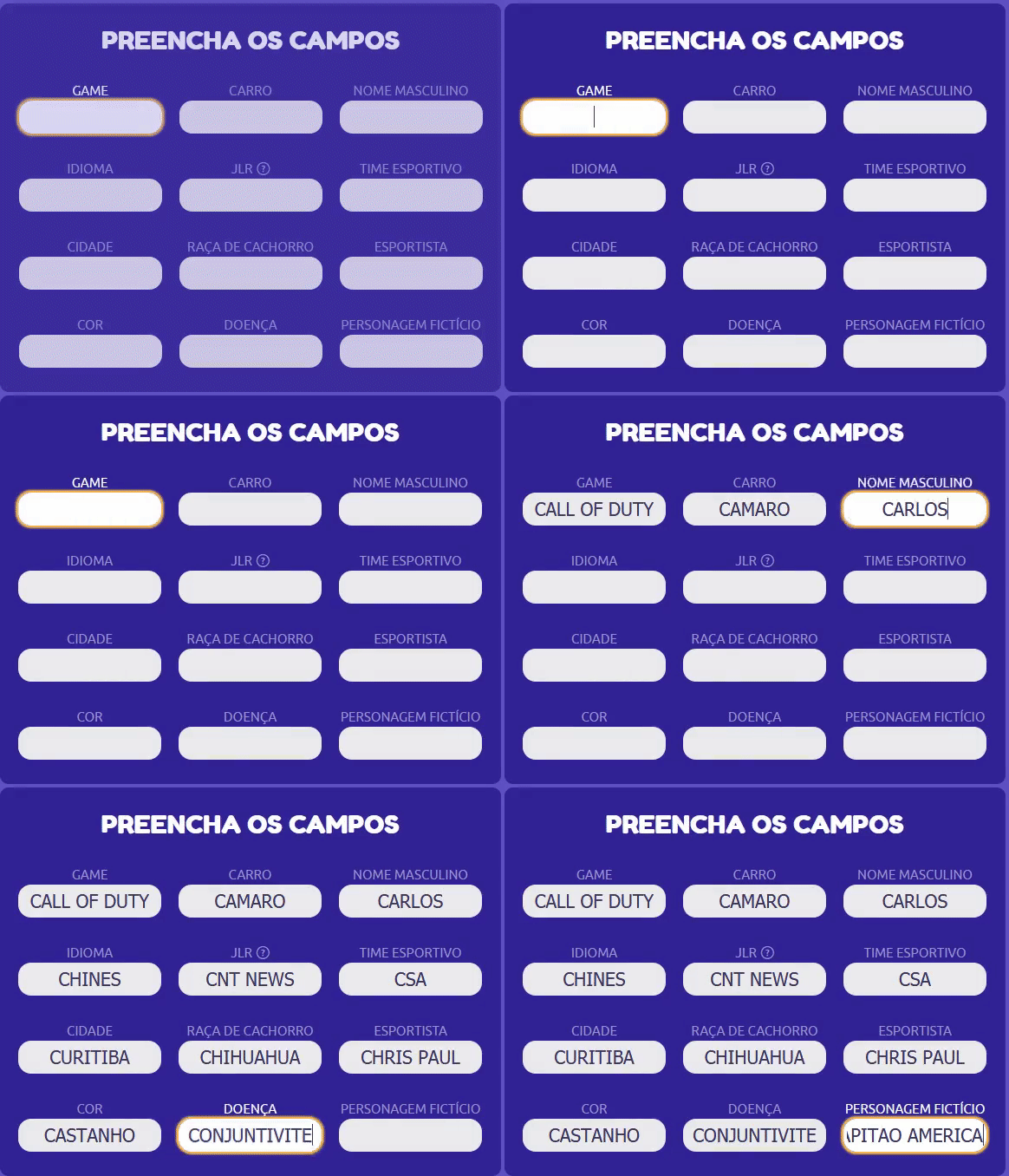
Automatizando sua jogabilidade de StopotS
💻 Requerimentos
🚀 Instalação
# Se você já possui o python e o git instalado
git clone https://github.com/Lucas8x/stopots-bot.git
cd stopots-bot
python setup.py install
# Se você possui apenas o python
pip install stopots-bot
Manual
Se você não possuir o python nem o git instalado.
🔨 Uso
# Entrando com um nome
stopots -u lucas
NOTA: Todas as opções são opcionais.
Opções:
  -h, --help            mostra esta mensagem de ajuda
  --user USERNAME, -u USERNAME
                        seu username
  --avatar AVATAR, -a AVATAR
                        número do avatar
  --room ROOM_ID, -r ROOM_ID
                        número da sala
  --auto-stop           habilita stop automático
  --auto-ready          habilita ready automático
  --validator {quick,deny,accept,check,null}
                        tipo do avaliador
  --driver {chrome,firefox}
                        seu navegador
  --dict                abre o menu do dicionário
Menu
- Entrada Rápida - Ira entrar com o nome definido se não com um nome gerado pelo jogo ex:
Anonimo123. - Entrar no Jogo - Sempre ira perguntar um nome.
- Entrar com ID da Sala - Entra em uma sala específica.
- Configurações.
⚙️ Configurações
- Abrir
run.bat. - Digite "4" para abrir as opções.
- Username/nick deve possuir entre 2 e 15 caracteres.
- Avaliadores:
- Rápido - Apenas confirma as respostas sem verificar.
- Aceitar - Confirma todas as respostas inclusive as erradas.
- Negação - Invalidará todas as respostas inclusive as suas.
- Avaliar - Avaliará as respostas com base no dicionario e negará as outras.
- Nada - ...
- STOP! Automático - Irá apertar STOP! caso todas as respostas estejam preenchidas.
- Ready Automático - Irá apertar Estou Pronto ao mostrar o resultado da rodada.
- Avatar - Mínimo: 0 Máximo: 36.
-
Avatares
a
⚠️ Problemas
- Caso o navegador abra e feche :
- Atualizar o navegador instalado chrome/firefox
📝 Licença
Este projeto esta sob a licença MIT.
💜 Menção Honrosa
Foi utilizado StopAnswersAPI por nosliper para formar um dicionário inicial.
1 maintainer

Release files for stopots-bot 1.2.0
For a detailed explanation of source distributions (sdists) and built distributions (wheels), please see the package formats documentation.
Source distribution (sdist)
| File | Size | Uploaded | |
|---|---|---|---|
| stopots-bot-1.2.0.tar.gz | 15.2 kB | Details |
Built distribution (wheel)
| File | Interpreter | ABI | Platform | Reset |
|---|---|---|---|---|
| stopots_bot-1.2.0-py3-none-any.whl | Python 3 | none | any | Details |
Total release size: 49.4 kB
Release files / stopots-bot-1.2.0.tar.gz
| Download URL | stopots-bot-1.2.0.tar.gz |
|---|---|
| Size | 15.2 kB |
| Tags | Source |
|
SHA-256 checksum How to use checksums |
dc7a036d2f9e8f4118e67c146231f366c8d7ff4dfca0885027783a8ebe198e1f
|
|
BLAKE2b-256 checksum How to use checksums |
530007976983e6db3571008c286ffe67bdf30089ea9915e5a6c3fdbb715b832e
|
| Upload date | |
|
Uploaded using Trusted Publishing? What is trusted publishing? |
No |
| Uploaded via |
twine/3.3.0 pkginfo/1.7.0 requests/2.25.1 setuptools/49.2.1 requests-toolbelt/0.9.1 tqdm/4.56.0 CPython/3.9.1
|
Release files / stopots_bot-1.2.0-py3-none-any.whl
| Download URL | stopots_bot-1.2.0-py3-none-any.whl |
|---|---|
| Size | 34.2 kB |
| Tags | Python 3 |
|
SHA-256 checksum How to use checksums |
c342c5d29565b427d7b026a6a97cf529b6bc5f06e5e423f5a6c97df80b1c7747
|
|
BLAKE2b-256 checksum How to use checksums |
667d2e1a8d065866b5b05d56152e7b52aca20e8f93434afb30f61bc6387d36ef
|
| Upload date | |
|
Uploaded using Trusted Publishing? What is trusted publishing? |
No |
| Uploaded via |
twine/3.3.0 pkginfo/1.7.0 requests/2.25.1 setuptools/49.2.1 requests-toolbelt/0.9.1 tqdm/4.56.0 CPython/3.9.1
|














