
stspeck
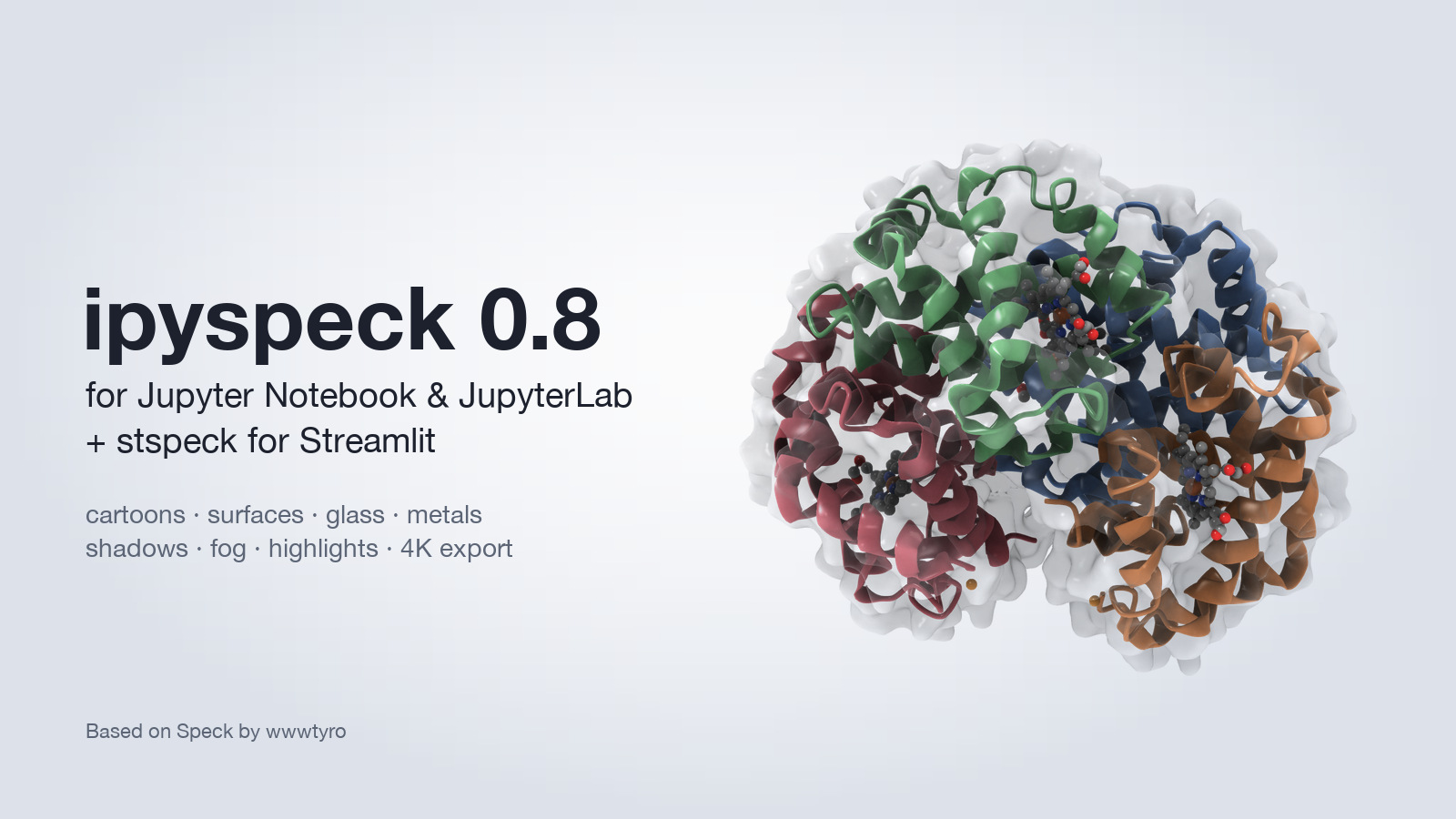
The Speck molecule viewer for Streamlit, with the
same renderer and settings as the ipyspeck Jupyter widget: ambient occlusion,
cartoons, molecular surfaces (optionally transparent), metallic and glossy
materials, shadows, fog, outlines, highlighting, trajectories and unit cells.
pip install stspeck # Python 3.8+, Streamlit 1.20+
import streamlit as st
import stspeck

# Any structure as PDB, mmCIF, SDF / MOL or (extended) XYZ text (detected from the content)
stspeck.speck(data=open("1ubq.cif").read(), cartoon=True, surface=True, surfaceOpacity=0.35)
stspeck.speck(**stspeck.read_file("conformers.sdf.gz"), frame=2)

# Loaders return keyword arguments to splat into speck()
stspeck.speck(**stspeck.fetch_alphafold("Q8W3K0"), preset="cover", height=500)
stspeck.speck(**stspeck.fetch_pdb("4HHB"), highlight={"resName": "HEM"}, ghost=0.6)
stspeck.speck(**stspeck.from_ase(atoms), preset="metal")   # also from_rdkit, from_pymatgen
- Settings: every ipyspeck setting is a keyword argument; see
stspeck.SETTINGSfor names and defaults, andstspeck.PRESETSfor named looks (preset="cover"). - Toolbar: styles, a looks menu, cartoon / surface / ligand toggles, standard views,
auto-rotate, tap to focus (or Alt-click), a depth-of-field toggle, a color menu for cartoon, surface and atoms,
and a camera button that downloads a high-resolution PNG
(
export_width=3000,export_scale=...). Toolbar choices persist across reruns. - Studio floor, illustration, cutaway:
floor=0.9, floorReflection=0.3;preset="goodsell"(flat colors per chain, outlines between molecules),atomColor="type",palette="colorblind";cutaway=0.5slices off the front to show the inside (cutawayAxis="z"fixes the plane on the molecule,cutawayLight=0.6lights the inside). - Colors:
colorScheme="jmol"(speck, jmol, rasmol, newcpk) and per-elementatomColors={"Au": "#ffcc33"}('#rrggbb'or[r, g, b]in 0 - 1). - Touch and keyboard: one finger rotates, two fingers pinch to zoom and pan; arrows rotate, Shift+arrows pan, + / - zoom, 0 recenters, F focuses at the center.
- State: with
return_state=Truethe call returns the camera, the current settings andnframes; pass the camera back ascamera=to restore a view. - Formats:
fetch_pdbdownloads mmCIF, which also covers entries too large for PDB files (e.g. the 4V6X ribosome);format="pdb"gets the legacy file, andassembly=1a biological assembly (fetch_pdb("1STM", assembly=1): a complete virus capsid). Bonds listed in the file (CONECT,_struct_conn, SDF / MOL bonds) are always drawn. - Videos:
film="tour"plays a ready-made video in the viewer (spin,rock,orbit,tour,focus,reveal,trajectory,showcase); its Save video button makes the MP4 in the browser.film=shots.video("tour", seconds=10, title="Hemoglobin"),video={"size": "vertical", "quality": "best"}; your own shots work too (stspeck.shots, the same as ipyspeck's). The viewer's clapperboard button offers the videos without code. Trystreamlit run example/video_app.py. - Trajectories: multi-frame XYZ, multi-model PDB or mmCIF, or SDF conformers; drive
frame=with a slider. MD:stspeck.speck(**stspeck.from_mdtraj(traj), frame=f)(orfrom_mdanalysis); frames go as binary coordinates (trajectory=), andcount_frames(data, trajectory)gives the slider range (stspeck.count_frames(data)gives the range).
Run the demo with streamlit run example/app.py.
Gallery
Rendered with the ipyspeck / stspeck renderer (see example/showcase.ipynb for the settings behind these looks). Click an image to open that scene in the live demo.
Macro photography (depth of field)
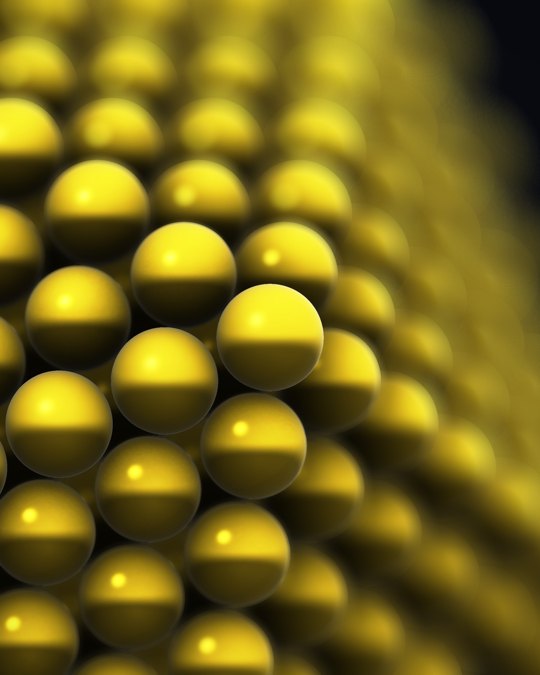 Gold nanoparticle, 923 atoms |
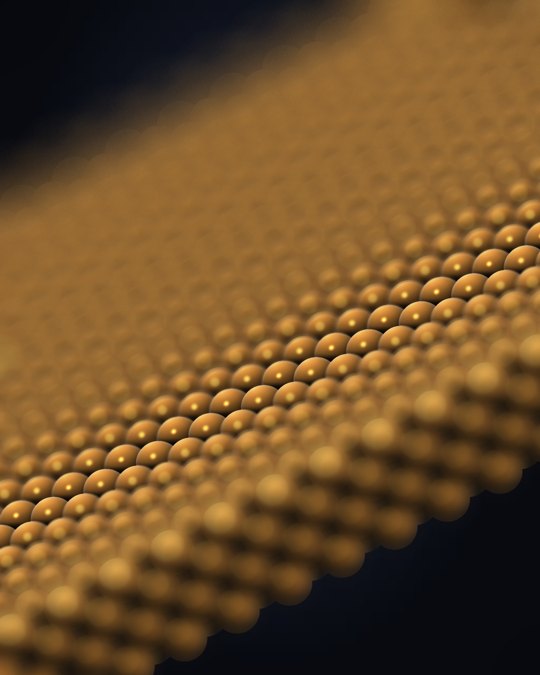 Copper surface |
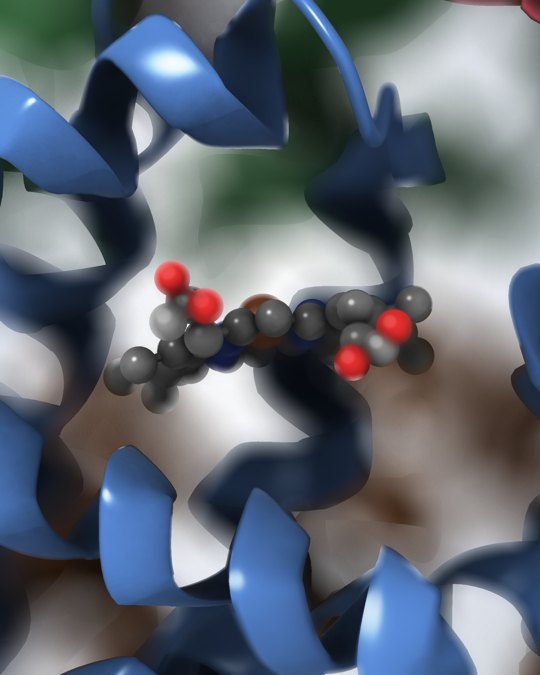 Heme in hemoglobin (4HHB) |
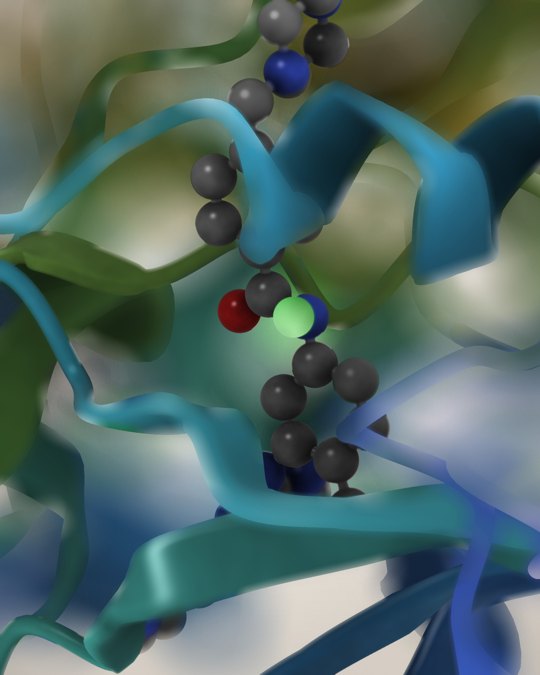 Imatinib in ABL kinase (1IEP) |
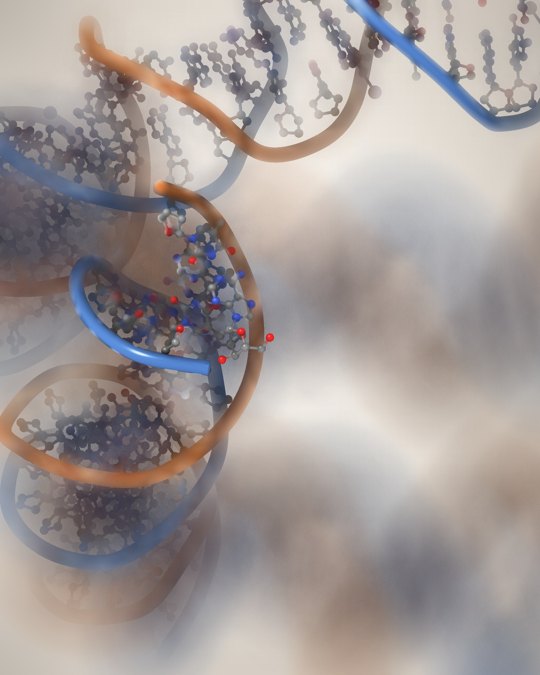 Nucleosome DNA (1KX5) |
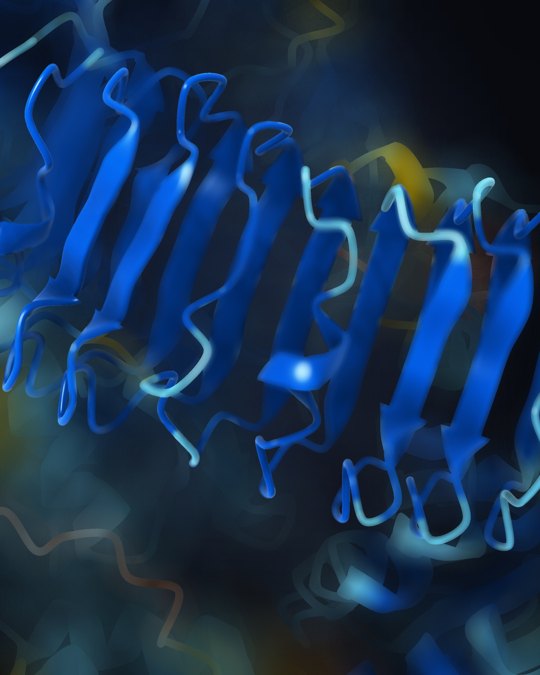 AlphaFold RPP7 repeat domain |
Proteins and complexes
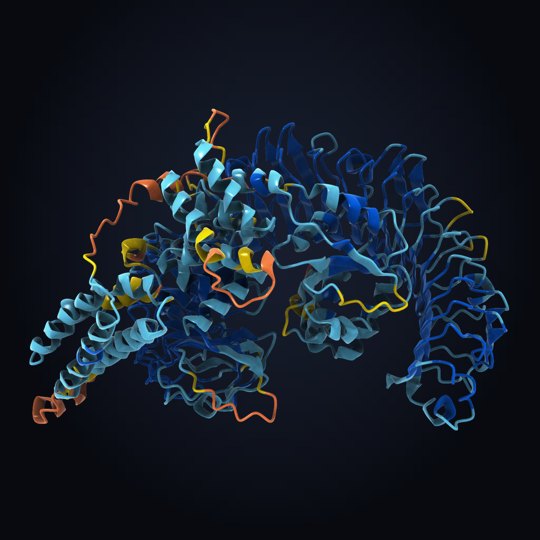 AlphaFold RPP7, by pLDDT |
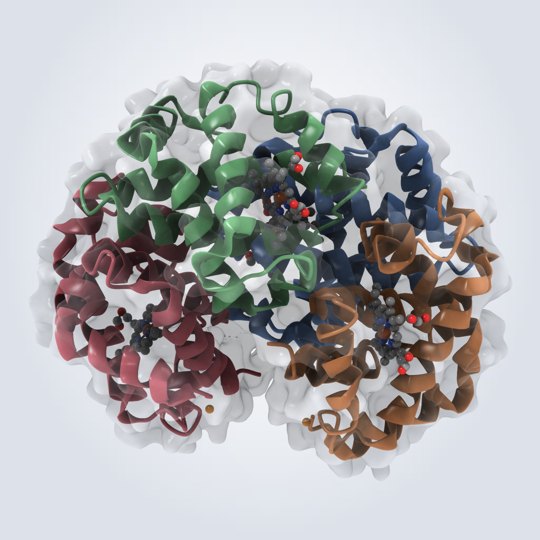 Hemoglobin, glass surface (4HHB) |
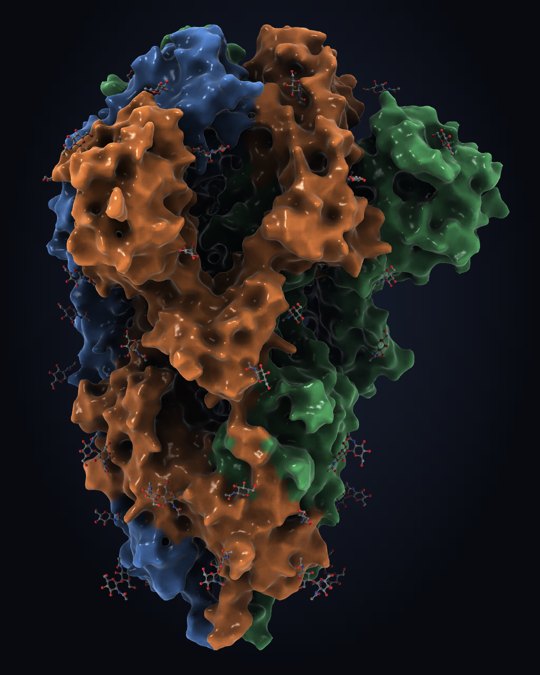 SARS-CoV-2 spike (6VXX) |
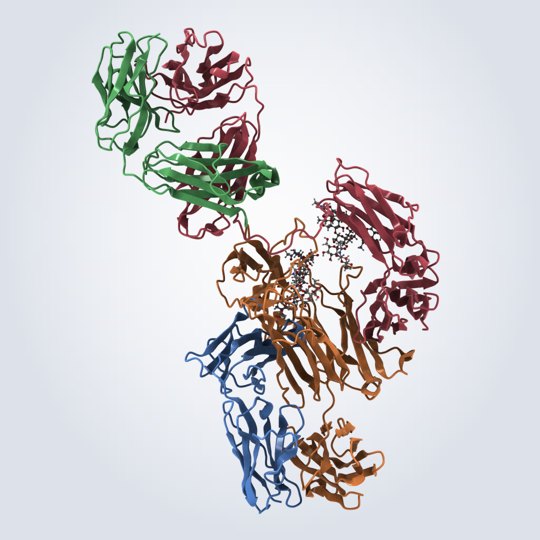 IgG antibody (1IGT) |
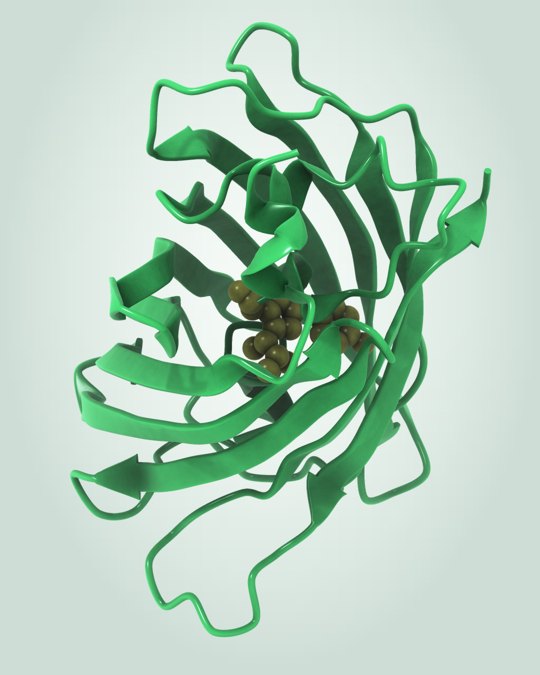 Green fluorescent protein (1EMA) |
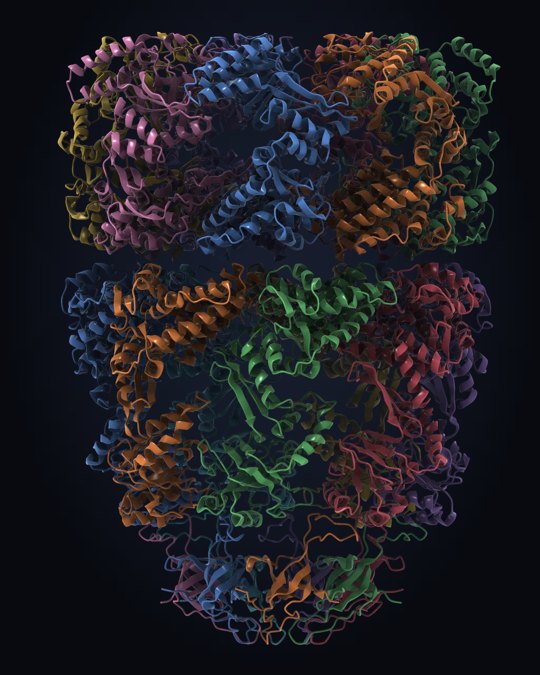 GroEL–GroES chaperonin (1AON) |
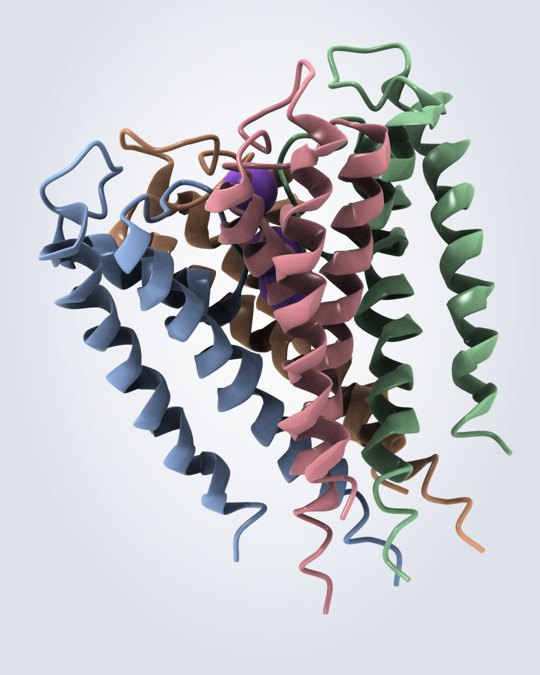 KcsA K⁺ channel (1BL8) |
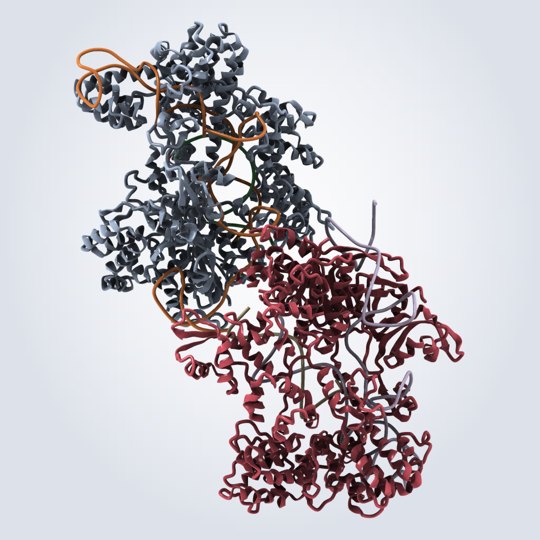 CRISPR-Cas9 with guide RNA (4OO8) |
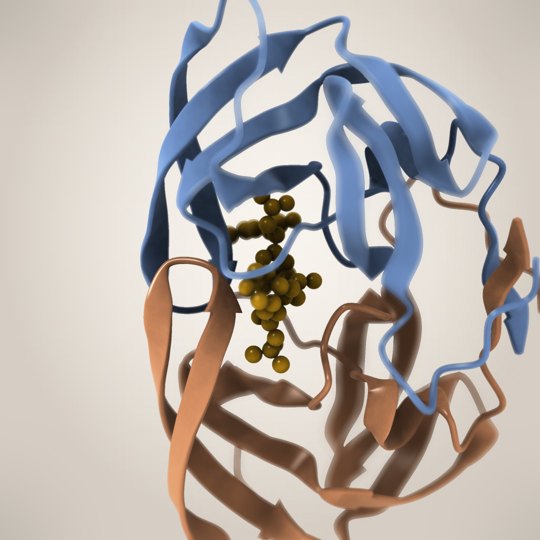 HIV protease + saquinavir (1HXB) |
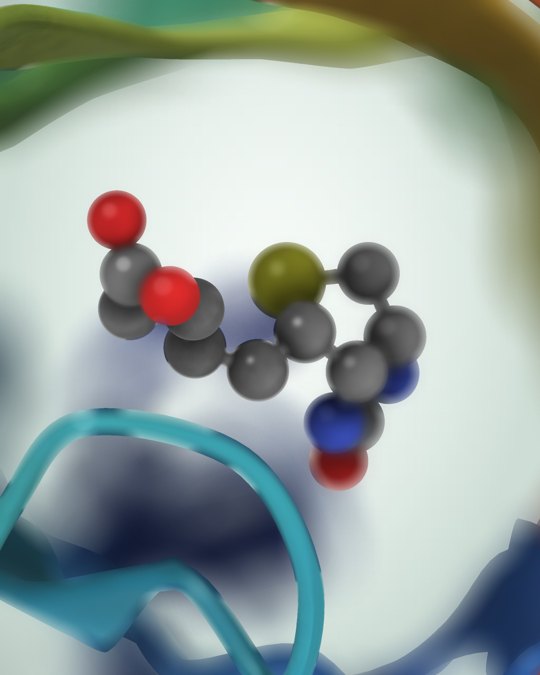 Streptavidin–biotin (1STP) |
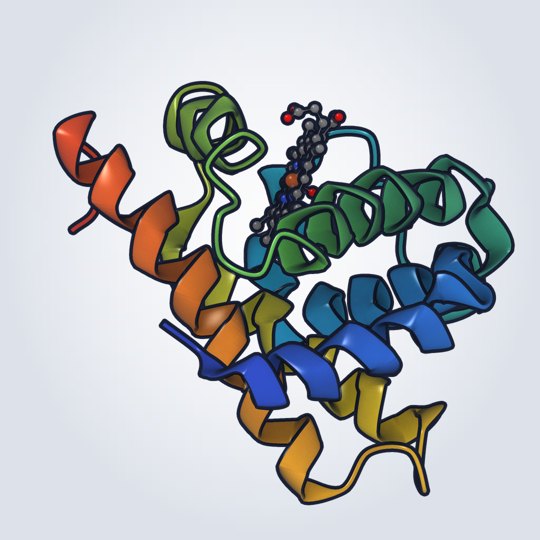 Myoglobin, toon style (1MBN) |
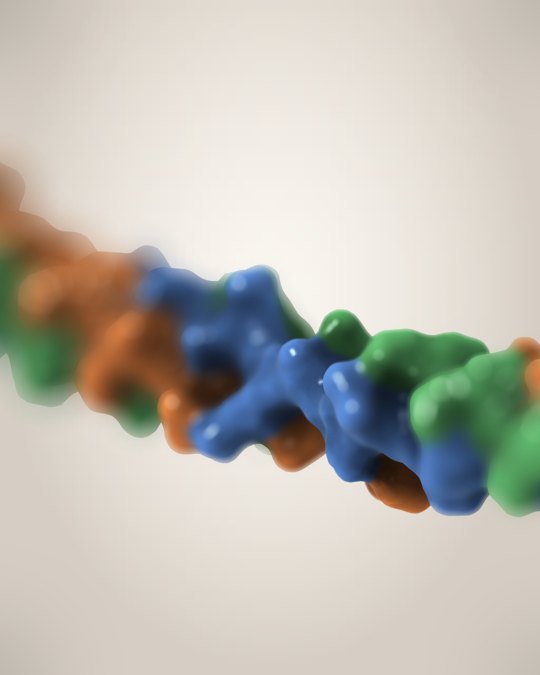 Collagen triple helix (1BKV) |
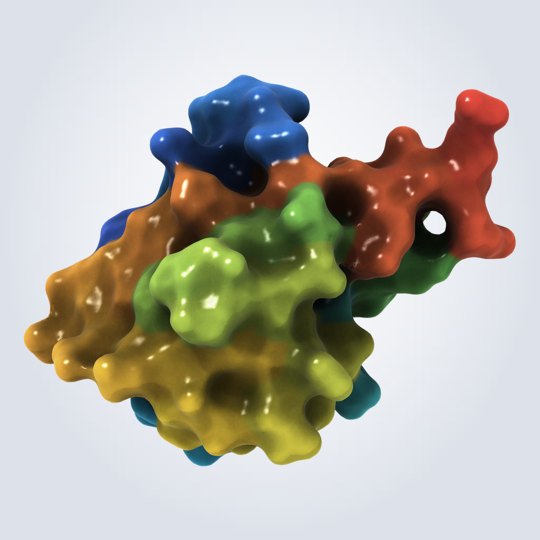 Ubiquitin surface (1UBQ) |
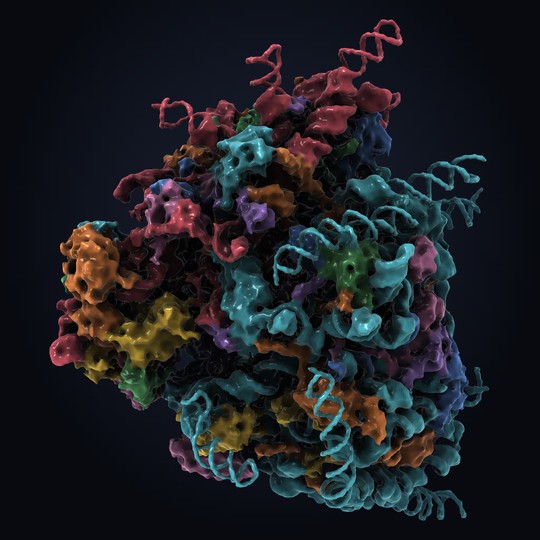 Human 80S ribosome, 237,685 atoms (4V6X) |
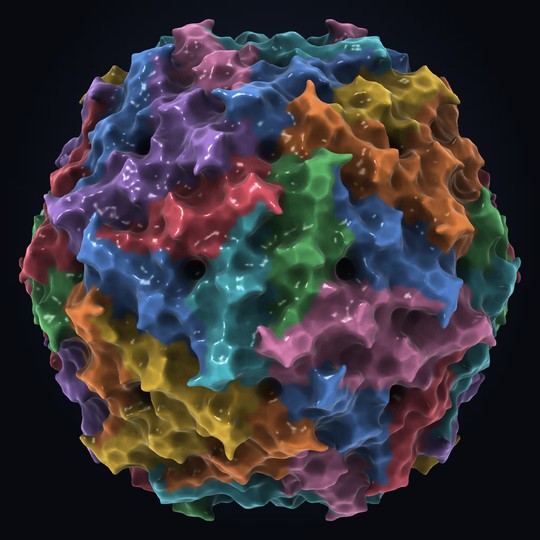 Virus capsid, all 60 copies (1STM) |
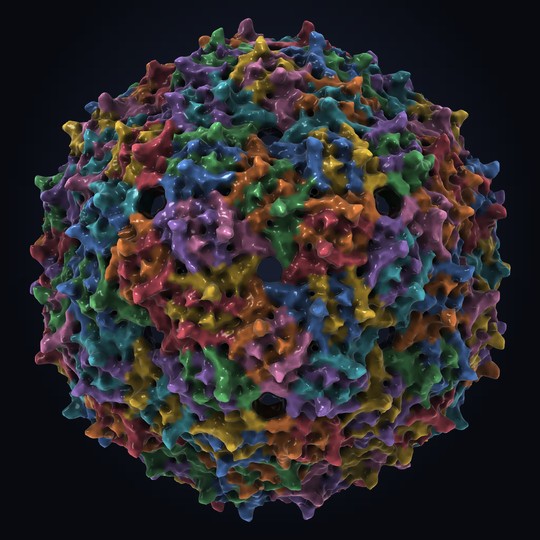 Bacteriophage MS2 capsid, 180 copies (2MS2) |
Nucleic acids
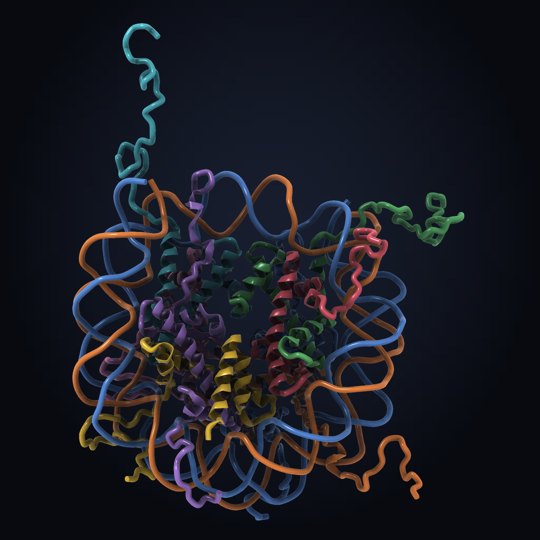 Nucleosome (1KX5) |
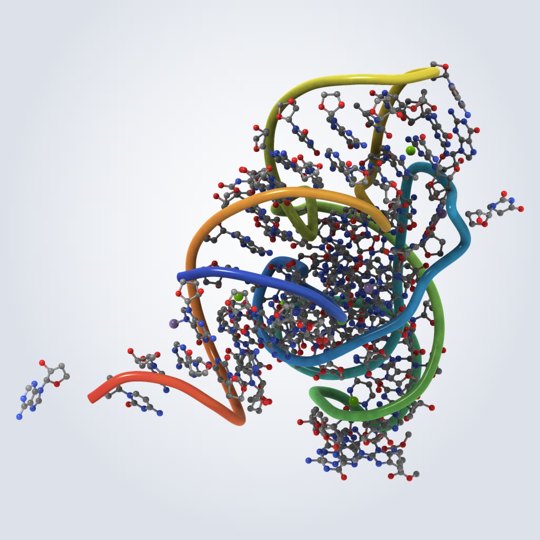 Transfer RNA (1EHZ) |
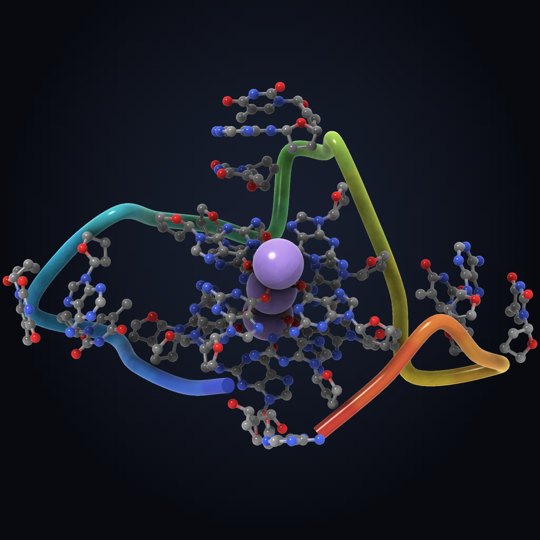 G-quadruplex with K⁺ (1KF1) |
Studio floor, illustration and cutaway
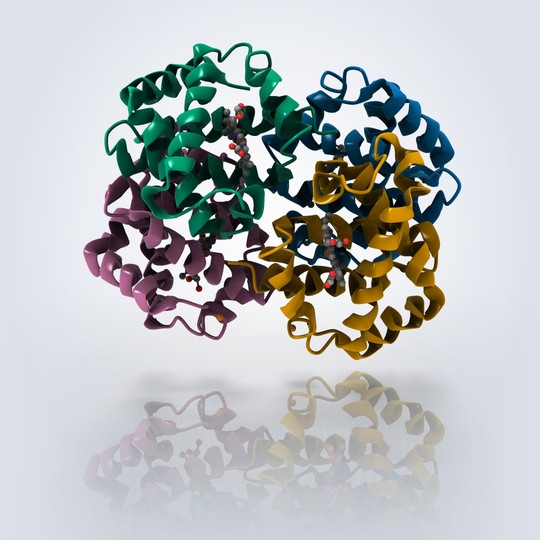 Hemoglobin on the studio floor (4HHB) |
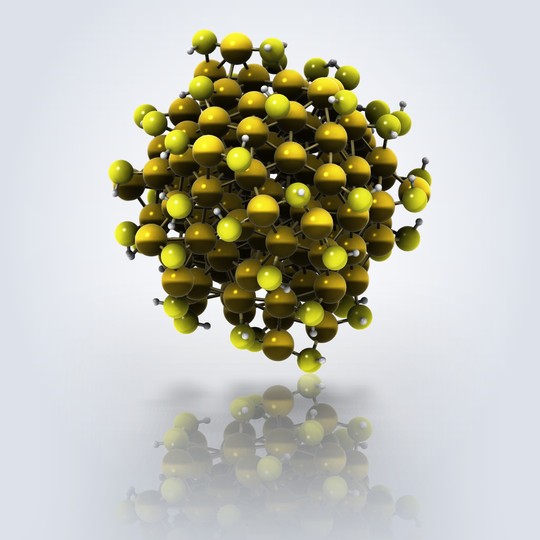 Gold–thiolate cluster on the studio floor |
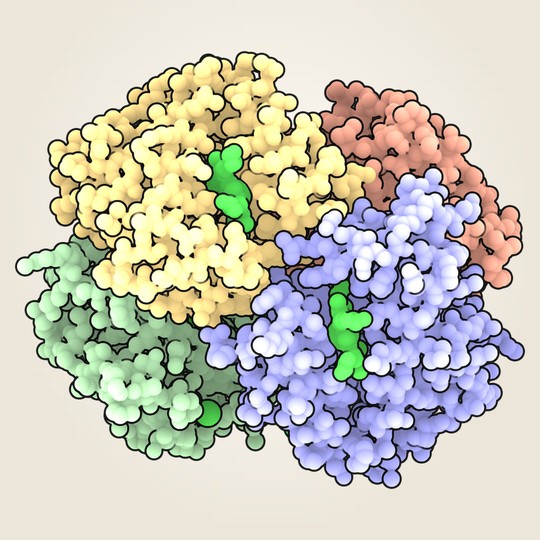 Hemoglobin, Goodsell style (4HHB) |
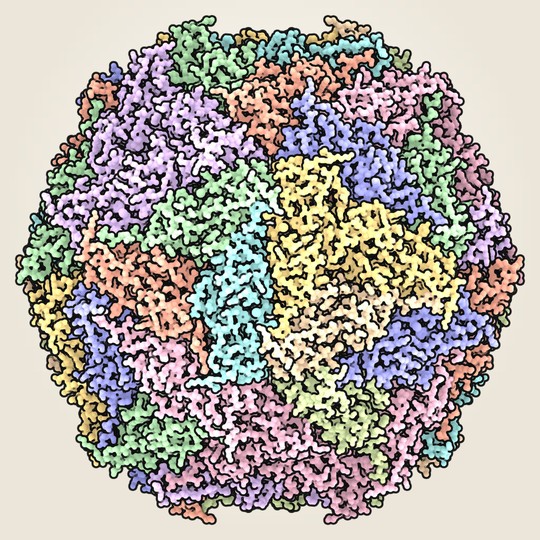 Virus capsid, Goodsell style (1STM) |
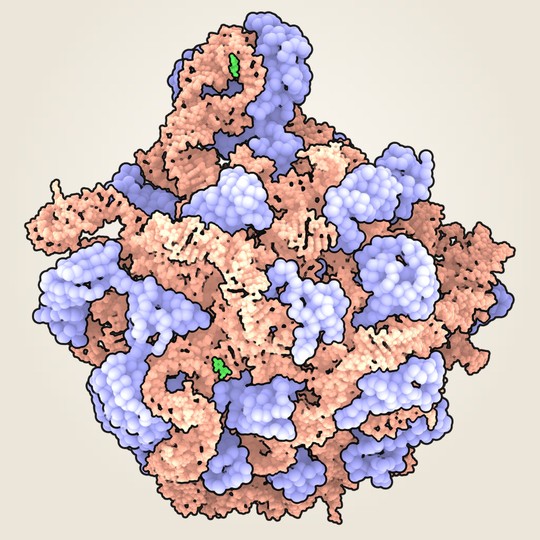 Ribosome large subunit, Goodsell style (1FFK) |
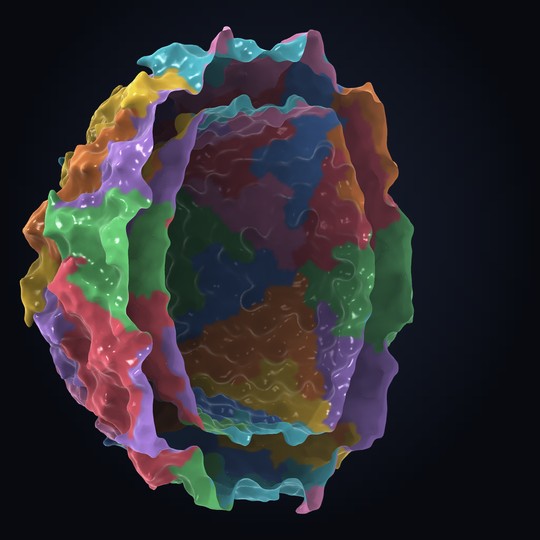 Virus capsid, cut open (1STM) |
Chemistry and materials
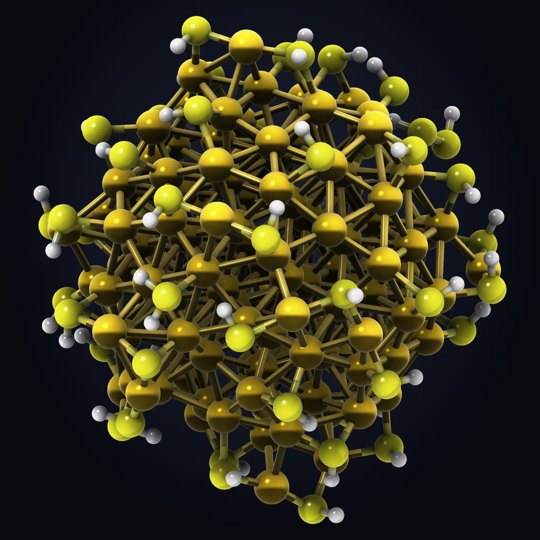 Gold–thiolate cluster |
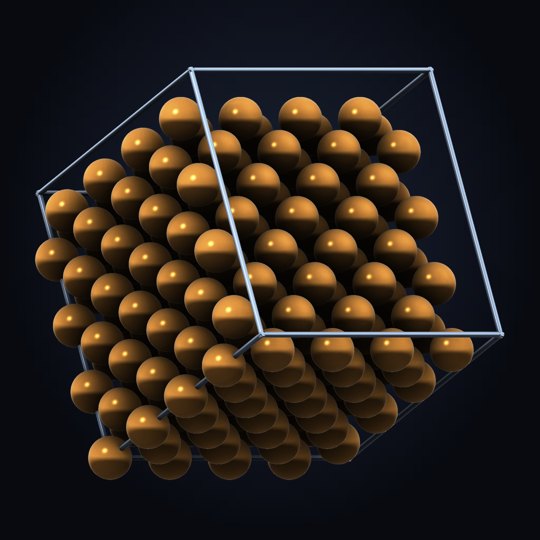 Copper crystal and unit cell |
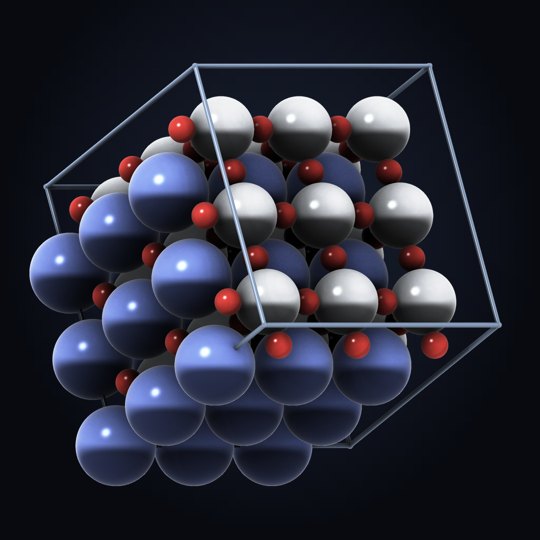 SrTiO₃ perovskite |
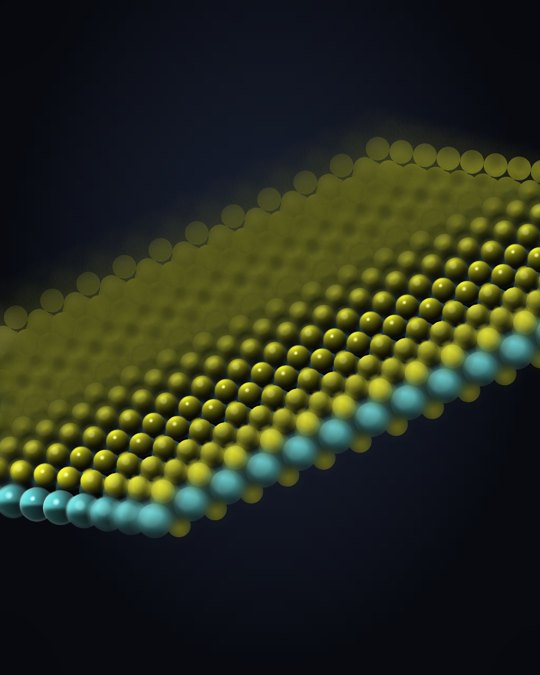 MoS₂ monolayer |
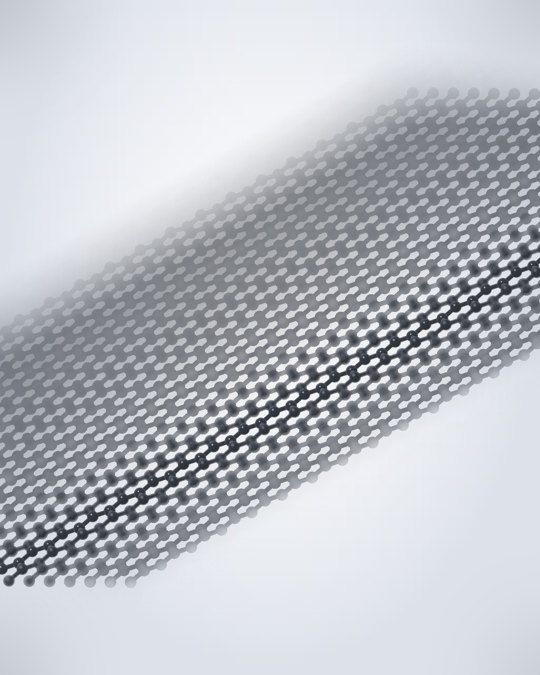 Graphene |
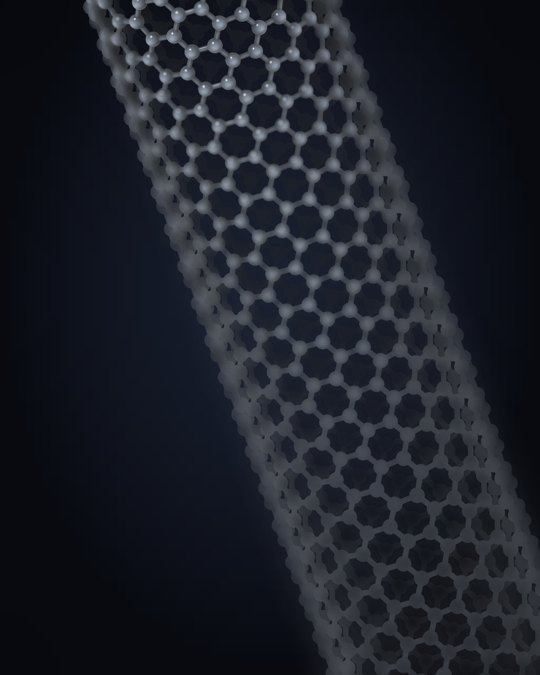 Carbon nanotube |
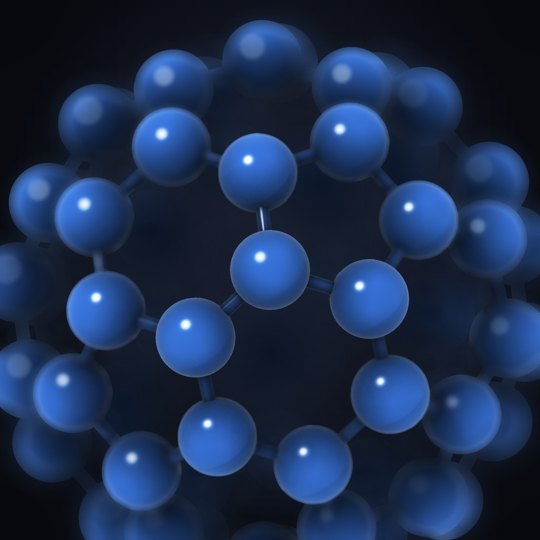 C₆₀ buckminsterfullerene |
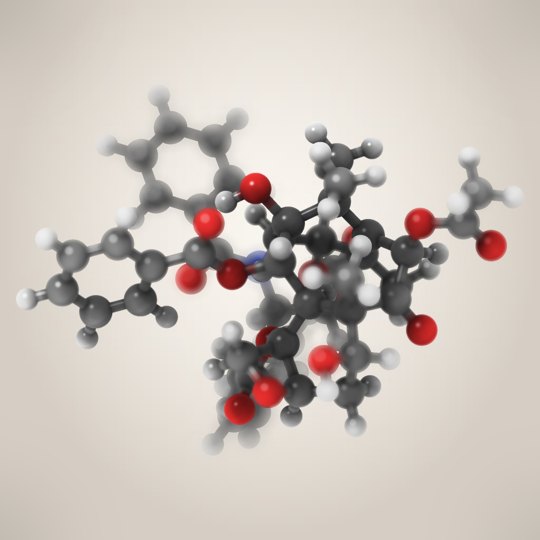 Taxol (paclitaxel) |
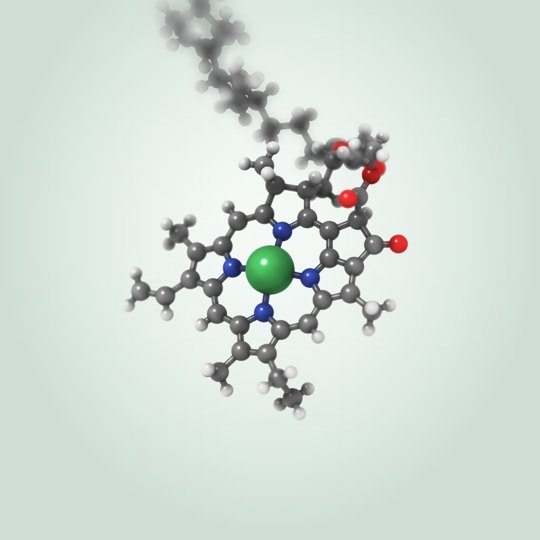 Chlorophyll a |
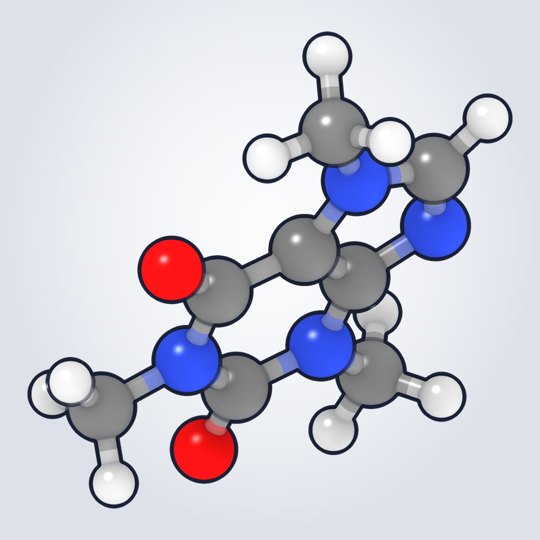 Caffeine |
For Jupyter, use ipyspeck, which has the same settings.
Development
The frontend (frontend/) bundles the viewer shared with ipyspeck (../core).
Build it with cd frontend && npm install && npm run build, which also compiles
../core. pip install . runs the same build when stspeck/static is missing.
License
BSD-3-Clause (see LICENSE). stspeck is based on Speck by wwwtyro,
which is in the public domain (see LICENSE-SPECK).
1 maintainer

Metadata
1 maintainer
Release files for stspeck 0.8.4
For a detailed explanation of source distributions (sdists) and built distributions (wheels), please see the package formats documentation.
Source distribution (sdist)
| File | Size | Uploaded | Provenance | Actions |
|---|---|---|---|---|
| stspeck-0.8.4.tar.gz | 137.6 kB | Without provenance | Details for stspeck-0.8.4.tar.gz |
Built distribution (wheel)
| File | Interpreter | ABI | Platform | Actions Reset |
|---|---|---|---|---|
| stspeck-0.8.4-py3-none-any.whl | Python 3 | none | any | Details for stspeck-0.8.4-py3-none-any.whl |
Total release size: 251.1 kB
Release files / stspeck-0.8.4.tar.gz
| Download URL | stspeck-0.8.4.tar.gz |
|---|---|
| Size | 137.6 kB |
| Tags | Source |
|
SHA-256 checksum How to use checksums |
c6e1e89c4fbbc83a7851d511331db740107ab65ca5894c15588778091729c679
|
|
BLAKE2b-256 checksum How to use checksums |
9b45dcb37656c9400b40c043384e13190a496b4c5e36a7ec1d8580c6e8ffb1f3
|
| Upload date | |
|
Uploaded using Trusted Publishing? What is trusted publishing? |
No |
| Uploaded via |
twine/7.0.0 CPython/3.12.13
|
Release files / stspeck-0.8.4-py3-none-any.whl
| Download URL | stspeck-0.8.4-py3-none-any.whl |
|---|---|
| Size | 113.5 kB |
| Tags | Python 3 |
|
SHA-256 checksum How to use checksums |
a8ecc49e3756de41932460bd5f1698673f6ac42b14909c1392d7cc6bc040149f
|
|
BLAKE2b-256 checksum How to use checksums |
36613a22f7dcc6b60bf65533d67c39567044d7de394f605e556b7383d723e7ee
|
| Upload date | |
|
Uploaded using Trusted Publishing? What is trusted publishing? |
No |
| Uploaded via |
twine/7.0.0 CPython/3.12.13
|
Security for stspeck 0.8.4
Provenance
Provenance describes where a file came from. On PyPI, provenance is shared via attestations, which provide a verifiable record of the build or publishing details. View details, limitations and caveats.
No provenance found
None of the files in this release were uploaded with provenance metadata.
A note on package security
PyPI is a repository for distributing packages, not a service for auditing them. While third-party security researchers and our staff do their best to detect and remove malicious packages, PyPI cannot guarantee the quality, security or suitability of any given package.
To learn more about protecting yourself from malicious actors, visit our package security documentation.














