

Swarm Squad
A simulation framework for multi-agent systems.


✨ Key Features
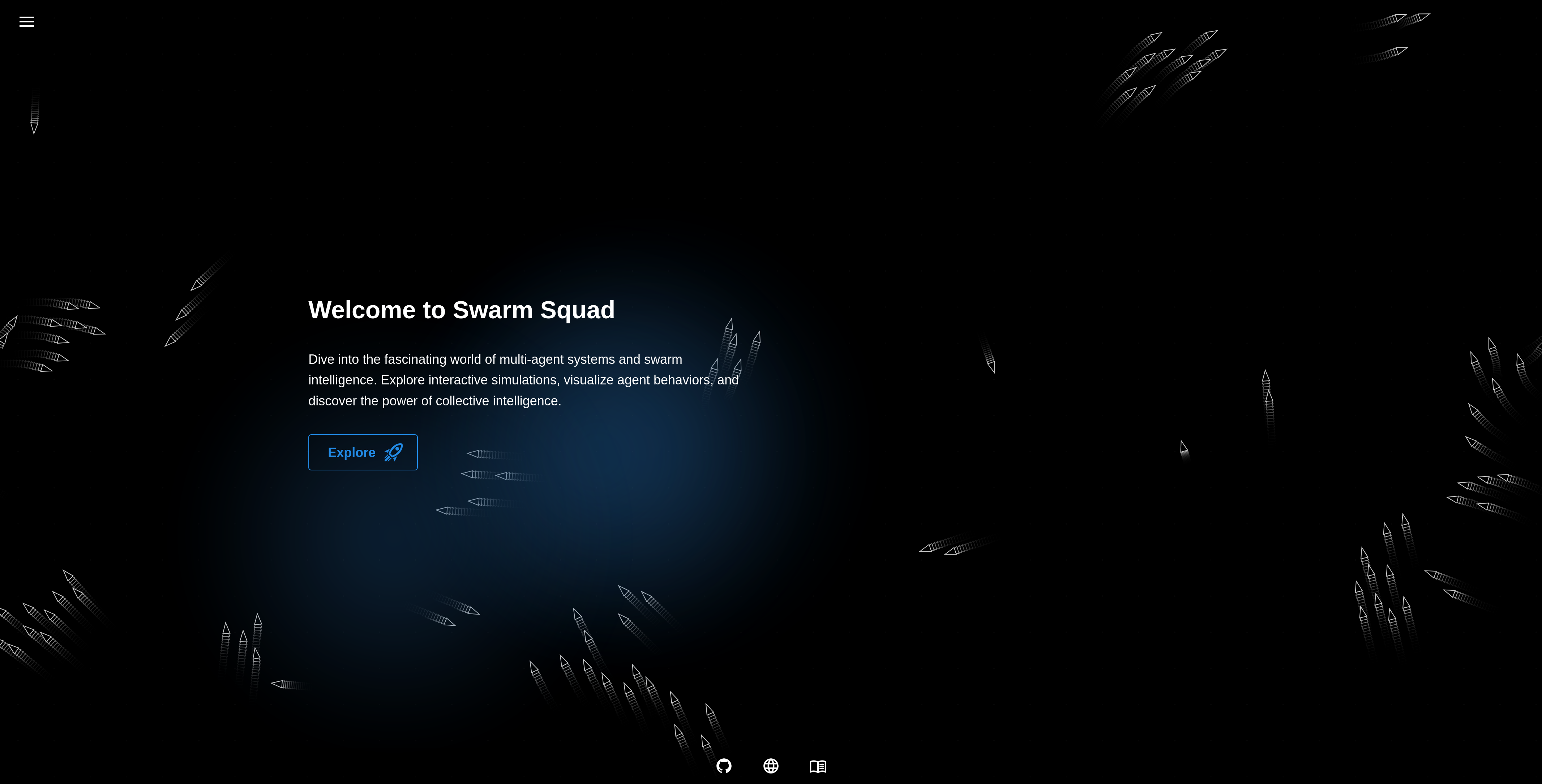 |
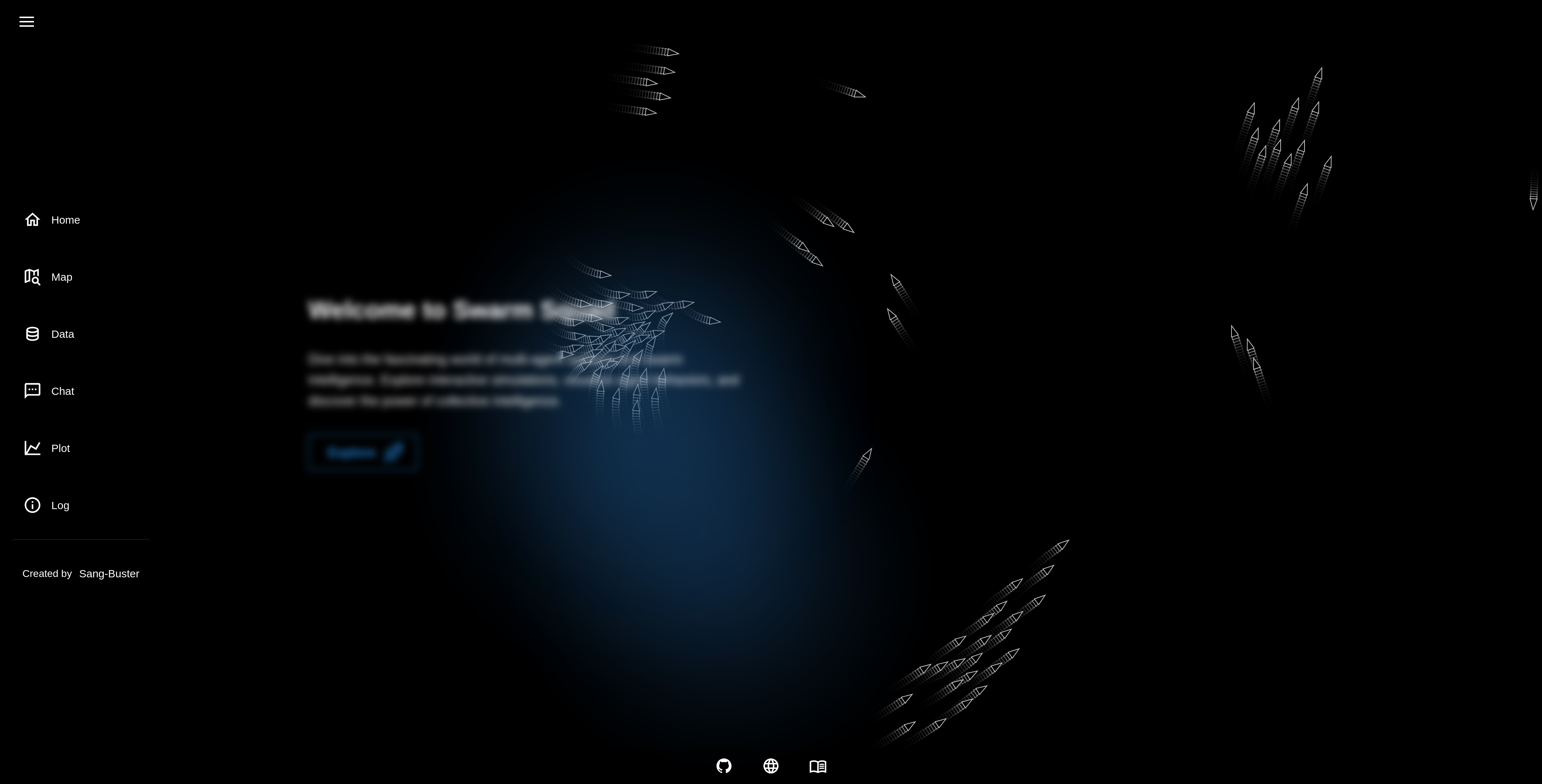 |
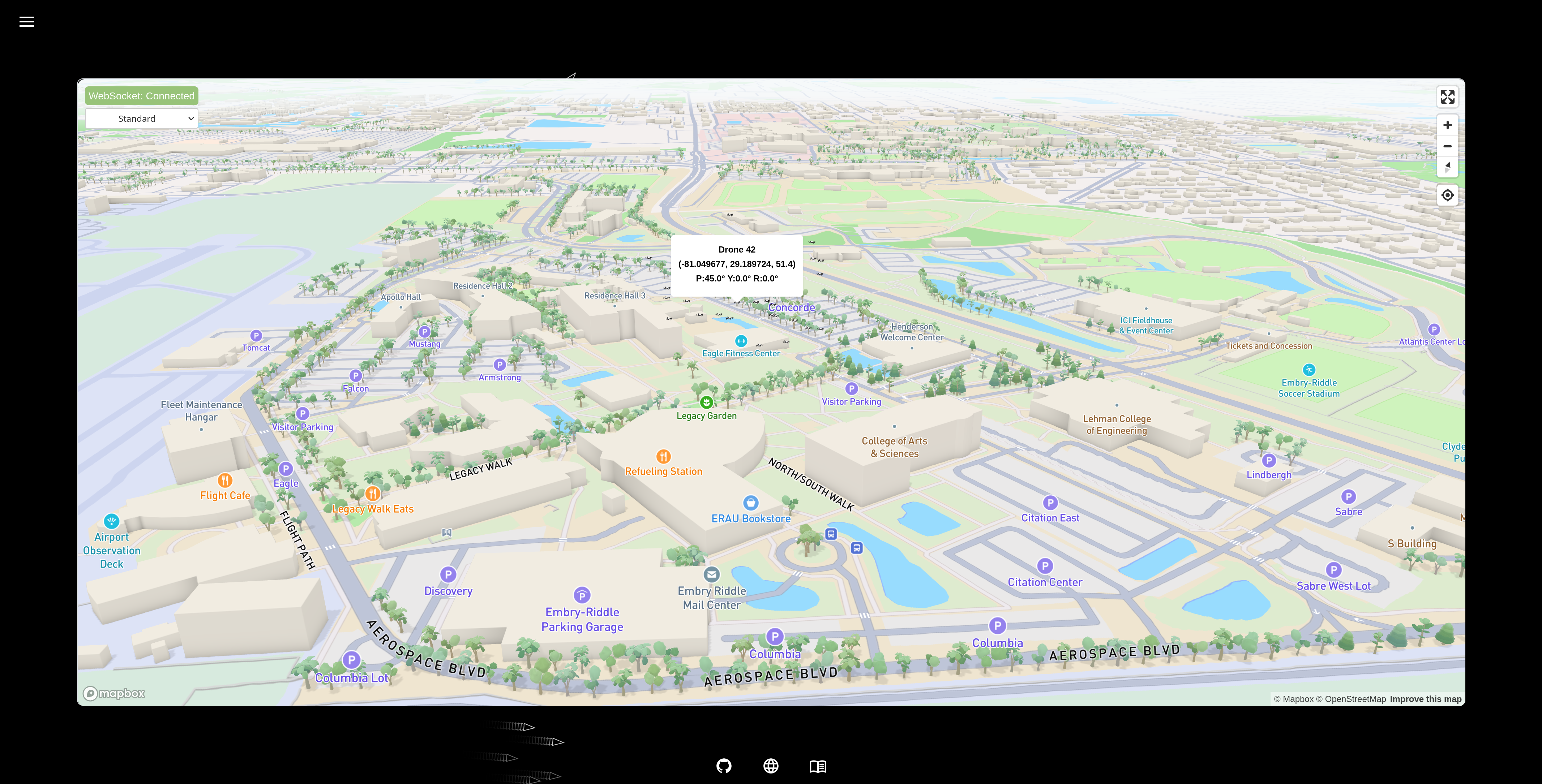 |
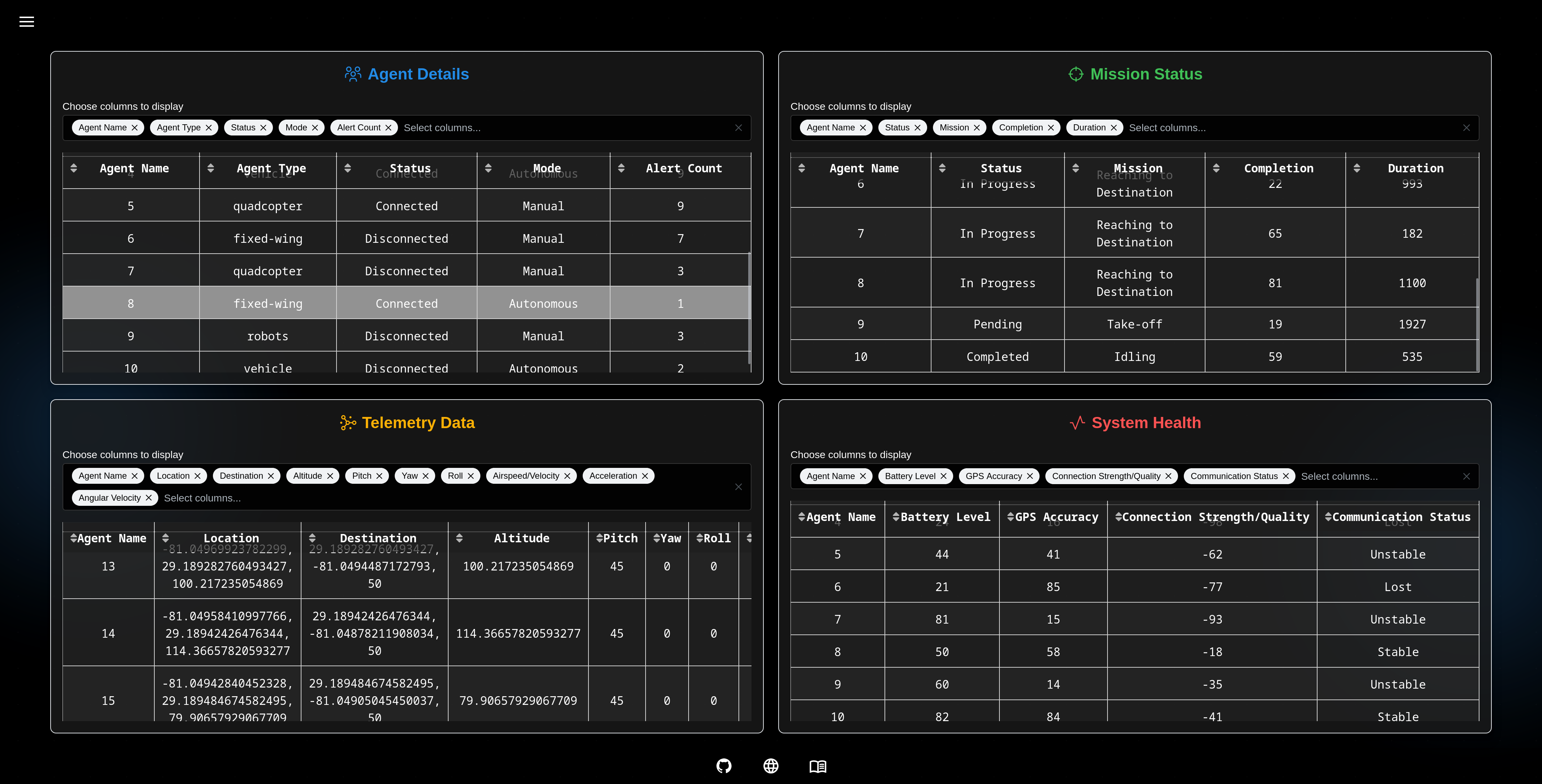 |
- Agent Simulation: Simulates multiple agents in a shared environment.
- Scalability: Handles large-scale agent simulations efficiently.
- Behavior Specs: Define and test agent behavior against expected outcomes.
- Environment Modeling: Build and manage physical or virtual environments.
- Analytics: Collect metrics on speed, coordination, and performance.
- Customizable: Easily extend agents, environments, and evaluation logic.
- Visualization: Real-time views and post-run reports of simulations.
- Tool Integration: Connect with RL libraries, protocols, or visual tools.
- Versatile Agents: Supports robots, drones, and autonomous vehicles.
- Docs & Support: Includes clear documentation and helpful resources.
🚀 Getting Started
It is recommended to use uv to create a virtual environment and install the following package.
uv pip install swarm-squad
To run the application, simply type:
swarm-squad
# or
swarm-squad --help
👨💻 Development Setup
-
Clone the repository and navigate to project folder:
git clone https://github.com/Sang-Buster/Swarm-Squad
cd Swarm-Squad
-
Install uv first:
# macOS/Linux
curl -LsSf https://astral.sh/uv/install.sh | sh
# Windows
powershell -c "irm https://astral.sh/uv/install.ps1 | iex"
-
Install the required packages: Option 1 (recommended): Synchronizes environment with dependencies in pyproject.toml and uv.lock
uv sync
source .venv/bin/activate # .venv\Scripts\activate for Windows
Option 2 (manual): Manual editable installation without referencing lockfile
uv venv --python 3.10 # Create virtual environment
source .venv/bin/activate # .venv\Scripts\activate for Windows
uv pip install -e .
-
Set up environment variables:
# Copy the example environment file
cp .env.example .env
- You can get a
MAPBOX_ACCESS_TOKENby signing up at https://www.mapbox.com/ - Update the
OLLAMA_API_URLif your Ollama instance is running on a different address - Update the
DATABASE_PATHif you want to use a custom database file
- You can get a
-
Install ruff and pre-commit:
uv pip install ruff pre-commit
ruffis a super fast Python linter and formatter.pre-commithelps maintain code quality by running automated checks before commits are made.
-
Install git hooks:
pre-commit install --install-hooks
These hooks perform different checks at various stages:
commit-msg: Ensures commit messages follow the conventional formatpre-commit: Runs Ruff linting and formatting checks before each commitpre-push: Performs final validation before pushing to remote
-
Code Linting & Formatting:
ruff check --fix
ruff check --select I --fix
ruff format
-
Run the application:
uv run src/swarm_squad/app.py
📝 File Structure
📂Swarm Squad
 ┣ 📂src                         // Source Code
 ┃ ┗ 📦swarm_squad                  //
 ┃ ┃ ┣ 📂assets                     // Static assets (CSS, images, favicon, etc.)
 ┃ ┃ ┃ ┣ 📂css                      // CSS files
 ┃ ┃ ┃ ┣ 📂js                       // JavaScript files
 ┃ ┃ ┃ ┣ 📂models                   // Model files
 ┃ ┃ ┃ ┣ 📄favicon.ico              // Favicon
 ┃ ┃ ┃ ┗ 📄favicon.png              // Favicon
 ┃ ┃ ┣ 📂cli                        // CLI commands
 ┃ ┃ ┣ 📂components                 // Reusable UI components
 ┃ ┃ ┣ 📂data                       // Database files
 ┃ ┃ ┣ 📂pages                      // Page components and routing
 ┃ ┃ ┣ 📂scripts                    // Simulation and algorithm scripts
 ┃ ┃ ┣ 📂utils                      // Utility functions and helpers
 ┃ ┃ ┣ 📂cli                        // CLI commands
 ┃ ┃ ┣ 📄app.py                     // Entry point
 ┃ ┃ ┗ 📄core.py                    // Dash app core
 ┣ 📄.env.example                // Template for environment variables
 ┣ 📄.gitignore                  // Git ignore patterns (env, cache, database)
 ┣ 📄.pre-commit-config.yaml     // Pre-commit hooks (ruff, commit message)
 ┣ 📄.python-version             // Python version
 ┣ 📄LICENSE                     // MIT License
 ┣ 📄README.md                   // Project documentation
 ┣ 📄pyproject.toml              // Project configuration
 ┗ 📄uv.lock                     // Lock file
1 maintainer

Metadata
1 maintainer
Release files for swarm-squad 0.1.8
For a detailed explanation of source distributions (sdists) and built distributions (wheels), please see the package formats documentation.
Source distribution (sdist)
| File | Size | Uploaded | |
|---|---|---|---|
| swarm_squad-0.1.8.tar.gz | 26.0 MB | Details |
Built distribution (wheel)
| File | Interpreter | ABI | Platform | Reset |
|---|---|---|---|---|
| swarm_squad-0.1.8-py3-none-any.whl | Python 3 | none | any | Details |
Total release size: 51.9 MB
Release files / swarm_squad-0.1.8.tar.gz
| Download URL | swarm_squad-0.1.8.tar.gz |
|---|---|
| Size | 26.0 MB |
| Tags | Source |
|
SHA-256 checksum How to use checksums |
2b4b07aef34b6bedd8240ce27ea369a7efb6c469b588f327cb95aee2de6917a7
|
|
BLAKE2b-256 checksum How to use checksums |
38df7b2d9da44df39e2ffcbbaa291e4c49fd7a268cec208b6783166b18536e6b
|
| Upload date | |
|
Uploaded using Trusted Publishing? What is trusted publishing? |
No |
| Uploaded via |
uv/0.7.3
|
Release files / swarm_squad-0.1.8-py3-none-any.whl
| Download URL | swarm_squad-0.1.8-py3-none-any.whl |
|---|---|
| Size | 25.9 MB |
| Tags | Python 3 |
|
SHA-256 checksum How to use checksums |
a4c2de6d3966612859646a5d2f03b52afc5b2e235920f543d2dae6717a4c4752
|
|
BLAKE2b-256 checksum How to use checksums |
85bb891483a9545c3cf7a29139c4946b93c24d1e7c01075328224c1019b00b81
|
| Upload date | |
|
Uploaded using Trusted Publishing? What is trusted publishing? |
No |
| Uploaded via |
uv/0.7.3
|














