
Swarm Squad: A simulation framework for multi-agent systems.

Project description
Swarm Squad
A simulation framework for multi-agent systems.


✨ Key Features
 |
 |
 |
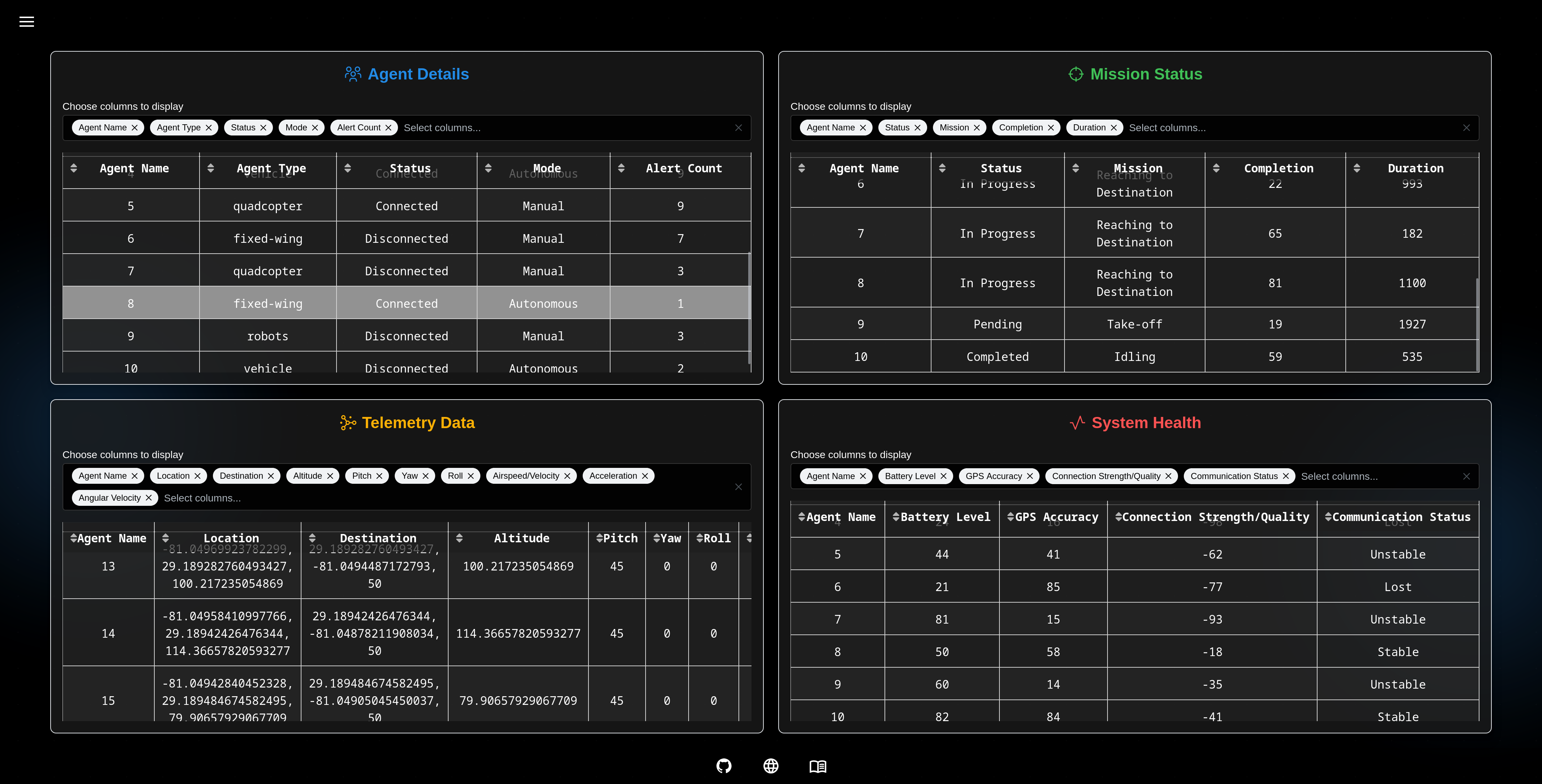 |
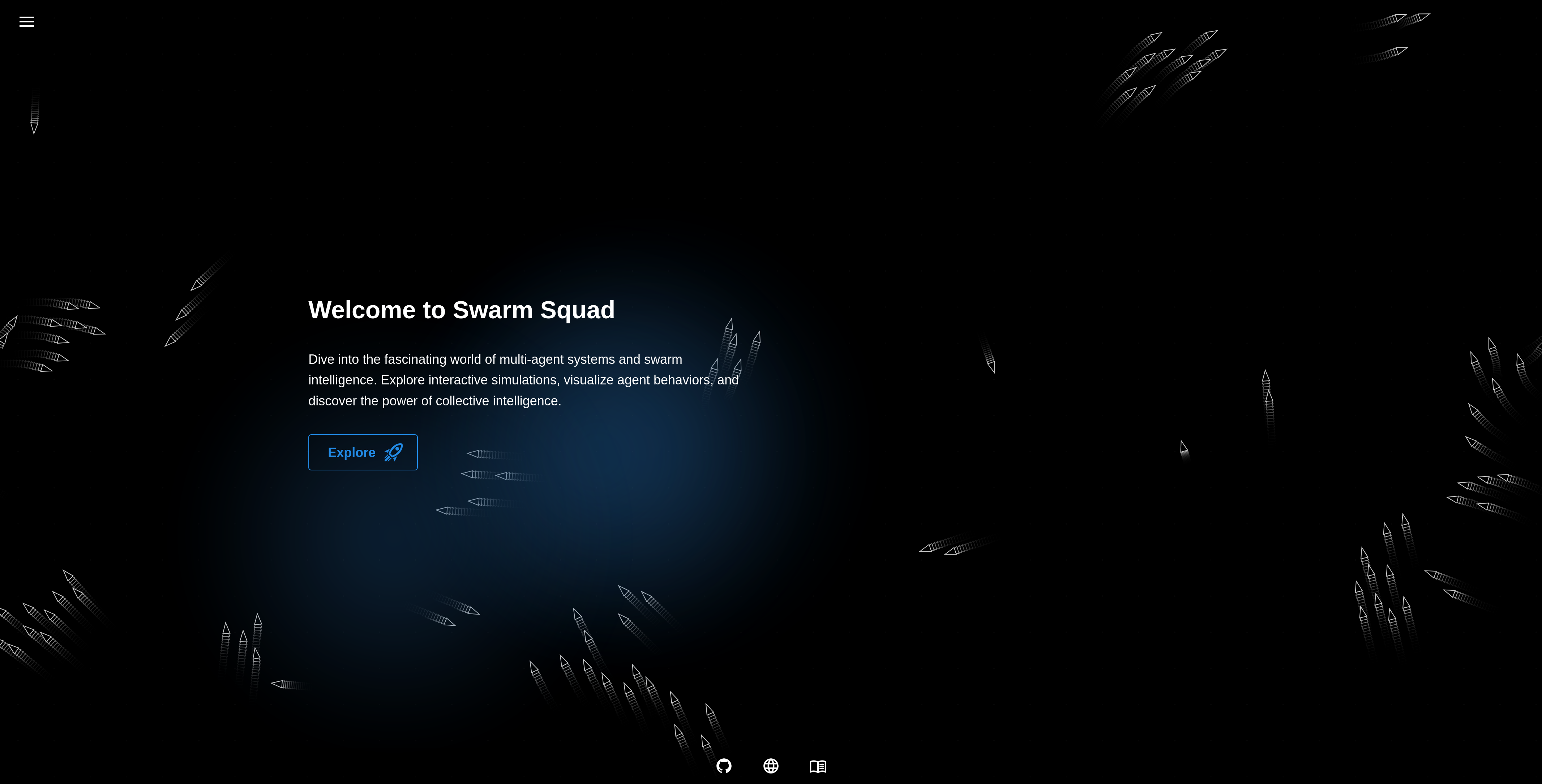
- Agent Simulation: Simulates multiple agents in a shared environment.
- Scalability: Handles large-scale agent simulations efficiently.
- Behavior Specs: Define and test agent behavior against expected outcomes.
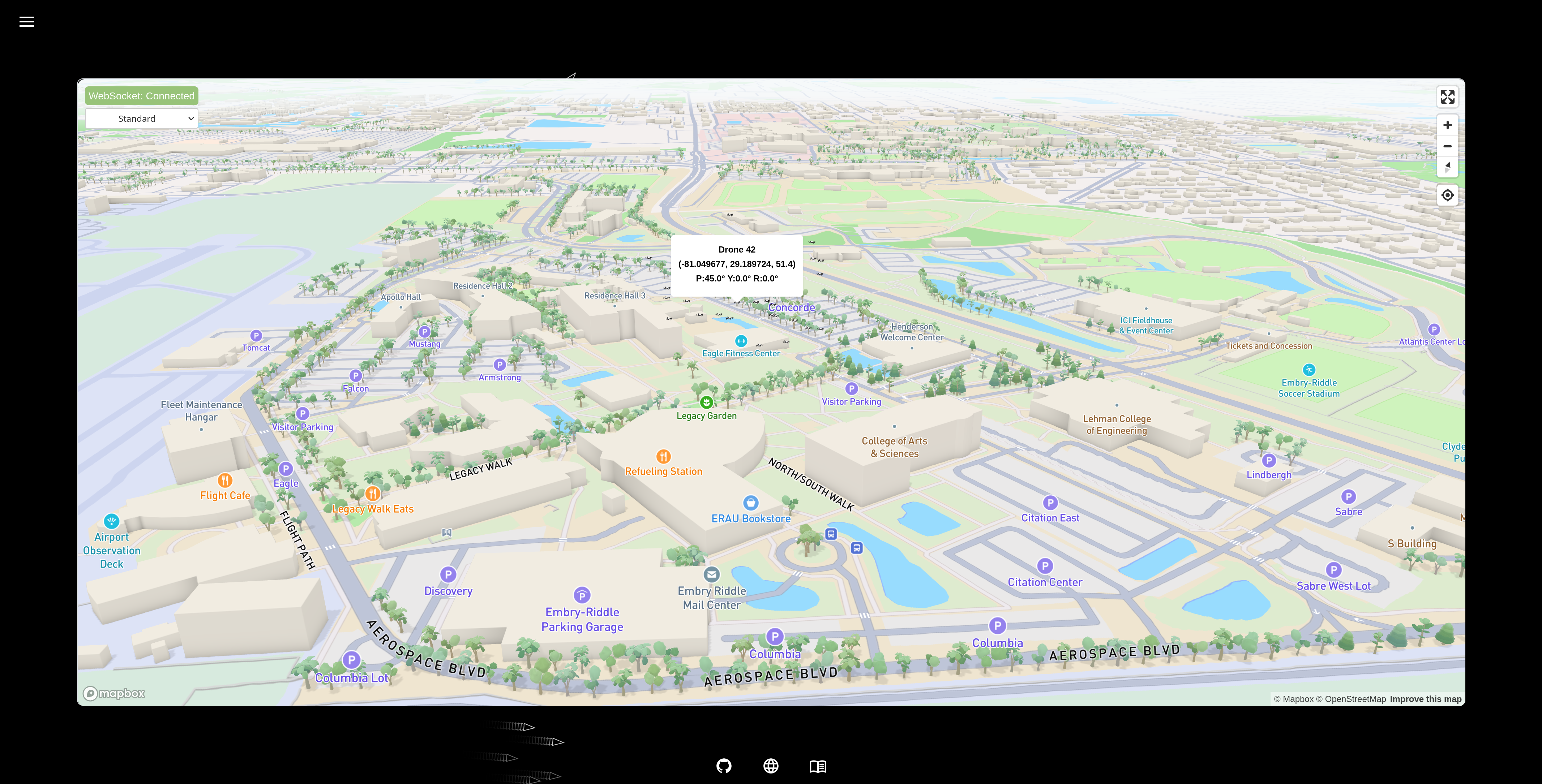
- Environment Modeling: Build and manage physical or virtual environments.
- Analytics: Collect metrics on speed, coordination, and performance.
- Customizable: Easily extend agents, environments, and evaluation logic.
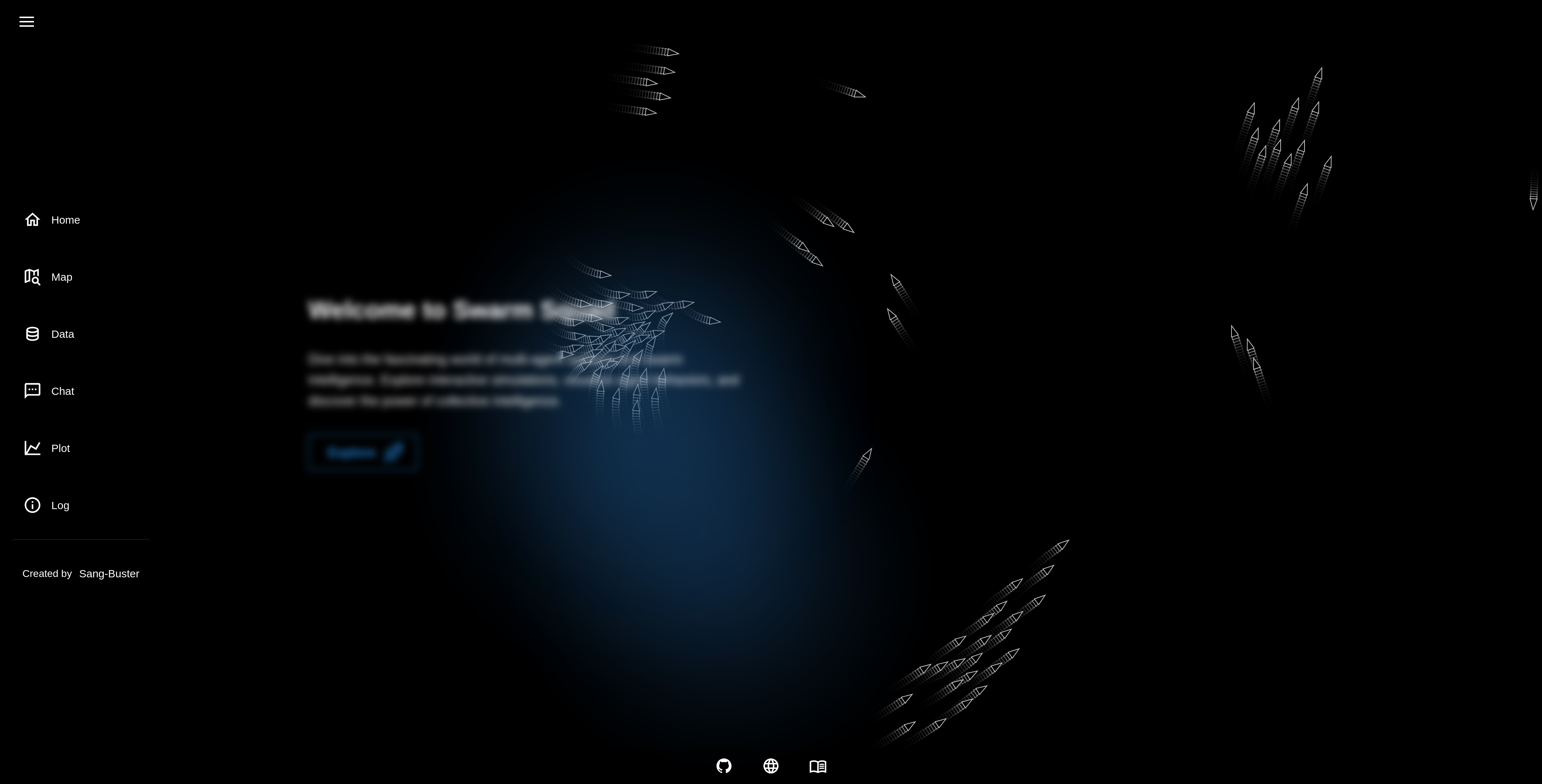
- Visualization: Real-time views and post-run reports of simulations.
- Tool Integration: Connect with RL libraries, protocols, or visual tools.
- Versatile Agents: Supports robots, drones, and autonomous vehicles.
- Docs & Support: Includes clear documentation and helpful resources.
🚀 Getting Started
It is recommended to use uv to create a virtual environment and install the following package.
uv pip install swarm-squad
To run the application, simply type:
swarm-squad
# or
swarm-squad --help
👨💻 Development Setup
-
Clone the repository and navigate to project folder:
git clone https://github.com/Sang-Buster/Swarm-Squad
cd Swarm-Squad
-
Install uv first:
# macOS/Linux
curl -LsSf https://astral.sh/uv/install.sh | sh
# Windows
powershell -c "irm https://astral.sh/uv/install.ps1 | iex"
-
Install the required packages: Option 1 (recommended): Synchronizes environment with dependencies in pyproject.toml and uv.lock
uv sync
source .venv/bin/activate # .venv\Scripts\activate for Windows
Option 2 (manual): Manual editable installation without referencing lockfile
uv venv --python 3.10 # Create virtual environment
source .venv/bin/activate # .venv\Scripts\activate for Windows
uv pip install -e .
-
Set up environment variables:
# Copy the example environment file
cp .env.example .env
- You can get a
MAPBOX_ACCESS_TOKENby signing up at https://www.mapbox.com/ - Update the
OLLAMA_API_URLif your Ollama instance is running on a different address - Update the
DATABASE_PATHif you want to use a custom database file
- You can get a
-
Install ruff and pre-commit:
uv pip install ruff pre-commit
ruffis a super fast Python linter and formatter.pre-commithelps maintain code quality by running automated checks before commits are made.
-
Install git hooks:
pre-commit install --install-hooks
These hooks perform different checks at various stages:
commit-msg: Ensures commit messages follow the conventional formatpre-commit: Runs Ruff linting and formatting checks before each commitpre-push: Performs final validation before pushing to remote
-
Code Linting & Formatting:
ruff check --fix
ruff check --select I --fix
ruff format
-
Run the application:
uv run src/swarm_squad/app.py
📝 File Structure
📂Swarm Squad
 ┣ 📂src                         // Source Code
 ┃ ┗ 📦swarm_squad                  //
 ┃ ┃ ┣ 📂assets                     // Static assets (CSS, images, favicon, etc.)
 ┃ ┃ ┃ ┣ 📂css                      // CSS files
 ┃ ┃ ┃ ┣ 📂js                       // JavaScript files
 ┃ ┃ ┃ ┣ 📂models                   // Model files
 ┃ ┃ ┃ ┣ 📄favicon.ico              // Favicon
 ┃ ┃ ┃ ┗ 📄favicon.png              // Favicon
 ┃ ┃ ┣ 📂cli                        // CLI commands
 ┃ ┃ ┣ 📂components                 // Reusable UI components
 ┃ ┃ ┣ 📂data                       // Database files
 ┃ ┃ ┣ 📂pages                      // Page components and routing
 ┃ ┃ ┣ 📂scripts                    // Simulation and algorithm scripts
 ┃ ┃ ┣ 📂utils                      // Utility functions and helpers
 ┃ ┃ ┣ 📂cli                        // CLI commands
 ┃ ┃ ┣ 📄app.py                     // Entry point
 ┃ ┃ ┗ 📄core.py                    // Dash app core
 ┣ 📄.env.example                // Template for environment variables
 ┣ 📄.gitignore                  // Git ignore patterns (env, cache, database)
 ┣ 📄.pre-commit-config.yaml     // Pre-commit hooks (ruff, commit message)
 ┣ 📄.python-version             // Python version
 ┣ 📄LICENSE                     // MIT License
 ┣ 📄README.md                   // Project documentation
 ┣ 📄pyproject.toml              // Project configuration
 ┗ 📄uv.lock                     // Lock file
Release history Release notifications | RSS feed


Download files
Download the file for your platform. If you're not sure which to choose, learn more about installing packages.
Source Distribution
Built Distribution
Filter files by name, interpreter, ABI, and platform.
If you're not sure about the file name format, learn more about wheel file names.
Copy a direct link to the current filters
File details
Details for the file swarm_squad-0.1.8.tar.gz.
File metadata
- Download URL: swarm_squad-0.1.8.tar.gz
- Upload date:
- Size: 26.0 MB
- Tags: Source
- Uploaded using Trusted Publishing? No
- Uploaded via: uv/0.7.3
File hashes
| Algorithm | Hash digest | |
|---|---|---|
| SHA256 |
2b4b07aef34b6bedd8240ce27ea369a7efb6c469b588f327cb95aee2de6917a7
|
|
| MD5 |
63d82beeb8bf72d81fbeba704ff5a478
|
|
| BLAKE2b-256 |
38df7b2d9da44df39e2ffcbbaa291e4c49fd7a268cec208b6783166b18536e6b
|
File details
Details for the file swarm_squad-0.1.8-py3-none-any.whl.
File metadata
- Download URL: swarm_squad-0.1.8-py3-none-any.whl
- Upload date:
- Size: 25.9 MB
- Tags: Python 3
- Uploaded using Trusted Publishing? No
- Uploaded via: uv/0.7.3
File hashes
| Algorithm | Hash digest | |
|---|---|---|
| SHA256 |
a4c2de6d3966612859646a5d2f03b52afc5b2e235920f543d2dae6717a4c4752
|
|
| MD5 |
cbcde99f80ac4d3ba2e28cd0fbb09886
|
|
| BLAKE2b-256 |
85bb891483a9545c3cf7a29139c4946b93c24d1e7c01075328224c1019b00b81
|






