

A beautiful, interactive terminal dashboard for Python projects, environments, and tasks.


The Problem: "Why not just use a script?"
As developers, we often write Makefiles or bash scripts (like test.sh or lint.sh) to manage our project workflows. While scripts work, they have severe limitations:
- Context Switching: You have to remember the exact command or script name, type it out, and watch it vomit hundreds of lines of output into your terminal, erasing your history.
- Environment Hell: Did you remember to activate your virtual environment? Are you using
uv,poetry, orconda? Running the wrong script in the wrong environment is a daily frustration. - Discoverability: New developers joining your project don't know what scripts exist or what they do.
The Solution: TermBoard
TermBoard replaces your scripts with a persistent, interactive Terminal UI (TUI).
- 🧠 Smart Environment Detection: TermBoard automatically detects if you are using
uv,poetry,pipenv, or a standard.venv, and executes your tasks in the correct environment—no manual activation required. - ⚡ Asynchronous Streaming: Tasks run asynchronously in the background. Their output is streamed directly into a beautiful, scrollable Rich Log window without freezing the UI or polluting your terminal history.
- 🛠️ Fully Customizable: Define custom tasks in a
termboard.tomlfile. Your team can clone the repo, runtermboard, and instantly have a UI with clickable buttons for deploying, testing, and building.
✨ Features
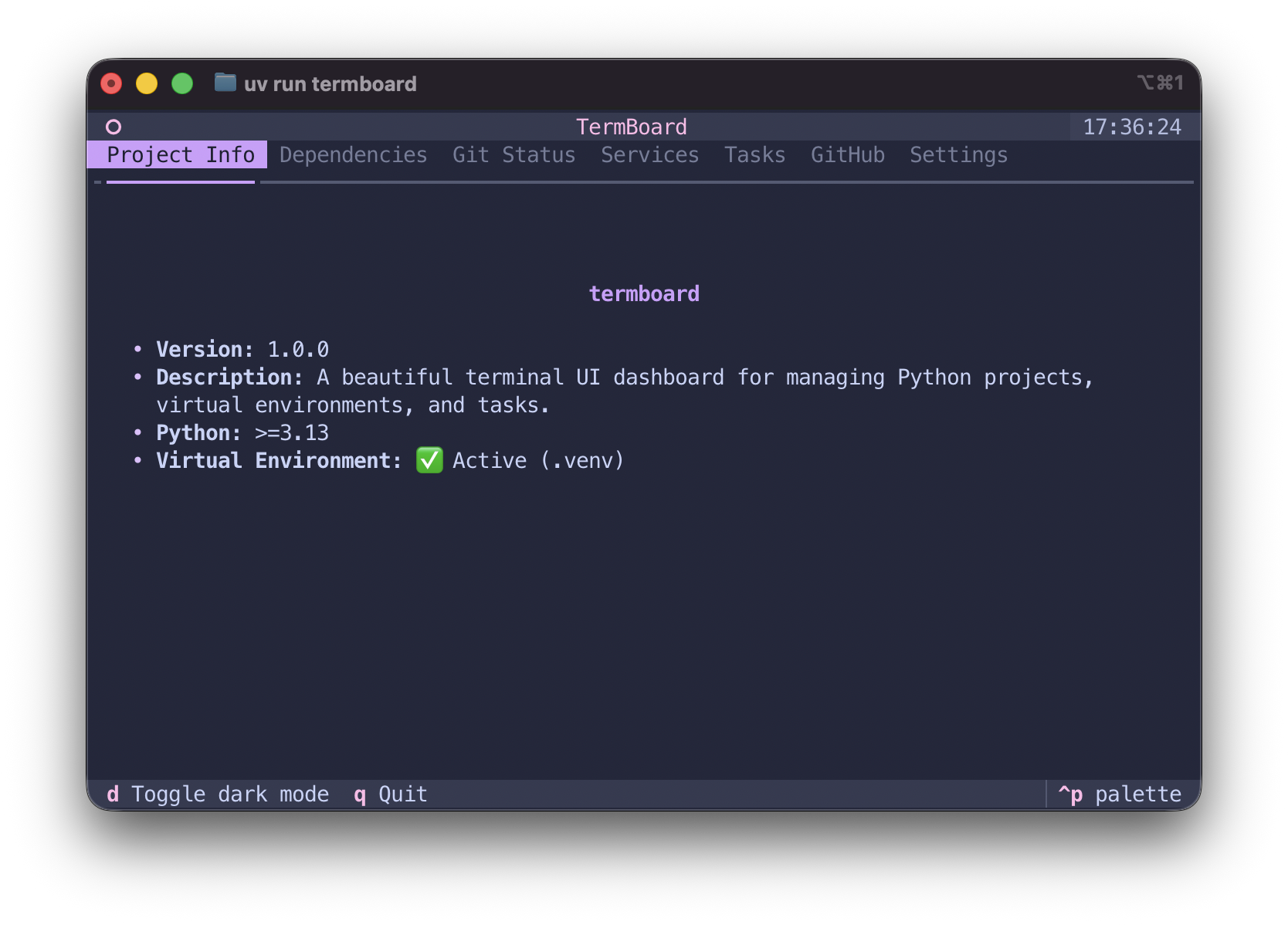
📋 Project Info
Instantly see your project's version, python requirements, and virtual environment status.
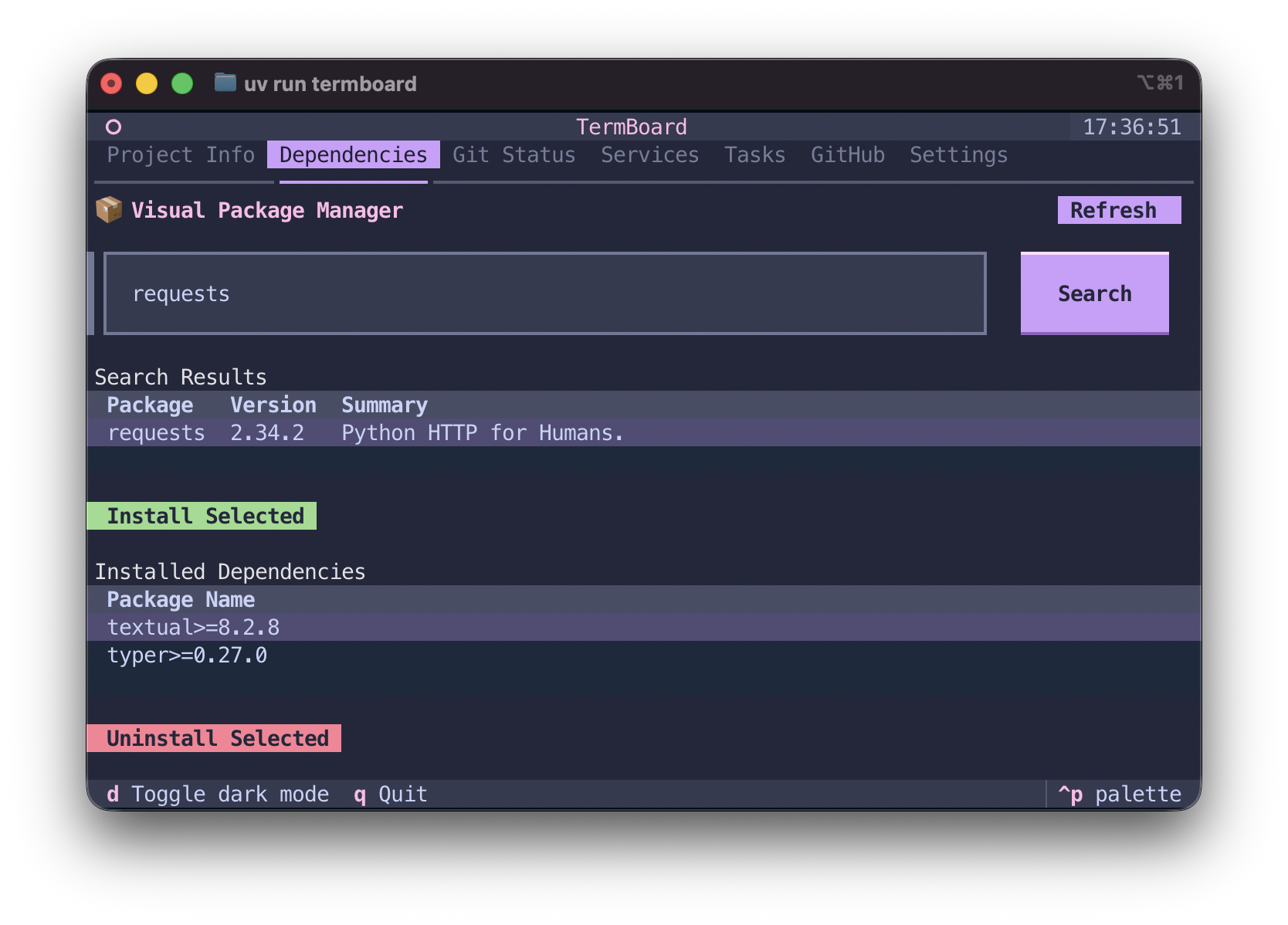
📦 Visual Package Manager (PyPI)
Search PyPI for packages, read descriptions, and install directly using uv add natively in the terminal.
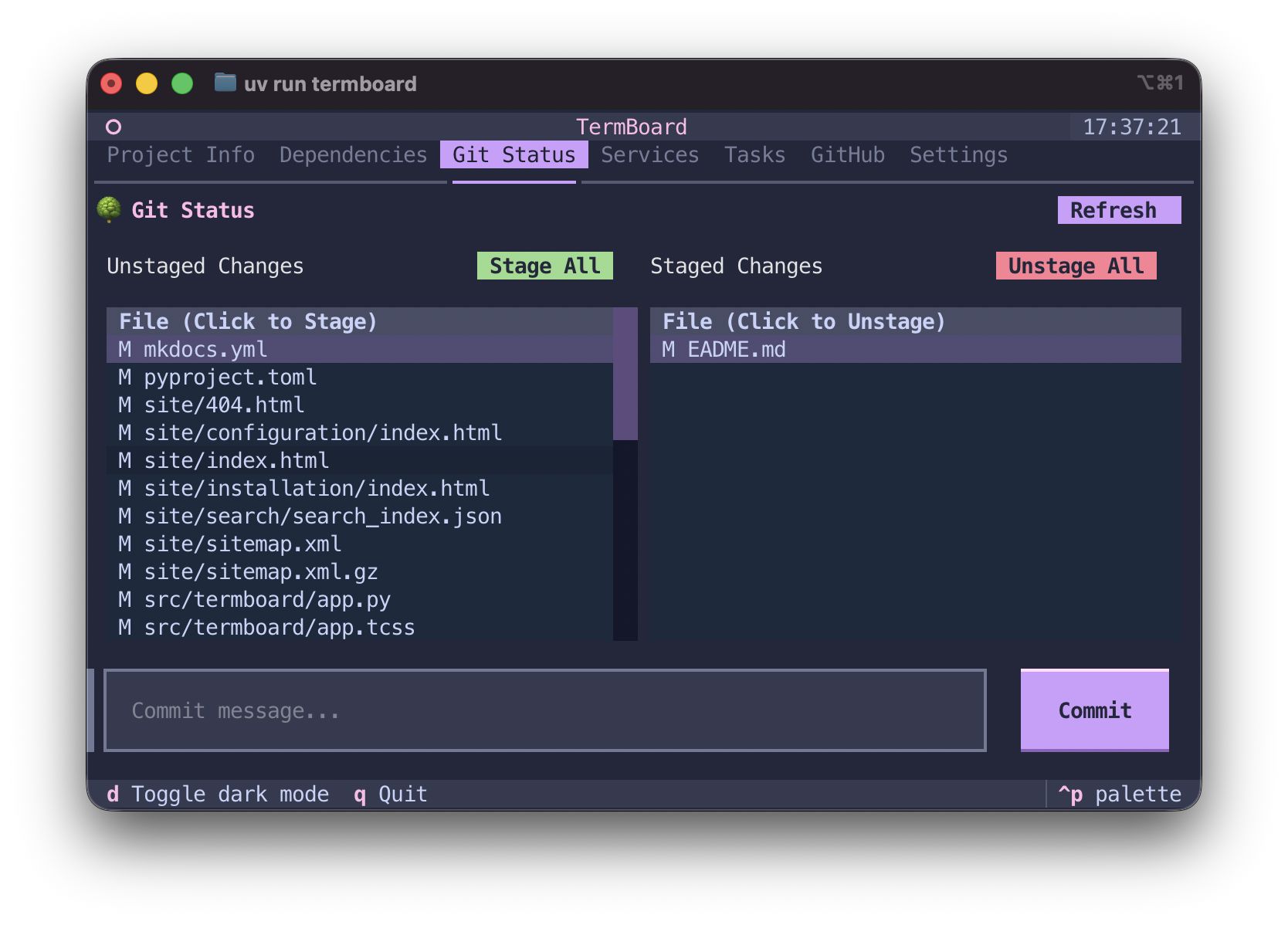
🌿 Git Integration
Shows current branch, uncommitted changes, and provides actions to stage, unstage, commit, and push.
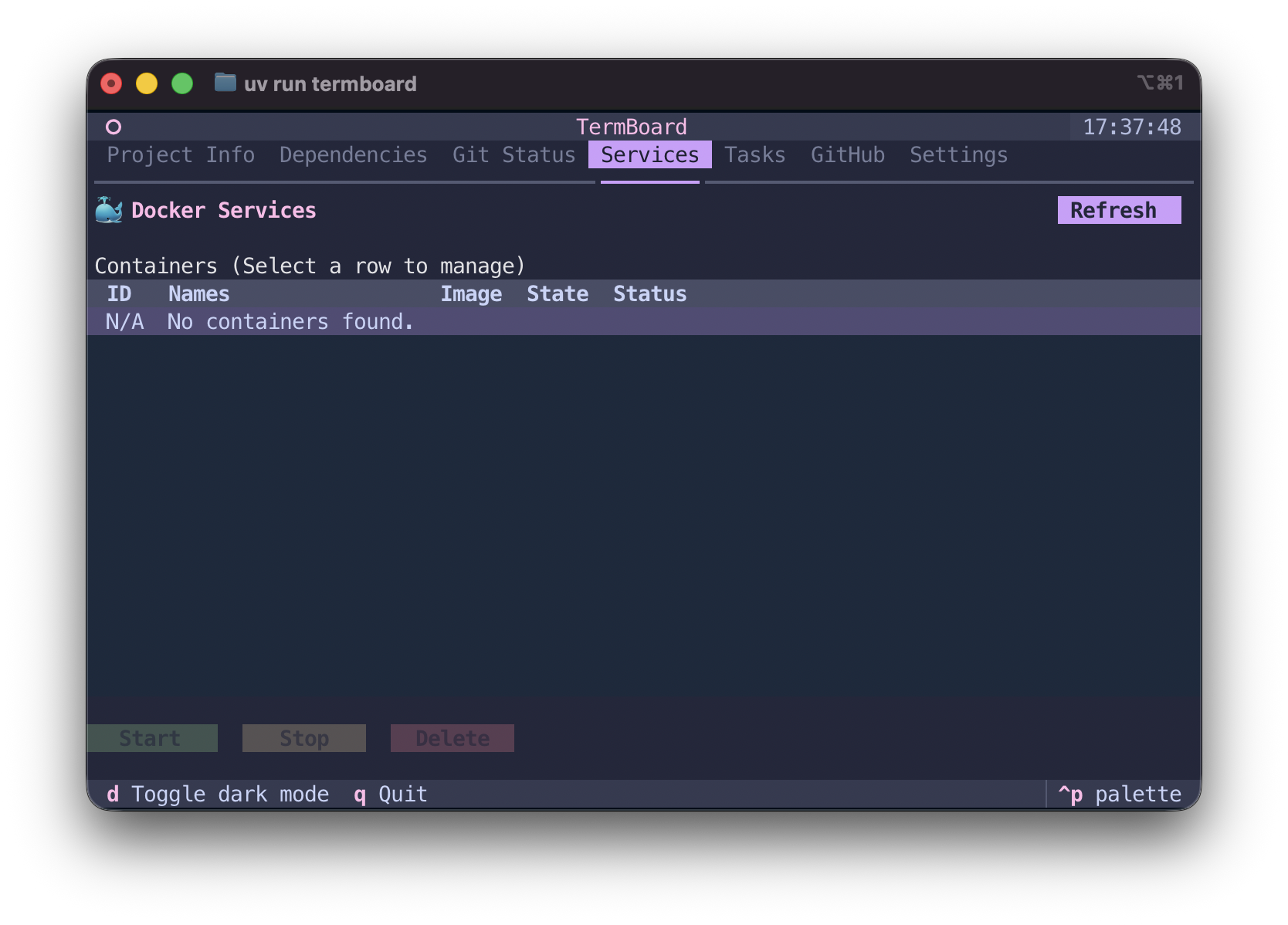
🐳 Docker Services
View, start, stop, and delete running Docker containers without leaving the dashboard.
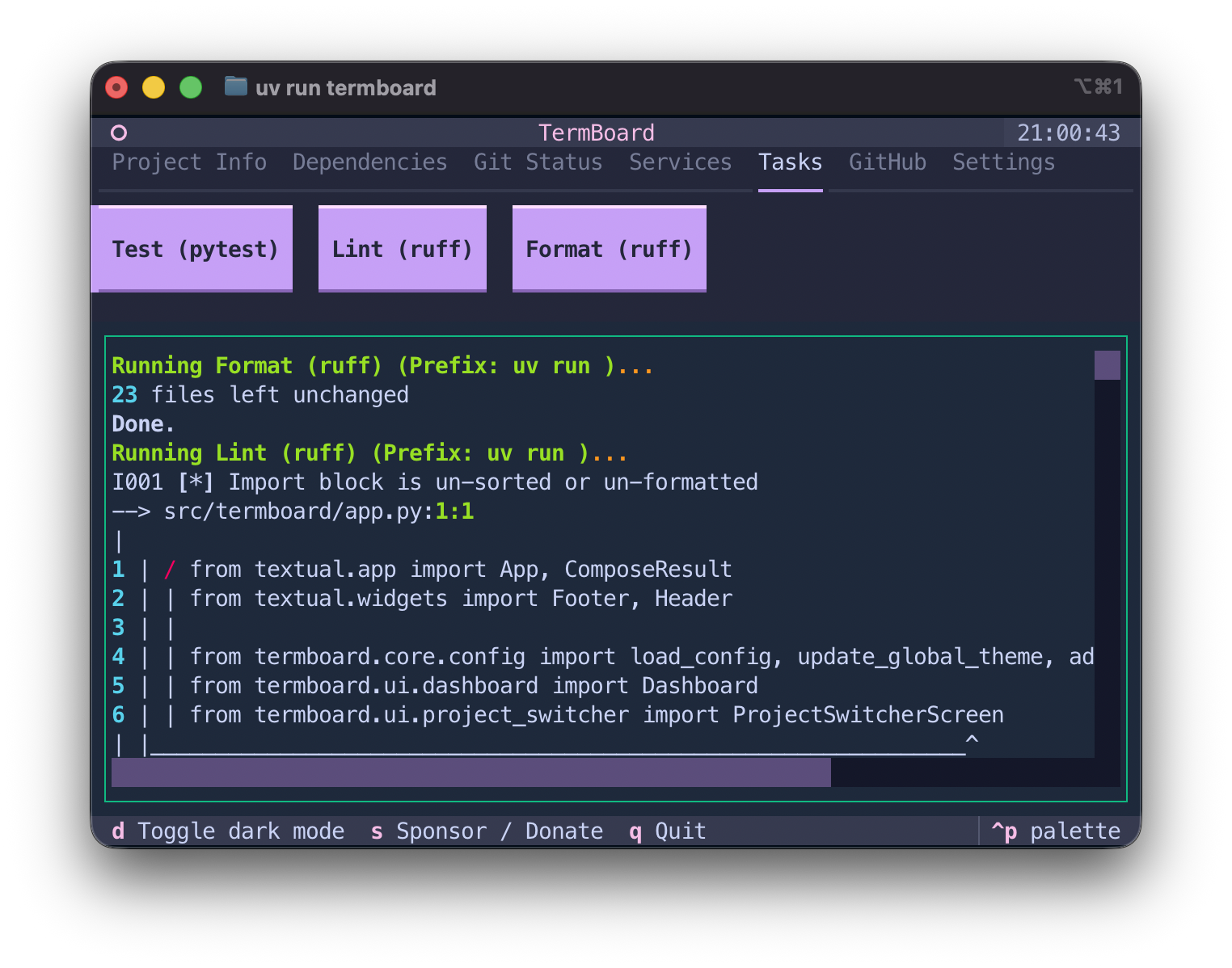
🚀 Task Runner
Define and execute custom project tasks via ./termboard.toml or ~/.termboard.toml. Toggle interactive tasks to suspend the UI!
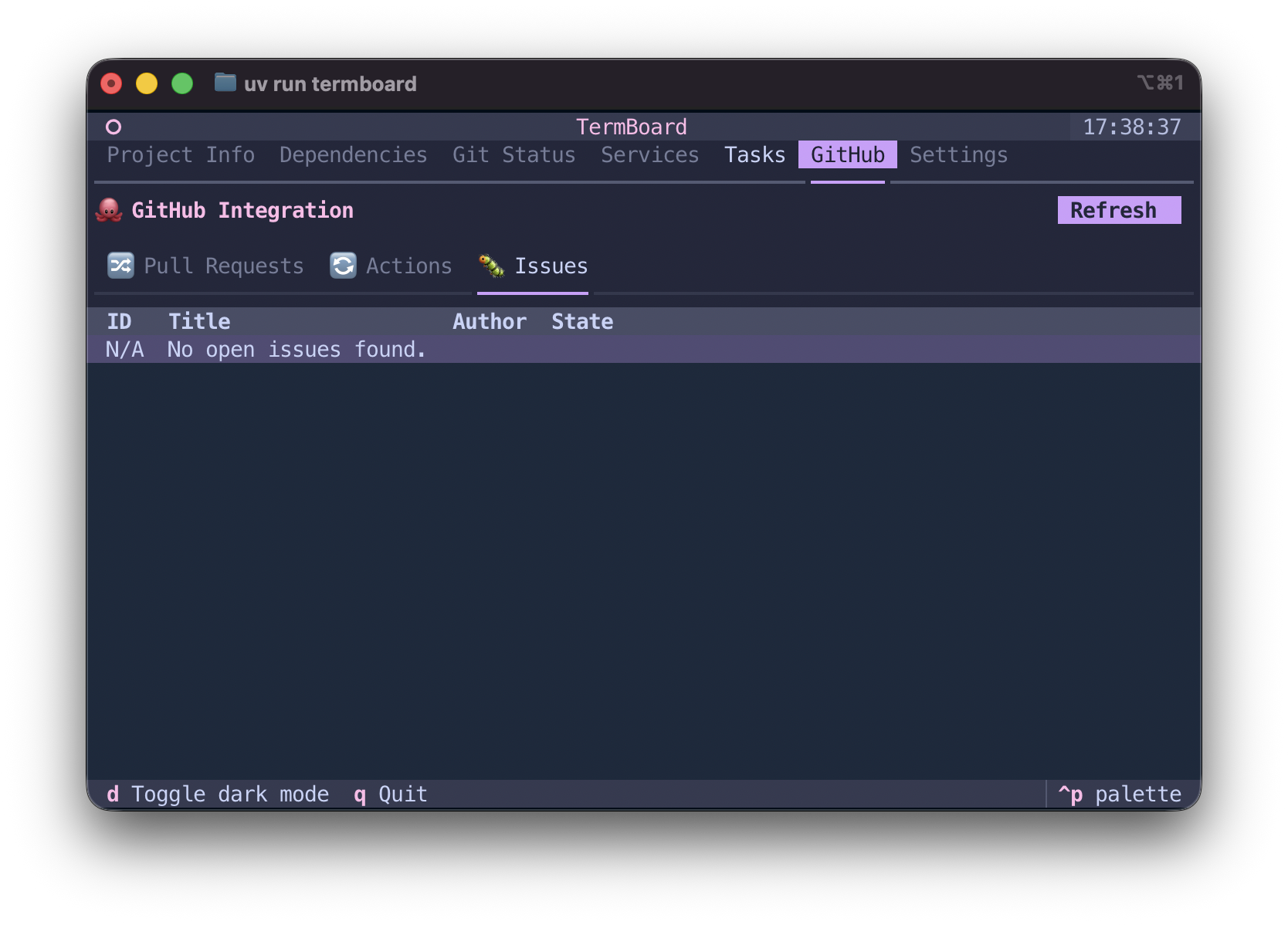
🐙 GitHub Integration
Browse active pull requests, monitor GitHub Actions workflow statuses, and track Issues natively.
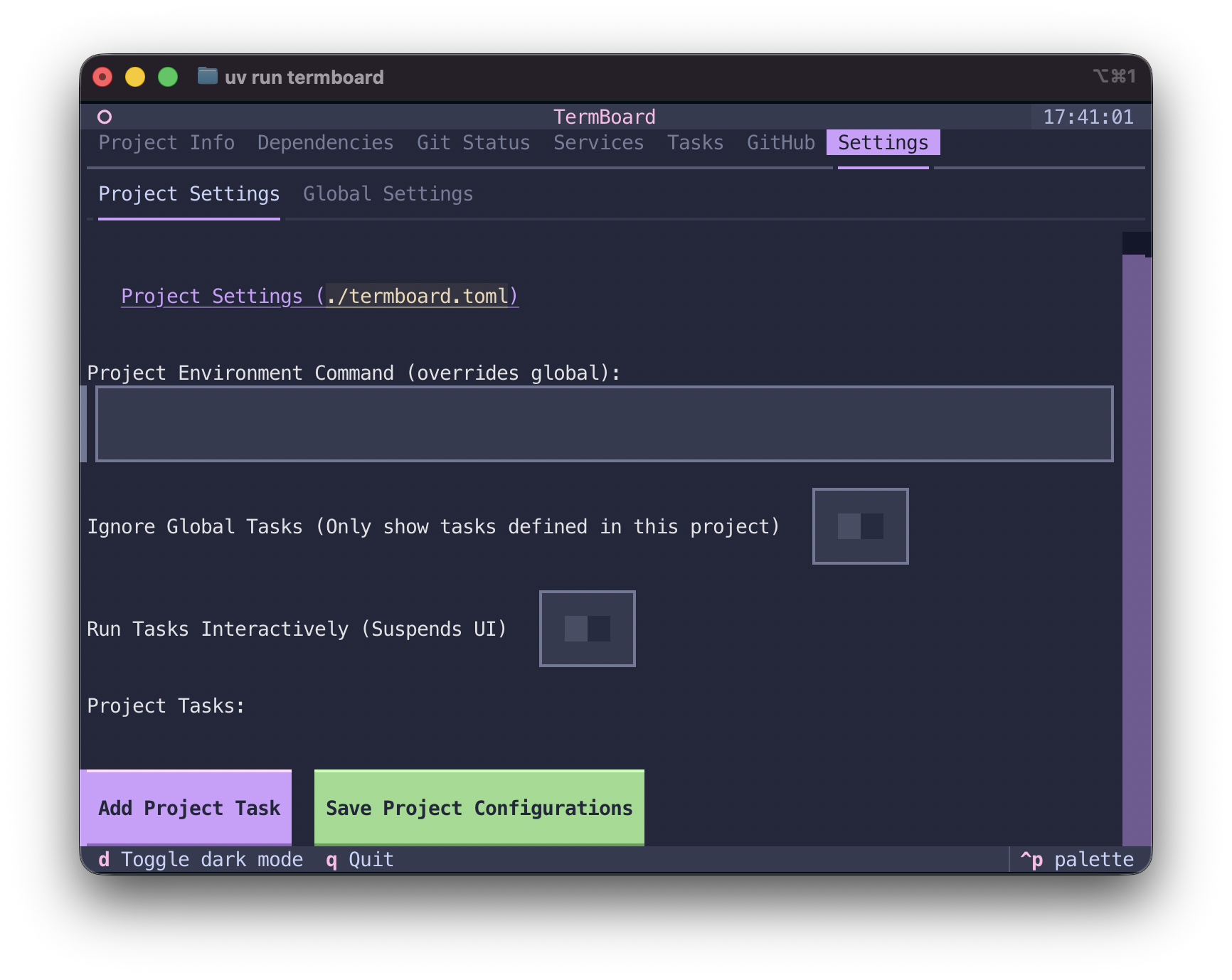
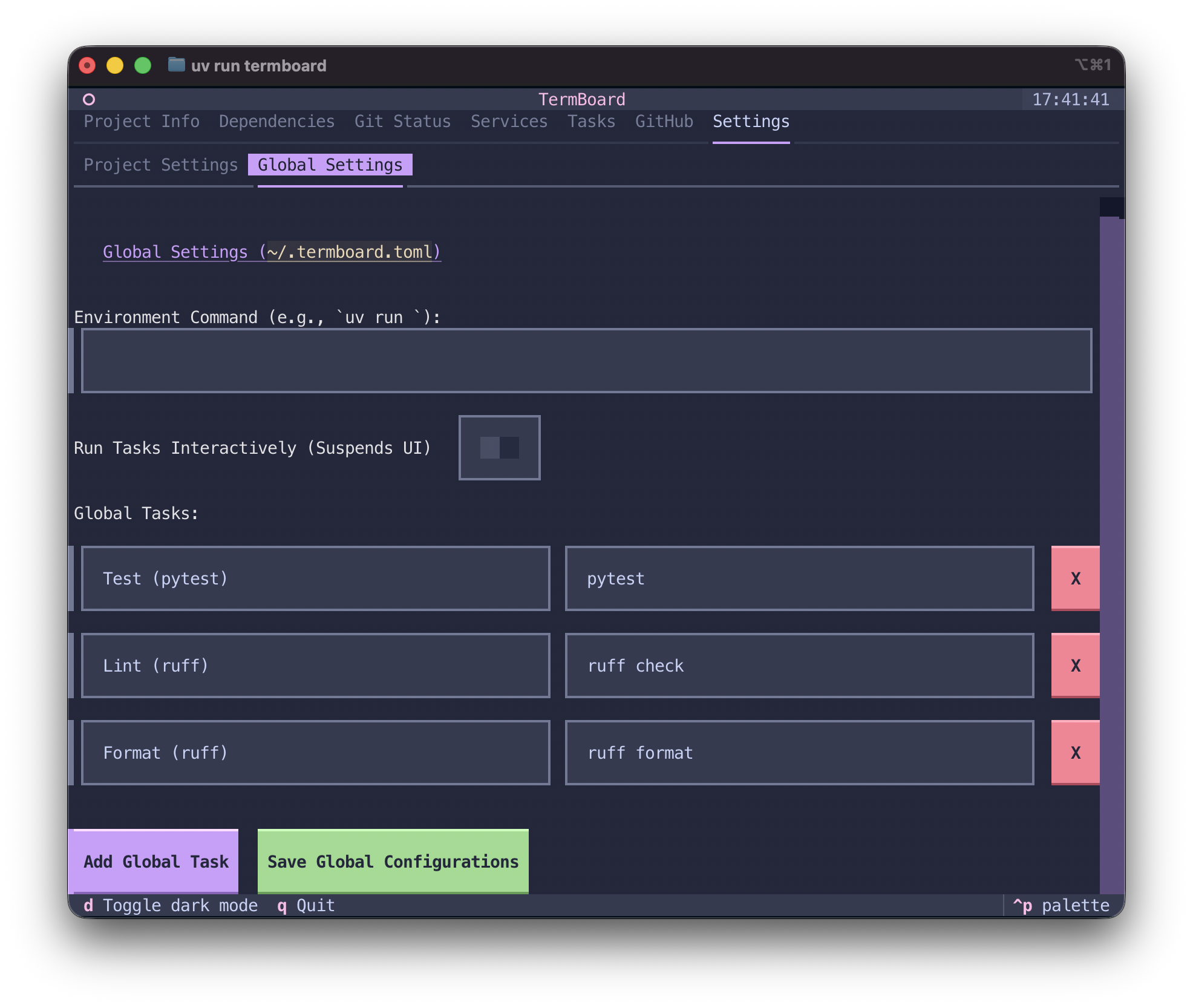
⚙️ In-App Settings & 📁 Global Workspaces
Override environment variables, add new custom tasks, and save configurations globally. Easily switch between your recent projects using the Ctrl+P Quick Switcher.
Installation
TermBoard is designed to be installed globally on your machine so you can run it inside any Python project.
1. Using uv (Recommended):
uv tool install termboard
2. Using pipx:
pipx install termboard
3. Using pip:
pip install termboard
Quick Start & Usage
Navigate to any Python project directory and use one of the following commands:
If installed globally (via uv tool, pipx, or global pip):
termboard
If you want to run it dynamically without installing:
uvx termboard
(If you don't have any custom tasks defined, TermBoard will automatically provide defaults for testing and linting).
💖 Support & Community
If you like TermBoard, please consider supporting the project!
- ⭐️ Star on GitHub: HeyShinde/TermBoard
- 🐞 Report Issues: GitHub Issues
- 💬 Follow / Contact: @heyshinde
- 💖 Sponsor / Donate: Press the
shotkey directly in the TUI, or visit my GitHub Sponsors or Razorpay.
1 maintainer

Release files for termboard 1.0.0
For a detailed explanation of source distributions (sdists) and built distributions (wheels), please see the package formats documentation.
Source distribution (sdist)
| File | Size | Uploaded | |
|---|---|---|---|
| termboard-1.0.0.tar.gz | 13.3 MB | Details |
Built distribution (wheel)
| File | Interpreter | ABI | Platform | Reset |
|---|---|---|---|---|
| termboard-1.0.0-py3-none-any.whl | Python 3 | none | any | Details |
Total release size: 13.4 MB
Release files / termboard-1.0.0.tar.gz
| Download URL | termboard-1.0.0.tar.gz |
|---|---|
| Size | 13.3 MB |
| Tags | Source |
|
SHA-256 checksum How to use checksums |
18d2061bc436c4ac4c5d7bcb1777ddce1a07cb5eb8a3a3f8c10c59abb58412eb
|
|
BLAKE2b-256 checksum How to use checksums |
d399636290e352d7119101dd03e6220678bf0245a0833a144c83a1c22b5f927d
|
| Upload date | |
|
Uploaded using Trusted Publishing? What is trusted publishing? |
Yes |
| Uploaded via |
twine/7.0.0 CPython/3.13.14
|
Provenance
Provenance describes where a file came from. On PyPI, provenance is shared via attestations, which provide a verifiable record of the build or publishing details. View details, limitations and caveats.


PyPI Publish Attestation
PyPI verified that this artifact, at this checksum, originated from the publisher listed below.
Signed by GitHub Actions, verified by PyPI on Aug 3, 2026.
Transparency logRelease files / termboard-1.0.0-py3-none-any.whl
| Download URL | termboard-1.0.0-py3-none-any.whl |
|---|---|
| Size | 22.0 kB |
| Tags | Python 3 |
|
SHA-256 checksum How to use checksums |
b181be89cfc8ac026d102fc959a4ccb12208a545e0739976d52cb016b564f70c
|
|
BLAKE2b-256 checksum How to use checksums |
db5ce39e19be6223266061d5de0fdeae3971cacbf62437f32c59fc3a64bca0b8
|
| Upload date | |
|
Uploaded using Trusted Publishing? What is trusted publishing? |
Yes |
| Uploaded via |
twine/7.0.0 CPython/3.13.14
|
Provenance
Provenance describes where a file came from. On PyPI, provenance is shared via attestations, which provide a verifiable record of the build or publishing details. View details, limitations and caveats.
PyPI Publish Attestation
PyPI verified that this artifact, at this checksum, originated from the publisher listed below.
Signed by GitHub Actions, verified by PyPI on Aug 3, 2026.
Transparency log













