
A native plotting widget for Textual apps

Project description
A native plotting widget for Textual apps
Textual is an excellent Python framework for building applications in the terminal, or on the web. This library provides a plot widget which your app can use to plot all kinds of quantitative data. So, no pie charts, sorry. The widget support scatter plots and line plots, and can also draw using high-resolution characters like unicode half blocks, quadrants and 8-dot Braille characters. It may still be apparent that these are drawn using characters that take up a full block in the terminal, especially when plot series overlap. However, the use of these characters can reduce the line thickness and improve the resolution tremendously.
Screenshots
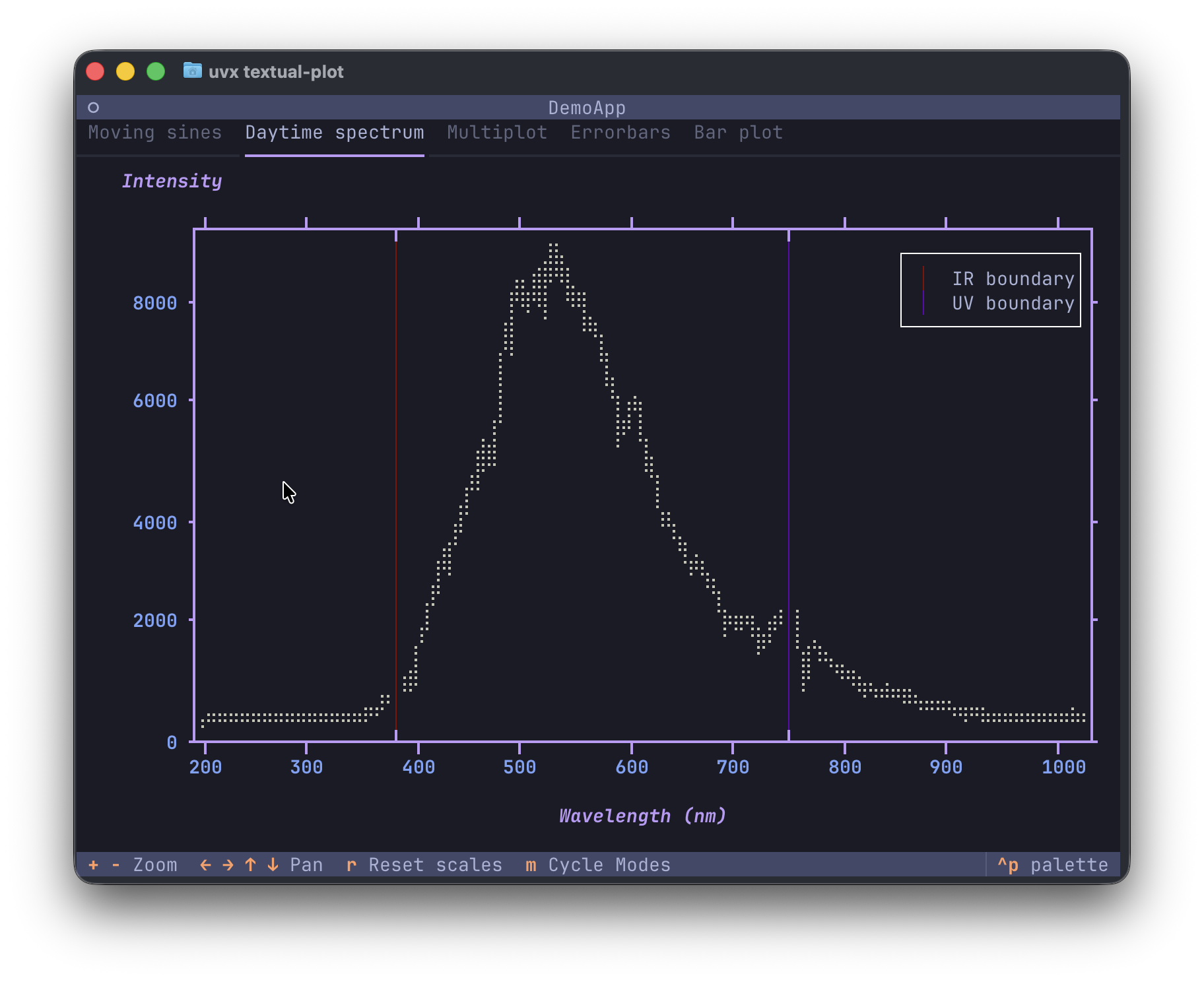
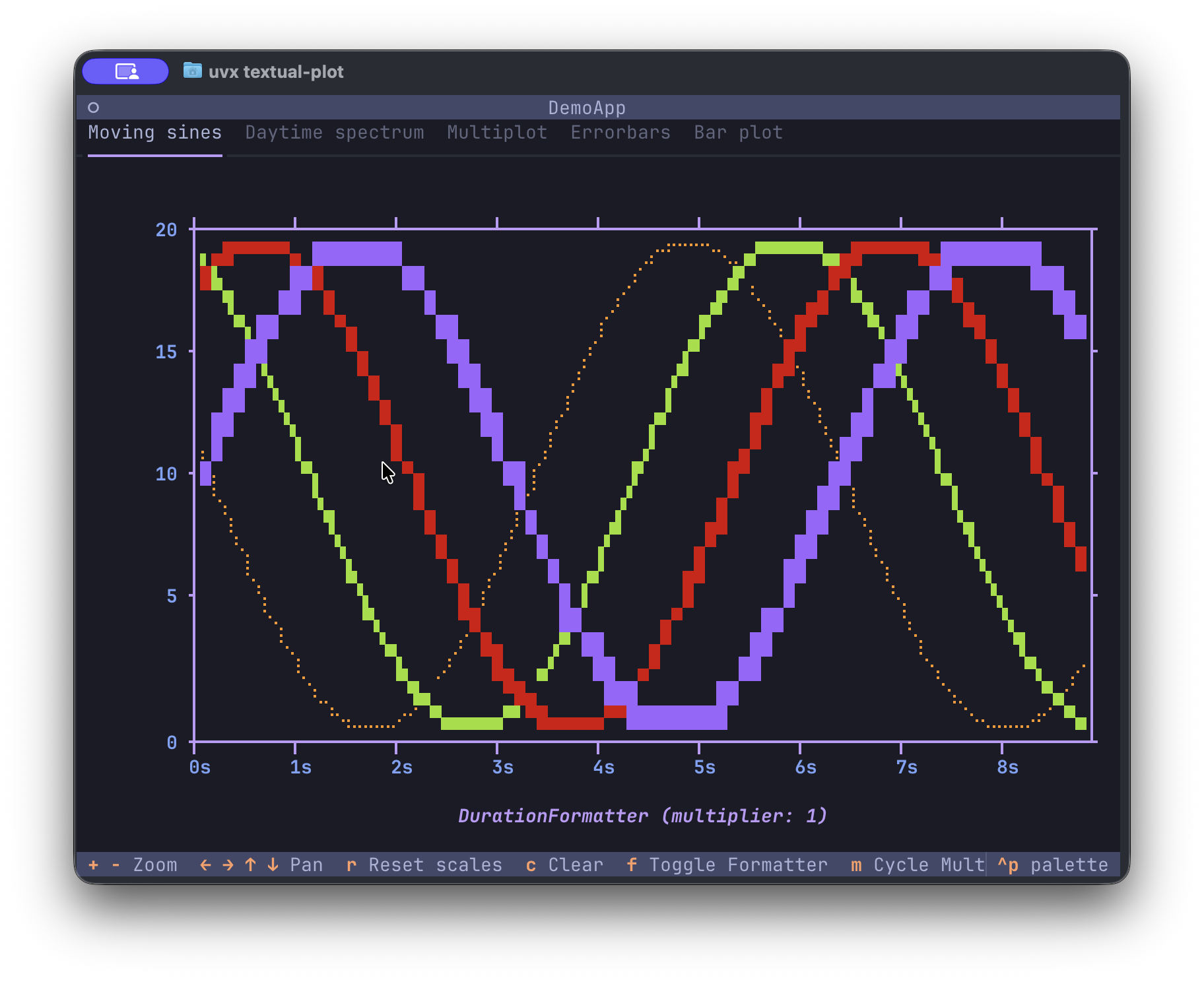
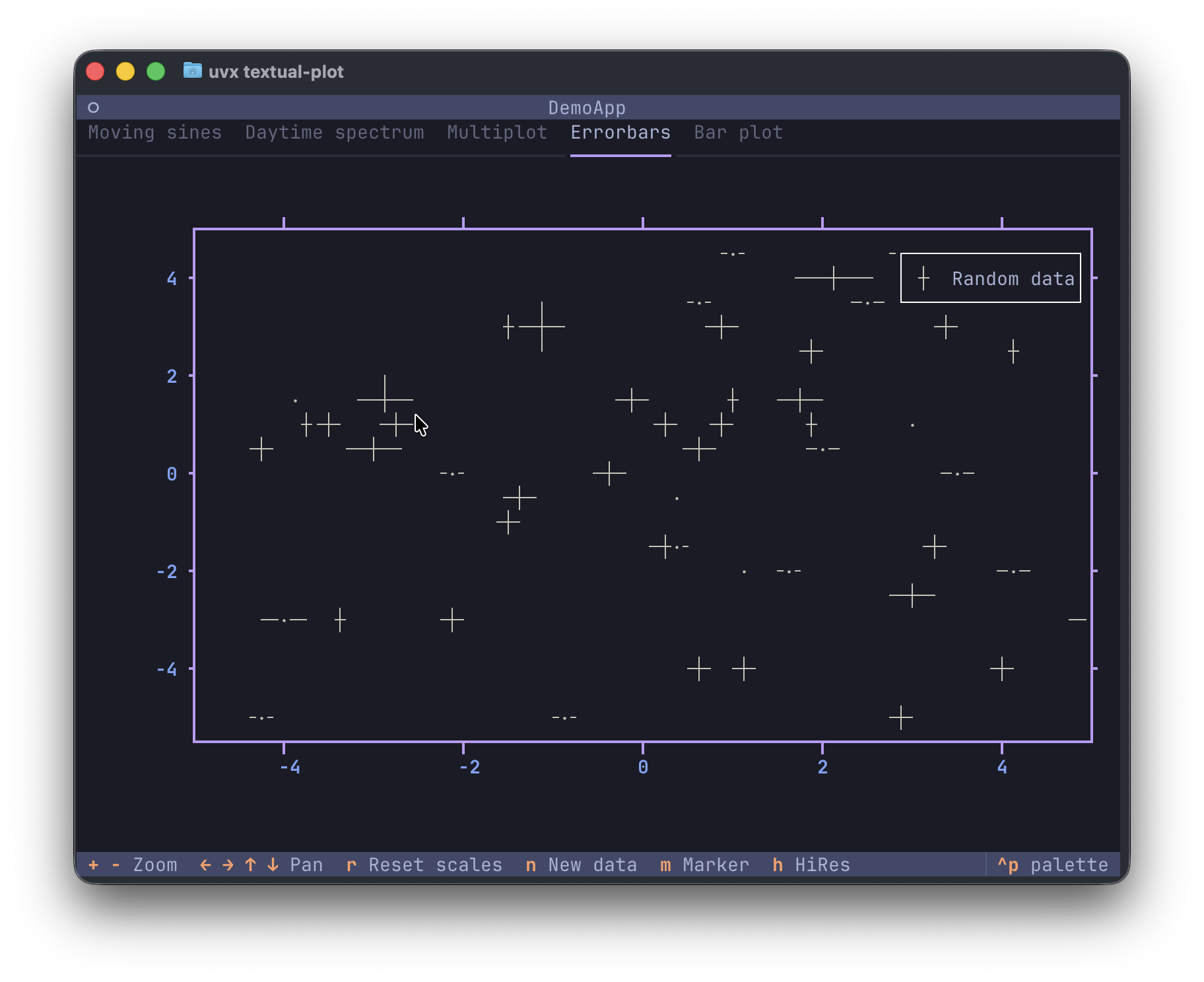
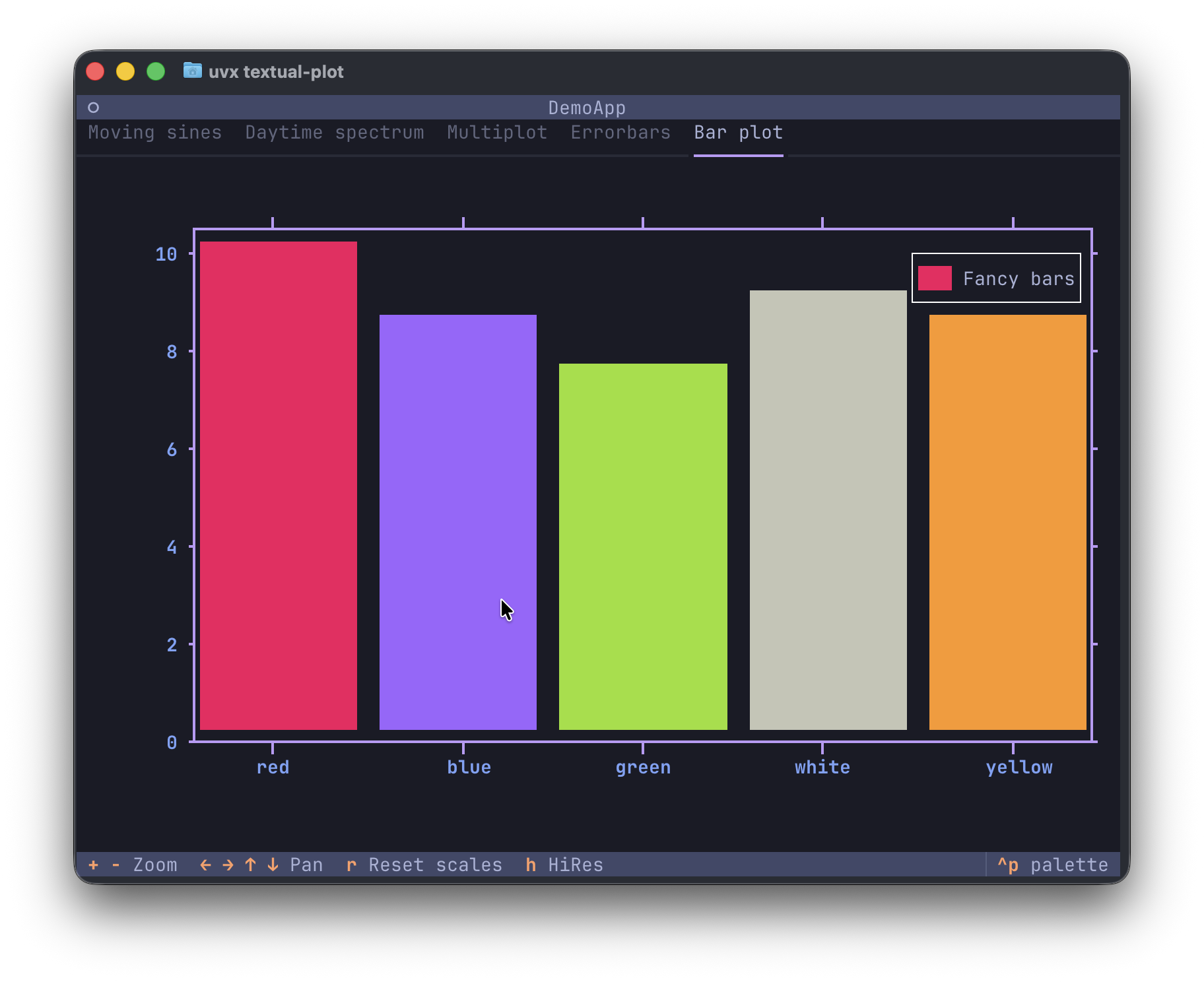

The daytime spectrum dataset shows the visible-light spectrum recorded by an Ocean Optics USB2000+ spectrometer using the DeadSea Optics software. It was taken in the morning while the detector was facing my office window.
Features
- Line plots
- Scatter plots
- Scatter plots with errorbars
- Bar plots, also for categorical data
- Vertical lines
- Automatic scaling and tick placement at nice intervals (1, 2, 5, etc.)
- Axes labels
- Axis formatters for numbers, durations and categories
- Support for custom axis formatters
- High-resolution modes using unicode half blocks (1x2), quadrants (2x2) and braille (2x8) characters
- Mouse support for zooming (mouse scrolling) and panning (mouse dragging)
- Horizontal- or vertical-only zooming and panning when the mouse cursor is in the plot margins
- Keyboard bindings for zooming, panning, and resetting the scale.
Running the demo / installation
Using uv:
uvx textual-plot
Using pipx:
pipx run textual-plot
Install the package with pip (please, use virtual environments):
pip install textual-plot
Tutorial
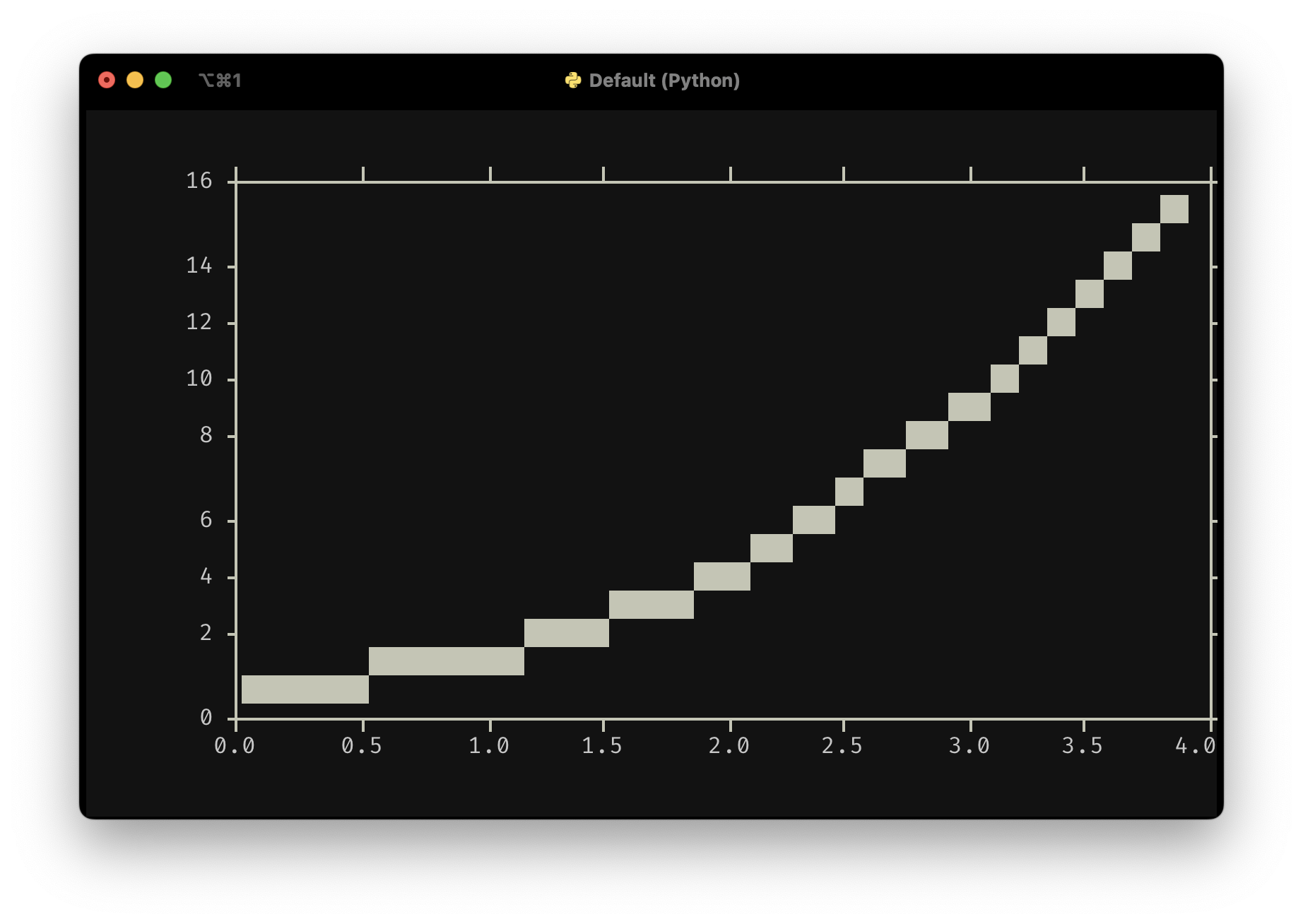
A minimal example is shown below:
from textual.app import App, ComposeResult

from textual_plot import PlotWidget


class MinimalApp(App[None]):
    def compose(self) -> ComposeResult:
        yield PlotWidget()

    def on_mount(self) -> None:
        plot = self.query_one(PlotWidget)
        plot.plot(x=[0, 1, 2, 3, 4], y=[0, 1, 4, 9, 16])


MinimalApp().run()
You include a PlotWidget in your compose method and after your UI has finished composing, you can start plotting data. The plot() method takes x and y data which should be array-like. It can be lists, or NumPy arrays, or really anything that can be turned into a NumPy array which is what's used internally. The plot() method further accepts a line_style argument which accepts Textual styles like "white", "red on blue3", etc. For standard low-resolution plots, it does not make much sense to specify a background color since the text character used for plotting is a full block filling an entire cell.
A longer tutorial can be found at here.
Reference
A reference of all available methods can be found here.
Alternatives
Textual-plotext uses the plotext library which has more features than this library. However, it does not support interactive zooming or panning and the tick placement isn't as nice since it simply divides up the axes range into a fixed number of intervals giving values like 0, 123.4, 246.8, etc. The plotext library hasn't been updated since September, 2024 and hadn't seen significant updates since December, 2023. The author is working on a new version, a full rewrite, since at least October 2023. If you're looking for a library to use for your Textual application, this is it.
Roadmap
We'll work on adding some features like datetime axes, and some quality-of-life improvements like even tick spacing. This will (probably) not turn into a general do-it-all plotting library. We focus first on handling quantitative data in the context of physics experiments. If you'd like to see features added, do let us know. And if a PR is of good quality and is a good fit for the API, we'd love to handle more use cases beyond physics. And who knows, maybe this will turn into a general plotting library!
Release history Release notifications | RSS feed


Download files
Download the file for your platform. If you're not sure which to choose, learn more about installing packages.
Source Distribution
Built Distribution
Filter files by name, interpreter, ABI, and platform.
If you're not sure about the file name format, learn more about wheel file names.
Copy a direct link to the current filters
File details
Details for the file textual_plot-0.10.0.post2.tar.gz.
File metadata
- Download URL: textual_plot-0.10.0.post2.tar.gz
- Upload date:
- Size: 2.5 MB
- Tags: Source
- Uploaded using Trusted Publishing? No
- Uploaded via: uv/0.9.24 {"installer":{"name":"uv","version":"0.9.24","subcommand":["publish"]},"python":null,"implementation":{"name":null,"version":null},"distro":{"name":"macOS","version":null,"id":null,"libc":null},"system":{"name":null,"release":null},"cpu":null,"openssl_version":null,"setuptools_version":null,"rustc_version":null,"ci":null}
File hashes
| Algorithm | Hash digest | |
|---|---|---|
| SHA256 |
9f6d5d0d06e24a7036a529b2bb80808ec13373ffbc960bb7402b4a5225e4116c
|
|
| MD5 |
b0efa203ed5f0fd1b4de5715b943a855
|
|
| BLAKE2b-256 |
57d9c8d785676d2246e2642fbfa9b97cda311875094d9ed71f6362bebc6a5ef8
|
File details
Details for the file textual_plot-0.10.0.post2-py3-none-any.whl.
File metadata
- Download URL: textual_plot-0.10.0.post2-py3-none-any.whl
- Upload date:
- Size: 50.4 kB
- Tags: Python 3
- Uploaded using Trusted Publishing? No
- Uploaded via: uv/0.9.24 {"installer":{"name":"uv","version":"0.9.24","subcommand":["publish"]},"python":null,"implementation":{"name":null,"version":null},"distro":{"name":"macOS","version":null,"id":null,"libc":null},"system":{"name":null,"release":null},"cpu":null,"openssl_version":null,"setuptools_version":null,"rustc_version":null,"ci":null}
File hashes
| Algorithm | Hash digest | |
|---|---|---|
| SHA256 |
d5ec5f231c48f6452f76d97c4901bbc2892e451a8ed29b13c978a8df65d78742
|
|
| MD5 |
2dcf11bf187787d31831a967a2125c30
|
|
| BLAKE2b-256 |
81e5b17b7bce4a3bf00afbbd1ad19e973bdfc4eebe37ecee8fb264487ae4826a
|






