
A GUI for managing Python virtual environments.

Project description

VenviPy
A GUI for managing multiple Python virtual environments







Introduction
VenviPy is a desktop GUI to create, manage, and maintain many Python virtual environments from one place. It focuses on a fast, practical workflow:
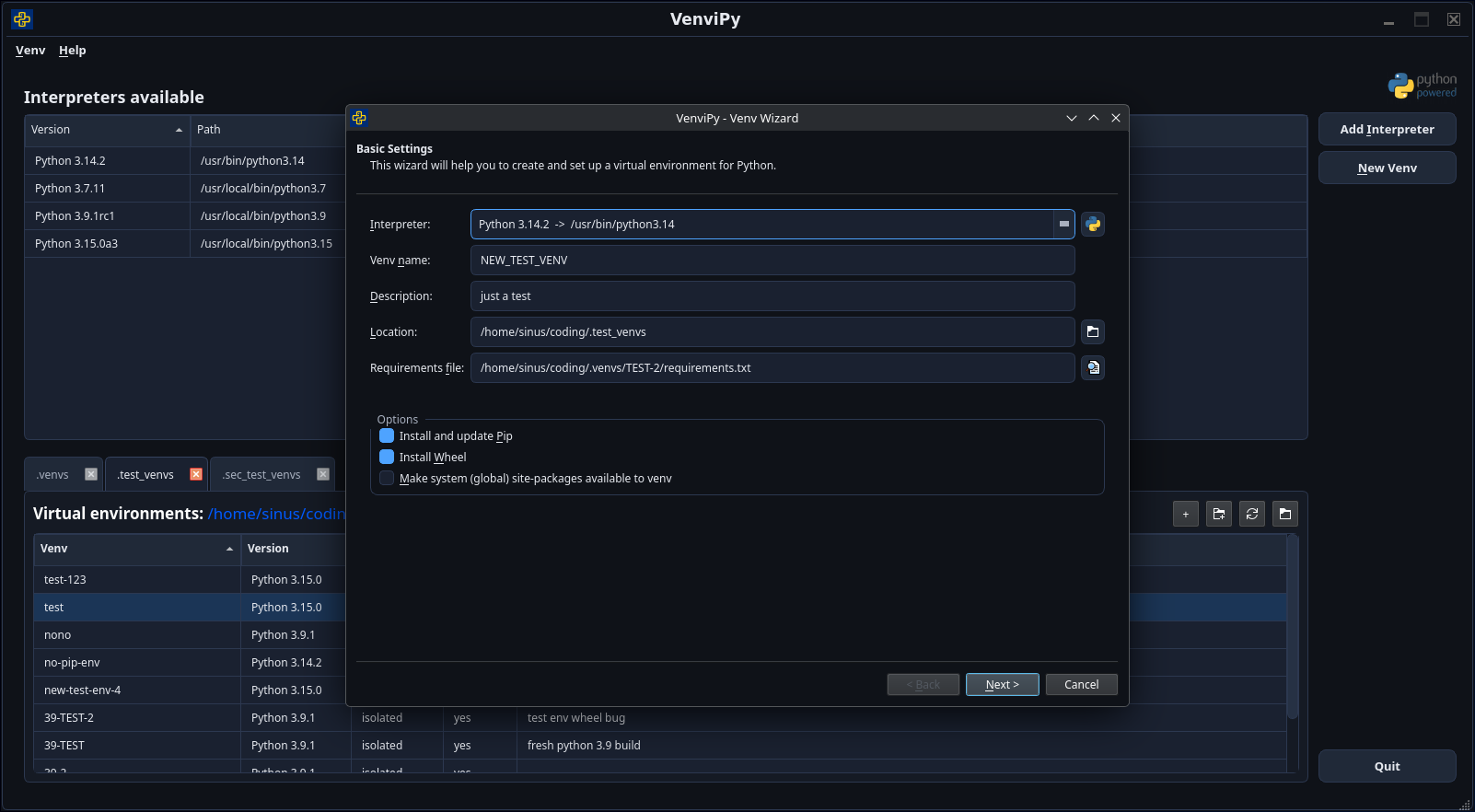
create environments via a wizard (Python version, location, pre-install packages)
keep an overview table of all environments in a directory
manage multiple environments at the same time with tabs
install / update / inspect packages with context-menu actions
open a console in the environment’s context with one click
VenviPy was originally built for *NIX systems. Windows support exists via a platform abstraction layer, but should currently be considered experimental.
Screenshots
Main menu
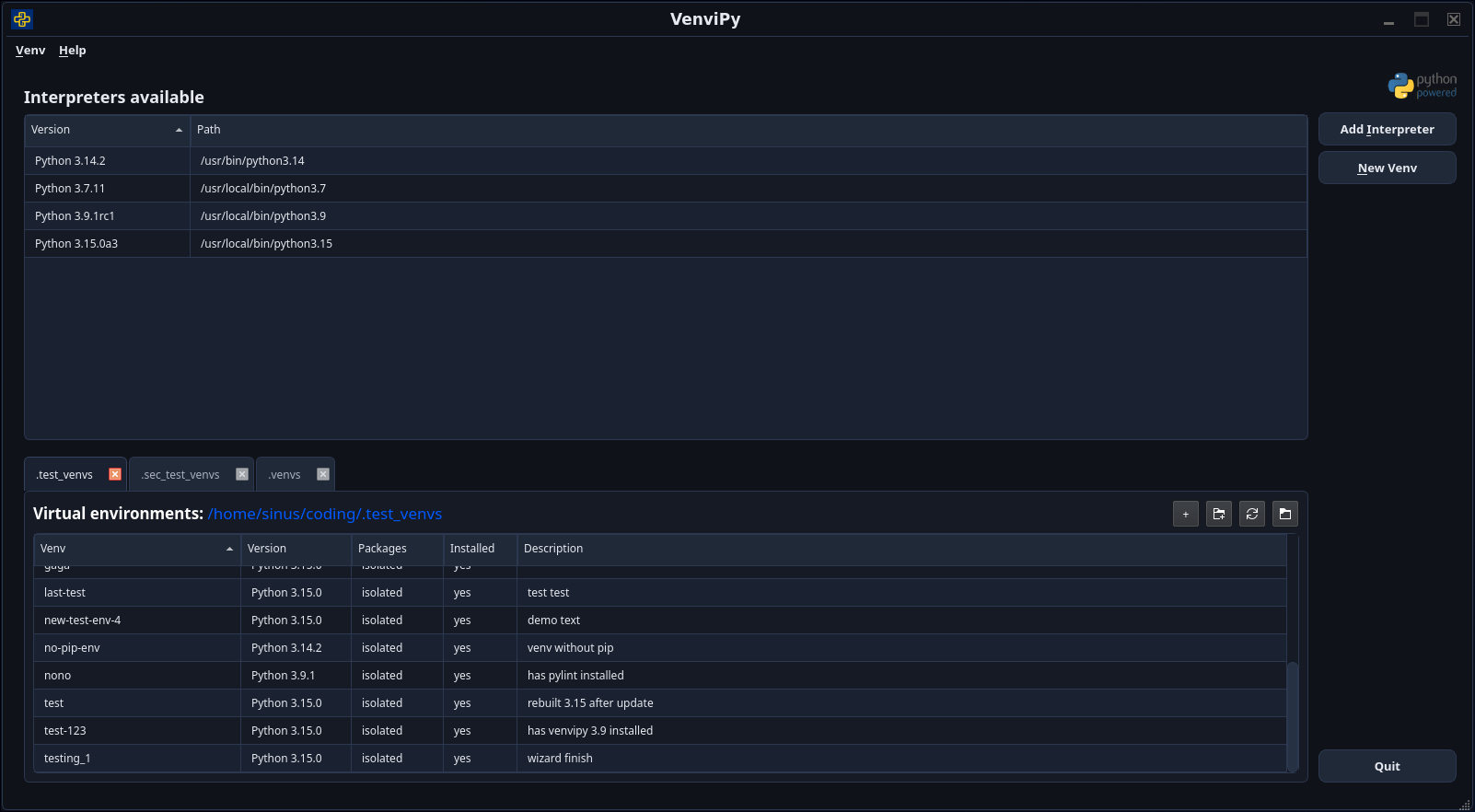
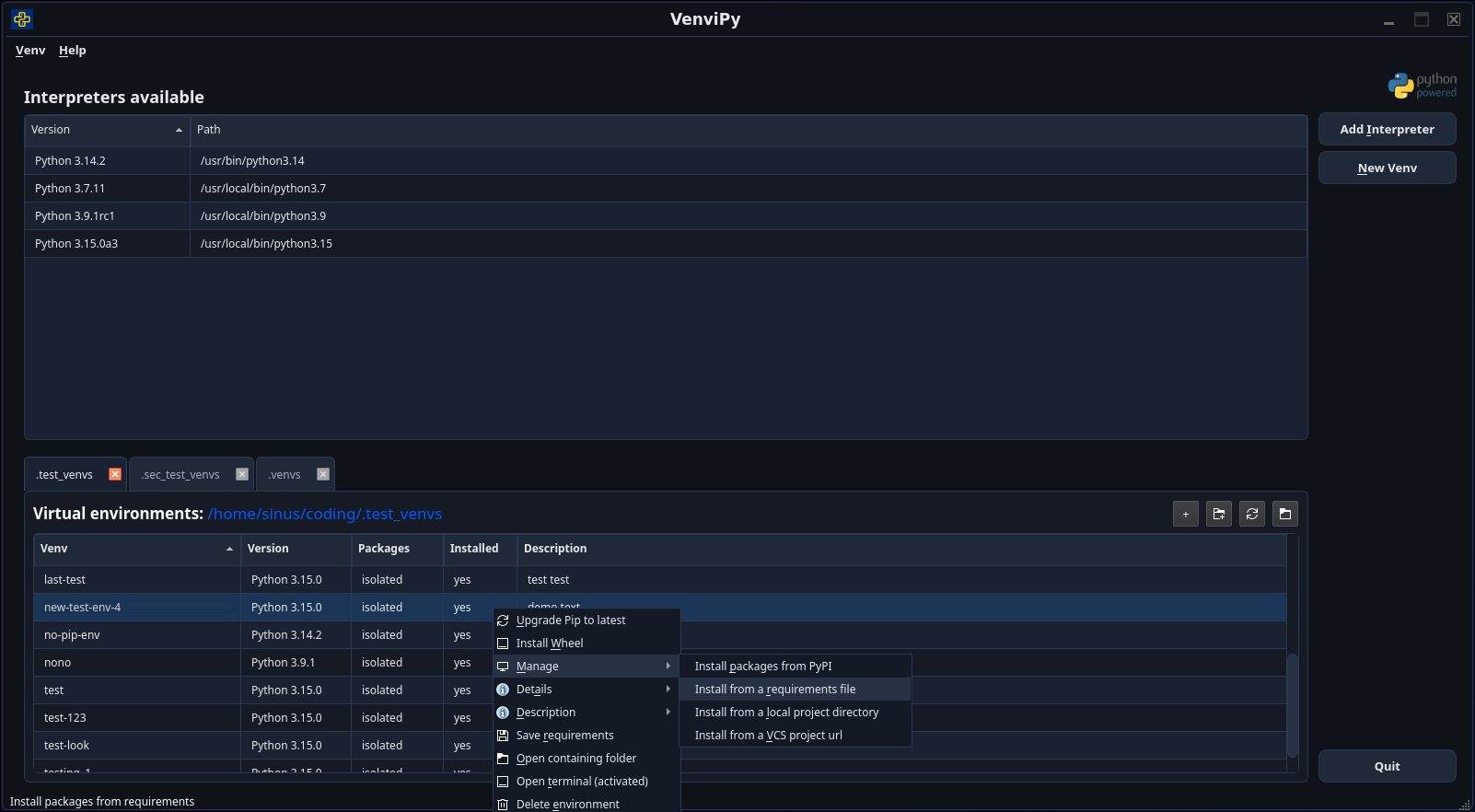
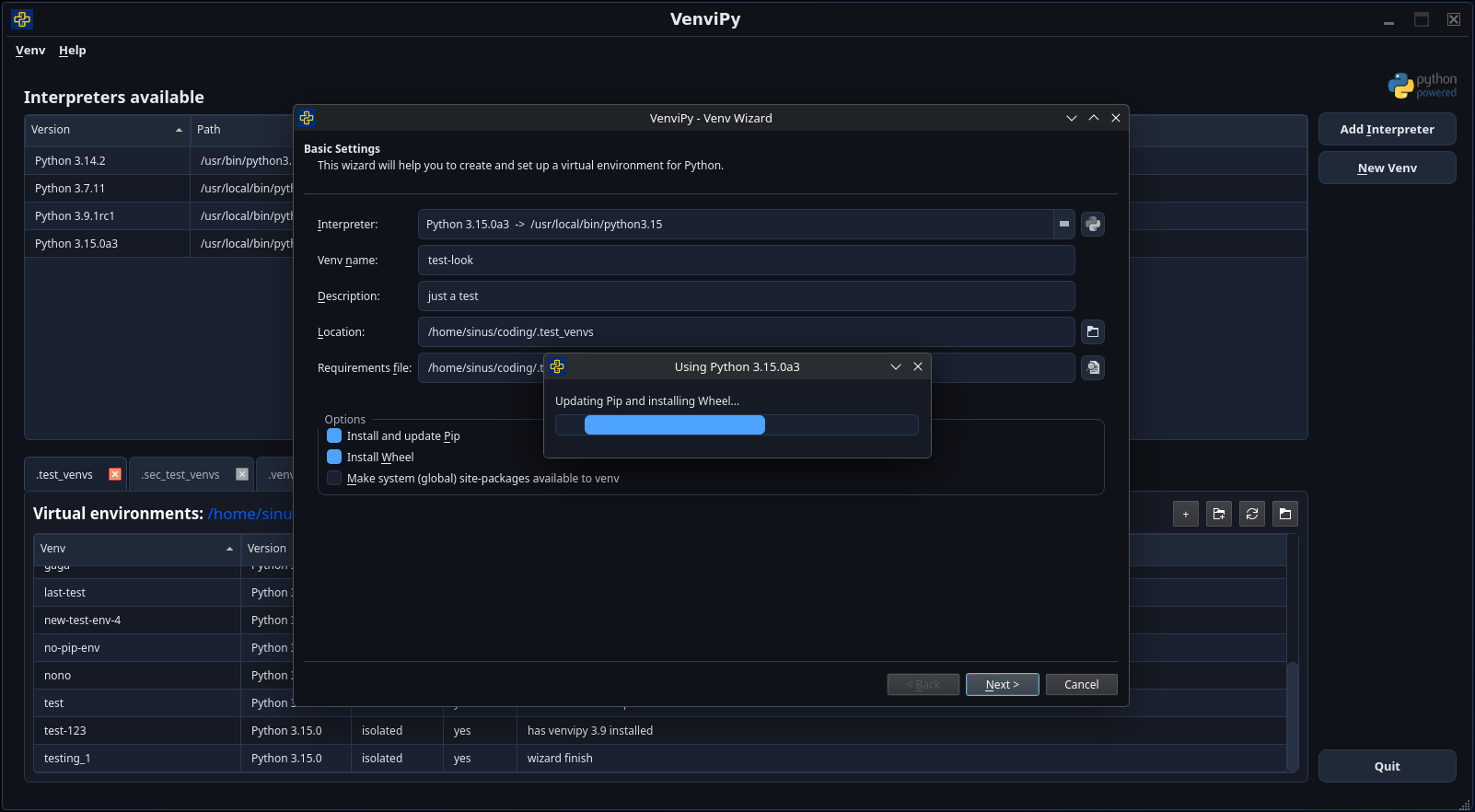
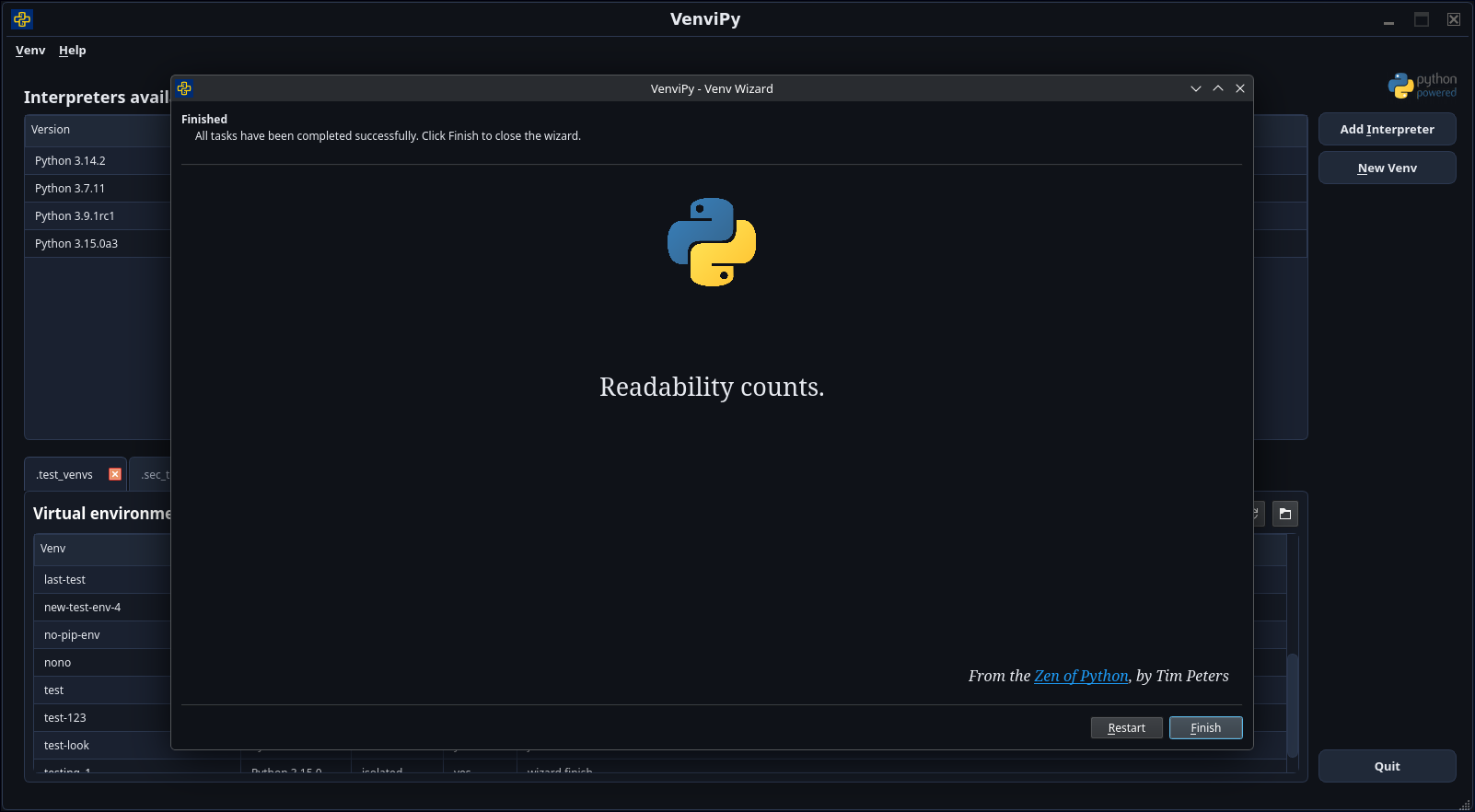
Wizard
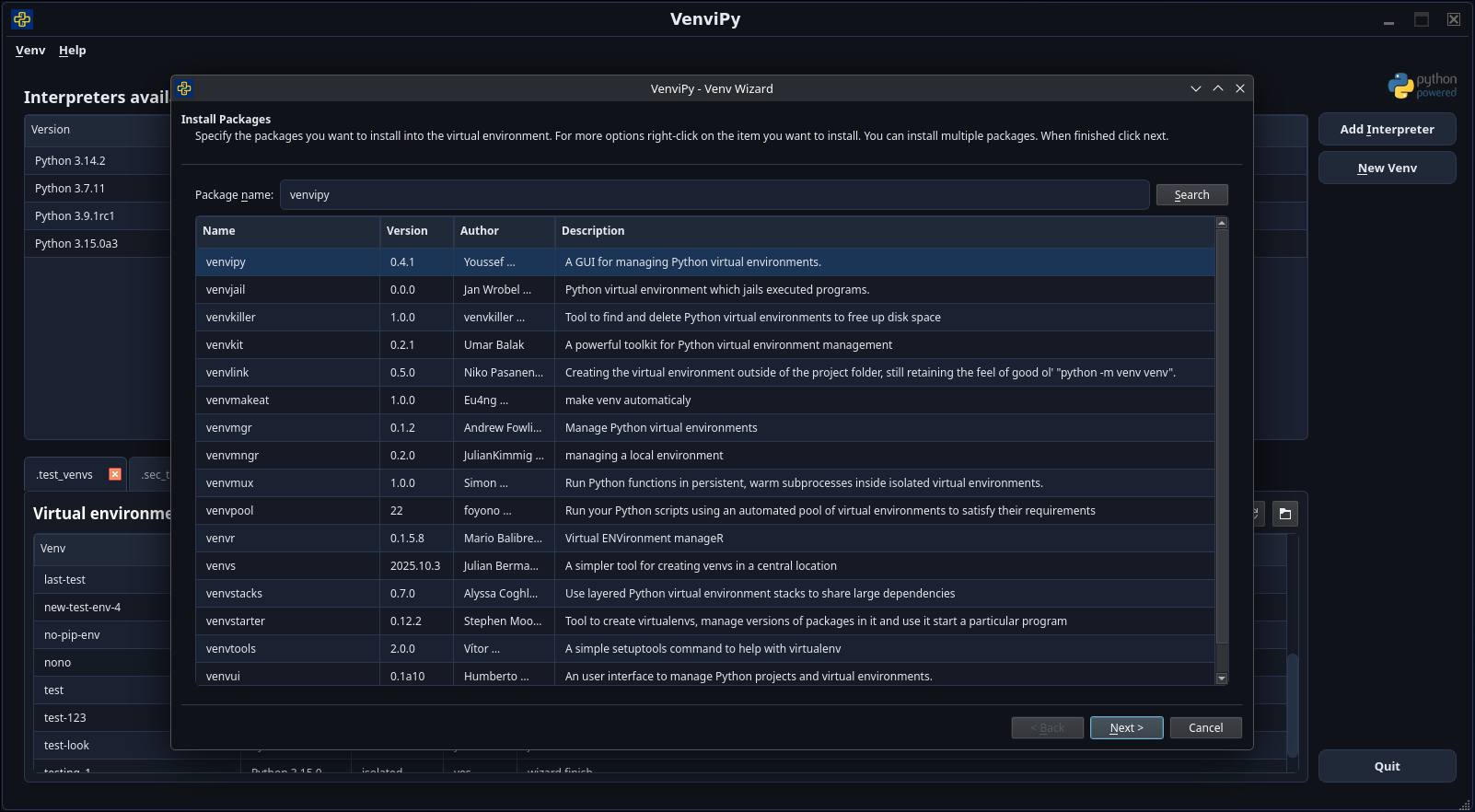
Package installer
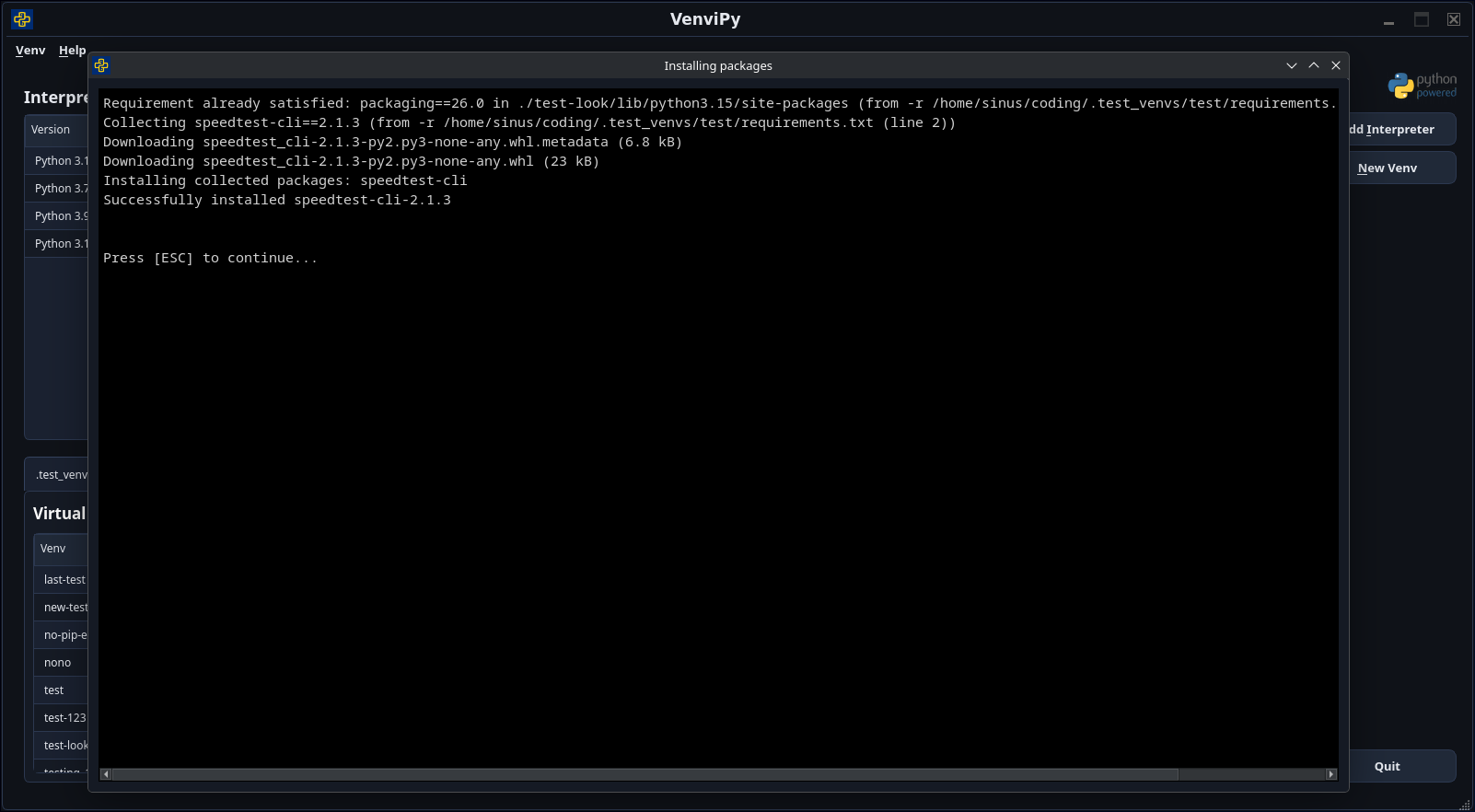
Console output
Key Features
Environment management
Create virtual environments with a selectable Python version (3.3+)
Clone an environment from a requirements file
Generate requirements from an existing environment
Add a description to an environment
Package management
Install and update Pip and Wheel with one click
Search and install packages from PyPI
Install from requirements files
Install from local project directories
Install from a VCS URL (currently git only)
Install from local or remote source archives
Inspection & tooling
List detailed information about installed packages
Open a project’s PyPI page in your browser
Launcher integration
Create or remove Desktop and Startmenu launchers from within the app
Roadmap ideas
Clone environments, created by non-installed Python versions and has no requirements file
Run scripts in the environment’s context
Run VenviPy or the Wizard only from context menu in file explorer/desktop
More to come.
Prerequisites
Python 3.7+ (PyQt6 6.10.2 requires Python >= 3.7)
A working venv module for the Python versions you want to use
Quick start
If you already have Python and pip available, this is the fastest path:
python -m venv .venv
source .venv/bin/activate  # Windows (PowerShell): .venv\Scripts\Activate.ps1
pip install -U pip
pip install venvipy
venvipy
For full setup details and platform-specific notes, continue below.
Linux (Debian/Ubuntu)
Install the basics:
sudo apt update
sudo apt install python3-pip python3-venv
If you want to create venvs for a specific Python version, install its -venv package as well (example for Python 3.10):
sudo apt install python3.10-venvWindows
Install Python from python.org and make sure it is on PATH. No additional system packages are required.
Installation
Installing into the system Python is discouraged. Use a dedicated venv (recommended) or pipx.
Recommended: install into a venv
python -m venv .venv

# on Linux/macOS:
source .venv/bin/activate

# on Windows (PowerShell):
# .venv\\Scripts\\Activate.ps1

pip install -U pip
pip install venvipy
Development version (GitHub):
pip install -U pip
pip install git+https://github.com/sinusphi/venvipy.git
Alternative: install with pipx
pipx install venvipyUsage
After installation you get the entry point:
venvipyFor command line options run:
venvipy --helpRunning from source
Clone and install dependencies:
git clone --depth 50 https://github.com/sinusphi/venvipy.git
cd venvipy
python -m venv .venv

# on Linux/macOS:
source .venv/bin/activate

# on Windows (PowerShell):
# .venv\\Scripts\\Activate.ps1

pip install -U pip

# minimal requirements to run VenviPy
pip install -r requirements/base.txt

# for development and testing
pip install -r requirements/dev.txt

# deployment and build dependencies
pip install -r requirements/deploy.txt
If you prefer a minimal manual install:
pip install requests beautifulsoup4 PyQt6==6.10.2Run:
python venvipy/venvi.pyContributing
Contributions are welcome:
Release history Release notifications | RSS feed


Download files
Download the file for your platform. If you're not sure which to choose, learn more about installing packages.
Source Distribution
Built Distribution
Filter files by name, interpreter, ABI, and platform.
If you're not sure about the file name format, learn more about wheel file names.
Copy a direct link to the current filters
File details
Details for the file venvipy-0.4.4.tar.gz.
File metadata
- Download URL: venvipy-0.4.4.tar.gz
- Upload date:
- Size: 1.4 MB
- Tags: Source
- Uploaded using Trusted Publishing? No
- Uploaded via: twine/6.2.0 CPython/3.14.2
File hashes
| Algorithm | Hash digest | |
|---|---|---|
| SHA256 |
9c483f6f884695bb784a05ee1f472a4691afd6247ea6b957a51c73fe7c7eb26a
|
|
| MD5 |
76d8815c375c7af2473a5661386d6272
|
|
| BLAKE2b-256 |
dcb851b03747a523106b271cf51769bc4c87f7e6b3856df3d78ab44d554cd240
|
File details
Details for the file venvipy-0.4.4-py3-none-any.whl.
File metadata
- Download URL: venvipy-0.4.4-py3-none-any.whl
- Upload date:
- Size: 398.8 kB
- Tags: Python 3
- Uploaded using Trusted Publishing? No
- Uploaded via: twine/6.2.0 CPython/3.14.2
File hashes
| Algorithm | Hash digest | |
|---|---|---|
| SHA256 |
dc796faf403e997db87d543600ff6d7c1ffcc2d42e3b976777164a4594049a36
|
|
| MD5 |
72c000e7d9ae666f11a826d6cbfc4a71
|
|
| BLAKE2b-256 |
e8a3578dc5cc8ced27fe91ab8cb430f9975a92a0320699c0b68af12d9a495079
|






