
📖 DeepWiki Documentation: https://deepwiki.com/donghaozhang/video-agent-claude-skill
AI Content Generation Suite
A comprehensive AI content generation package with multiple providers and services, consolidated into a single installable package.



Production-ready Python package with comprehensive CLI, parallel execution, and enterprise-grade architecture
Demo Video
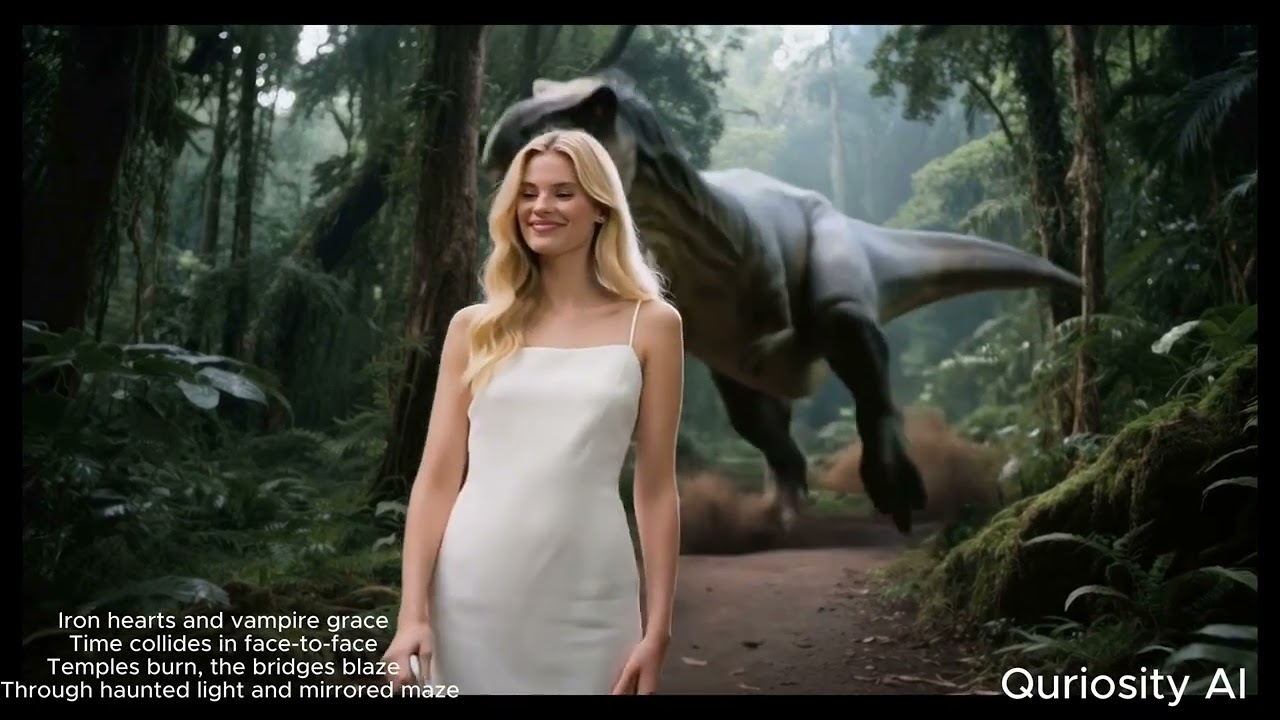
Click to watch the complete demo of AI Content Generation Suite in action
Available AI Models
73 AI models across 12 categories - showing top picks below. See full models reference for complete list.
Text-to-Image (Top Picks)
| Model | Cost | Best For |
|---|---|---|
nano_banana_pro |
$0.002 | Fast & high-quality |
gpt_image_1_5 |
$0.003 | GPT-powered generation |
flux_dev |
$0.004 | Highest quality (12B params) |
Text-to-Video (Top Picks)
| Model | Cost | Best For |
|---|---|---|
veo3 |
$2.50-6.00 | Google's latest with audio |
sora_2 |
$0.40-1.20 | OpenAI quality |
kling_3_pro |
$0.50-1.12 | Latest Kling generation |
Image-to-Video (Top Picks)
| Model | Cost | Best For |
|---|---|---|
veo_3_1_fast |
$1.20 | Google's latest i2v |
sora_2 |
$0.40-1.20 | OpenAI quality |
kling_3_pro |
$0.50-1.12 | Latest Kling generation |
Cost-Saving Tip: Use
--mockflag for FREE validation:aicp generate-image --text "test" --mock
See full models reference for all 73 models with pricing.
Latest Release


What's New in v1.0.24
- Native structured output for LLM calls (eliminates JSON parsing fragility)
- Character portrait registry for visual consistency across scenes
- Per-chapter output organization with meaningful file names
- Documentation overhaul: slimmed README, updated all 73 models reference
- CI fix for optional
richdependency in vimax test suite
Installation
From PyPI
pip install video-ai-studio
Binary (no Python required)
Download standalone binaries from GitHub Releases:
# Linux
curl -L https://github.com/donghaozhang/video-agent-skill/releases/download/latest/aicp-linux-x86_64 -o aicp
chmod +x aicp

# macOS (Apple Silicon)
curl -L https://github.com/donghaozhang/video-agent-skill/releases/download/latest/aicp-macos-arm64 -o aicp
chmod +x aicp

# Windows
curl -L https://github.com/donghaozhang/video-agent-skill/releases/download/latest/aicp-windows-x64.exe -o aicp.exe
Development Mode
git clone https://github.com/donghaozhang/video-agent-skill.git
cd video-agent-skill
pip install -e .
API Keys Setup
After installation, configure your API keys:
-
Create a
.envfile:curl -o .env https://raw.githubusercontent.com/donghaozhang/video-agent-skill/main/.env.example
-
Add your API keys:
# Required for most functionality
FAL_KEY=your_fal_api_key_here

# Optional - add as needed
GEMINI_API_KEY=your_gemini_api_key_here
OPENROUTER_API_KEY=your_openrouter_api_key_here
ELEVENLABS_API_KEY=your_elevenlabs_api_key_here
-
Get API keys from:
- FAL AI: https://fal.ai/dashboard (required for most models)
- Google Gemini: https://makersuite.google.com/app/apikey
- OpenRouter: https://openrouter.ai/keys
- ElevenLabs: https://elevenlabs.io/app/settings
Quick Start
CLI Commands
# List all available AI models
aicp list-models

# Generate image from text
aicp generate-image --text "epic space battle" --model flux_dev

# Create video (text -> image -> video)
aicp create-video --text "serene mountain lake"

# Run custom pipeline from YAML config
aicp run-chain --config config.yaml --input "cyberpunk city"

# Analyze video with AI
aicp analyze-video -i video.mp4

# Generate avatar with lipsync
aicp generate-avatar --audio speech.mp3 --image portrait.jpg

# Transcribe audio
aicp transcribe --input audio.mp3

# Generate image grid
aicp generate-grid --text "mountain landscape" --layout 2x2

# Create example configurations
aicp create-examples
Unix-Style Flags
All commands support machine-readable output for scripting and CI:
# JSON output for piping to jq
aicp list-models --json | jq '.text_to_video[]'

# Quiet mode (suppress non-essential output)
aicp create-video --text "sunset" --quiet

# Read prompt from stdin
echo "cinematic drone shot" | aicp create-video --input -

# Stream progress as JSONL events
aicp run-chain --config pipeline.yaml --stream

# Combine for CI usage
aicp run-chain --config pipeline.yaml --json --quiet | jq -r '.outputs.final.path'
Python API
from ai_content_pipeline.pipeline.manager import AIPipelineManager

# Initialize manager
manager = AIPipelineManager()

# Quick video creation
result = manager.quick_create_video(
    text="serene mountain lake",
    image_model="flux_dev",
    video_model="auto"
)

# Run custom chain
chain = manager.create_chain_from_config("config.yaml")
result = manager.execute_chain(chain, "input text")
Documentation
For detailed guides and references, see the full documentation:
| Topic | Link |
|---|---|
| Setup & Installation | Setup Guide |
| All 73 AI Models | Models Reference |
| CLI Commands | CLI Reference |
| YAML Pipelines | Pipeline Guide |
| Cost Management | Cost Guide |
| Architecture | Architecture Overview |
| Package Structure | Package Reference |
| Testing | Testing Guide |
| Python API | API Reference |
| Troubleshooting | FAQ & Troubleshooting |
| Contributing | Contributing Guide |
| Changelog | Version History |
| Development Guide | CLAUDE.md |
Contributing
- Follow the development patterns in CLAUDE.md
- Add tests for new features
- Update documentation as needed
- Test installation in fresh virtual environment
- Commit with descriptive messages
1 maintainer

Metadata
1 maintainer
Release files for video-ai-studio 1.0.29
For a detailed explanation of source distributions (sdists) and built distributions (wheels), please see the package formats documentation.
Source distribution (sdist)
| File | Size | Uploaded | |
|---|---|---|---|
| video_ai_studio-1.0.29.tar.gz | 620.7 kB | Details |
Built distribution (wheel)
| File | Interpreter | ABI | Platform | Reset |
|---|---|---|---|---|
| video_ai_studio-1.0.29-py3-none-any.whl | Python 3 | none | any | Details |
Total release size: 1.4 MB
Release files / video_ai_studio-1.0.29.tar.gz
| Download URL | video_ai_studio-1.0.29.tar.gz |
|---|---|
| Size | 620.7 kB |
| Tags | Source |
|
SHA-256 checksum How to use checksums |
f62ec23d9b23559329461131ee9160d6c5846840171dd9db4c7395cb006892f7
|
|
BLAKE2b-256 checksum How to use checksums |
79af98cd2adc60c043e1915f821dc252f7c710ebc0742c05fc69ed1880084e36
|
| Upload date | |
|
Uploaded using Trusted Publishing? What is trusted publishing? |
No |
| Uploaded via |
twine/6.1.0 CPython/3.13.7
|
Release files / video_ai_studio-1.0.29-py3-none-any.whl
| Download URL | video_ai_studio-1.0.29-py3-none-any.whl |
|---|---|
| Size | 732.6 kB |
| Tags | Python 3 |
|
SHA-256 checksum How to use checksums |
5fa268ff1faedb5ebb2b1b618df4544182ecff40cccef46f9b2127058ad1d2d6
|
|
BLAKE2b-256 checksum How to use checksums |
97b9fb354e19b635ab49e80fd37411d0b2d1f68b938ef2a58be0242b34568962
|
| Upload date | |
|
Uploaded using Trusted Publishing? What is trusted publishing? |
No |
| Uploaded via |
twine/6.1.0 CPython/3.13.7
|














