
Comprehensive AI content generation suite with multiple providers and services

Project description
📖 DeepWiki Documentation: https://deepwiki.com/donghaozhang/video-agent-claude-skill
AI Content Generation Suite
A comprehensive AI content generation package with multiple providers and services, consolidated into a single installable package.



Production-ready Python package with comprehensive CLI, parallel execution, and enterprise-grade architecture
Demo Video
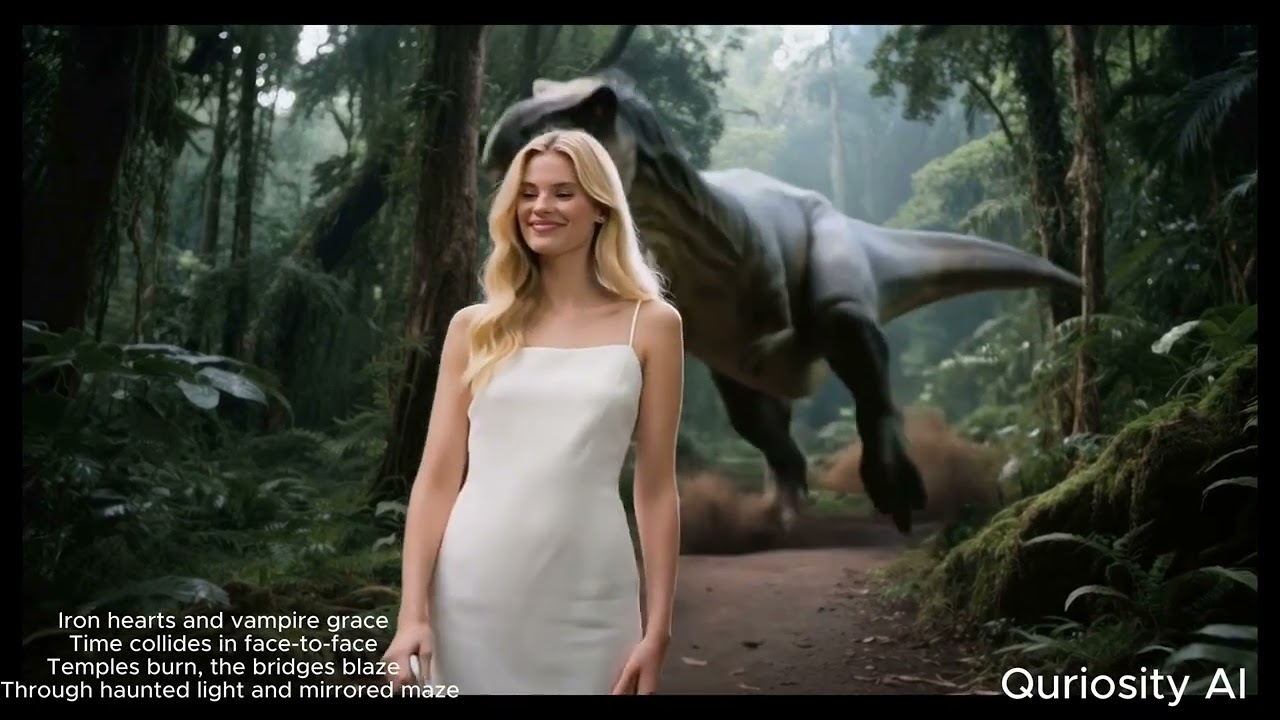
Click to watch the complete demo of AI Content Generation Suite in action
Available AI Models
73 AI models across 12 categories - showing top picks below. See full models reference for complete list.
Text-to-Image (Top Picks)
| Model | Cost | Best For |
|---|---|---|
nano_banana_pro |
$0.002 | Fast & high-quality |
gpt_image_1_5 |
$0.003 | GPT-powered generation |
flux_dev |
$0.004 | Highest quality (12B params) |
Text-to-Video (Top Picks)
| Model | Cost | Best For |
|---|---|---|
veo3 |
$2.50-6.00 | Google's latest with audio |
sora_2 |
$0.40-1.20 | OpenAI quality |
kling_3_pro |
$0.50-1.12 | Latest Kling generation |
Image-to-Video (Top Picks)
| Model | Cost | Best For |
|---|---|---|
veo_3_1_fast |
$1.20 | Google's latest i2v |
sora_2 |
$0.40-1.20 | OpenAI quality |
kling_3_pro |
$0.50-1.12 | Latest Kling generation |
Cost-Saving Tip: Use
--mockflag for FREE validation:aicp generate-image --text "test" --mock
See full models reference for all 73 models with pricing.
Latest Release


What's New in v1.0.24
- Native structured output for LLM calls (eliminates JSON parsing fragility)
- Character portrait registry for visual consistency across scenes
- Per-chapter output organization with meaningful file names
- Documentation overhaul: slimmed README, updated all 73 models reference
- CI fix for optional
richdependency in vimax test suite
Installation
From PyPI
pip install video-ai-studio
Binary (no Python required)
Download standalone binaries from GitHub Releases:
# Linux
curl -L https://github.com/donghaozhang/video-agent-skill/releases/download/latest/aicp-linux-x86_64 -o aicp
chmod +x aicp

# macOS (Apple Silicon)
curl -L https://github.com/donghaozhang/video-agent-skill/releases/download/latest/aicp-macos-arm64 -o aicp
chmod +x aicp

# Windows
curl -L https://github.com/donghaozhang/video-agent-skill/releases/download/latest/aicp-windows-x64.exe -o aicp.exe
Development Mode
git clone https://github.com/donghaozhang/video-agent-skill.git
cd video-agent-skill
pip install -e .
API Keys Setup
After installation, configure your API keys:
-
Create a
.envfile:curl -o .env https://raw.githubusercontent.com/donghaozhang/video-agent-skill/main/.env.example
-
Add your API keys:
# Required for most functionality
FAL_KEY=your_fal_api_key_here

# Optional - add as needed
GEMINI_API_KEY=your_gemini_api_key_here
OPENROUTER_API_KEY=your_openrouter_api_key_here
ELEVENLABS_API_KEY=your_elevenlabs_api_key_here
-
Get API keys from:
- FAL AI: https://fal.ai/dashboard (required for most models)
- Google Gemini: https://makersuite.google.com/app/apikey
- OpenRouter: https://openrouter.ai/keys
- ElevenLabs: https://elevenlabs.io/app/settings
Quick Start
CLI Commands
# List all available AI models
aicp list-models

# Generate image from text
aicp generate-image --text "epic space battle" --model flux_dev

# Create video (text -> image -> video)
aicp create-video --text "serene mountain lake"

# Run custom pipeline from YAML config
aicp run-chain --config config.yaml --input "cyberpunk city"

# Analyze video with AI
aicp analyze-video -i video.mp4

# Generate avatar with lipsync
aicp generate-avatar --audio speech.mp3 --image portrait.jpg

# Transcribe audio
aicp transcribe --input audio.mp3

# Generate image grid
aicp generate-grid --text "mountain landscape" --layout 2x2

# Create example configurations
aicp create-examples
Unix-Style Flags
All commands support machine-readable output for scripting and CI:
# JSON output for piping to jq
aicp list-models --json | jq '.text_to_video[]'

# Quiet mode (suppress non-essential output)
aicp create-video --text "sunset" --quiet

# Read prompt from stdin
echo "cinematic drone shot" | aicp create-video --input -

# Stream progress as JSONL events
aicp run-chain --config pipeline.yaml --stream

# Combine for CI usage
aicp run-chain --config pipeline.yaml --json --quiet | jq -r '.outputs.final.path'
Python API
from ai_content_pipeline.pipeline.manager import AIPipelineManager

# Initialize manager
manager = AIPipelineManager()

# Quick video creation
result = manager.quick_create_video(
    text="serene mountain lake",
    image_model="flux_dev",
    video_model="auto"
)

# Run custom chain
chain = manager.create_chain_from_config("config.yaml")
result = manager.execute_chain(chain, "input text")
Documentation
For detailed guides and references, see the full documentation:
| Topic | Link |
|---|---|
| Setup & Installation | Setup Guide |
| All 73 AI Models | Models Reference |
| CLI Commands | CLI Reference |
| YAML Pipelines | Pipeline Guide |
| Cost Management | Cost Guide |
| Architecture | Architecture Overview |
| Package Structure | Package Reference |
| Testing | Testing Guide |
| Python API | API Reference |
| Troubleshooting | FAQ & Troubleshooting |
| Contributing | Contributing Guide |
| Changelog | Version History |
| Development Guide | CLAUDE.md |
Contributing
- Follow the development patterns in CLAUDE.md
- Add tests for new features
- Update documentation as needed
- Test installation in fresh virtual environment
- Commit with descriptive messages
Release history Release notifications | RSS feed


Download files
Download the file for your platform. If you're not sure which to choose, learn more about installing packages.
Source Distribution
Built Distribution
Filter files by name, interpreter, ABI, and platform.
If you're not sure about the file name format, learn more about wheel file names.
Copy a direct link to the current filters
File details
Details for the file video_ai_studio-1.0.28.tar.gz.
File metadata
- Download URL: video_ai_studio-1.0.28.tar.gz
- Upload date:
- Size: 620.9 kB
- Tags: Source
- Uploaded using Trusted Publishing? No
- Uploaded via: twine/6.1.0 CPython/3.13.7
File hashes
| Algorithm | Hash digest | |
|---|---|---|
| SHA256 |
88d805c3e0cfdb919a5fc725dc16ccedeed3956fe9f813232daec538a376406e
|
|
| MD5 |
e608126e6ea24069f14eb2c5d2f41da2
|
|
| BLAKE2b-256 |
1a960f27835a3c38c262a74dda07978090c0c33e006fb70a3dfaba98f07c632d
|
File details
Details for the file video_ai_studio-1.0.28-py3-none-any.whl.
File metadata
- Download URL: video_ai_studio-1.0.28-py3-none-any.whl
- Upload date:
- Size: 732.6 kB
- Tags: Python 3
- Uploaded using Trusted Publishing? No
- Uploaded via: twine/6.1.0 CPython/3.13.7
File hashes
| Algorithm | Hash digest | |
|---|---|---|
| SHA256 |
10d81da5b8f39f1ed7c013e01d4b050124f7744673dfb9b5e018e746af772406
|
|
| MD5 |
f7e38dc79bddc8c919797471bf6a539f
|
|
| BLAKE2b-256 |
e694033666dc6bd03b081a68260d4ea96526df17dbb39190eda6dd3d84dc5eb1
|






