
Wallpaper Factory
Table of Content
Installation
You can install this package / cli utility by running pip install wallpaper-factory.
Usage
To use this program, run wallpaper-factory. You will then get prompted to select your prefered theme like this:
Choose your color pallete:
1.: <theme1>
2.: <theme2>
...
Enter the number of the pallete you want:
You can now enter the theme you want, after which you will be prompted if you want to generate a denoised version of the image as well. The denoised version oftentimes looks better but takes the program quite a bit of extra time to generate. In addition on images with lots of details, those might suffer from the denoising. If you have some time and processing power to space, I advise you to generate this version and look which one you like better by answering y.
Enter the number of the pallete you want: 1
Should an attempt be made to denoise the image? This will generate a second version of it. (y/n): y
Next you will get prompted to enter the image path, where you can then enter a relative or absolute path to the image you want recolored.
Path of the image you want to recolor: /Users/<user>/Pictures/<image_to_recolor.{png|jpg}>
Afther that, you will have ot wait a bit for the program to run. It will then output the new image paths like this:
saved recolored version at <path/<theme>_<name>.png>
and additionally
saved recolored version at <path/<theme>_<name>_denoised.png>
if you chose to generate a denoised version of the image as well.
Currently Available color schemes
Gruvbox
| made by | morhetz |
|---|---|
| repository | gruvbox |
| palette |  |
| example image | 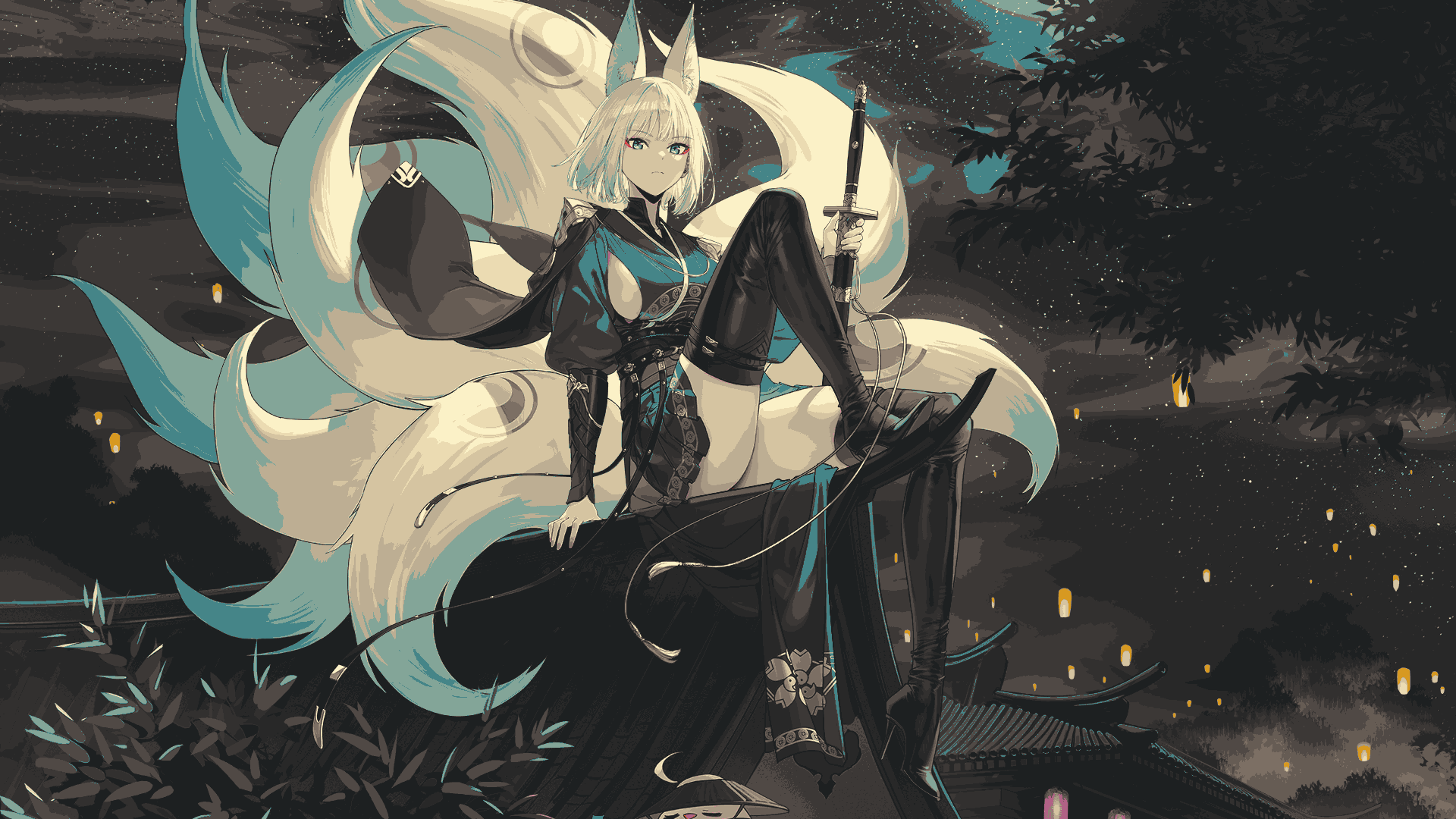 |
rose pine moon
| made by | ?Rosé Pine? |
|---|---|
| repository | rose-pine-theme |
| palette |  |
| example image |  |
everforest medium dark
| made by | sainnhe |
|---|---|
| repository | everforest |
| palette | 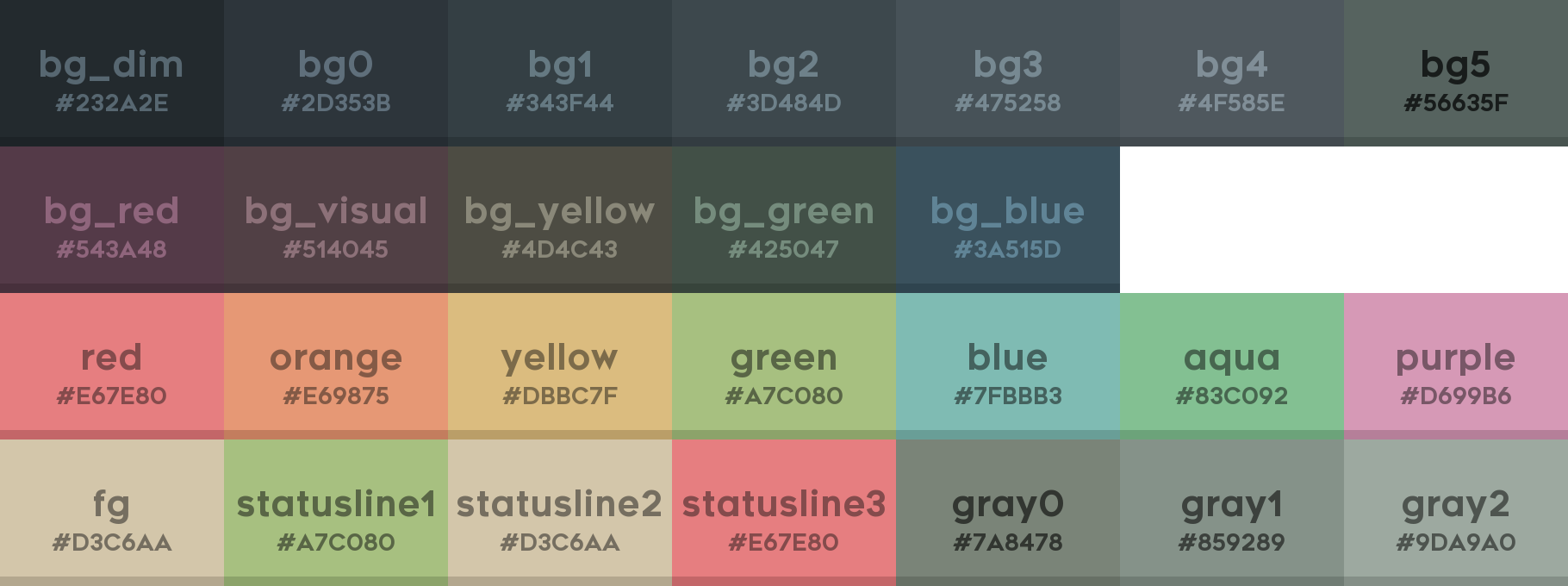 |
| example image | 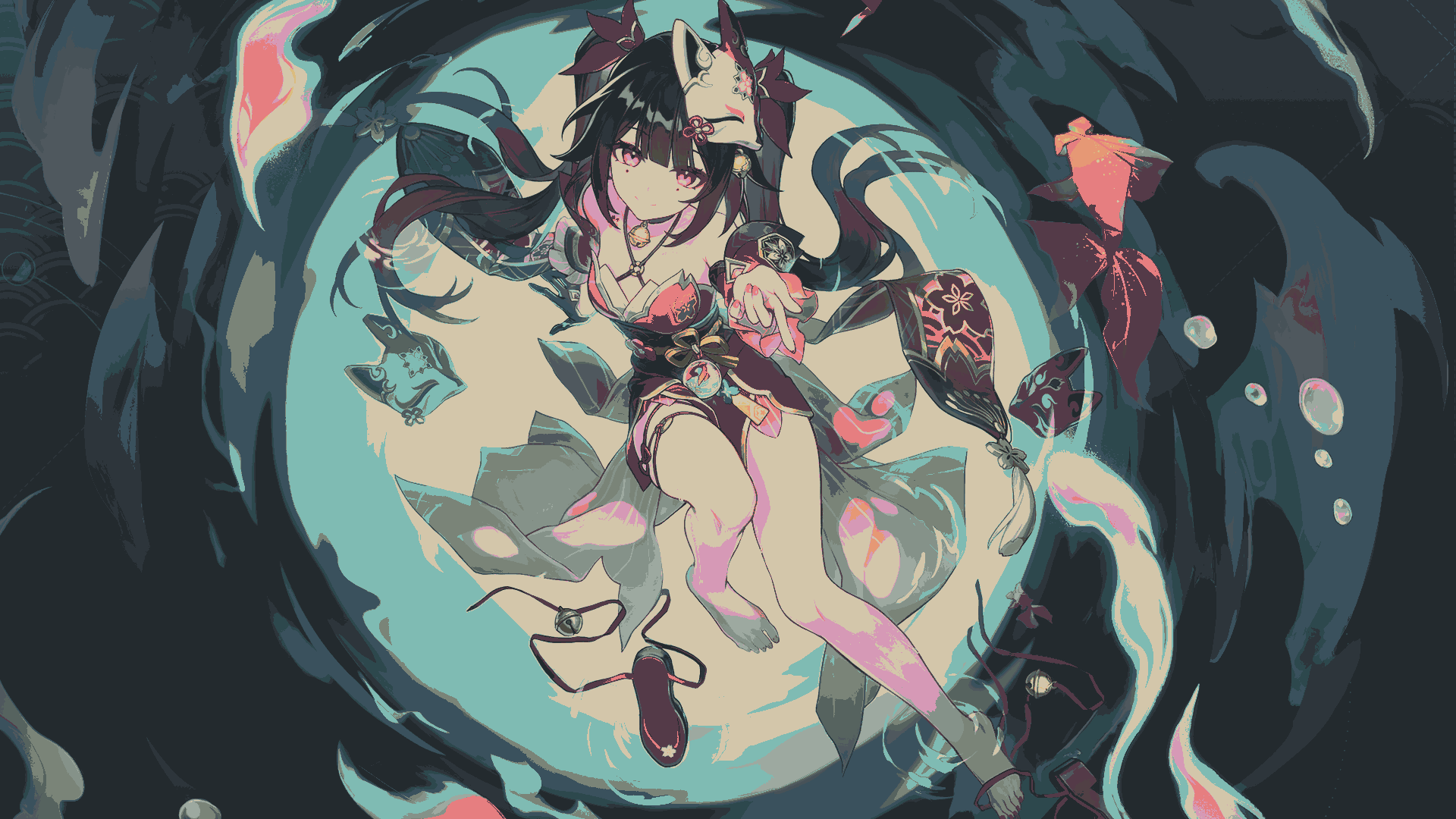 |
Attributions
Example Images
| Original | Made By | Link |
|---|---|---|
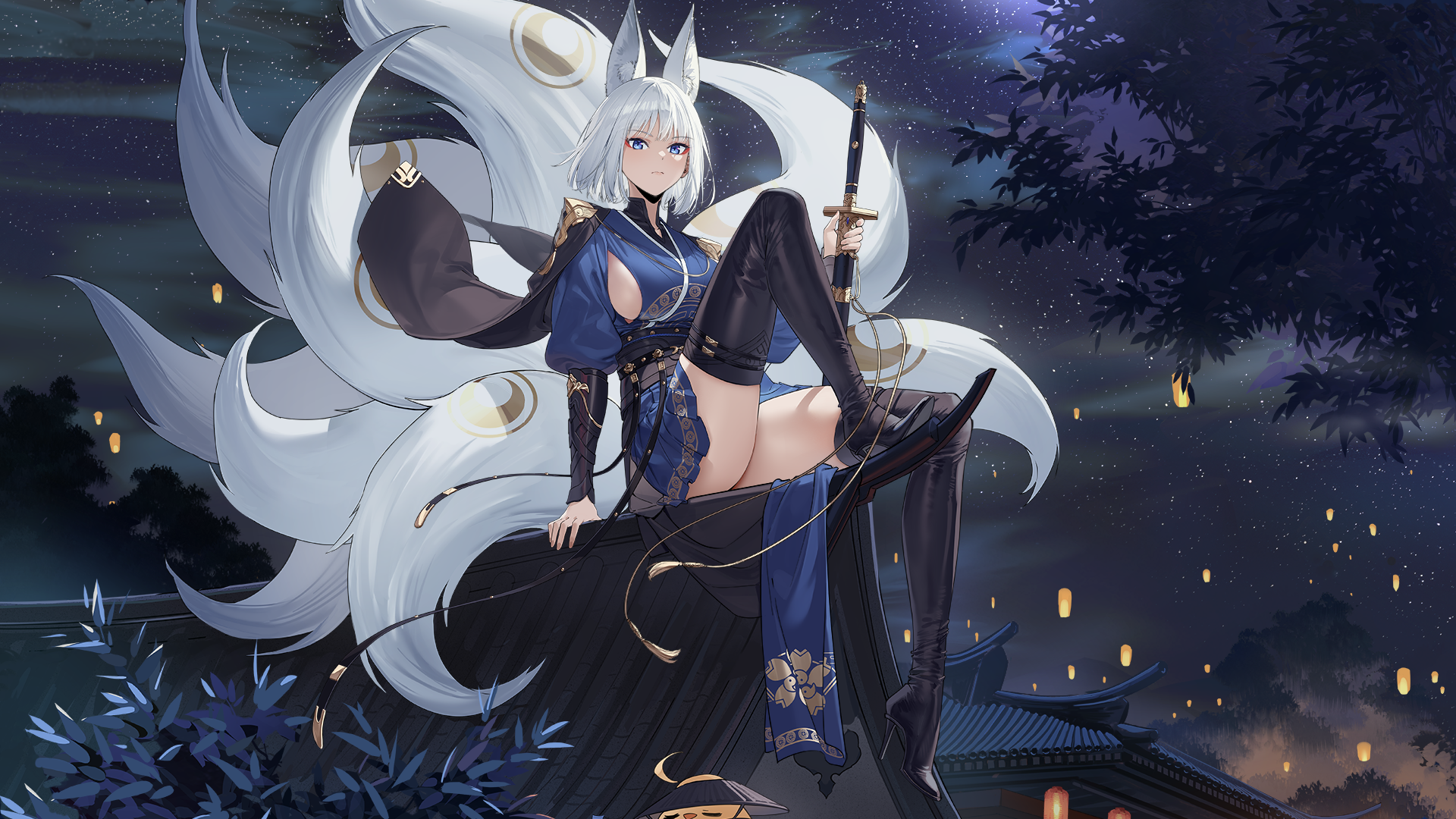 |
voyager | https://wallhaven.cc/w/m9e9m1 |
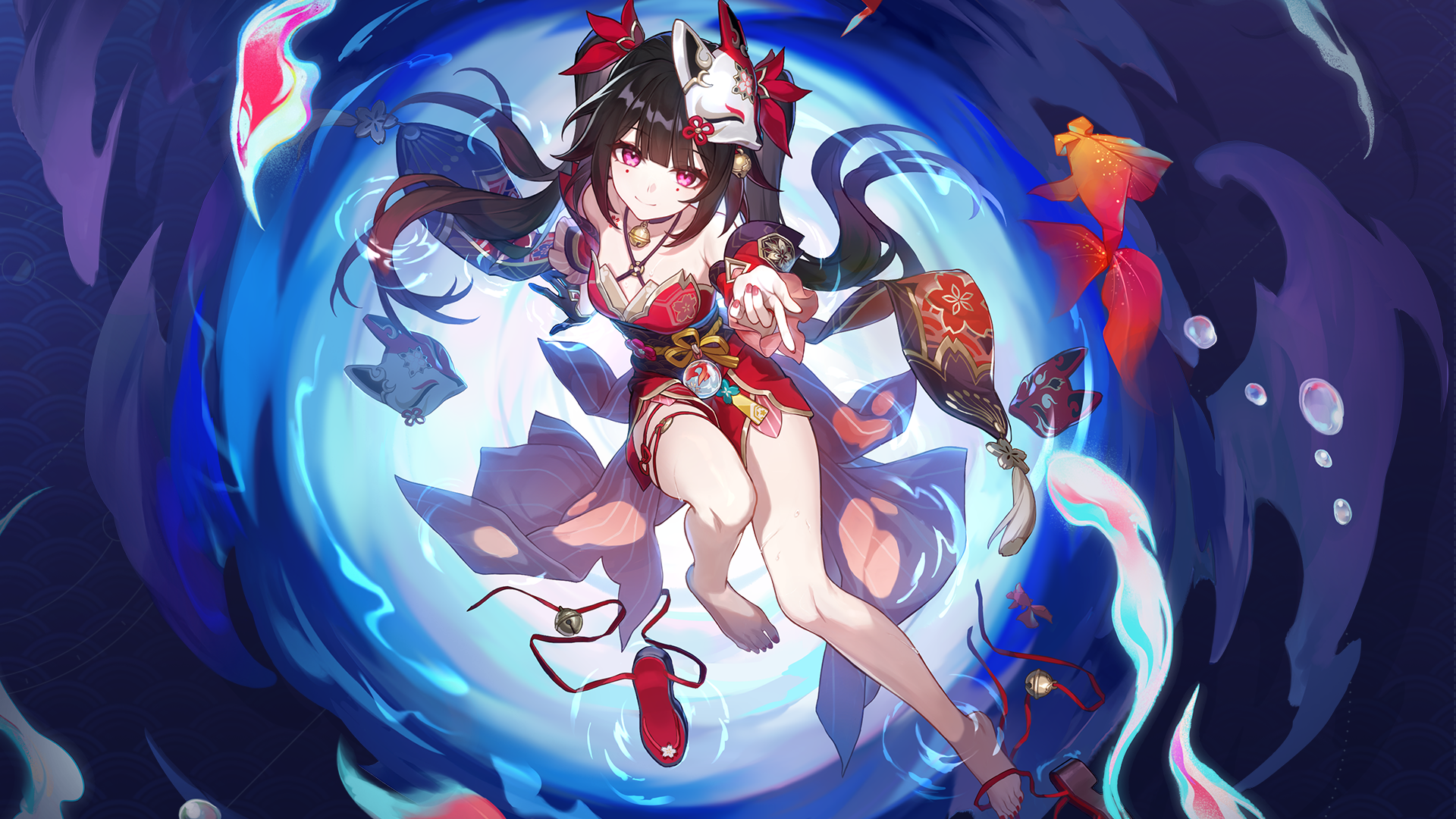 |
voyager | https://wallhaven.cc/w/1pwxv1 |
 |
RavioliMavioli | https://www.deviantart.com/raviolimavioli/art/Arch-chan-878404999 |
All images remain property of their original owners. Owners may request removal of images at any time.
1 maintainer

Metadata
1 maintainer
Release files for wallpaper-factory 0.1.4
For a detailed explanation of source distributions (sdists) and built distributions (wheels), please see the package formats documentation.
Source distribution (sdist)
| File | Size | Uploaded | |
|---|---|---|---|
| wallpaper_factory-0.1.4.tar.gz | 22.0 kB | Details |
Built distribution (wheel)
| File | Interpreter | ABI | Platform | Reset |
|---|---|---|---|---|
| wallpaper_factory-0.1.4-py3-none-any.whl | Python 3 | none | any | Details |
Total release size: 42.3 kB
Release files / wallpaper_factory-0.1.4.tar.gz
| Download URL | wallpaper_factory-0.1.4.tar.gz |
|---|---|
| Size | 22.0 kB |
| Tags | Source |
|
SHA-256 checksum How to use checksums |
f783440ec5e25e17406c8157678ed8ac320851ce7685d0c3272c416e1a6cd0d1
|
|
BLAKE2b-256 checksum How to use checksums |
4ebafcc3cd0bfb20bb2ca4911c5424783c22084756e7718e6c5a0dcf337fc1fa
|
| Upload date | |
|
Uploaded using Trusted Publishing? What is trusted publishing? |
No |
| Uploaded via |
twine/5.0.0 CPython/3.10.6
|
Release files / wallpaper_factory-0.1.4-py3-none-any.whl
| Download URL | wallpaper_factory-0.1.4-py3-none-any.whl |
|---|---|
| Size | 20.3 kB |
| Tags | Python 3 |
|
SHA-256 checksum How to use checksums |
96fa33017f23e656ae37dfc0030e85058743884eb41b38a8455bc0fa178a67fb
|
|
BLAKE2b-256 checksum How to use checksums |
0cc573862f4cf51914084c419bfd799b9bcd9da4d01e5b1a2d59517a5cc765f6
|
| Upload date | |
|
Uploaded using Trusted Publishing? What is trusted publishing? |
No |
| Uploaded via |
twine/5.0.0 CPython/3.10.6
|














