
No project description provided

Project description
Wallpaper Factory
Table of Content
Installation
You can install this package / cli utility by running pip install wallpaper-factory.
Usage
To use this program, run wallpaper-factory. You will then get prompted to select your prefered theme like this:
Choose your color pallete:
1.: <theme1>
2.: <theme2>
...
Enter the number of the pallete you want:
You can now enter the theme you want, after which you will be prompted if you want to generate a denoised version of the image as well. The denoised version oftentimes looks better but takes the program quite a bit of extra time to generate. In addition on images with lots of details, those might suffer from the denoising. If you have some time and processing power to space, I advise you to generate this version and look which one you like better by answering y.
Enter the number of the pallete you want: 1
Should an attempt be made to denoise the image? This will generate a second version of it. (y/n): y
Next you will get prompted to enter the image path, where you can then enter a relative or absolute path to the image you want recolored.
Path of the image you want to recolor: /Users/<user>/Pictures/<image_to_recolor.{png|jpg}>
Afther that, you will have ot wait a bit for the program to run. It will then output the new image paths like this:
saved recolored version at <path/<theme>_<name>.png>
and additionally
saved recolored version at <path/<theme>_<name>_denoised.png>
if you chose to generate a denoised version of the image as well.
Currently Available color schemes
Gruvbox
| made by | morhetz |
|---|---|
| repository | gruvbox |
| palette |  |
| example image | 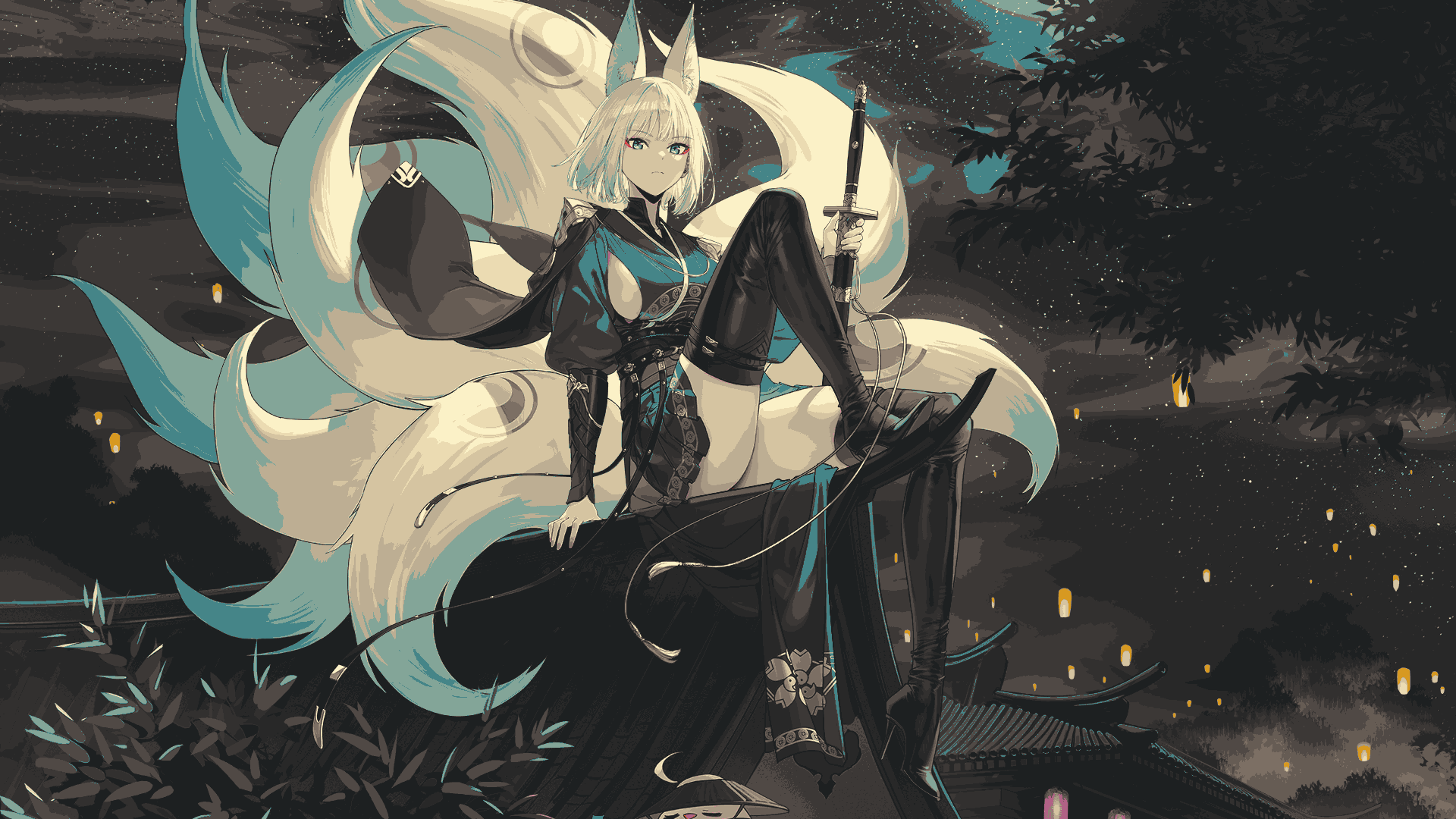 |
rose pine moon
| made by | ?Rosé Pine? |
|---|---|
| repository | rose-pine-theme |
| palette |  |
| example image | waiting for consent to distribute |
Attributions
Example Images
| Original | Made By | Link |
|---|---|---|
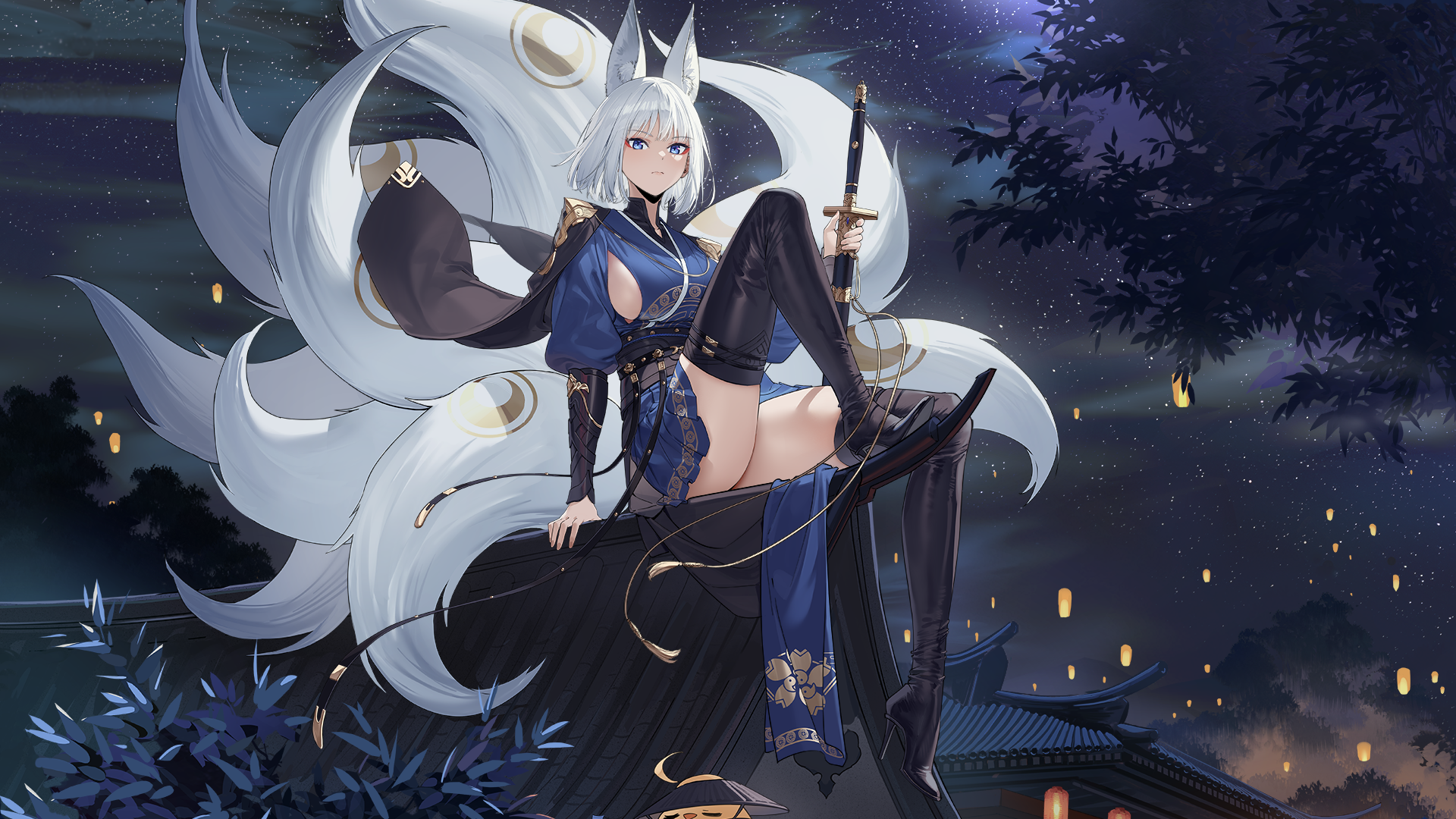 |
voyager | https://wallhaven.cc/w/m9e9m1 |
Release history Release notifications | RSS feed


Download files
Download the file for your platform. If you're not sure which to choose, learn more about installing packages.
Source Distribution
Built Distribution
Filter files by name, interpreter, ABI, and platform.
If you're not sure about the file name format, learn more about wheel file names.
Copy a direct link to the current filters
File details
Details for the file wallpaper_factory-0.0.4.tar.gz.
File metadata
- Download URL: wallpaper_factory-0.0.4.tar.gz
- Upload date:
- Size: 16.3 kB
- Tags: Source
- Uploaded using Trusted Publishing? No
- Uploaded via: twine/5.0.0 CPython/3.10.6
File hashes
| Algorithm | Hash digest | |
|---|---|---|
| SHA256 |
8b3cd26d98c515554d1942144c3d62416ab0c77e9eaa962da552556a08f7b2b5
|
|
| MD5 |
913565982385e7d69da84e3a4868d9c3
|
|
| BLAKE2b-256 |
661fe0b38b4dea0adc68c8eaa9fd79488eeb3b659698bef854515650c0c41336
|
File details
Details for the file wallpaper_factory-0.0.4-py3-none-any.whl.
File metadata
- Download URL: wallpaper_factory-0.0.4-py3-none-any.whl
- Upload date:
- Size: 17.2 kB
- Tags: Python 3
- Uploaded using Trusted Publishing? No
- Uploaded via: twine/5.0.0 CPython/3.10.6
File hashes
| Algorithm | Hash digest | |
|---|---|---|
| SHA256 |
e763e78c951dbd03b6c4ba1b3ea4aede5532b19f01597267a87f2f7e4fb7229c
|
|
| MD5 |
e5459f68d7337cd0486ce3b10a689447
|
|
| BLAKE2b-256 |
01109fc052c1f84891bd09847c07dc516cda52df6772d6be48c8dcdaef9864d4
|






